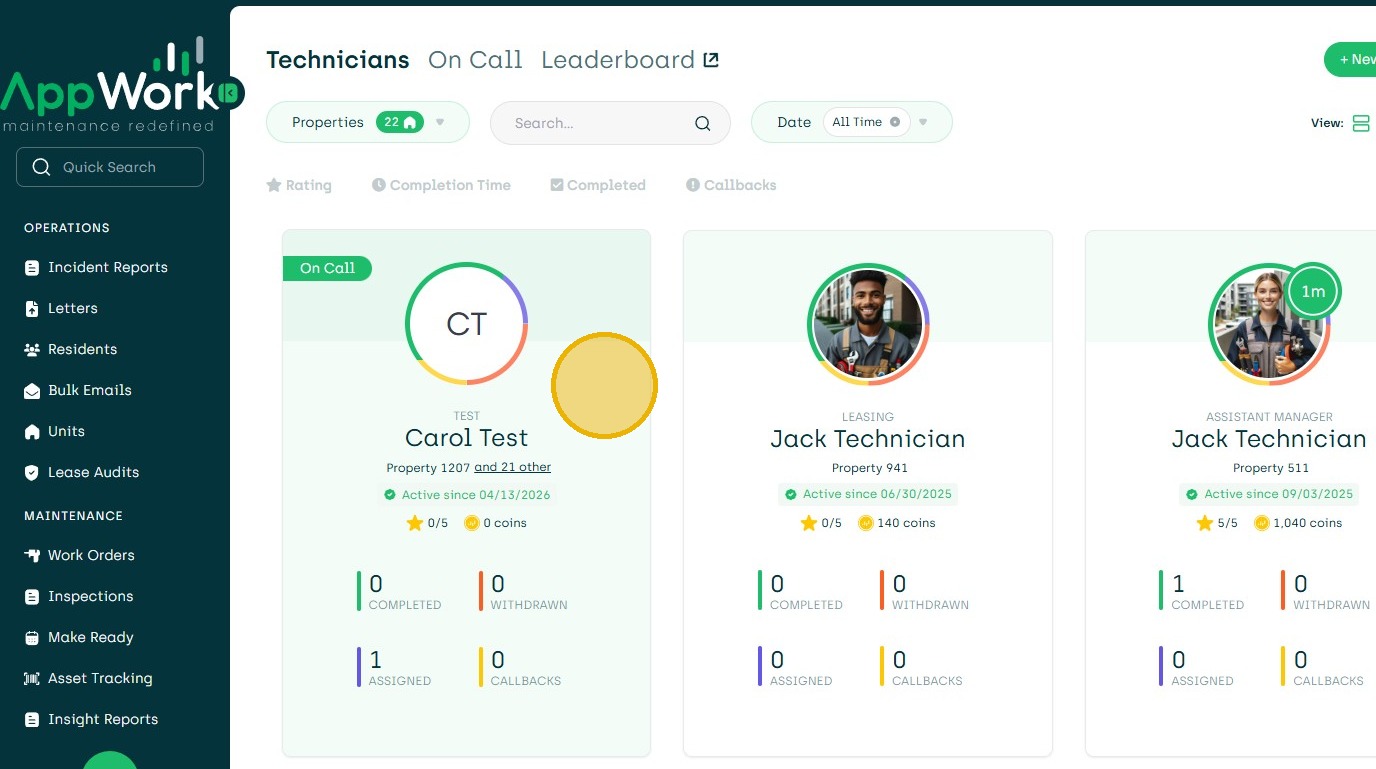
1. Add Property To the Integration. Notify CSM at AppWork. Within 24 Hours Property Will Populate in AppWork.
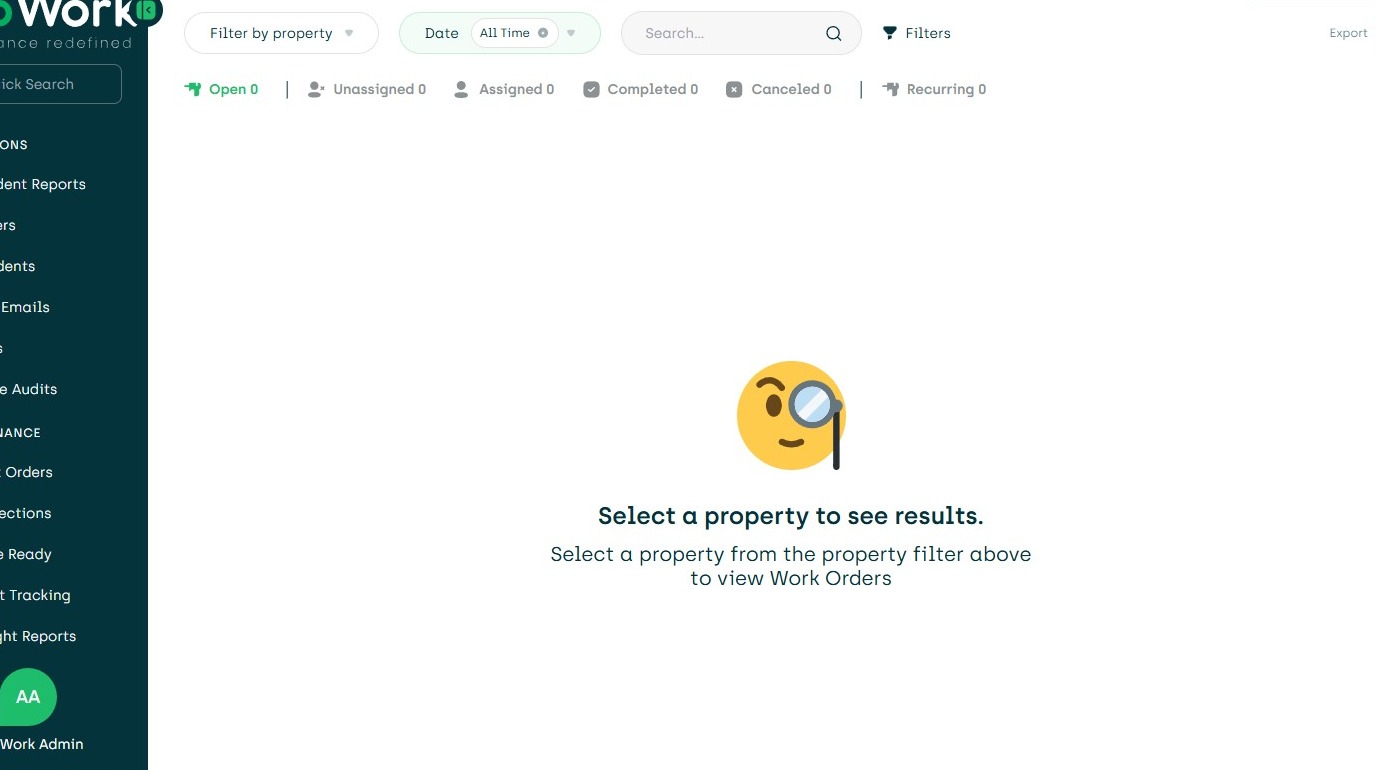
2. Navigate to Settings.
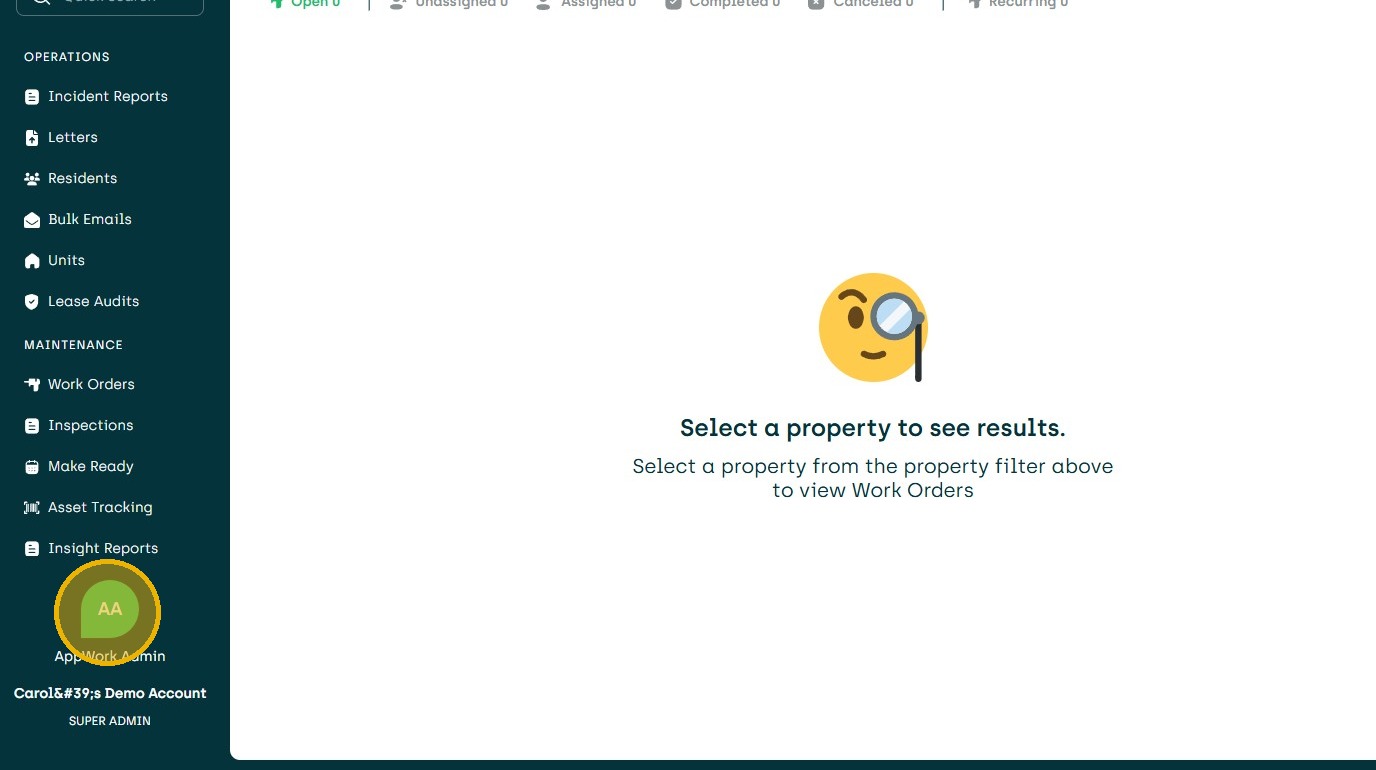
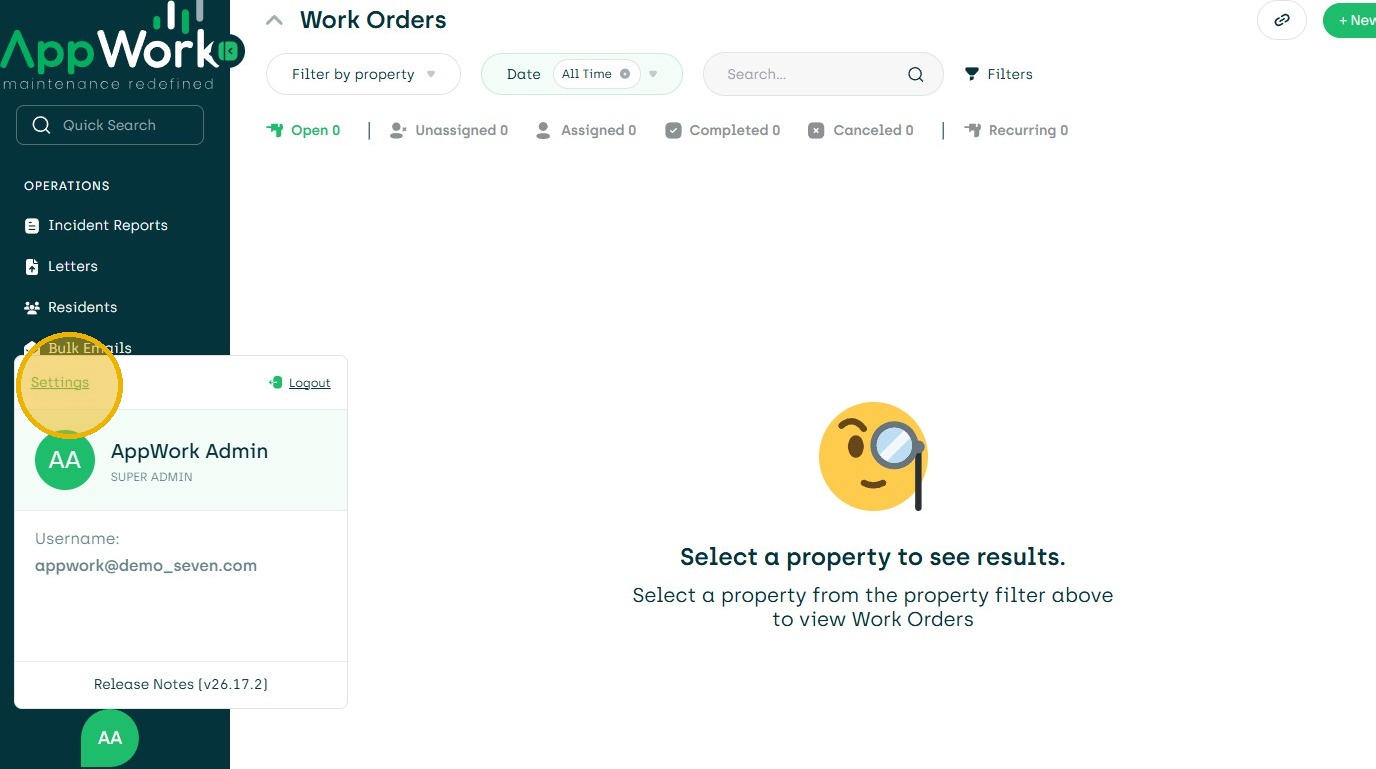
3. Click "Settings"
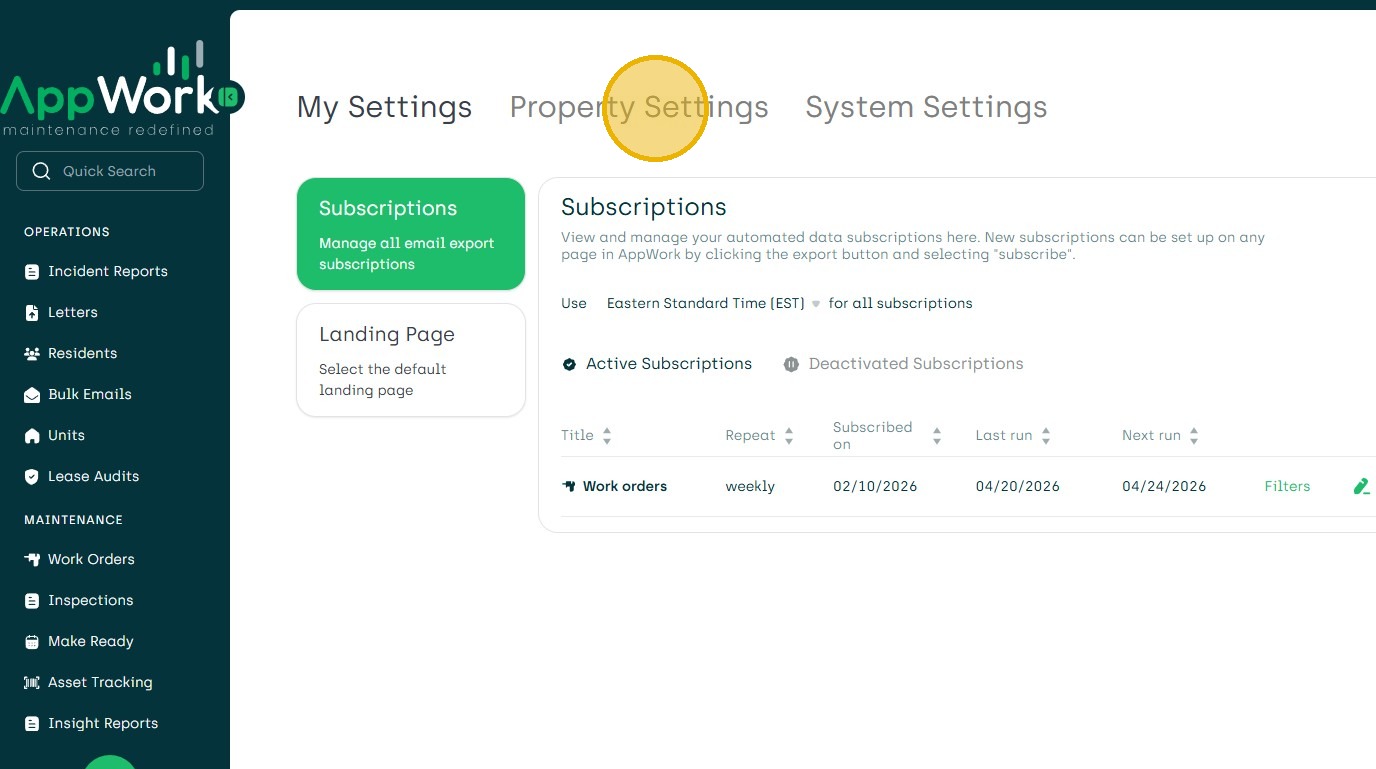
4. Choose "Property Settings"
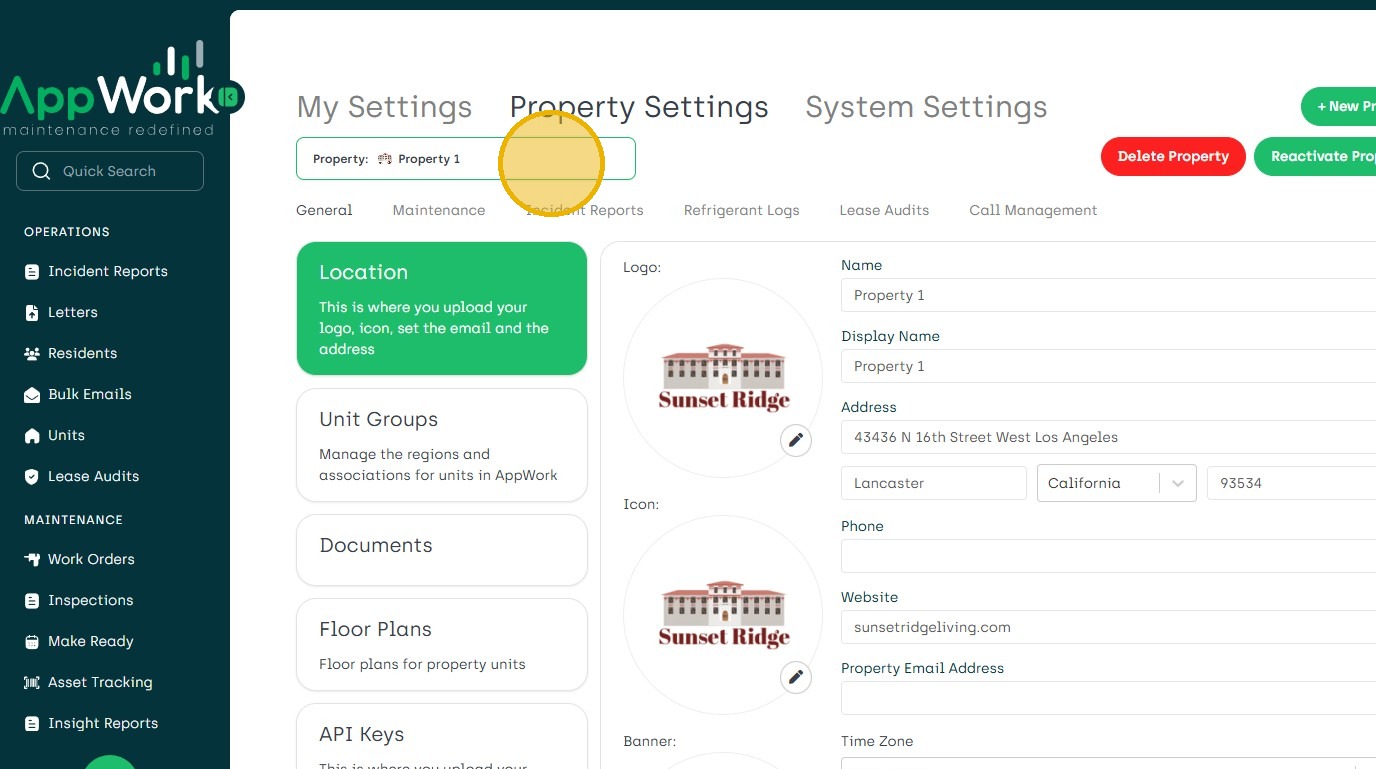
5. Search for Property
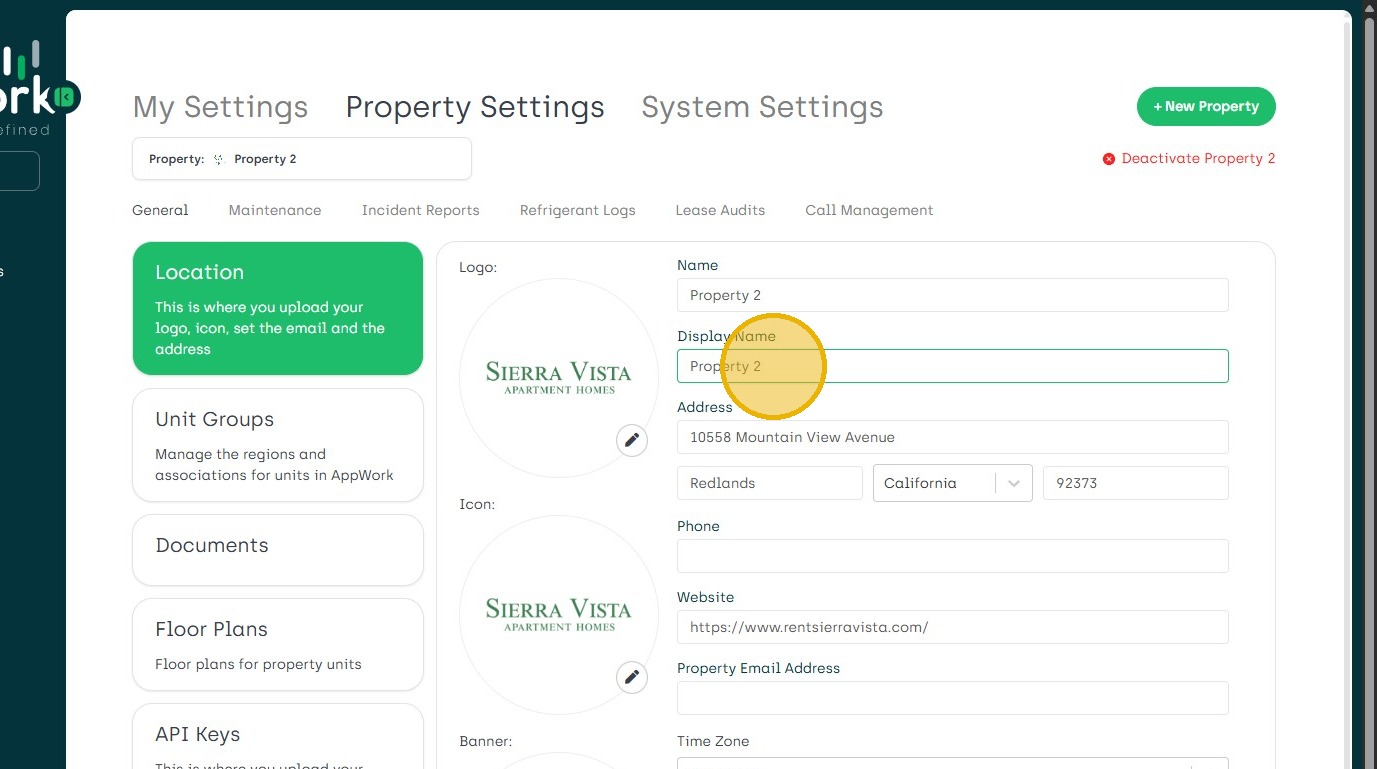
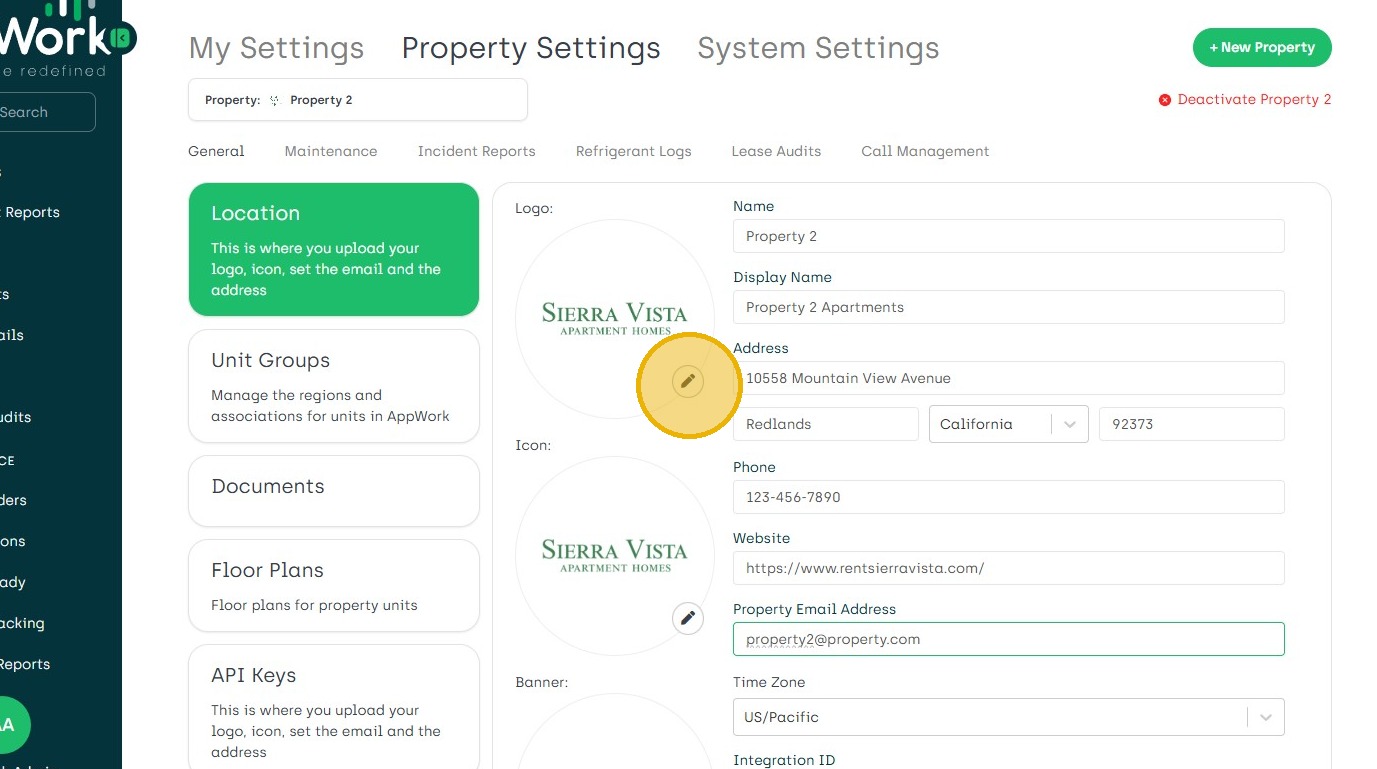
6. Update Display Name if Different than Integrated Name
8. Update Address, Phone Number, Website and Email Address.
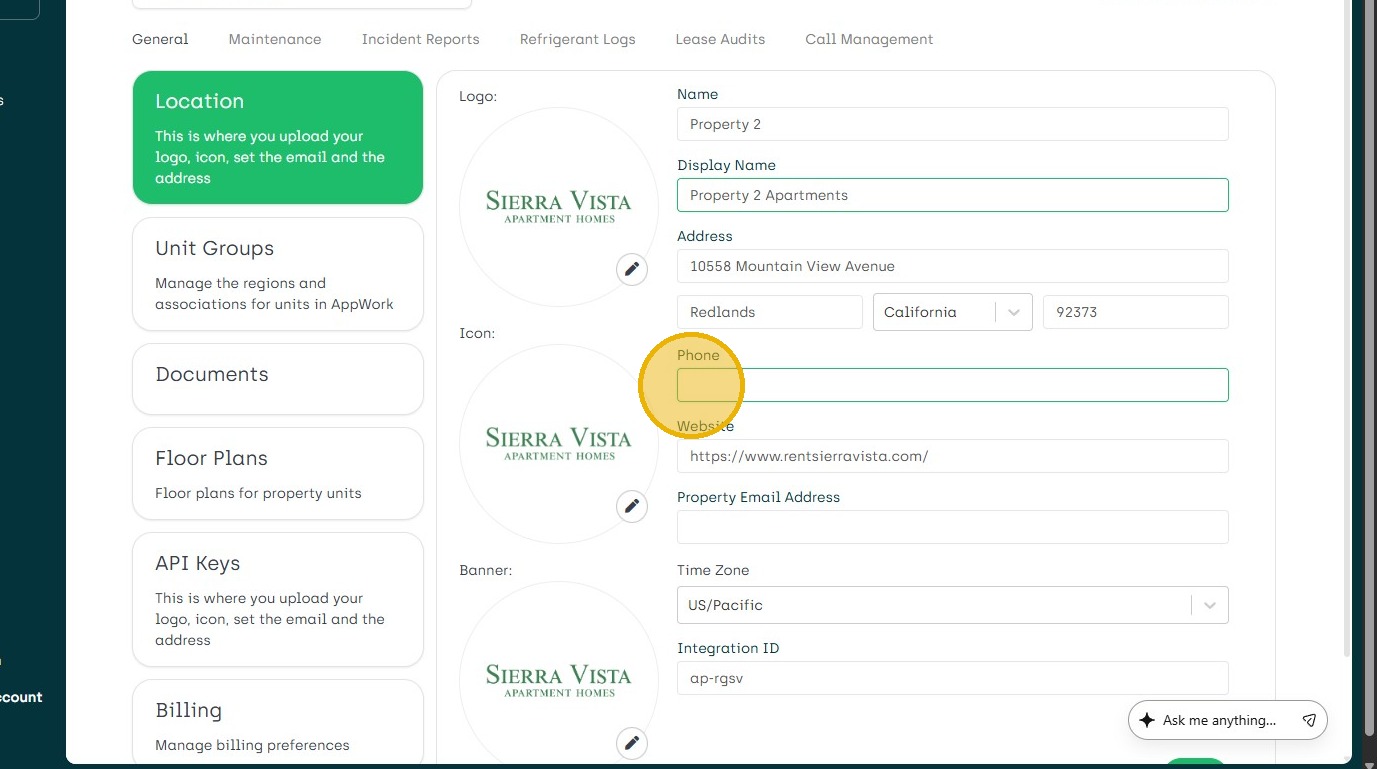
10. Add Property Logo
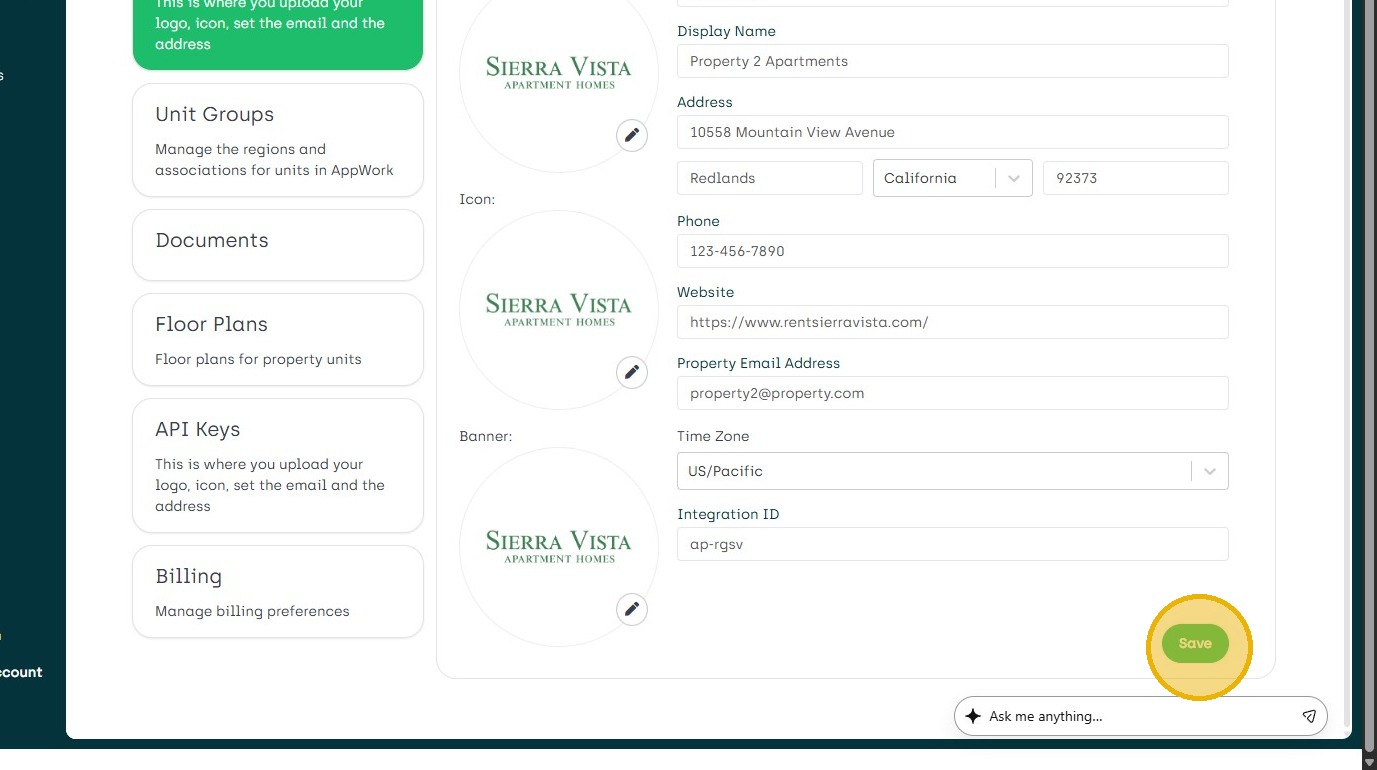
11. Click "Save"
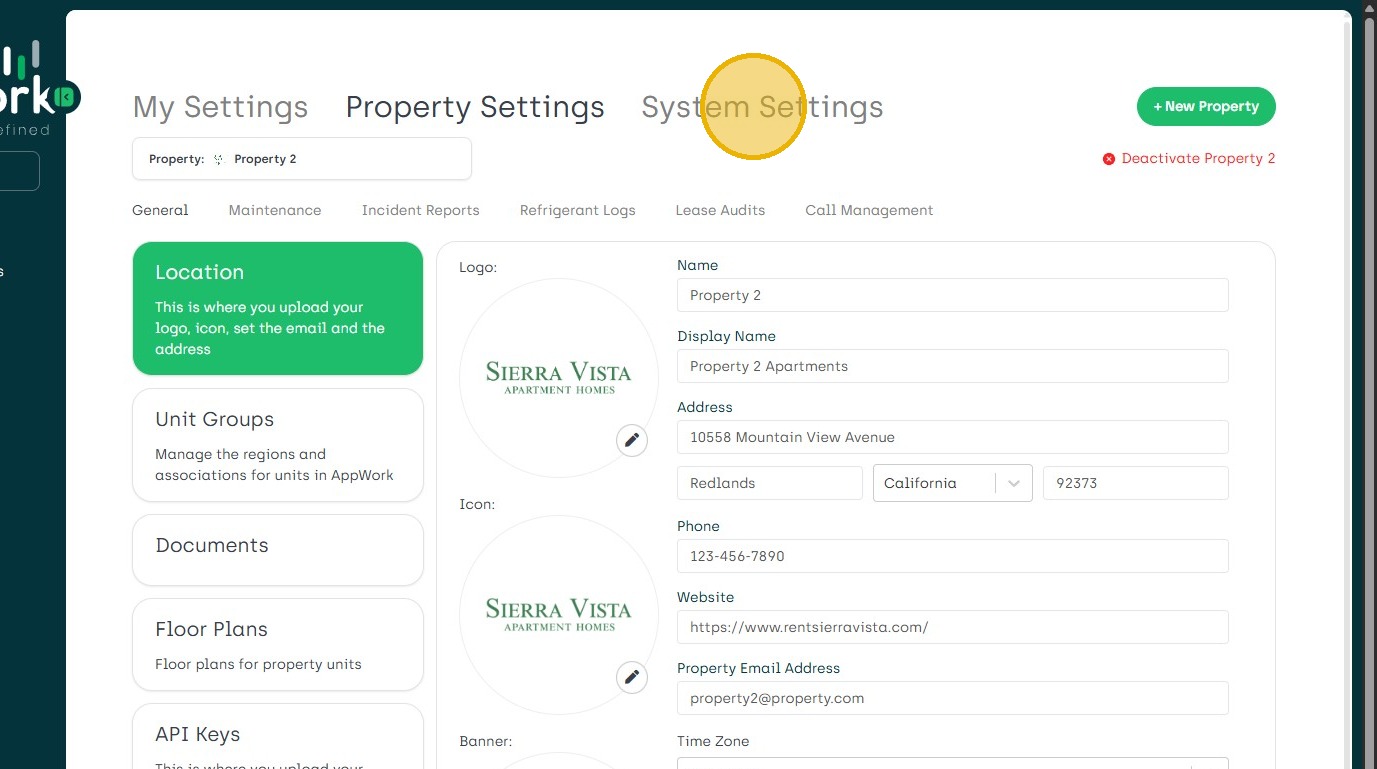
12. Click "System Settings" To Provision Admin Staff Create, Edit, and Deactivate Admin Profiles
13. Navigate to the Technician Dashboard "+ New Technician" Adding a New Technician
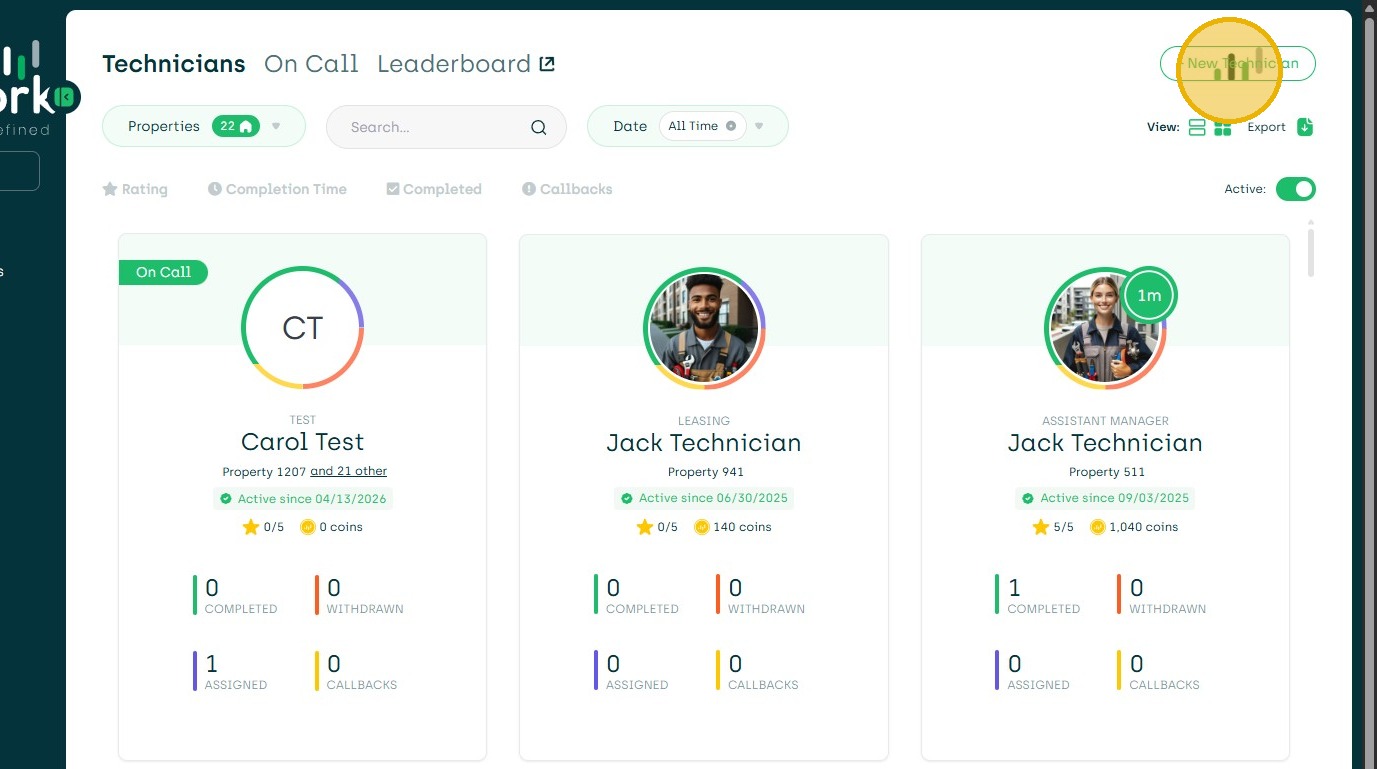
14. Deactivating a Technician Deactivating a Technician