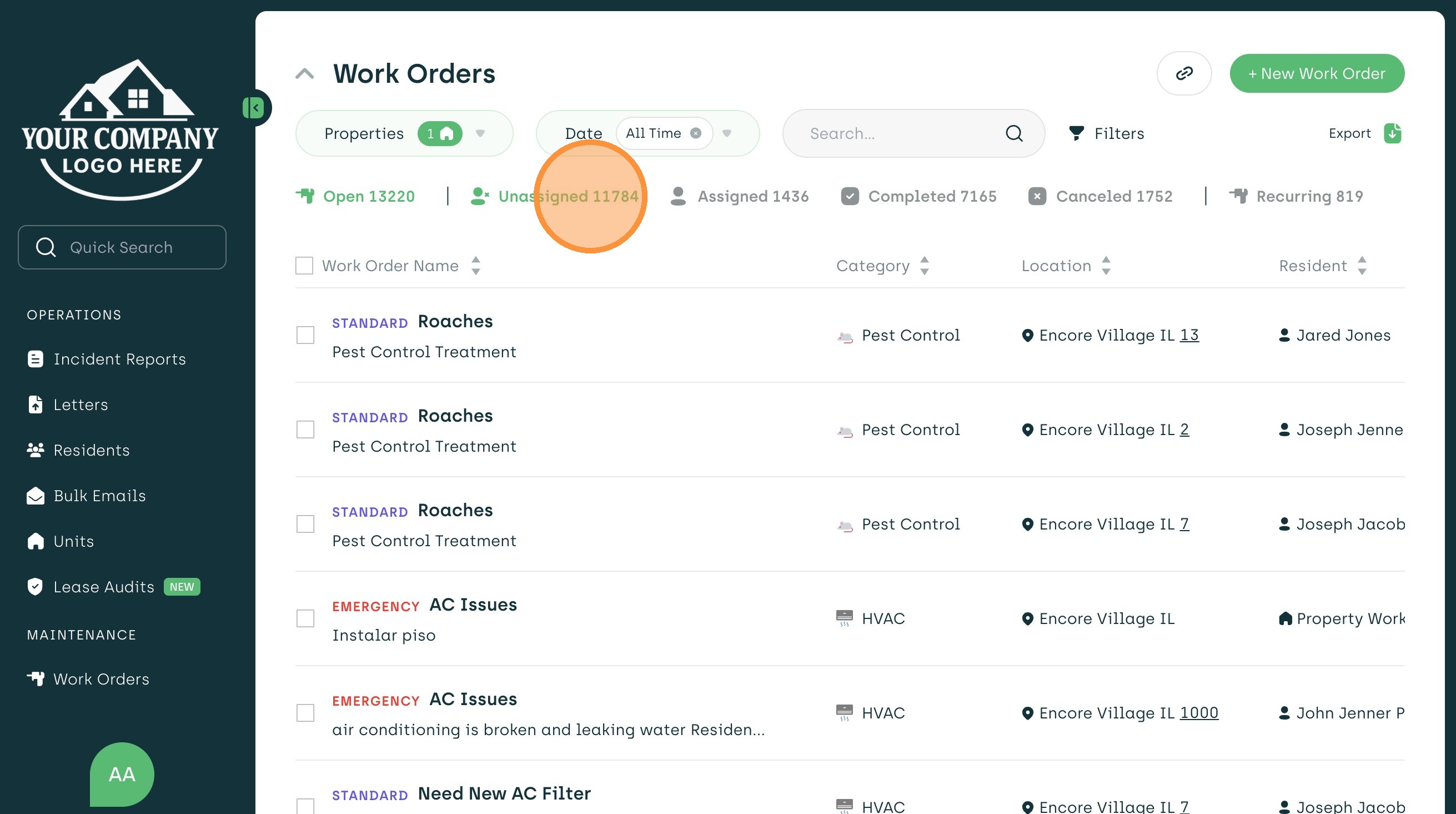
1. Navigate to the "Unassigned" Status Tab
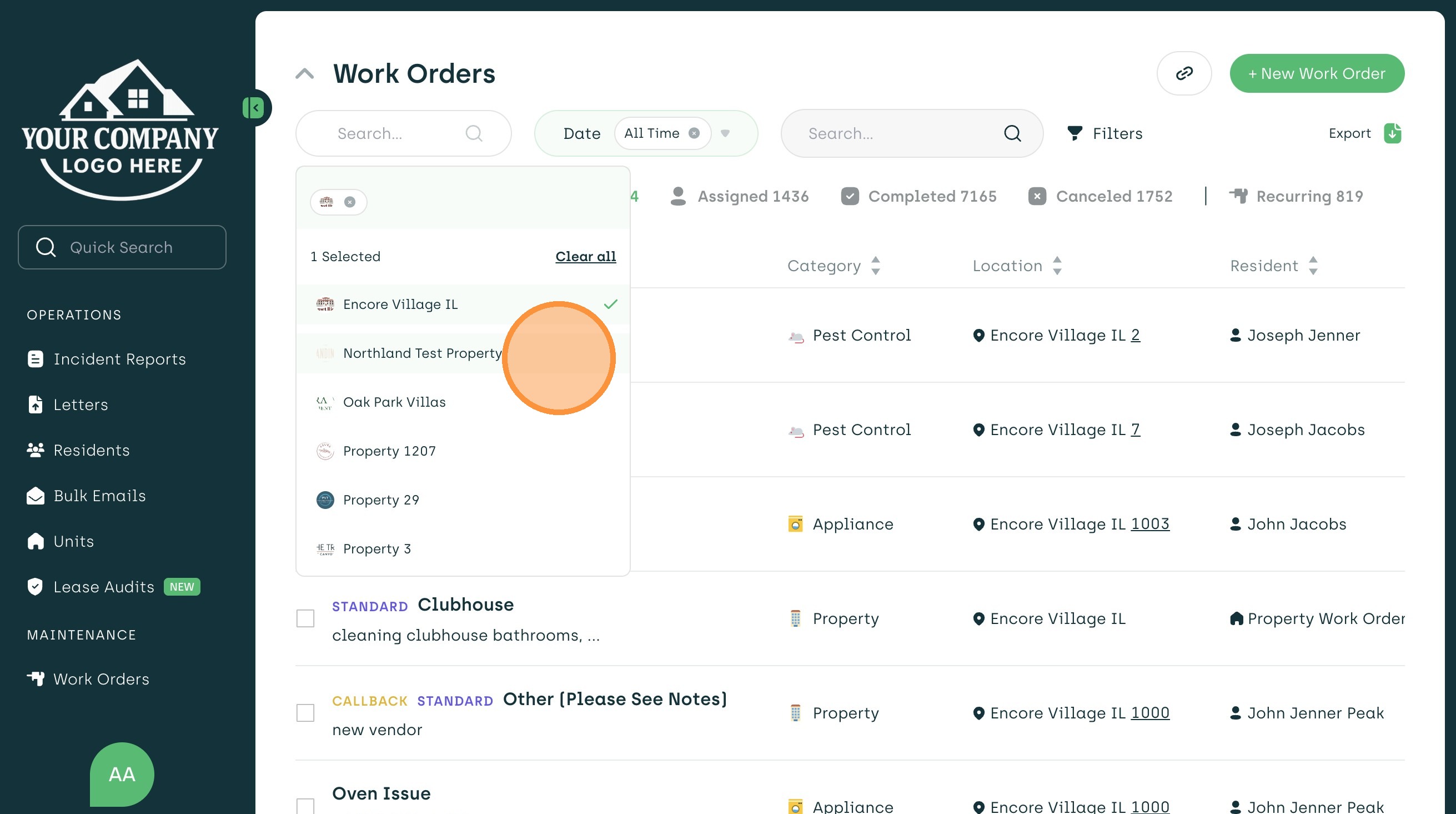
2. Select the Desired Properties
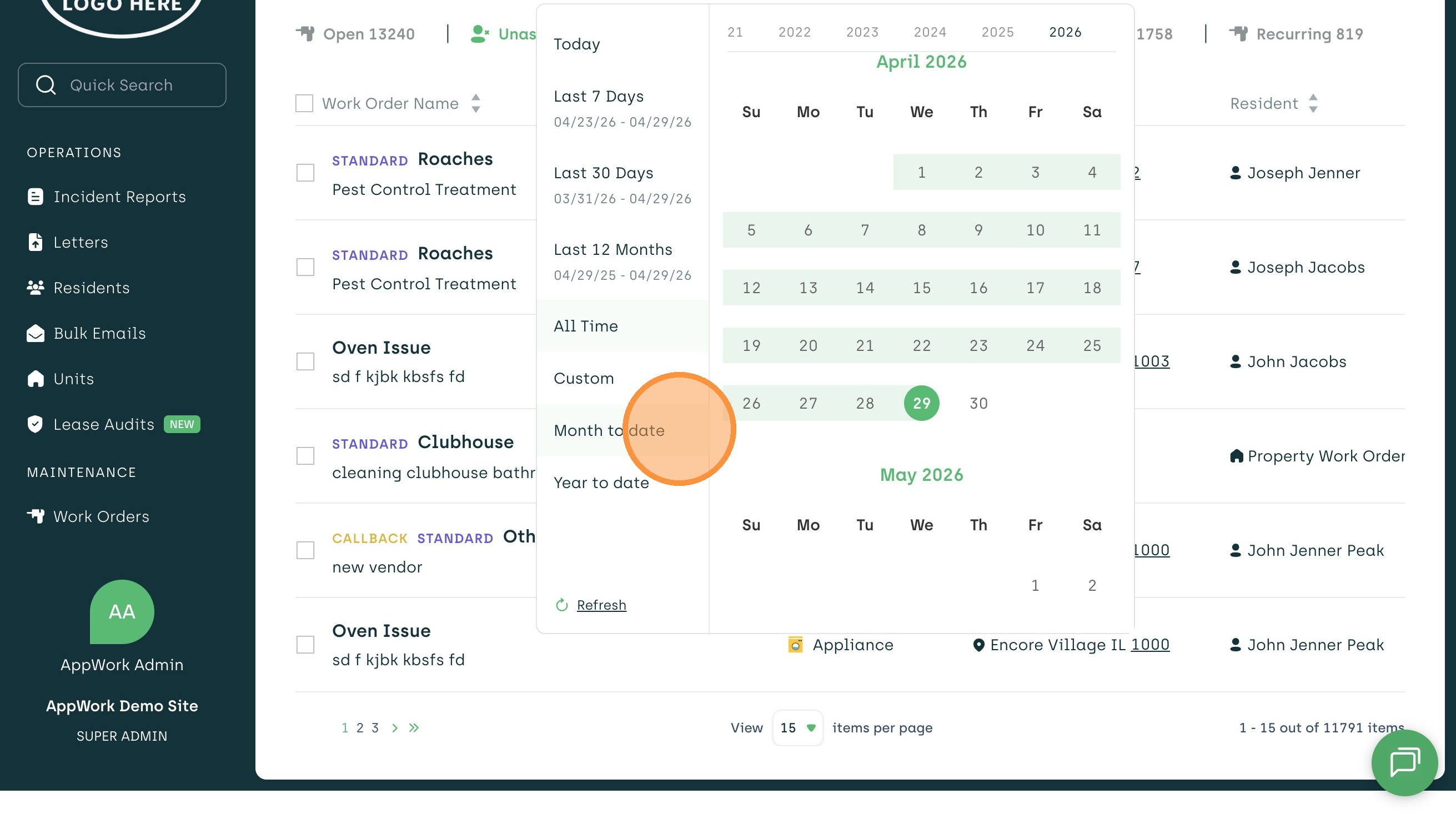
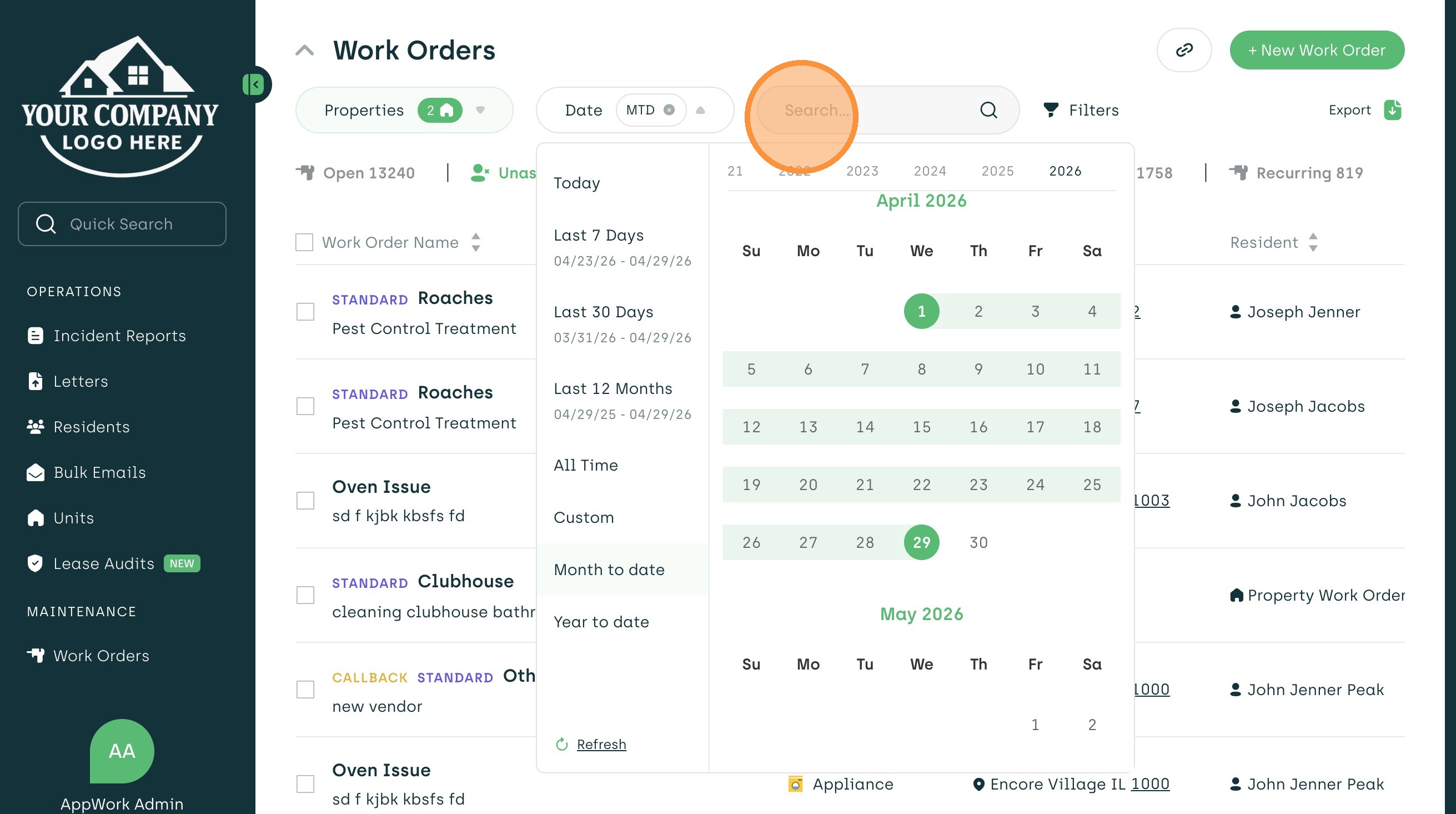
3. Choose the Date Ranged Needed
4. Search Tab for Looking up Key Words
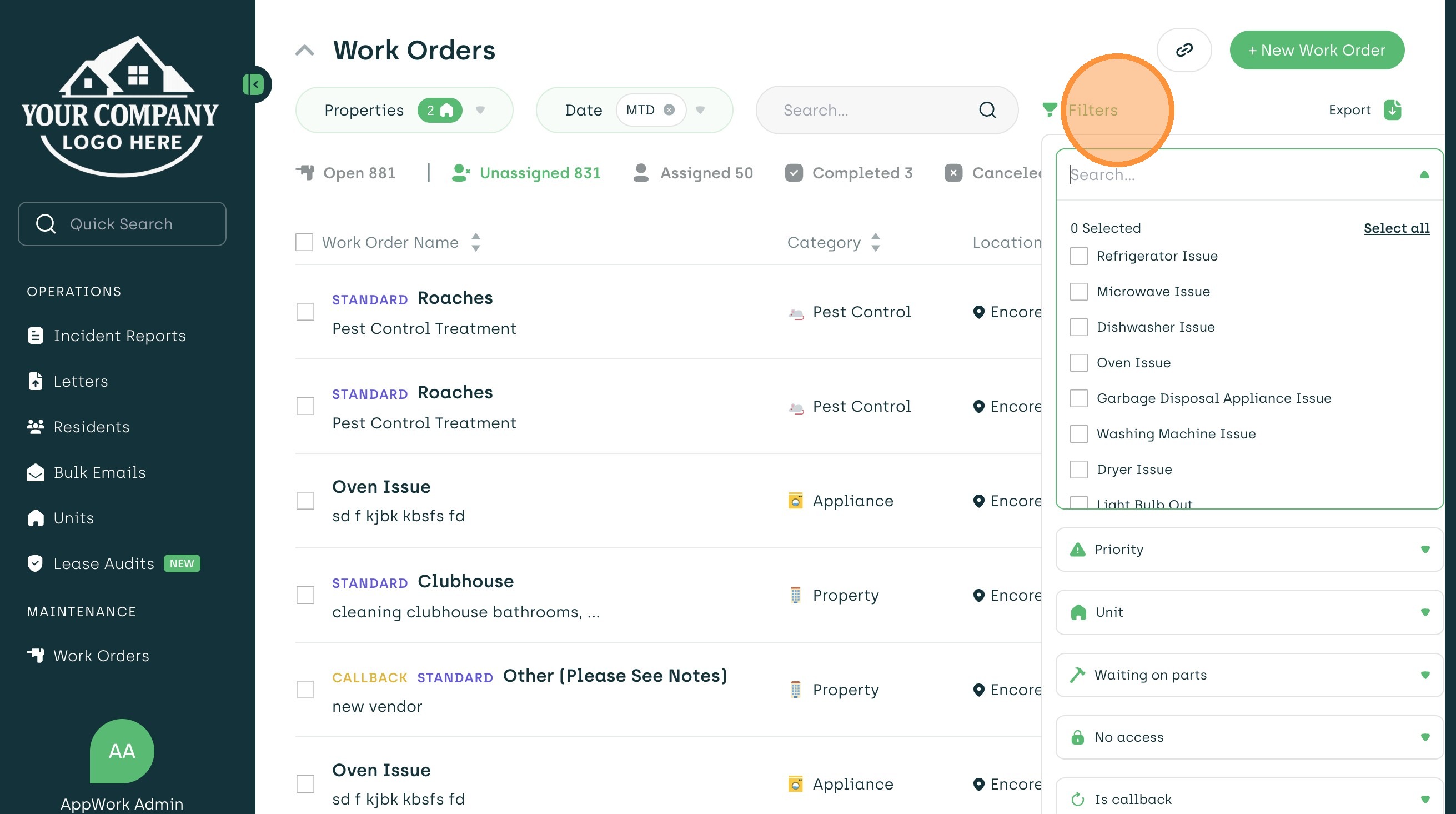
5. Use the Filter Tab to Narrow Selections
6. Click Export to Choose From the Options to Receive the Report or Subscribe
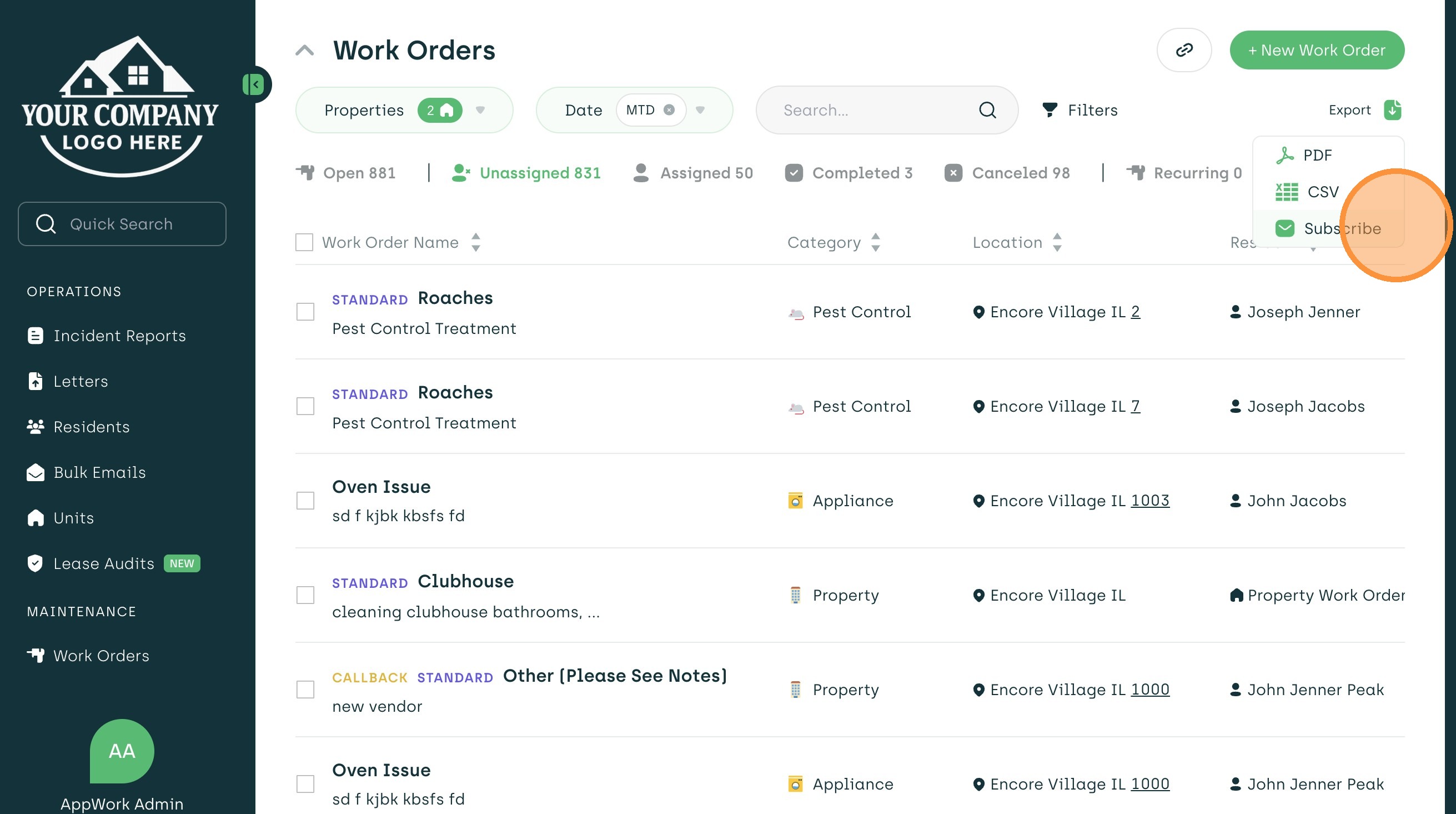
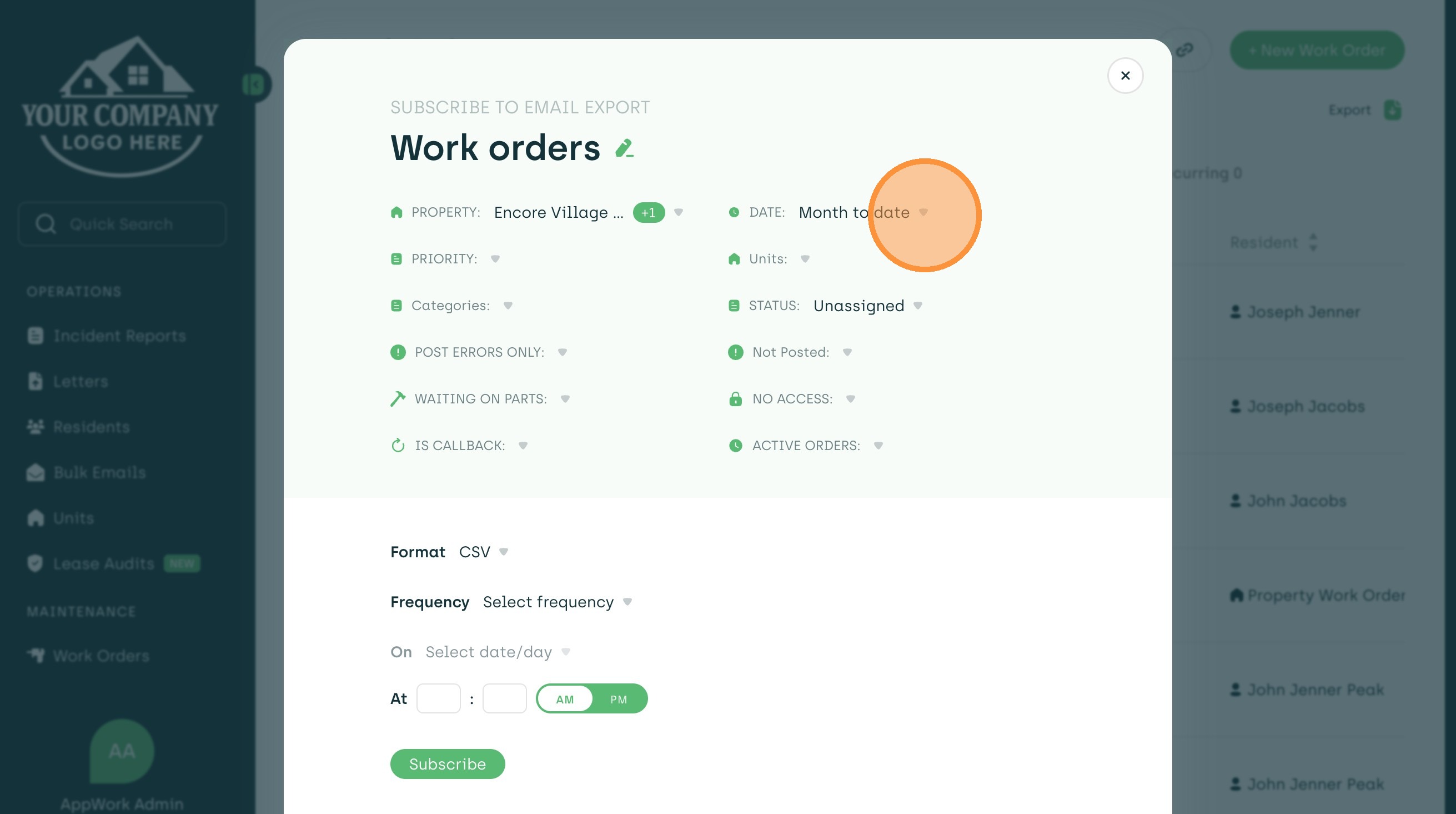
7. To Subscribe to the Report- Choose From These Filters and Select "Subscribe" at the Bottom