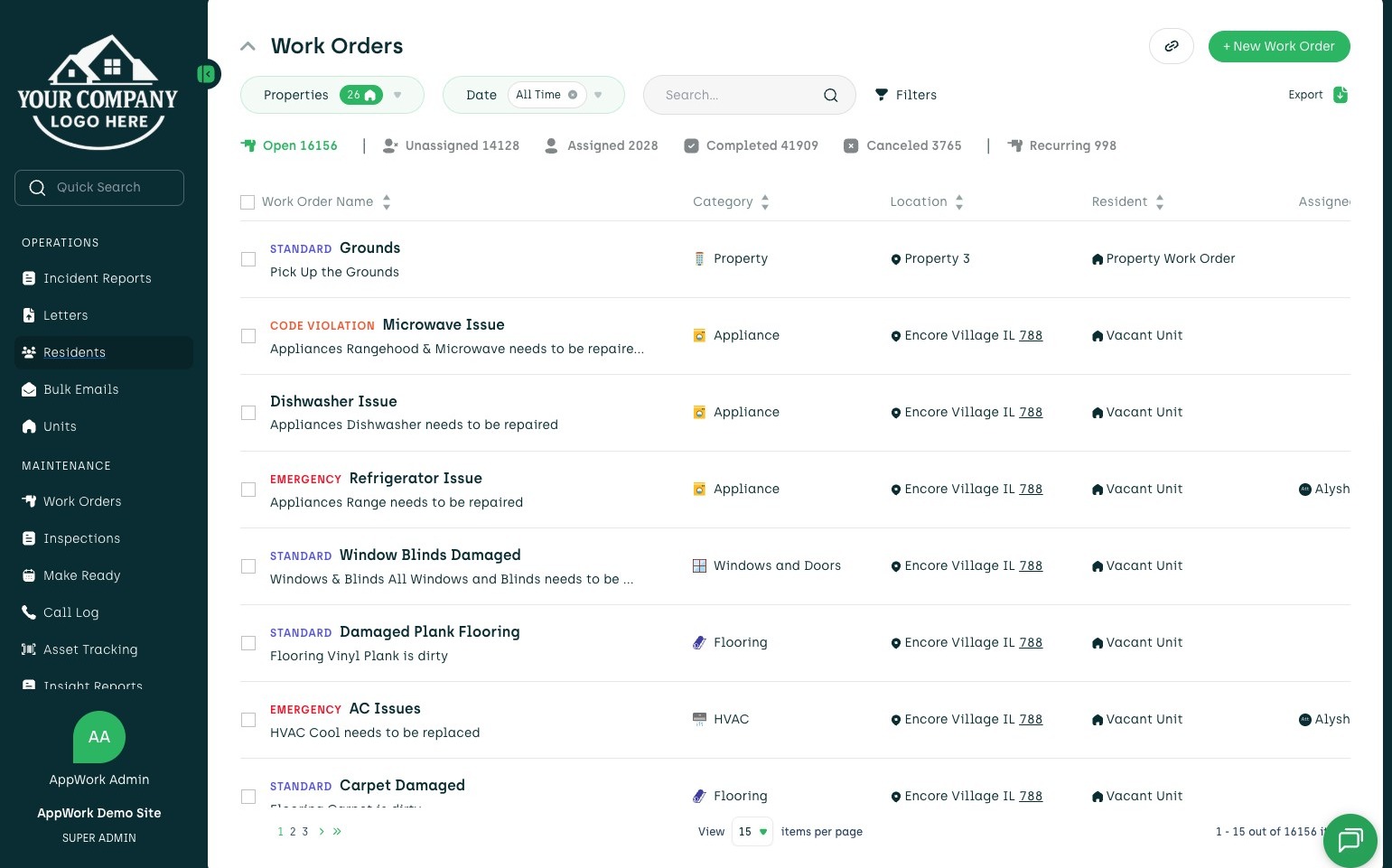
1. From your Admin Dashboard, you can navigate to the left-hand menu and find the "Residents" tab.
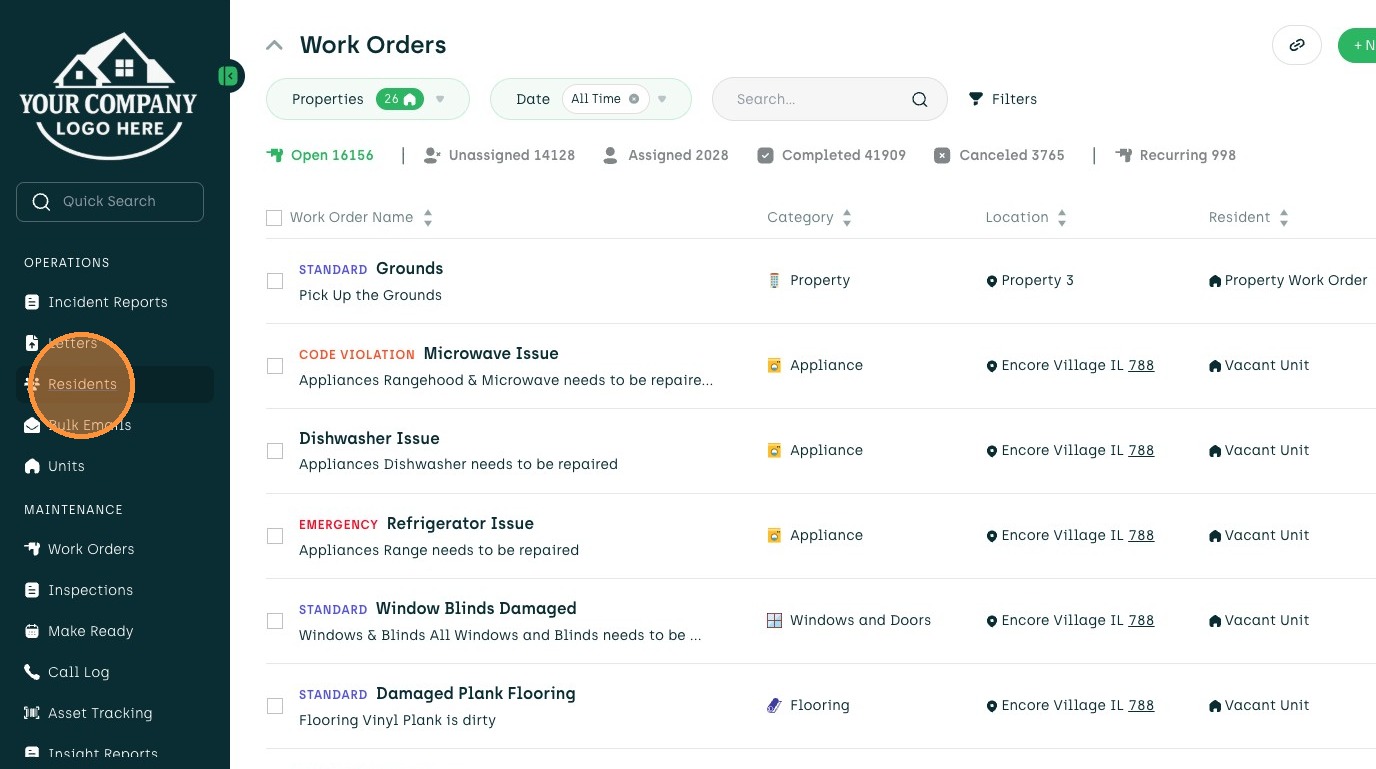
2. Click "Residents"
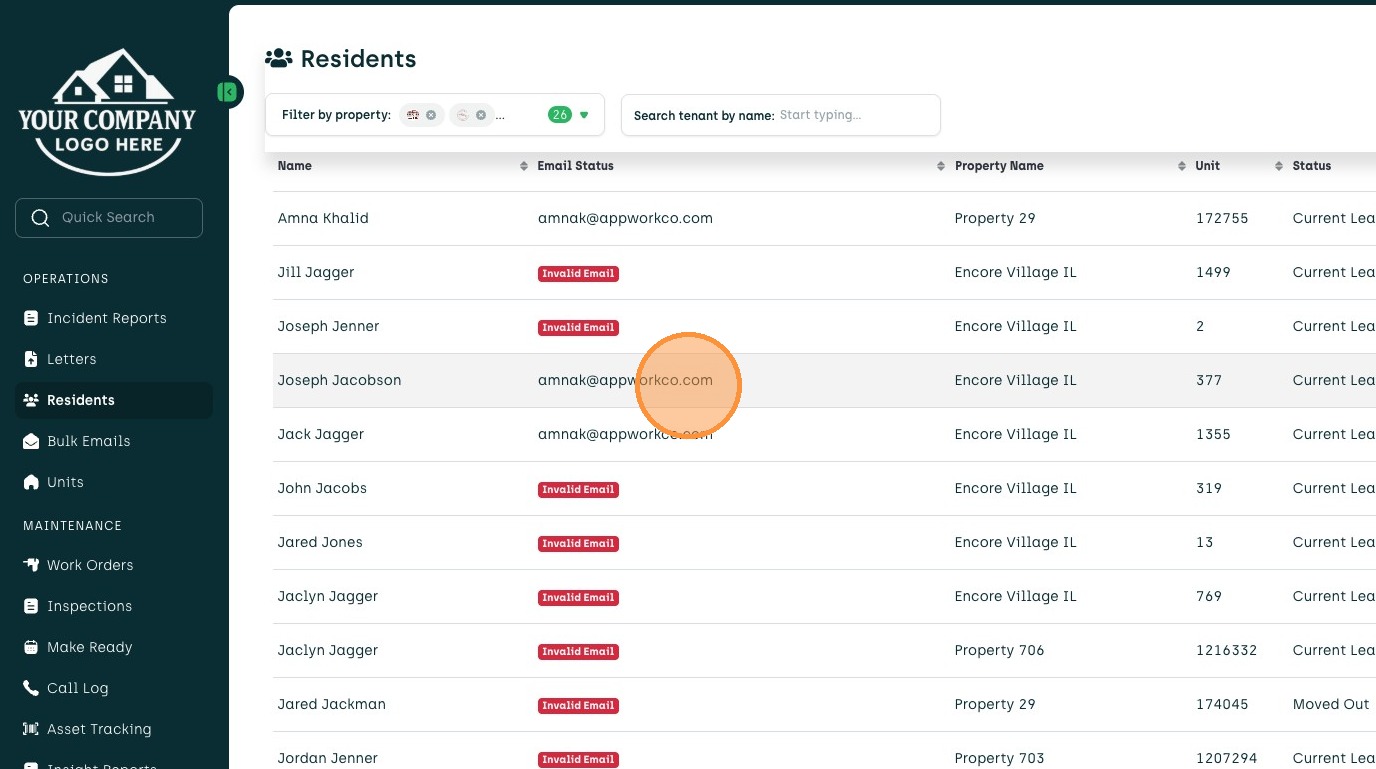
3. Find the resident you would like to view communications for. You can either search by name or scroll through the list to find their name.
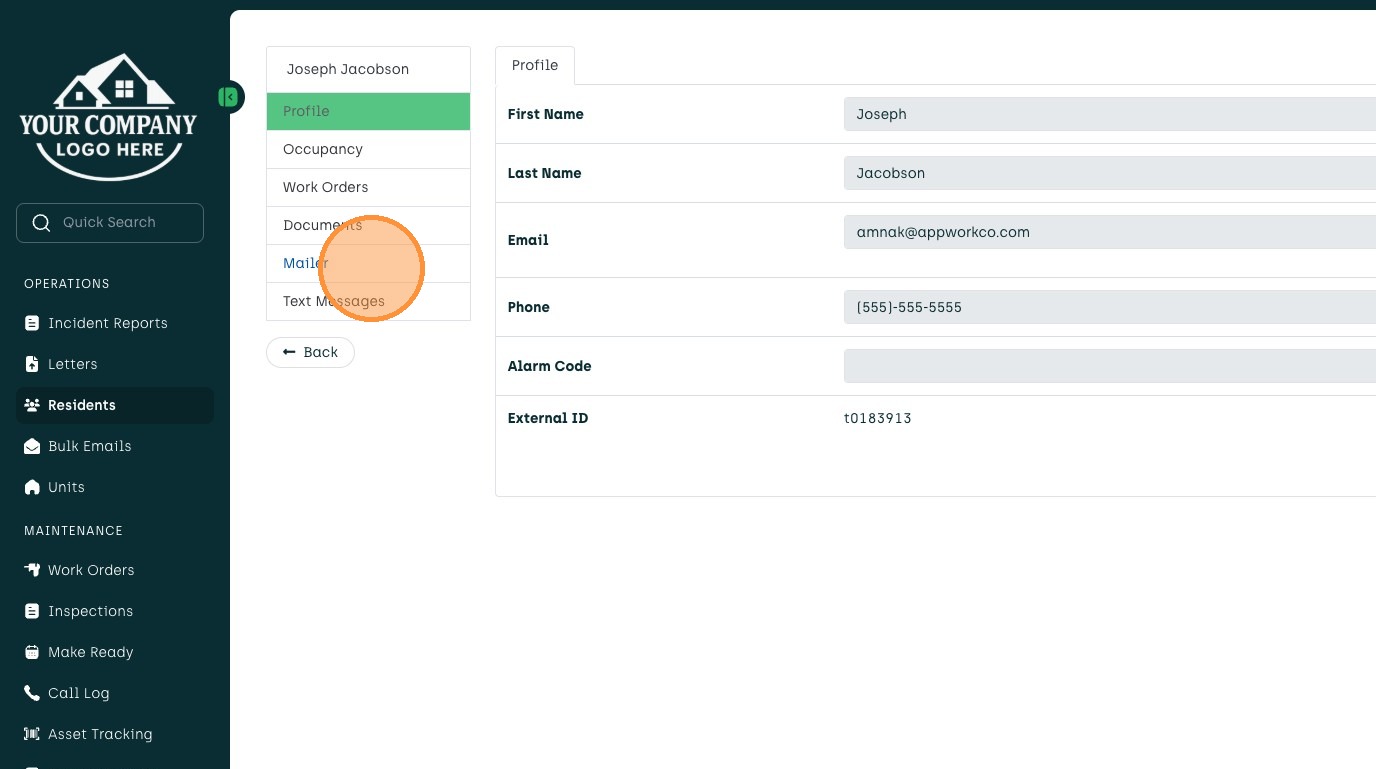
4. Once in the resident's profile, navigate to the "mailer" tab to view any email correspondence to and from them.
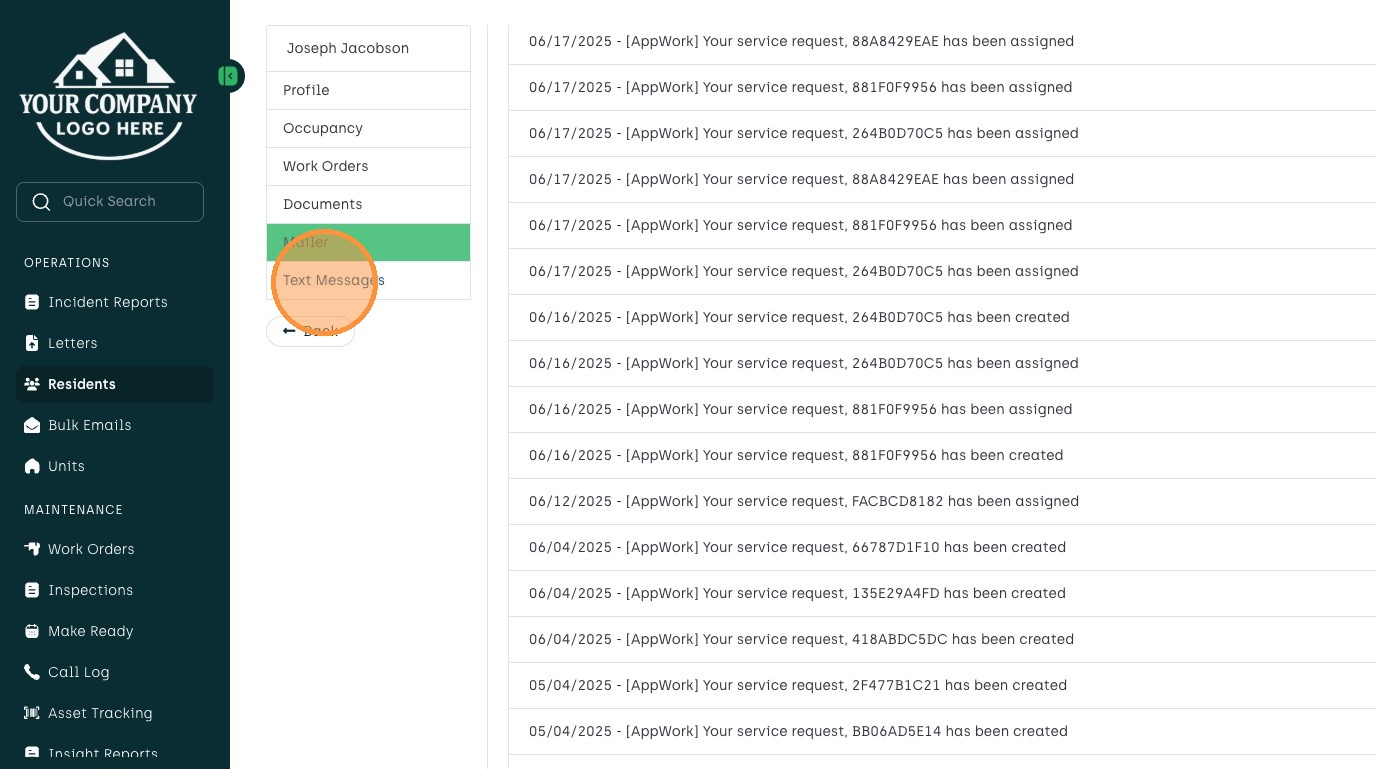
5. This is an inside look at the "Mailer" section, where you can see all emails sent and received to and from the Resident.
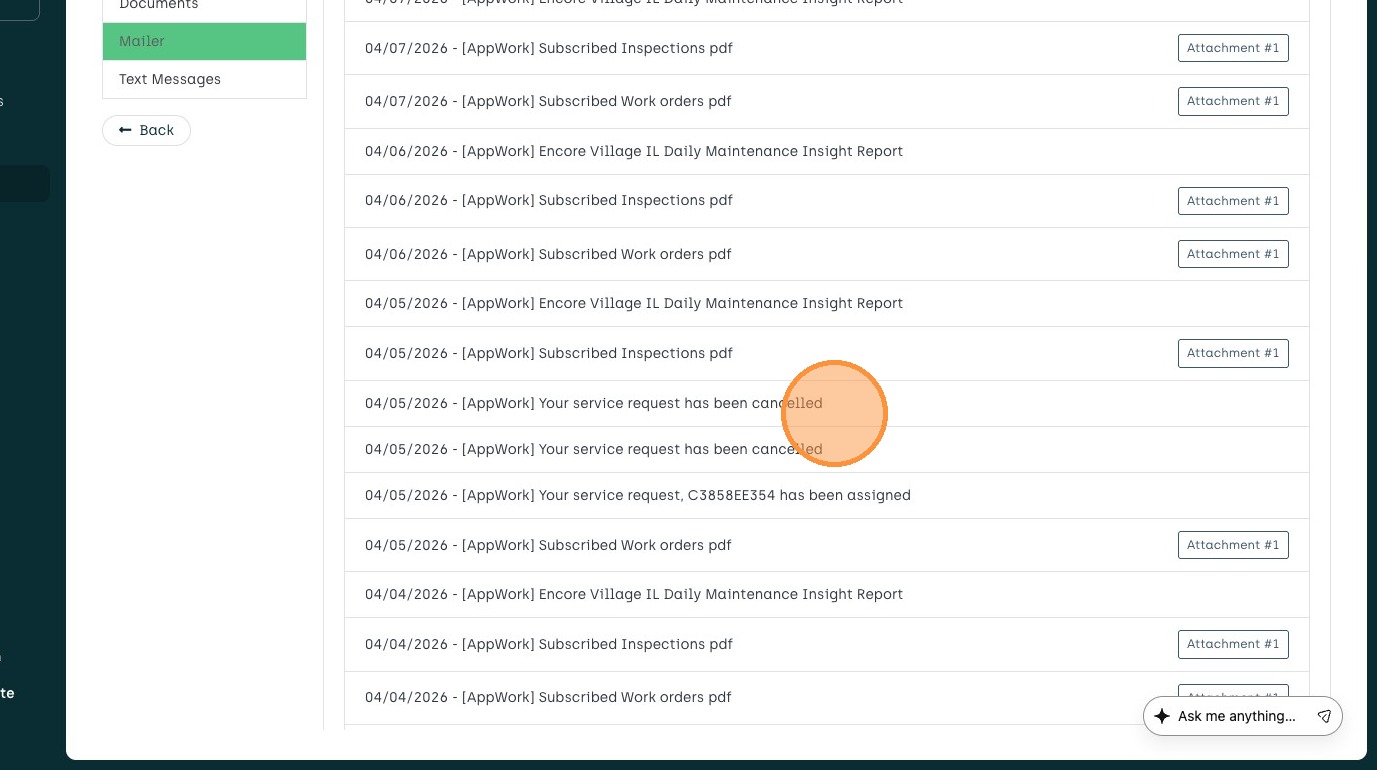
6. If you click "Text Messages," you will see the full text thread history for that Resident as well.