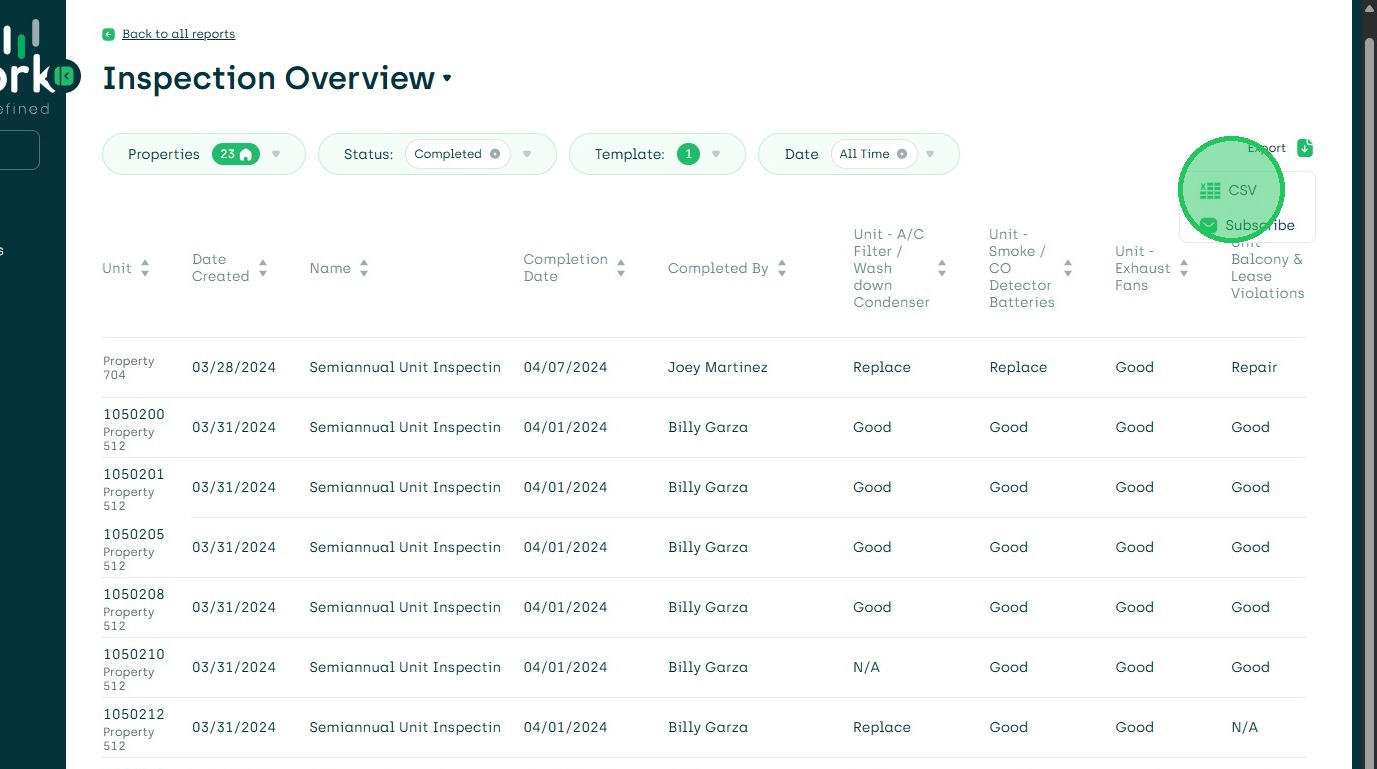
Download Inspection Overview Report as CSV
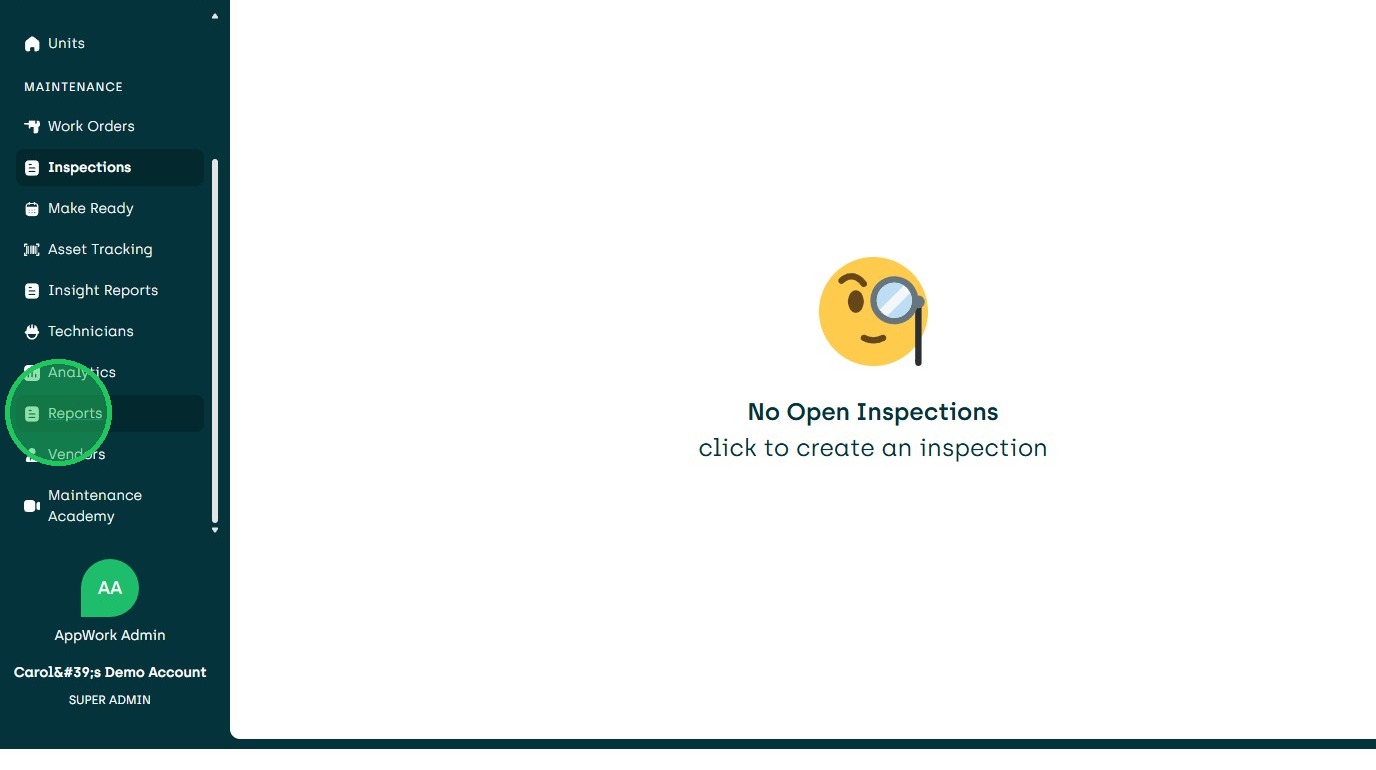
1. Navigate to Reports
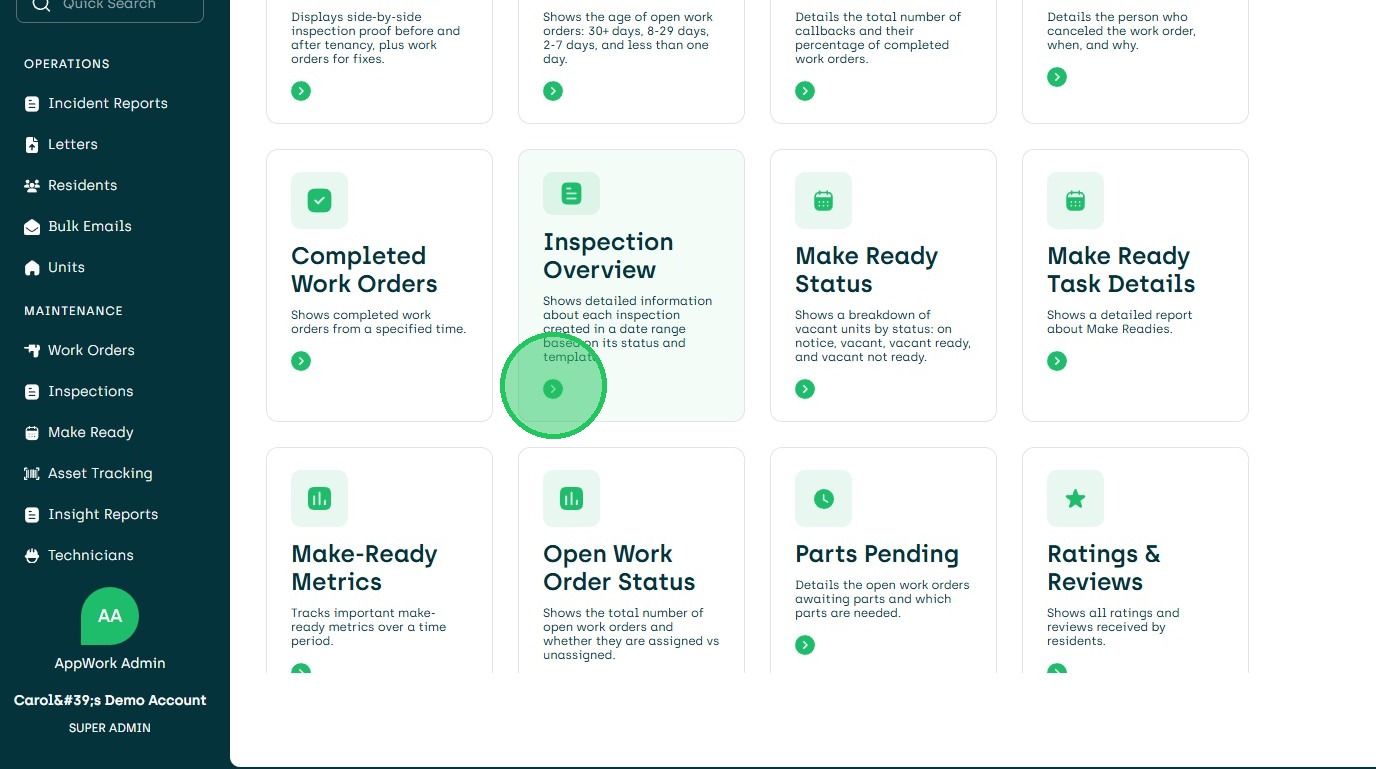
2. Choose Inspection Overview
3. Choose Property/ies and Status
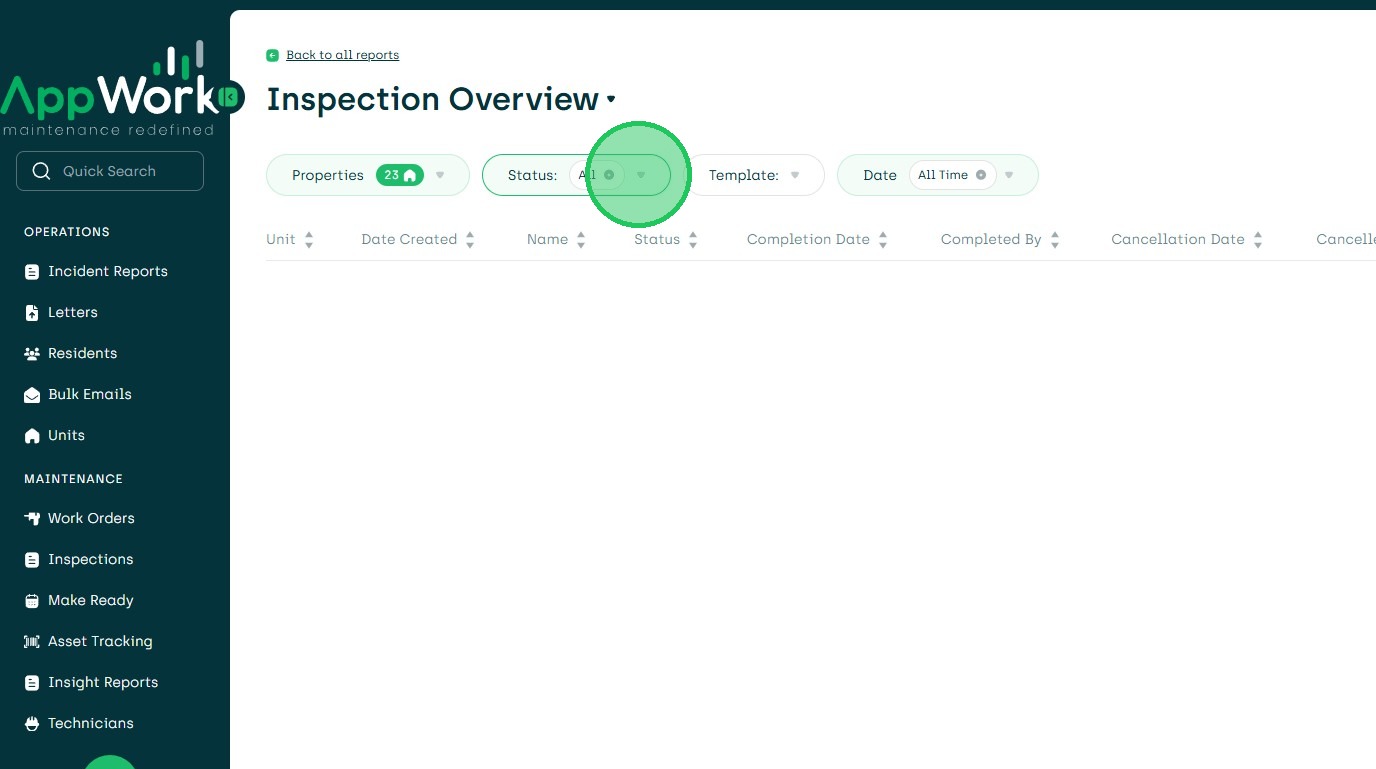
4. Click Choose Status
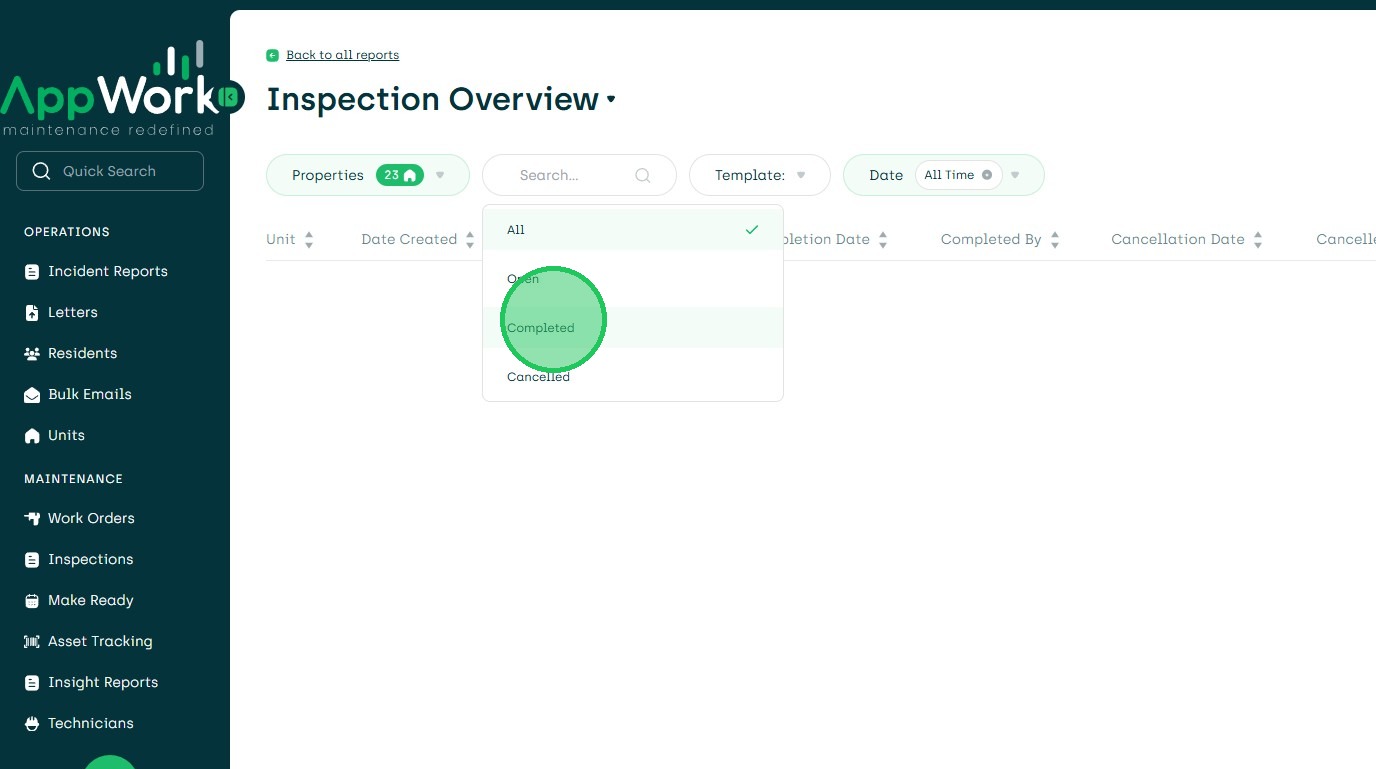
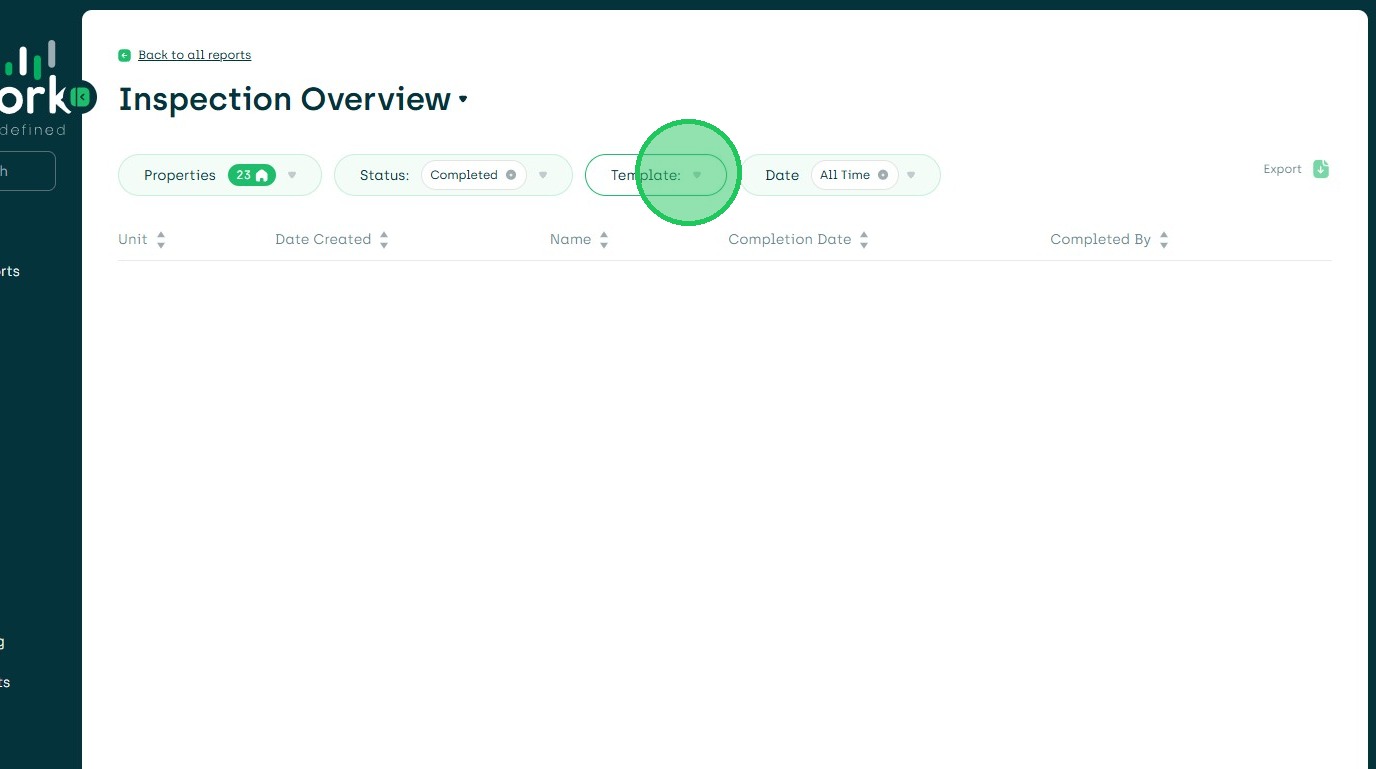
5. Choose Template from Dropdown
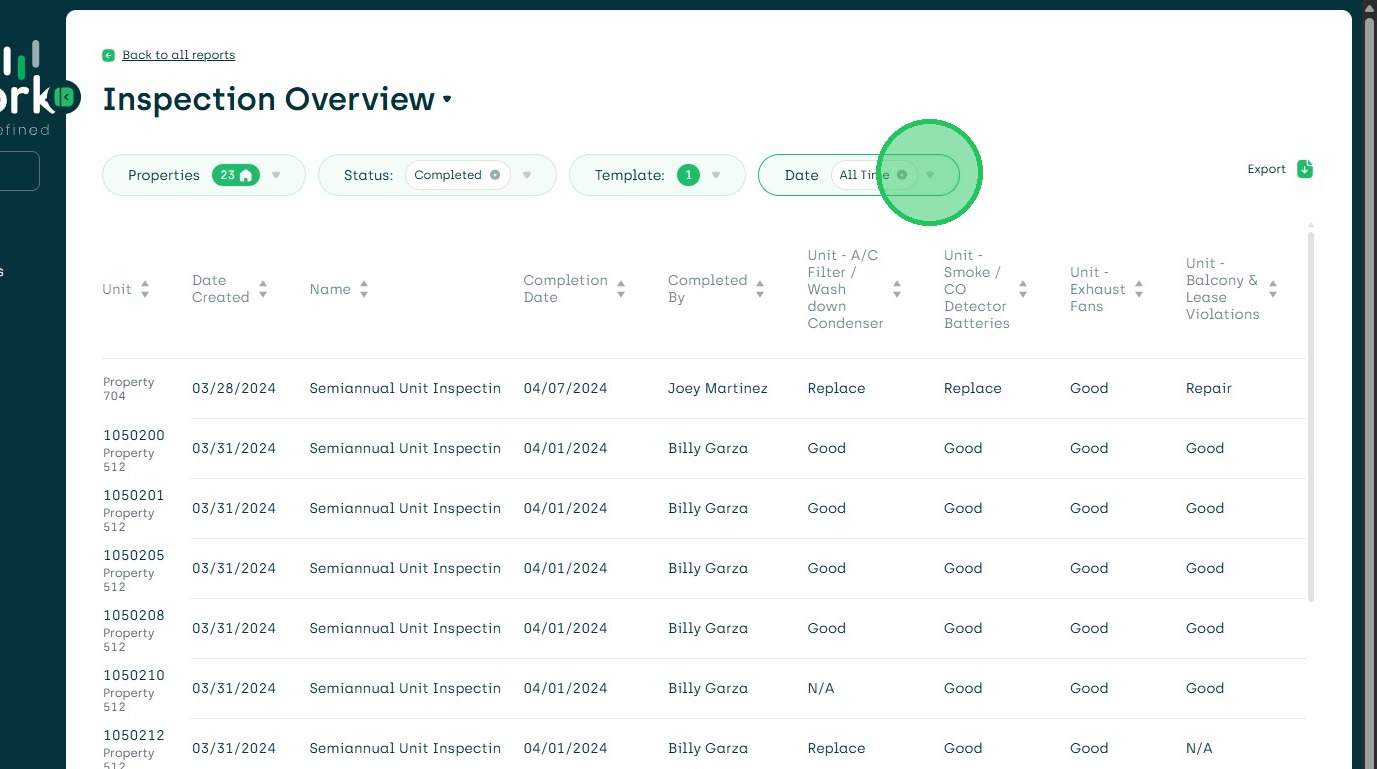
6. Choose reporting time frame from Date Filter
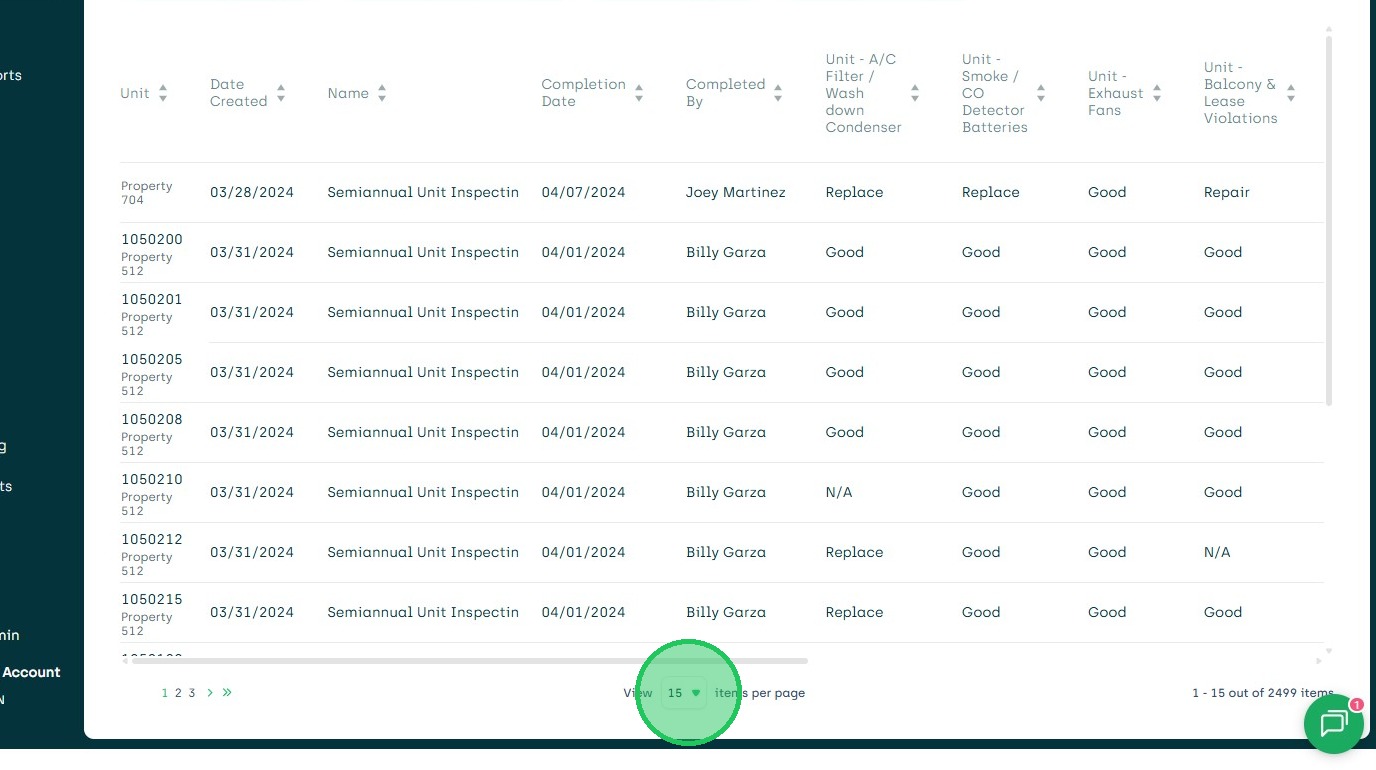
7. Ensure all inspections are in view. Click View All.
8. Export CSV - File will download to files in computer.