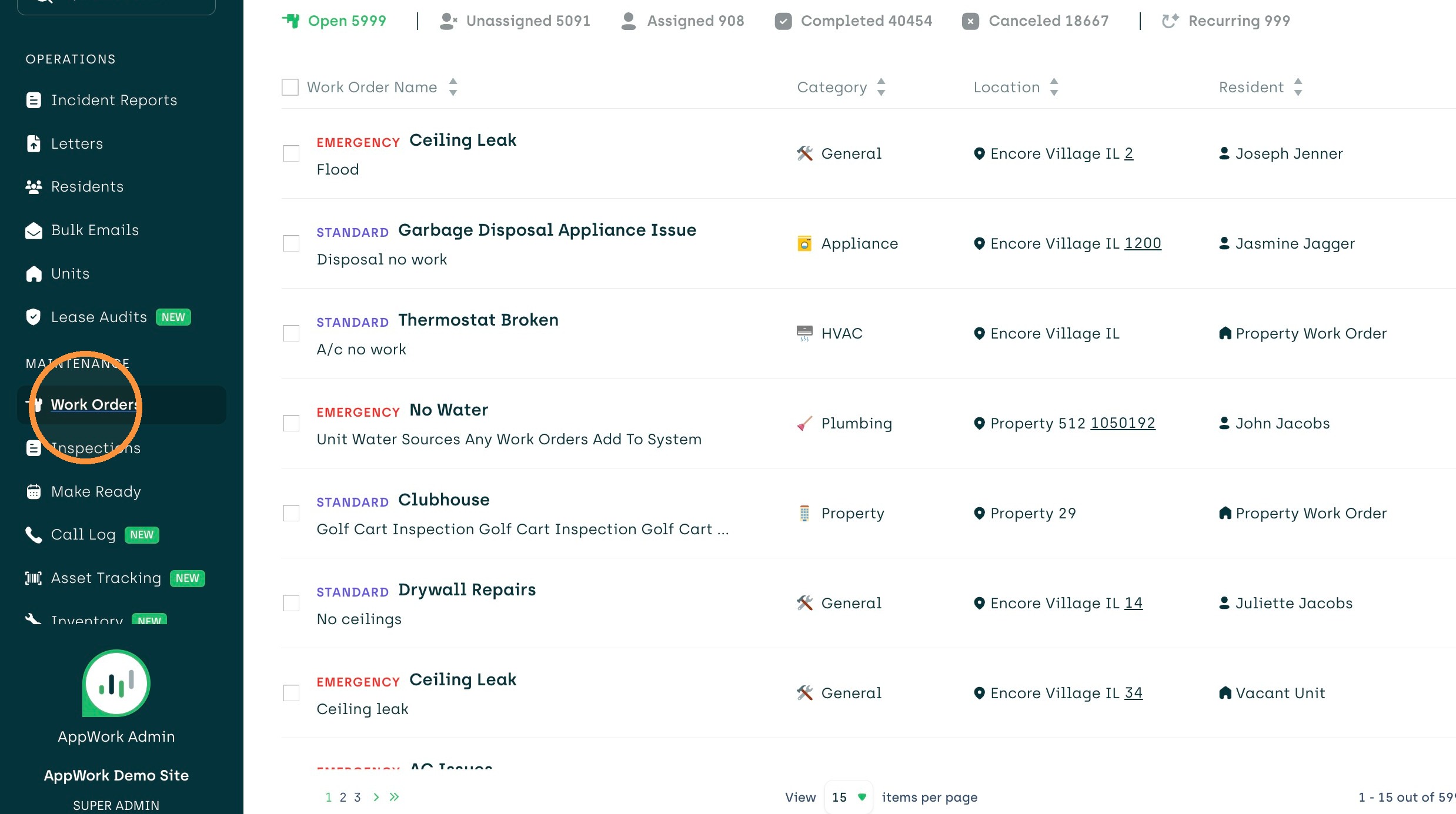
1. Navigate to "Work Orders" on the left side menu bar
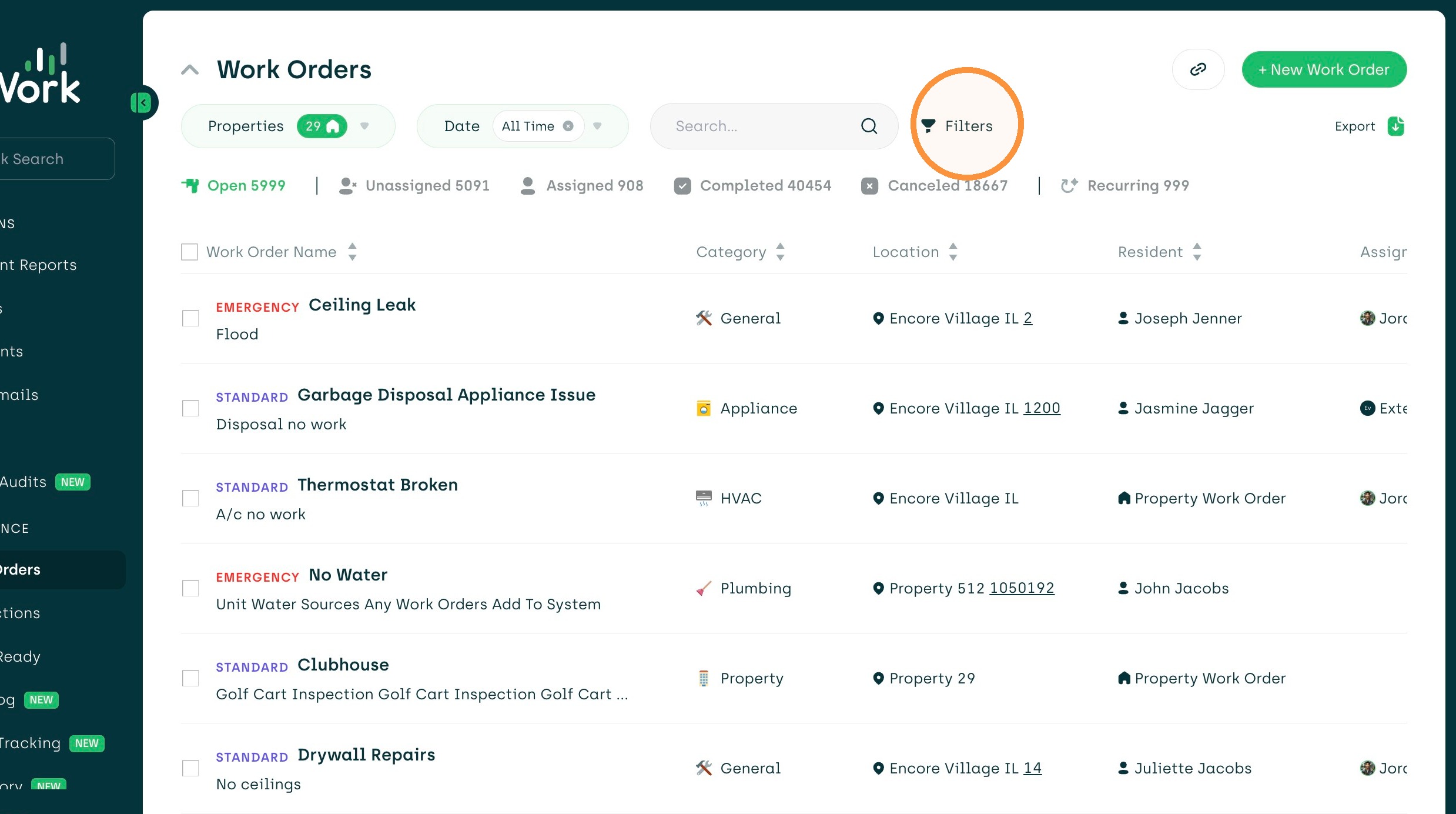
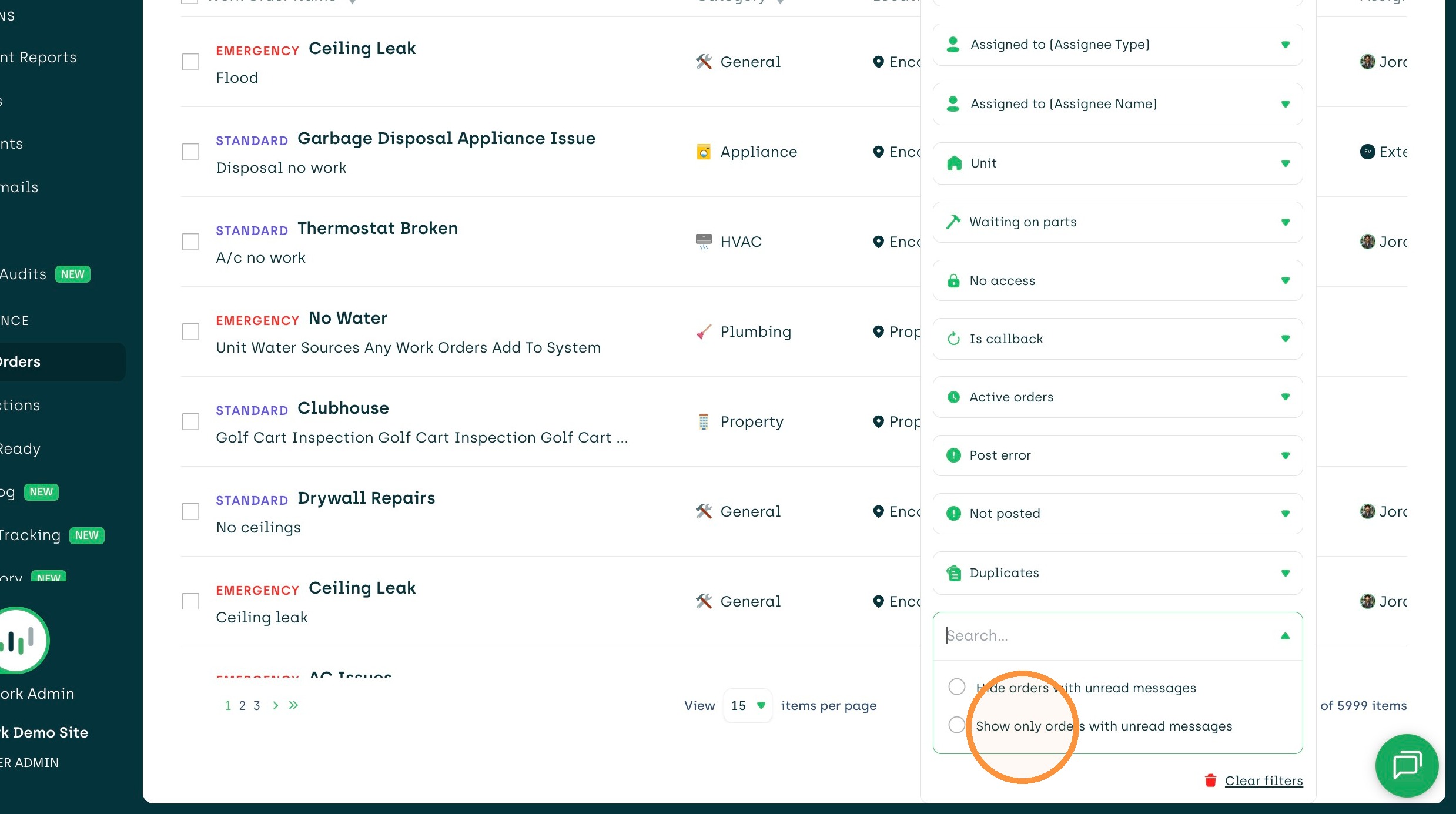
2. Click "Filters" to view the dropdown
3. Find and click on the ''Unread messages" filter
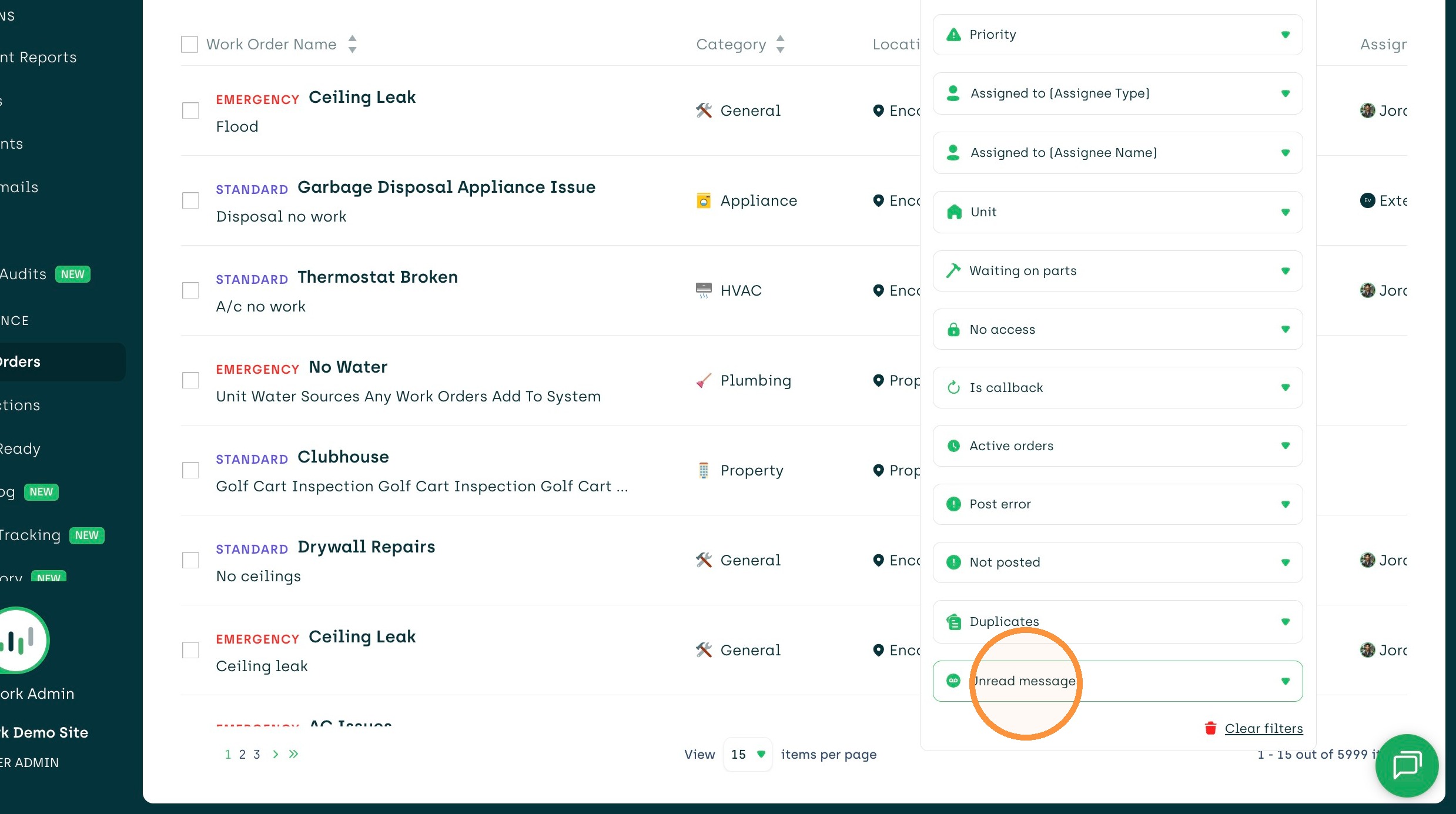
4. Select "Show only orders with unread messages"
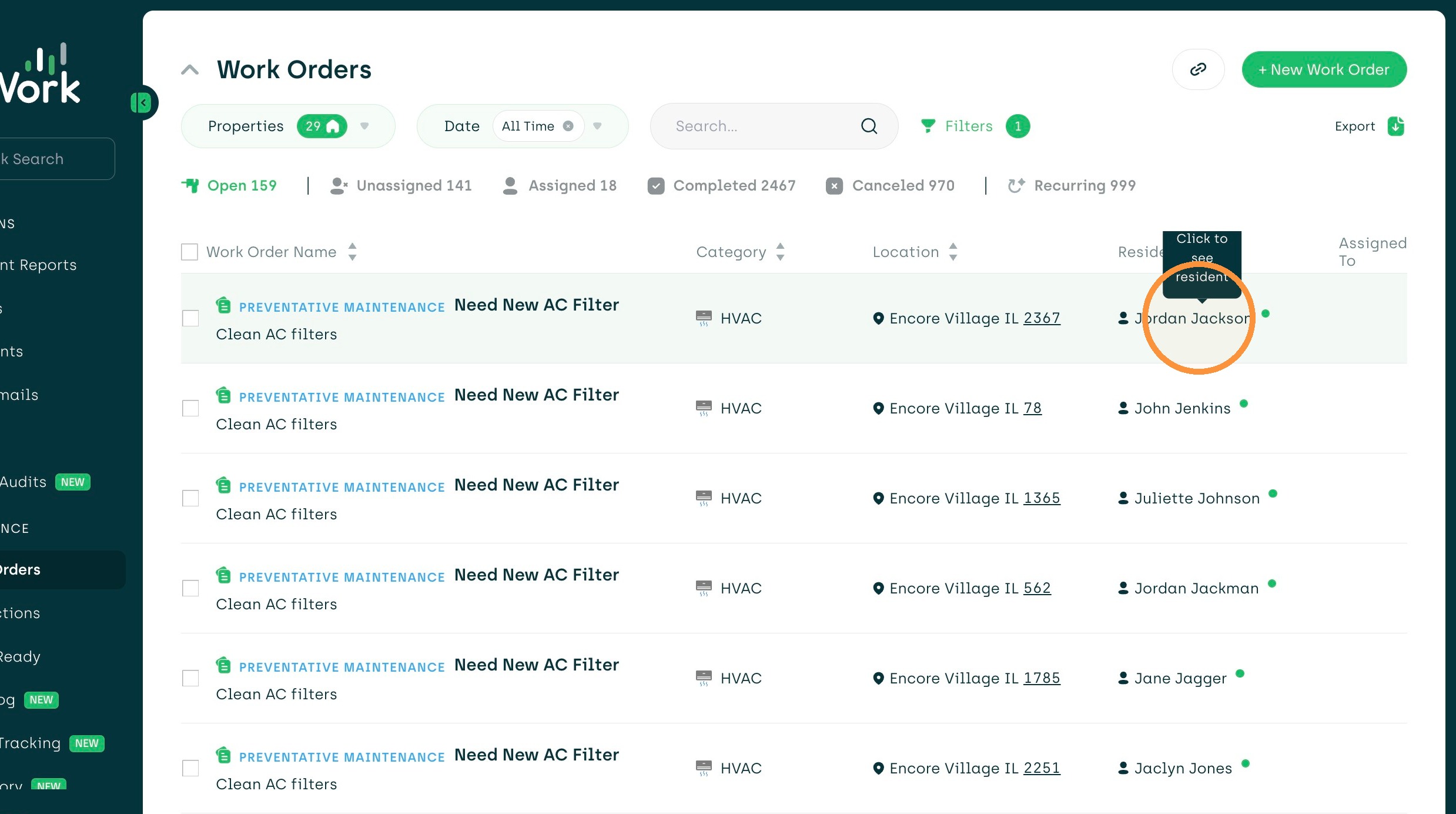
5. You will see a green dot next to the residents name indicating the unread message. Click on the residents name.
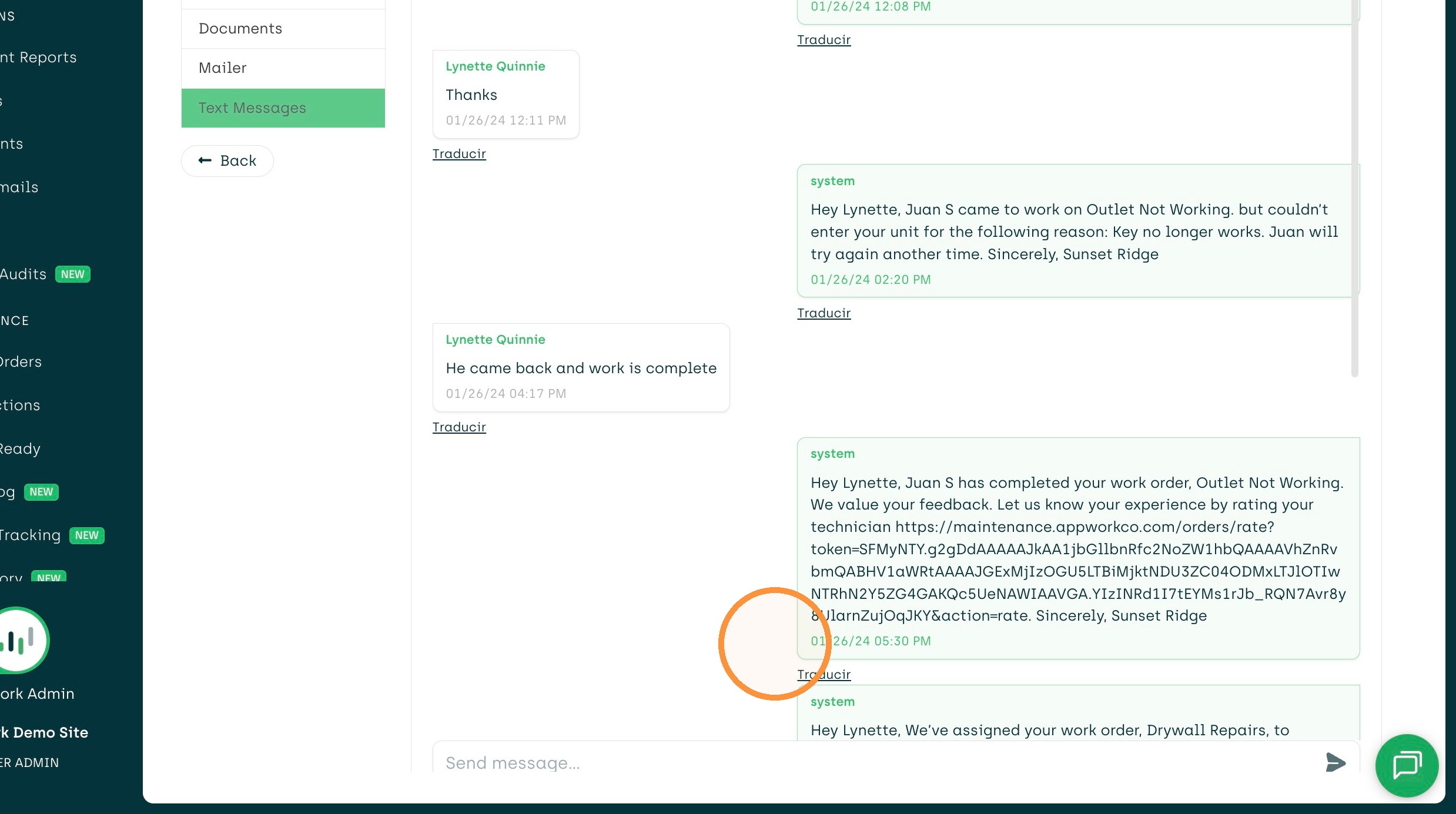
6. Select the ''Text Messages" tab
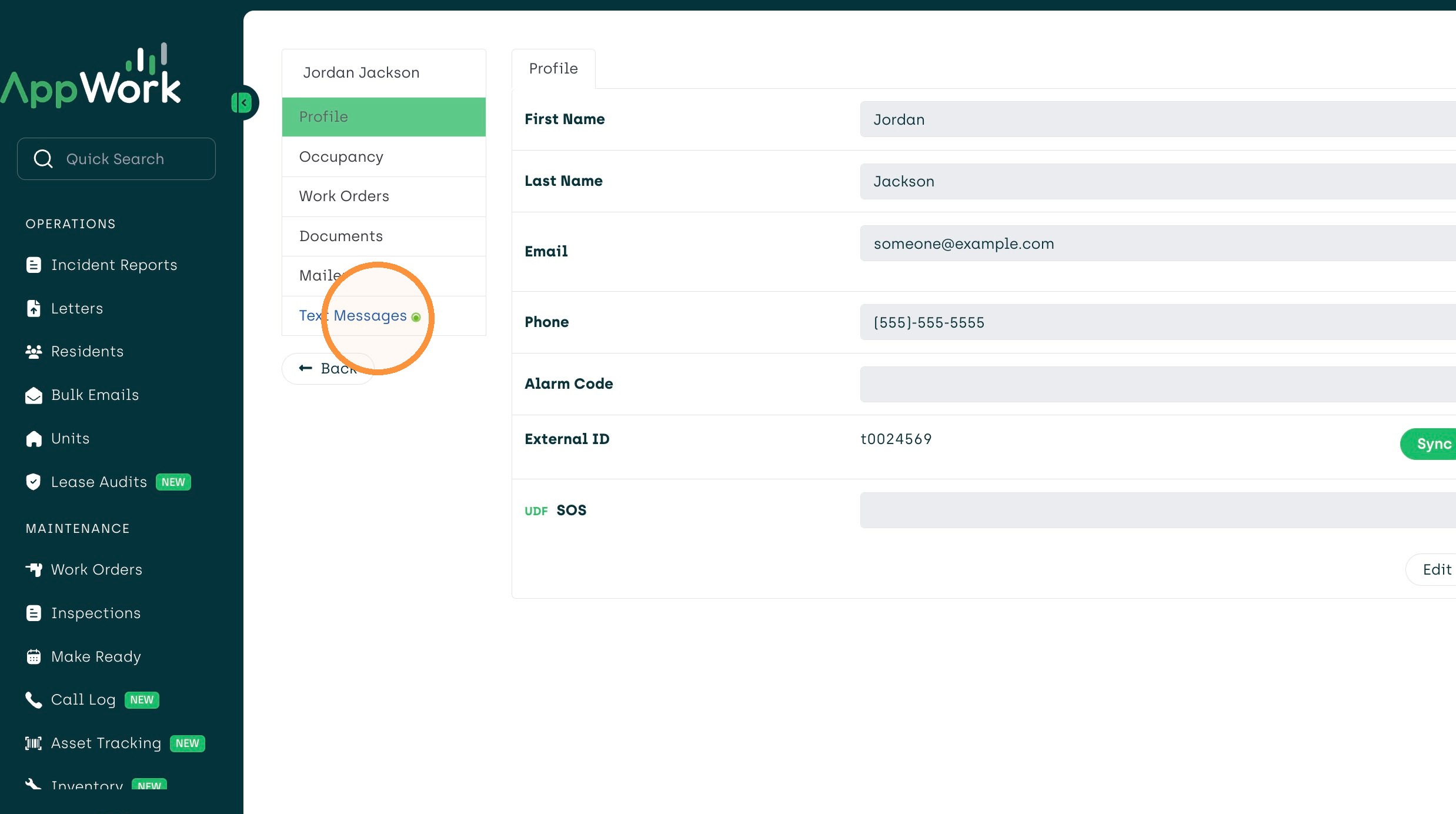
7. View messages sent from the resident.