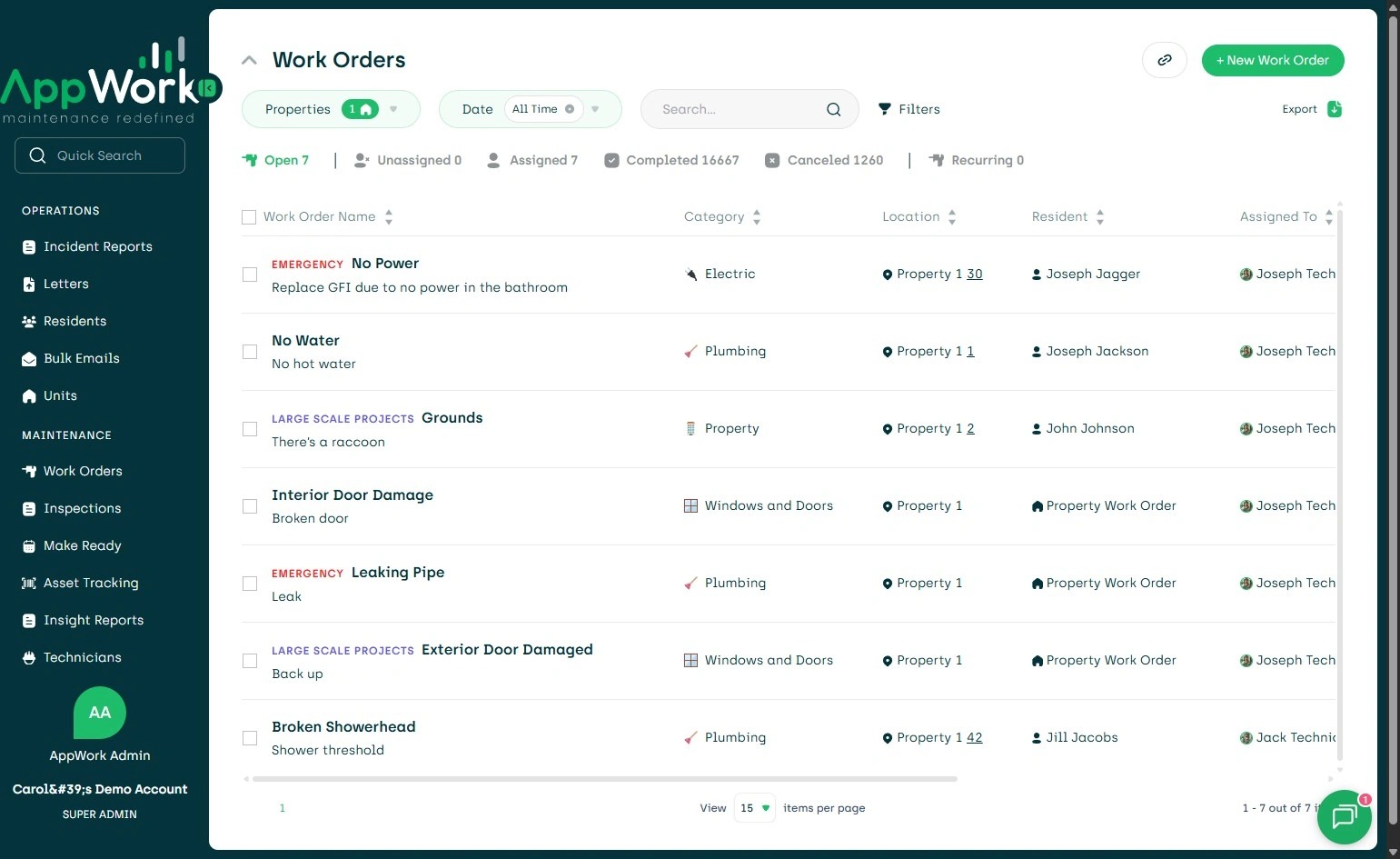
1. Navigate to Settings
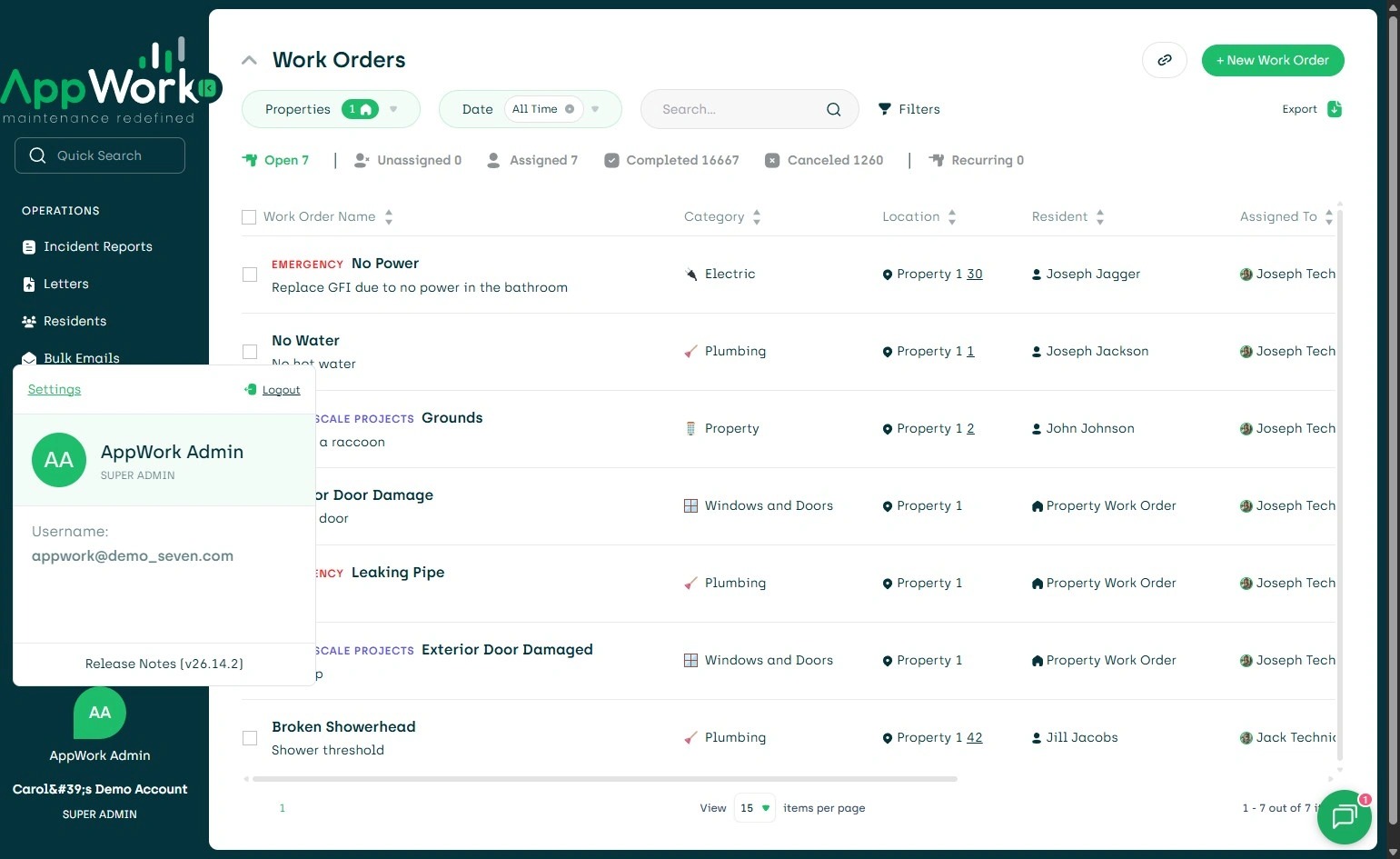
2. Click "Settings"
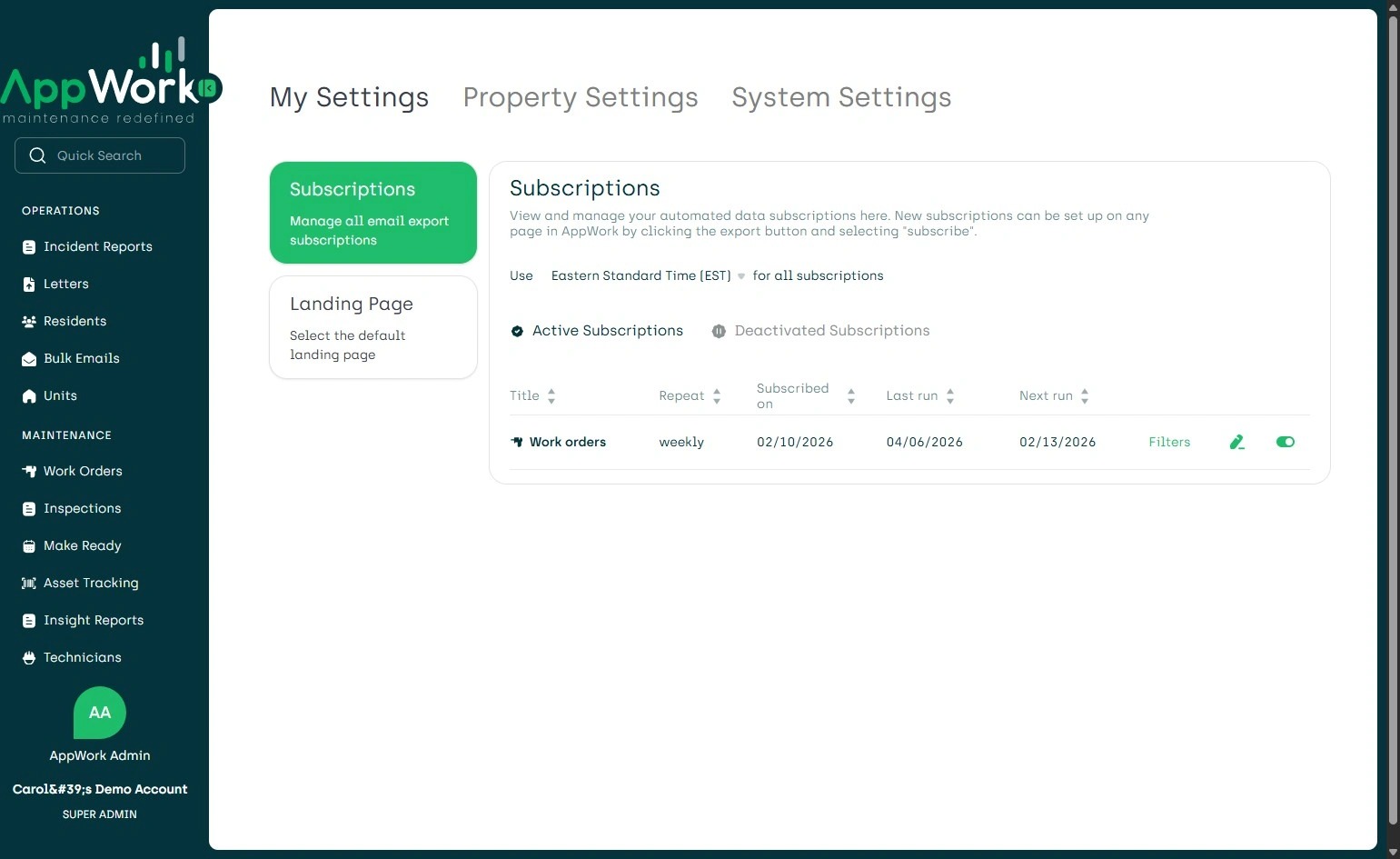
3. Click "System Settings"
4. Click "Data UploadsUpload CSV data for properties, residents, or units"
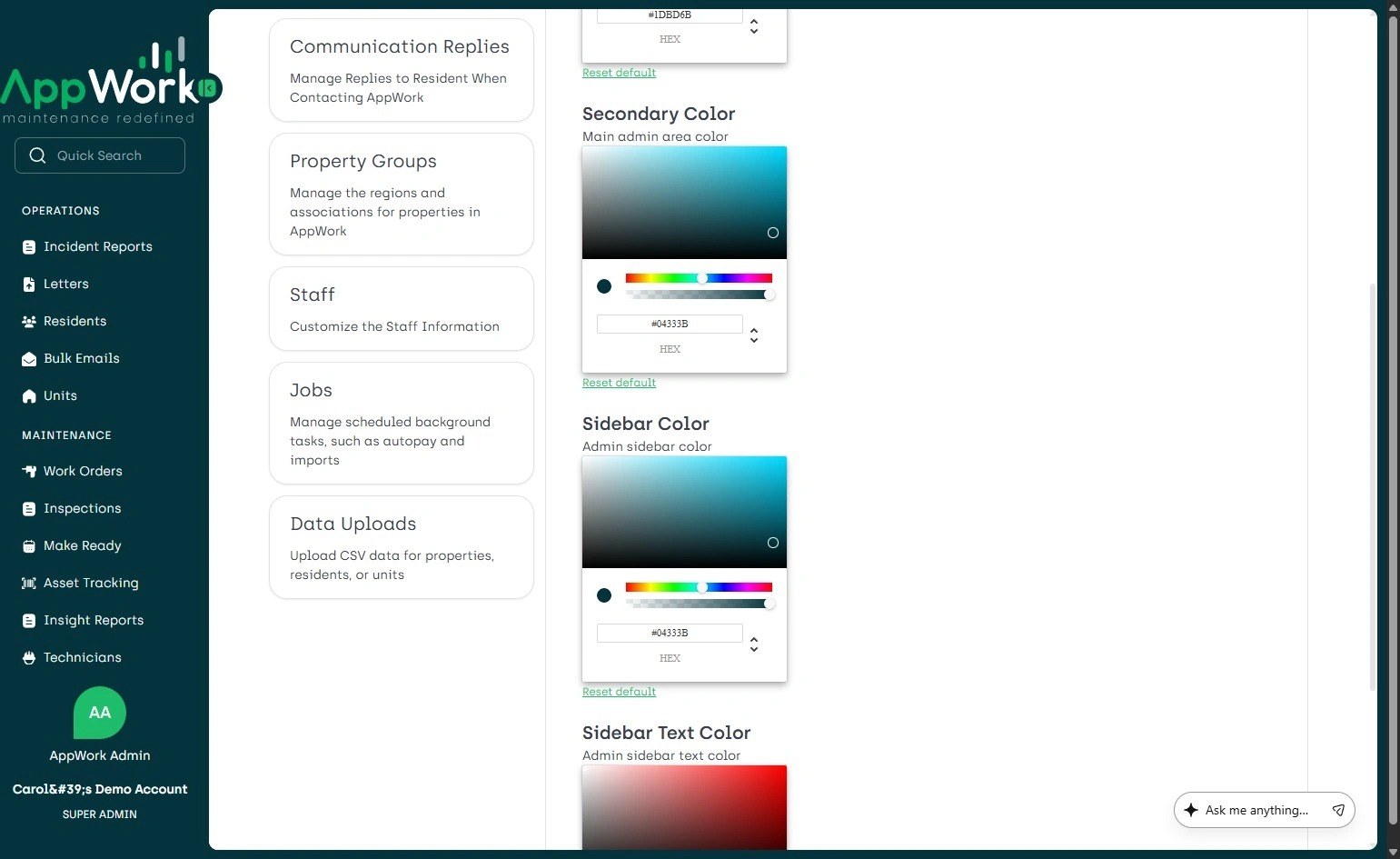
5. Click here.
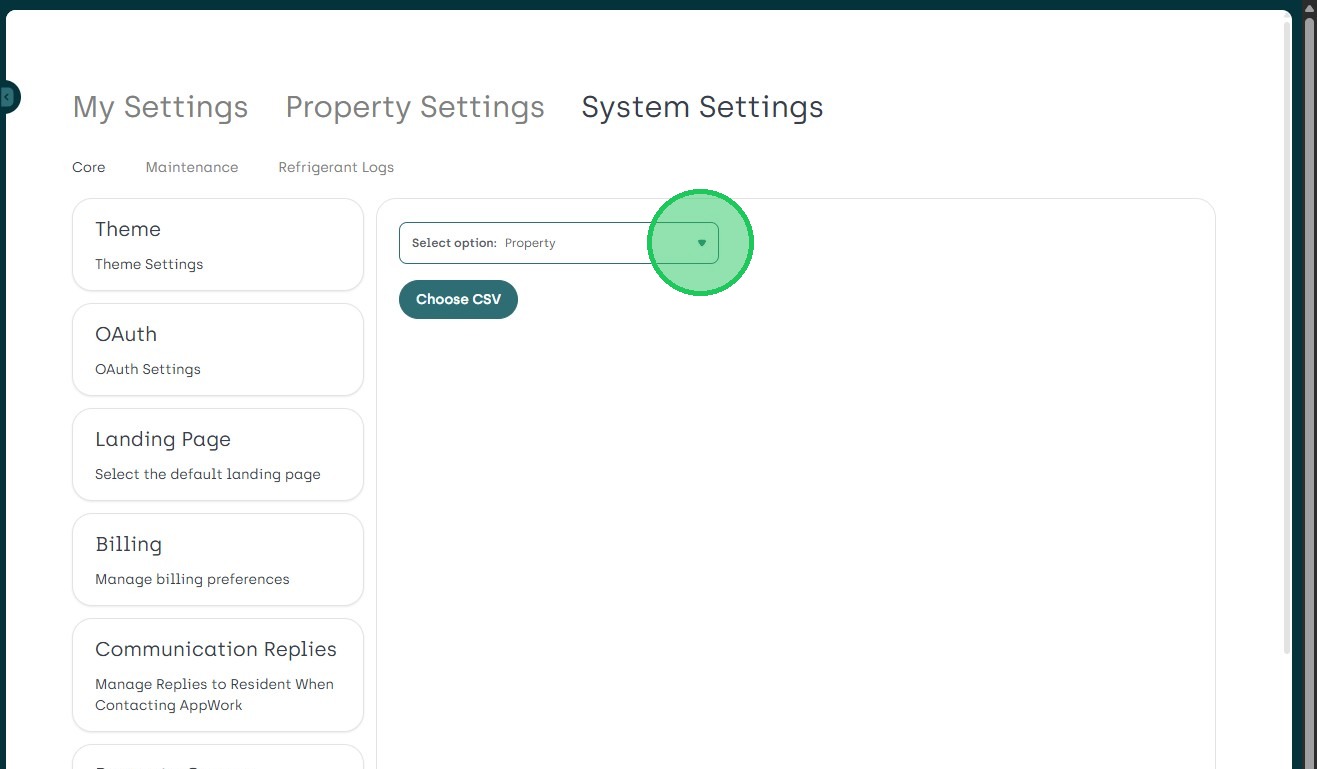
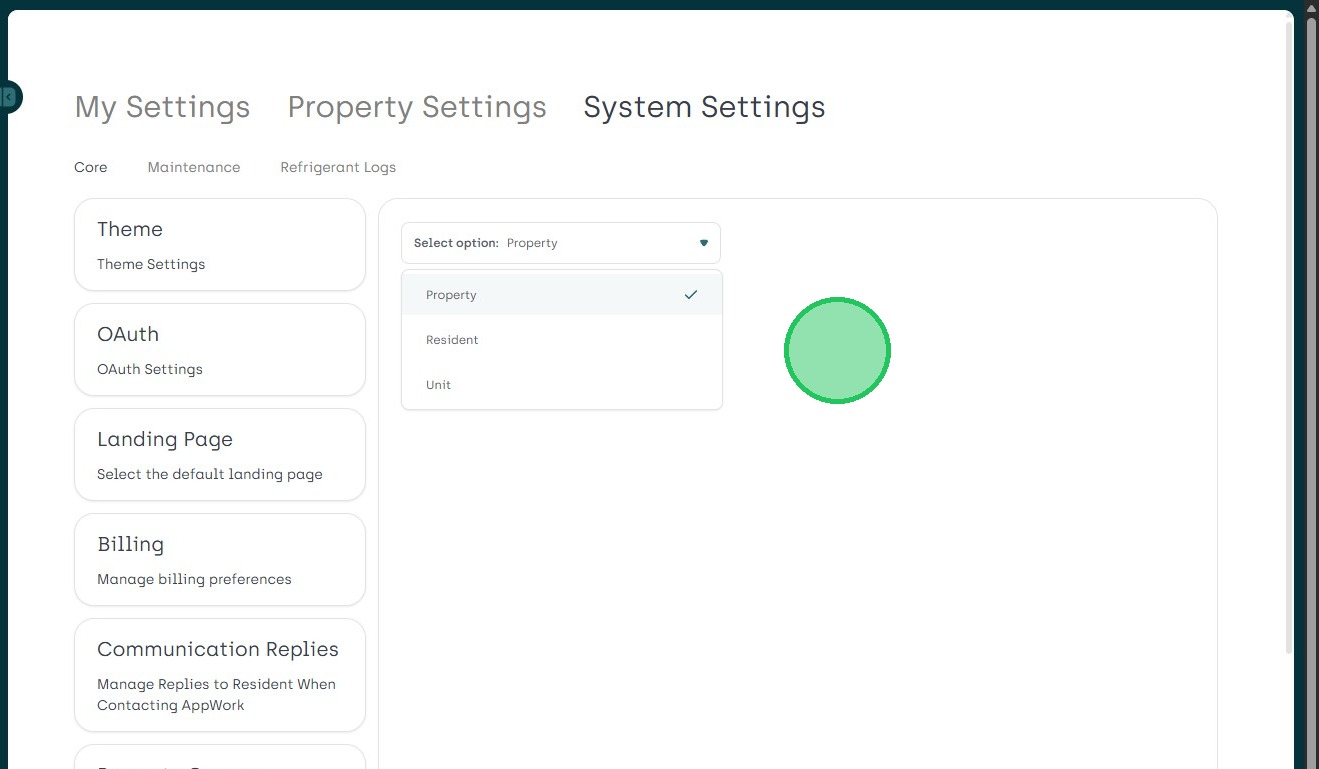
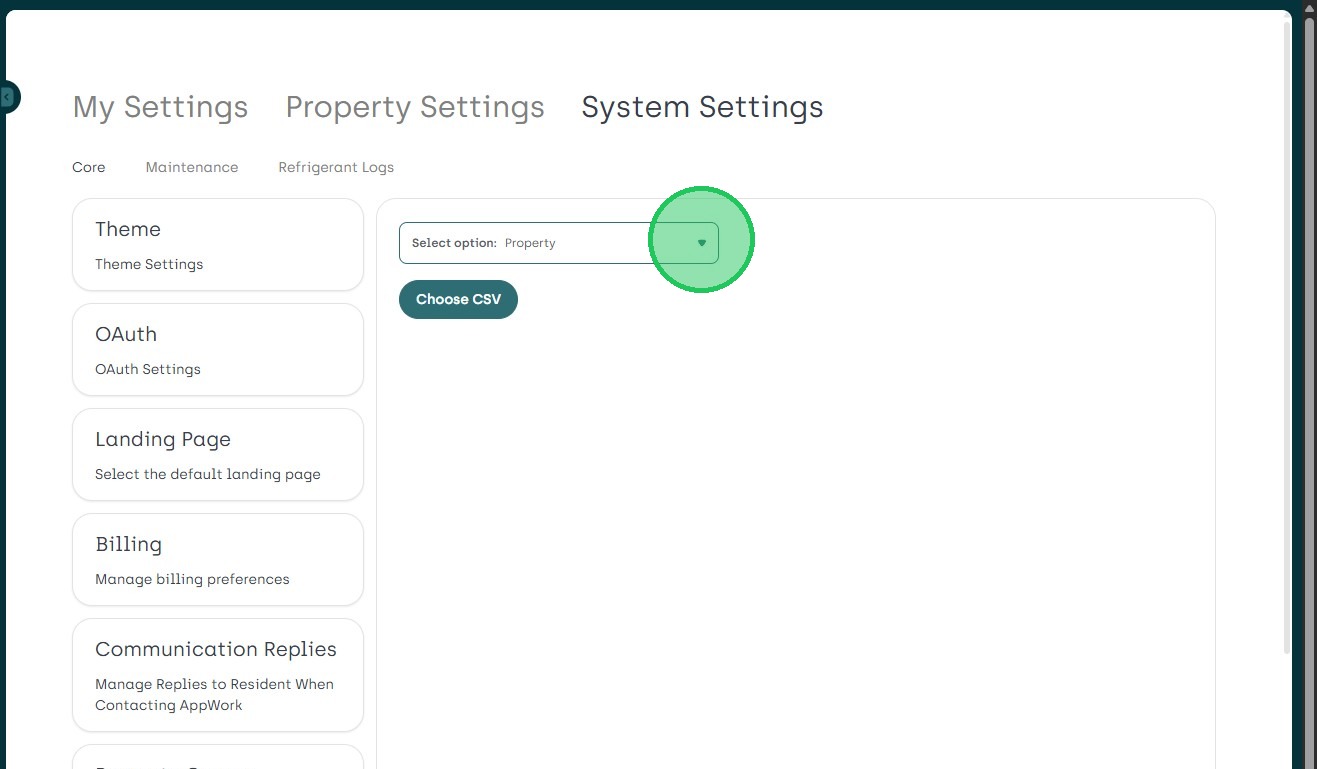
6. Click "1st - Select option: Property"
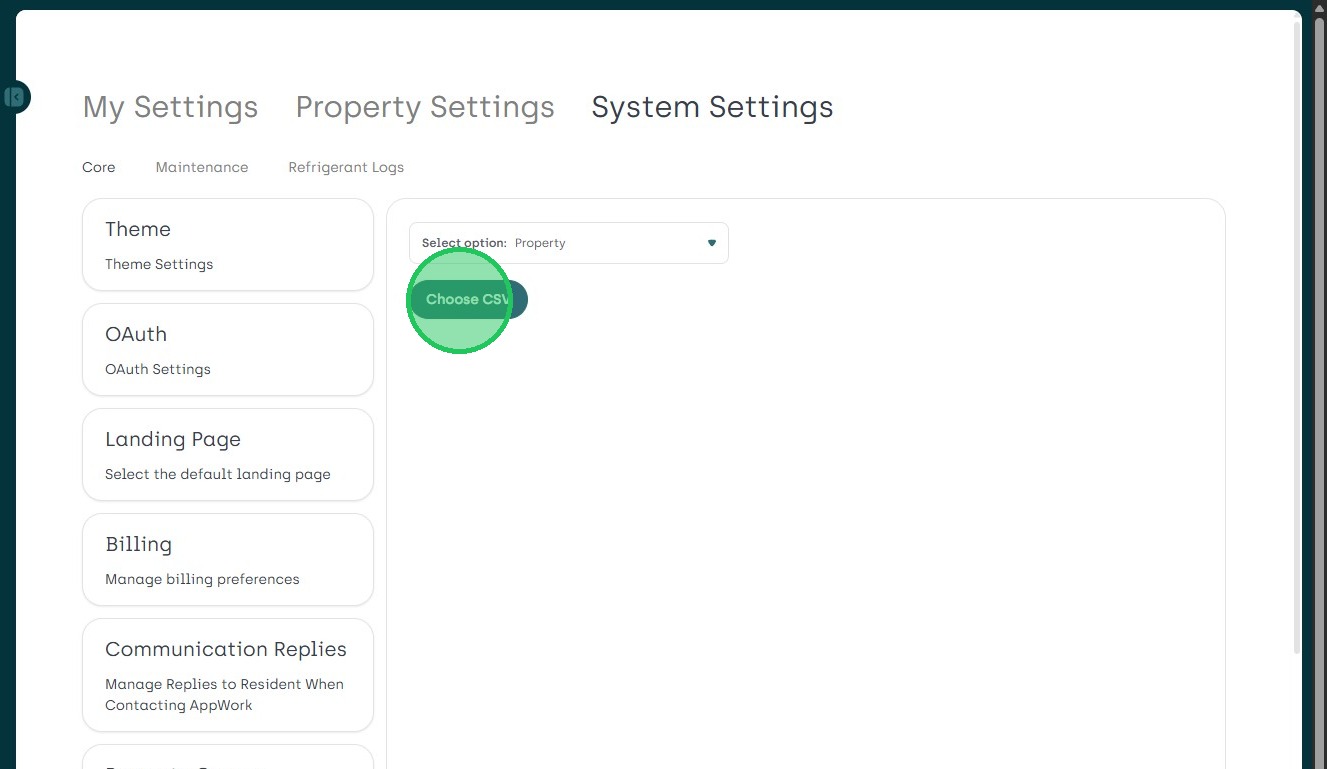
7. Click "Choose CSV"
8. Click this icon.
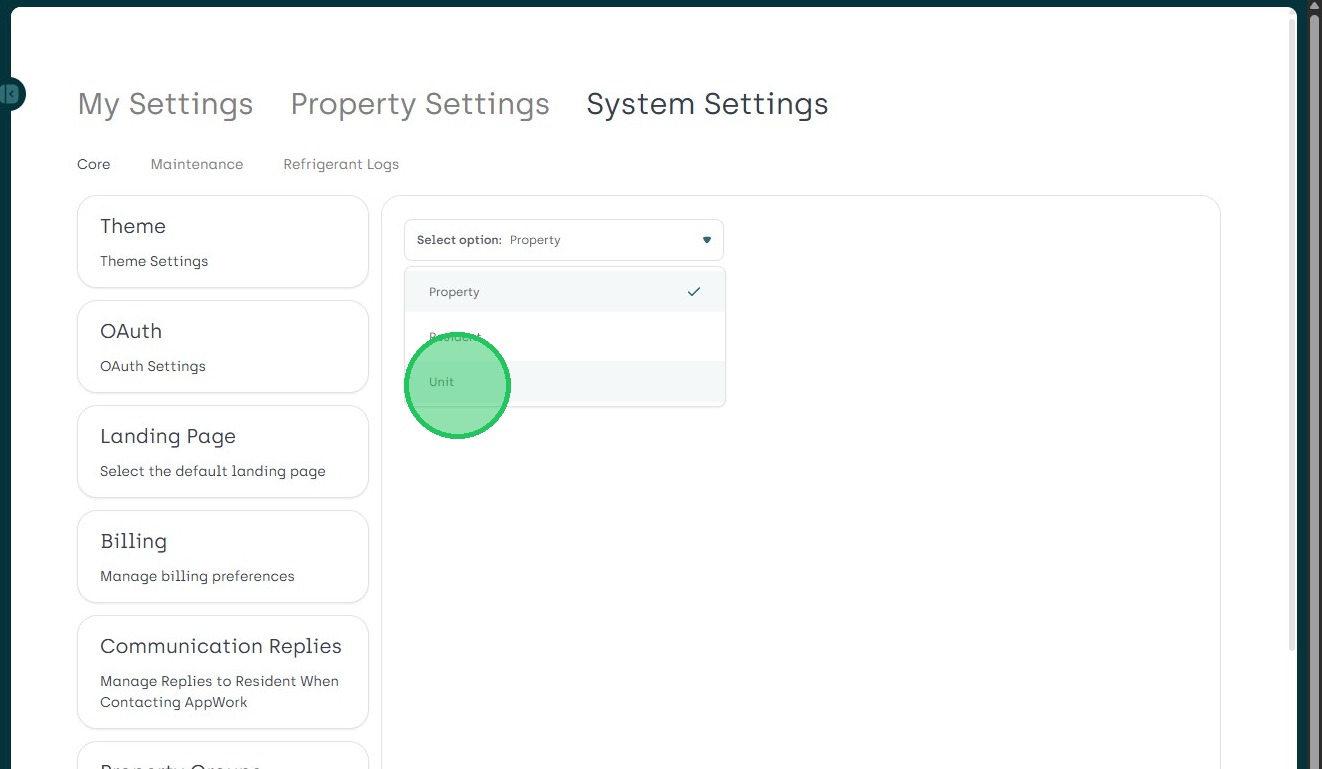
9. Click "2nd: Unit" And then Choose CSV.
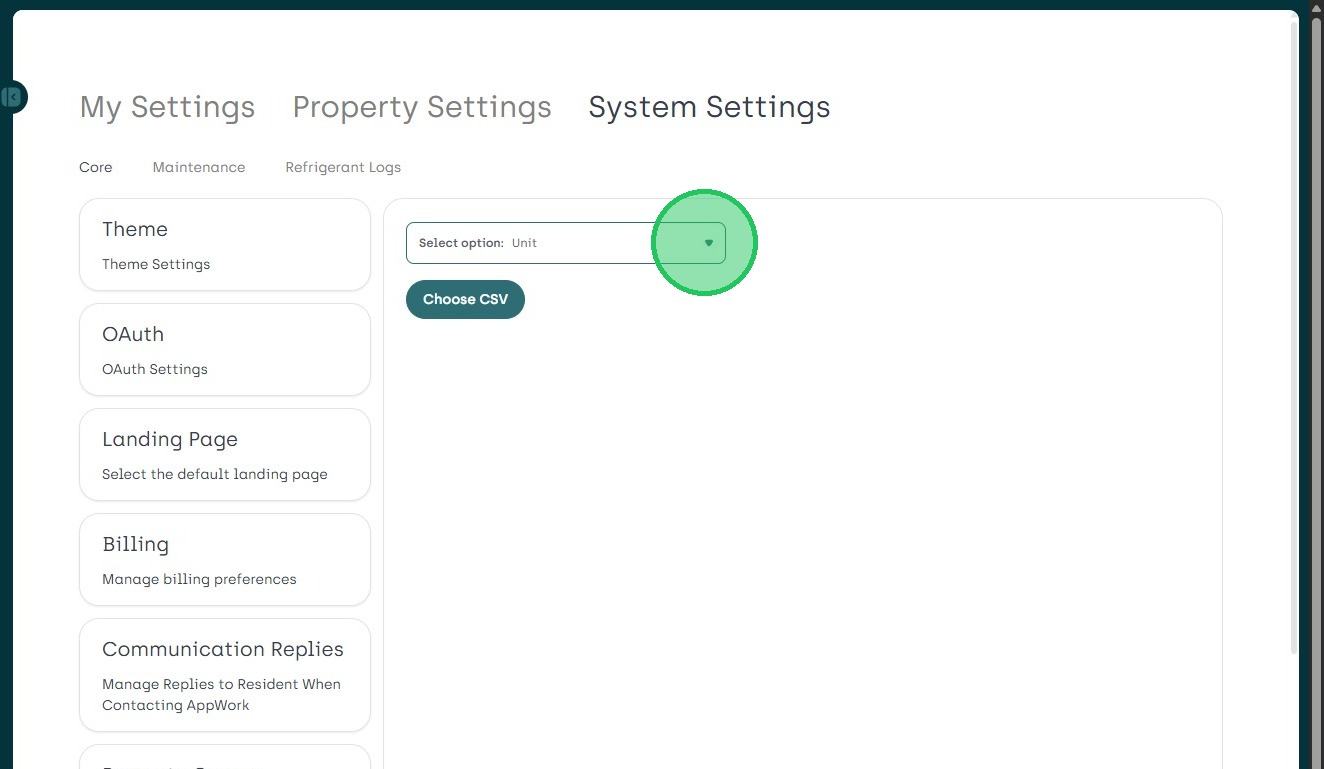
10. Click here.
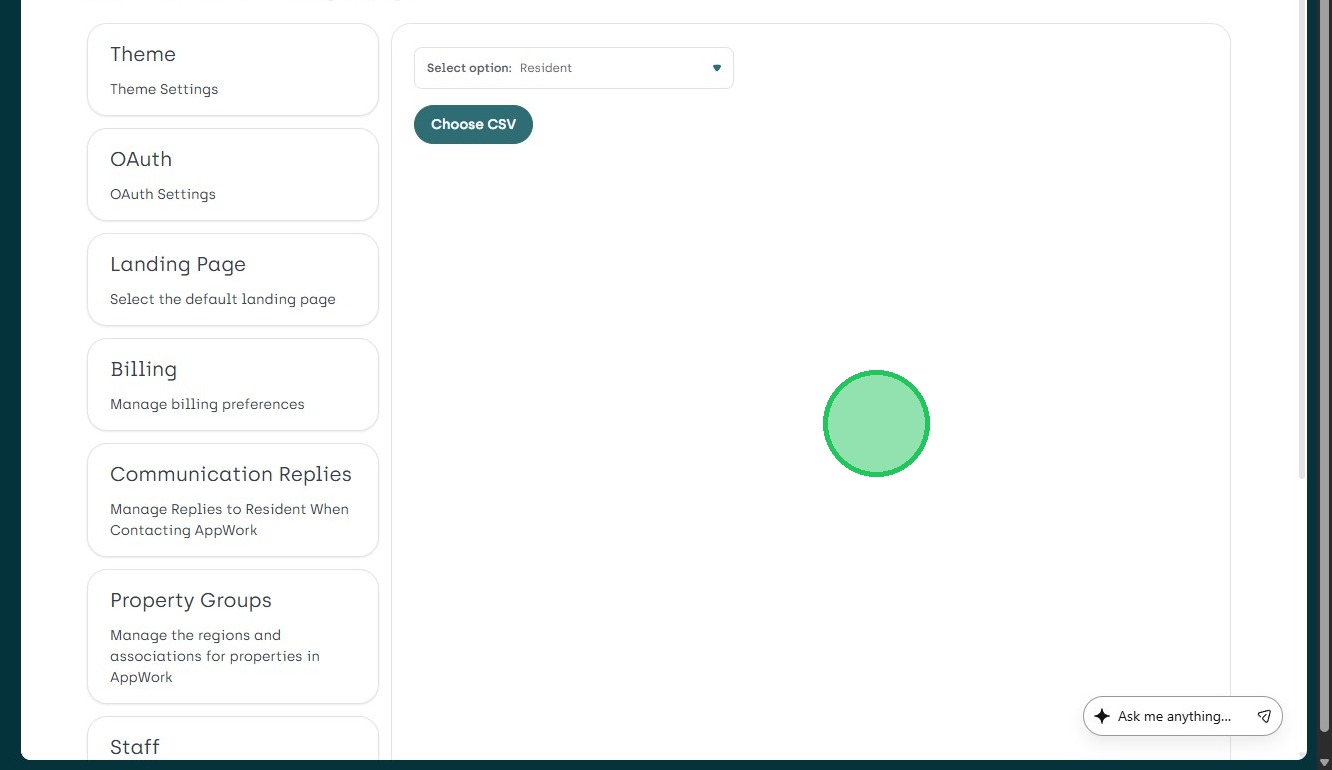
11. Click "3rd - Resident"
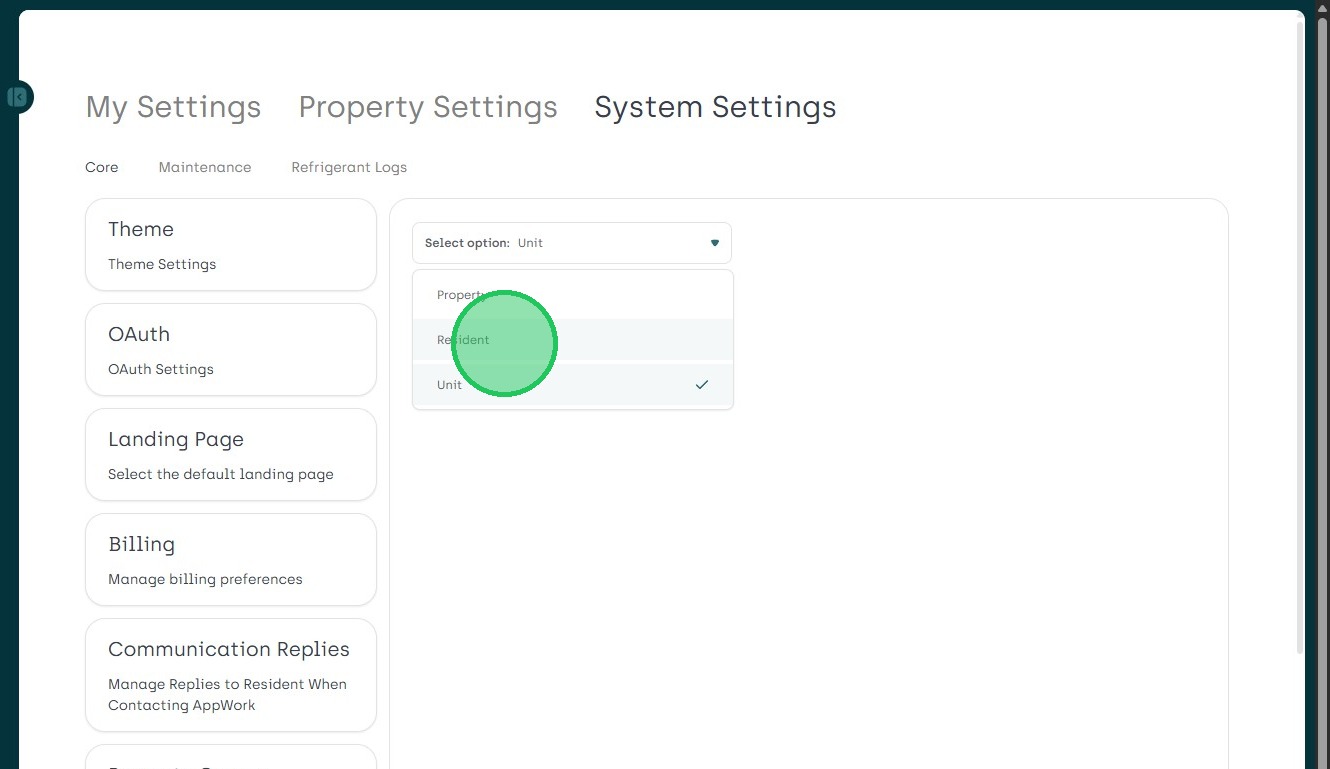
12. Click "Choose CSV"