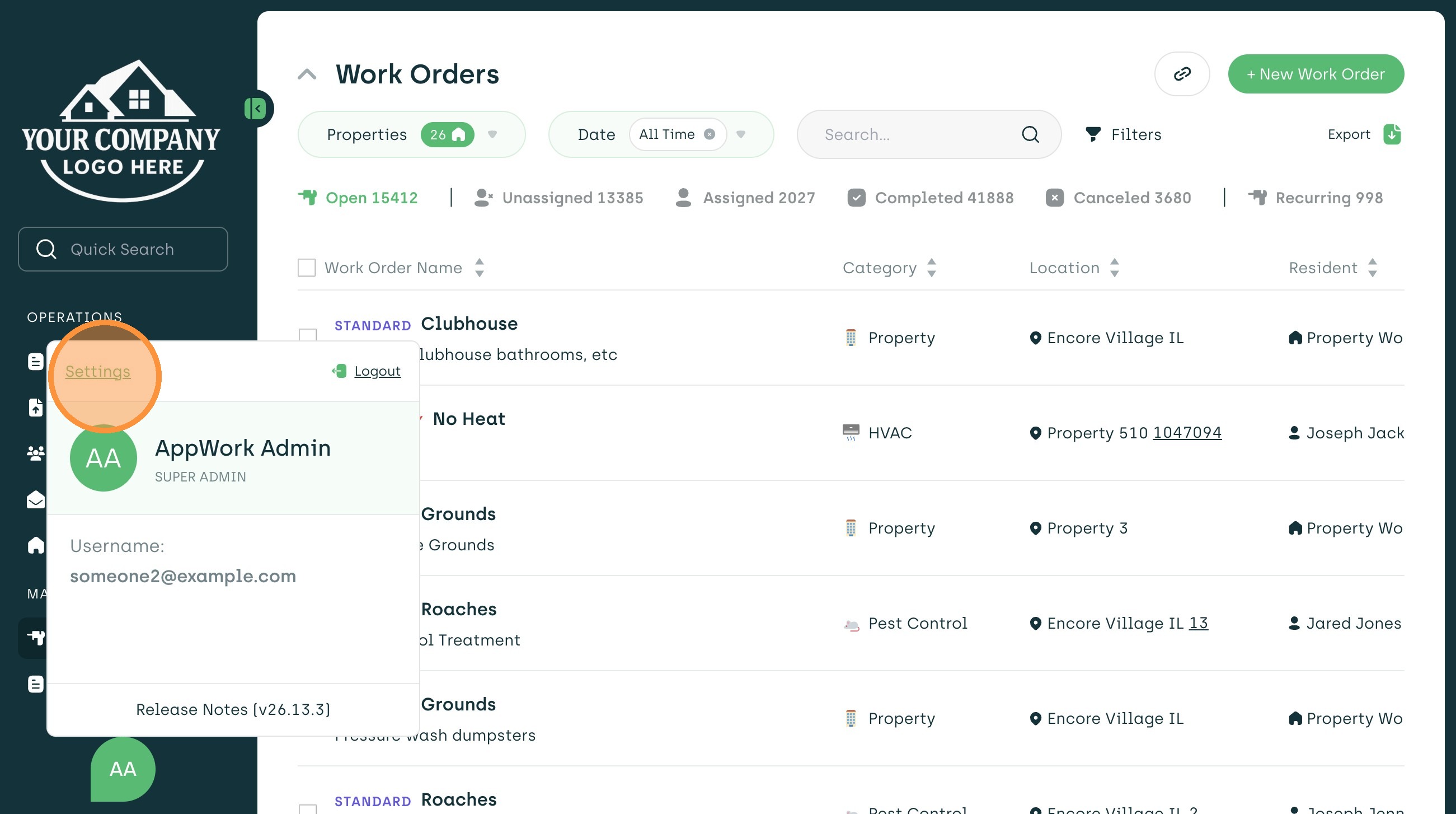
1. Navigate to Settings
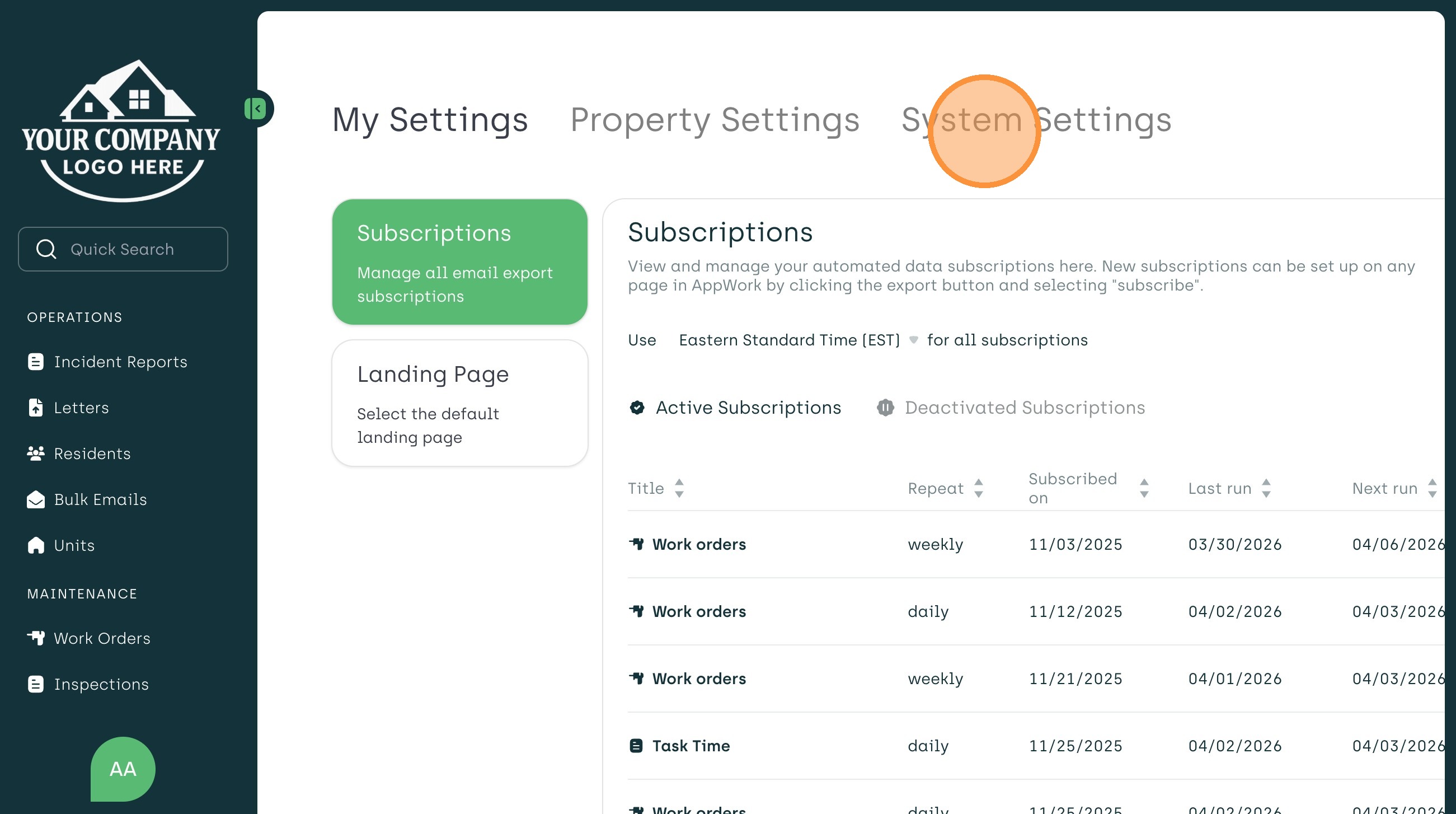
2. Select The System Settings Tab
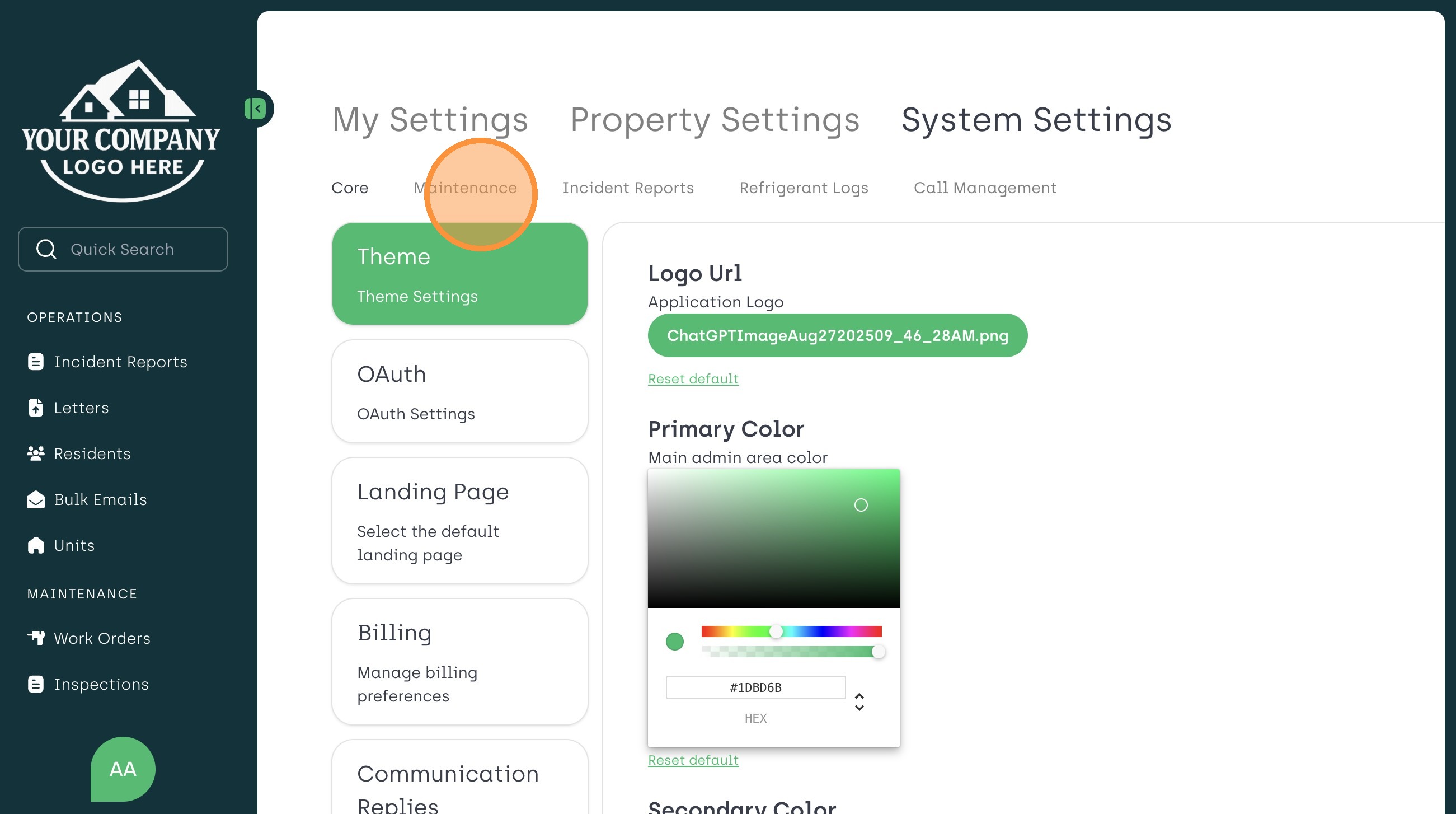
3. Choose The Maintenance Sub-Tab
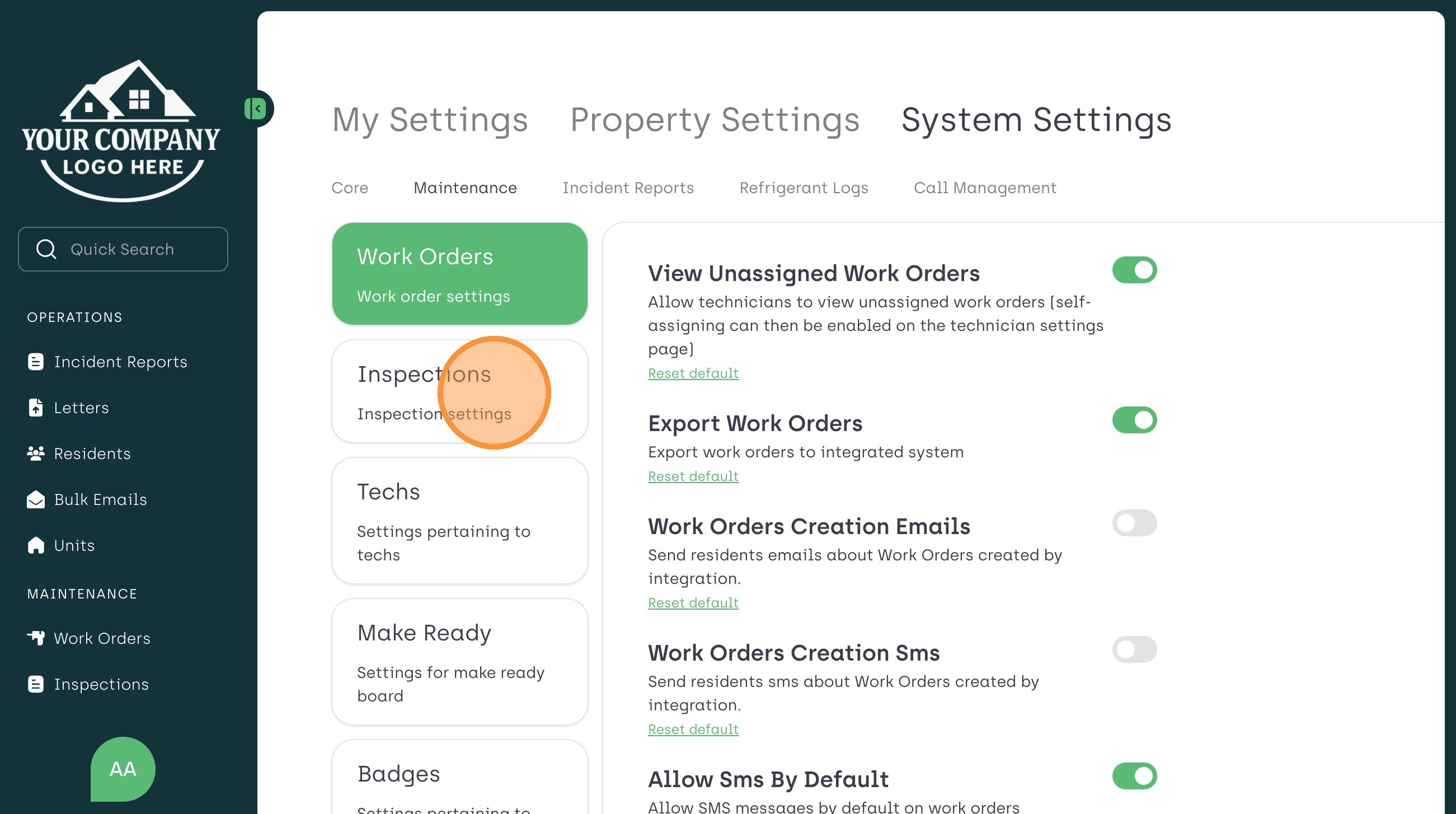
4. Click The Inspections Tab
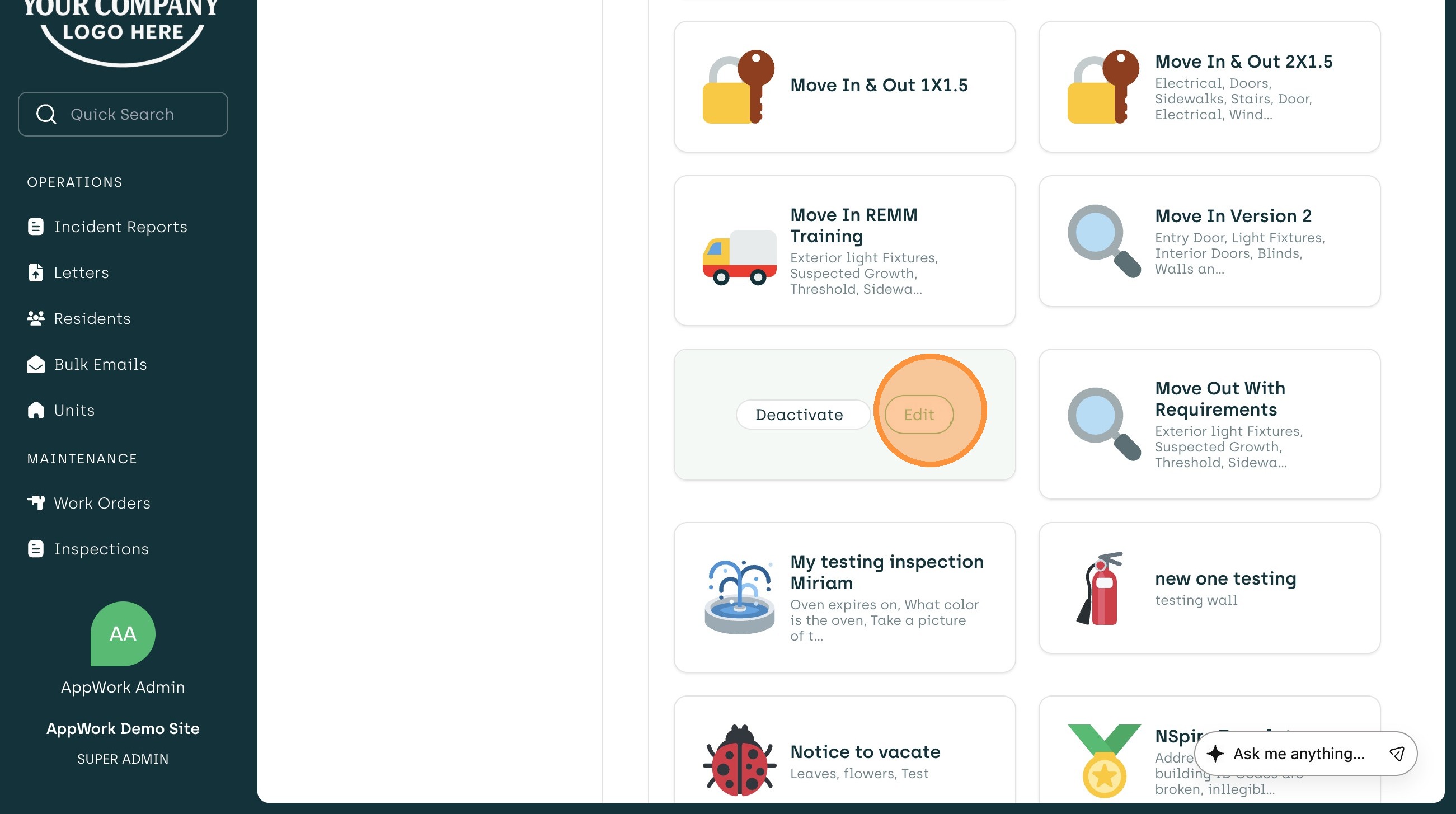
5. Navigate to The Desired Inspection to Edit
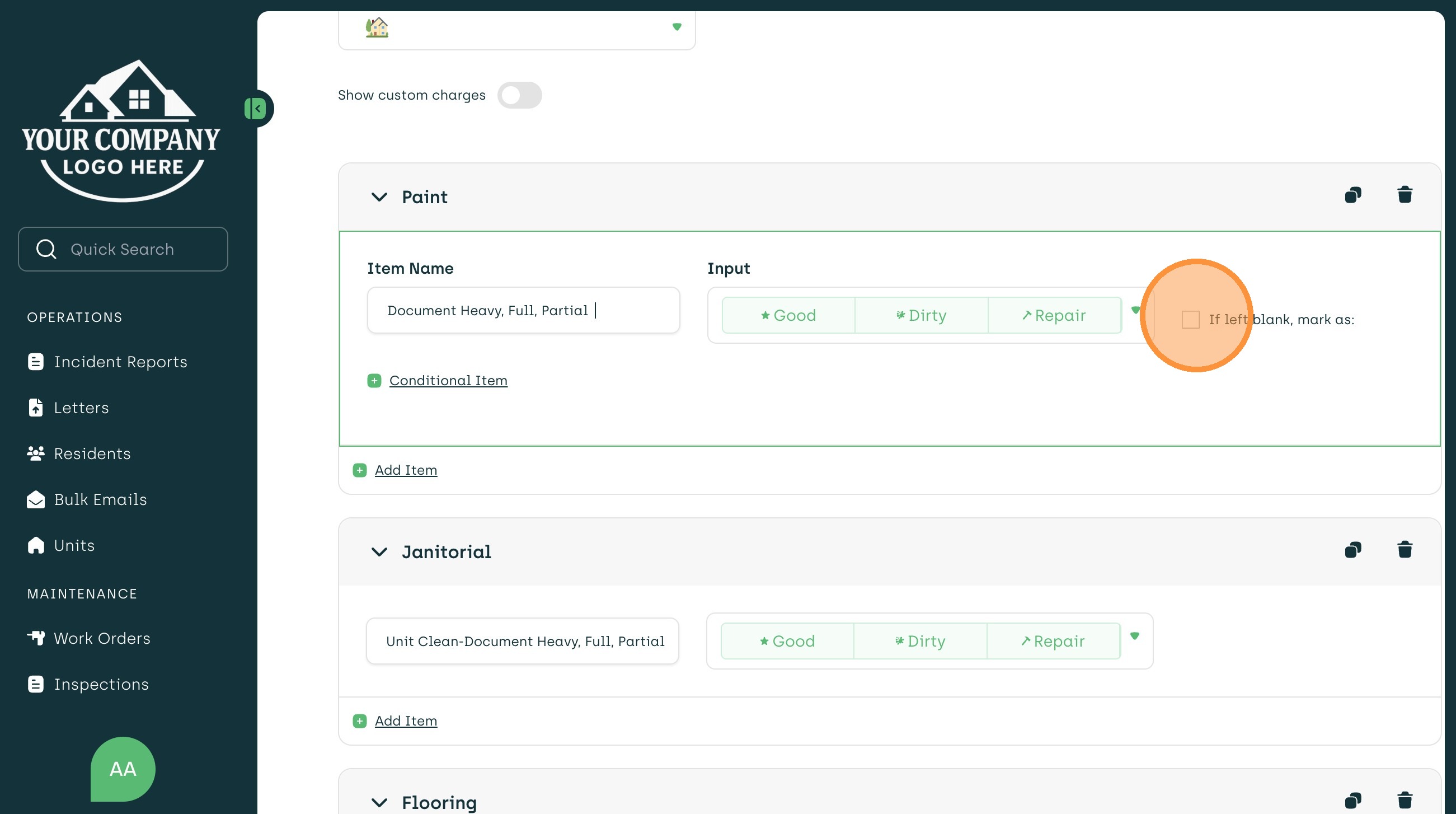
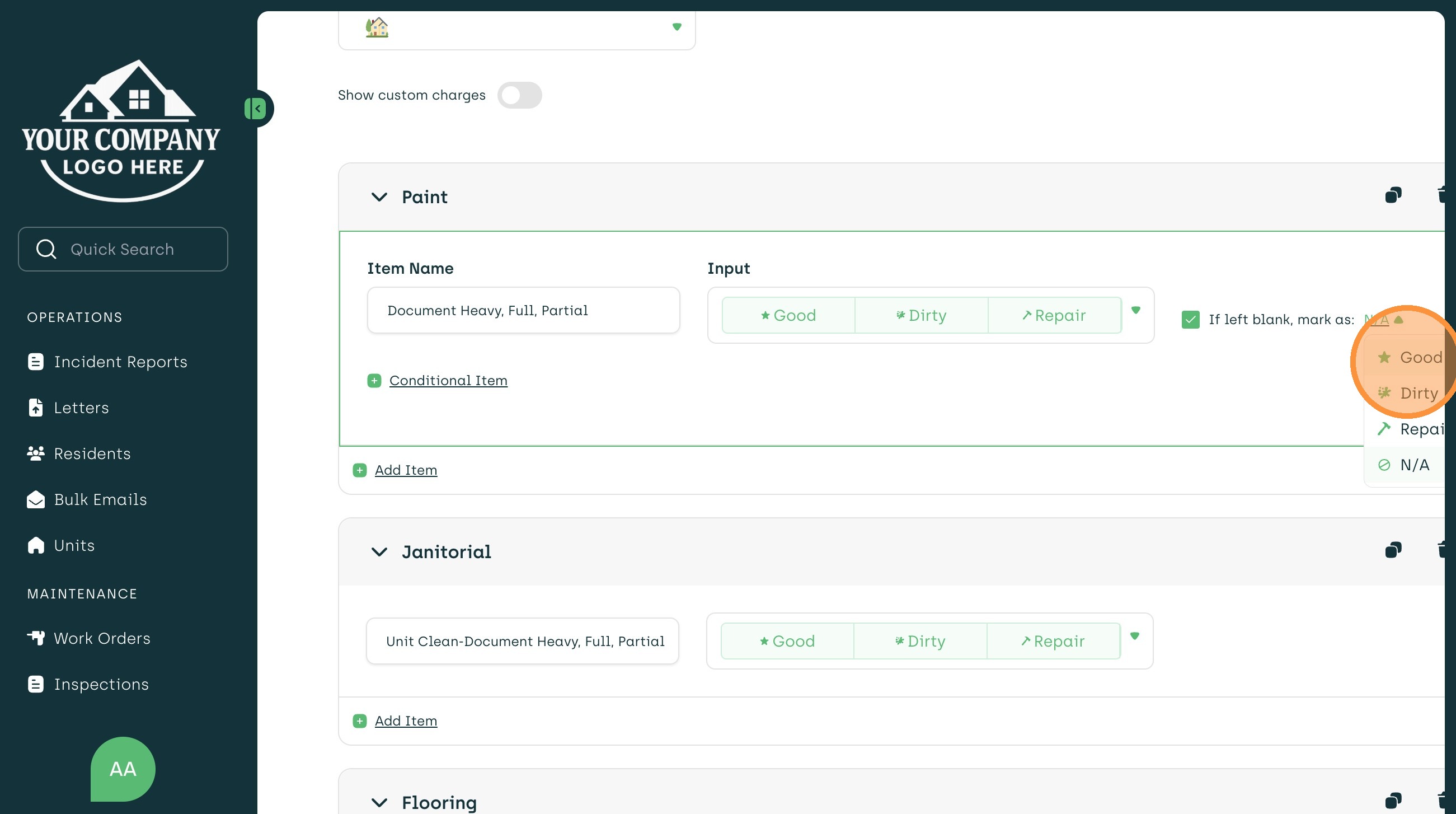
7. For Choosing a Default When Left Blank- Click The Box Next to "If Left Blank, Mark As"
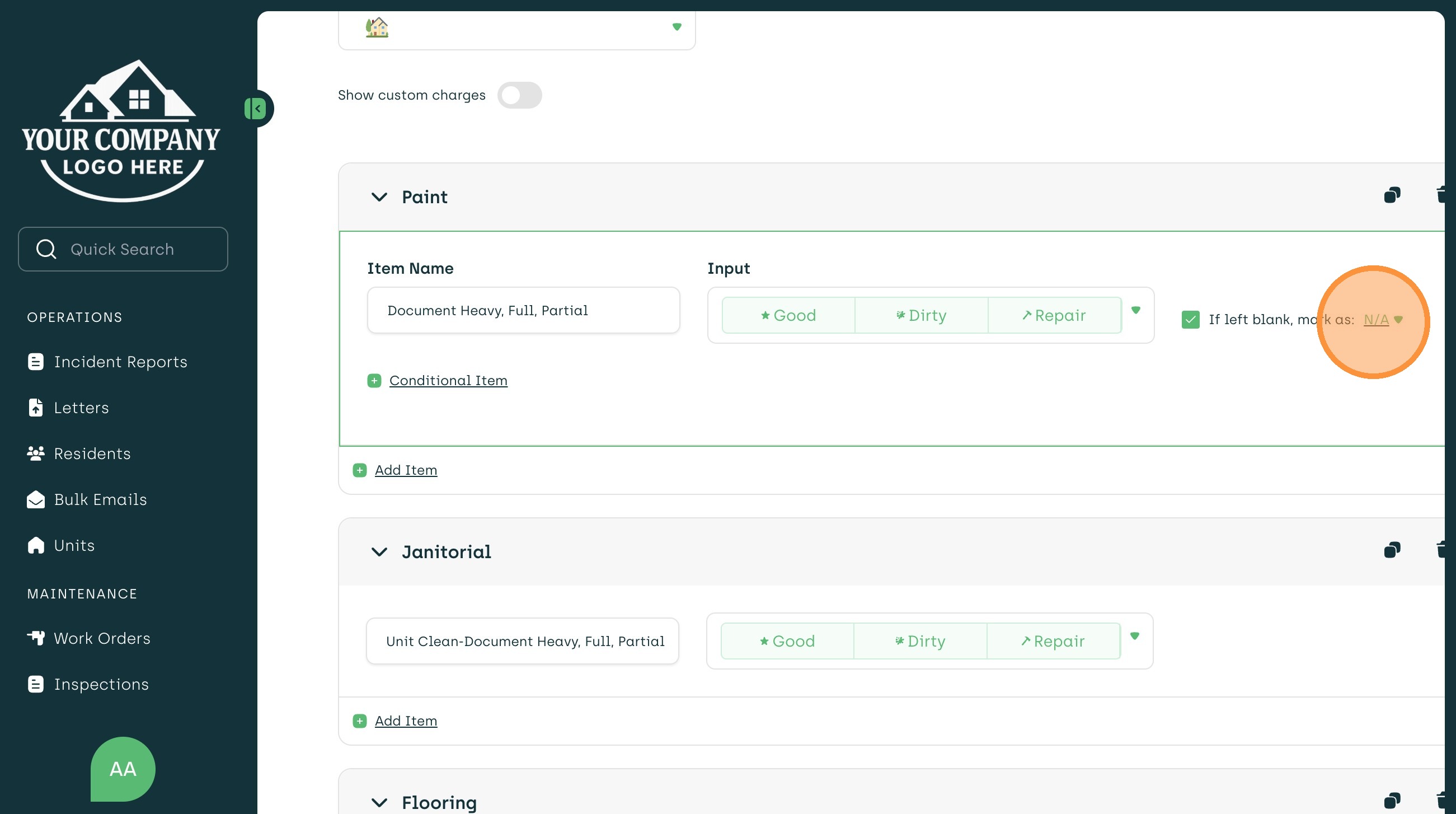
8. Select The Drop Down Options
9. Choose The Option That Best Fits Your Needs
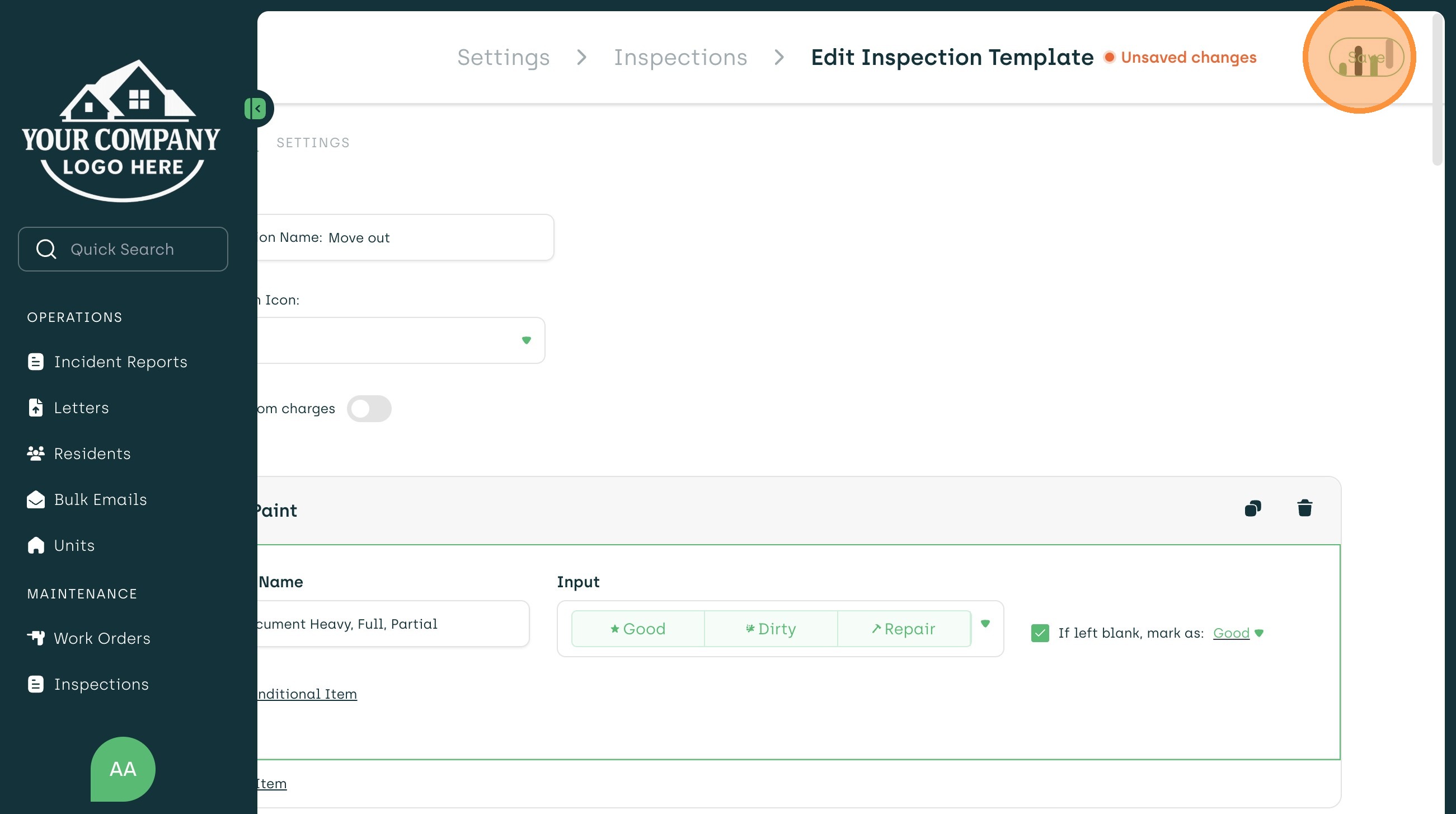
10. Once Completed, Select Save In The Top Right Of The Page