Skip to content
  • There are no suggestions because the search field is empty.

How to Set an Inspection to Auto-Generate

This guide shows how to enable and configure automatic inspection creation so inspections are generated without manual steps. It walks admins through the exact menu path and settings toggles, and explains how to set the rules that determine when an inspection is auto-created. Use it to save time, ensure consistency, and reduce missed inspections.

1. Navigate to your Admin Portal
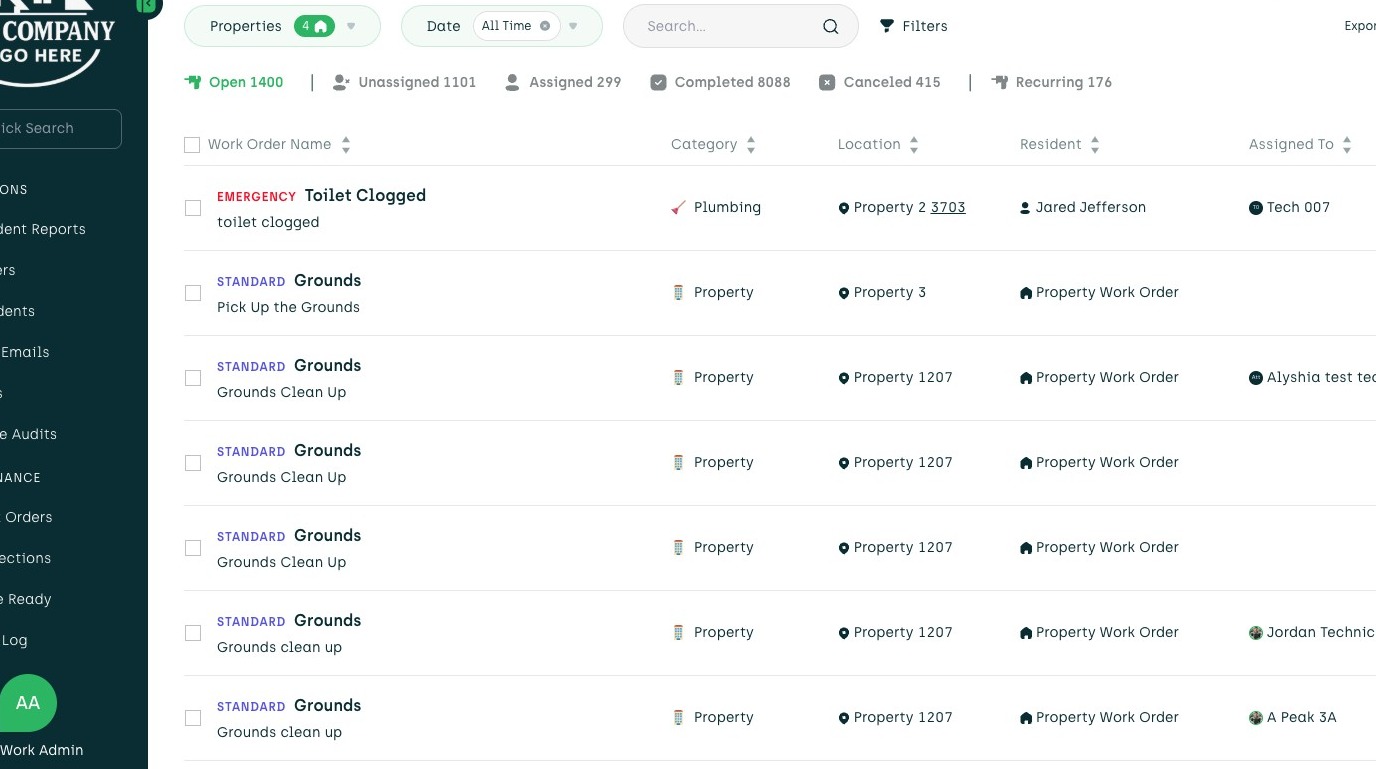
2. Click the bubble icon
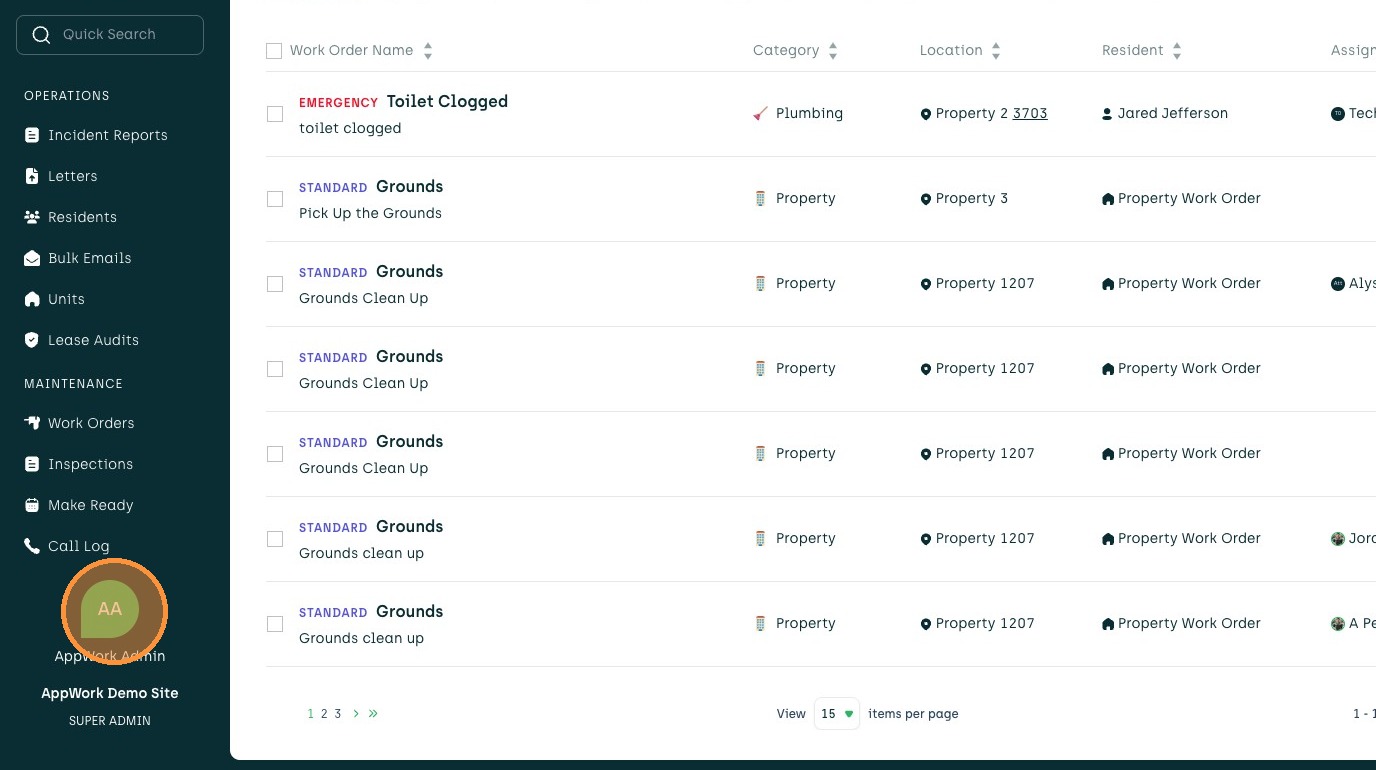
3. Click "Settings"
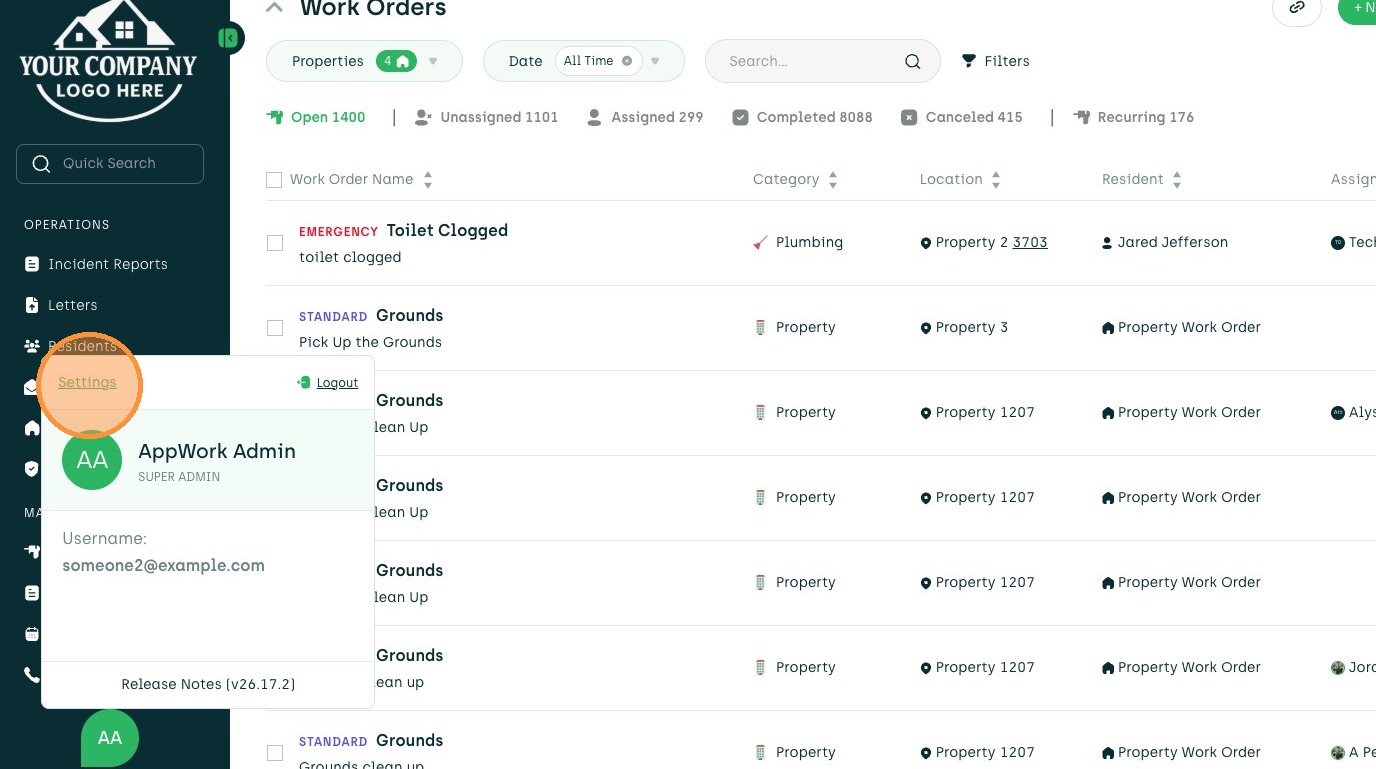
4. Click "System Settings"
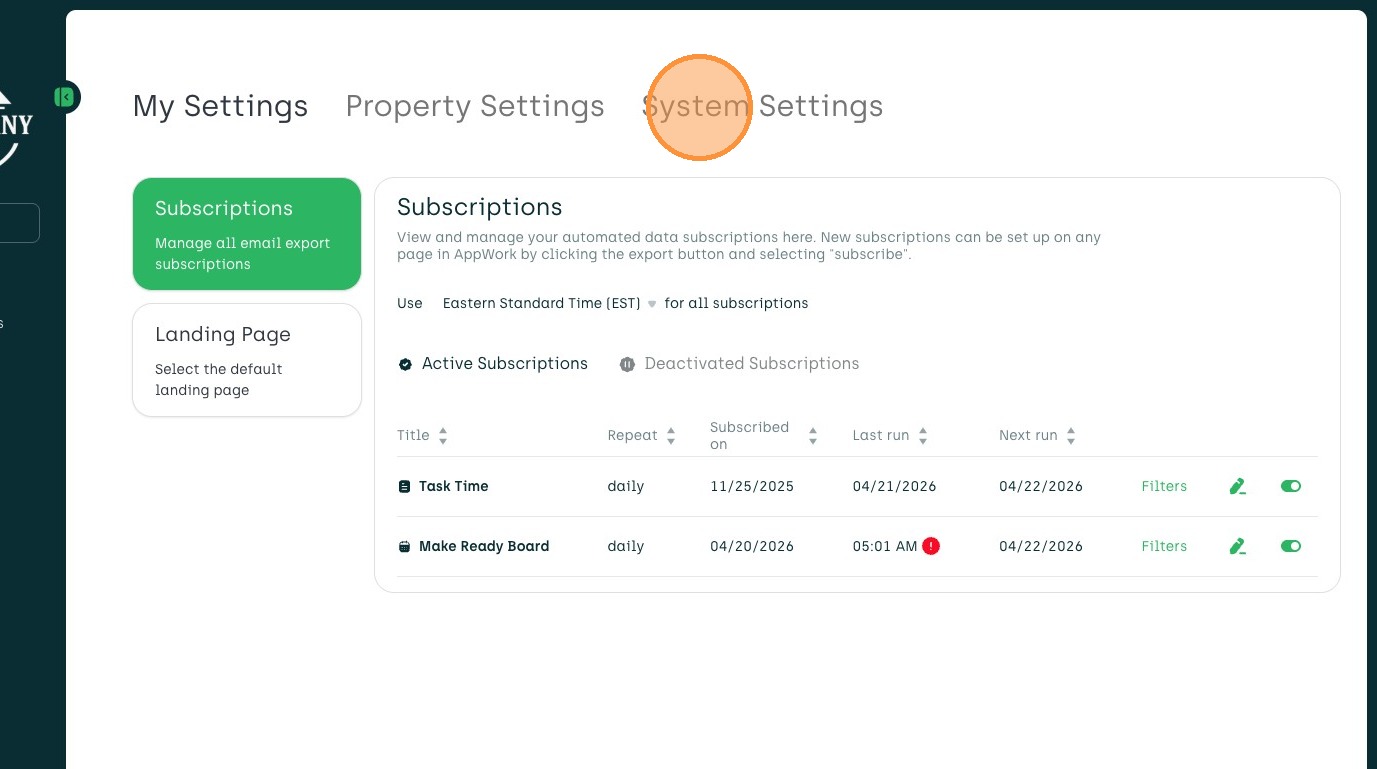
5. Click "Maintenance"
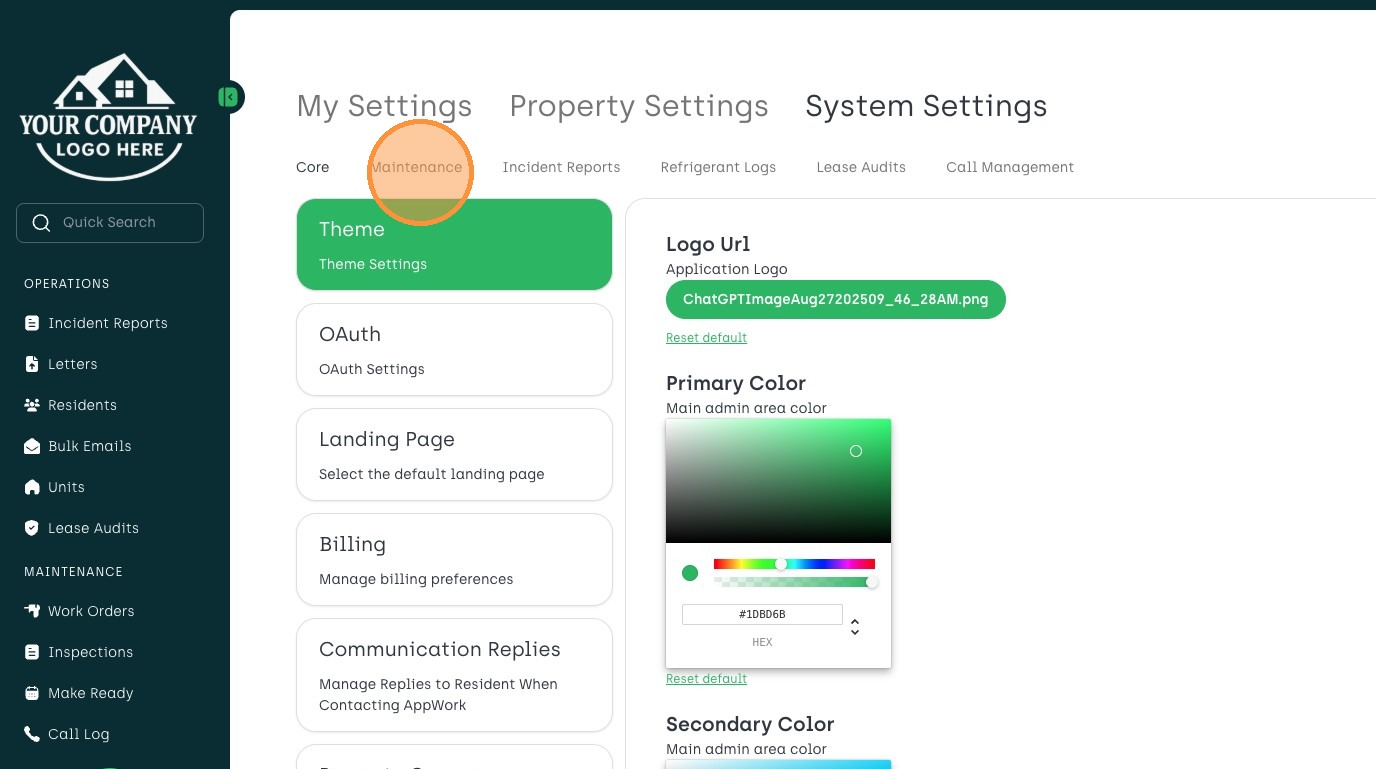
6. Click "Inspections"
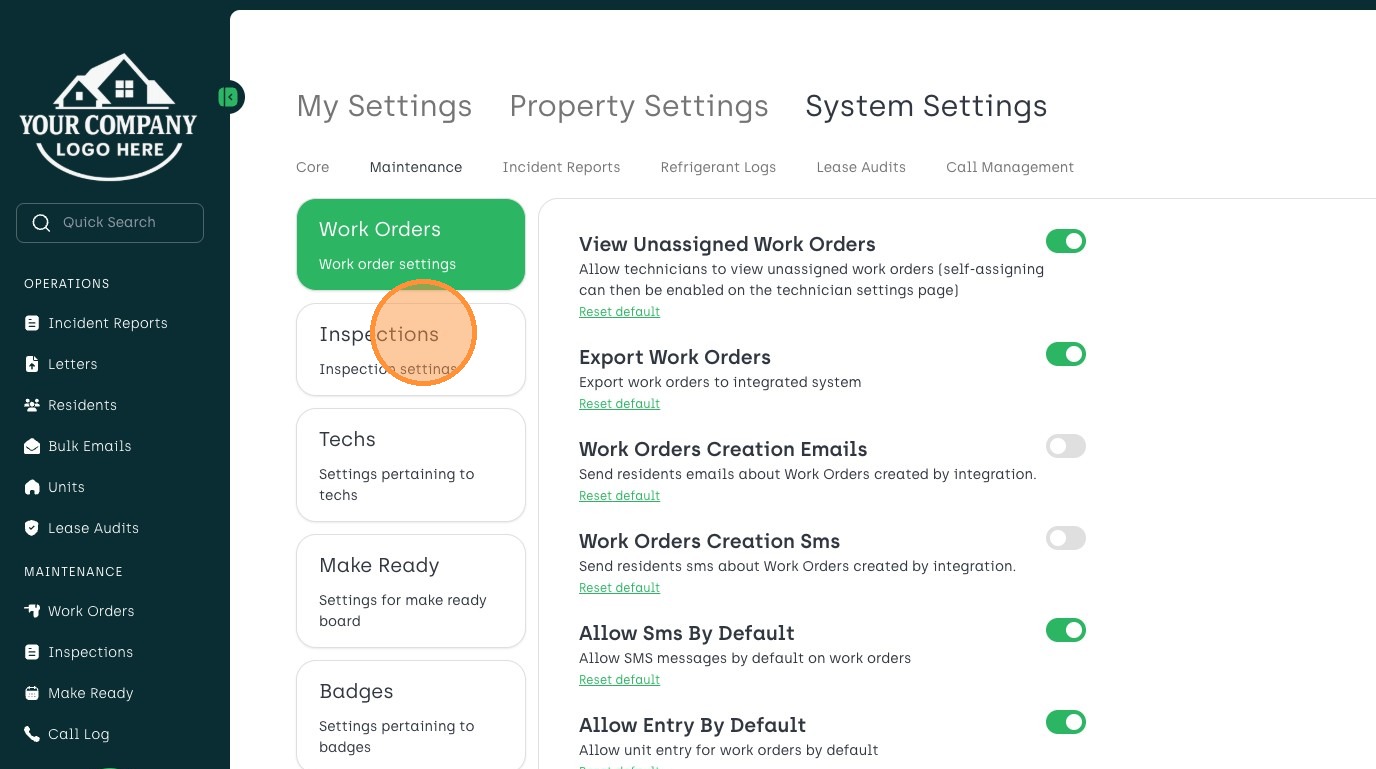
7. Click "Edit" for desired inspection
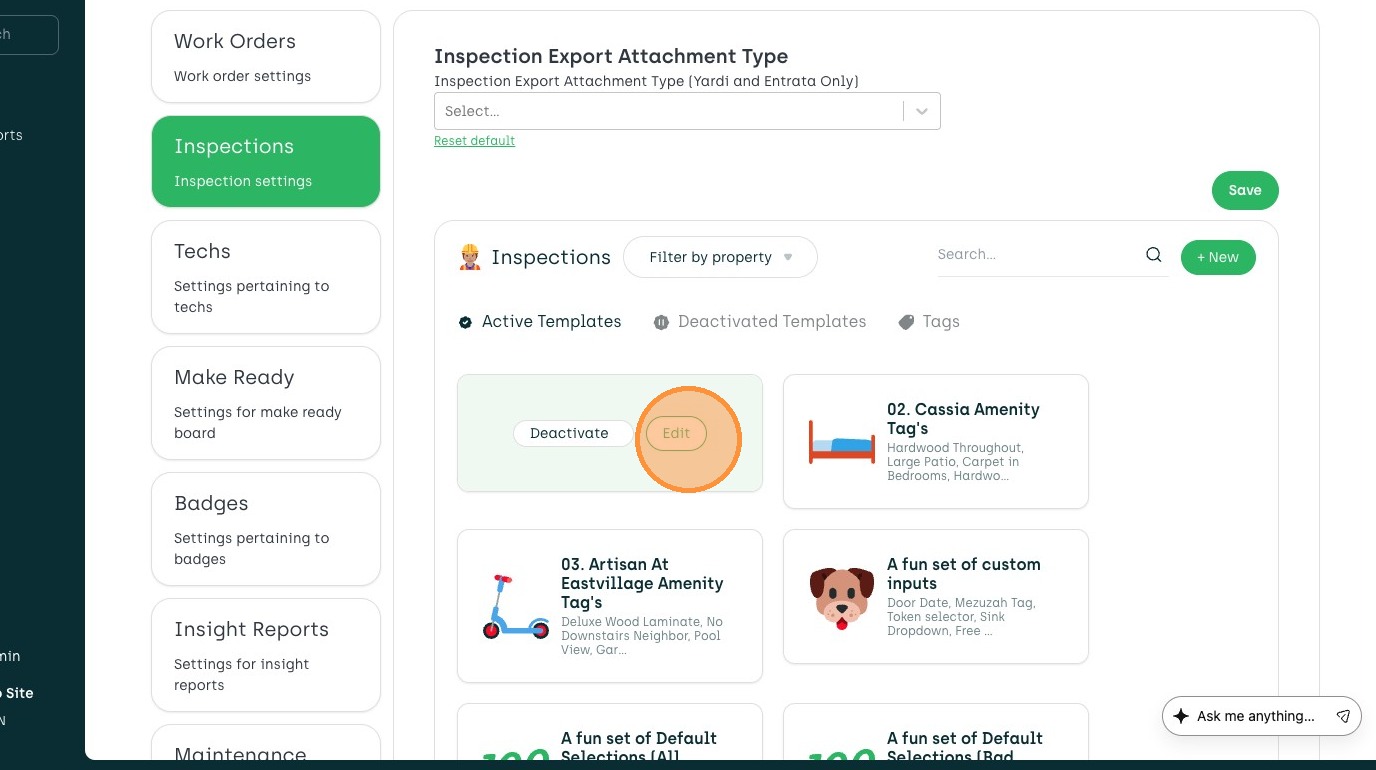
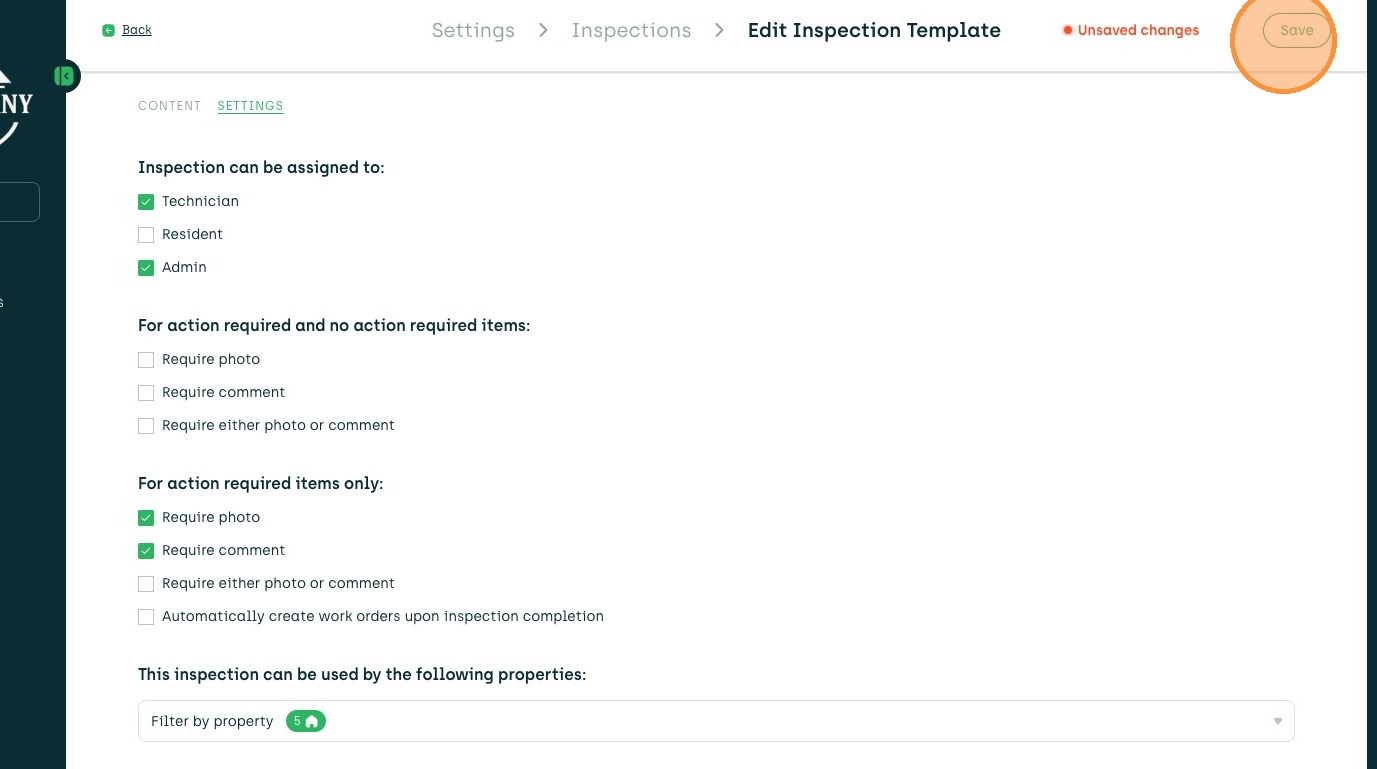
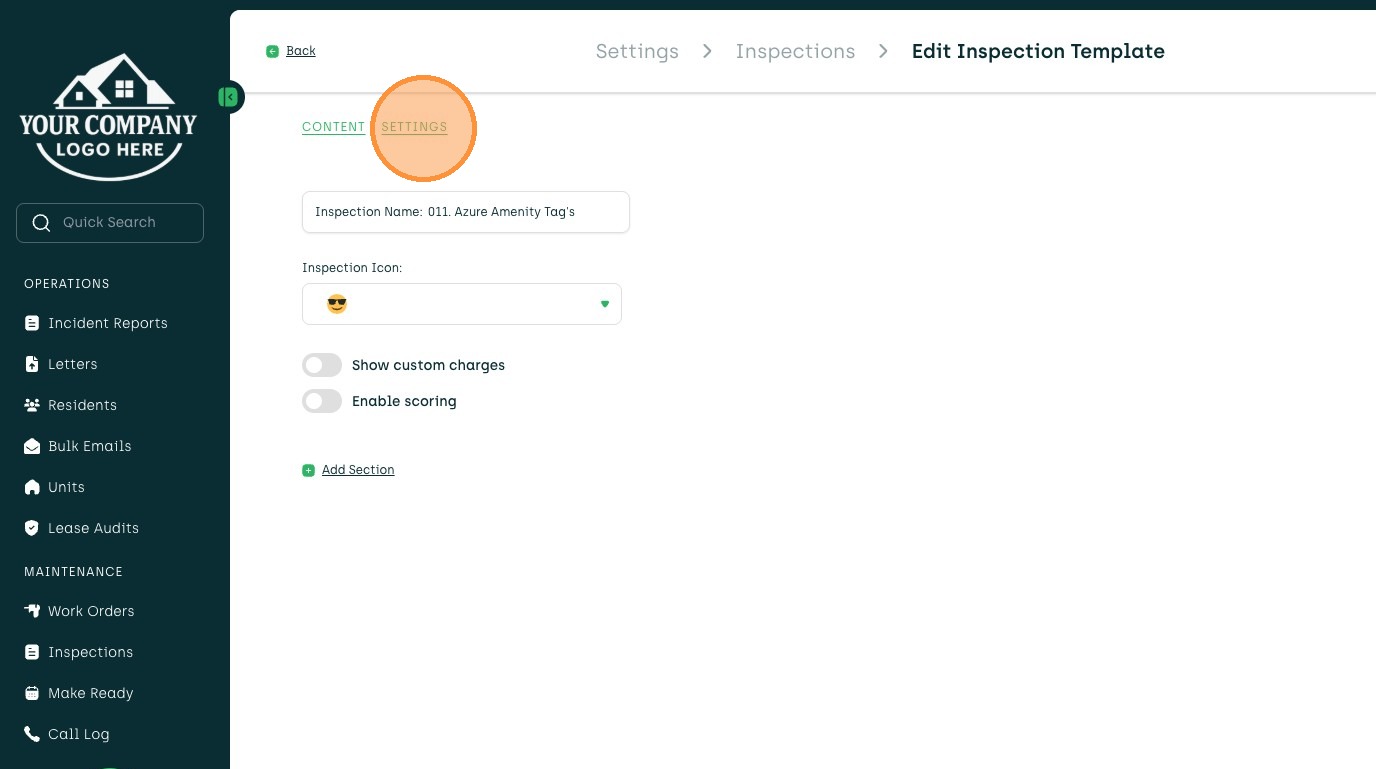
8. Click "SETTINGS"
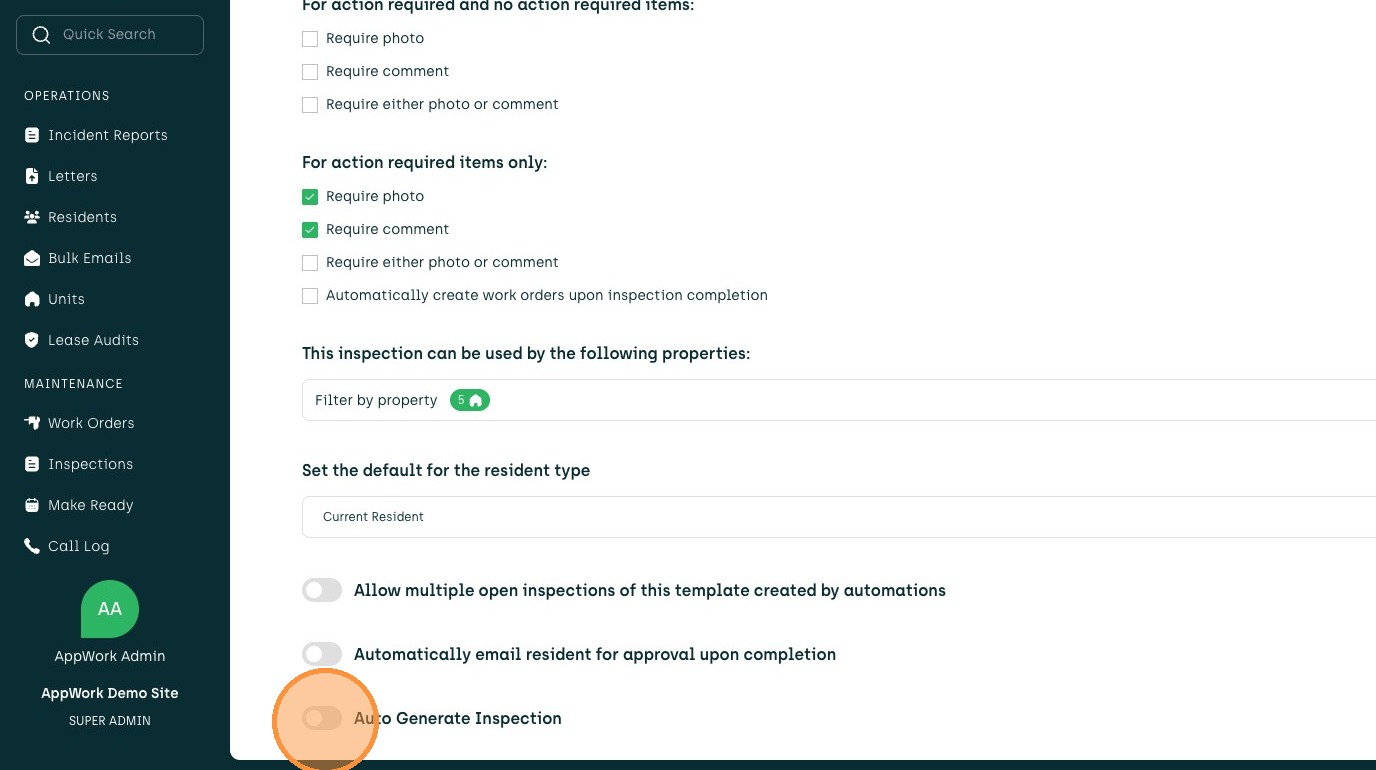
9. Toggle Auto Generate Inspection on
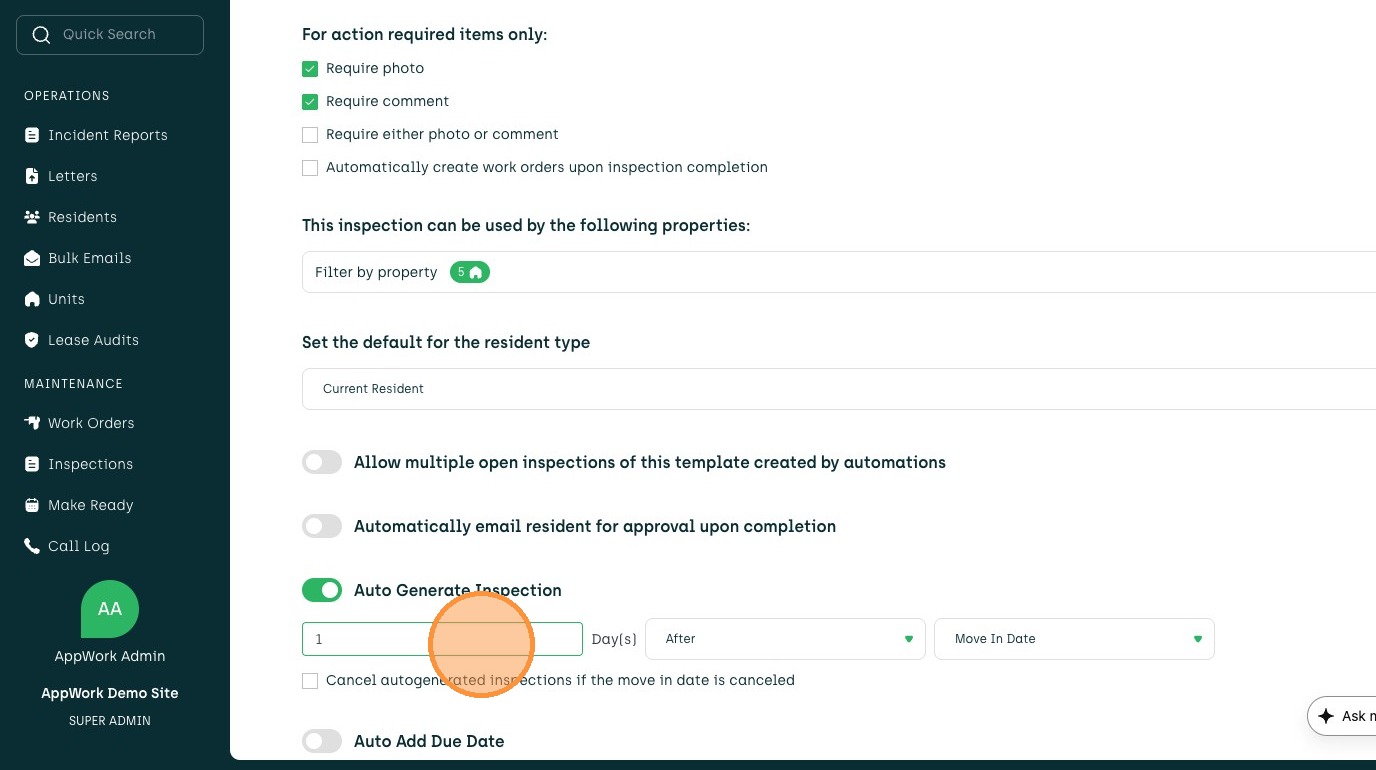
10. Manage guidelines for when the Inspection is generated
11. Click "Save"