Finding Callbacks From The Reports Tab
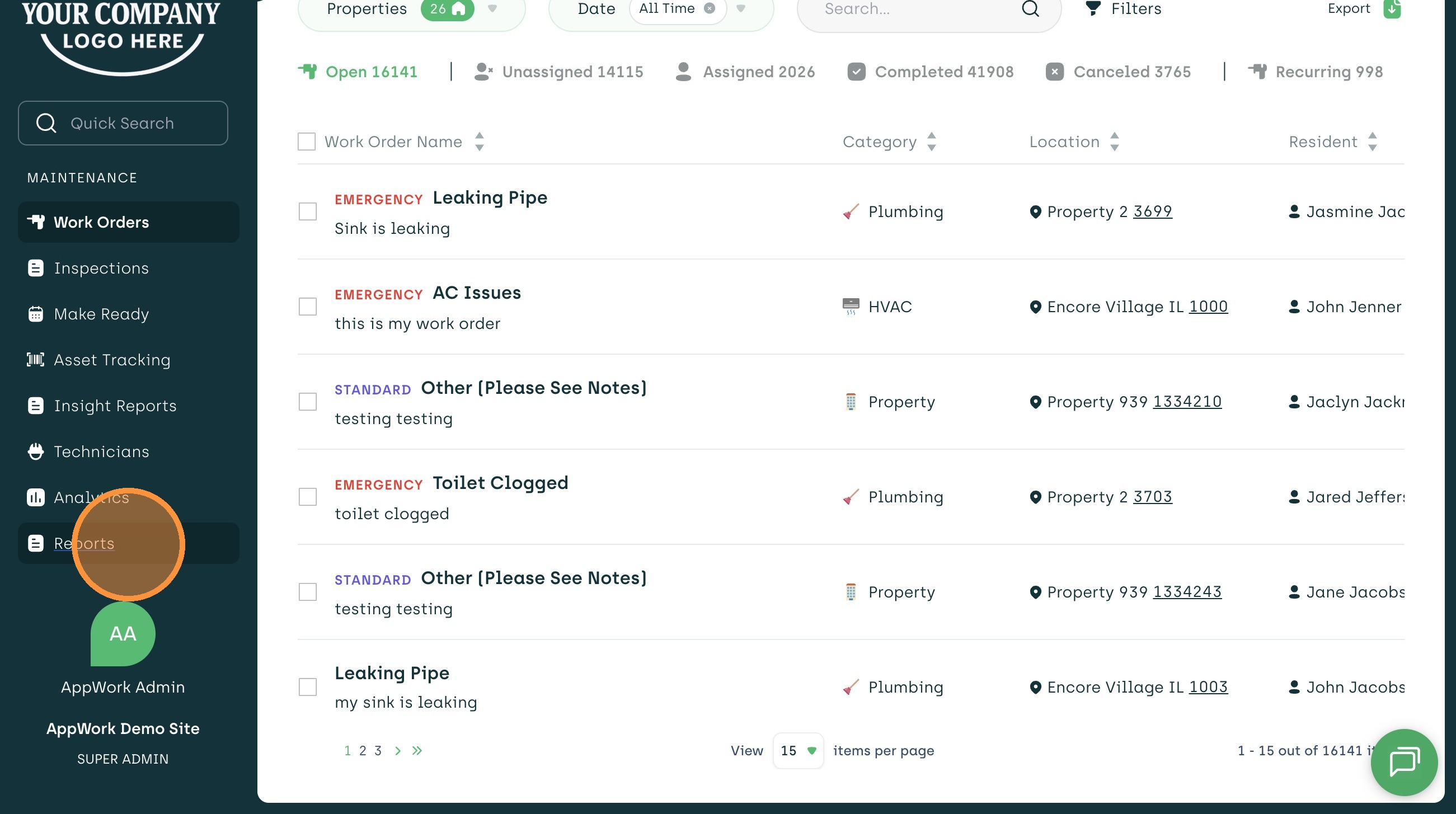
1. Select "Reports" Tab on The Left
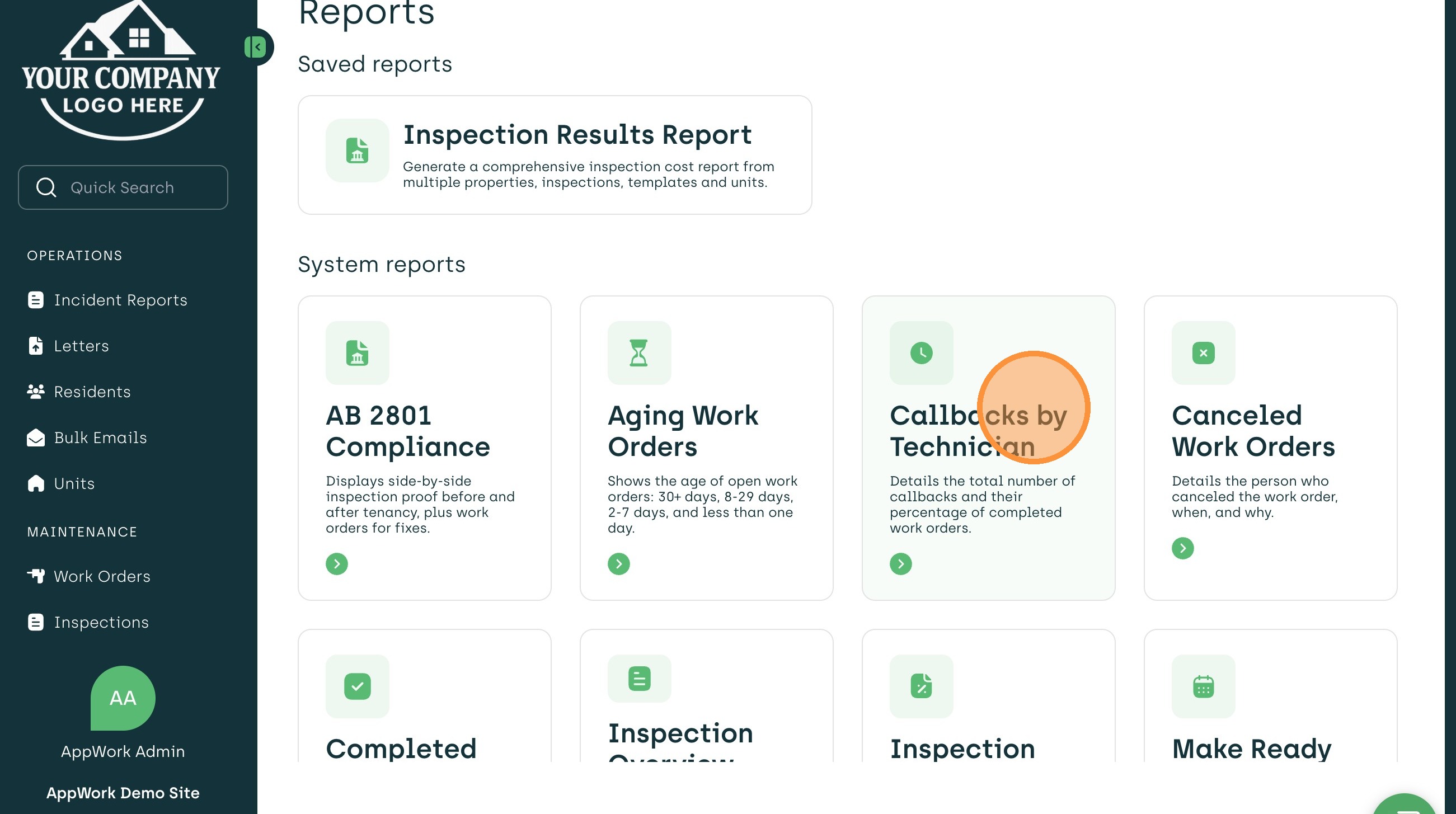
2. Choose The "Callbacks by Technician" Report
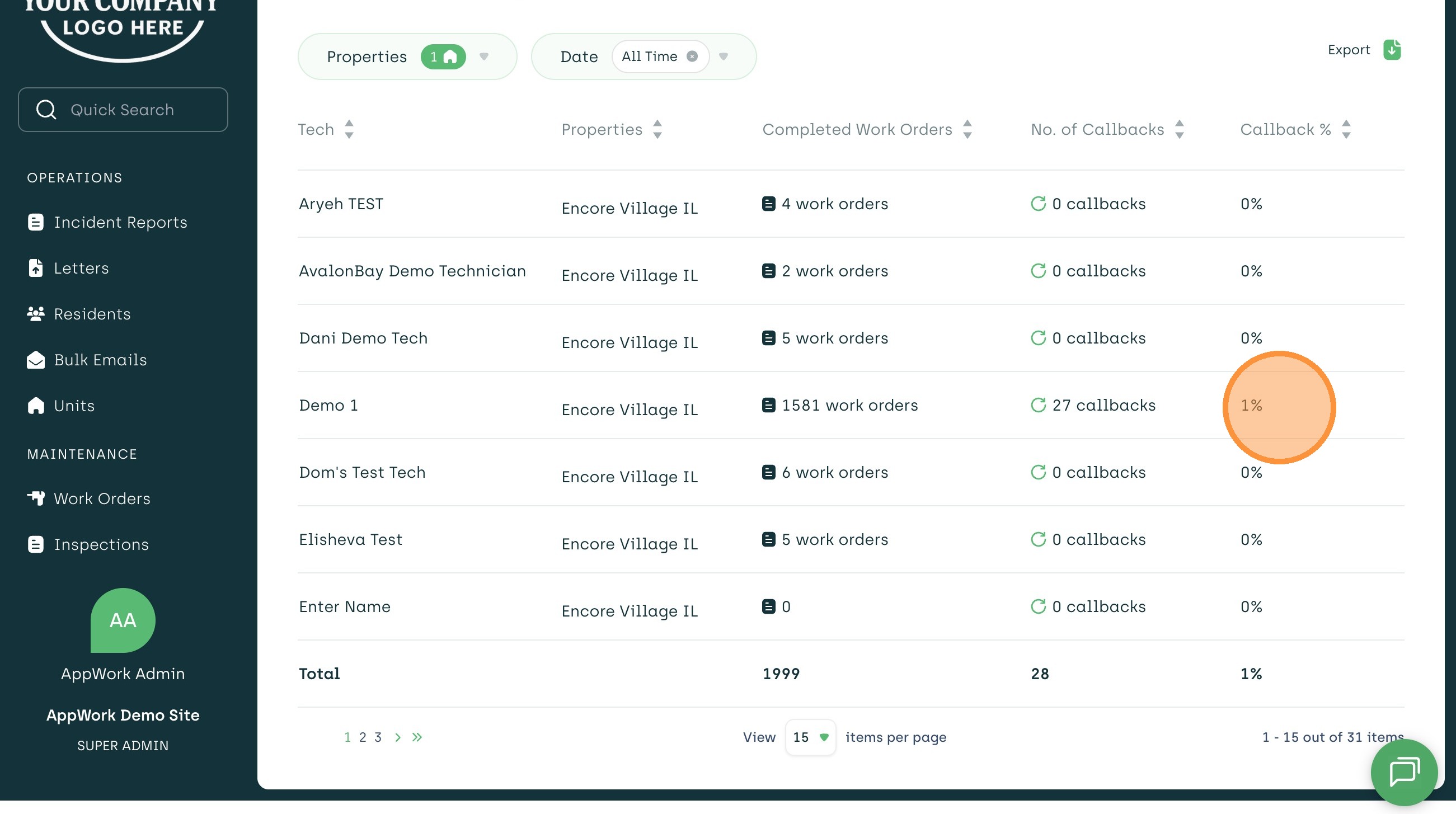
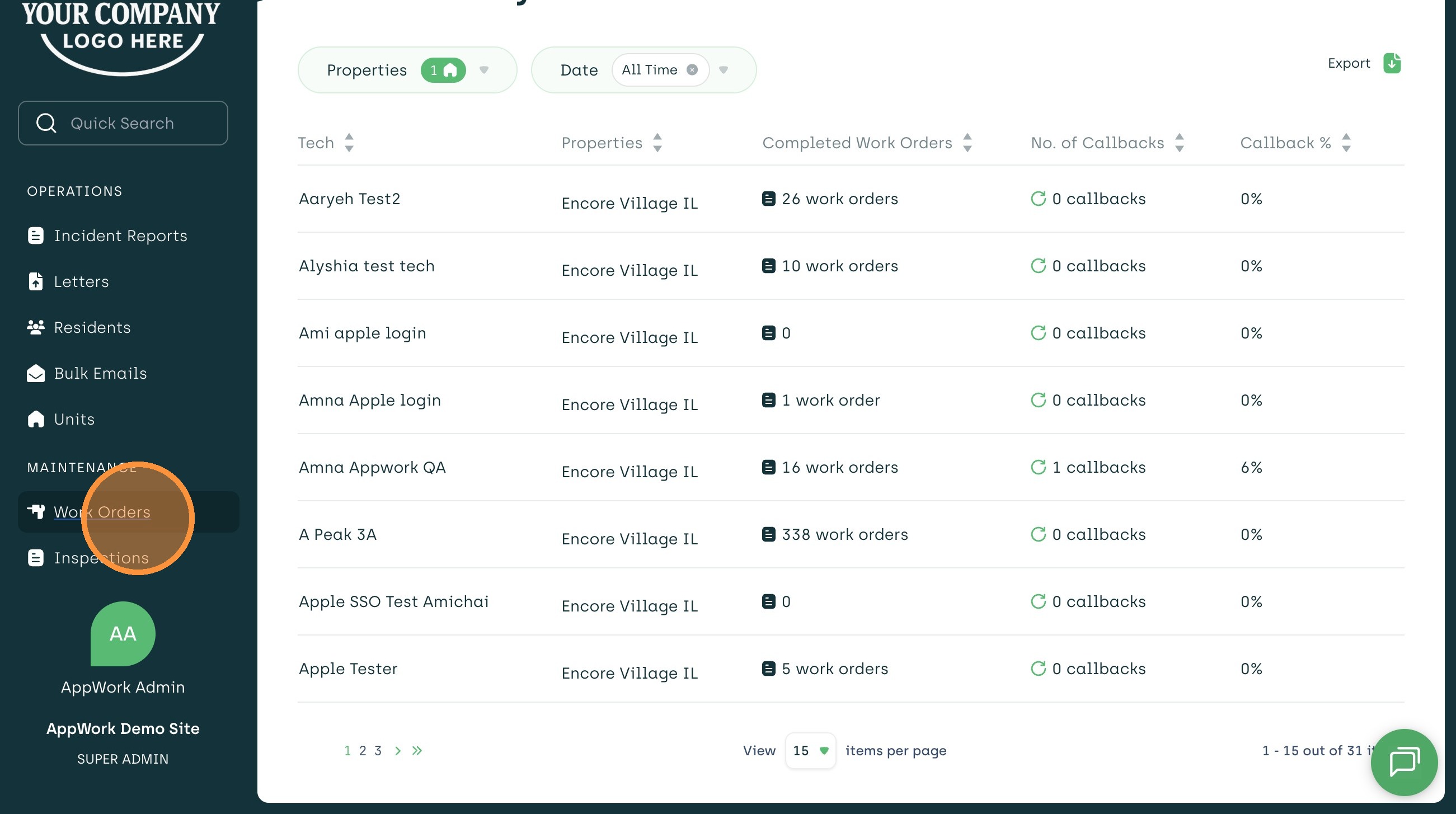
3. You Can See Number of Callbacks and Percentage of Callbacks Based on Technician
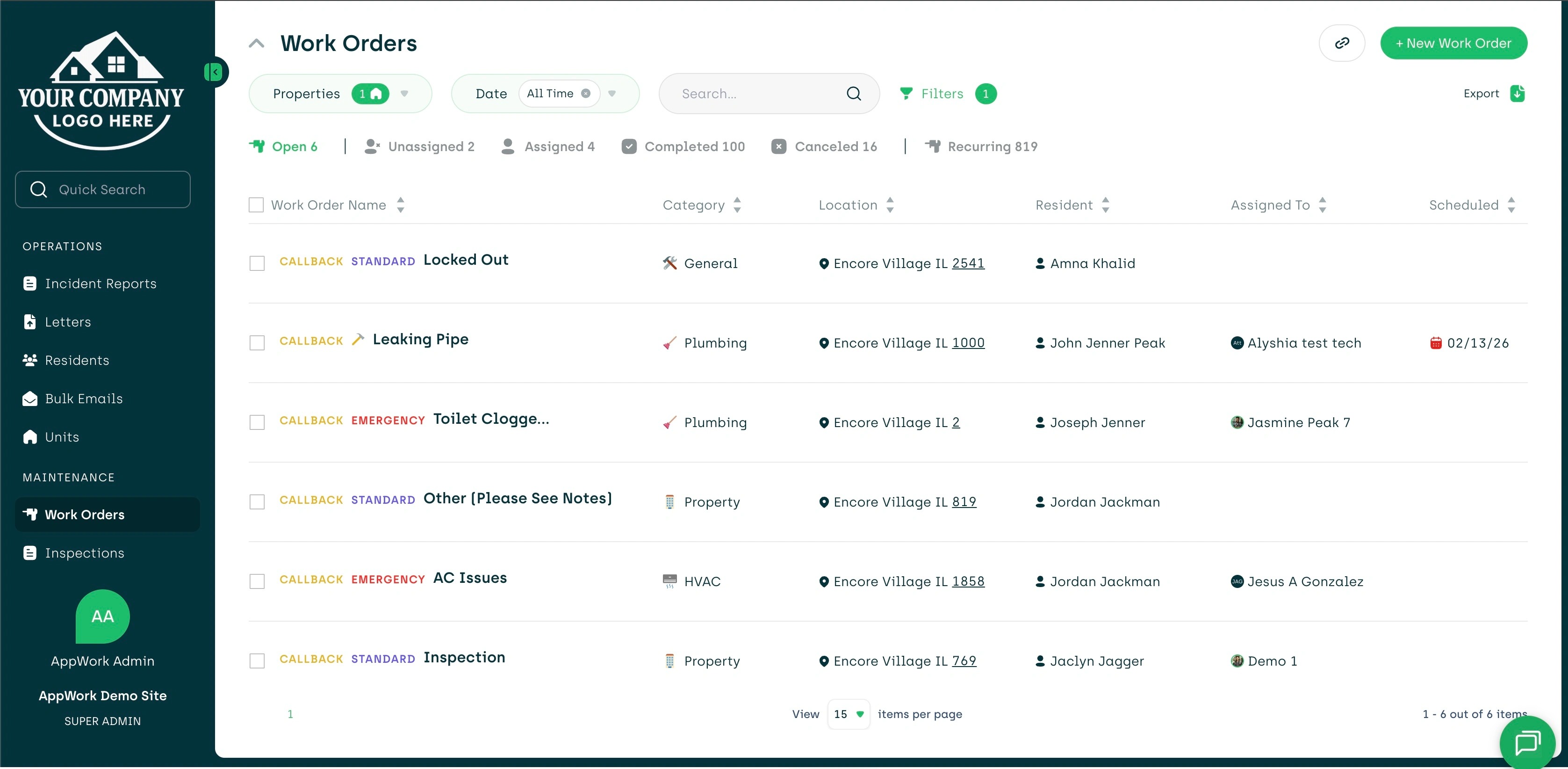
Finding Callbacks In The Work Order Tab
4. Navigate Back To The "Work Orders" Tab On The Left
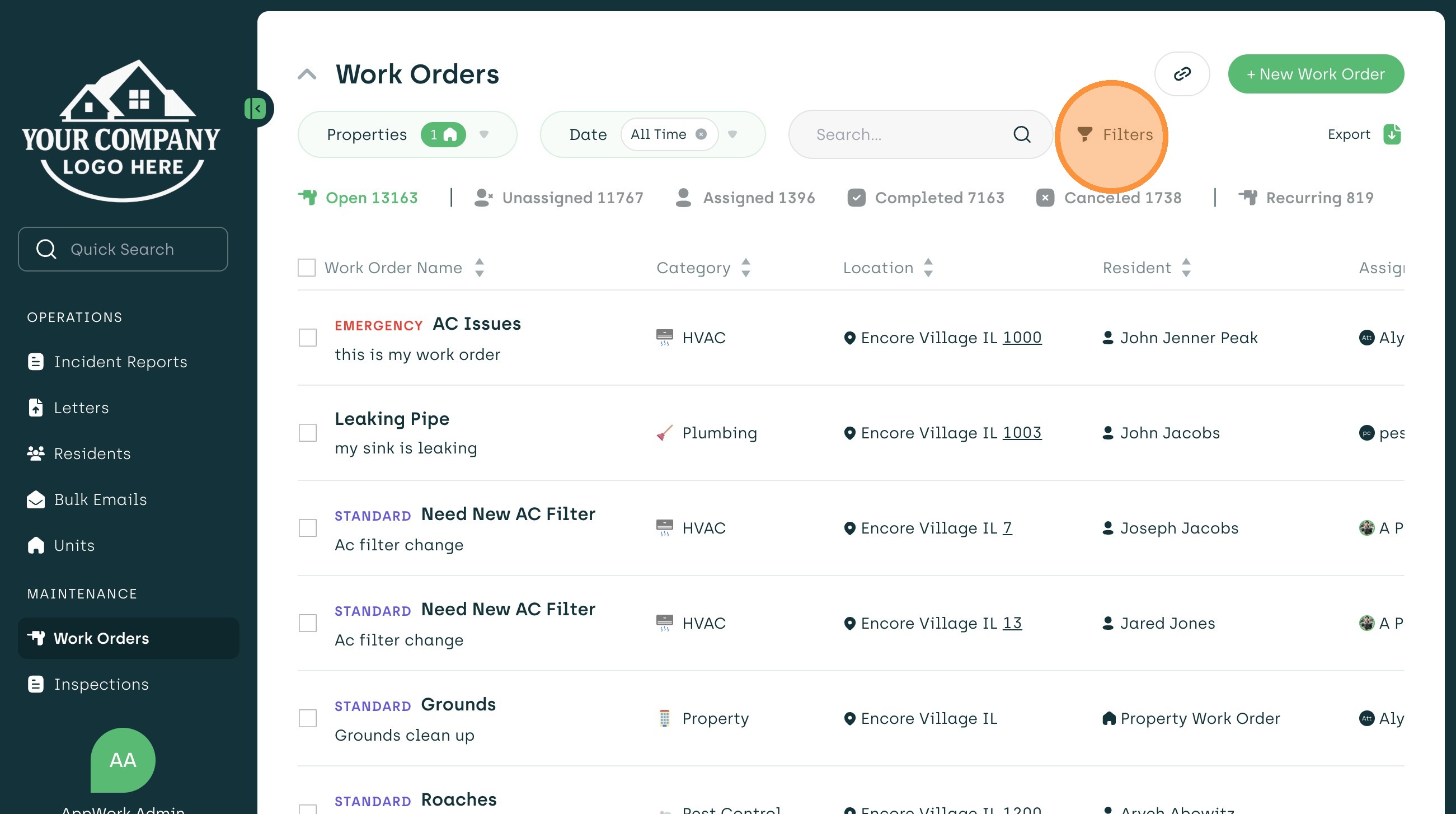
5. Select "Filters"
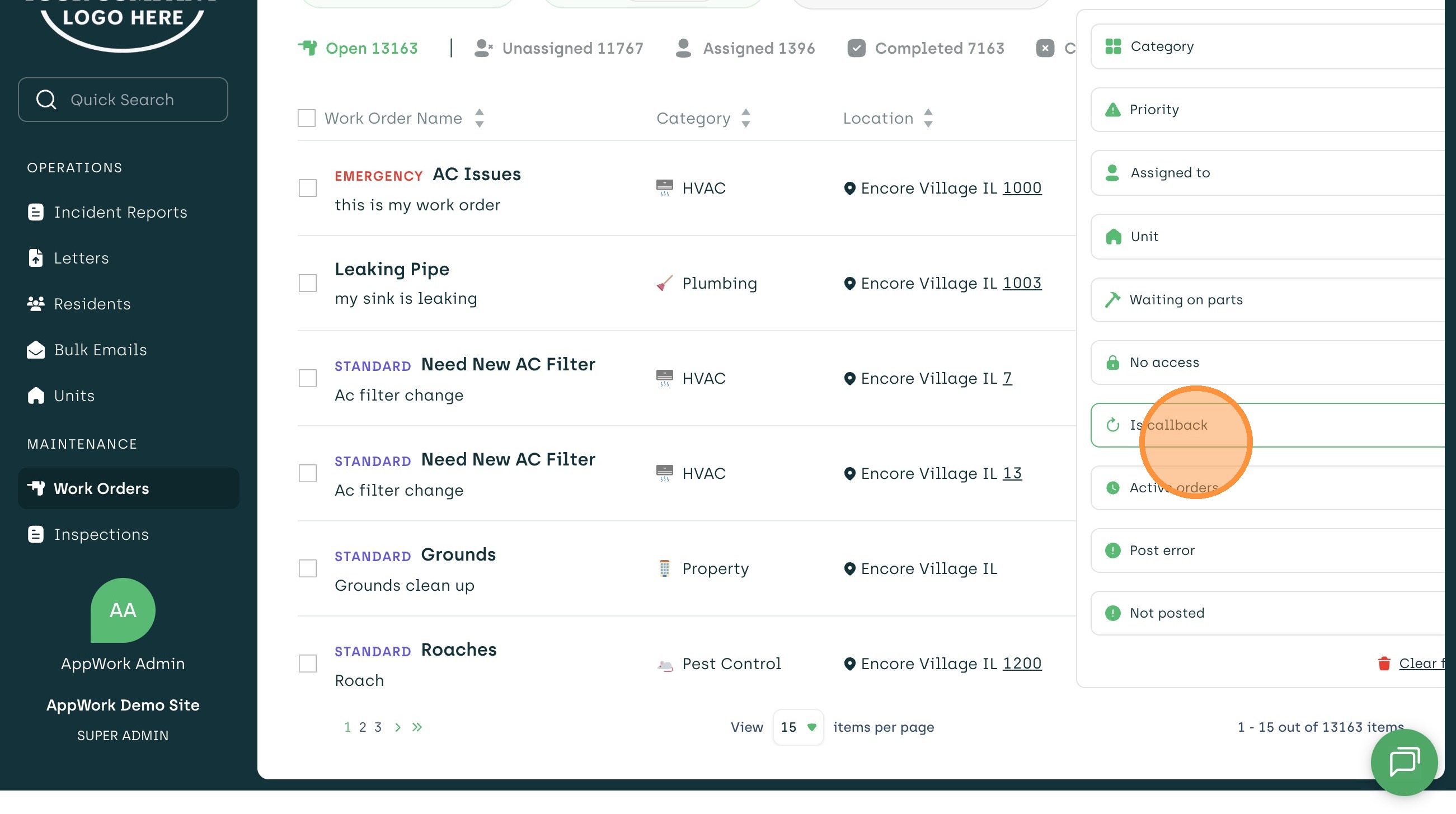
6. Choose "Is callback"
7. Click "Show only callbacks"
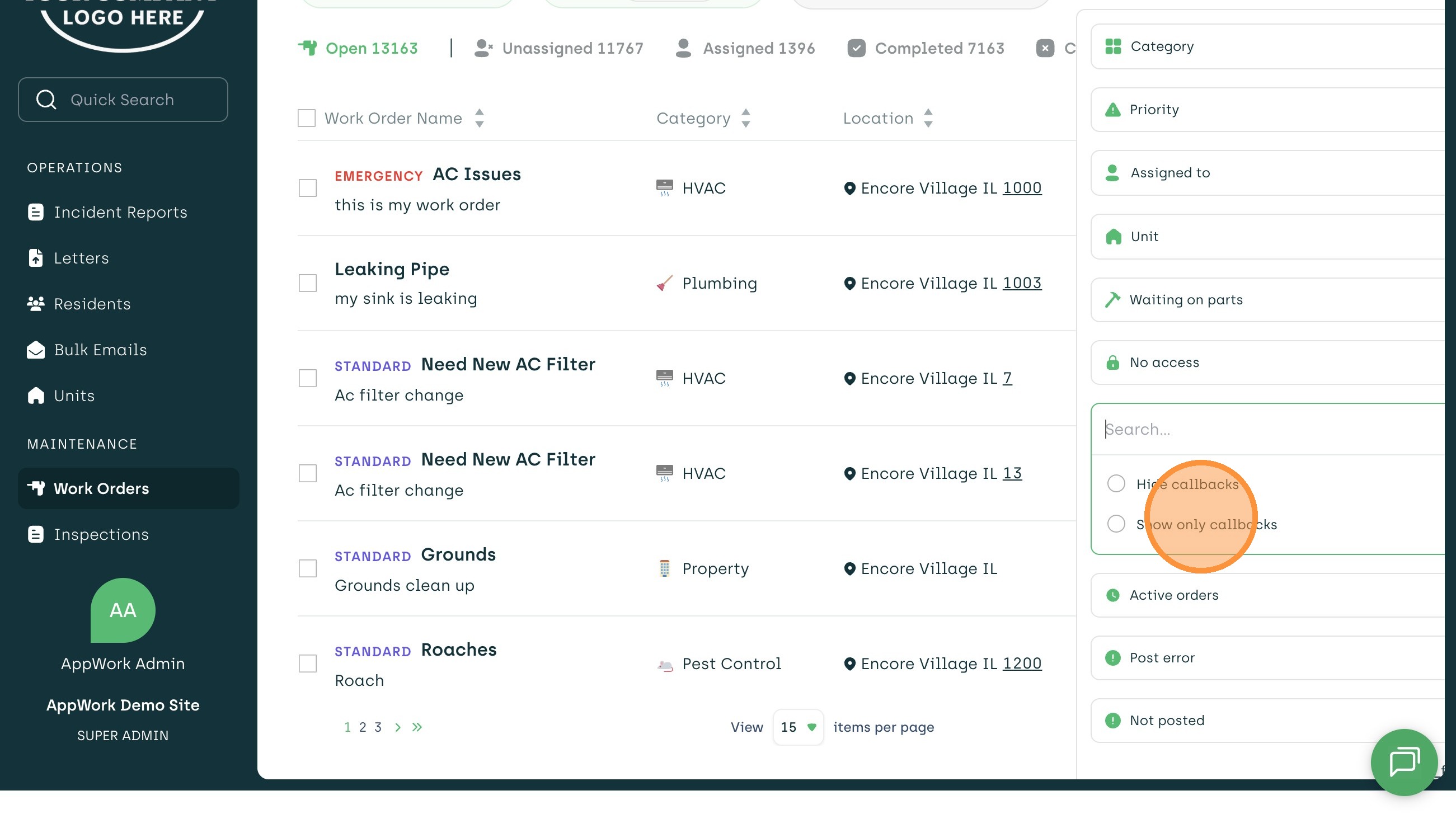
8. You Can Move Between The "Open," "Unassigned," And "Assigned" Sections To See What Work Orders Are Callbacks