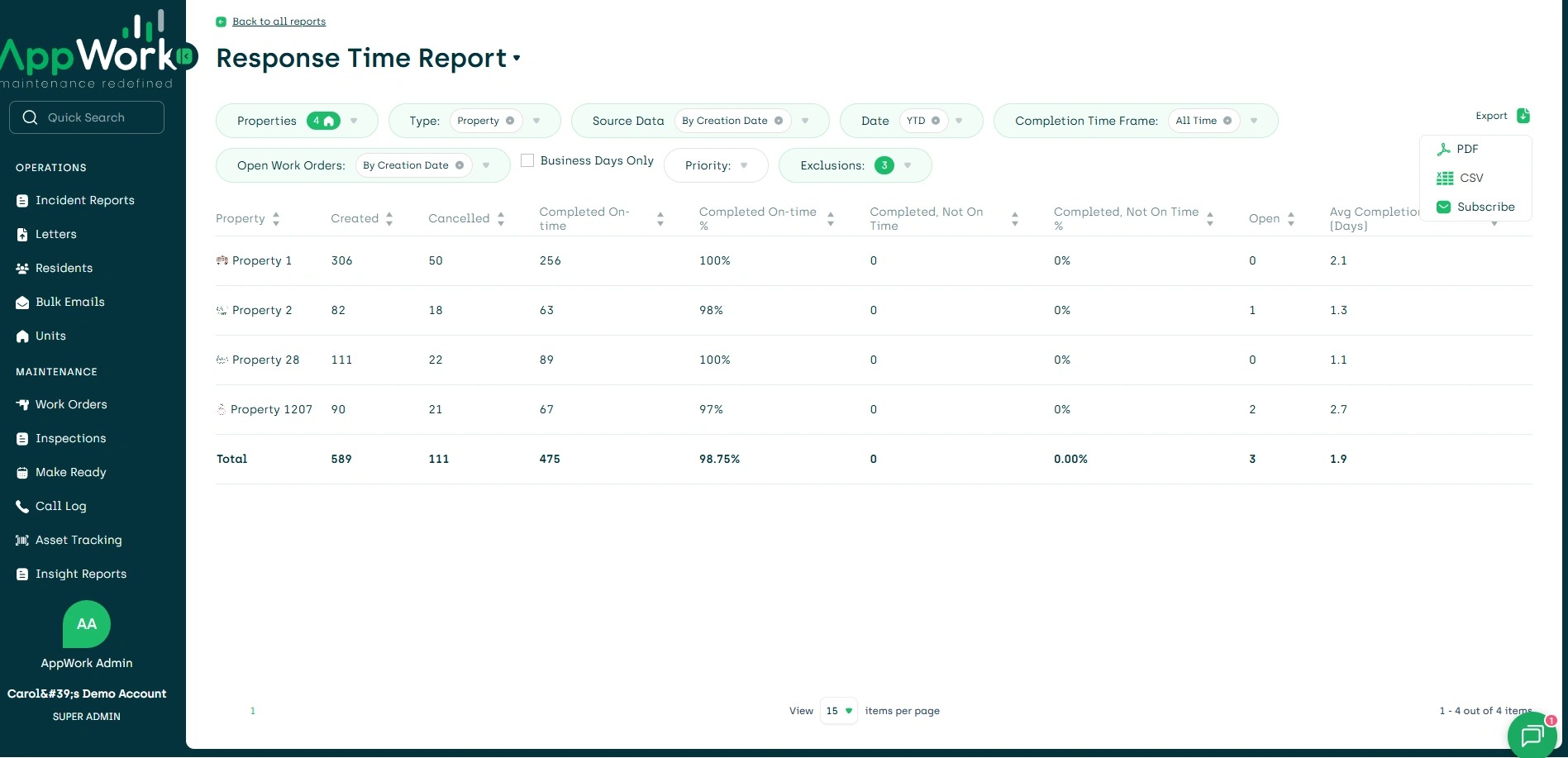
1. Navigate to the Reports Dashboard
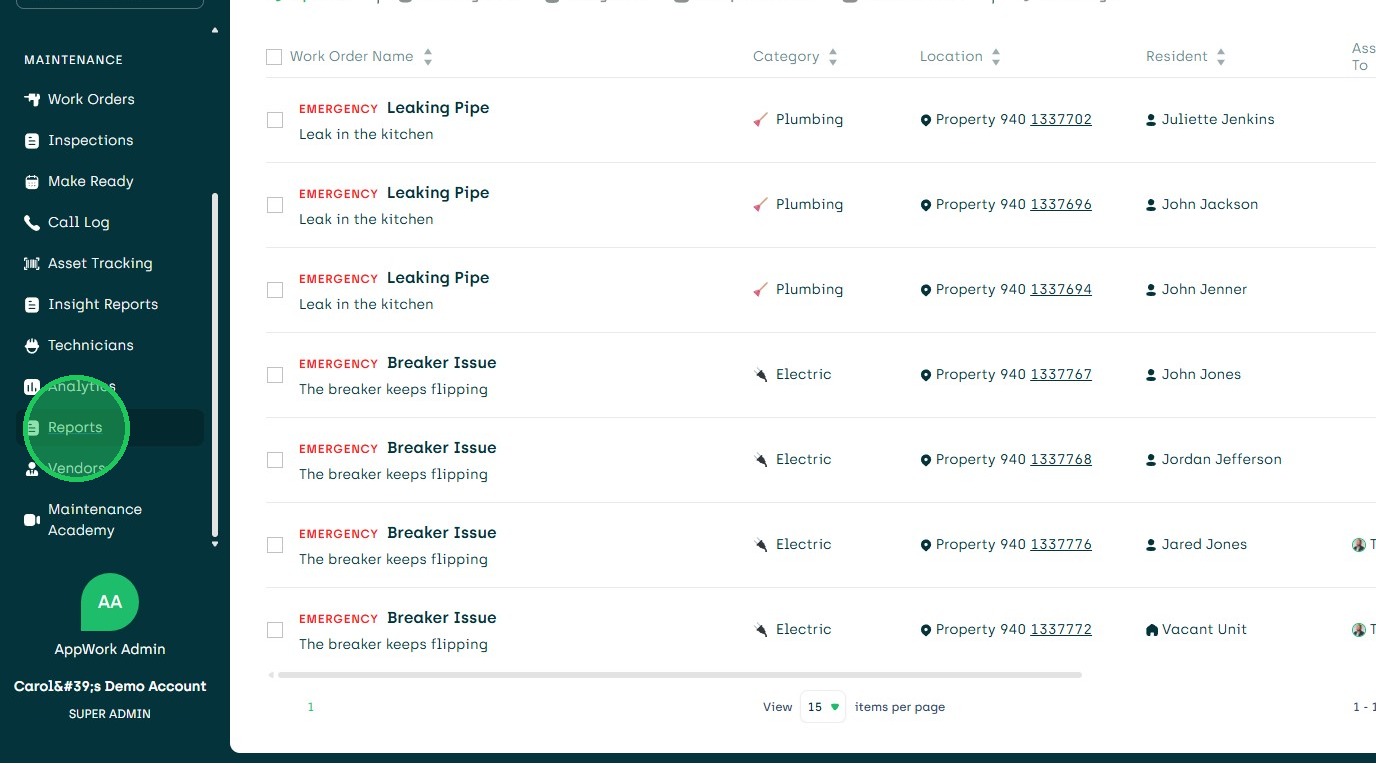
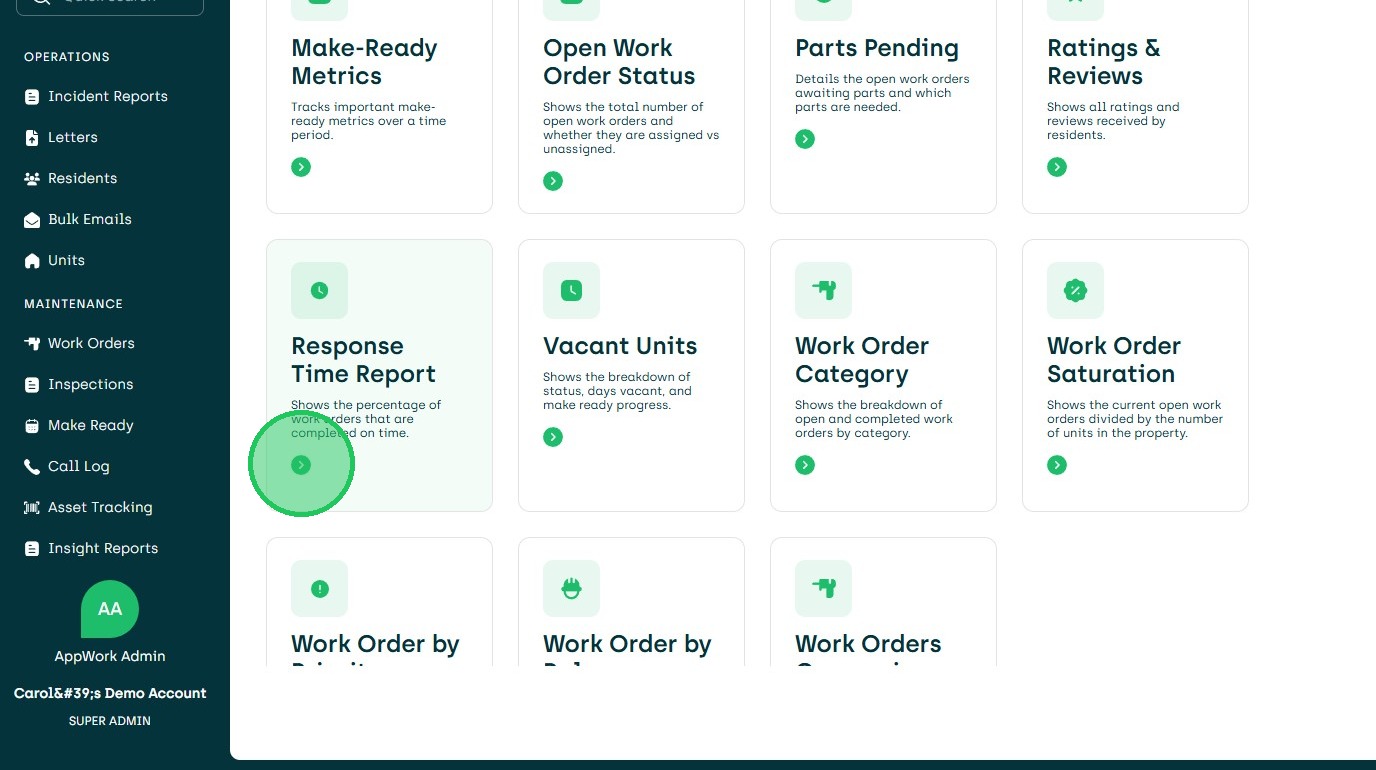
2. Choose Response Time Report
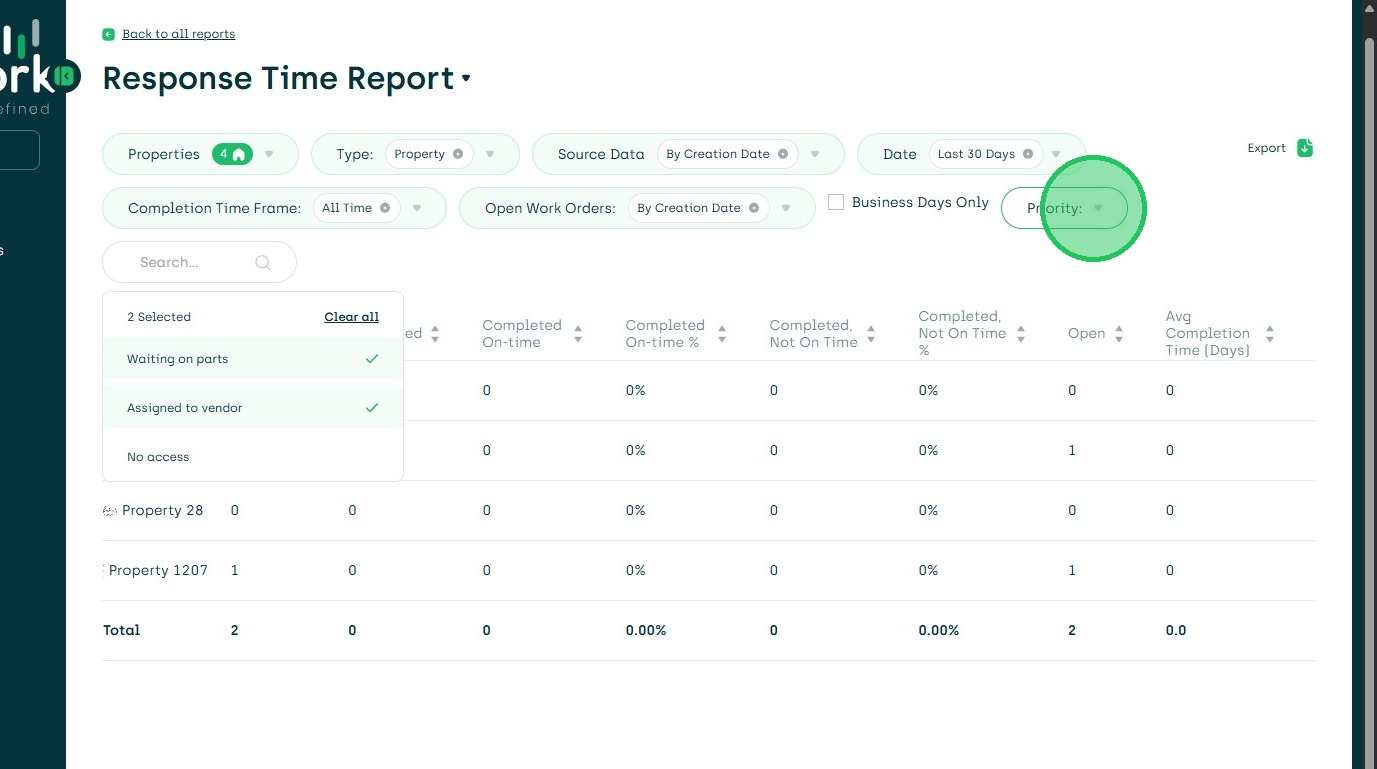
3. Choose Exclusions
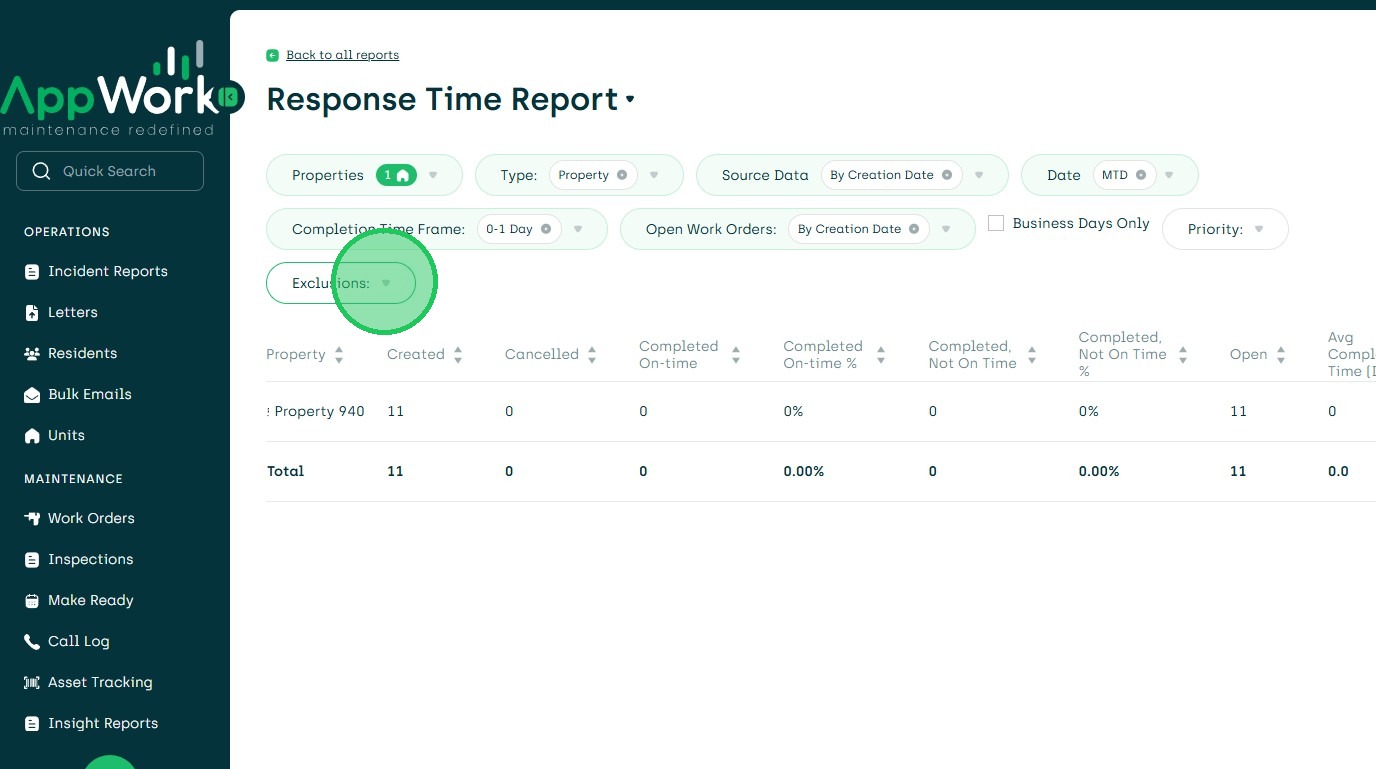
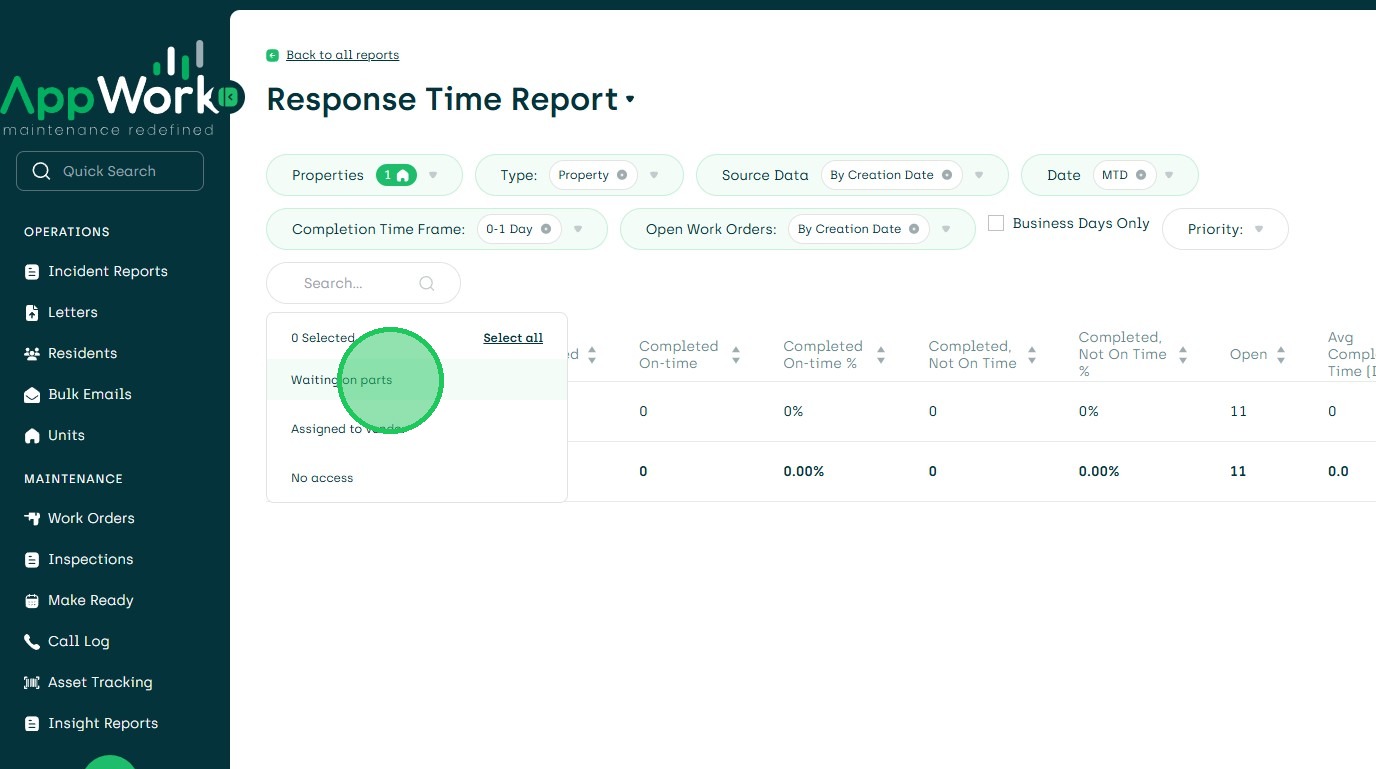
4. Waiting on Parts
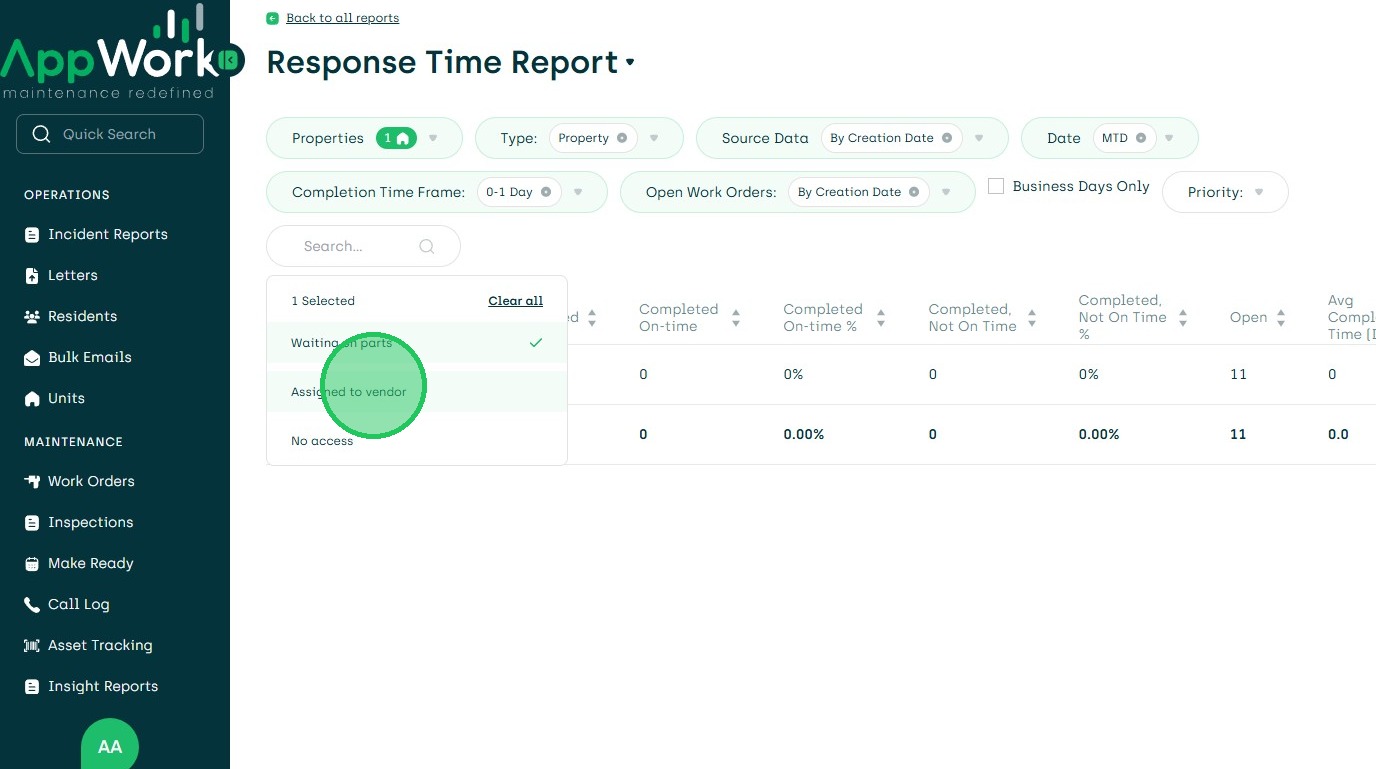
5. And/Or Assigned to Vendor
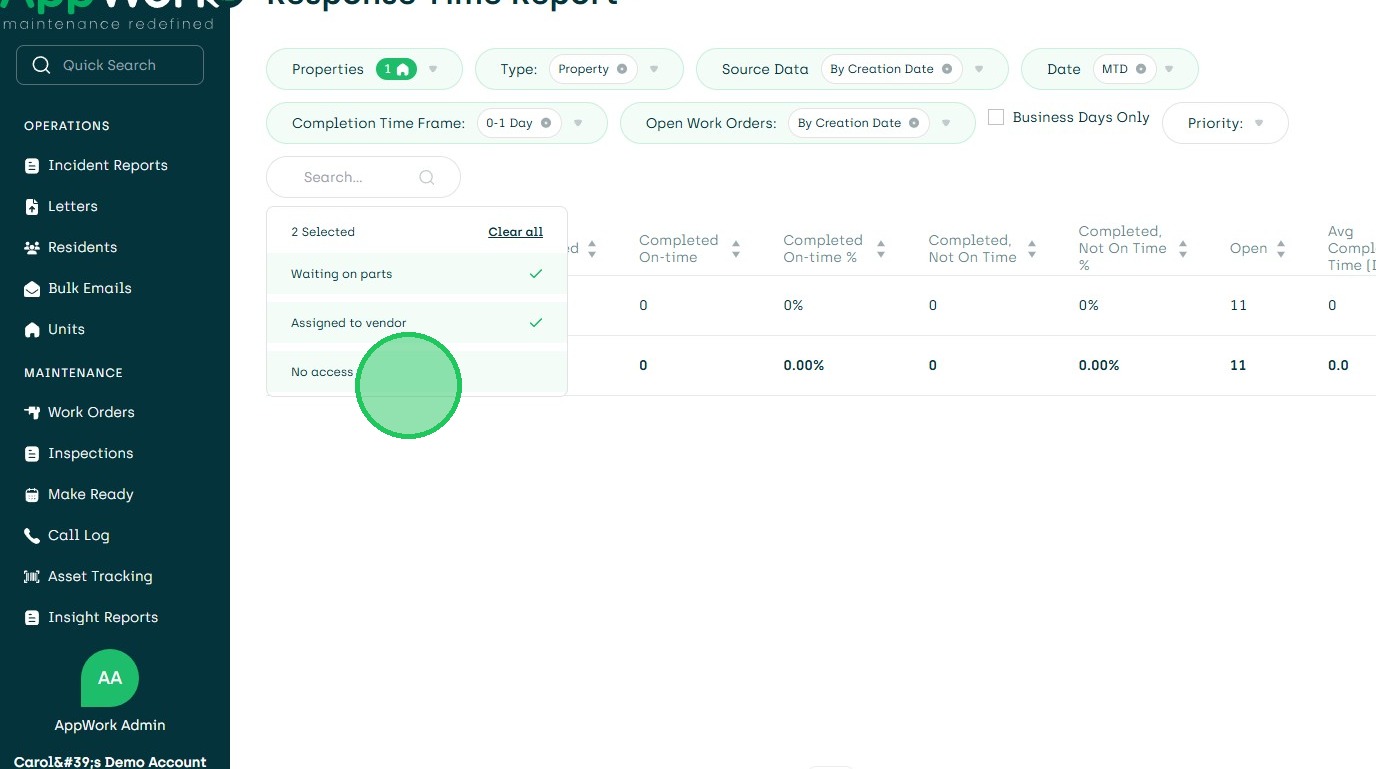
6. Amnd/Or No Access
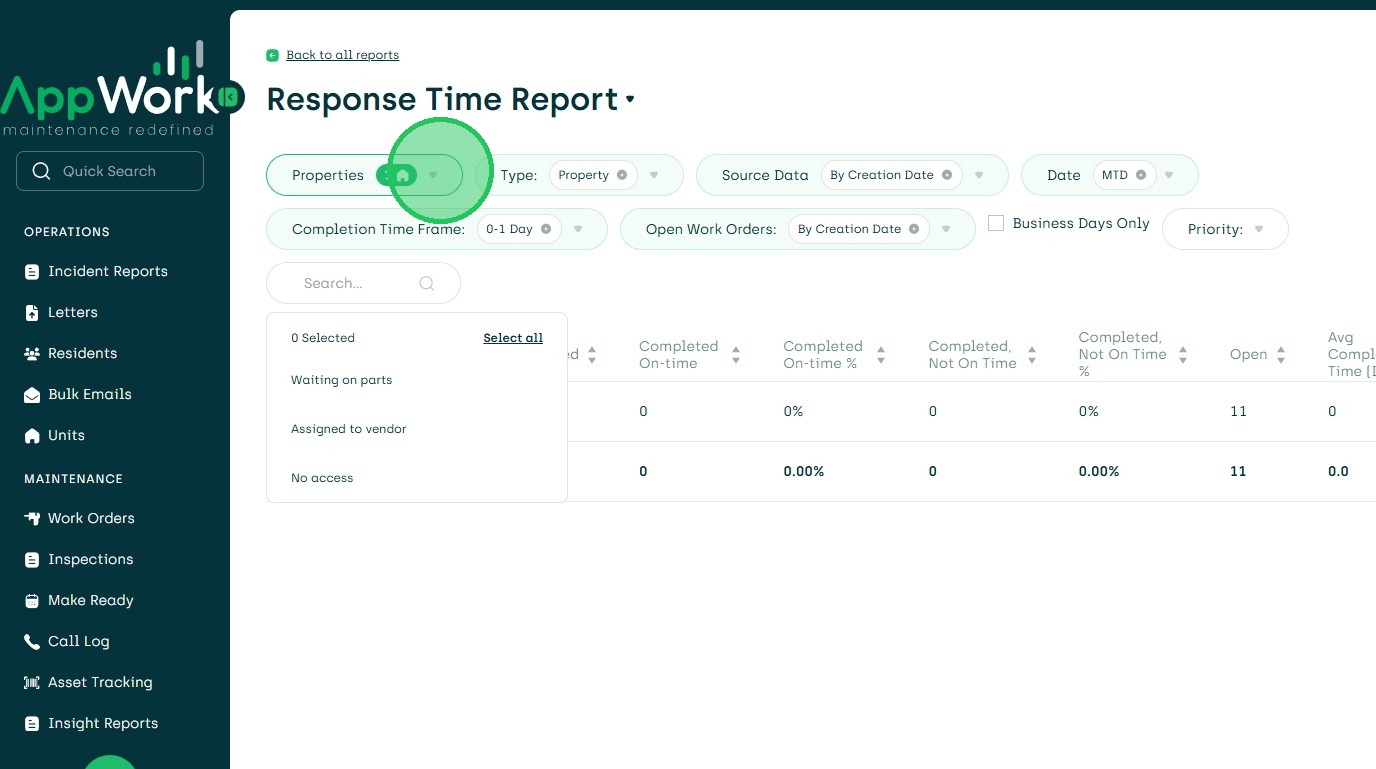
7. Choose Property
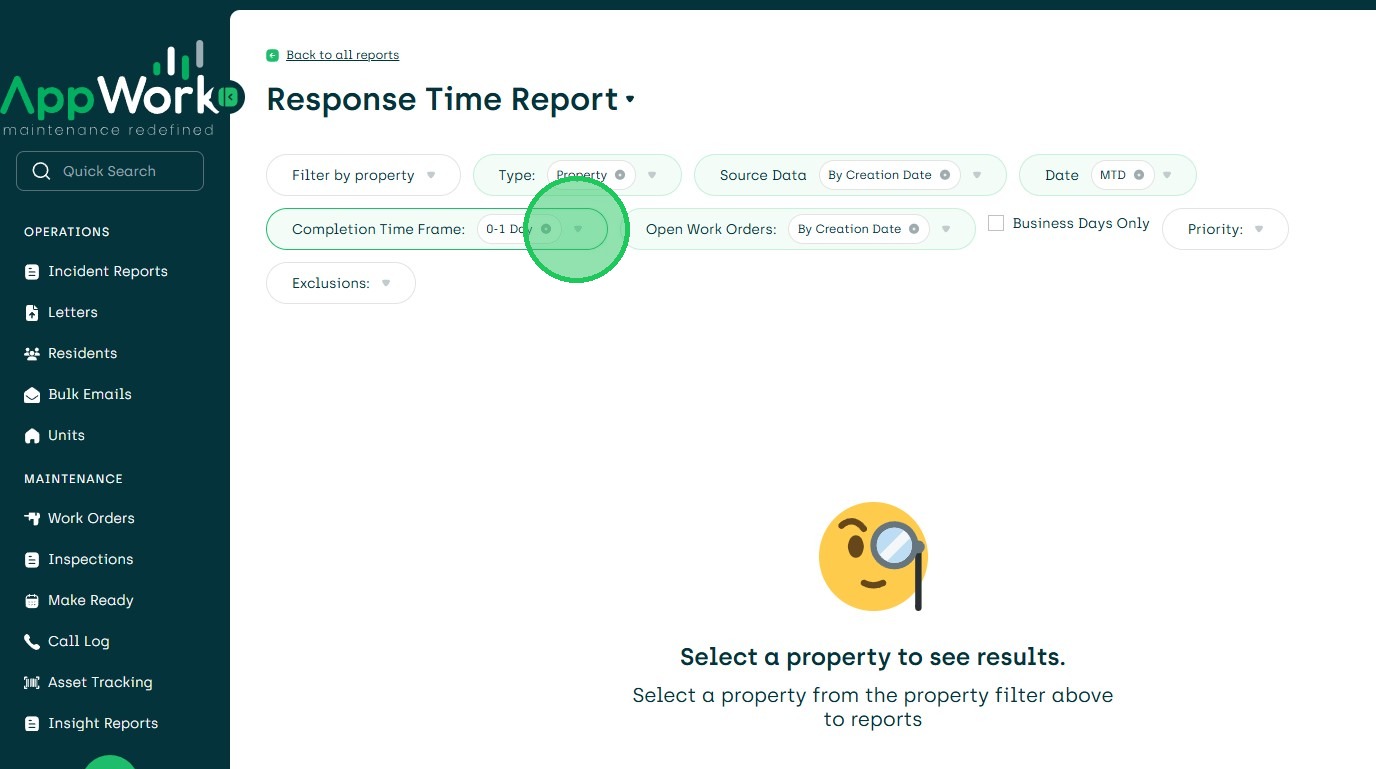
8. Select Completion Time Frame
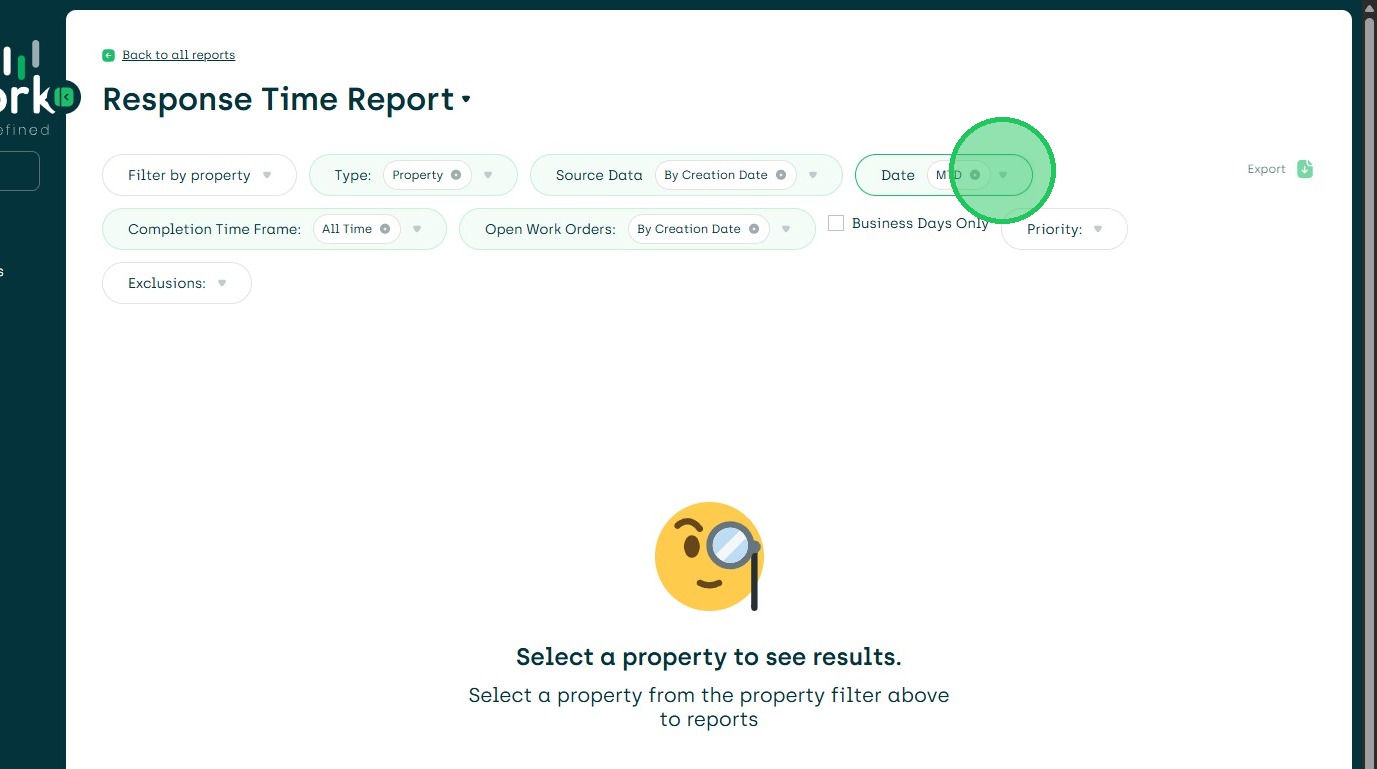
9. Date Time to Report On
10. Search Priority if Needed
11. Export Report if Needed.