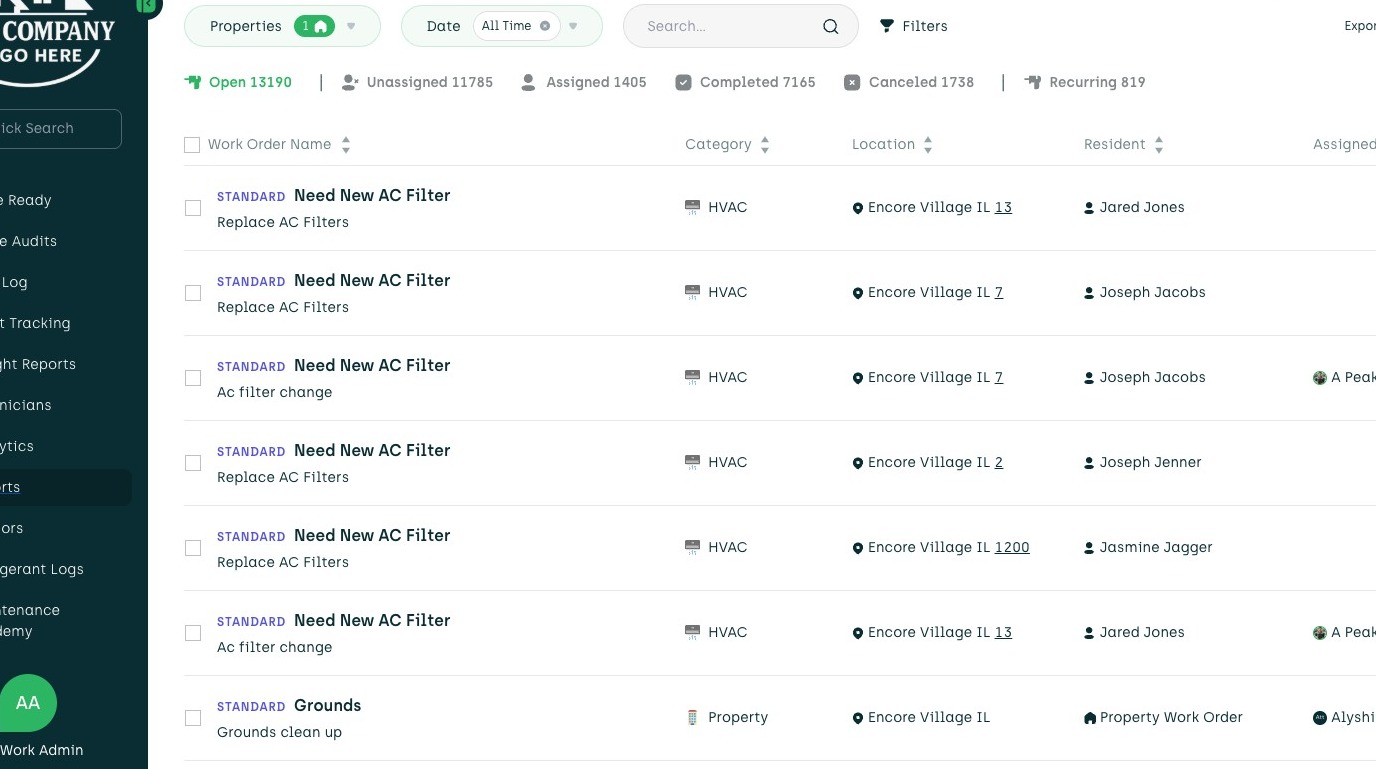
1. Navigate to your Admin Portal
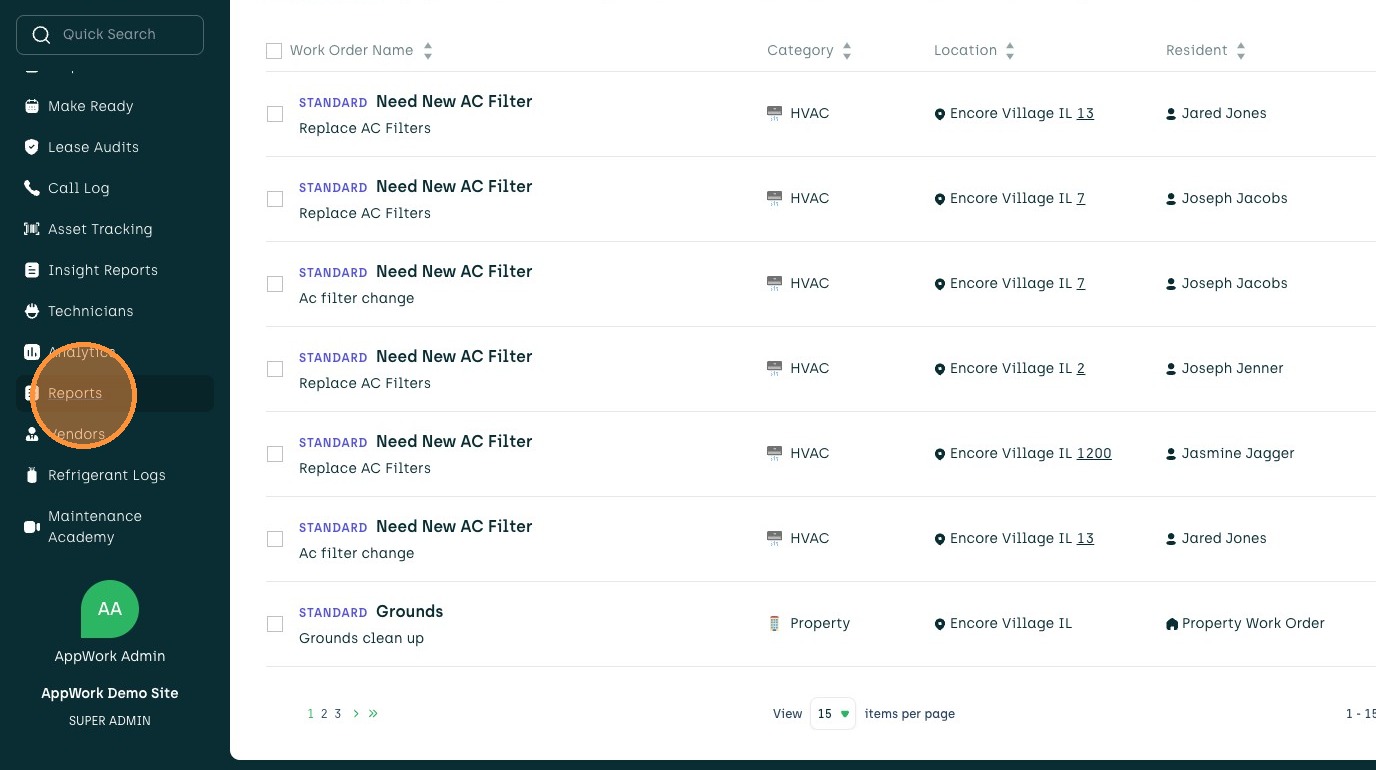
2. Click "Reports"
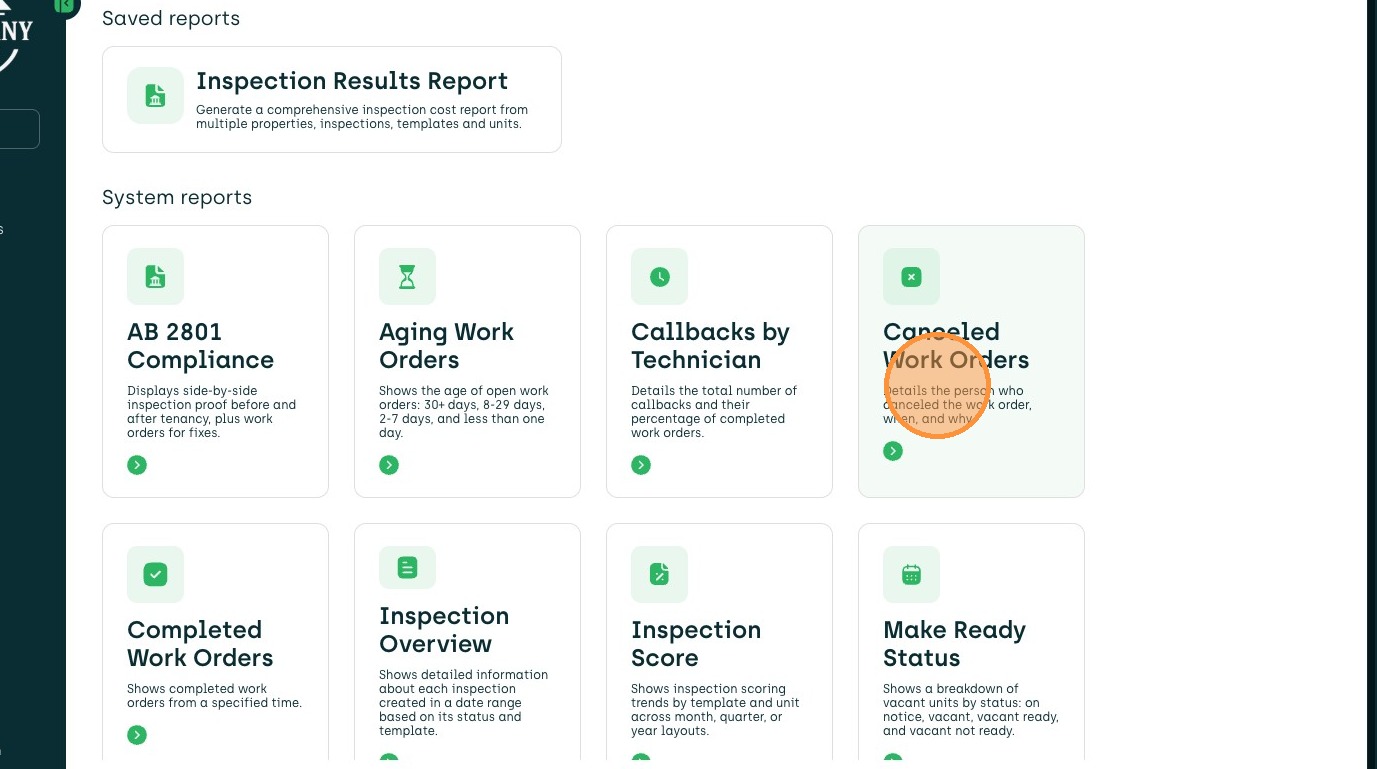
3. Click "Canceled Work Orders"
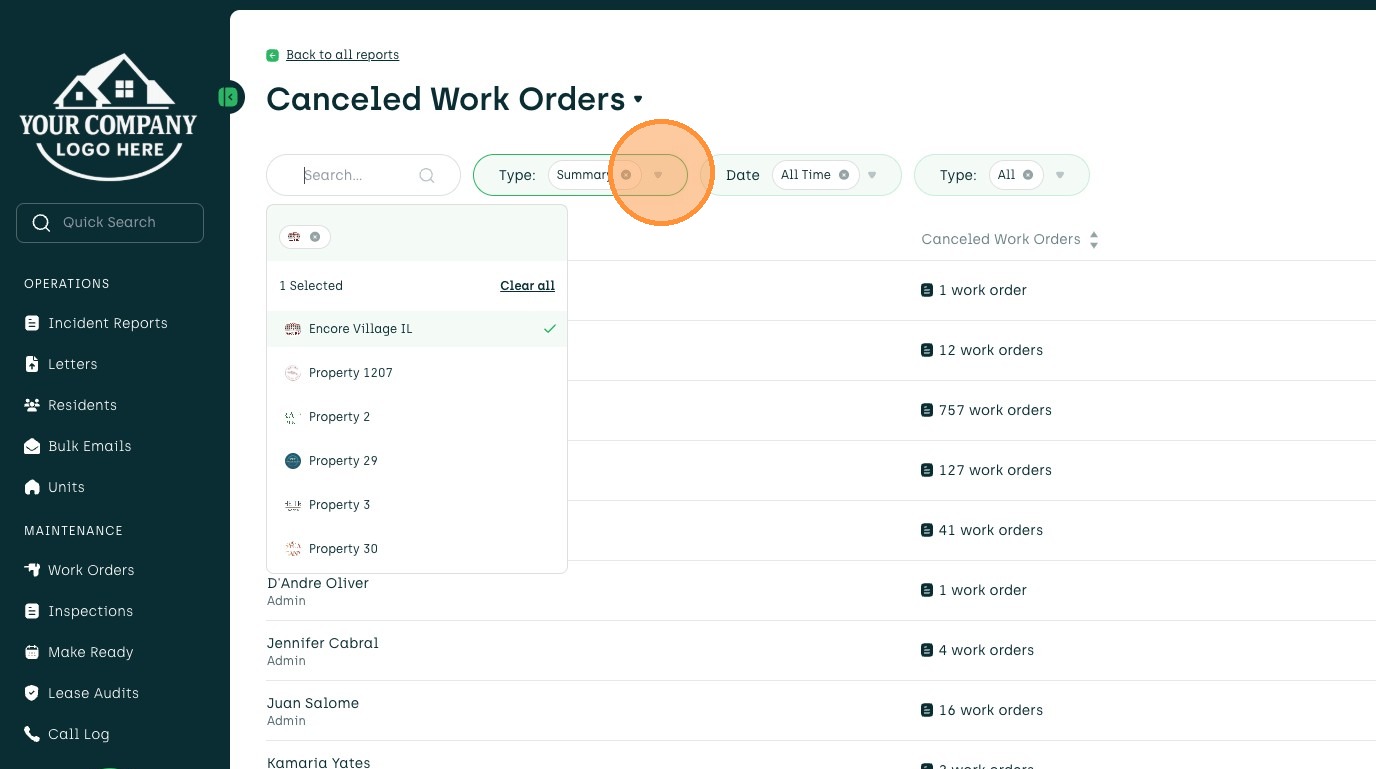
4. Select desired properties for Report

5. Click "Type"
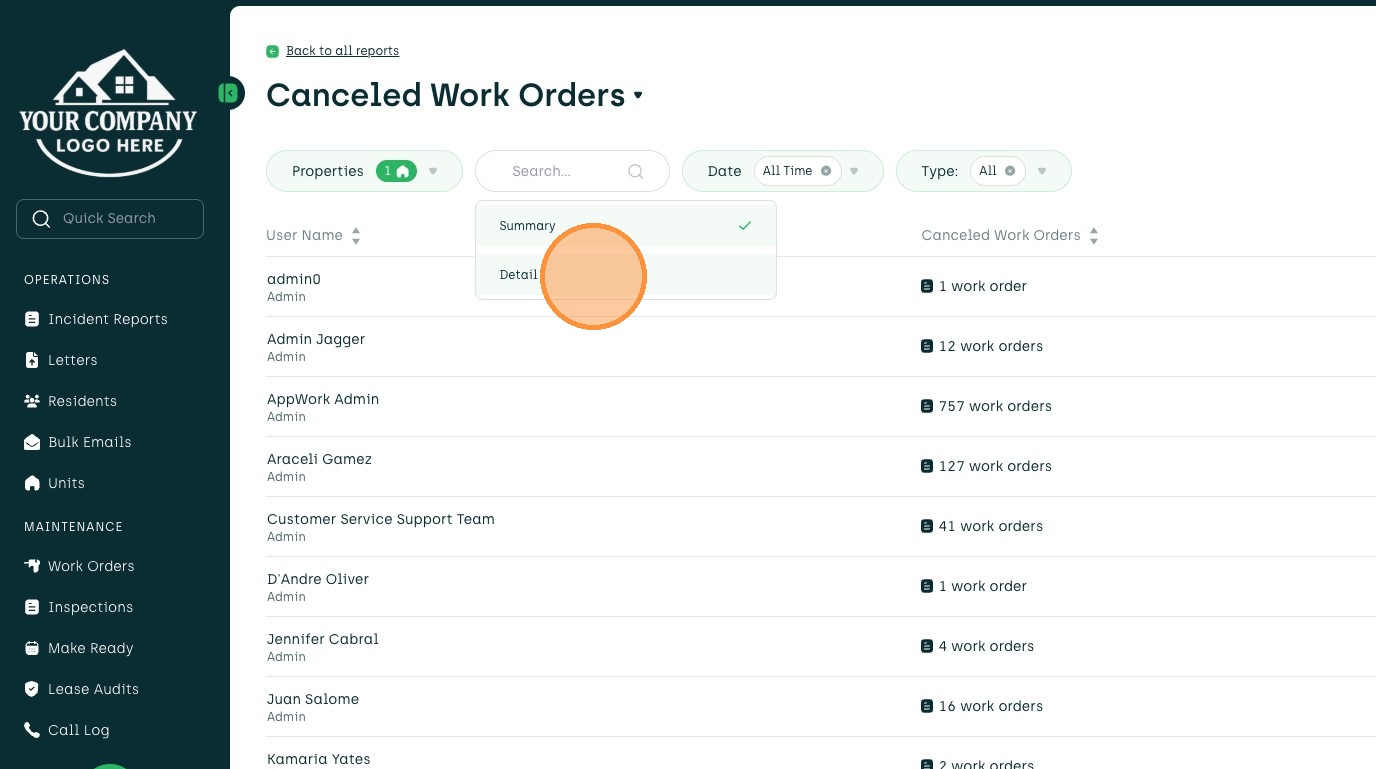
6. Select desired Report type
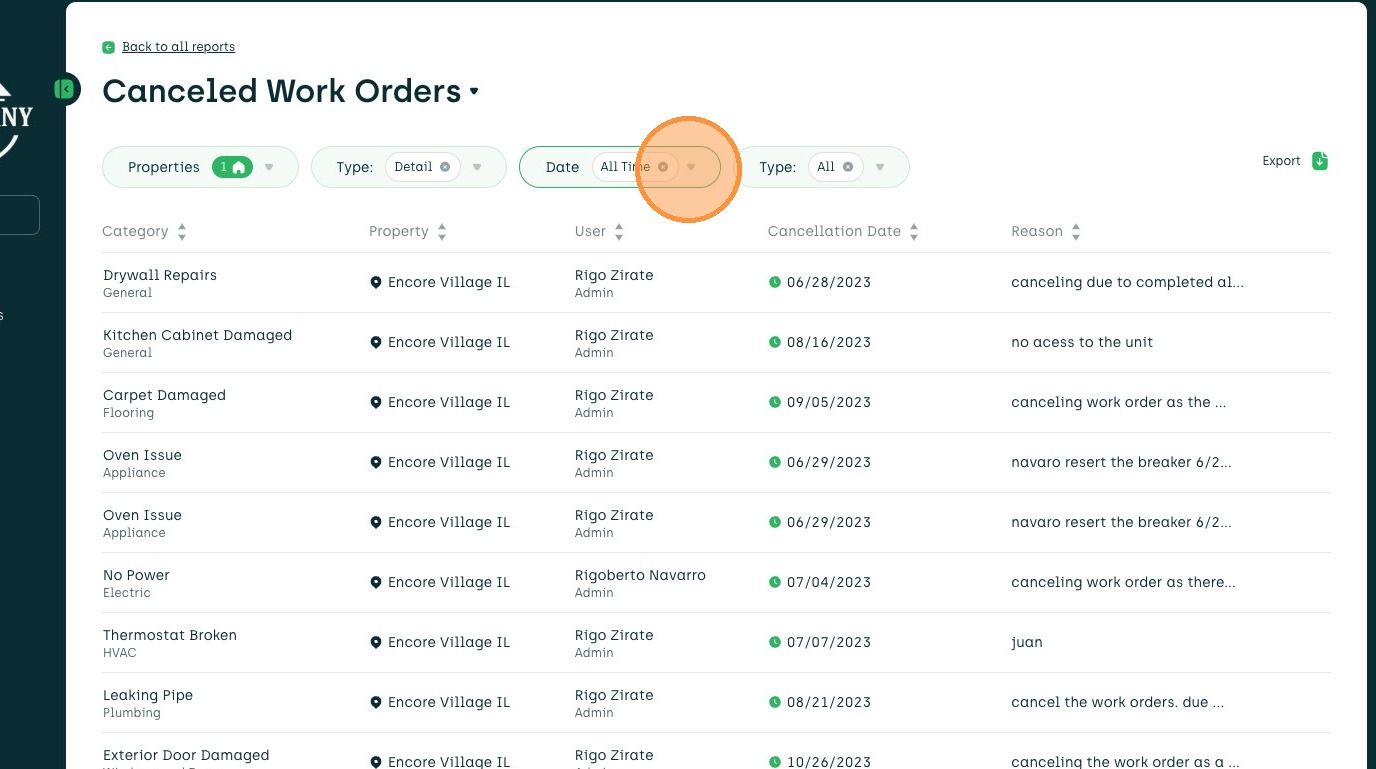
7. Select desired date range of Report
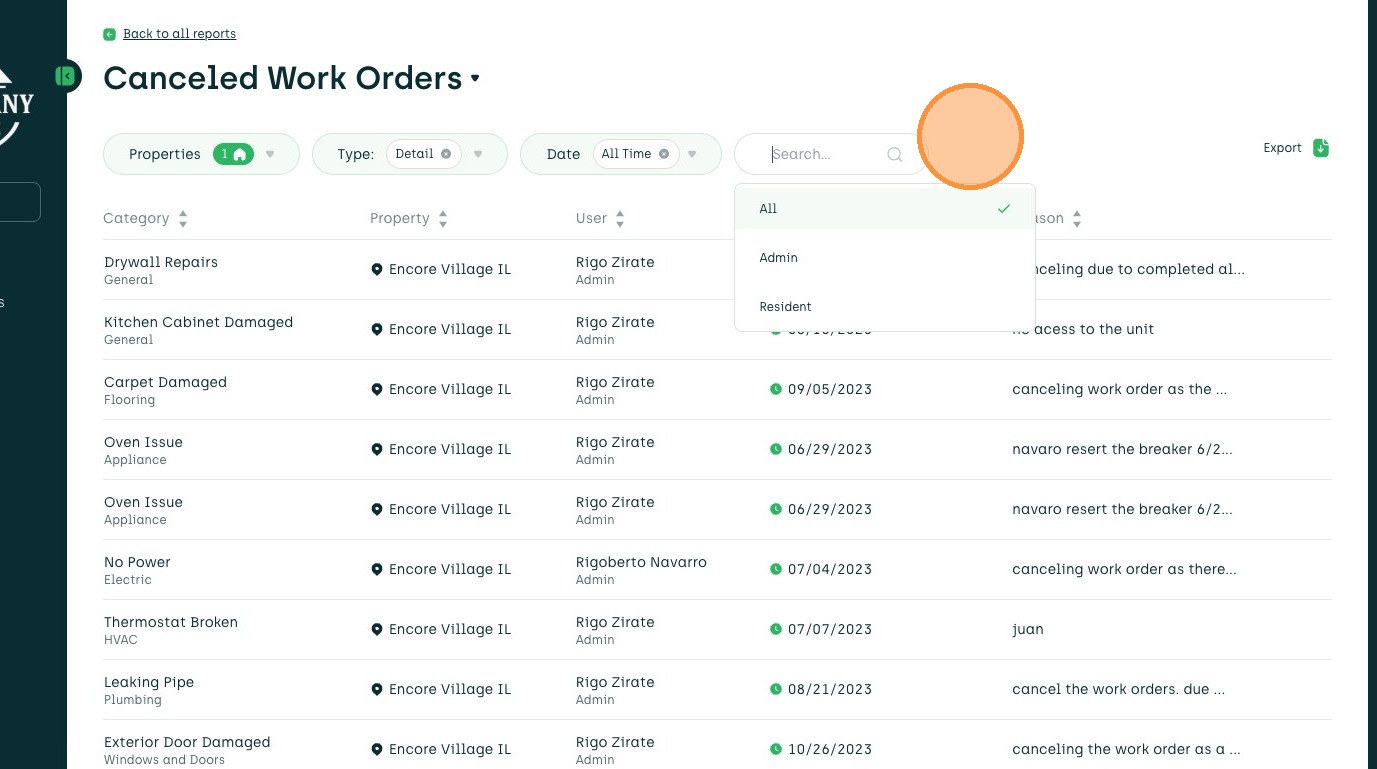
8. Select if Admins, Residents or both will be included
9. Click here to toggle amount of Work Orders included

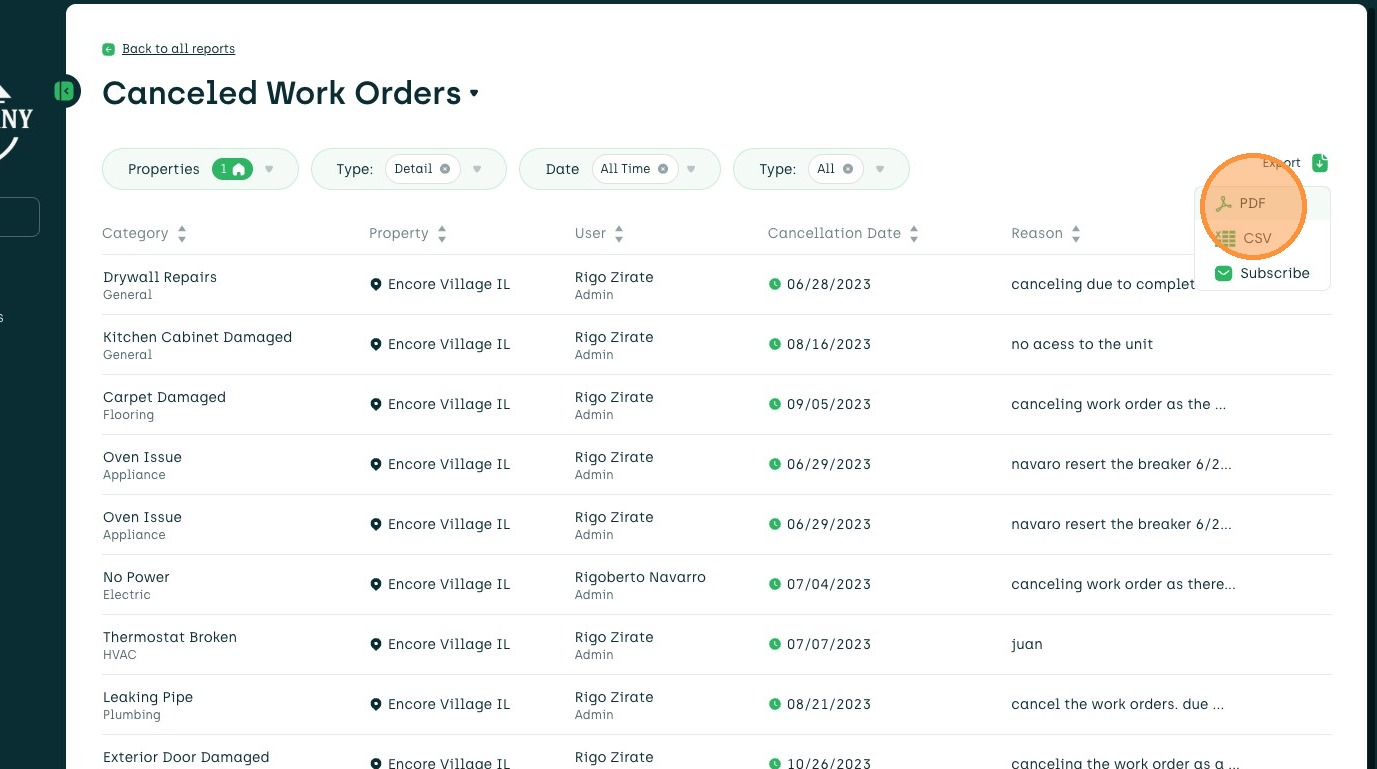
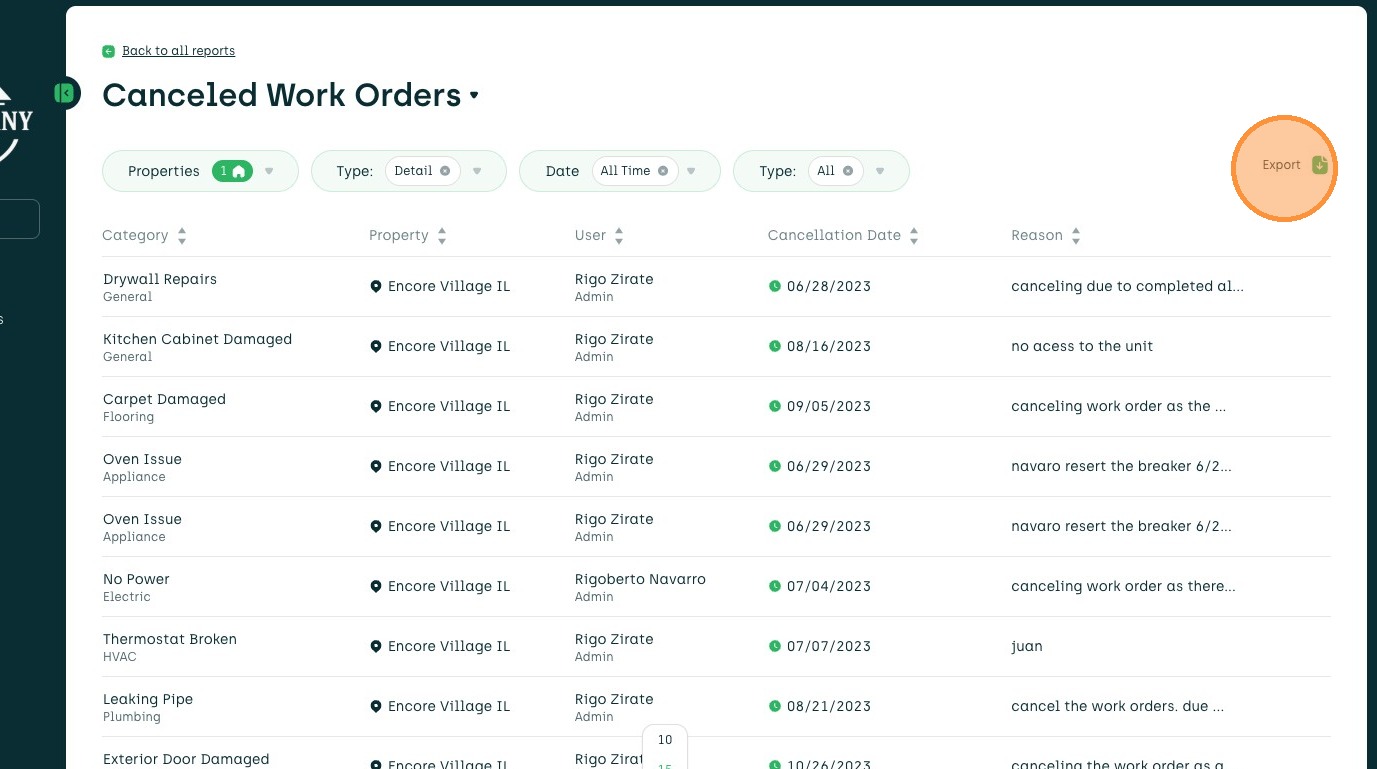
10. Click "Export"
11. Select desired format of Report