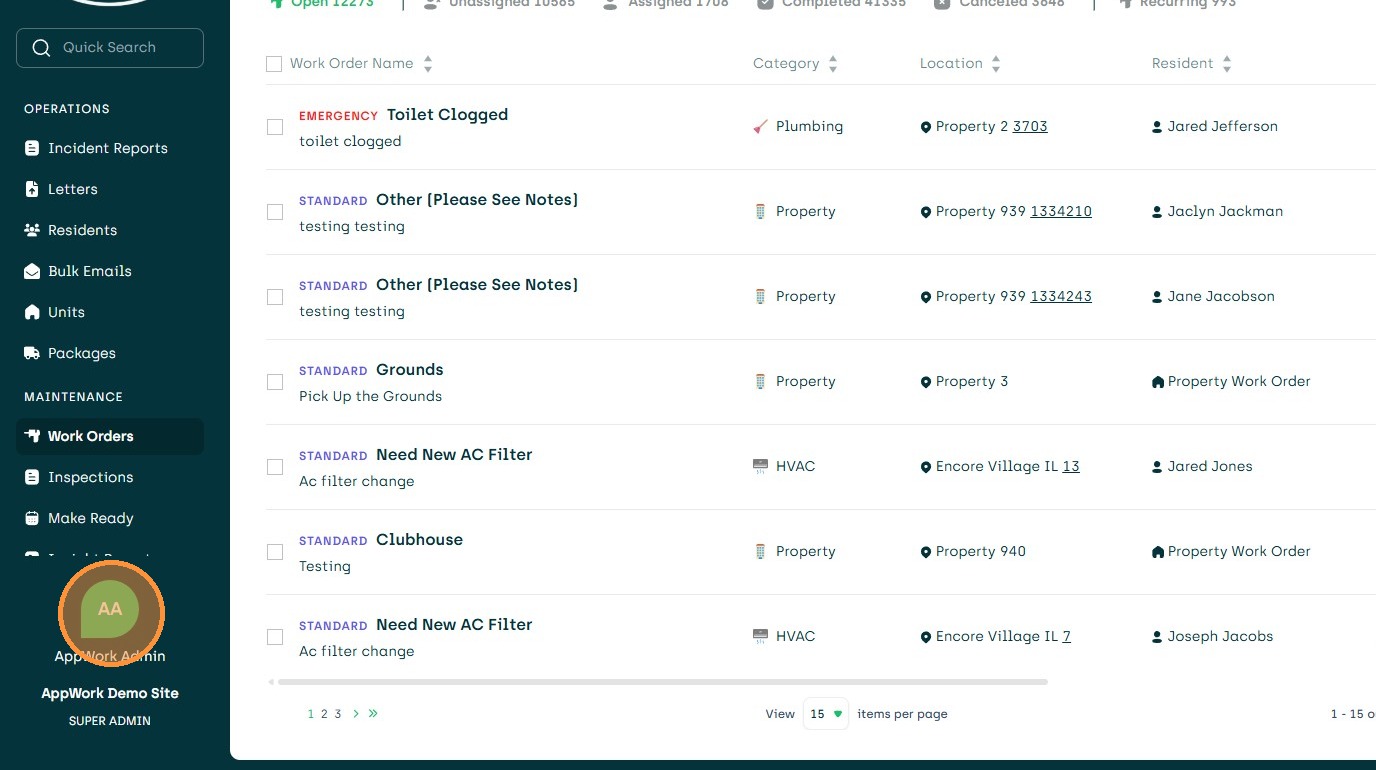
1. Navigate to Settings
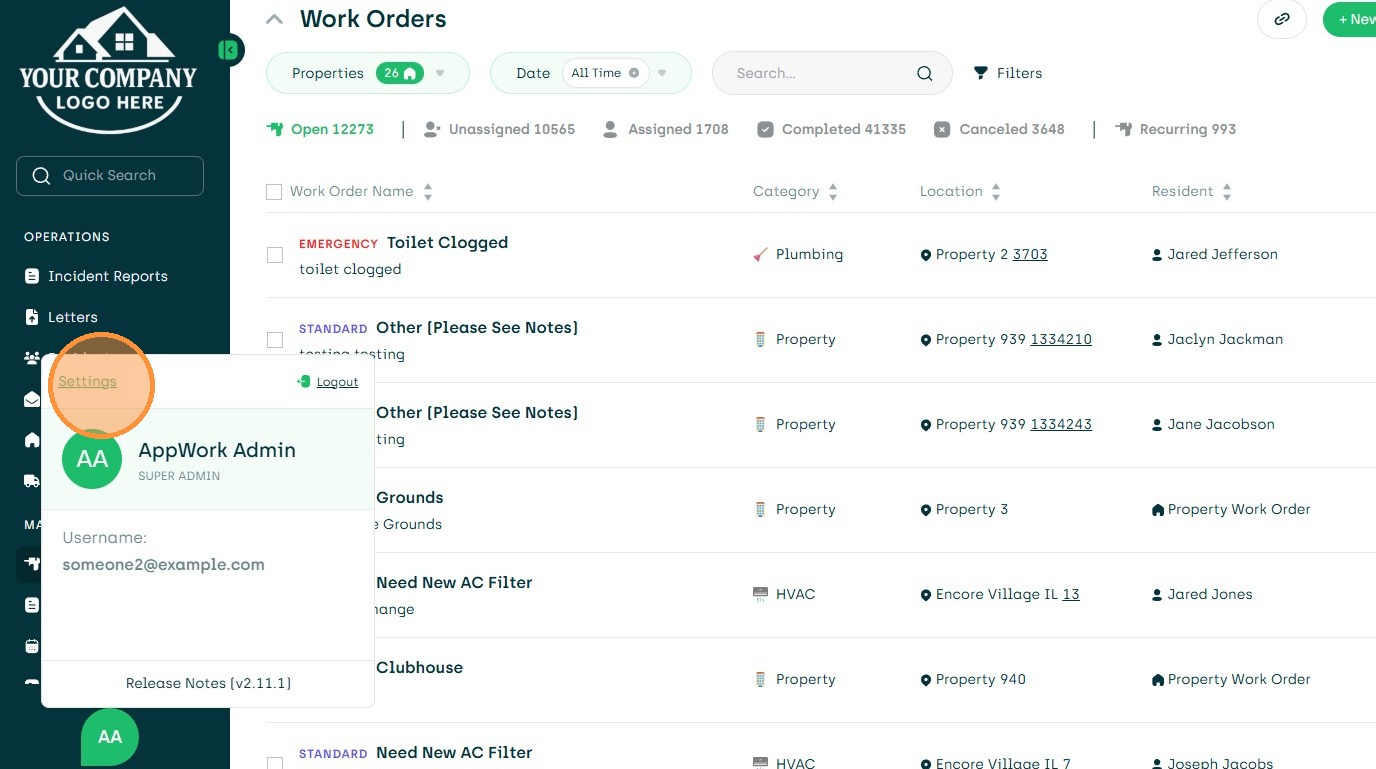
2. Click "Settings"
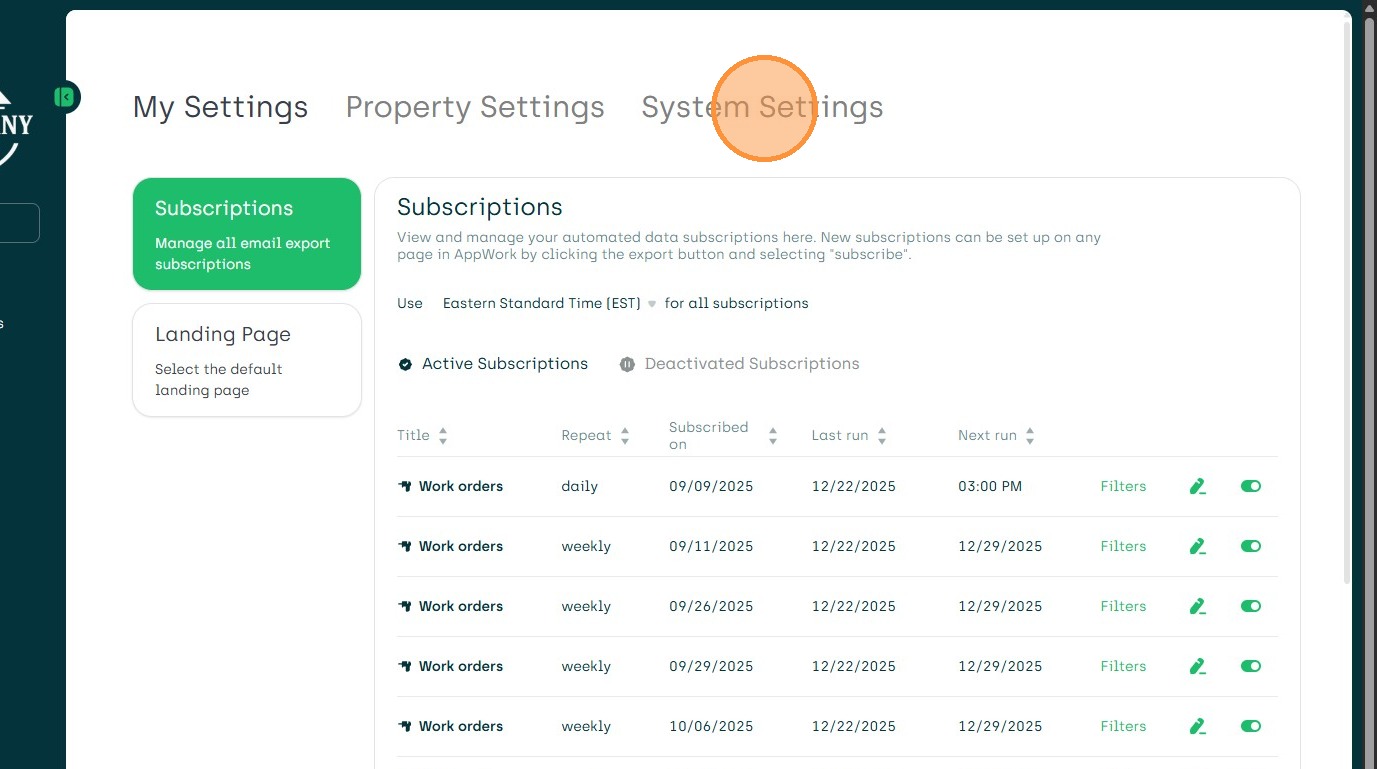
3. Open System Settings
4. Choose Maintenance
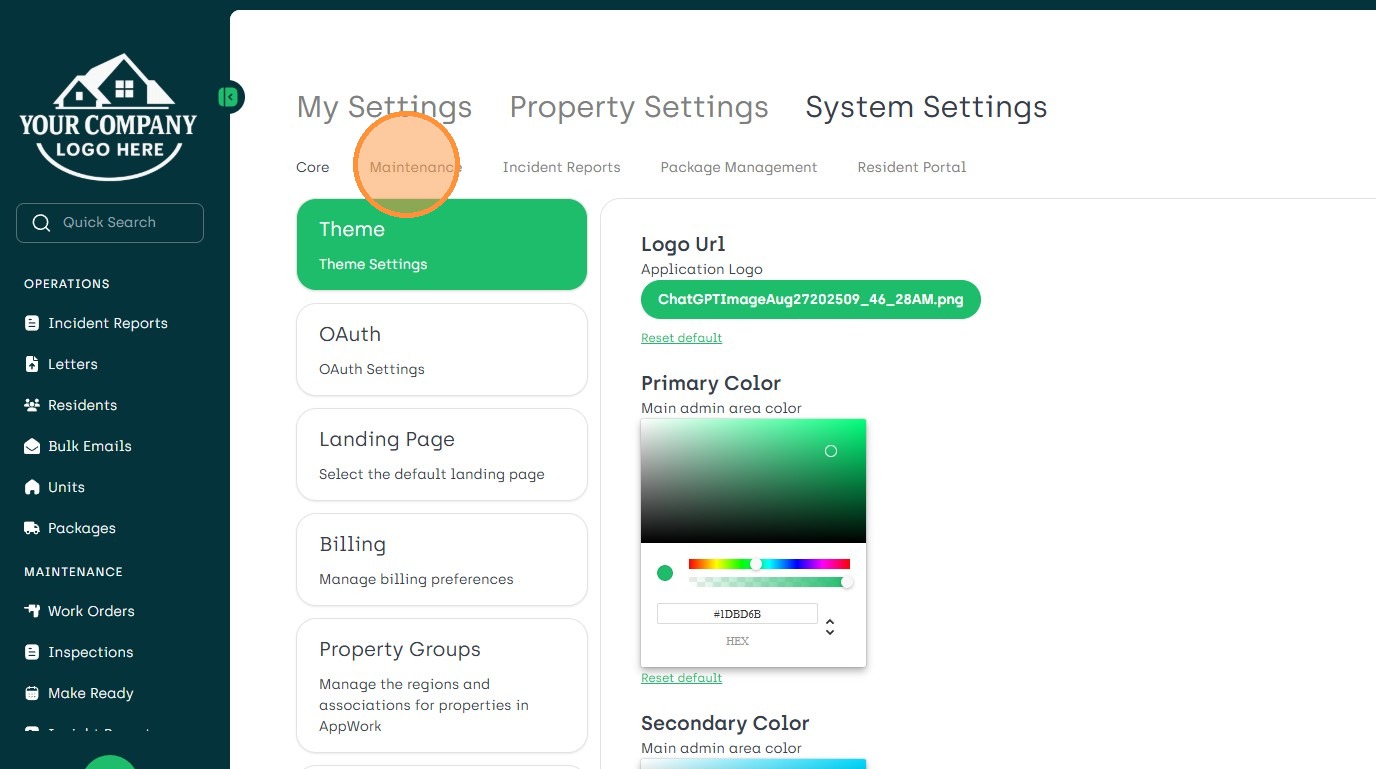
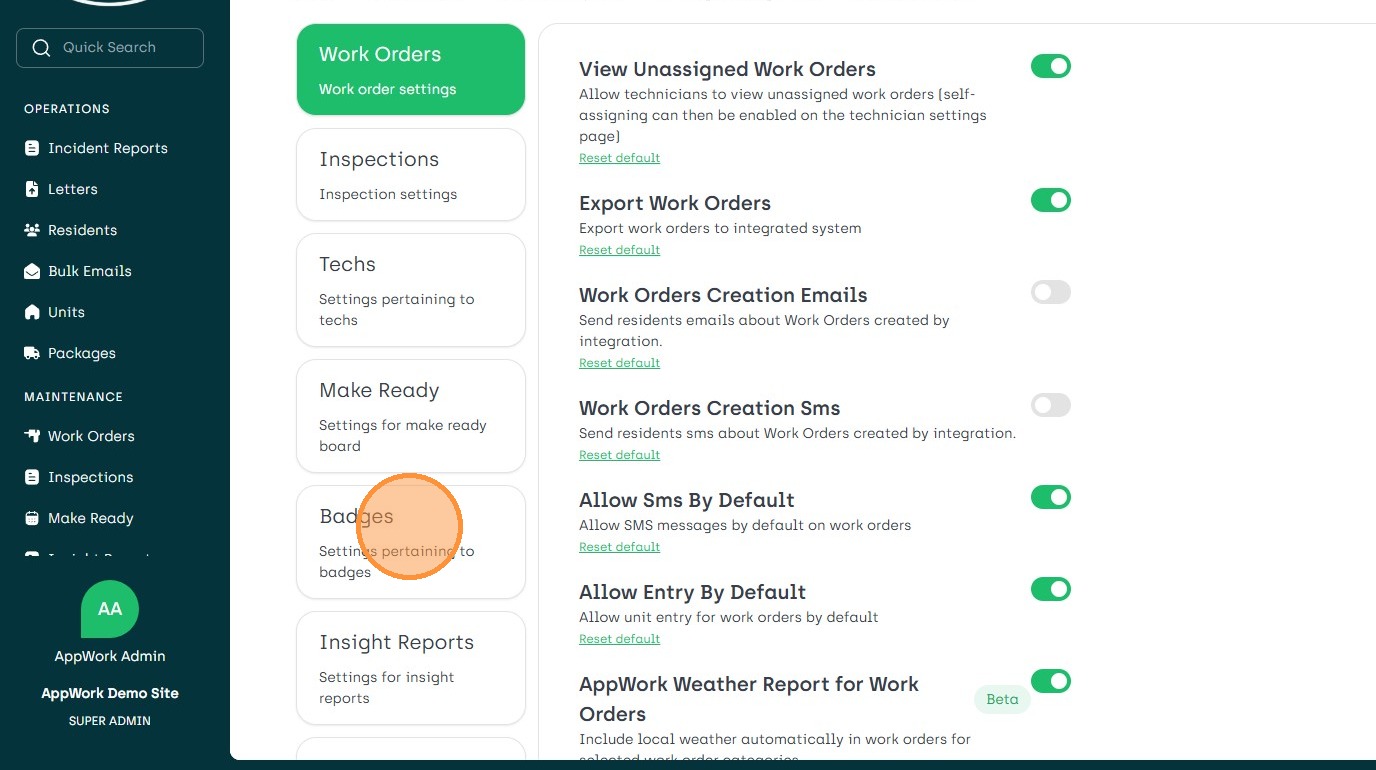
5. Click the Badges Icon
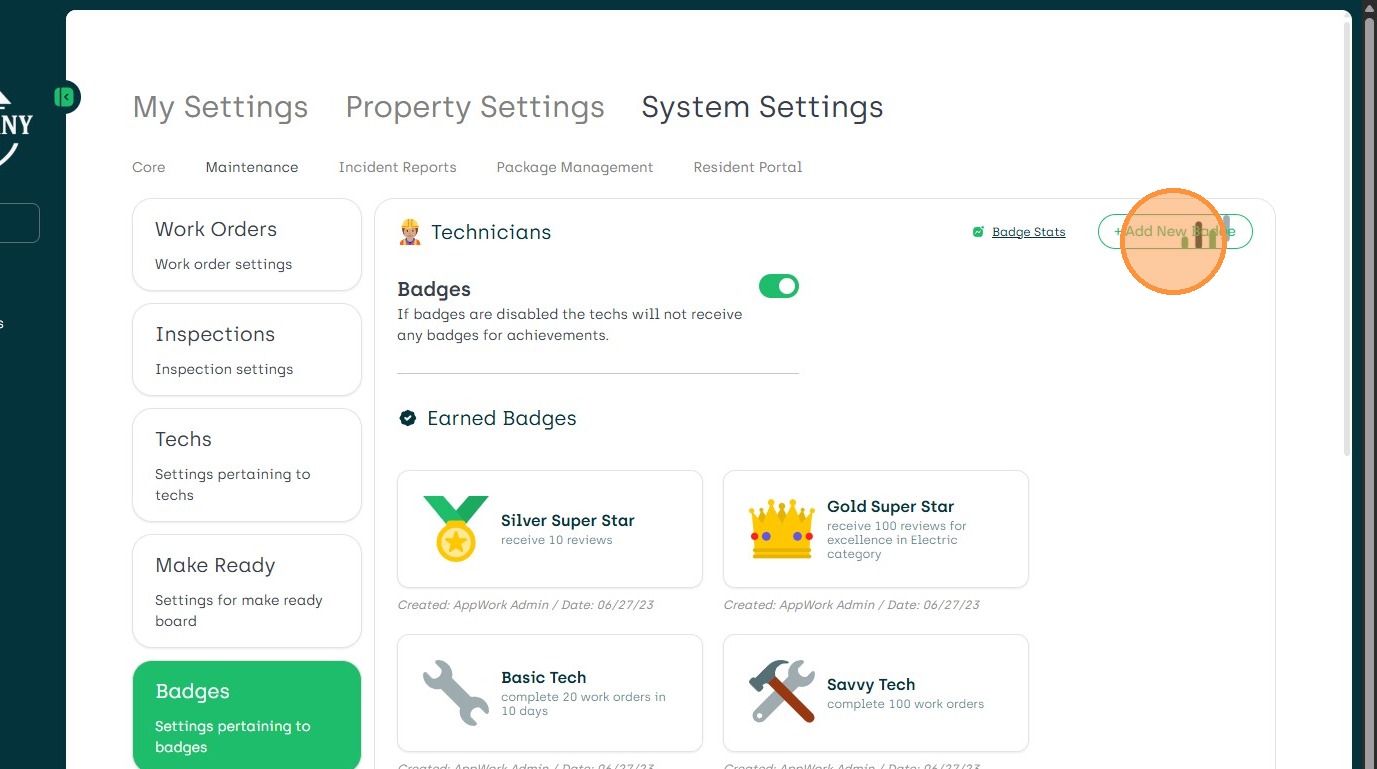
6. Click Add New Badges Button
7. Add New Badge
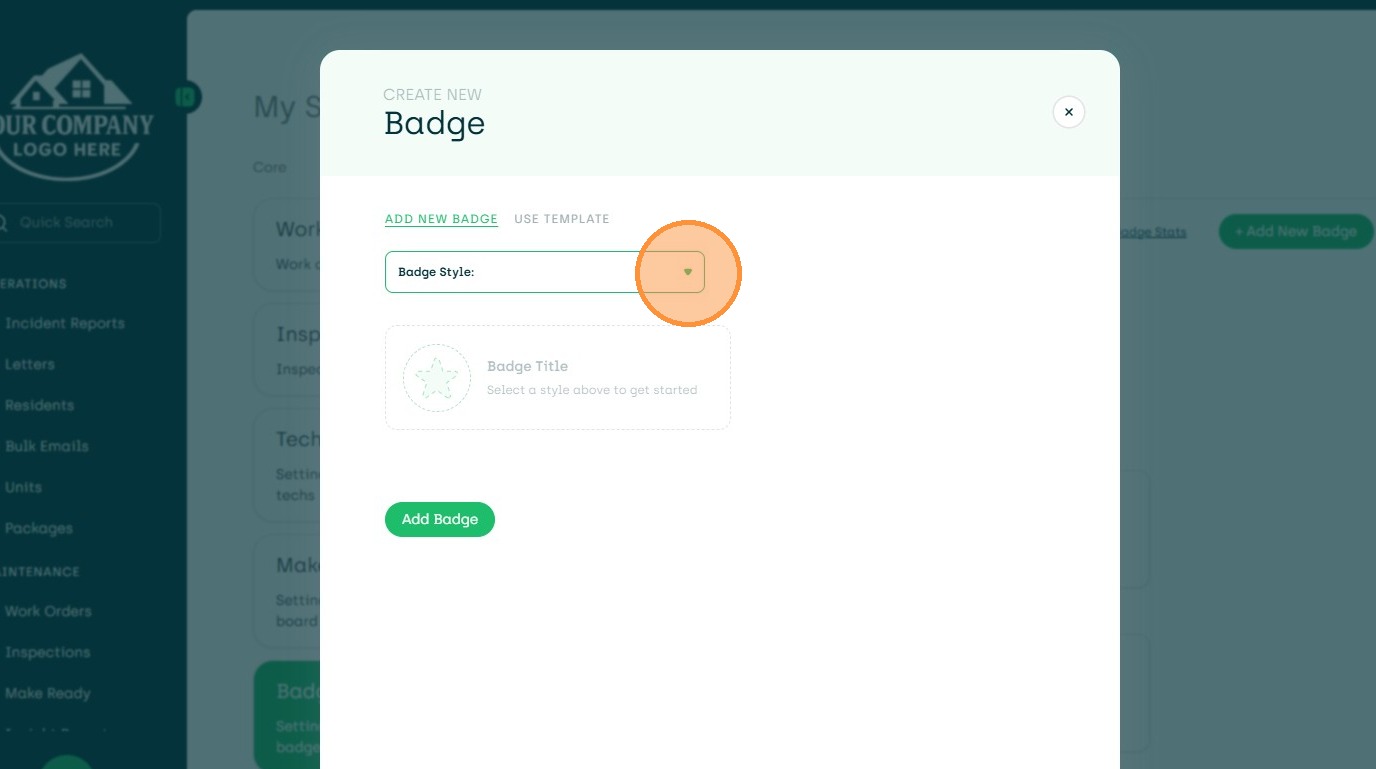
8. Choose New Badge Style
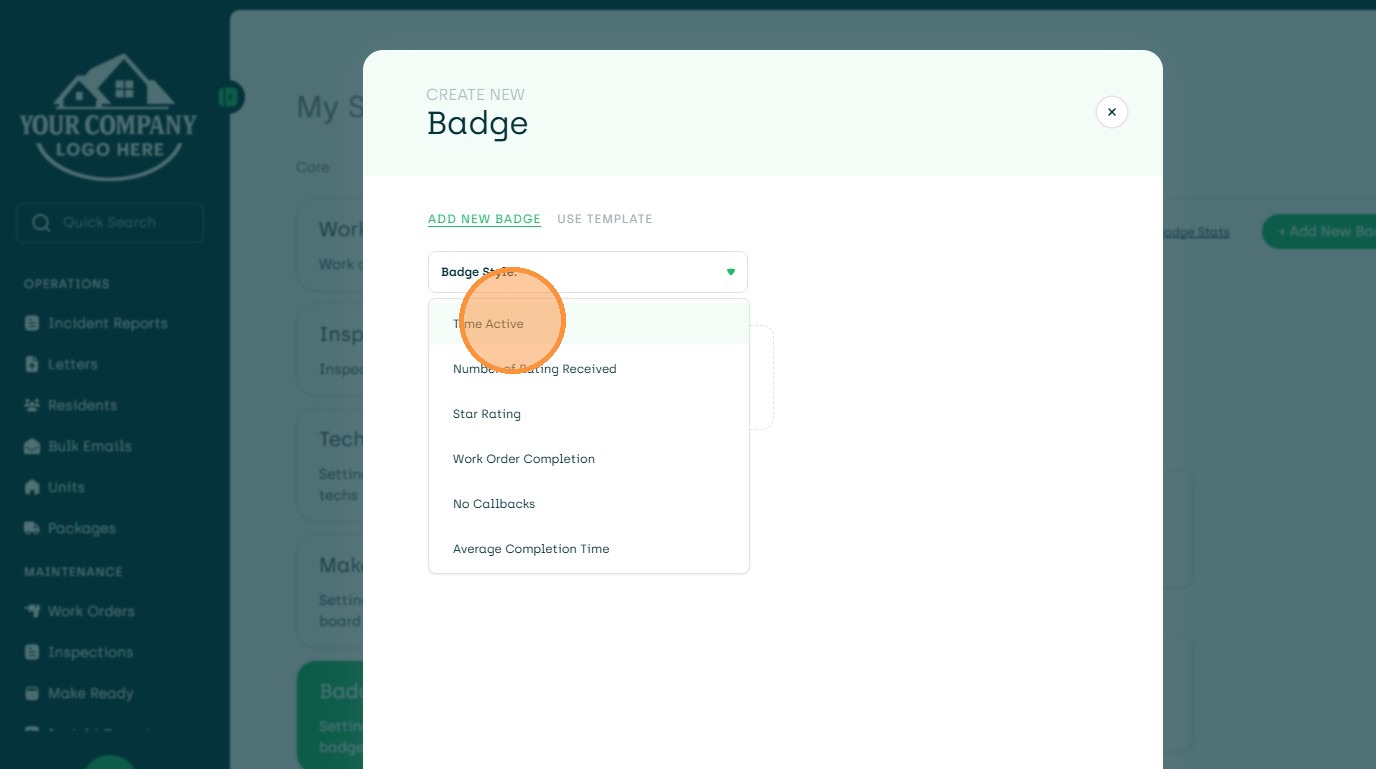
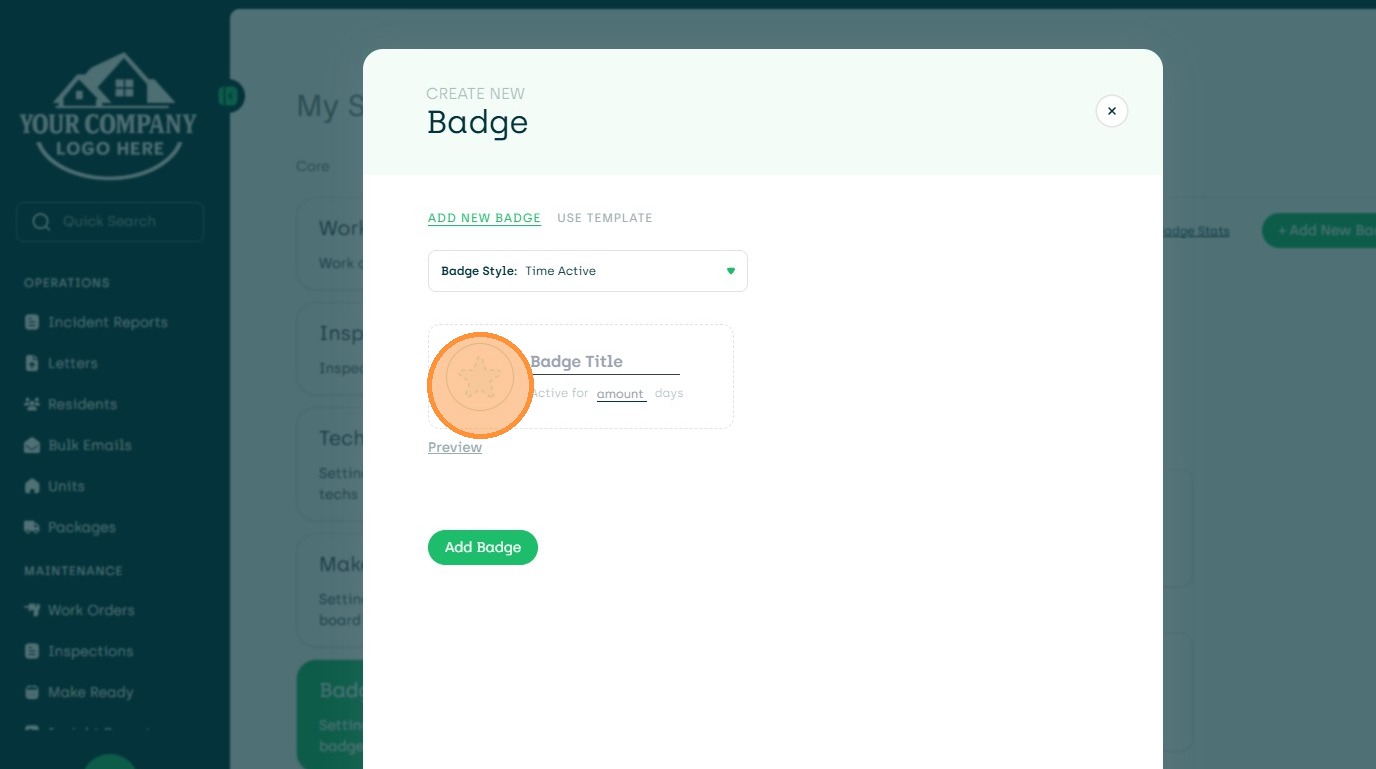
9. Choose a Fun Icon
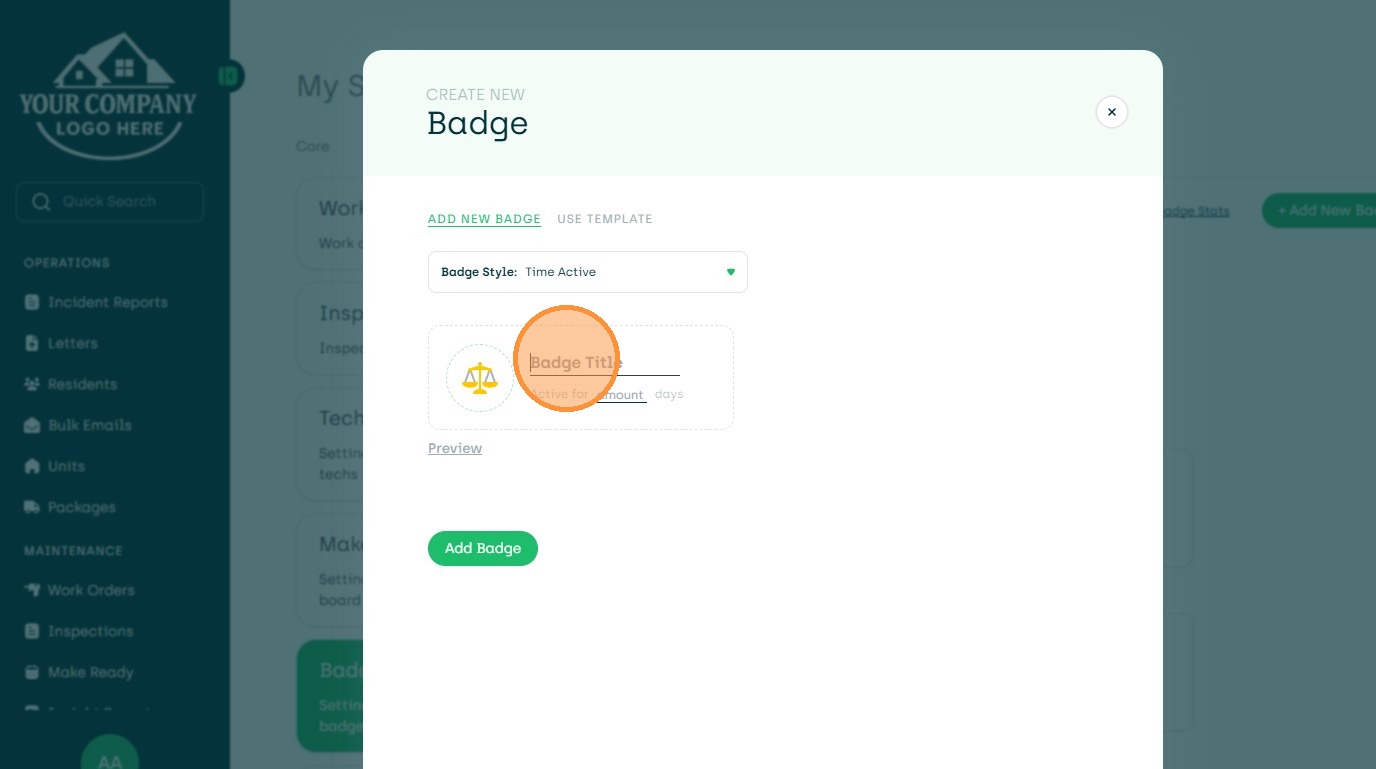
10. Add Badge Title
11. Unique and Fun Name
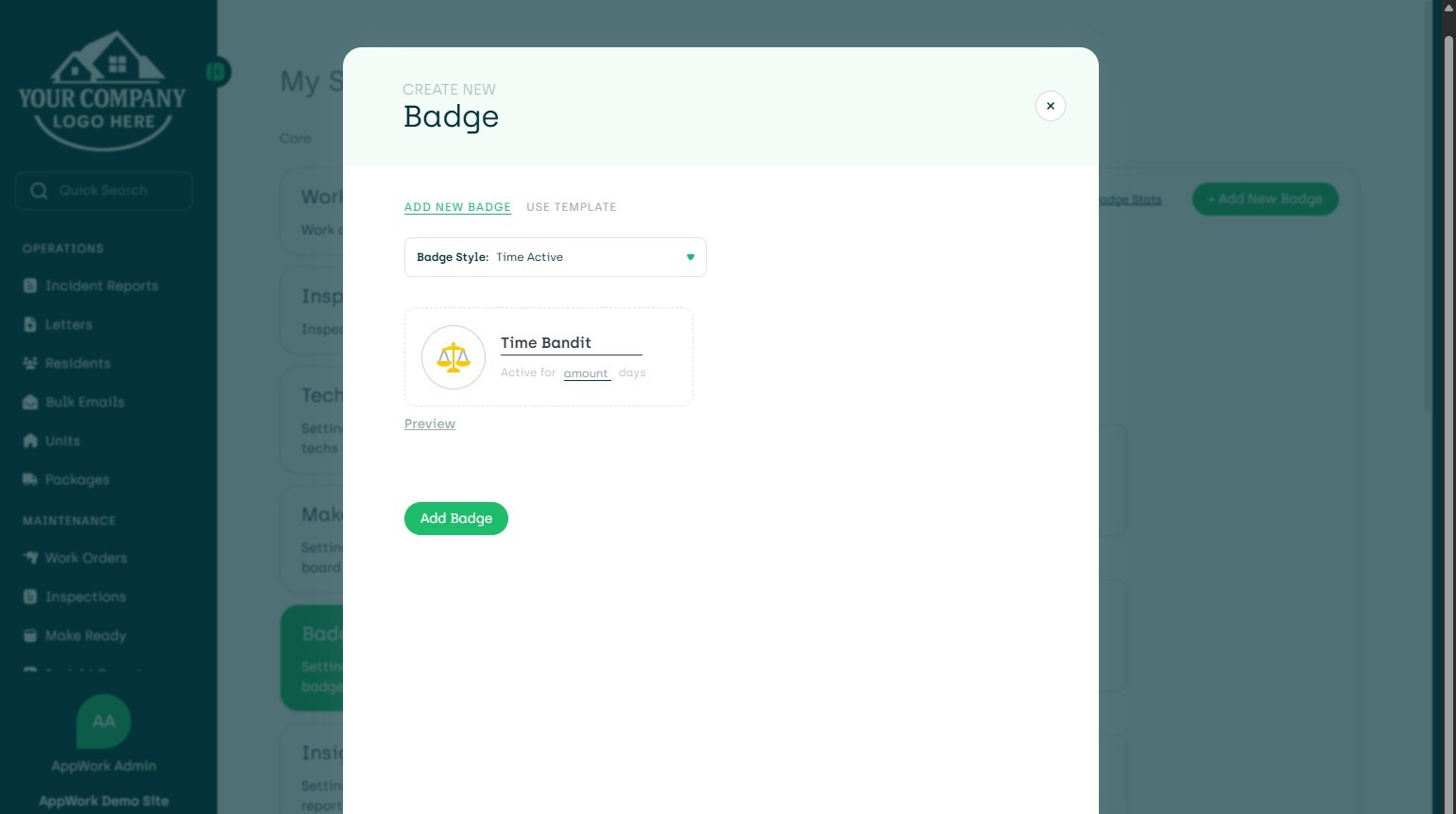
12. Easily Edit Choices
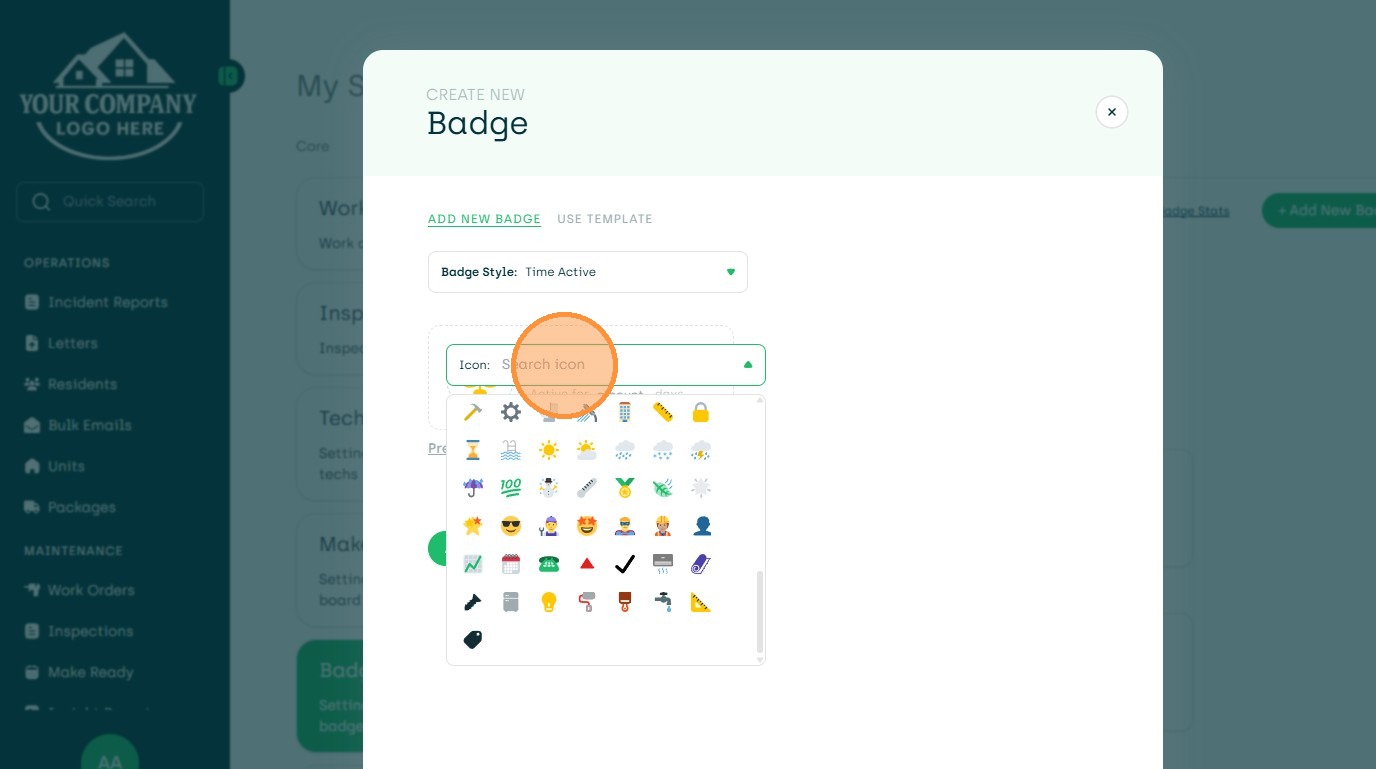
13. Complete the Required Fields
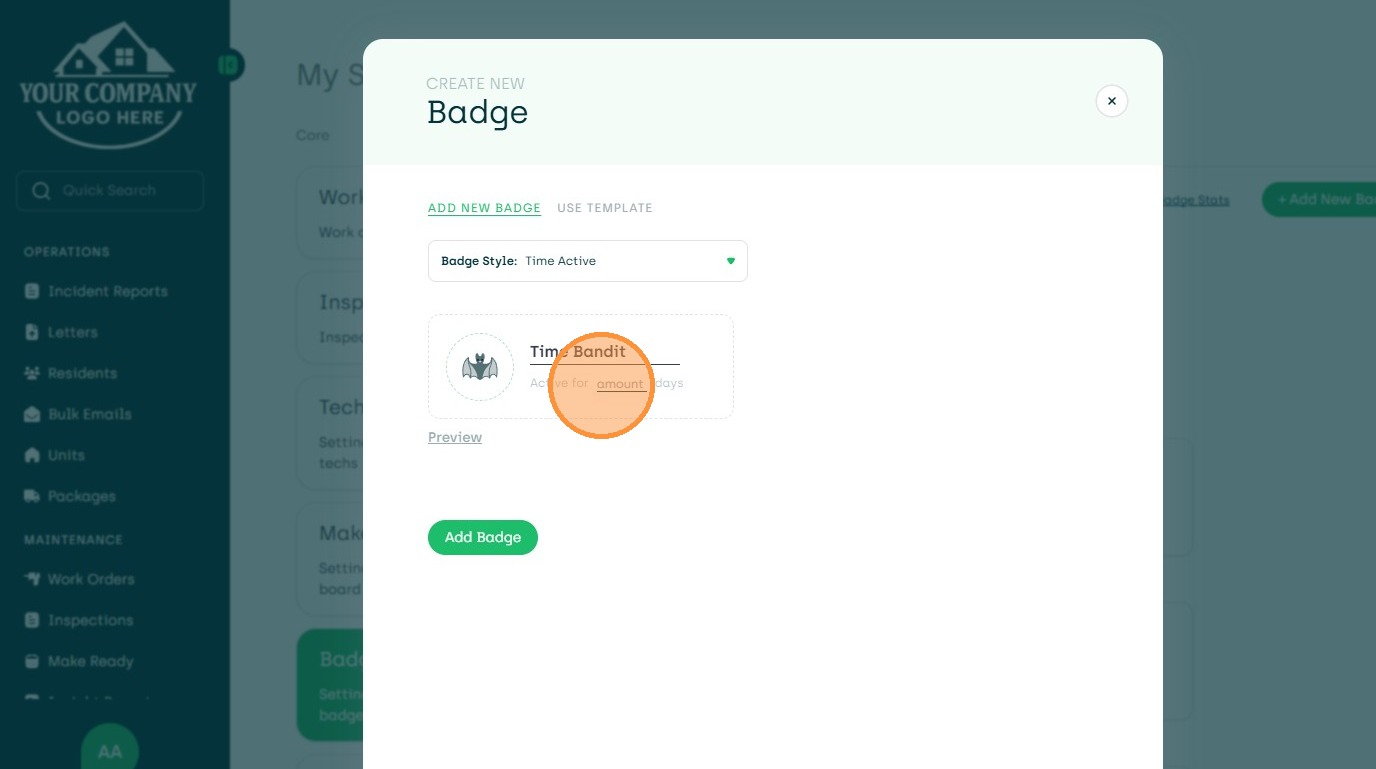
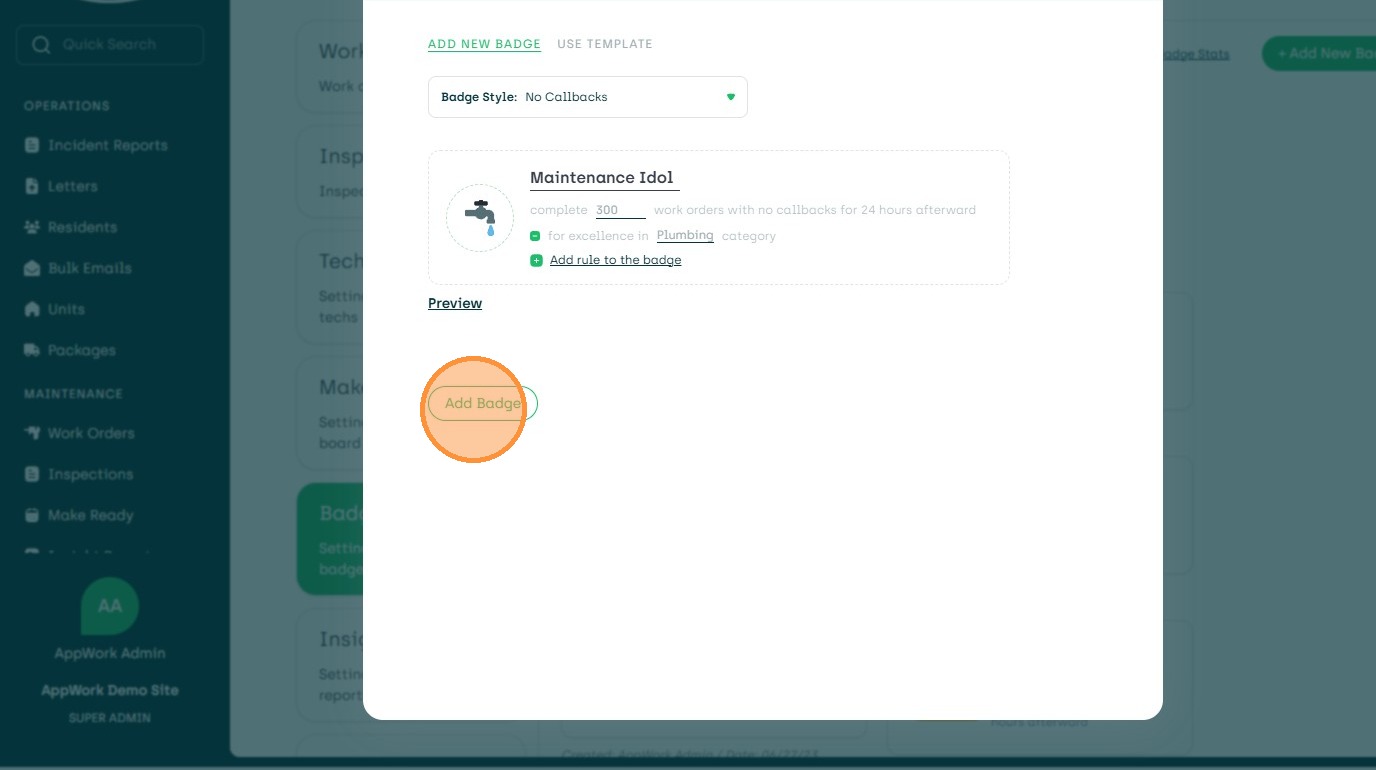
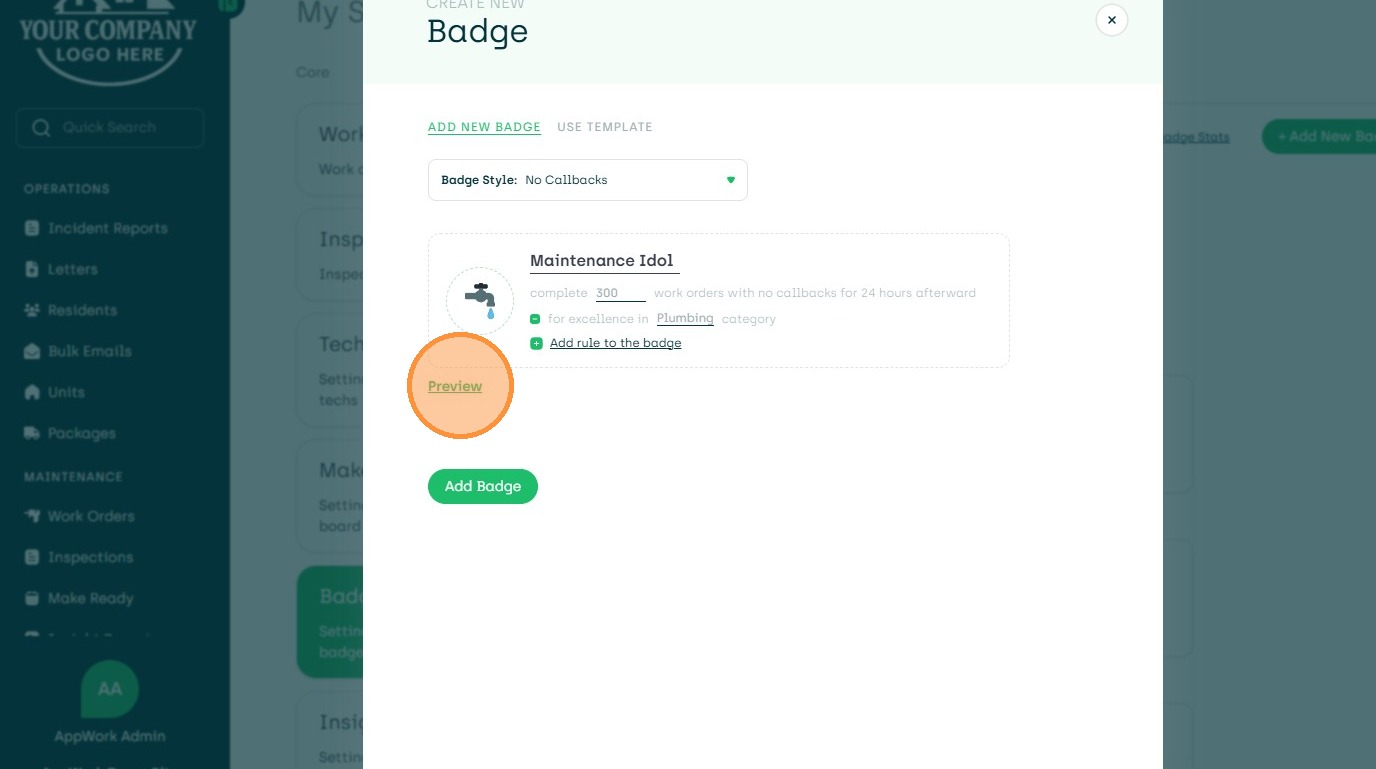
14. Preview Badge
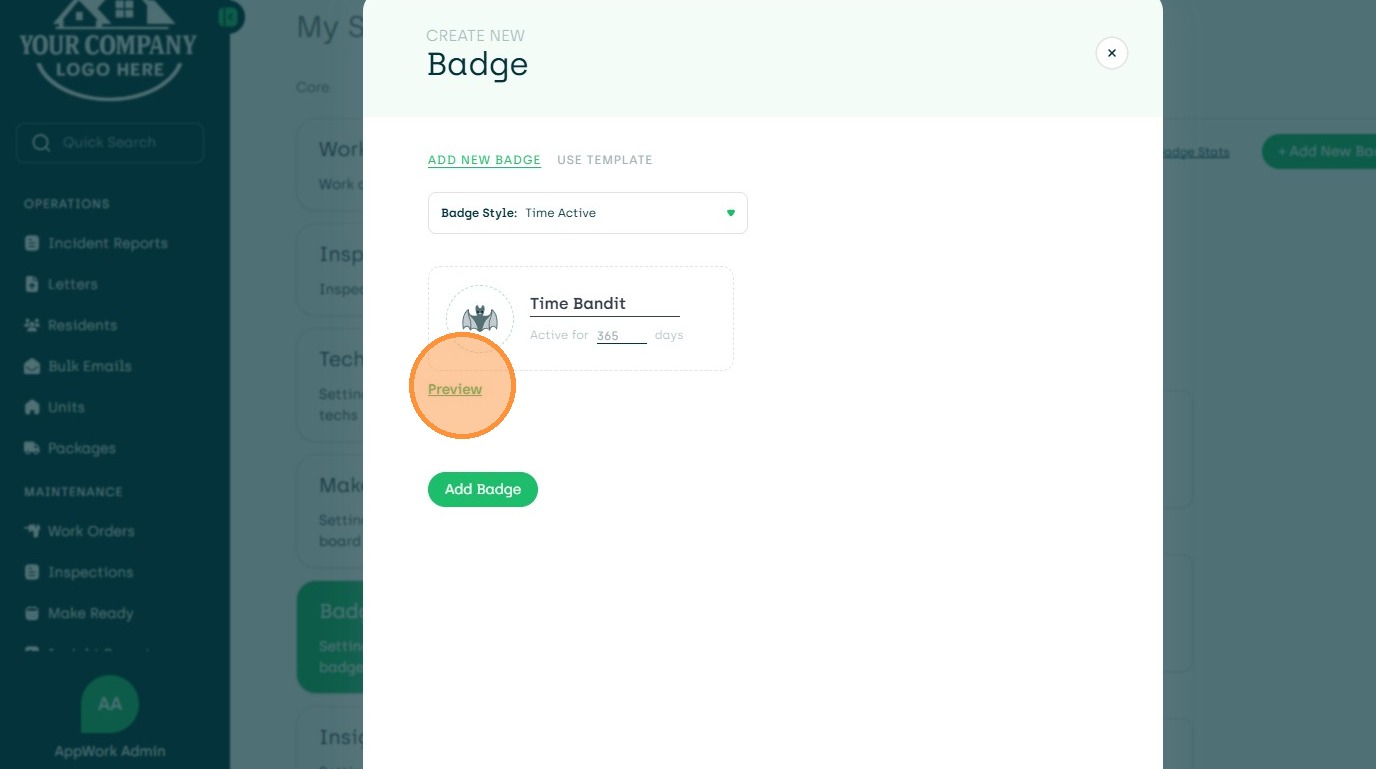
15. Add Badge
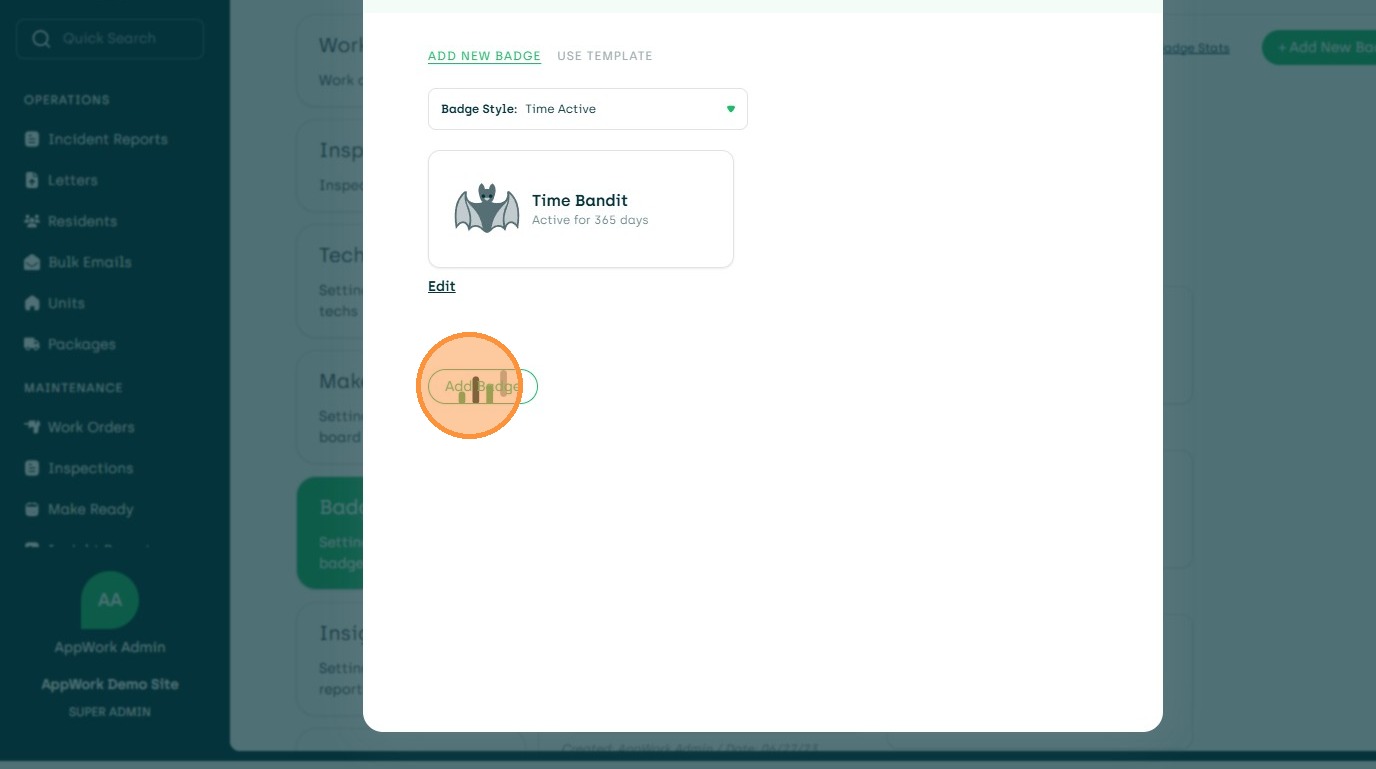
16. Edit/Add New Badge from Template or Edit
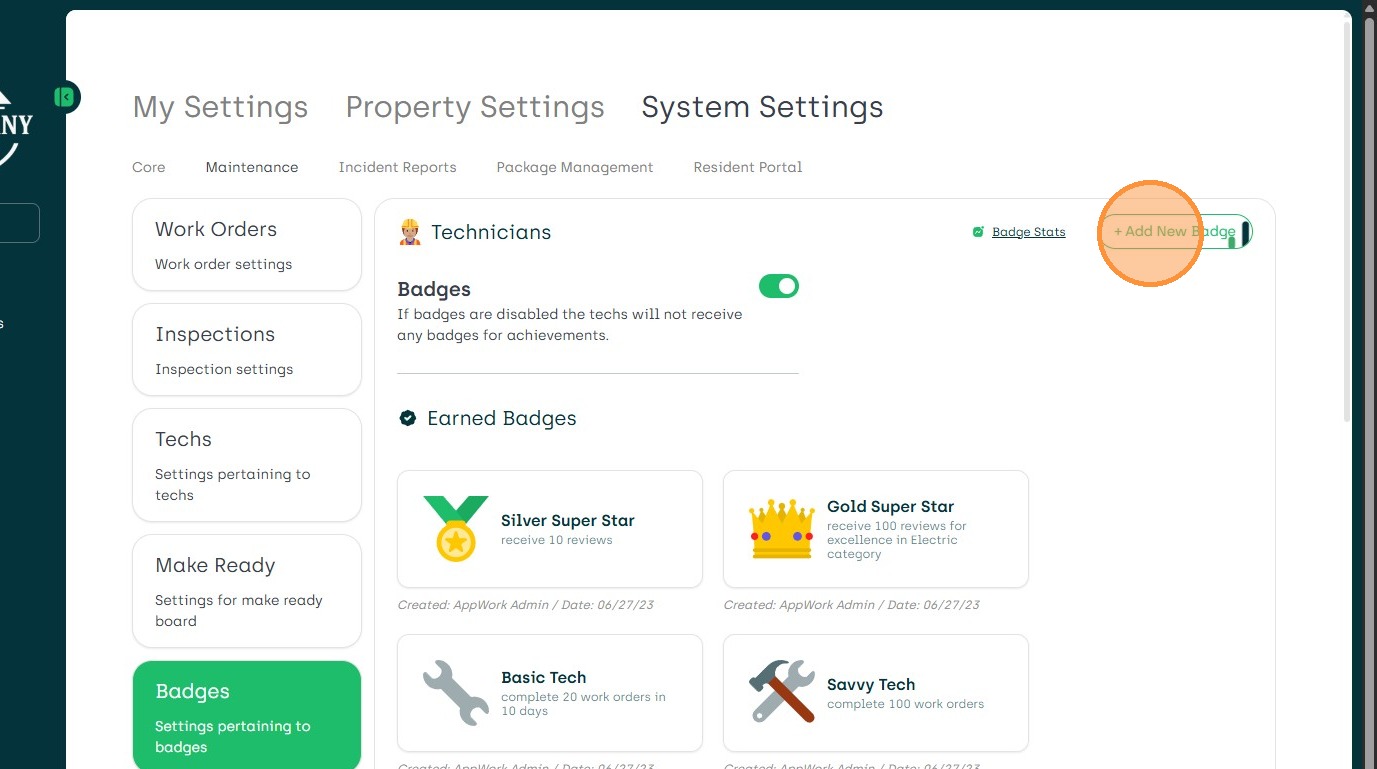
17. Choose Use Template
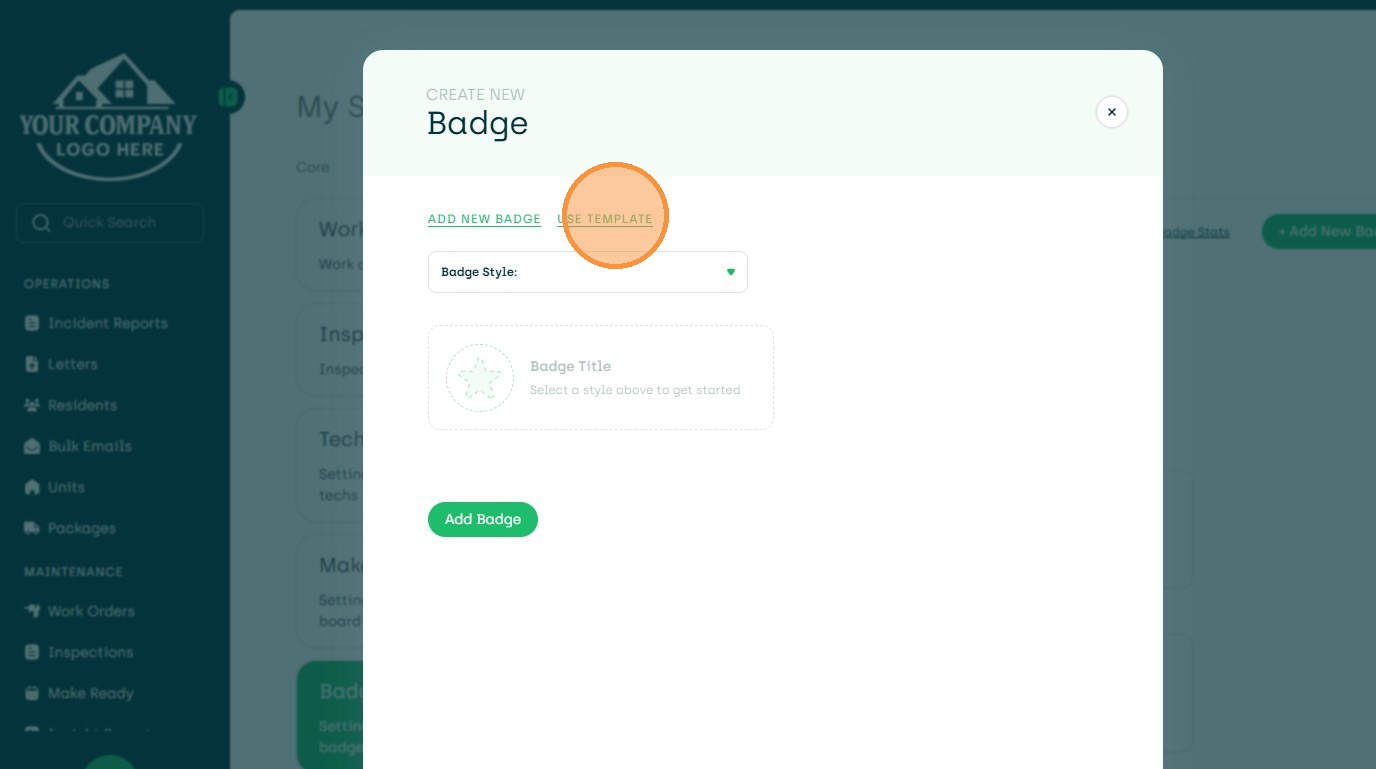
18. Choose the Badge to Edit & Add or Add
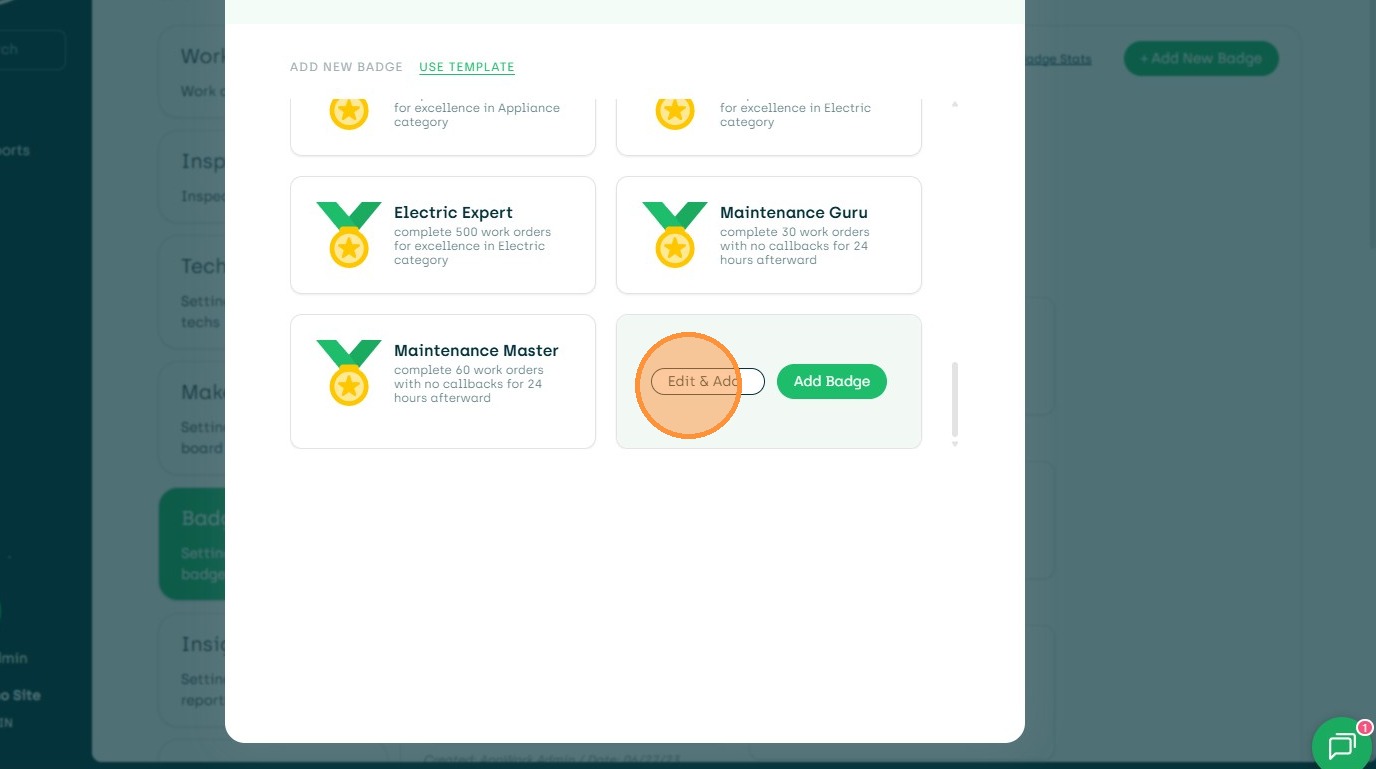
19. From the Predetermined Badge - Edit Preferences
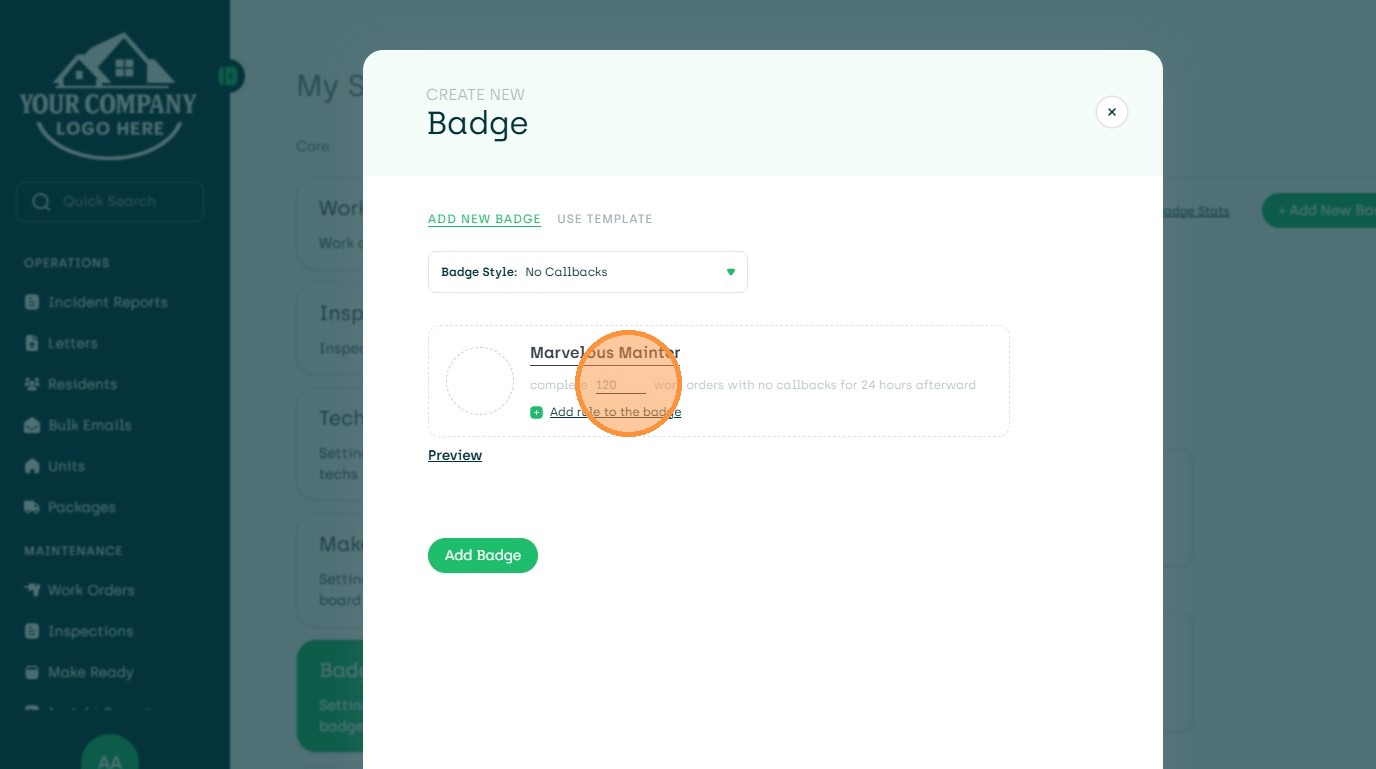
20. Add Additional Rules
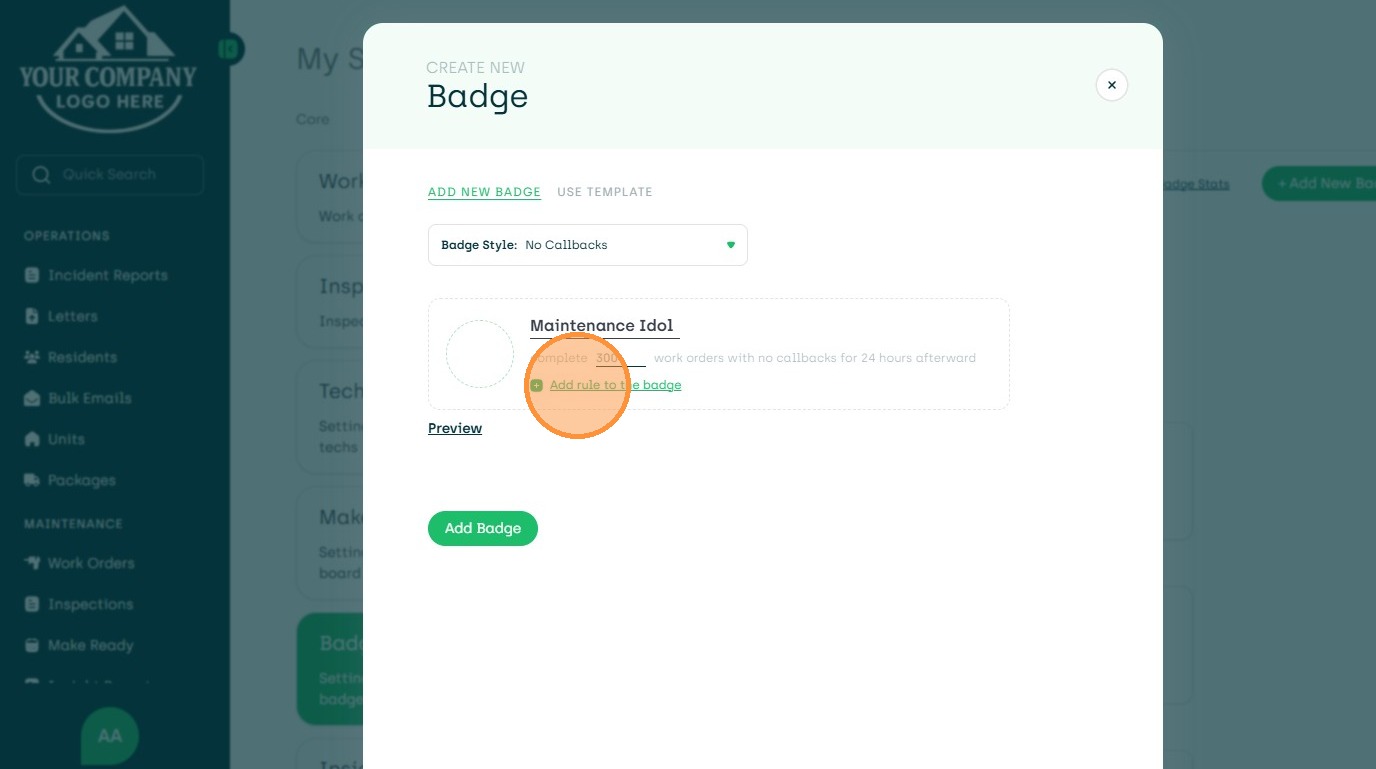
21. Add Category
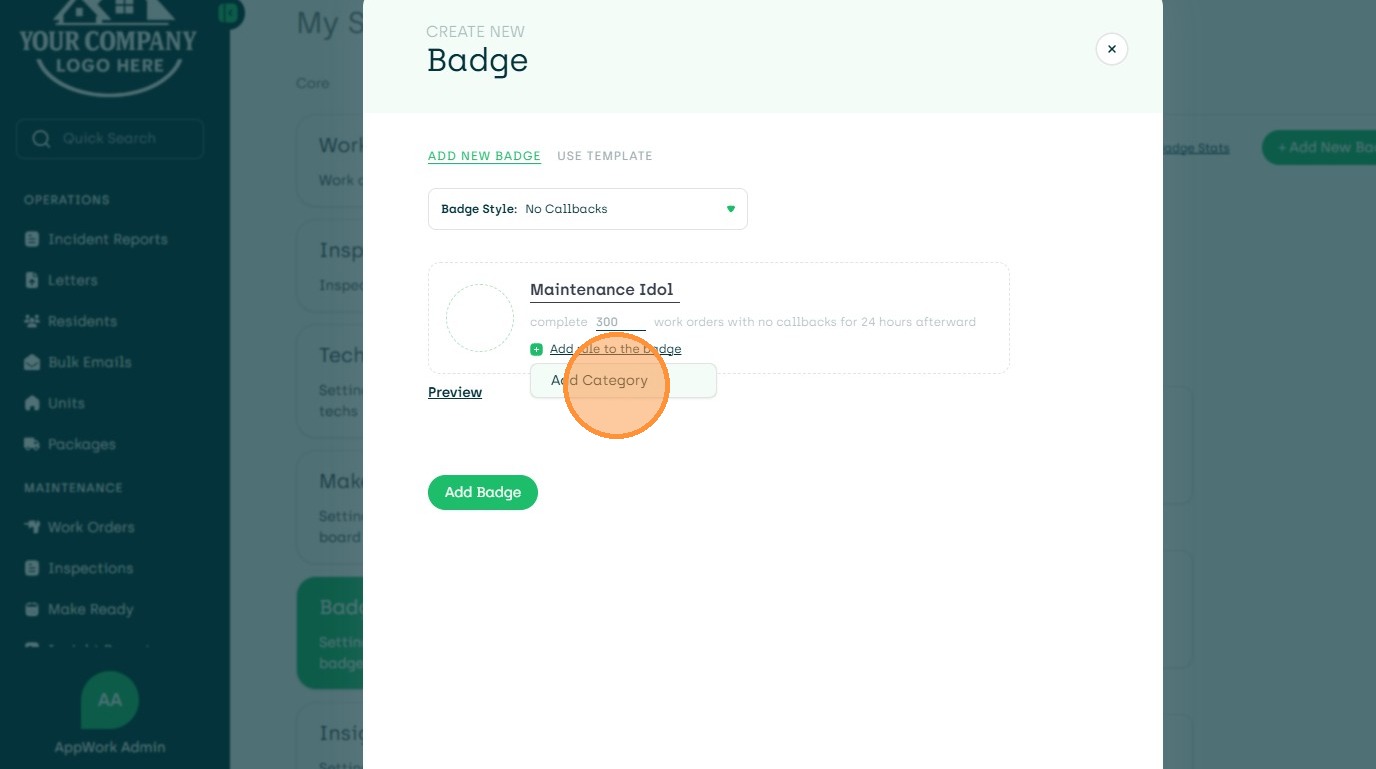
22. Add More Rules
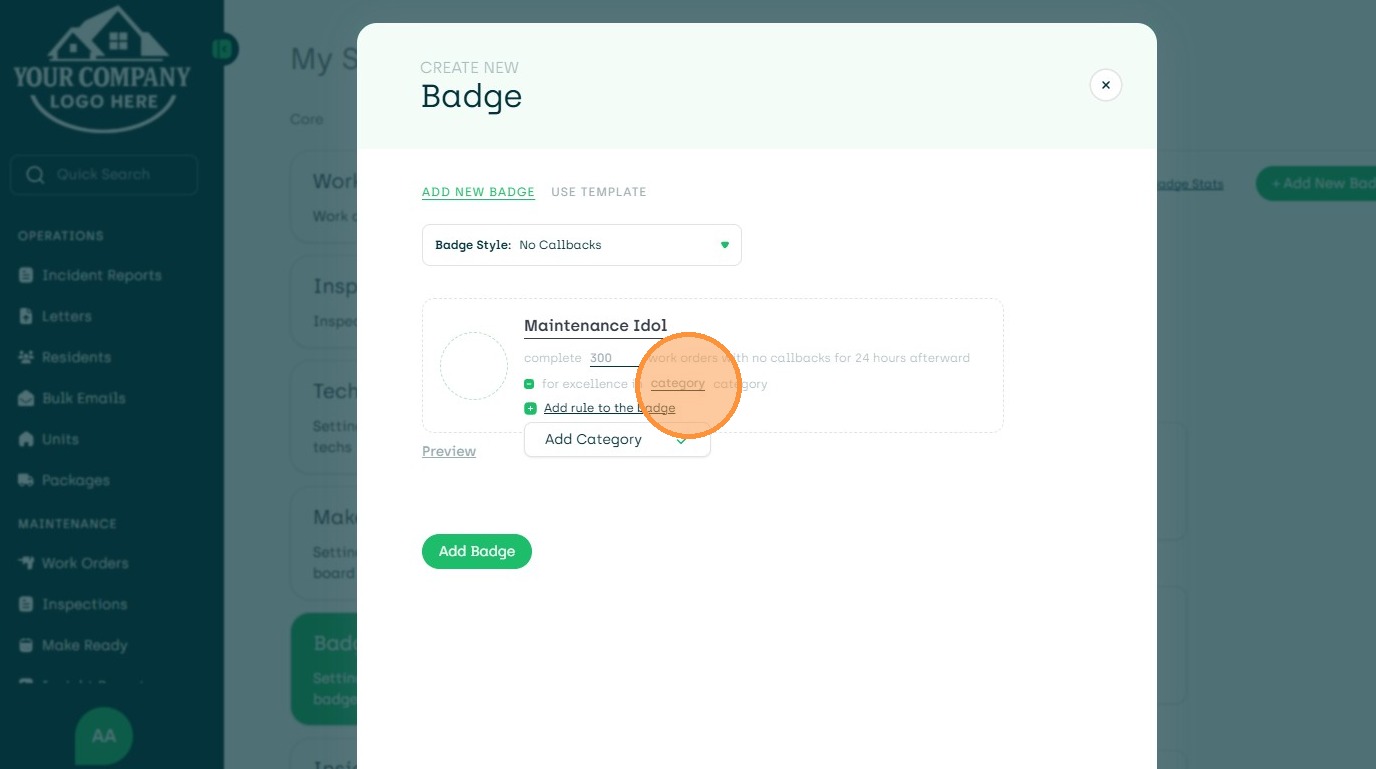
23. Click Category Type
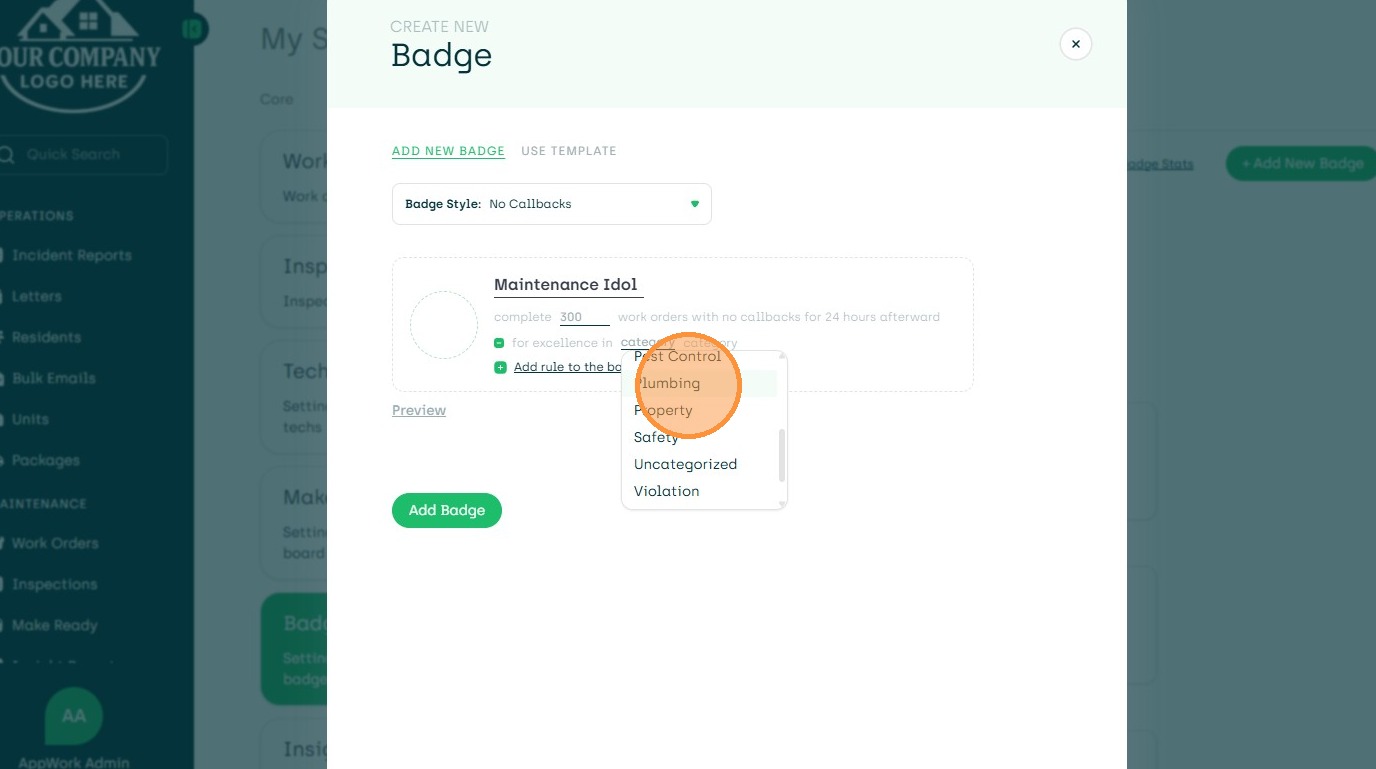
24. Choose Fun Icon
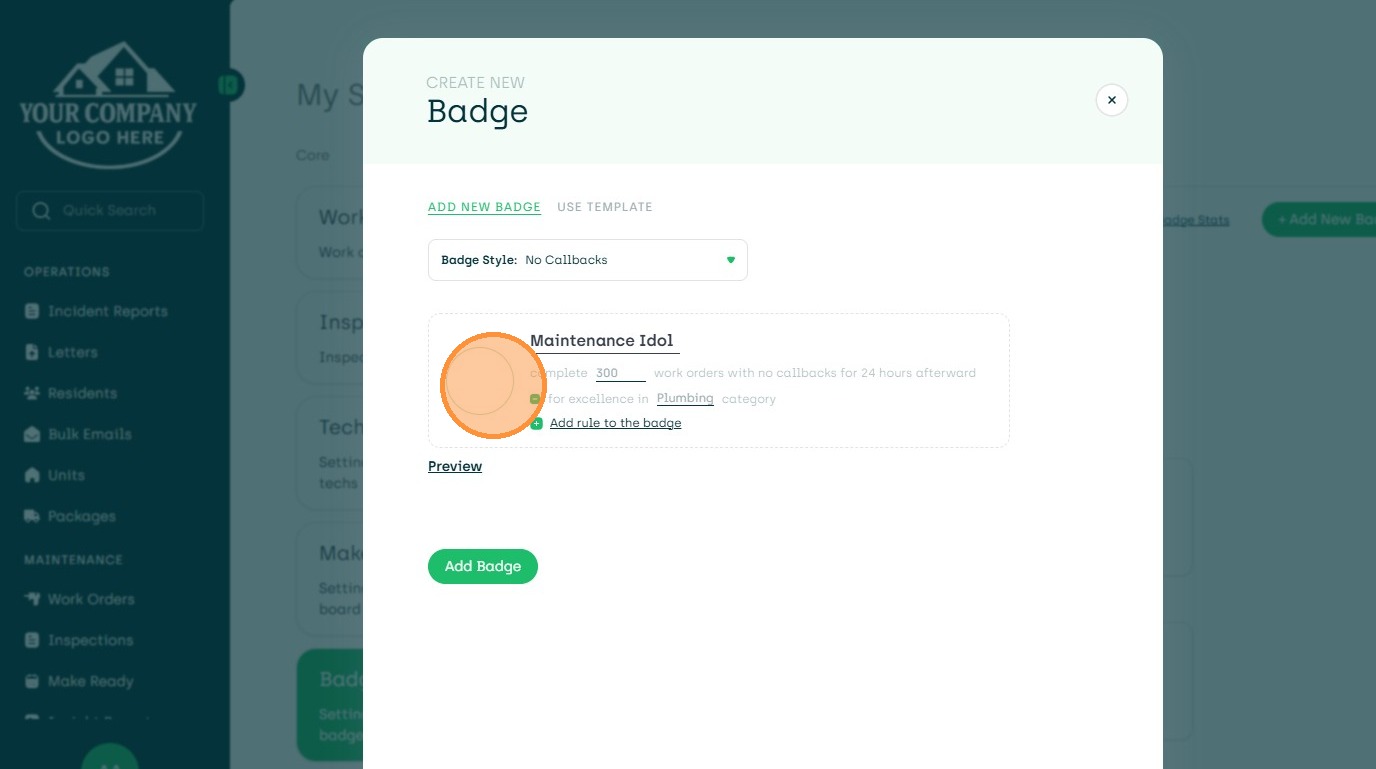
25. Choose Icon
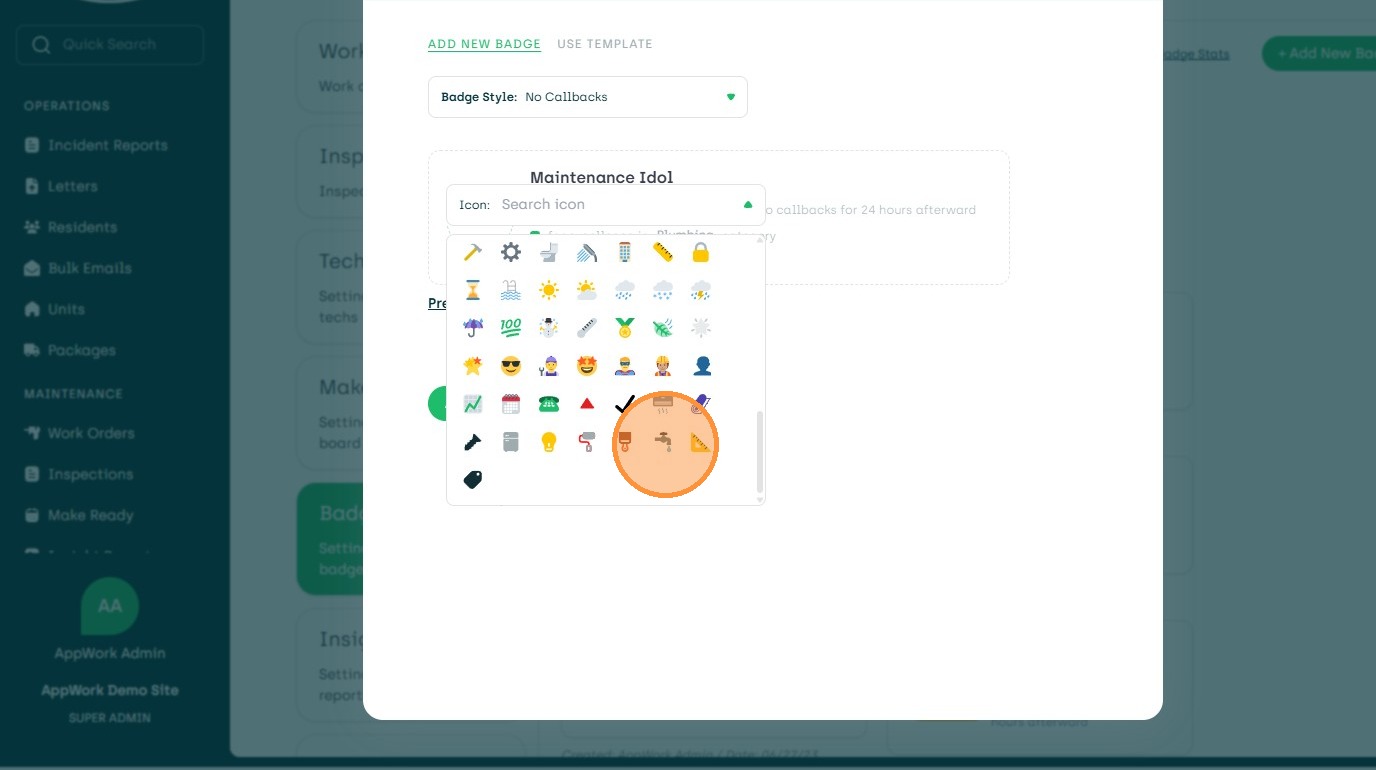
26. Create Badge Name and then Preview
27. Edit to Make Changes
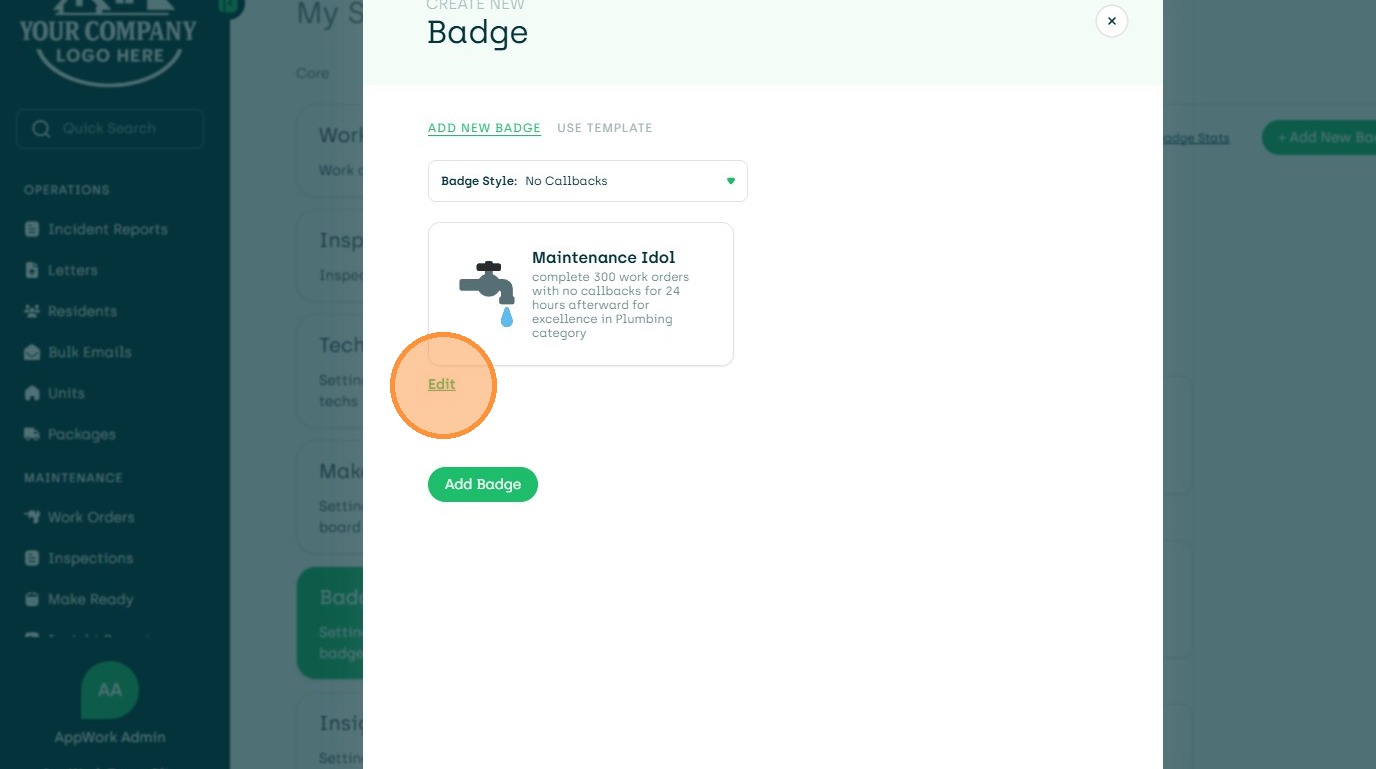
28. Add Badge to Save