
1. In the Admin Portal, Navigate to the "Settings" Hyperlink Located on the Profile Tab.
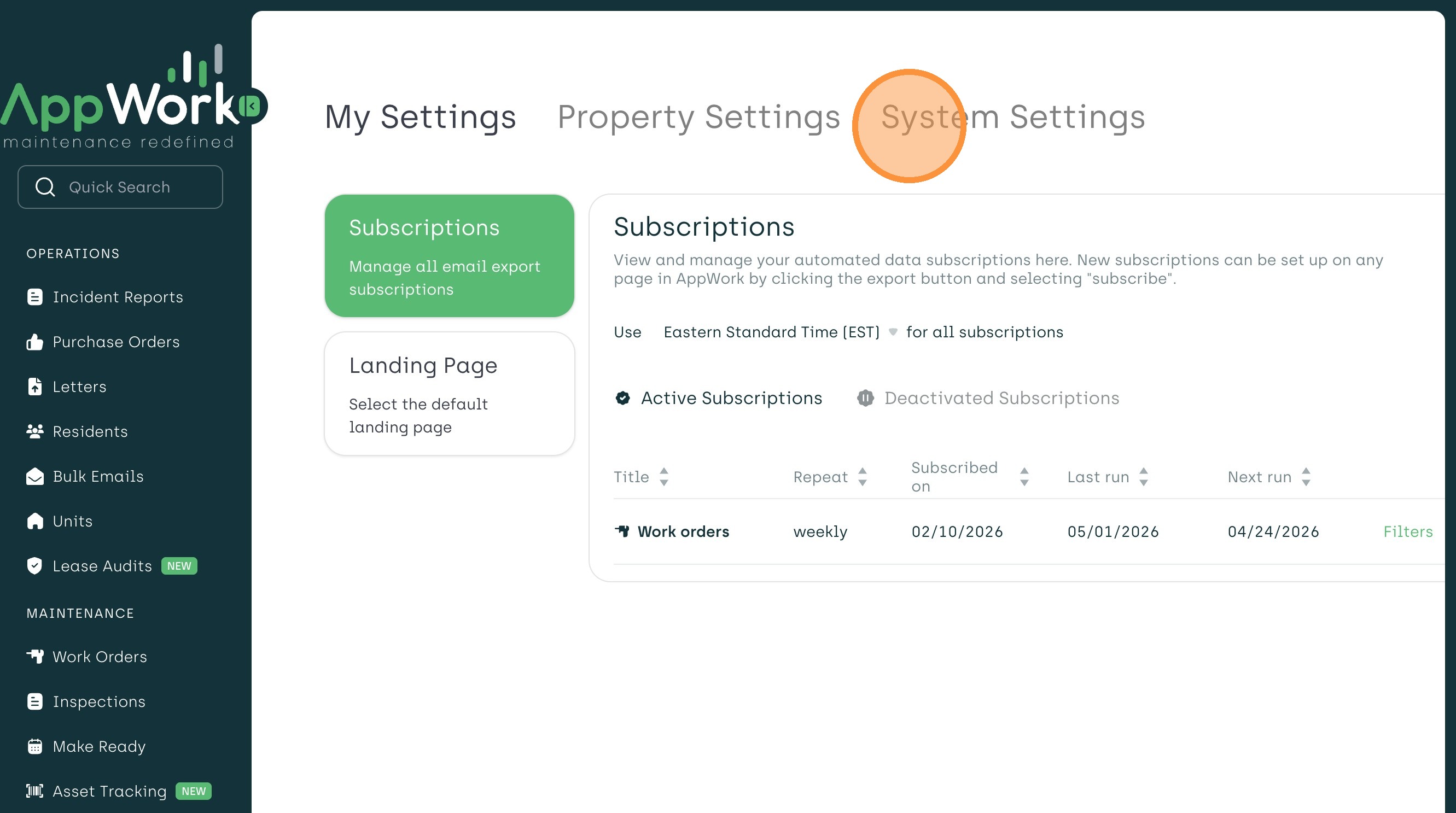
2. Click on "System Settings".
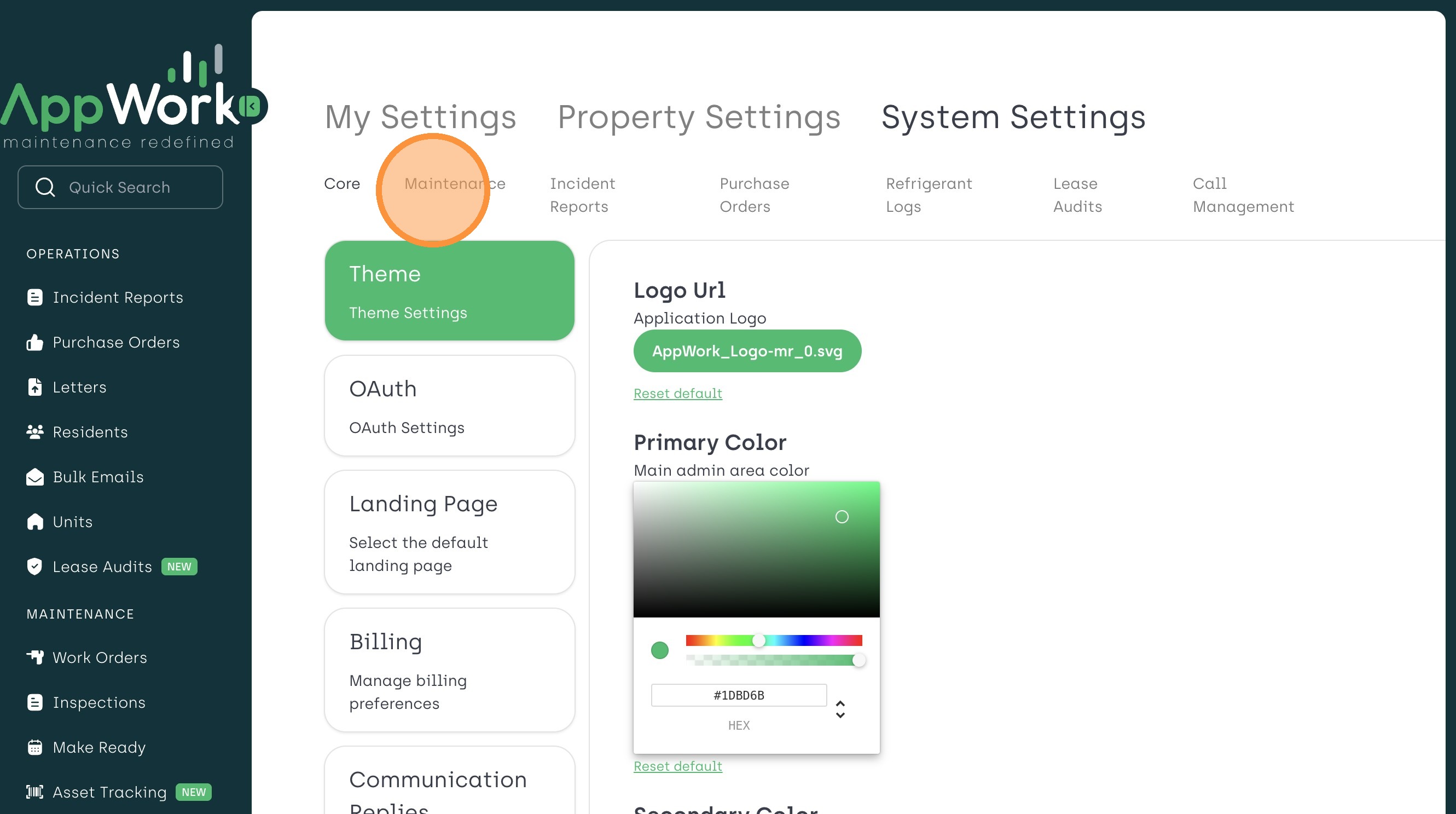
3. Select "Maintenance".
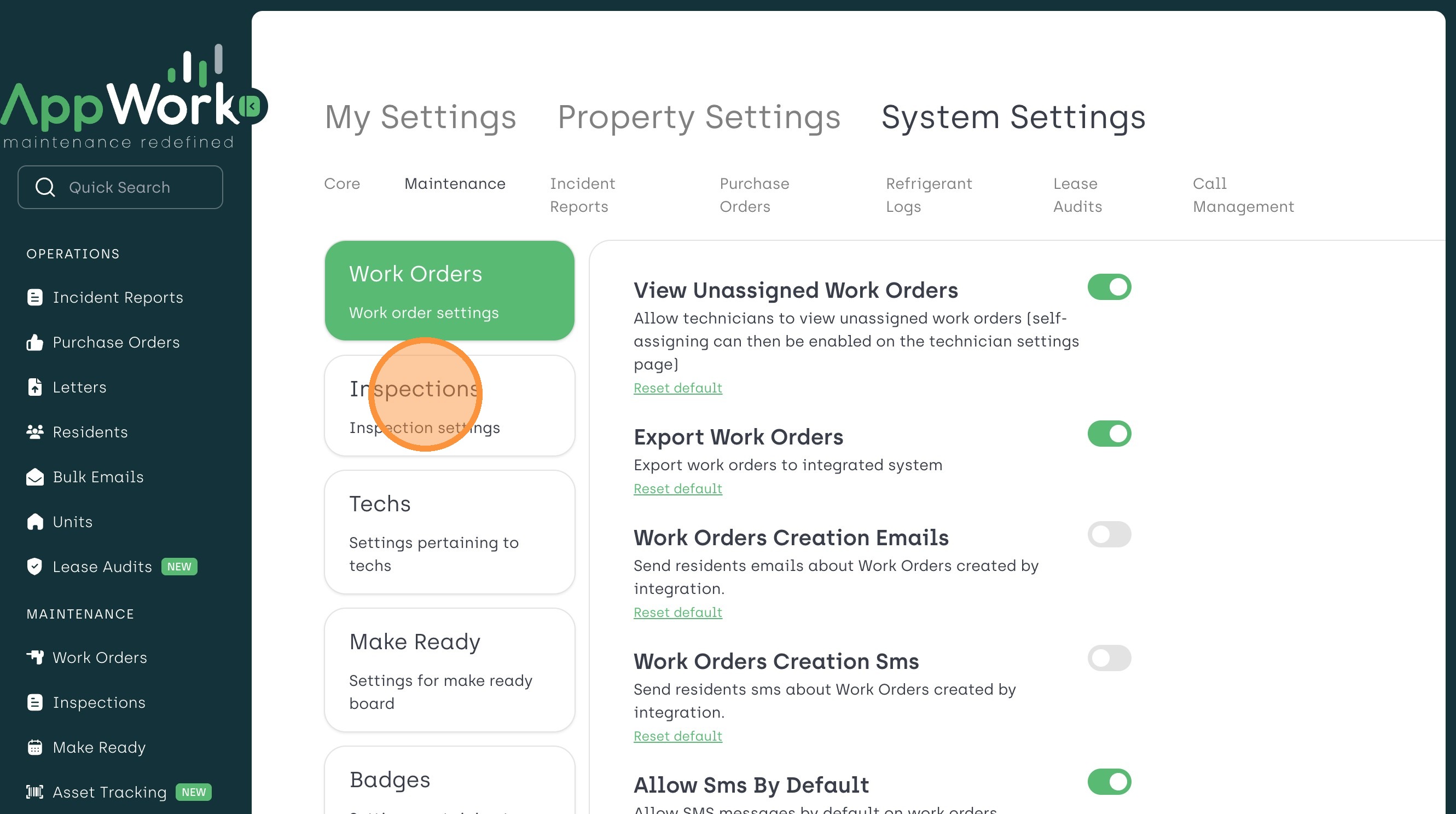
4. Select "Inspections" From the Sidebar Menu
5. Choose Your Desired Inspection Template and Click "Edit".
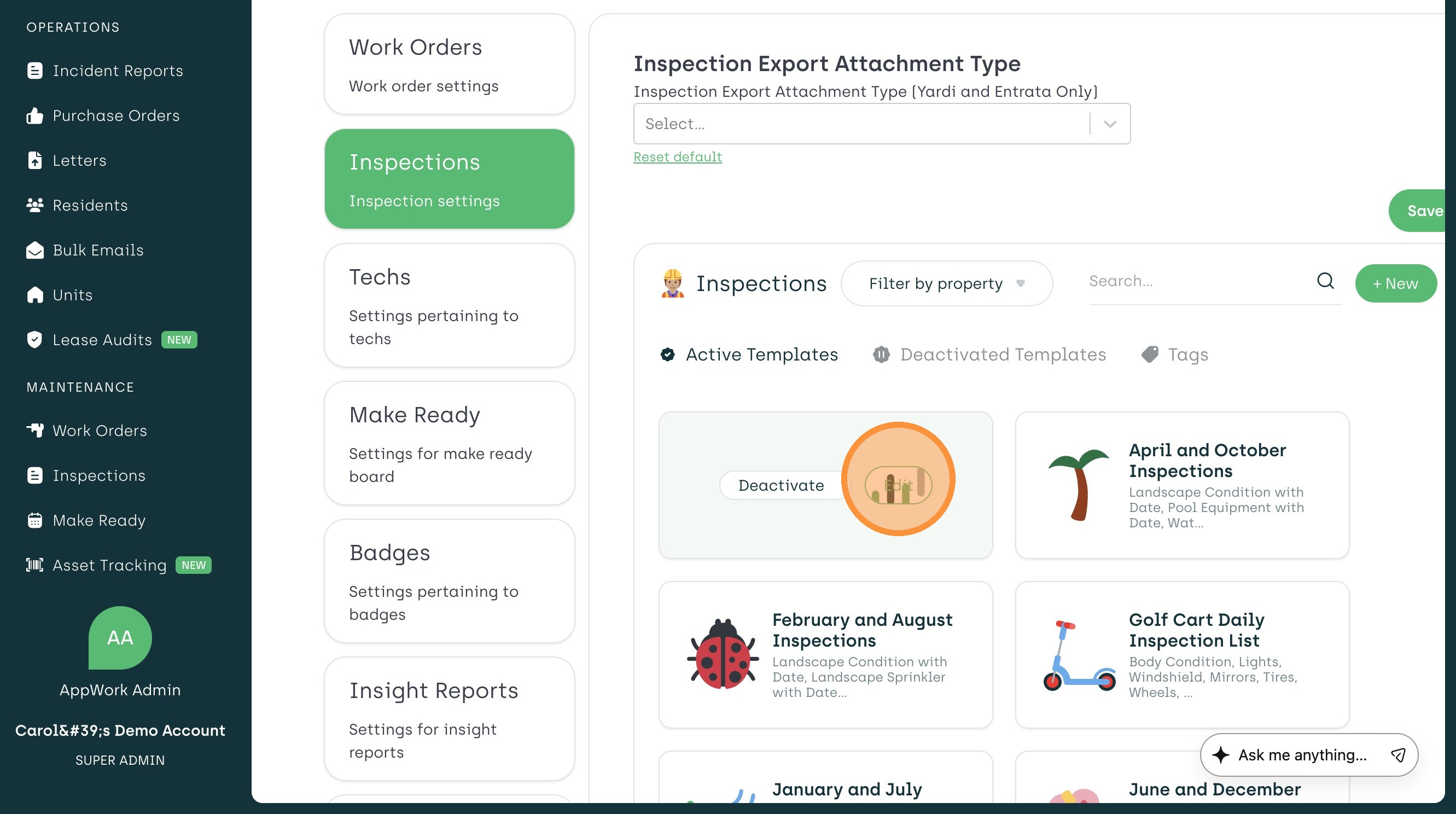
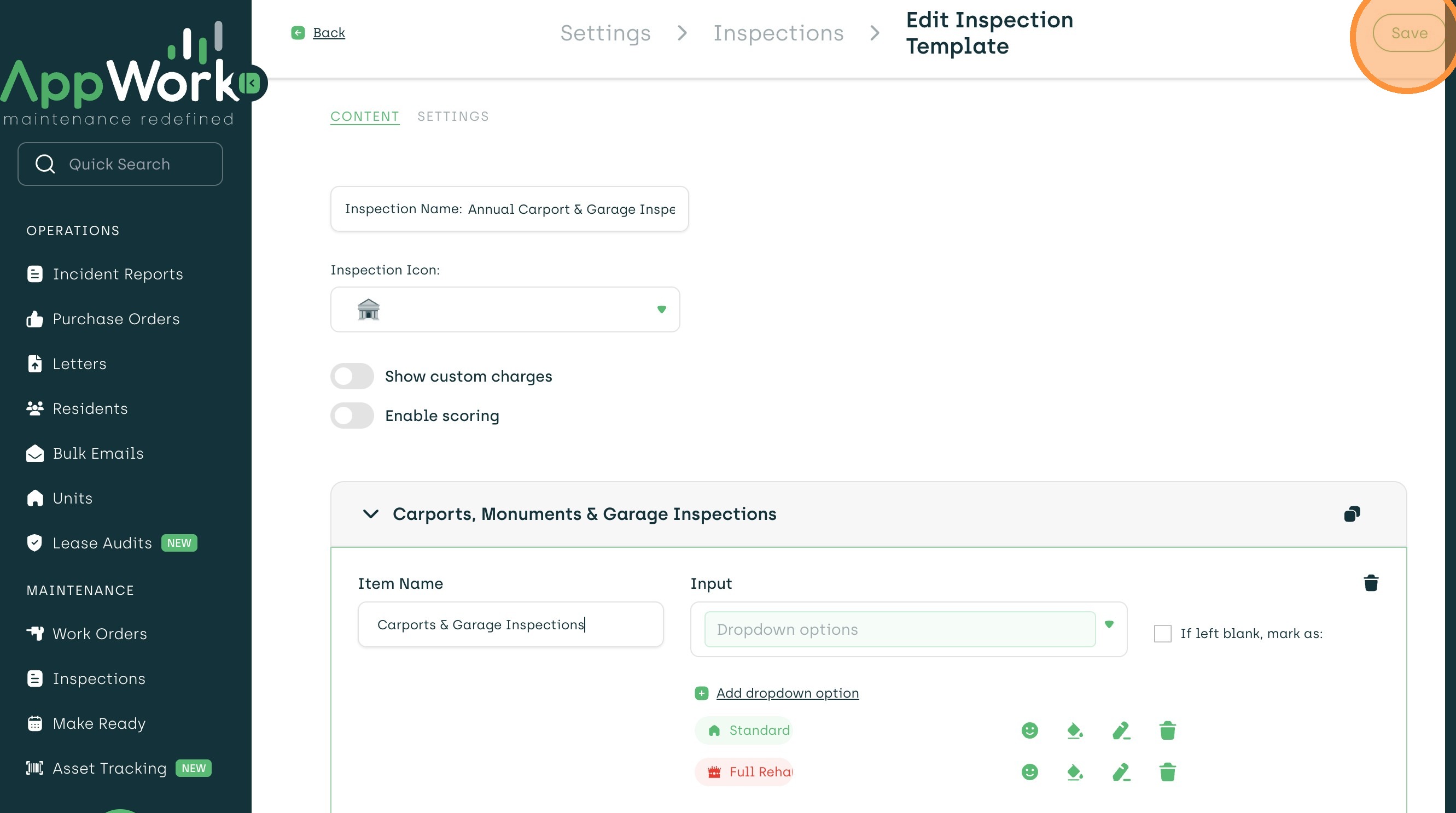
6. Select "Save" to Confirm Your Template Updates.