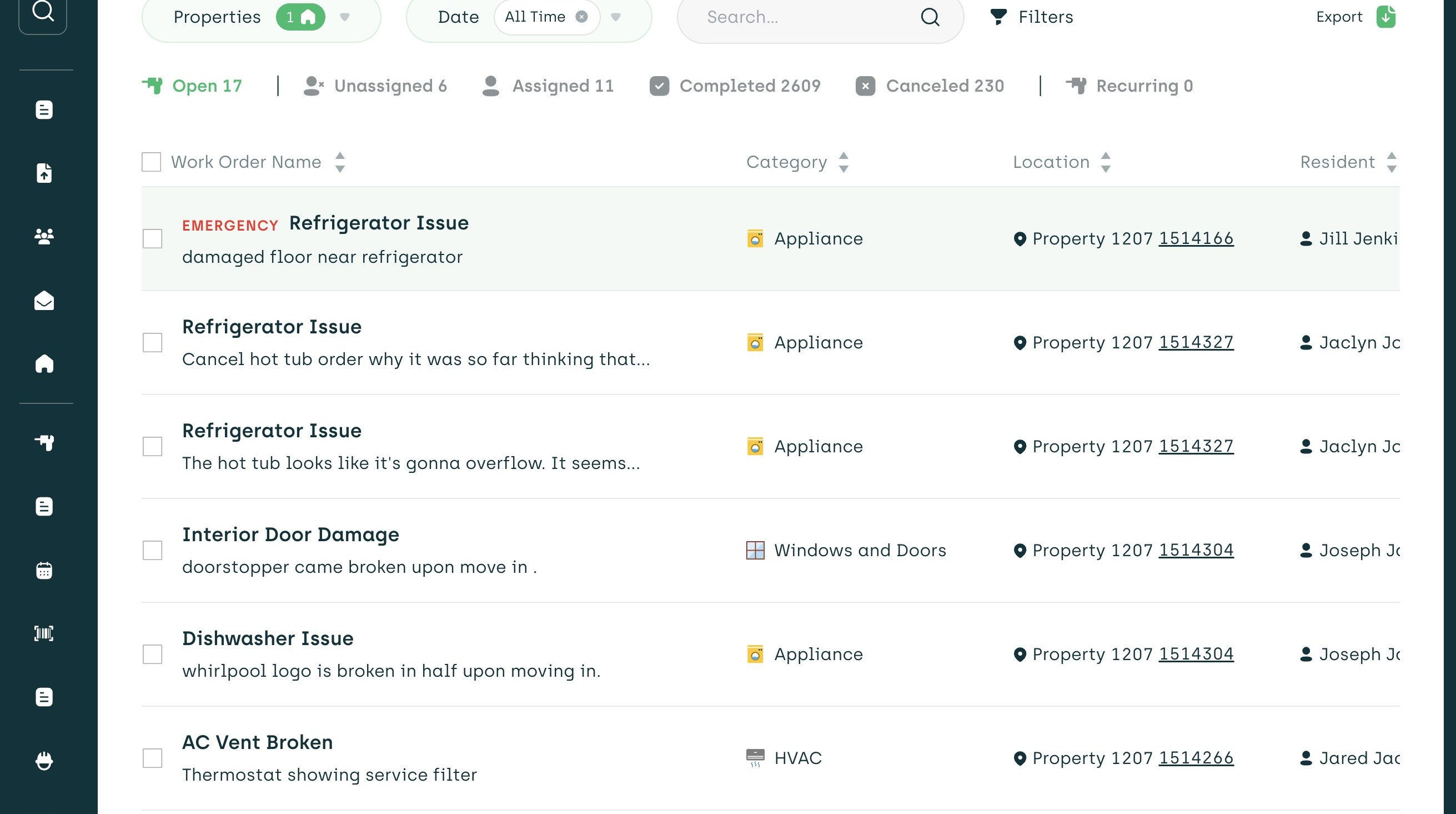
1. Navigate to the work orders page.
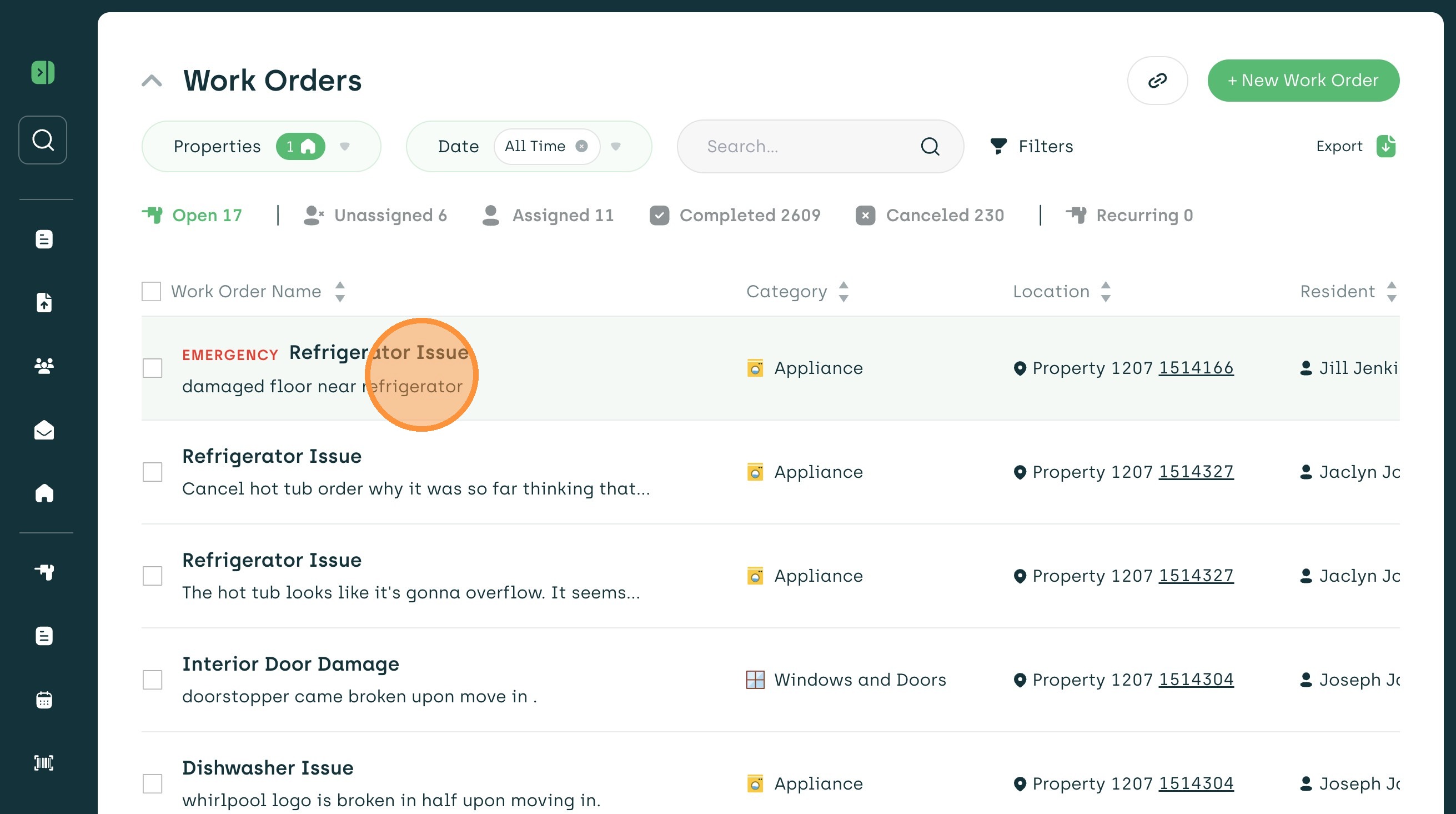
2. Click on the work order you want to update.
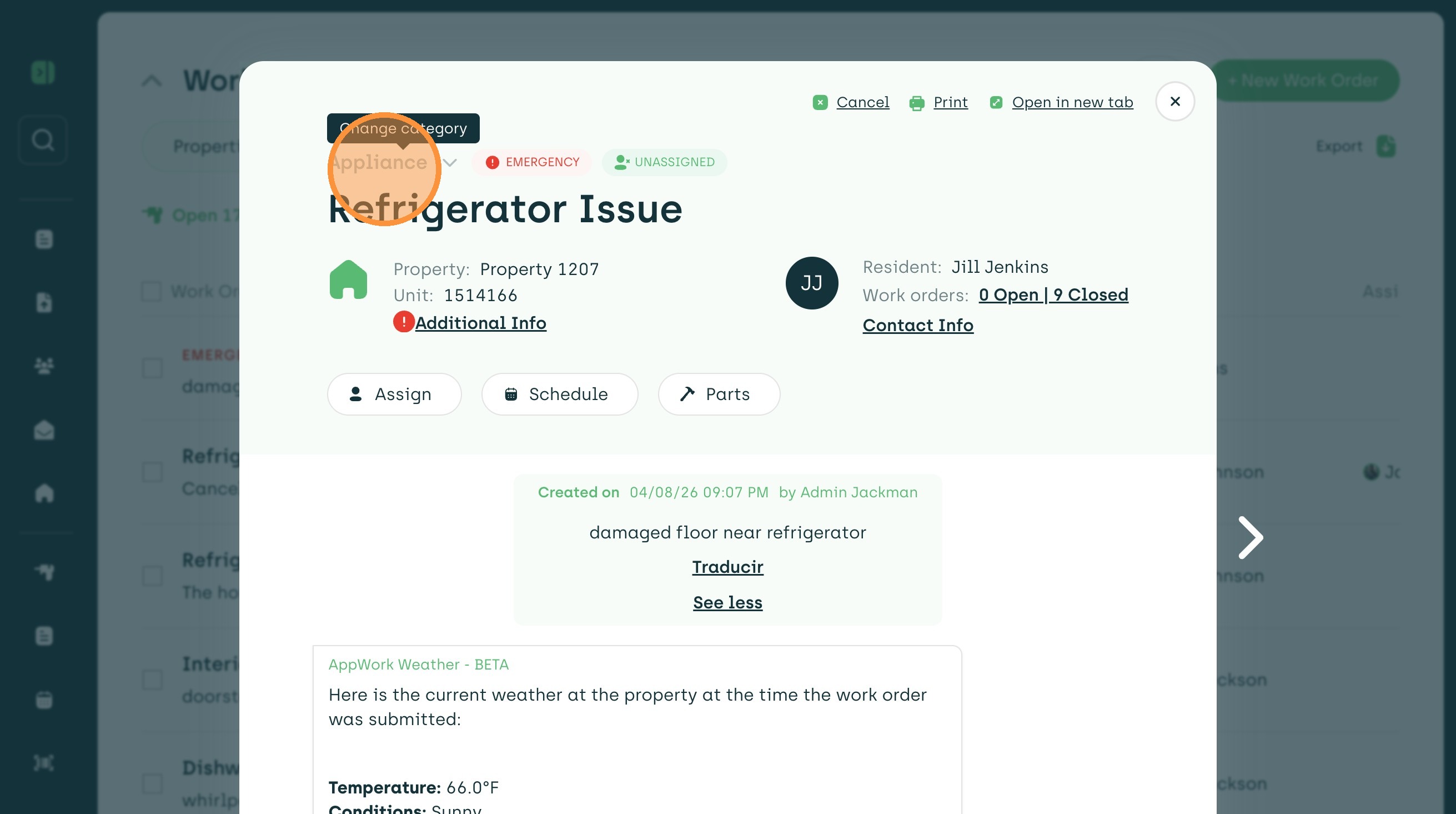
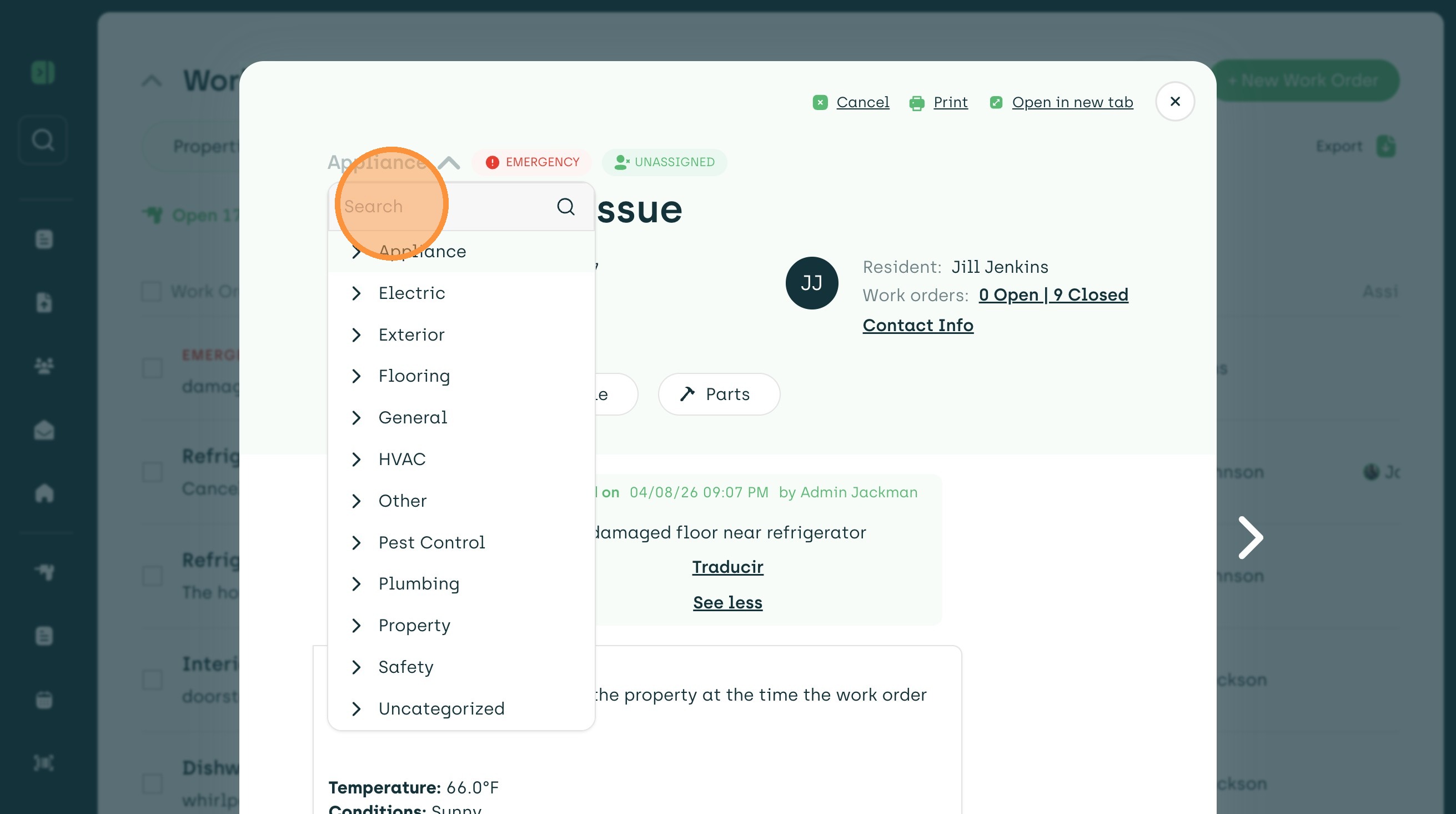
3. Click in the category area to populate the drop-down menu,
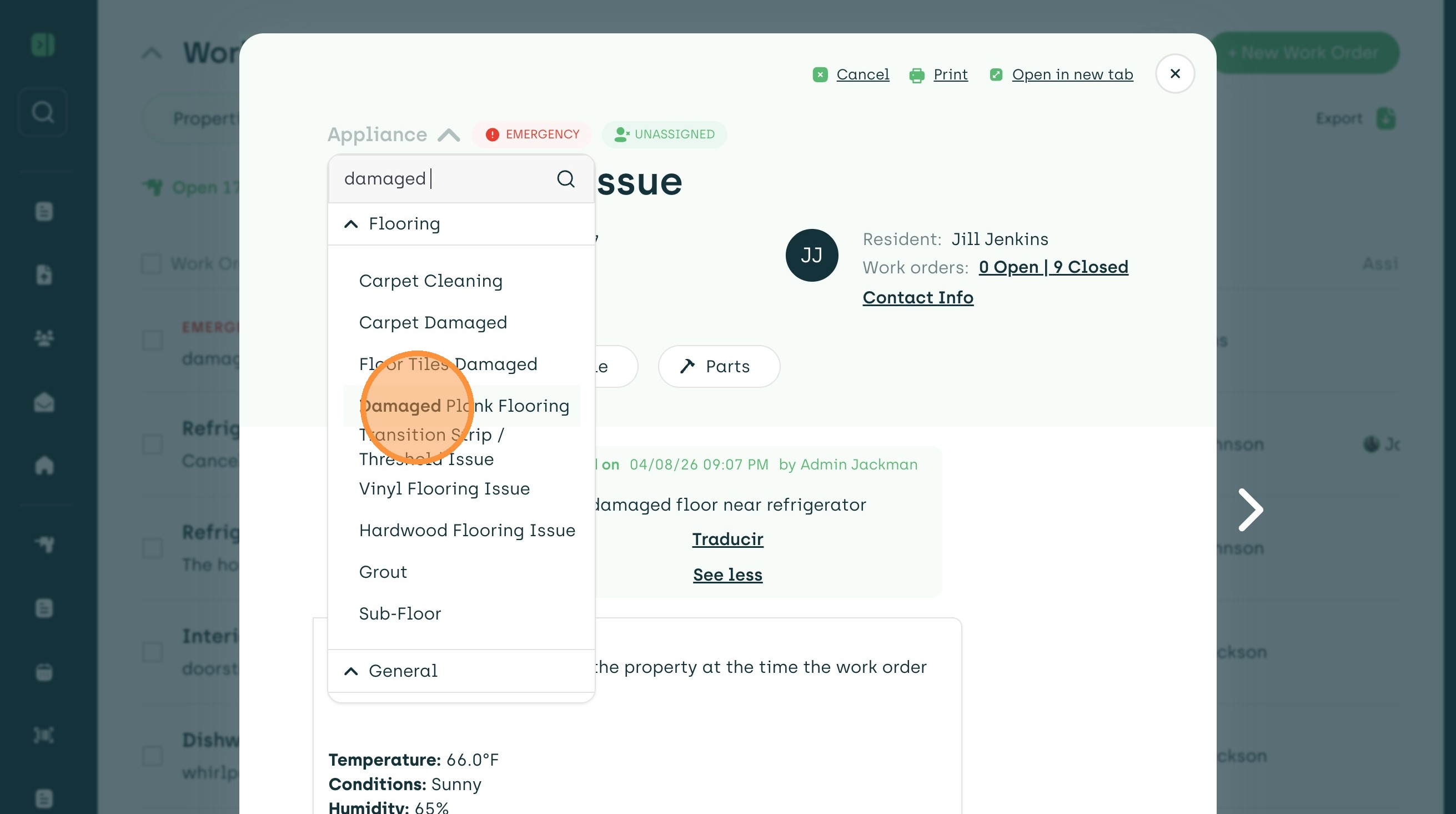
4. You can search or type in the category you need.
5. Select the new category!
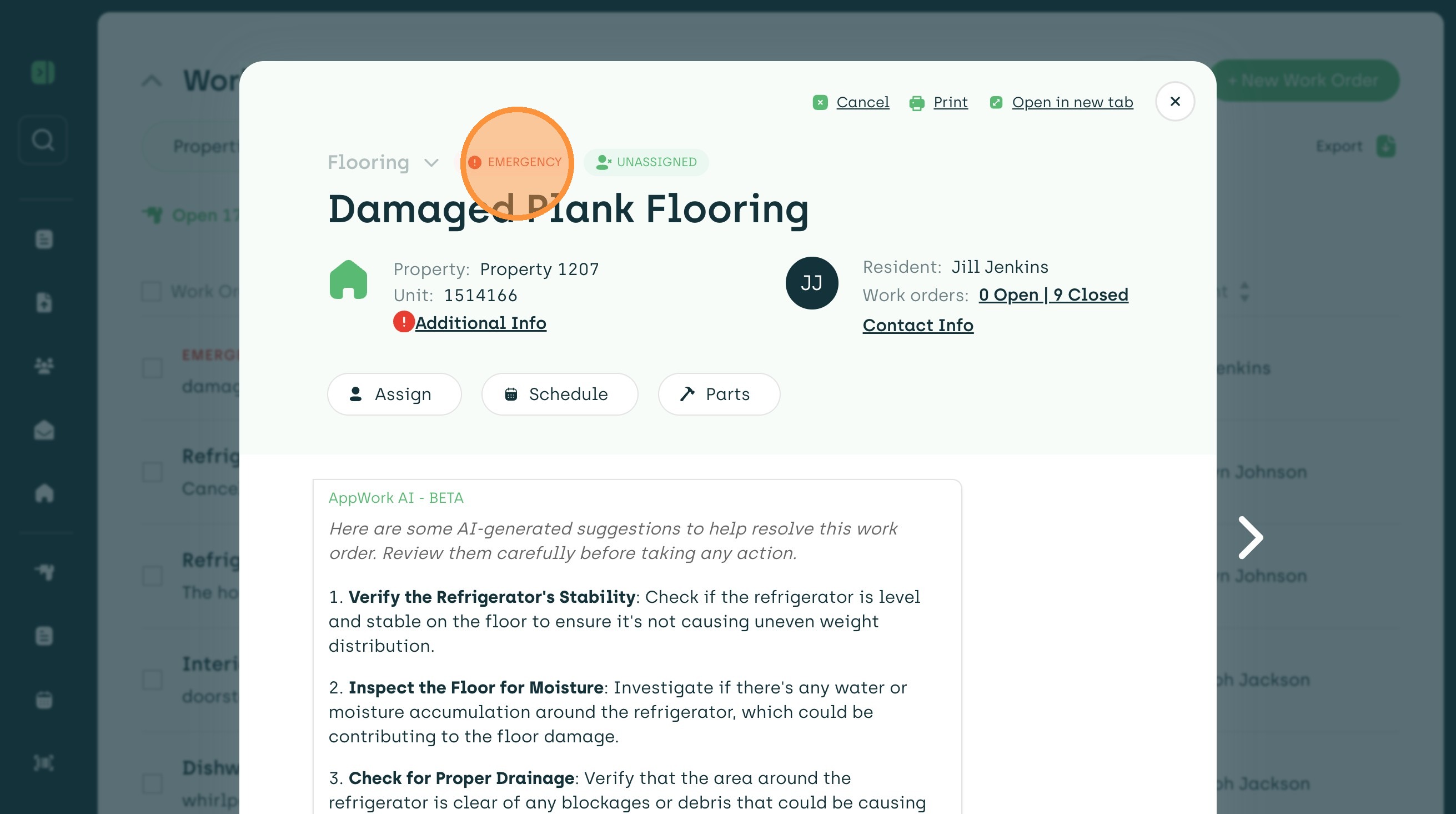
6. To change the priority, click on the current priority. In this case "Emergency"
7. From here, you can update it to "Regular" or any other priority you have set up.
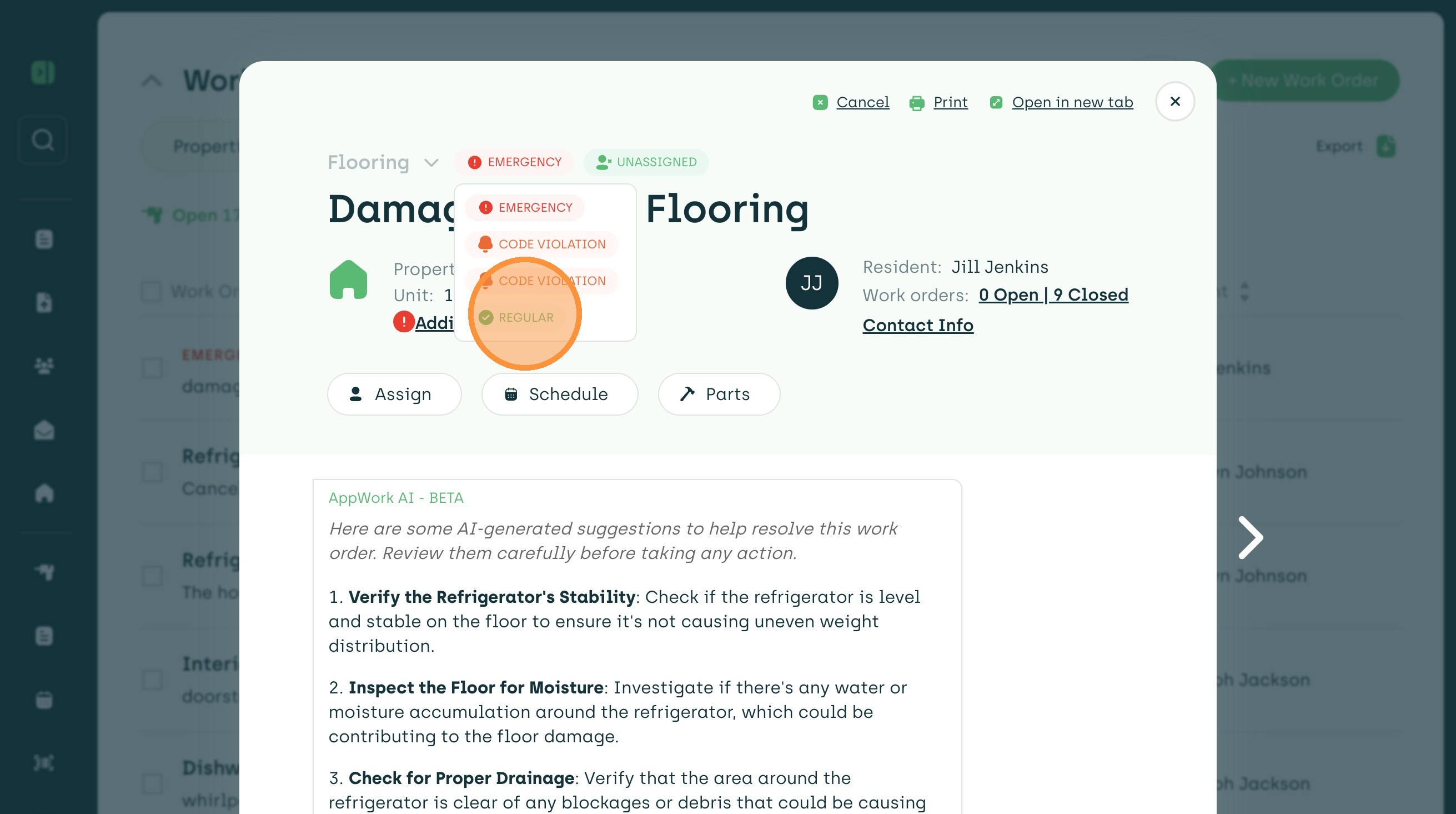
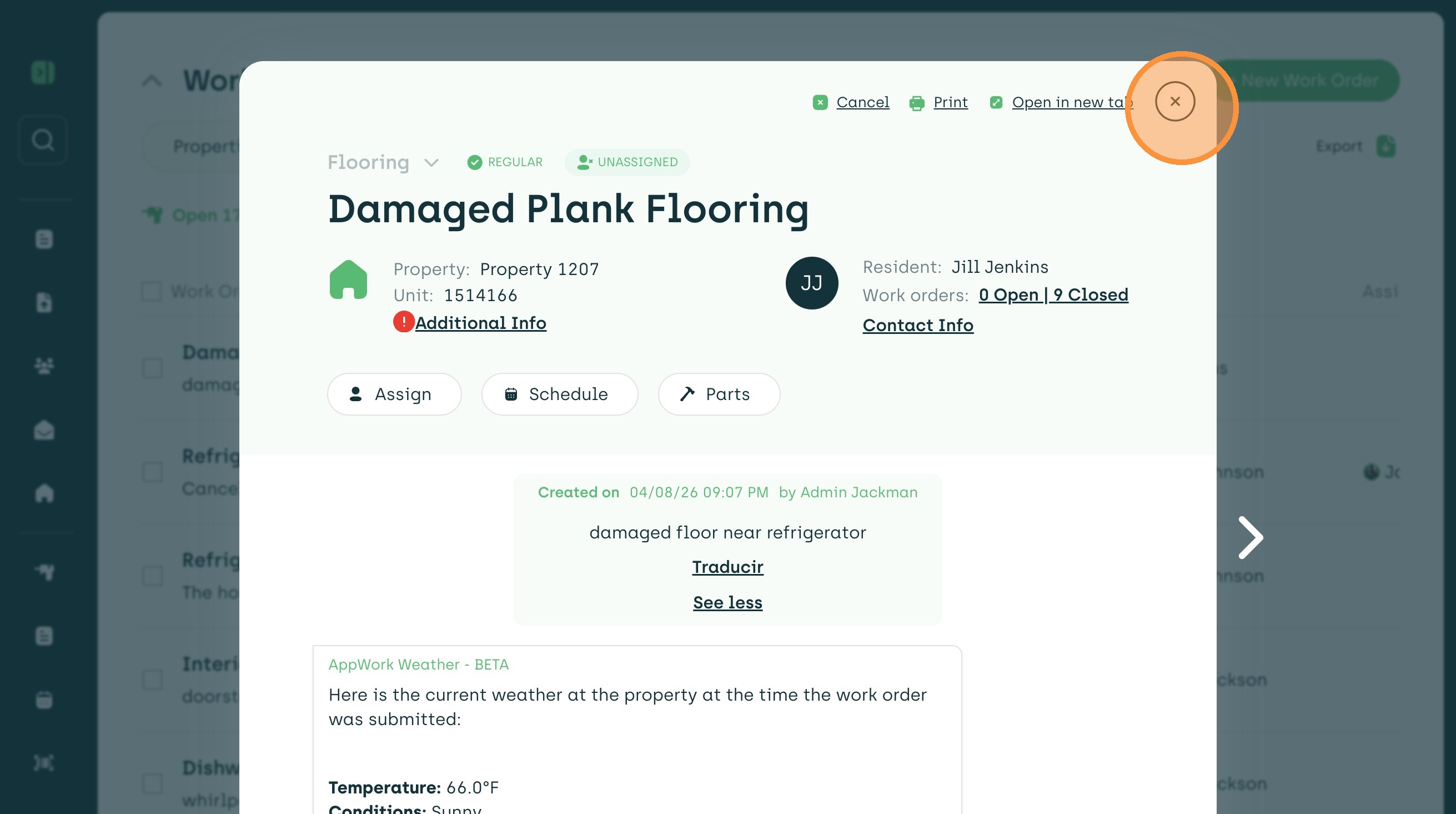
8. Everything is saved and you can exit out of the work order.