
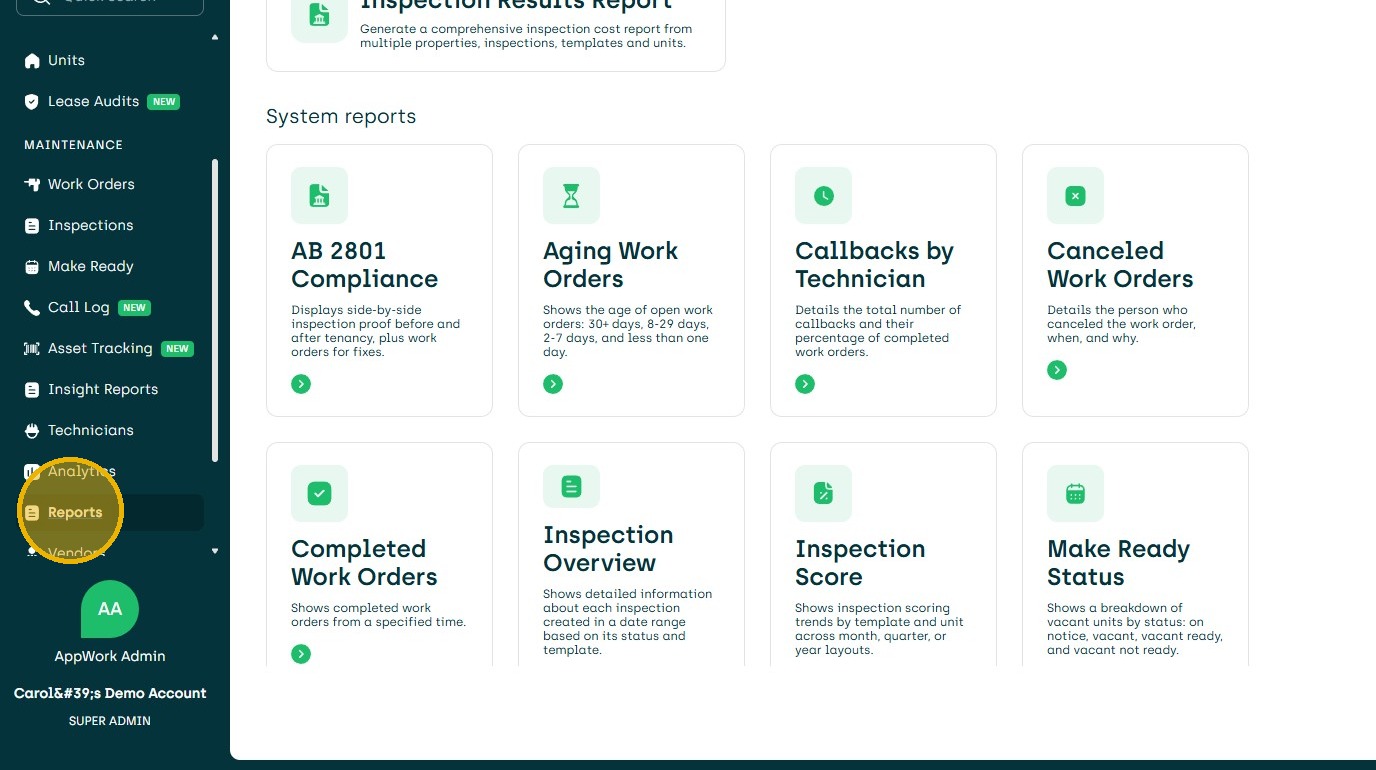
1. Navigate to the Reports Dashboard
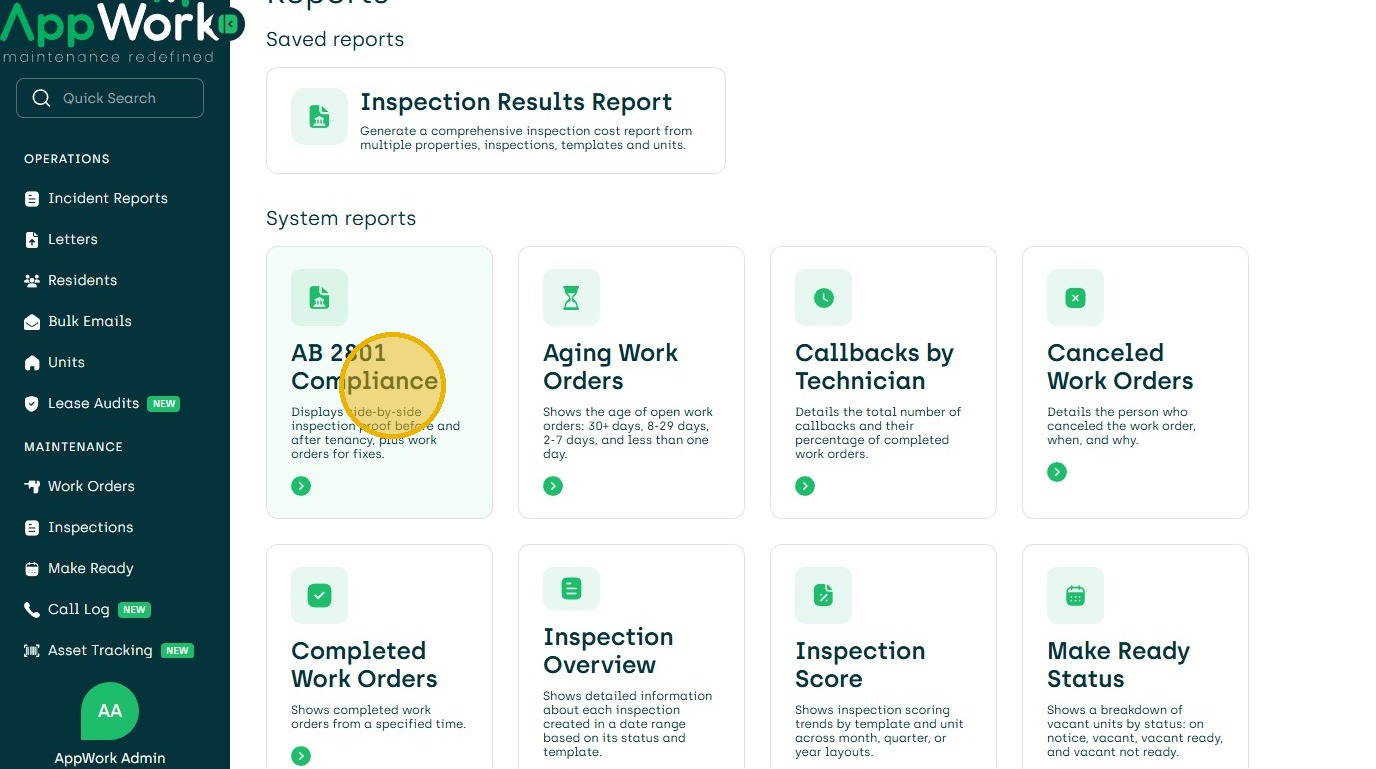
2. Click "AB 2801 Compliance"
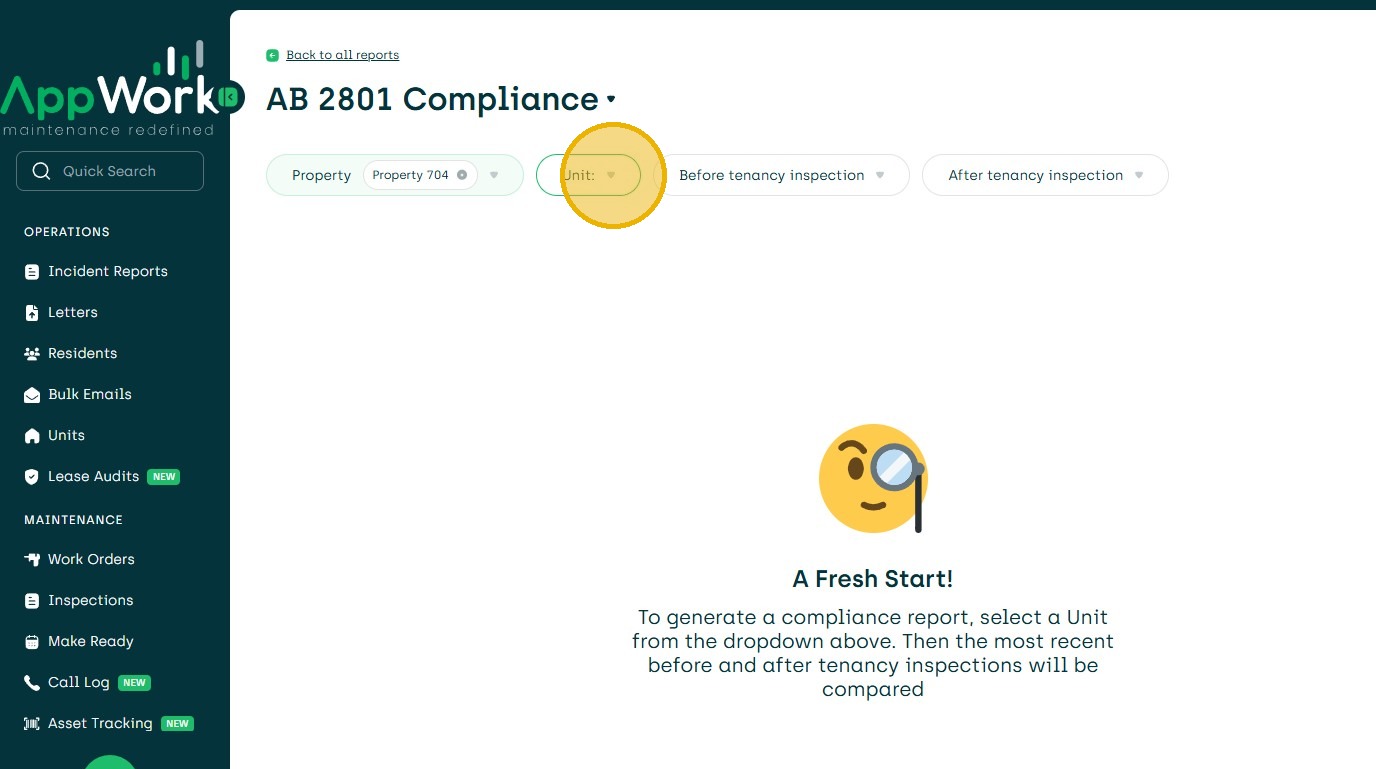
3. Ab2801. Choose your property
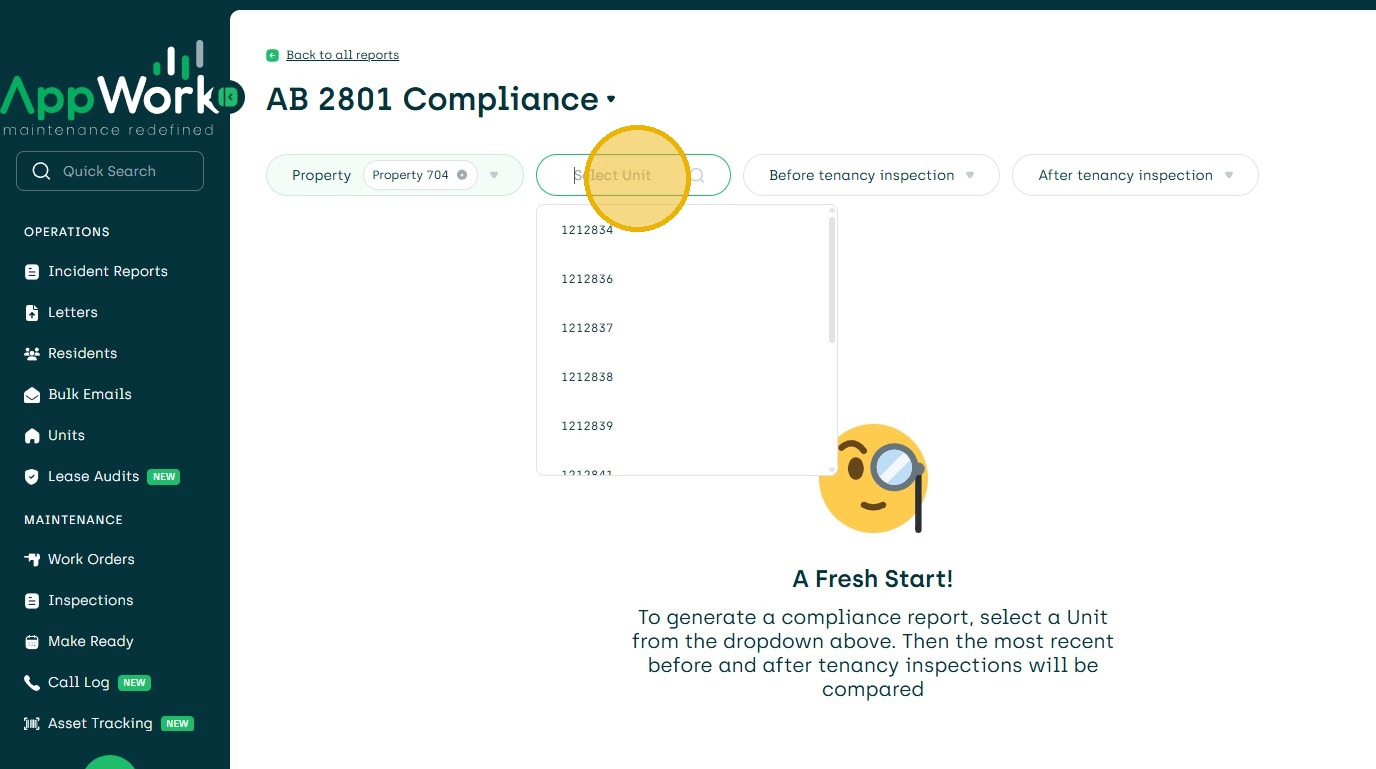
4. Choose the unit.
5. It will then create the report.
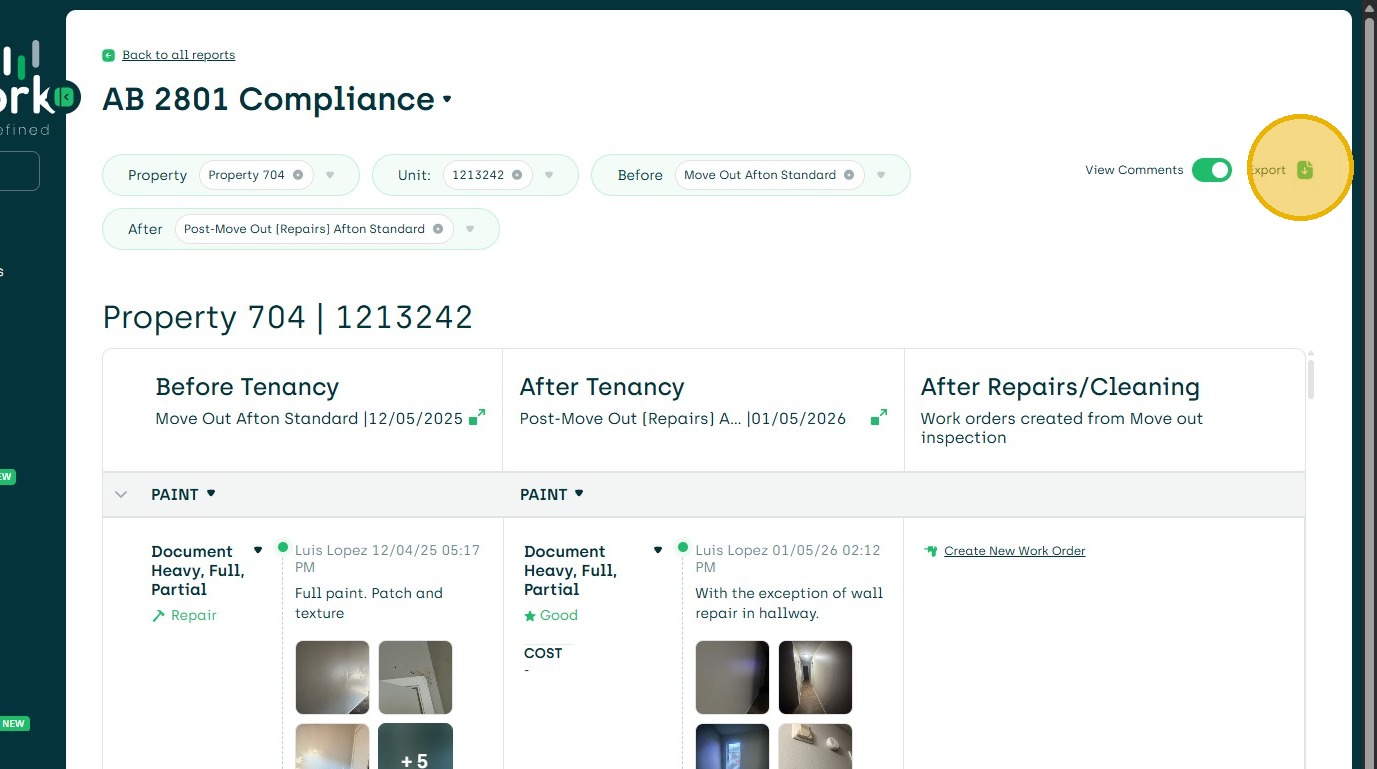
6. To Export the PDF or All Images.
1. Navigate to the Reports Dashboard
2. Click "AB 2801 Compliance"
3. Ab2801. Choose your property
4. Choose the unit.
5. It will then create the report.
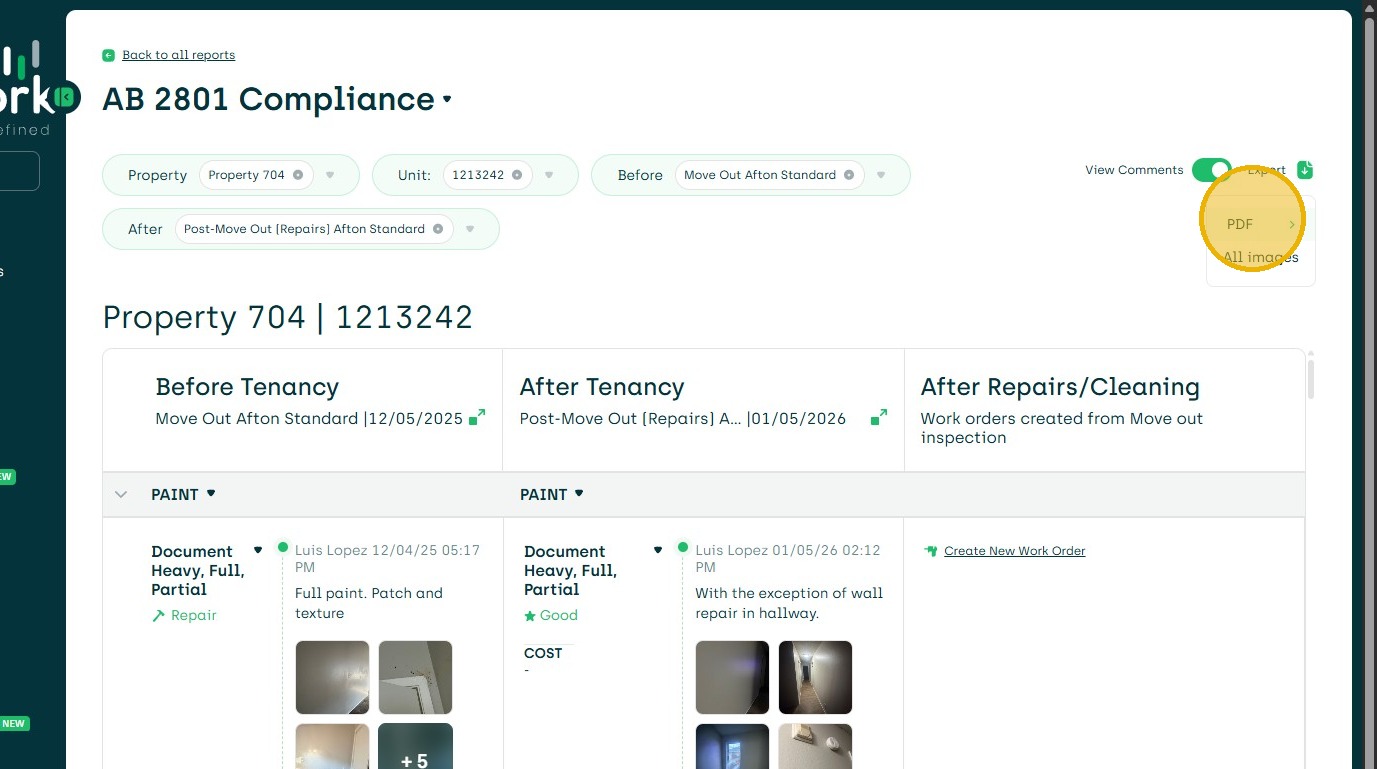
6. To Export the PDF or All Images.