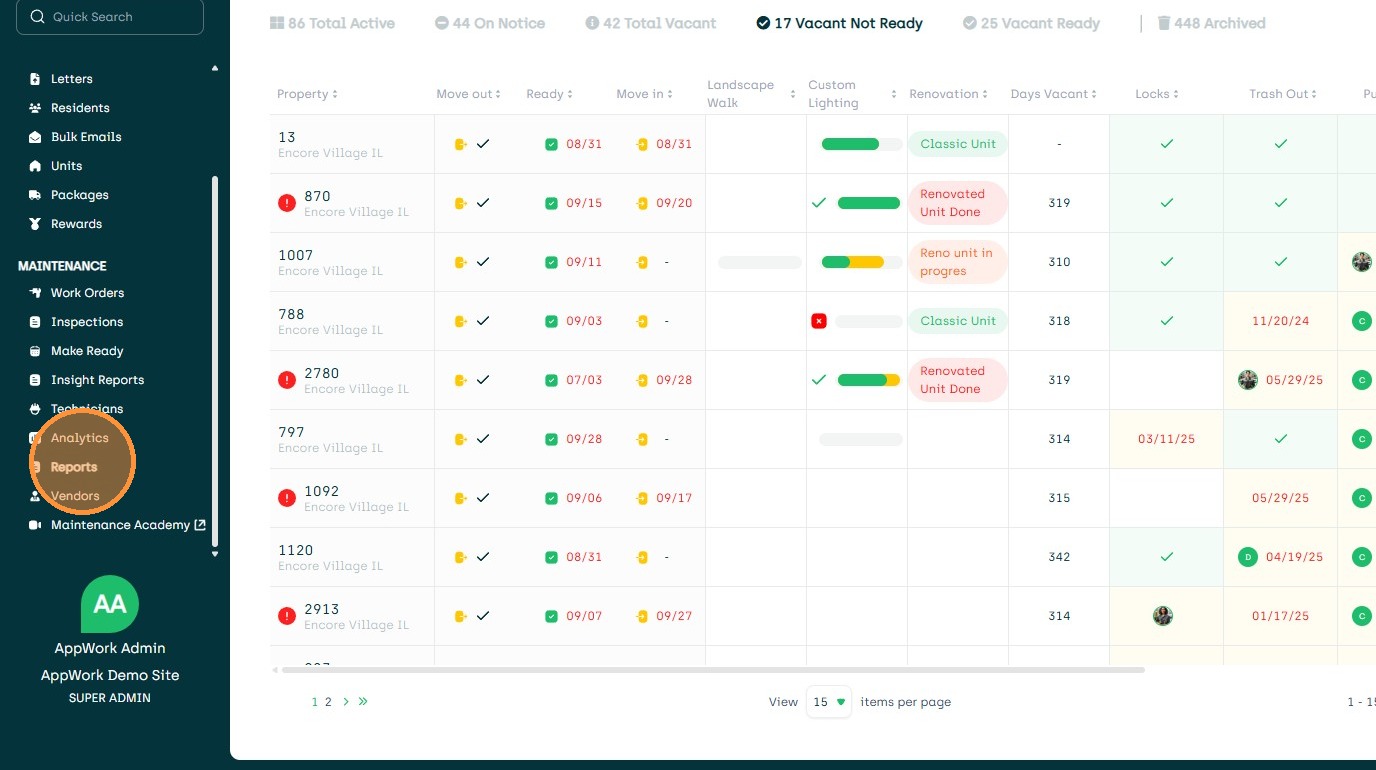
1. Navigate to the Reports Dashboard
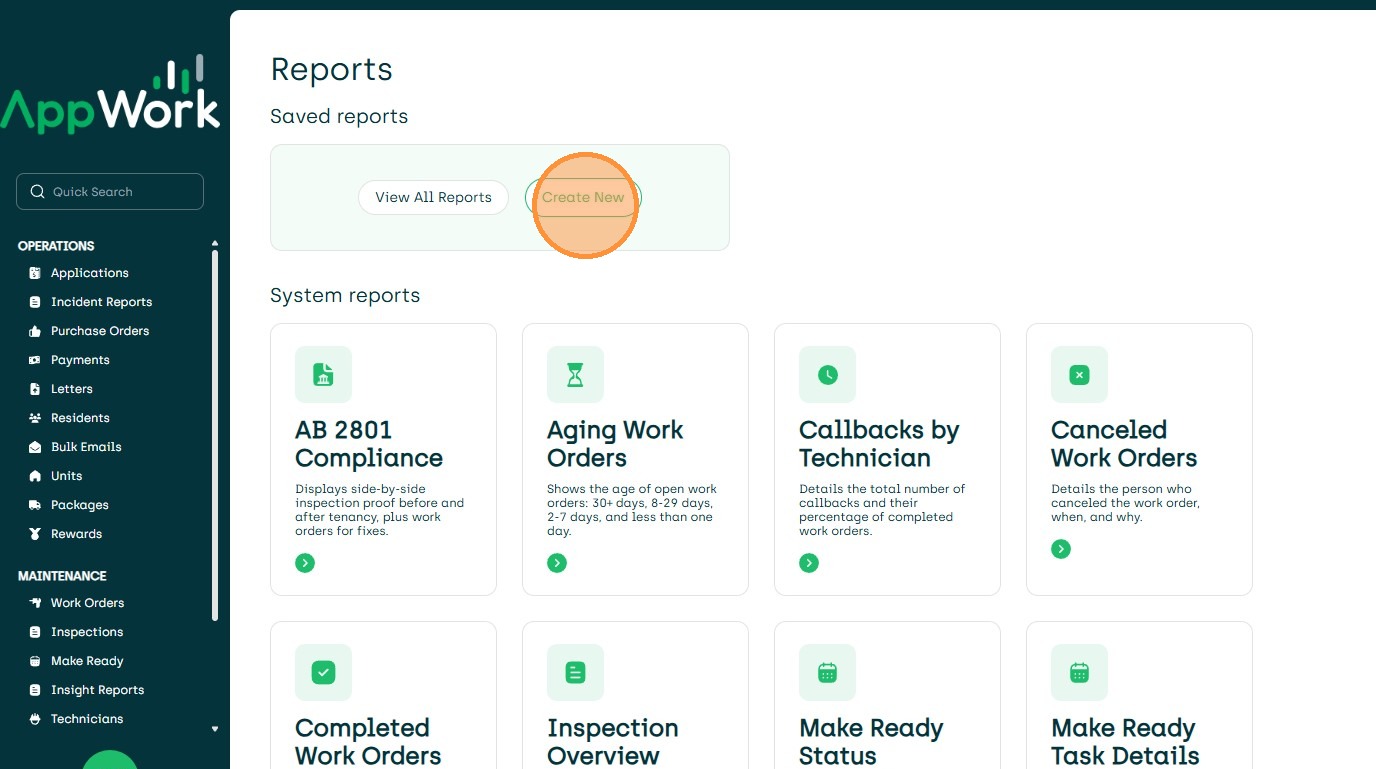
2. Create New Inspection Report
3. Choose Criteria - Property/Properties
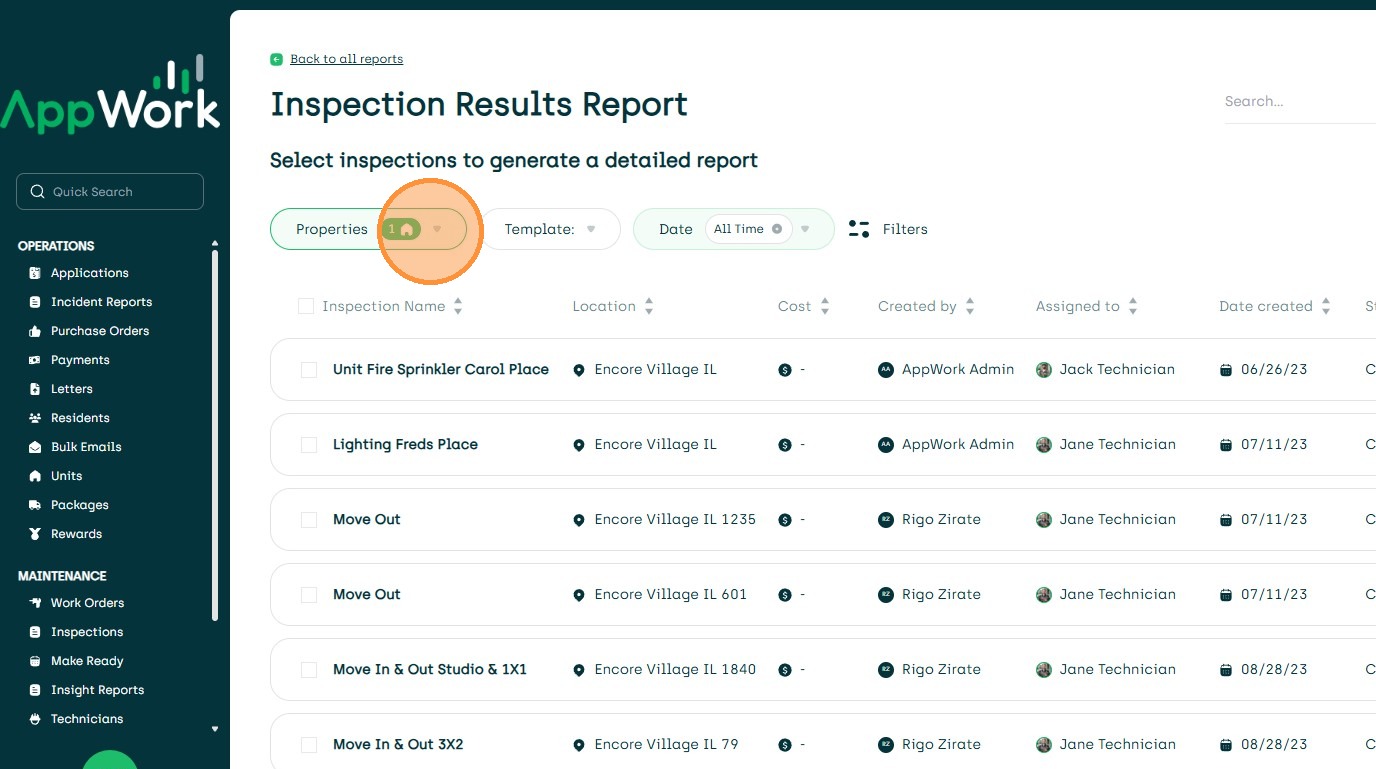
4. Choose Inspection or Inspections to Report On
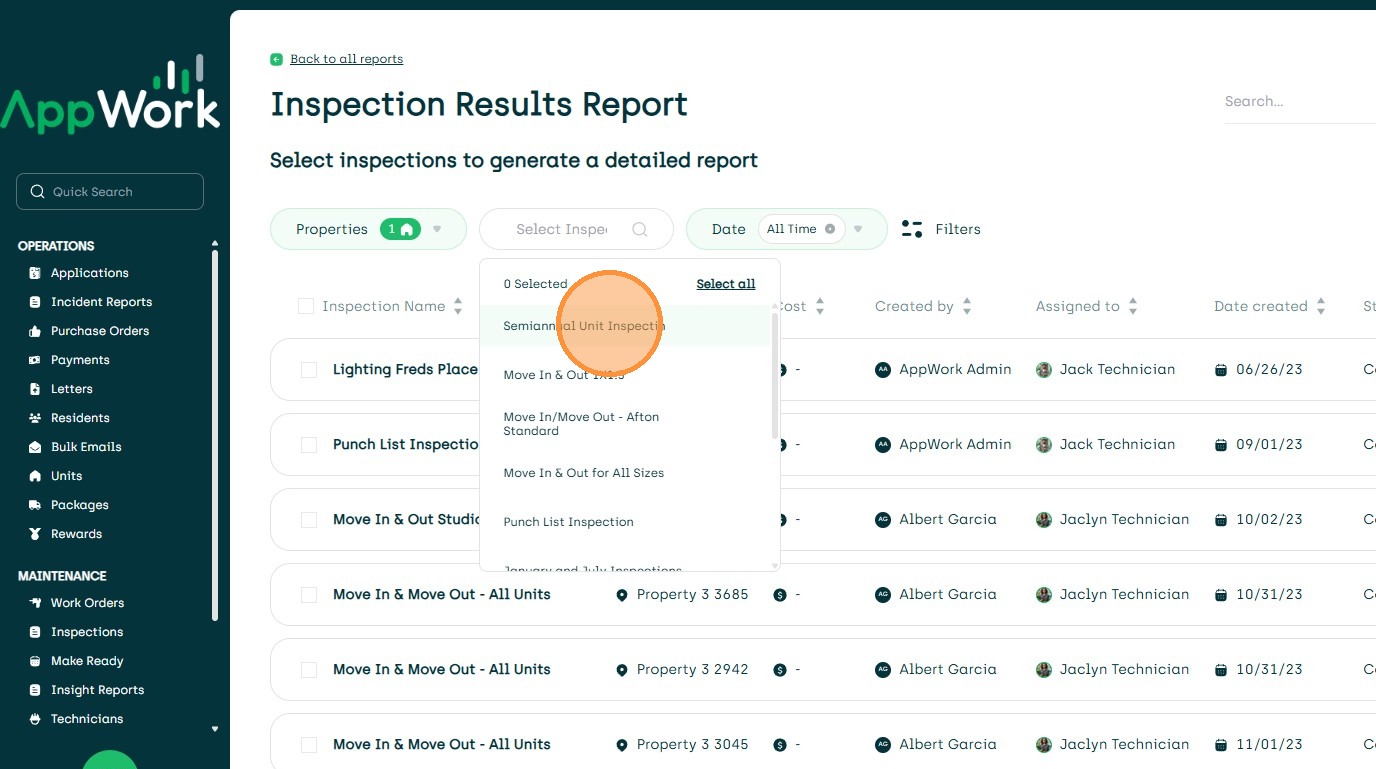
5. Choose the Time Frame of Report
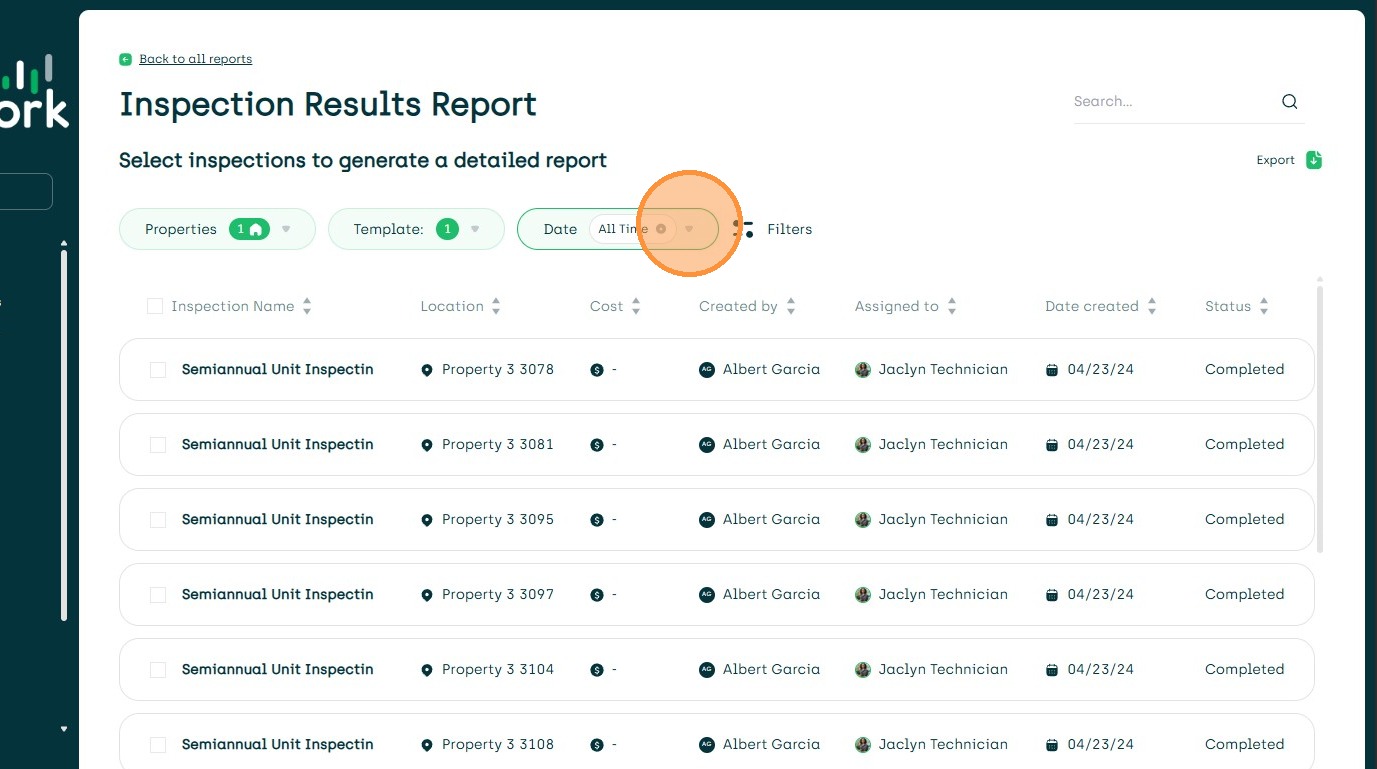
6. Choose Filters Status - Unit/Units - Assigned To
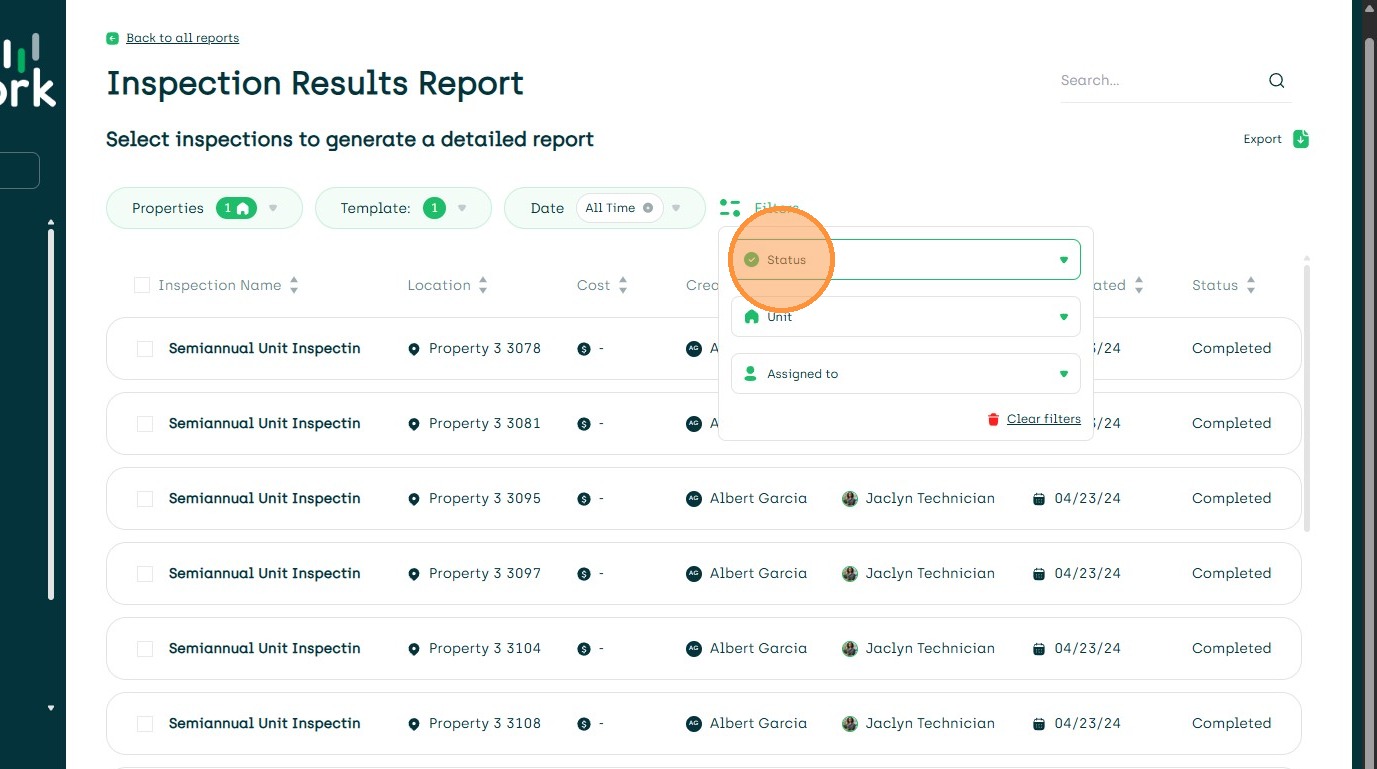
7. Status Options Completed and or Open
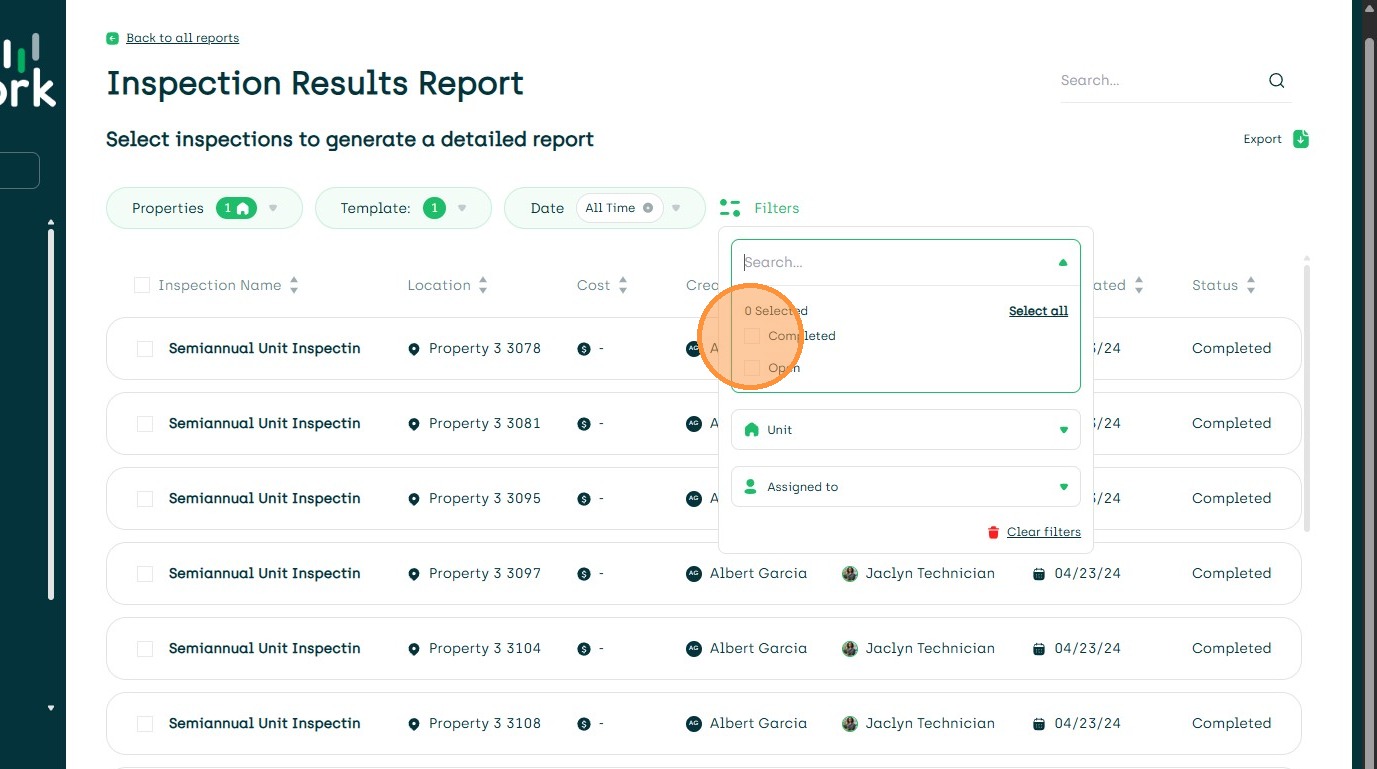
8. Choose Inspections to Include in Report
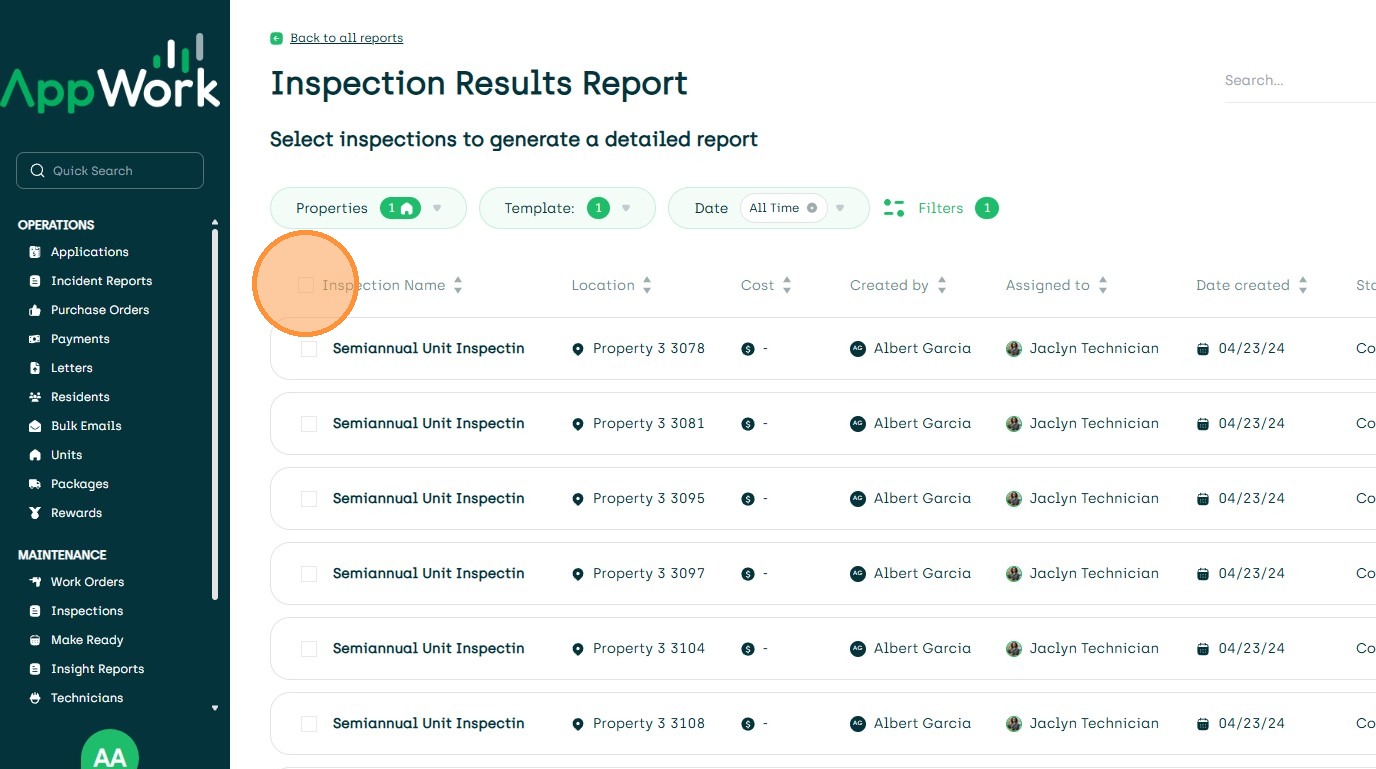
9. Choose Inspections to Include in Report
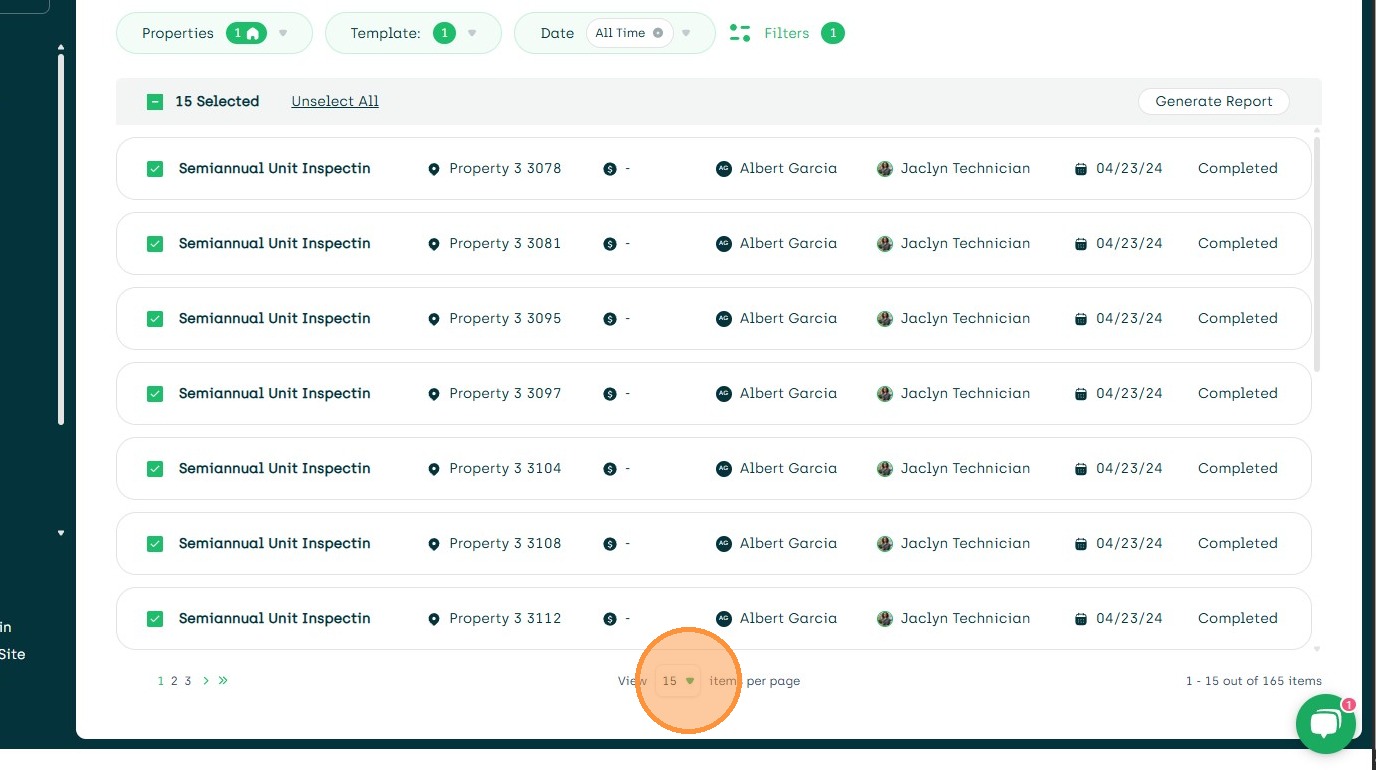
10. Generate Report
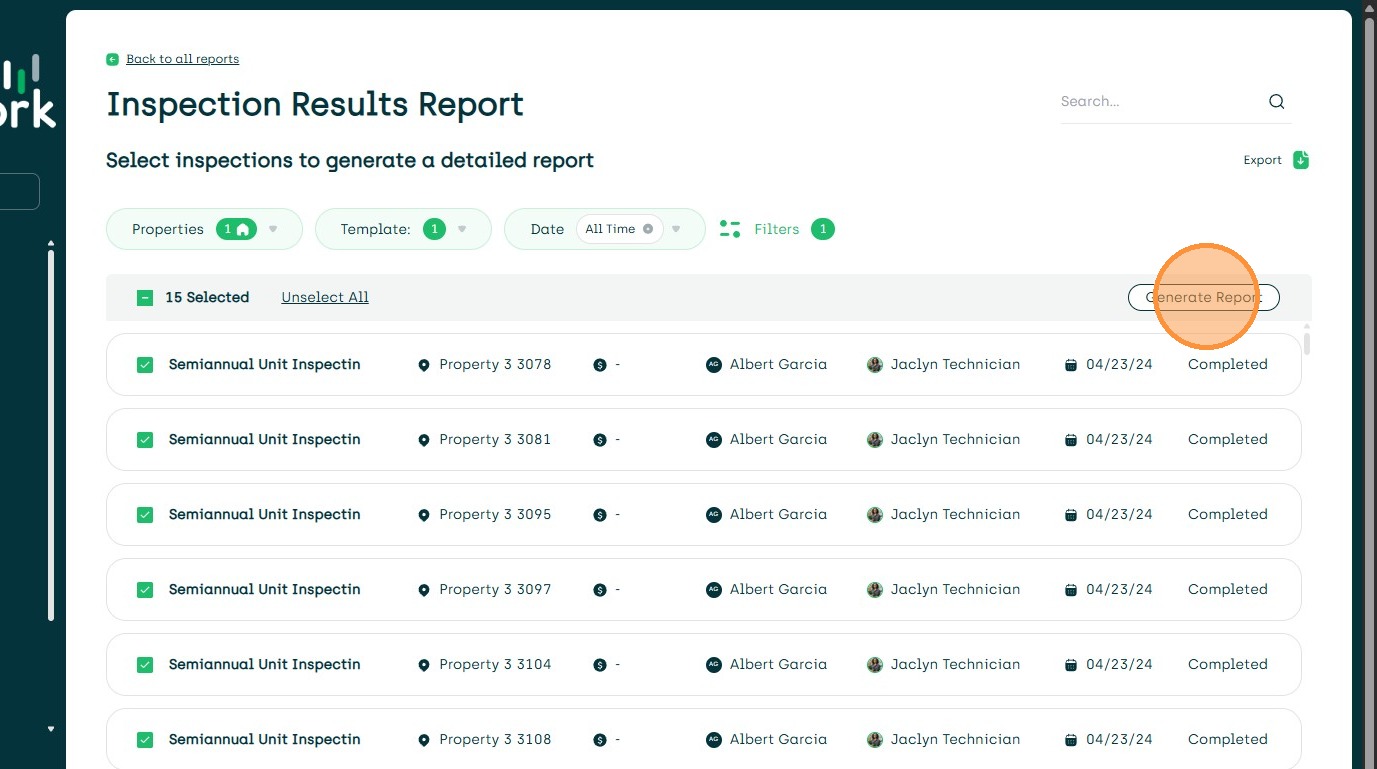
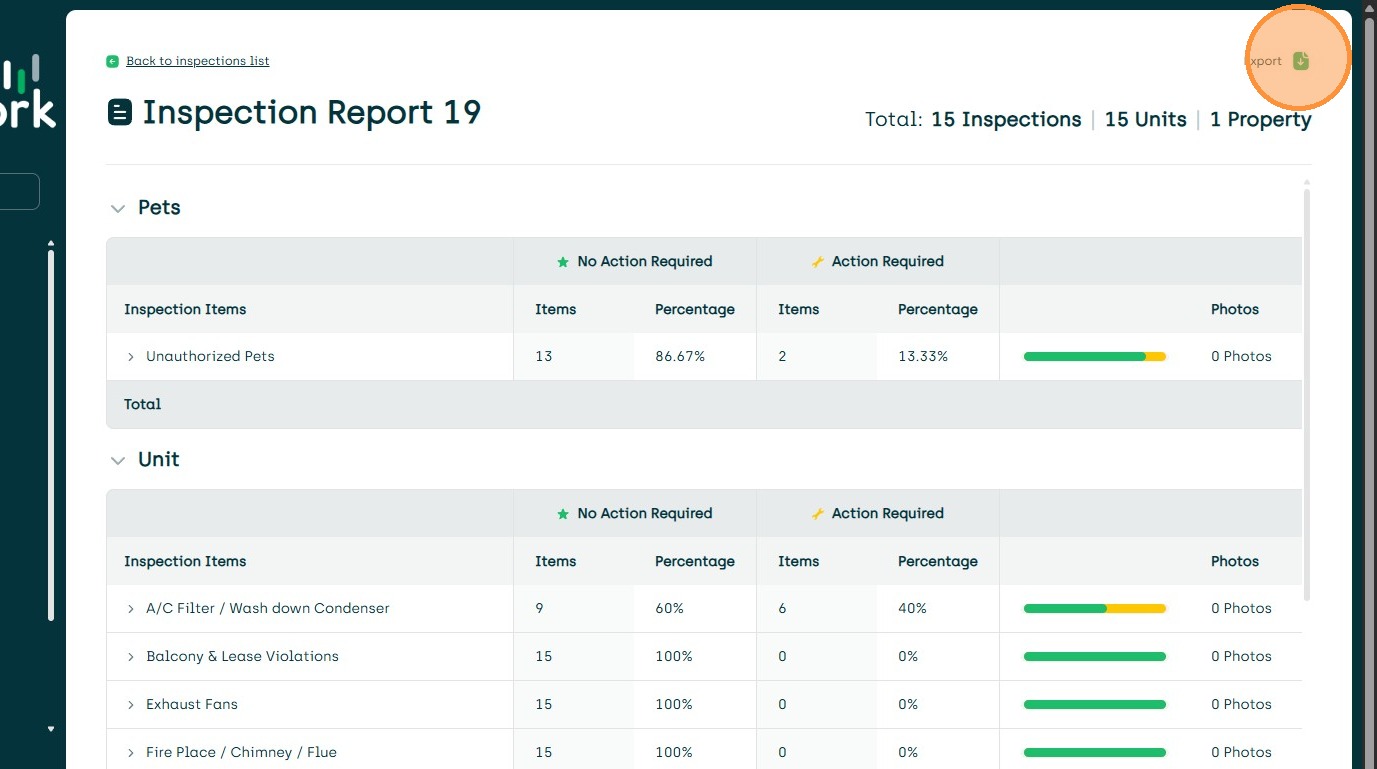
11. Report will Populate
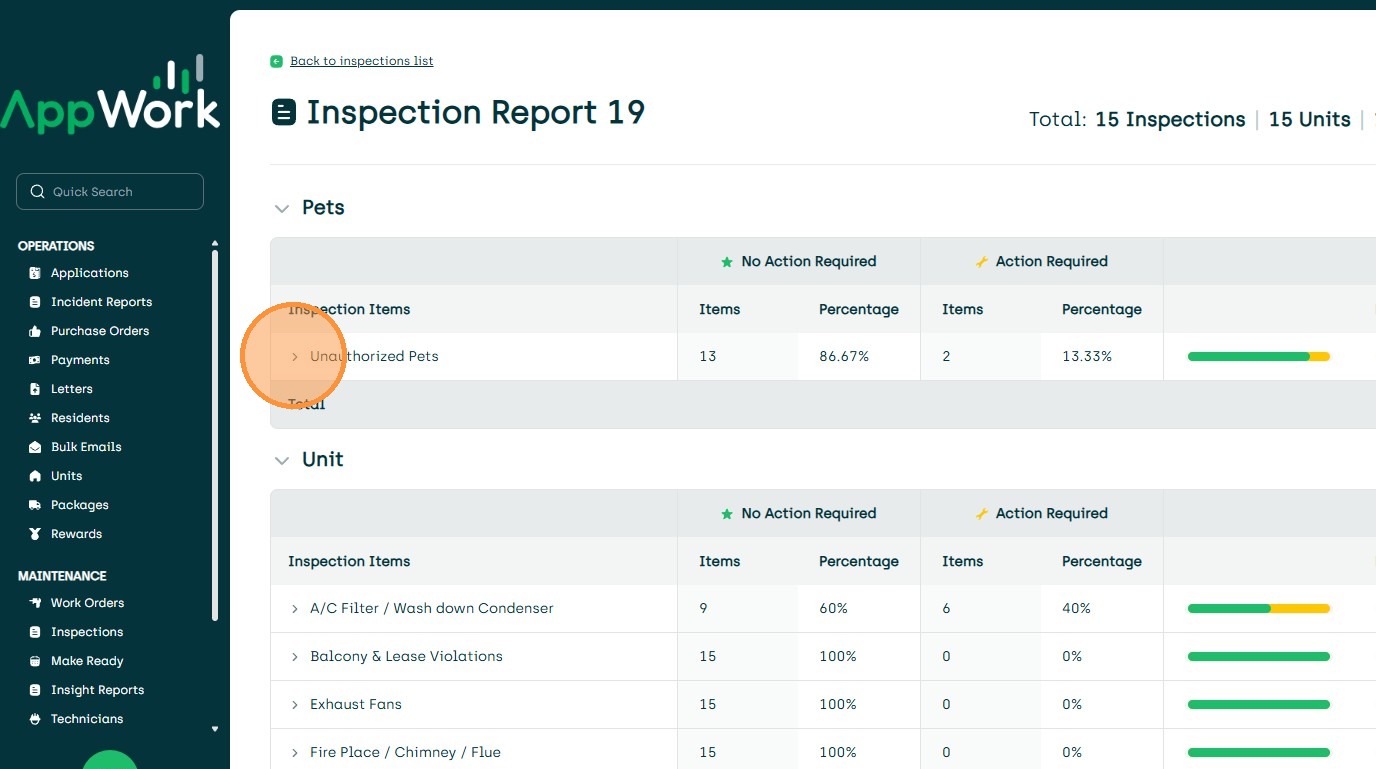
12. View Drop Down - With Action Require Info
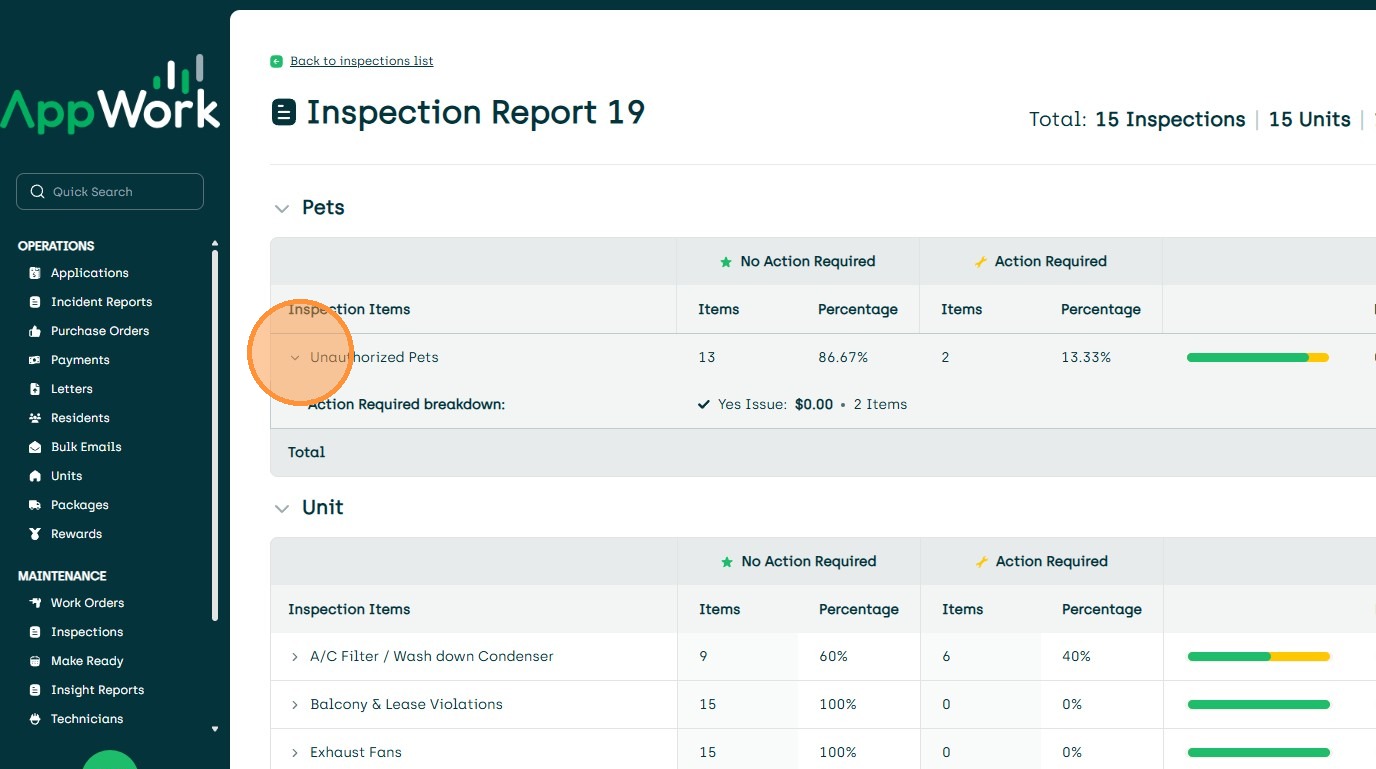
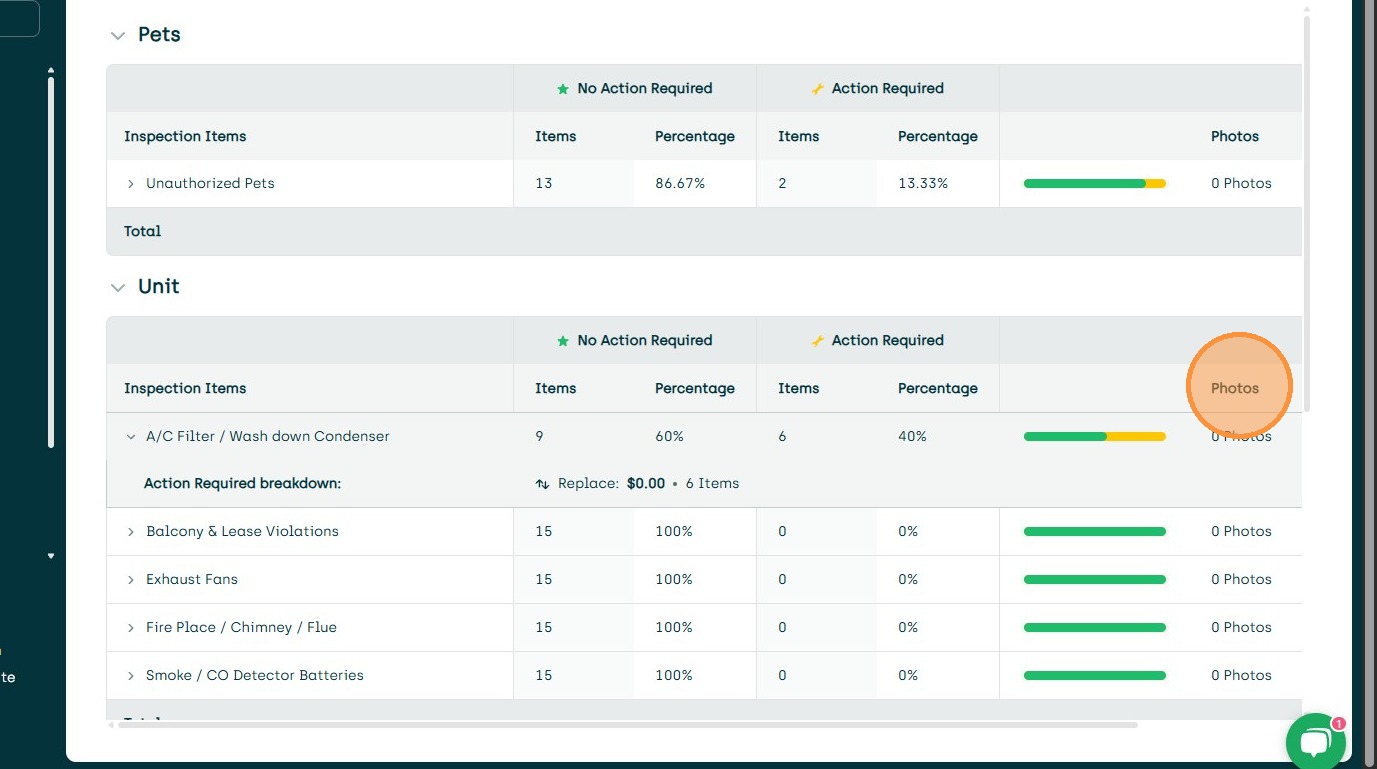
13. When Photos are In the Inspection They can also be Viewed.
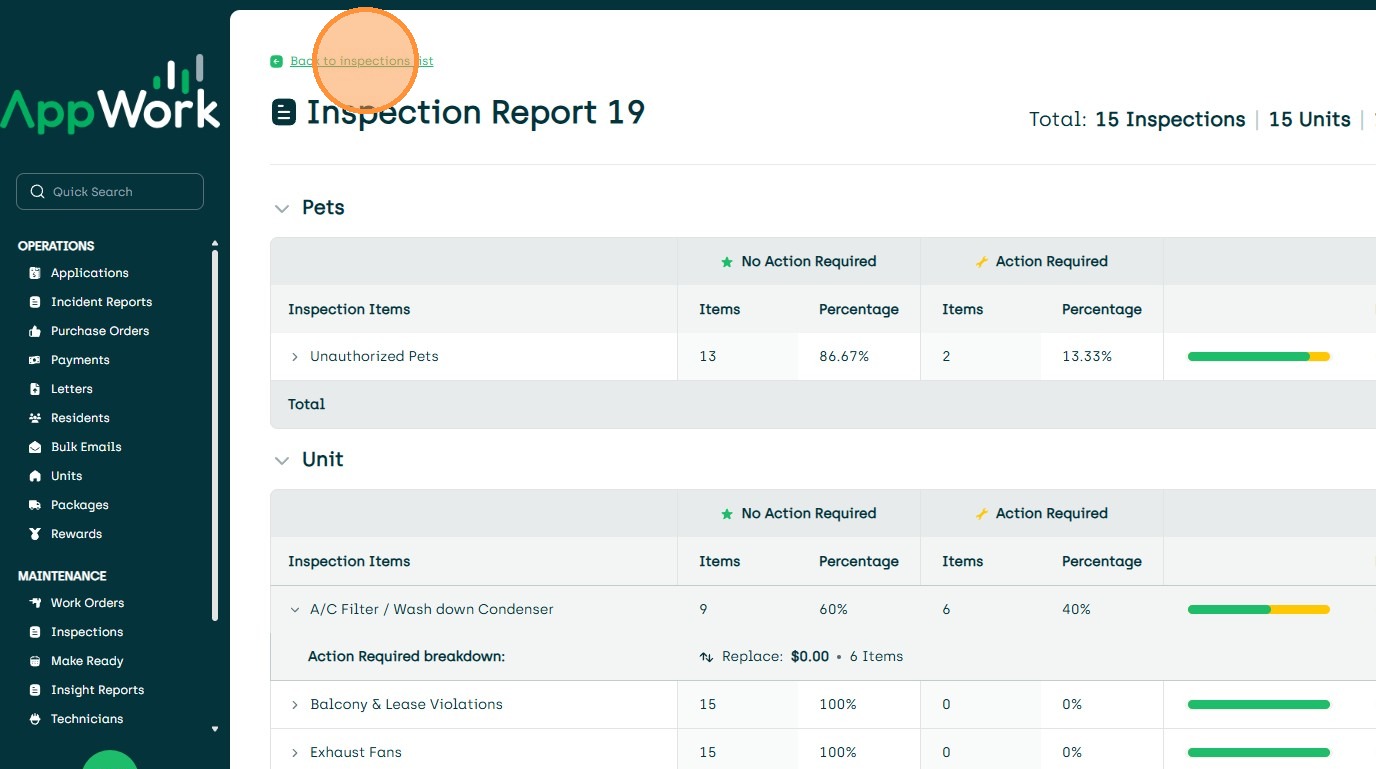
14. Back to Inspections to see Created Reports.
15. Choose View All Reports
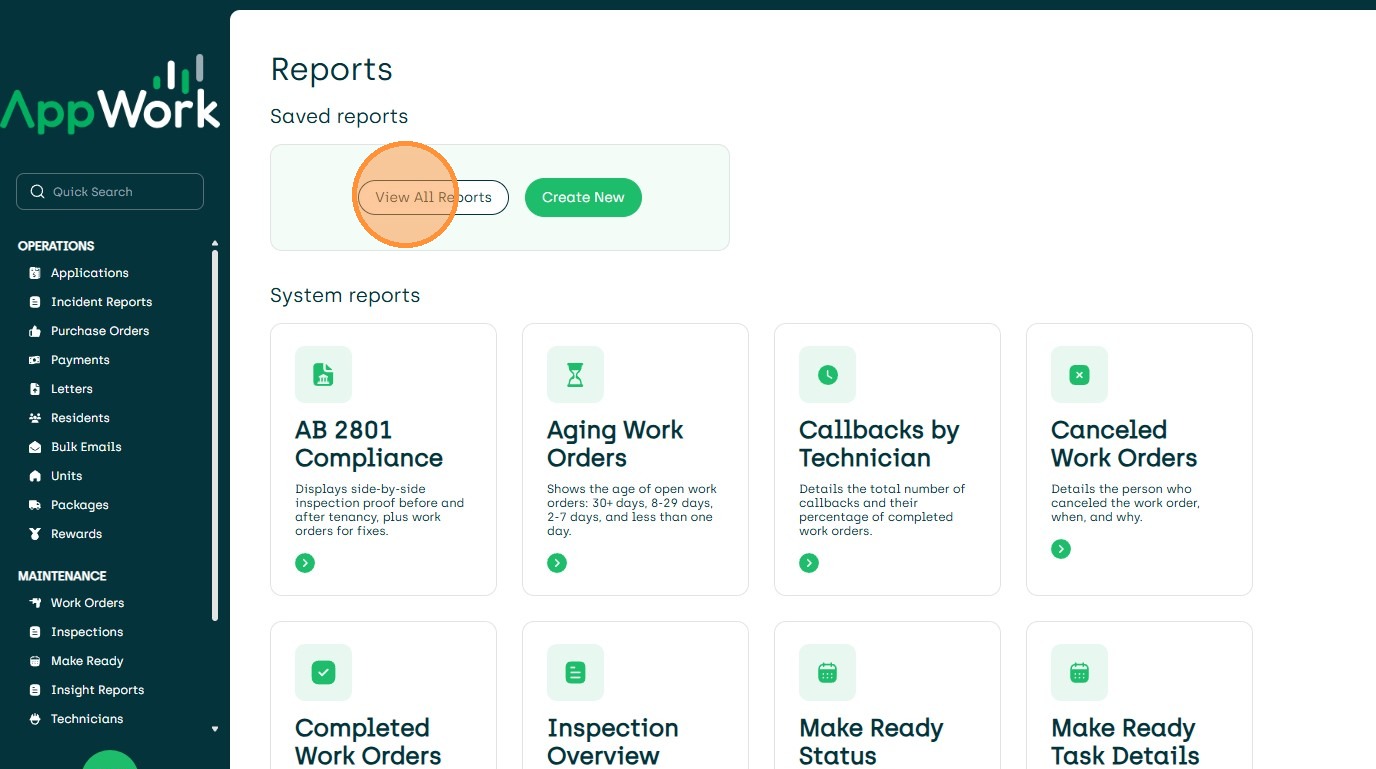
16. Choose Report to Share or View.
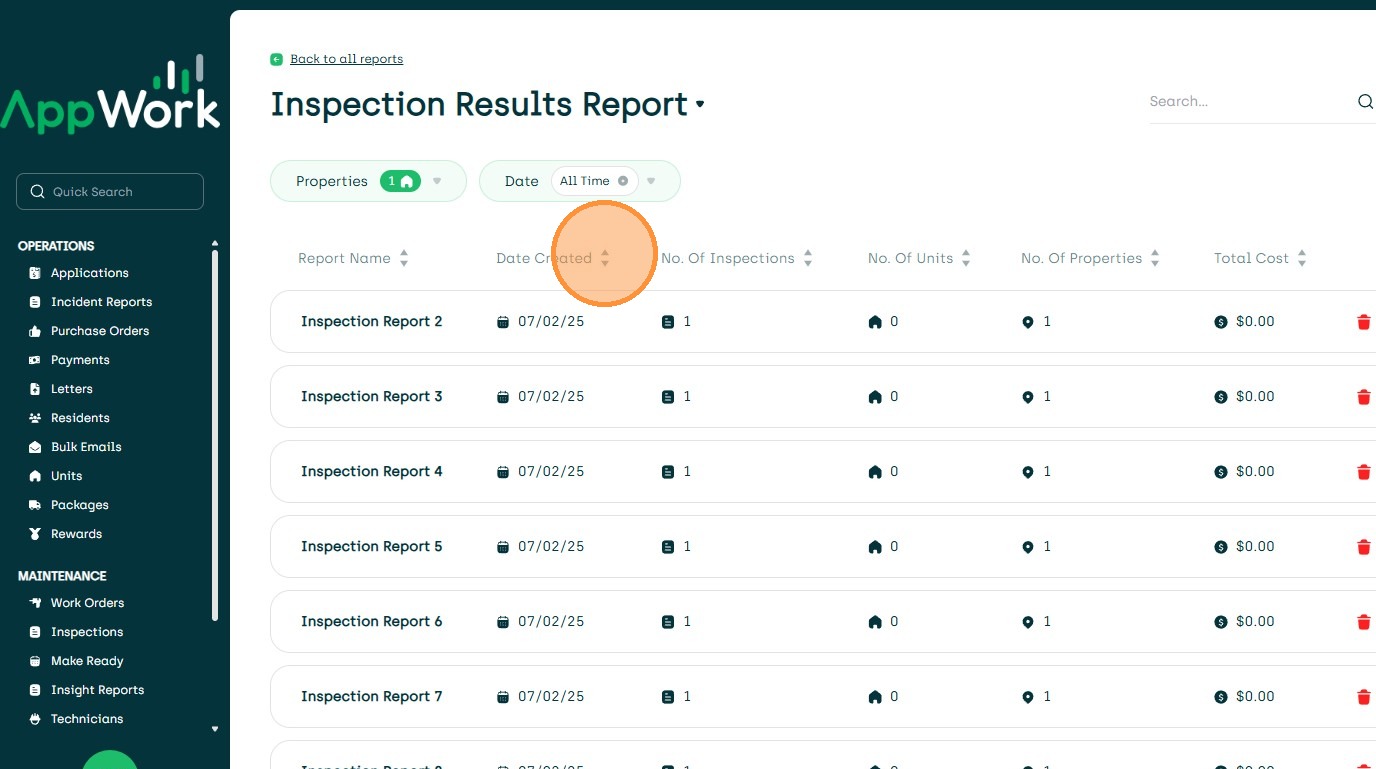
17. Choose Time Frame to View
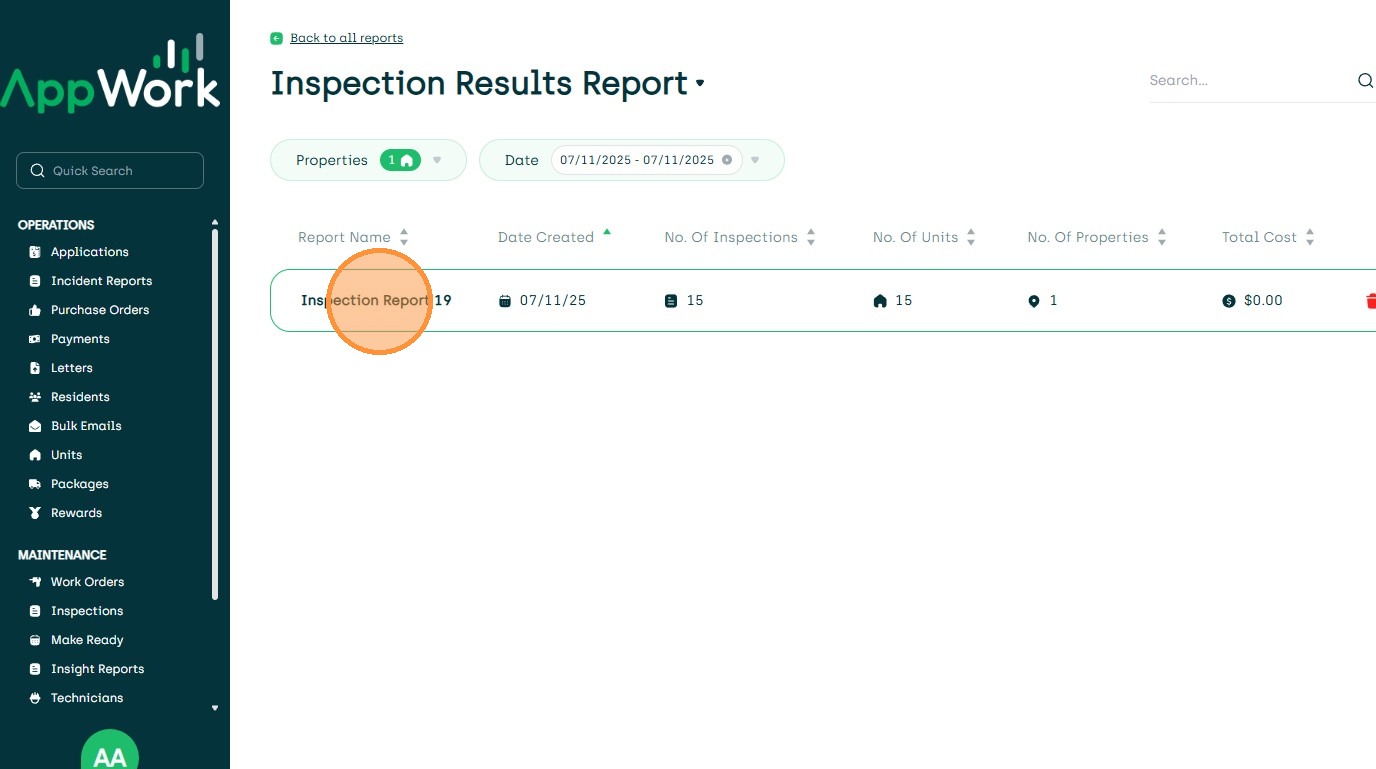
18. Export Report via PDF