1. Use the Link Provided by Admin via the Admin Portal
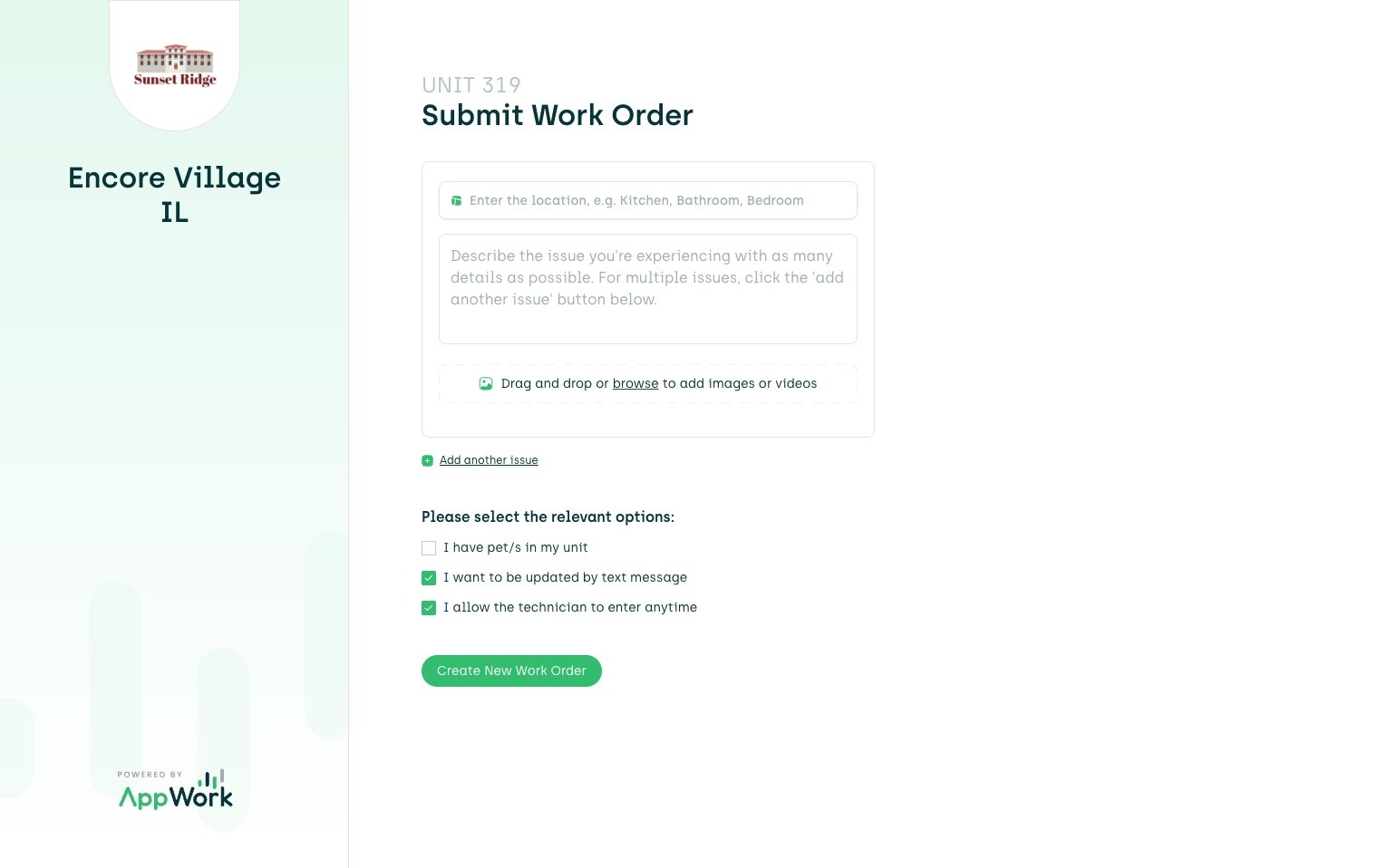
2. This Link Sends The Resident to a Specific Work Order for Their Unit
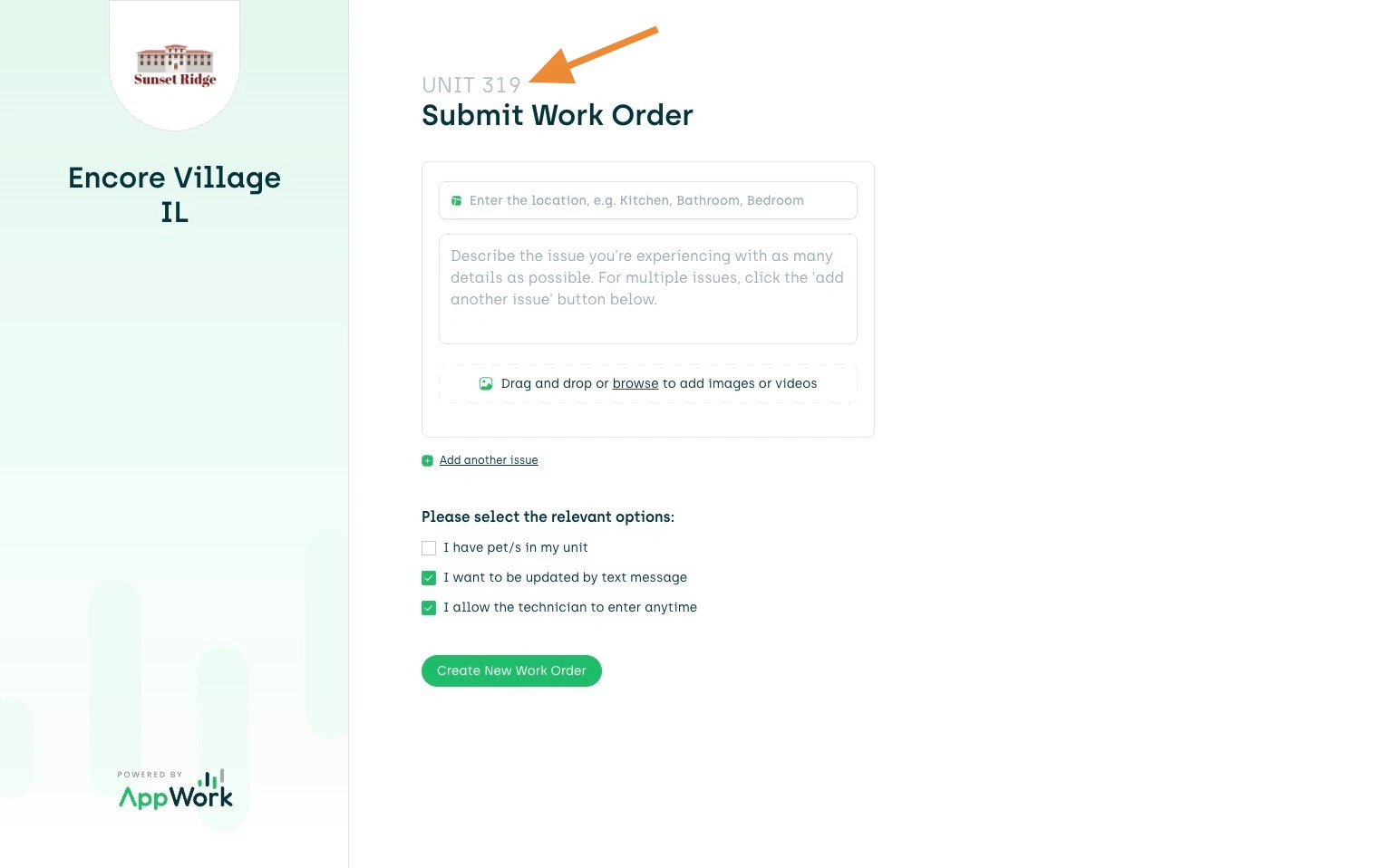
3. Enter the Location of the Issue (ie. kitchen, bathroom, bedroom 1...)
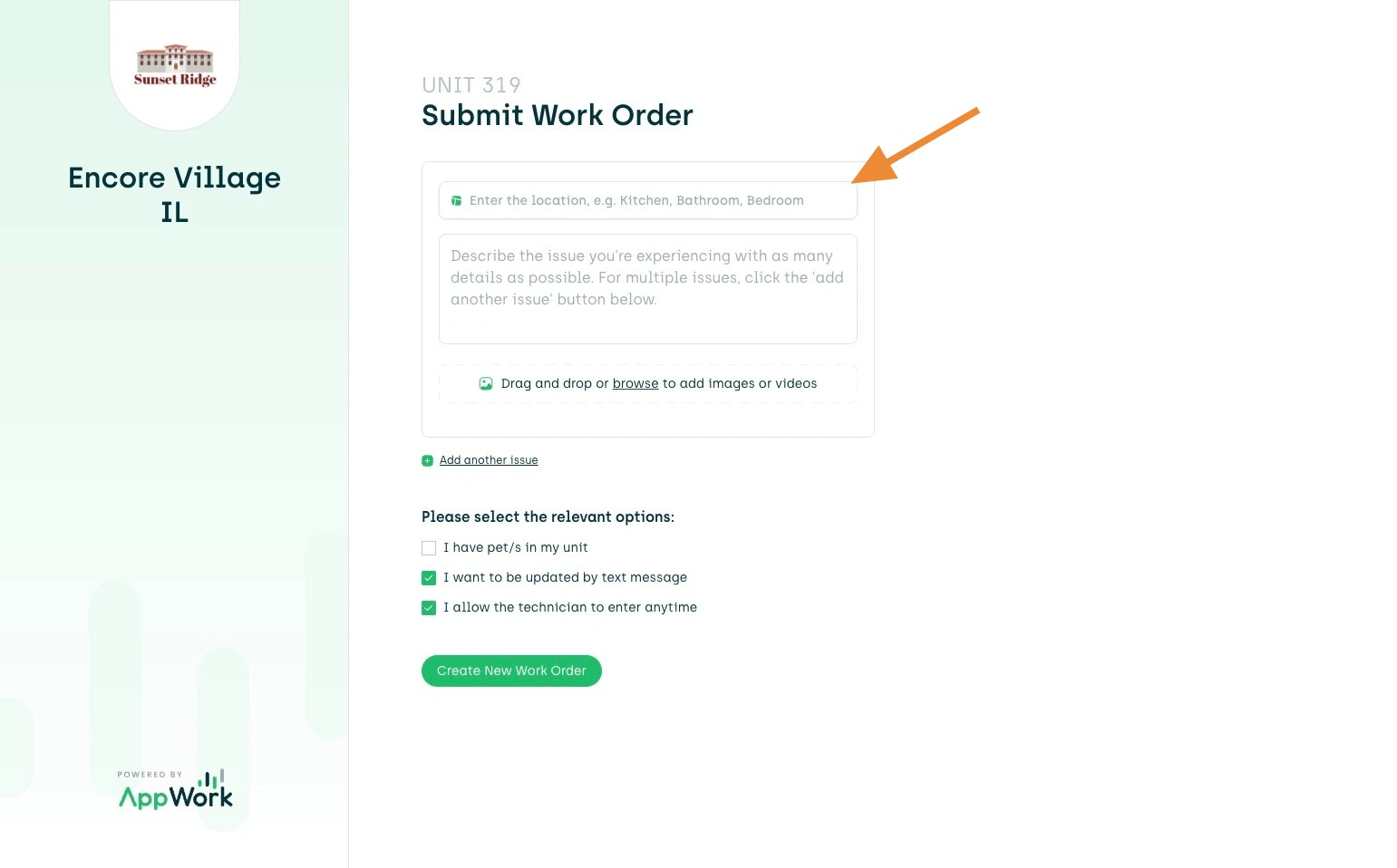
4. Provide a Brief Description of the Issue in the "Description" Box
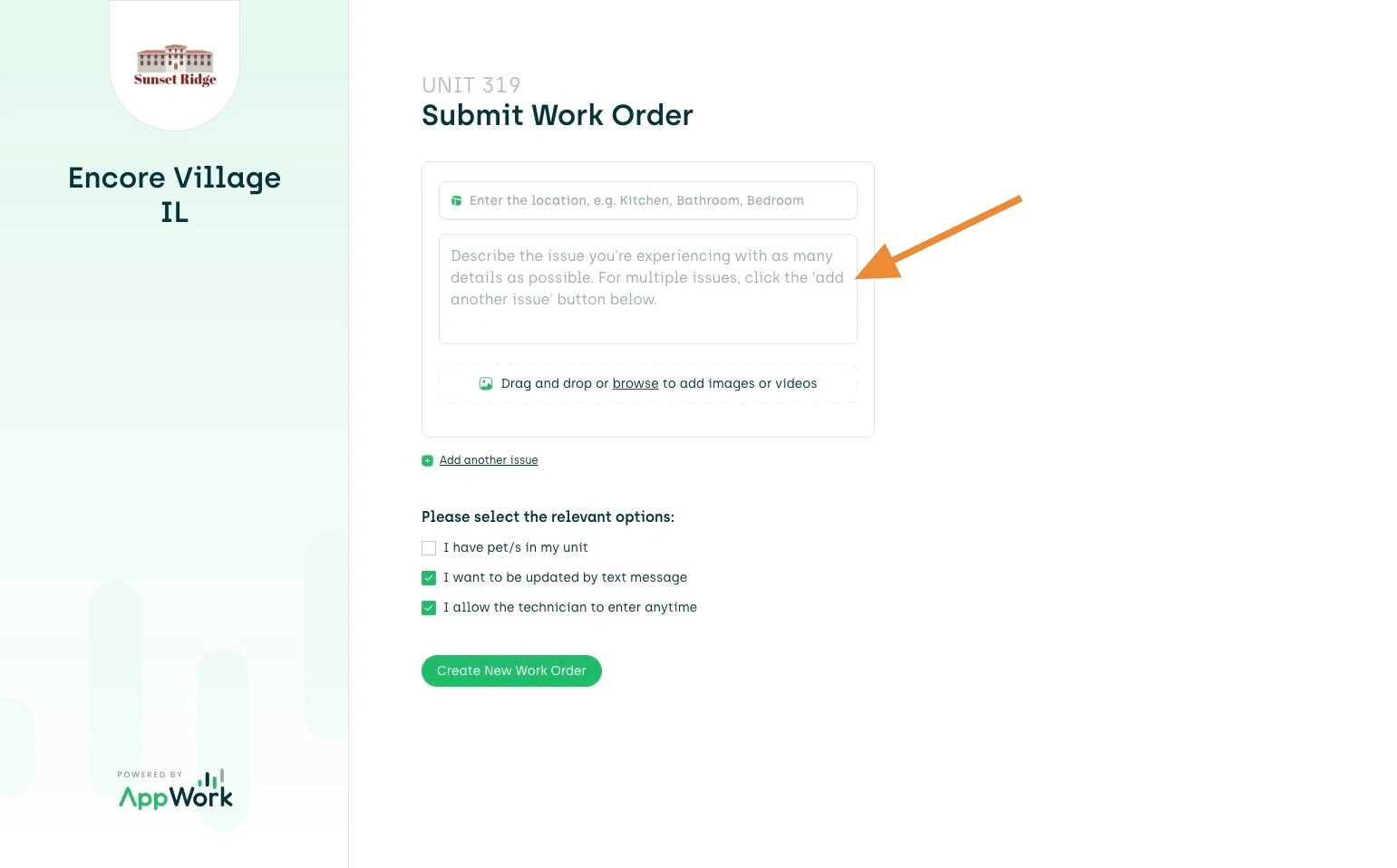
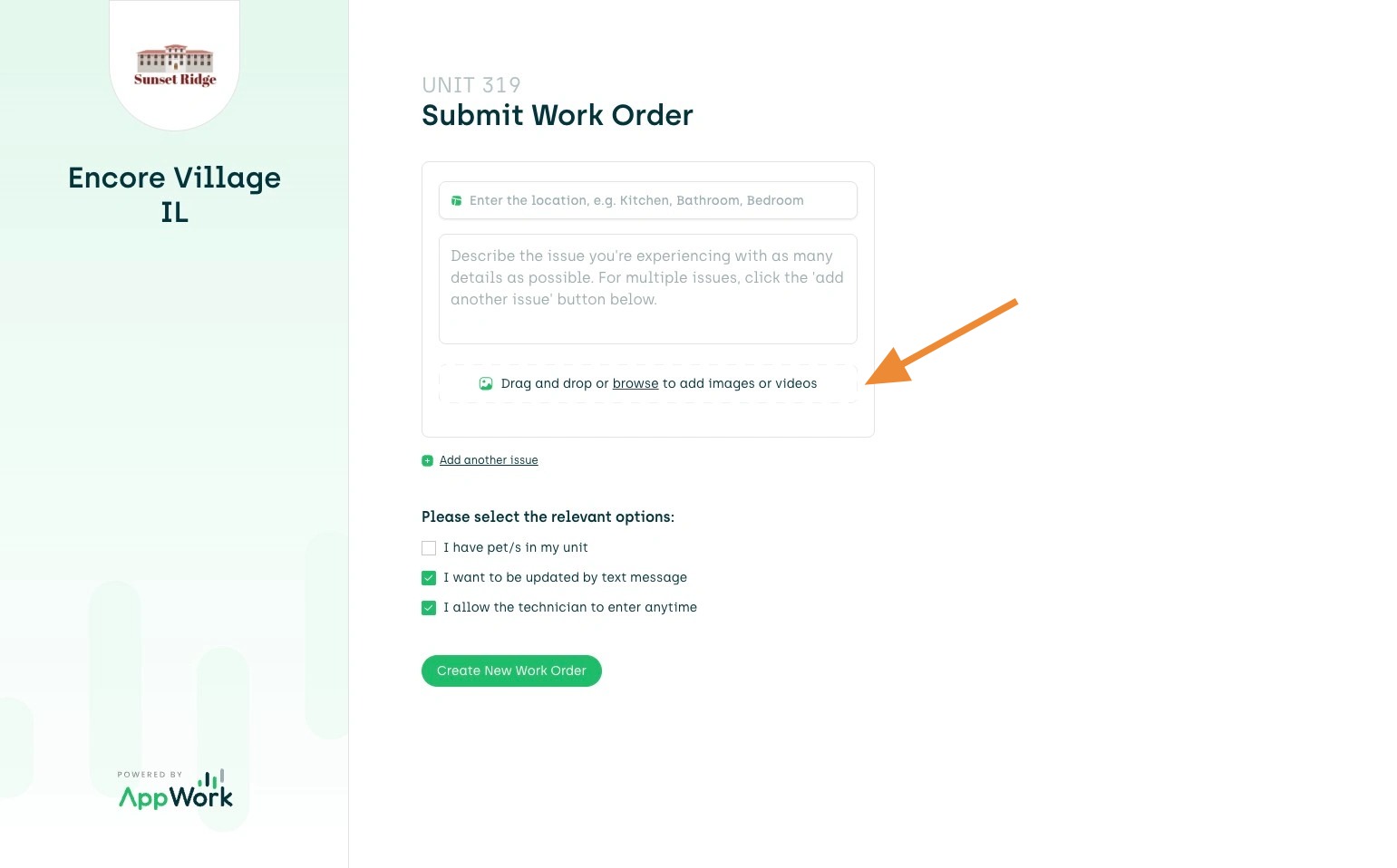
5. Resident's can Upload Photos and/or Videos of the Issue
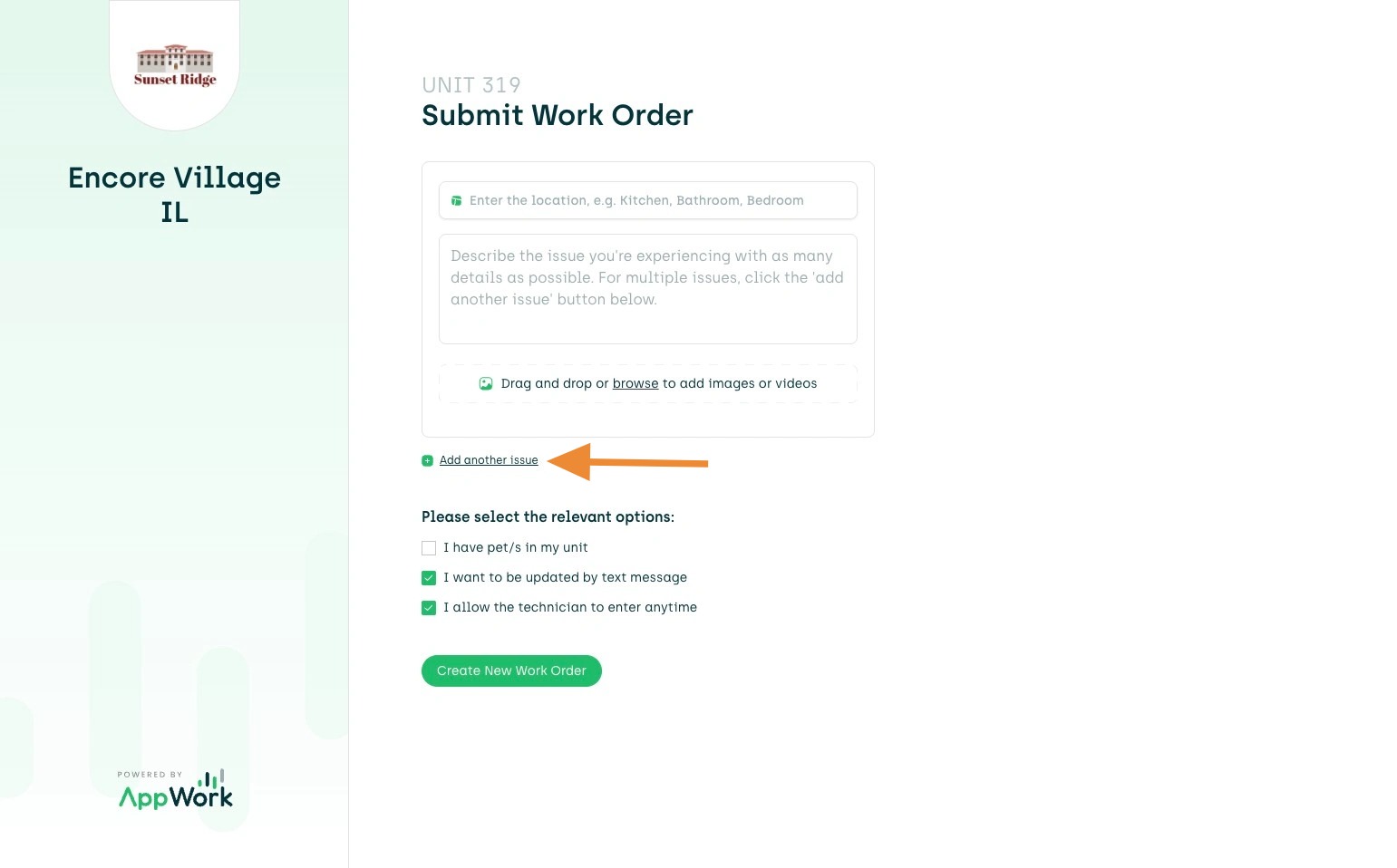
6. Resident's can also Add Additional Issues within this Work Order
7. Resident's will Select Their Preferences for Text Message, Allow Entry and Mark if they Have Pets
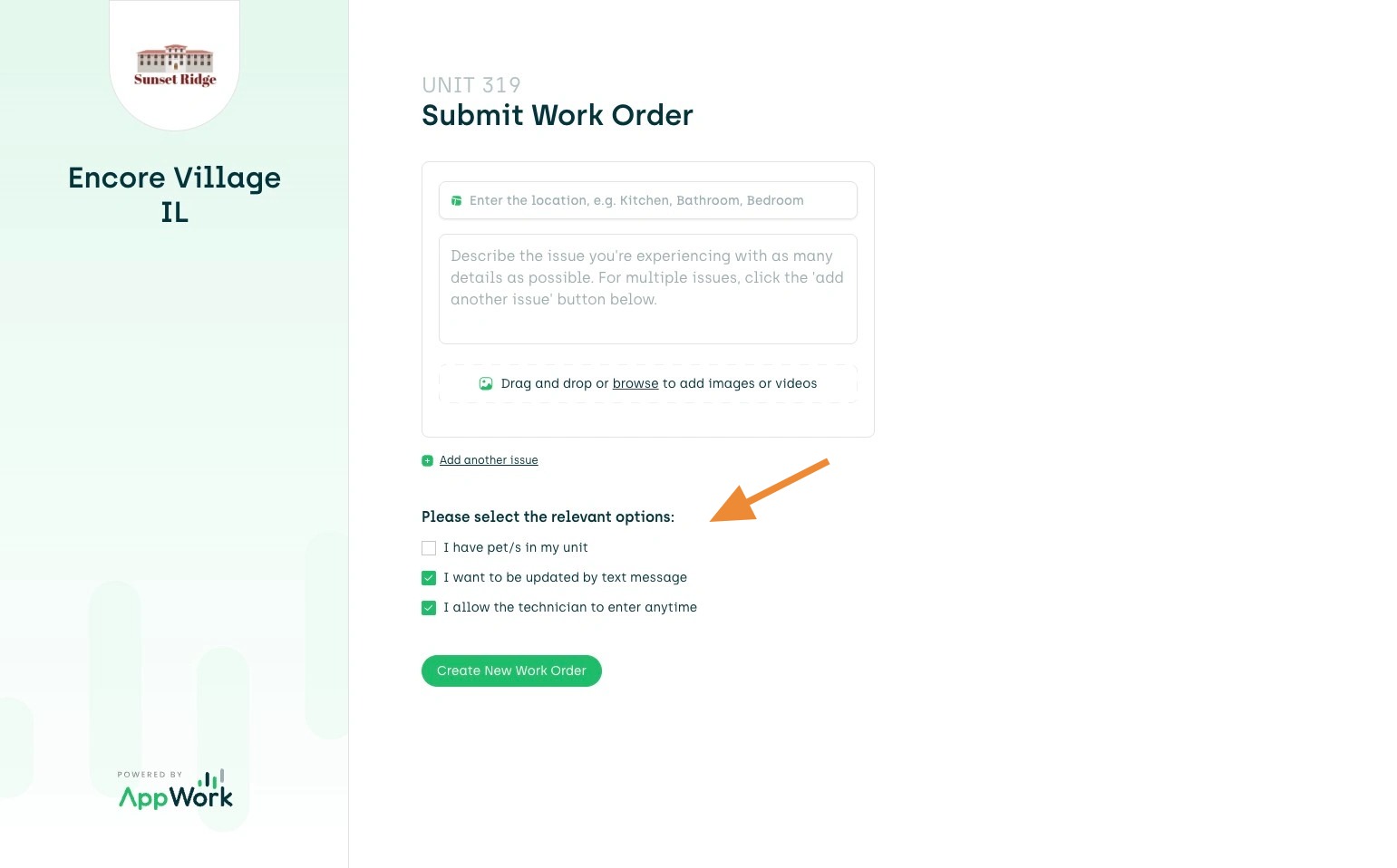
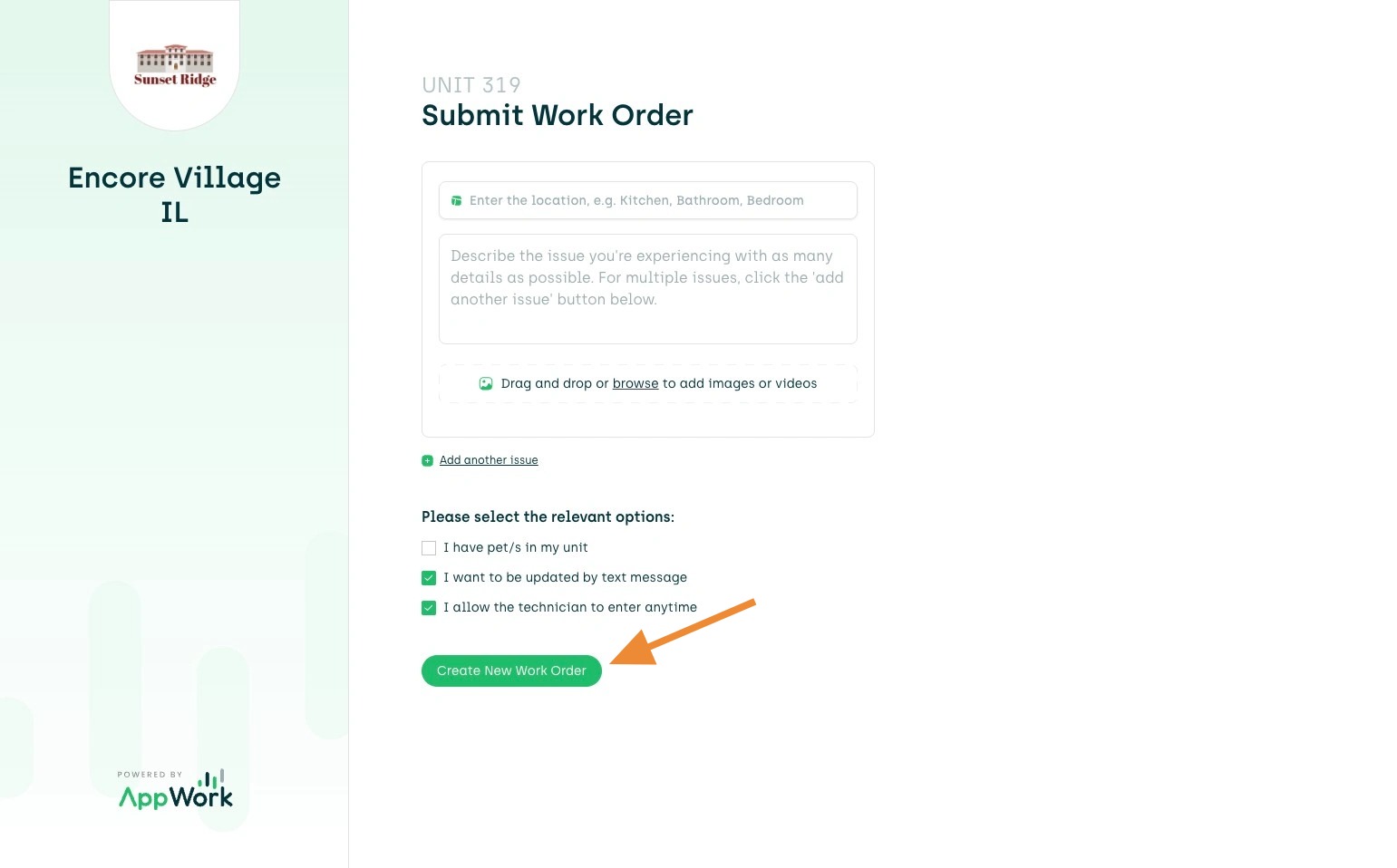
8. Select the "Create New Work Order" Button When Completed!