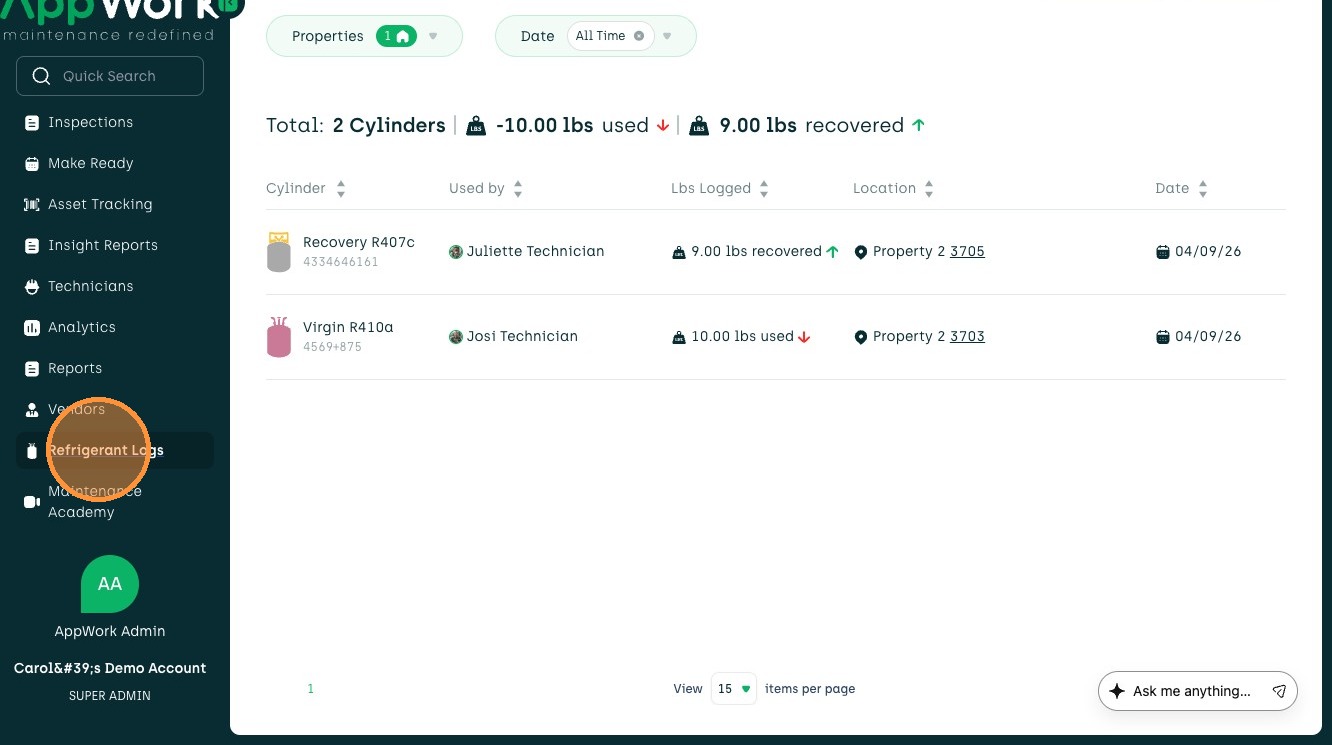
1. Navigate to Refrigerant Logs in the sidebar menu.
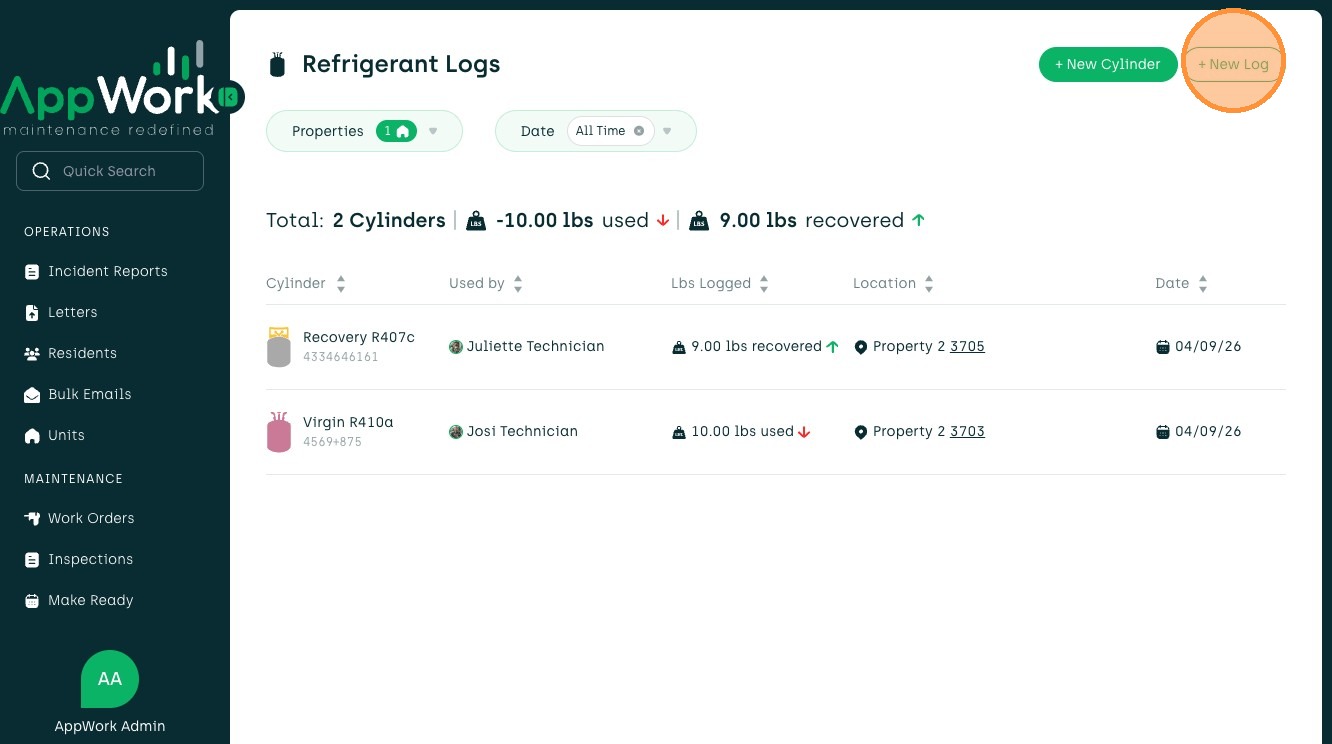
2. Select + New Log in the top right of the page.
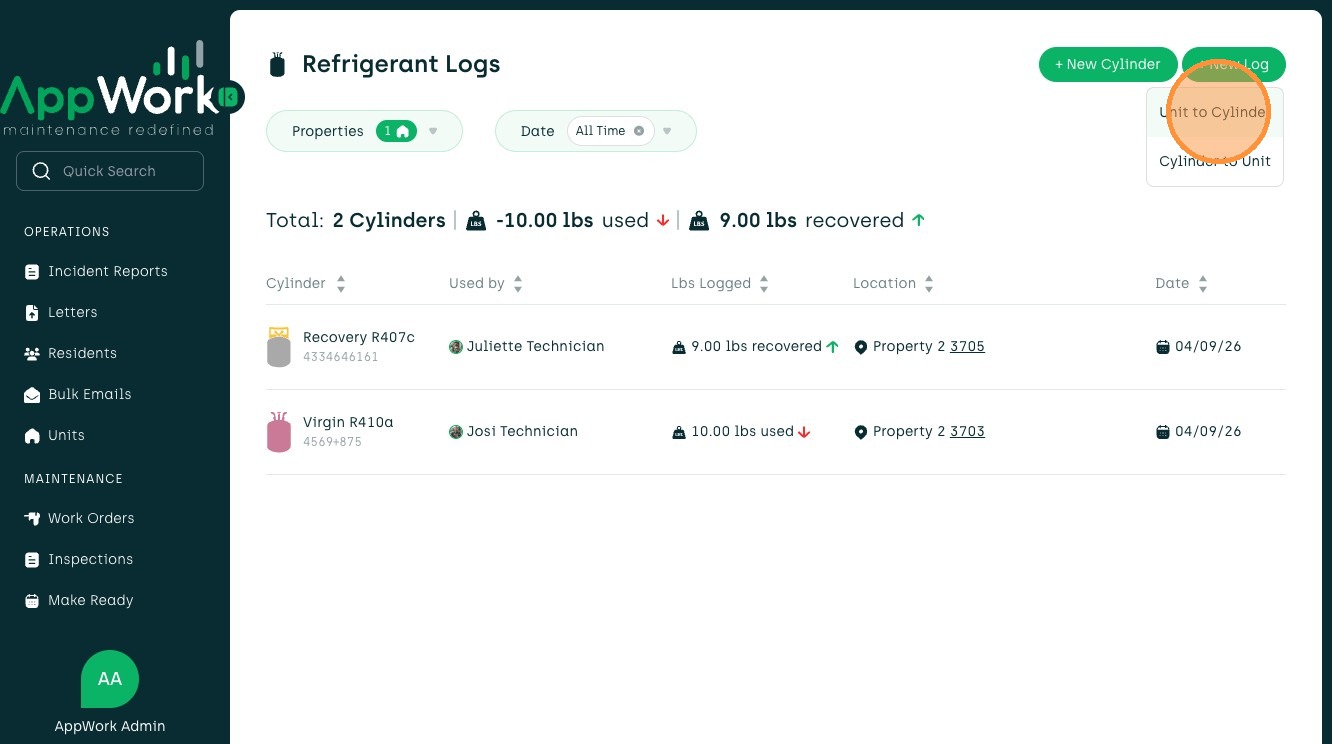
3. From the dropdown, select Unit to Cylinder.
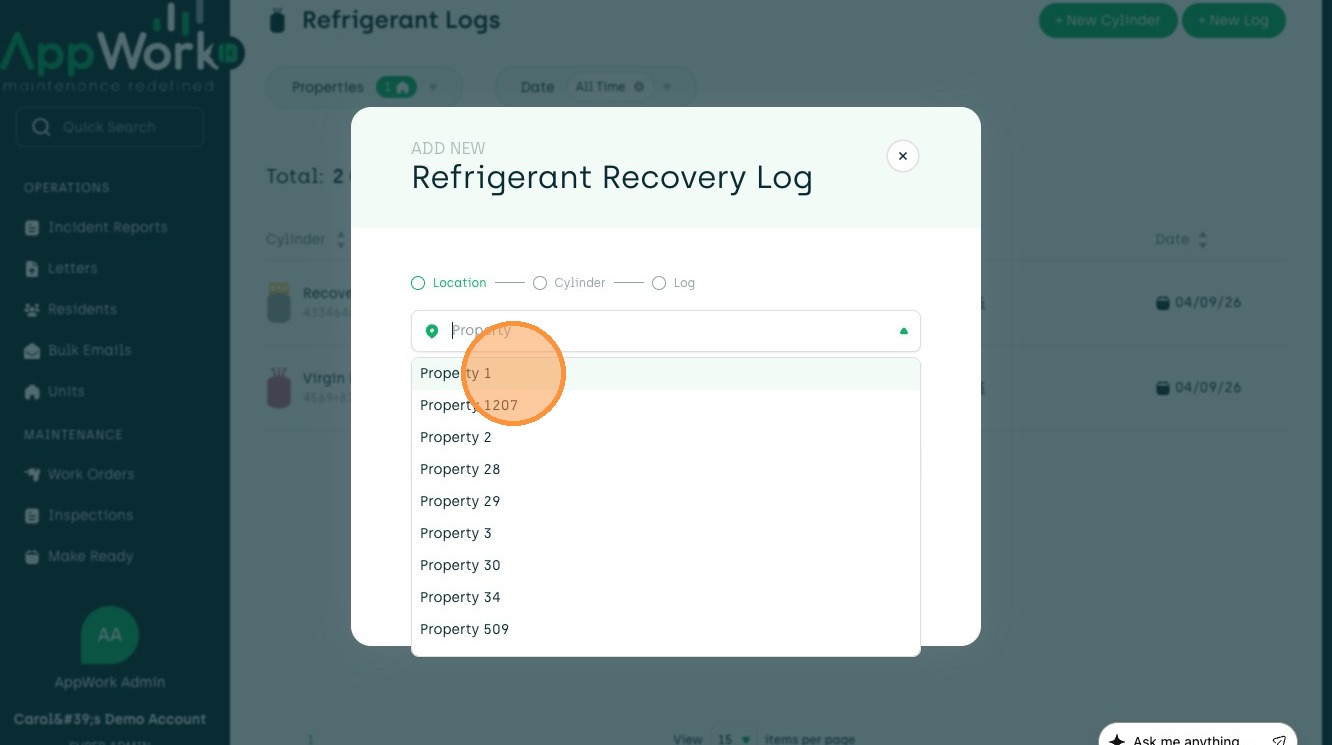
4. Type in the Property or choose from the dropdown.
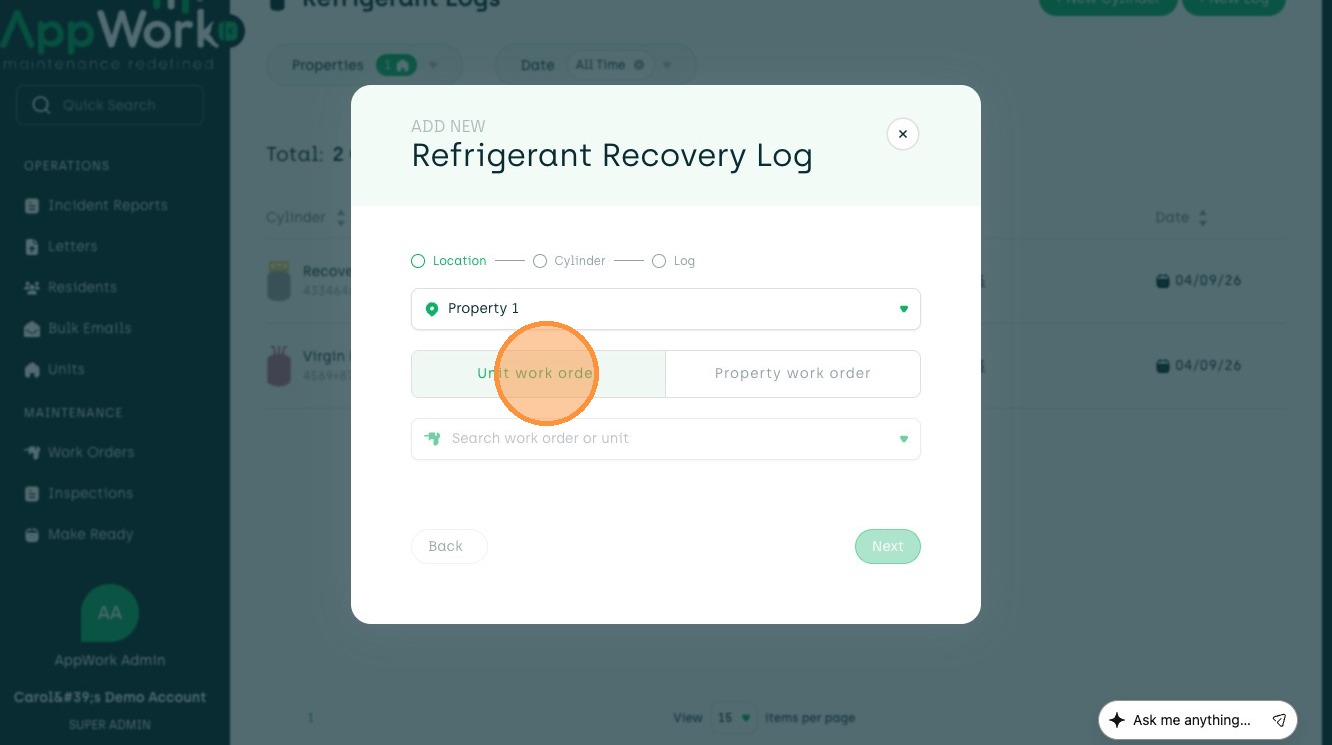
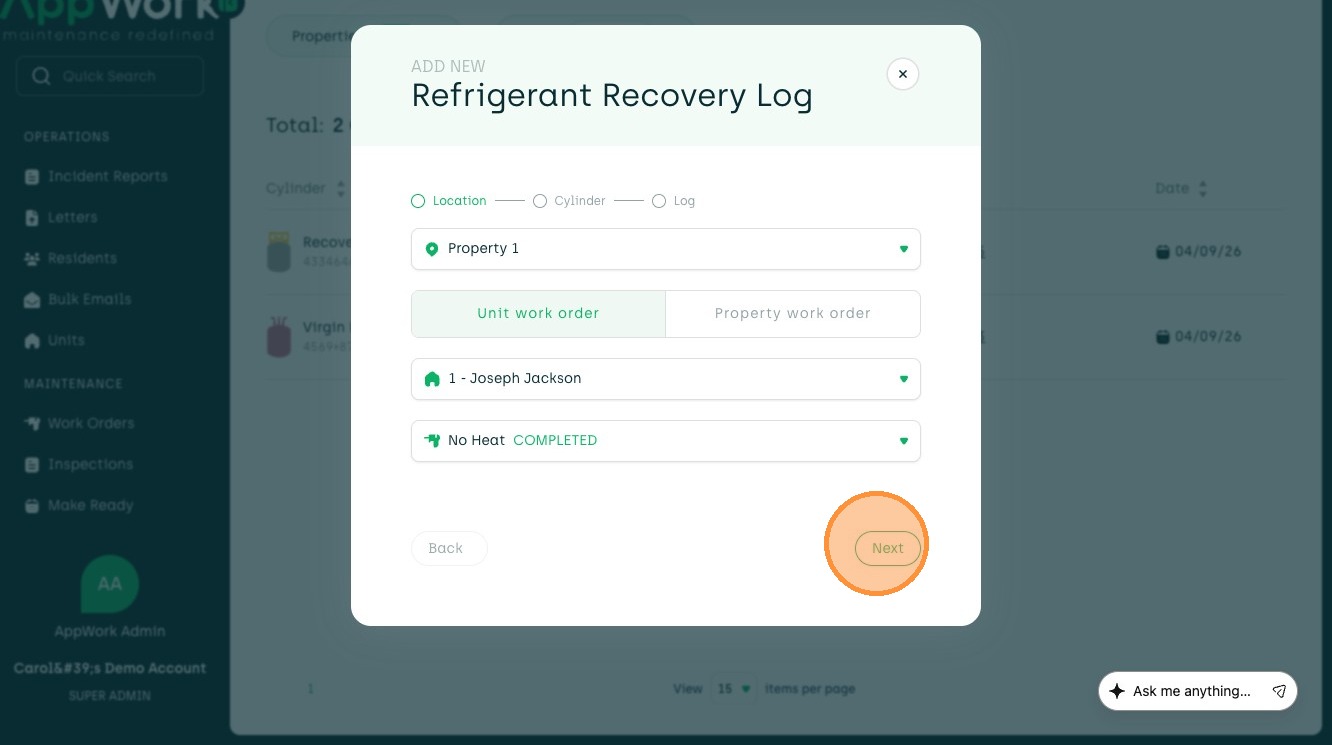
5. Select whether this is a Unit work order or Property work order.
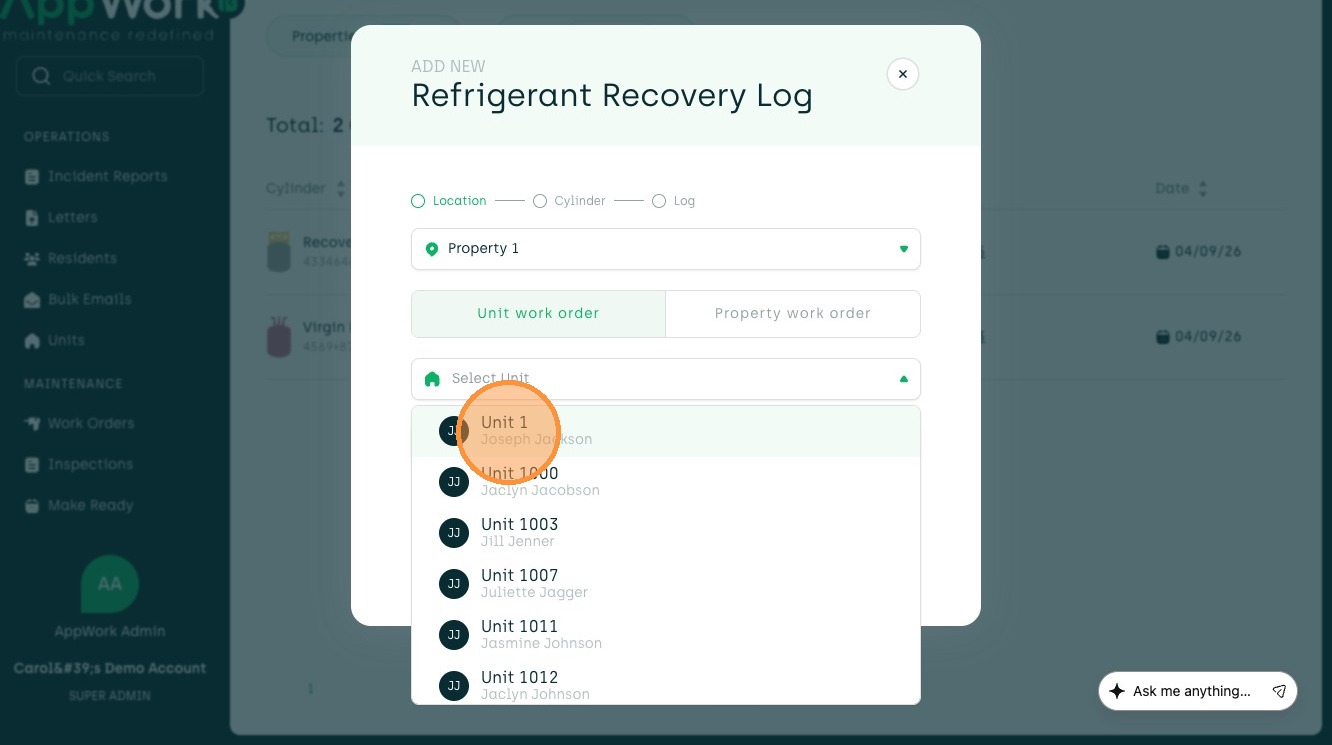
6. If it's a unit work order, choose the Unit from the dropdown.
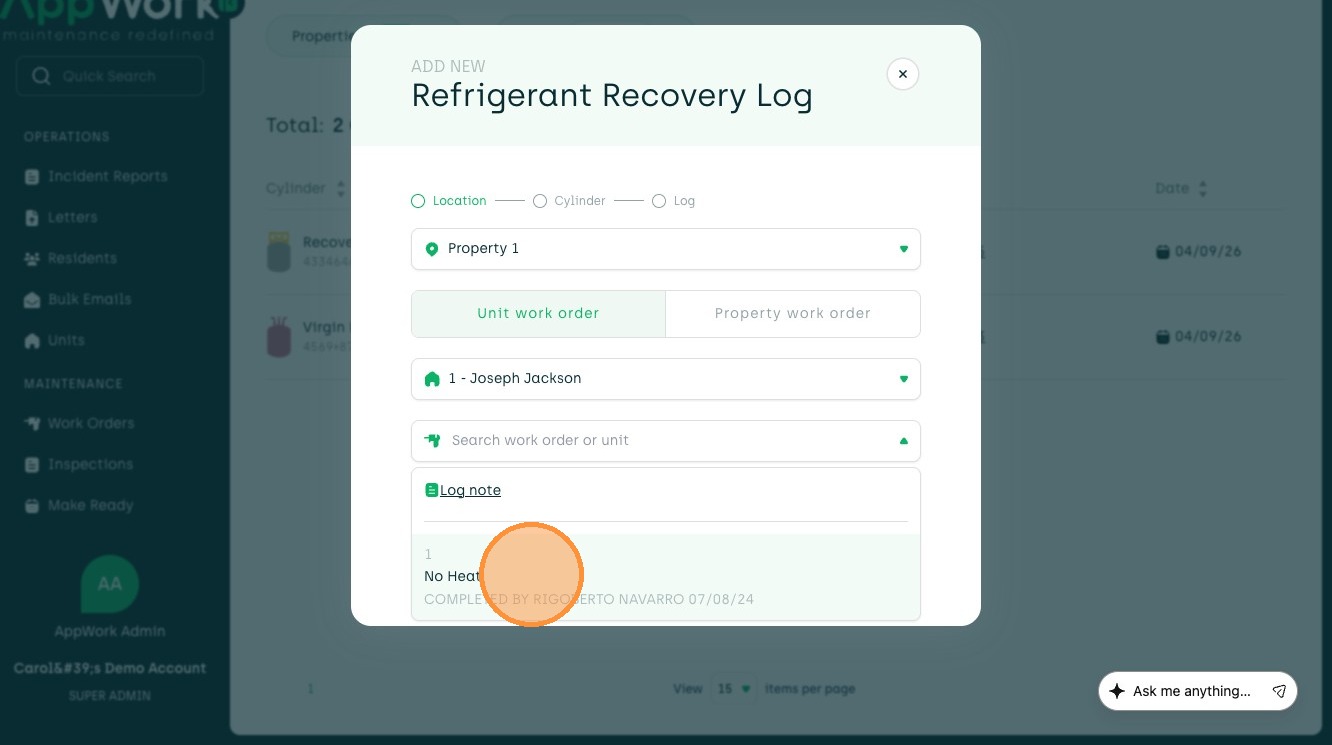
7. Pick which work order you will be using the refrigerant for.
8. Press Next to see the different recovery refrigerants available.
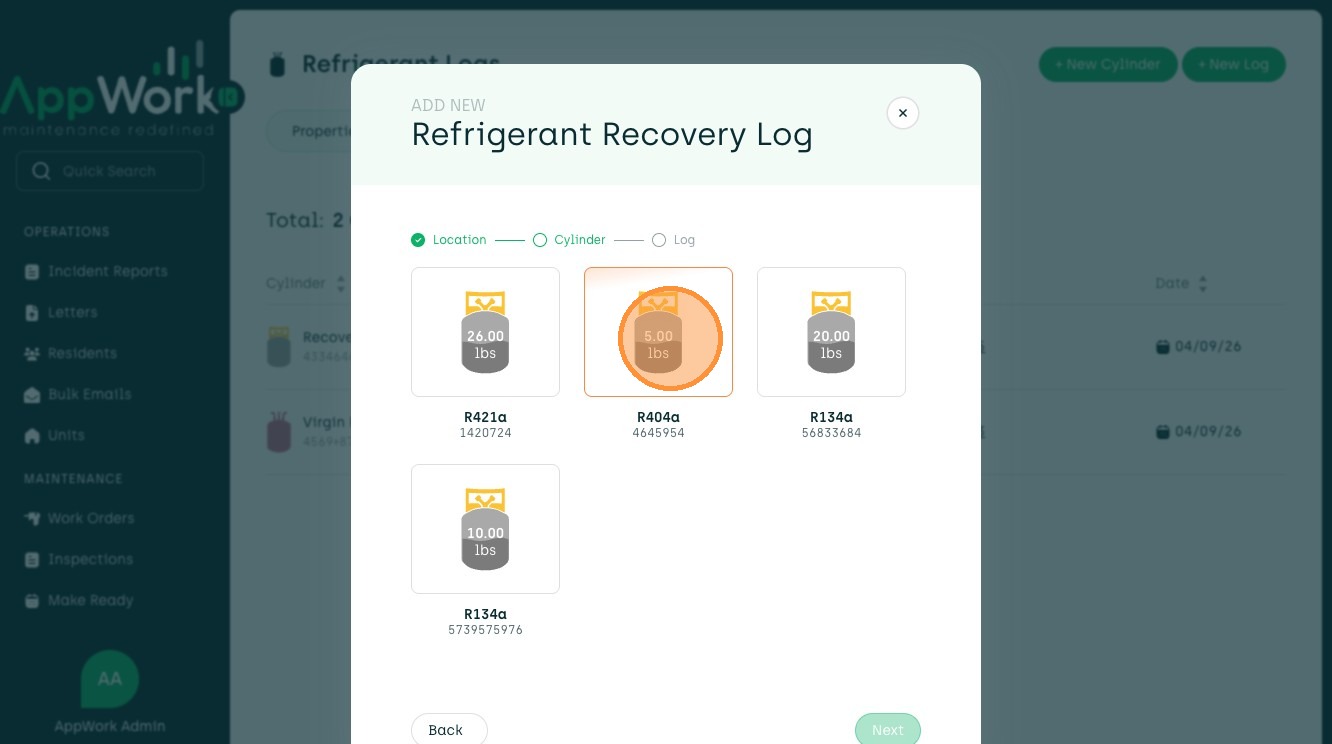
9. Select the cylinder you want to use.
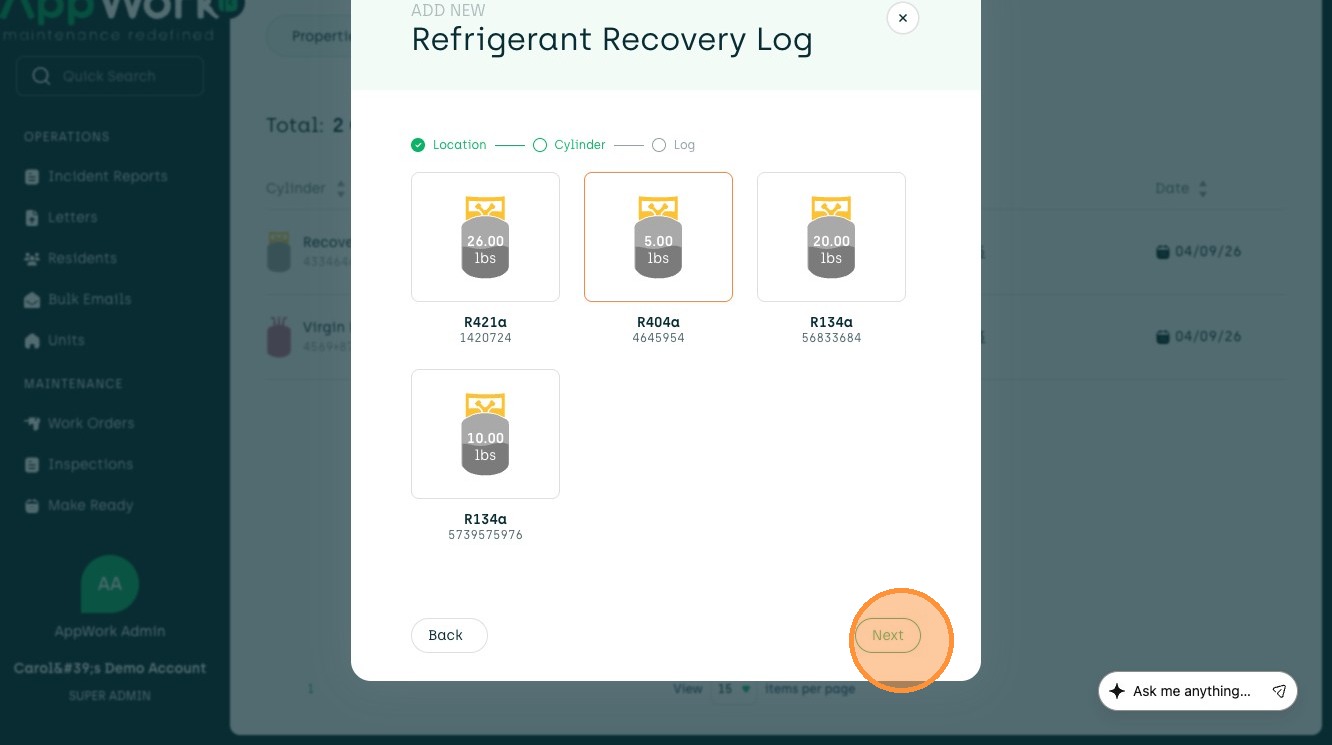
10. Click Next to go to the recovery log.
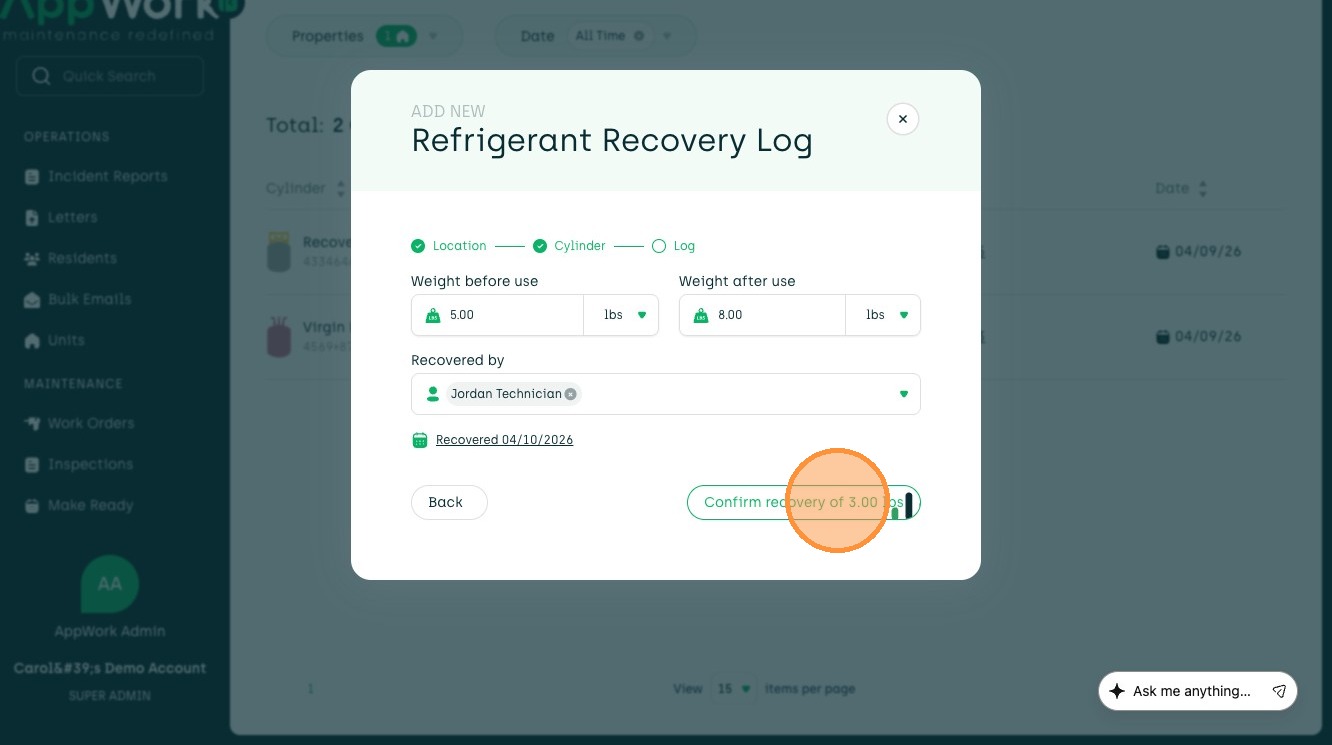
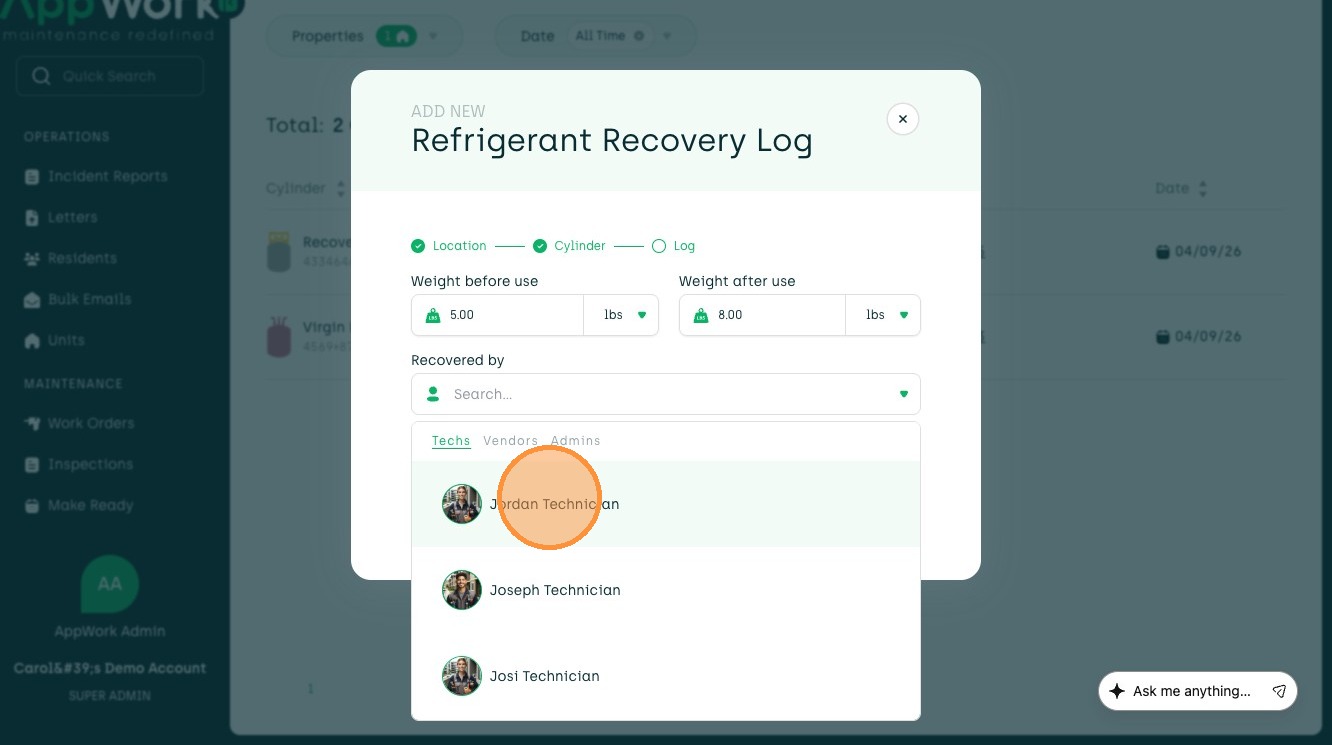
11. Enter the Weight after use here.
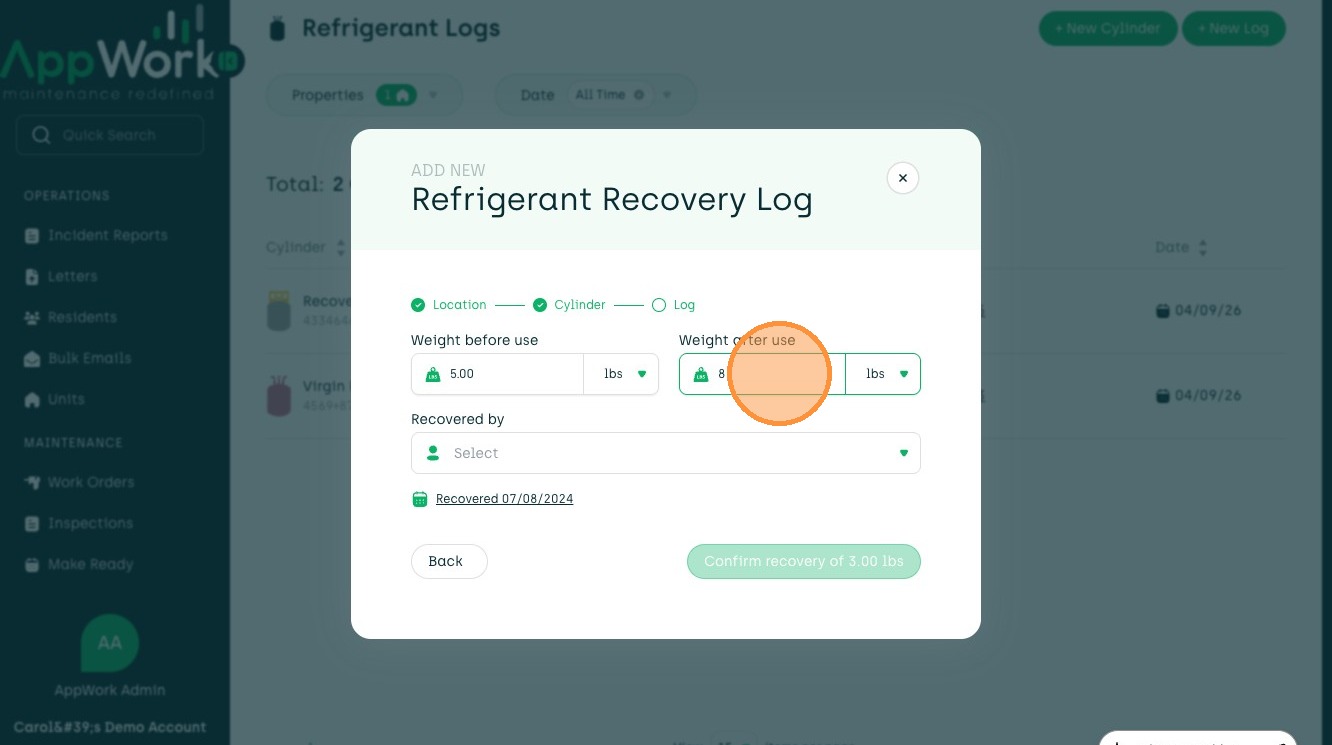
12. Select the technician recovering the refrigerant.
13. Choose the recovery date from the calendar.

14. Press Confirm recovery to save this log.