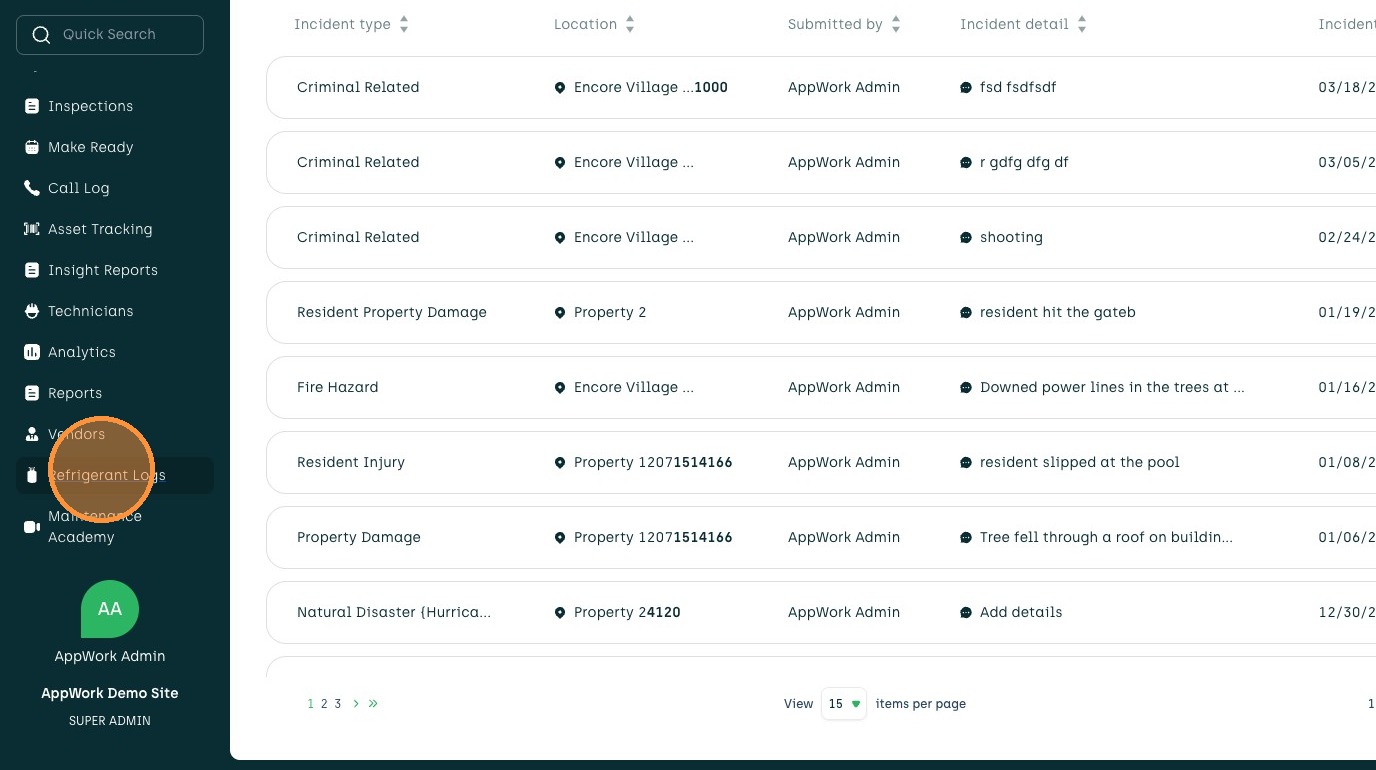
1. Navigate to your Admin Portal
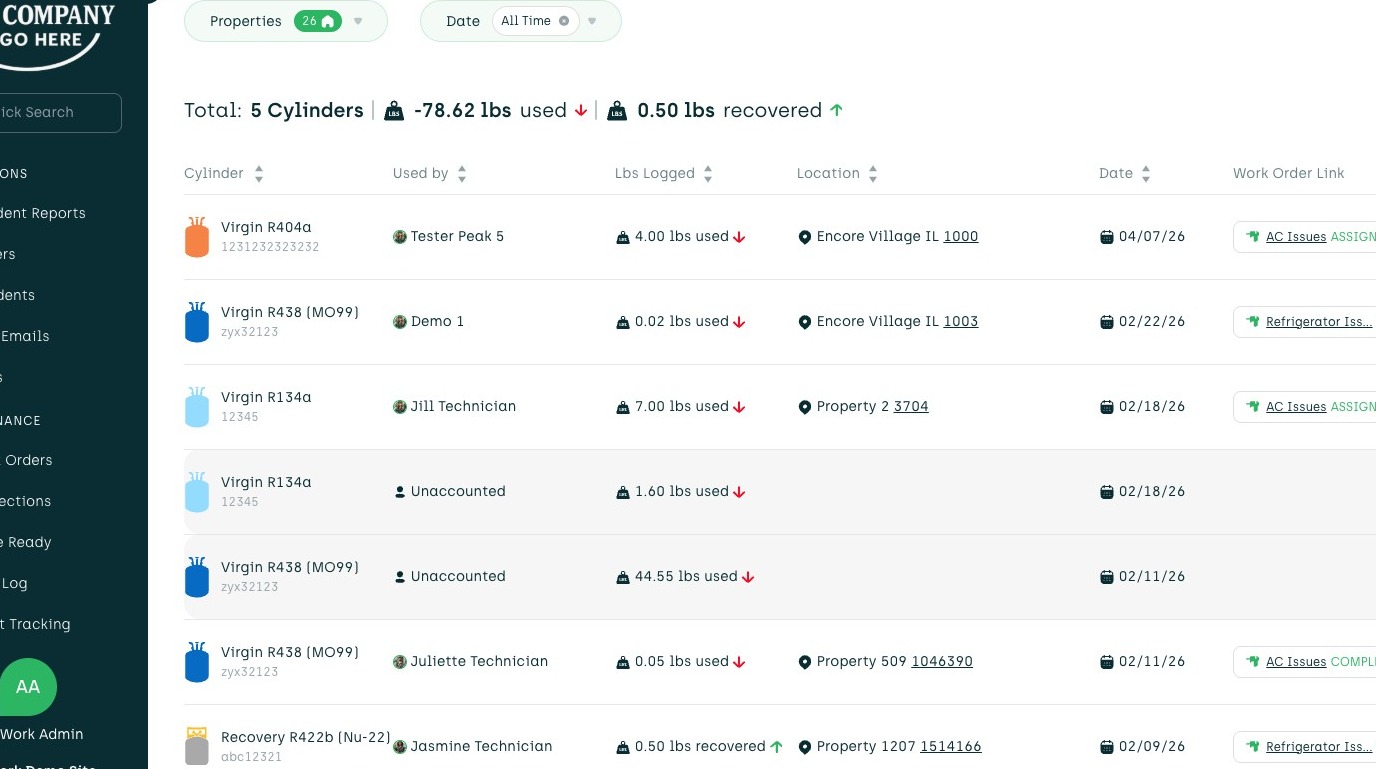
2. Click "Refrigerant Logs"
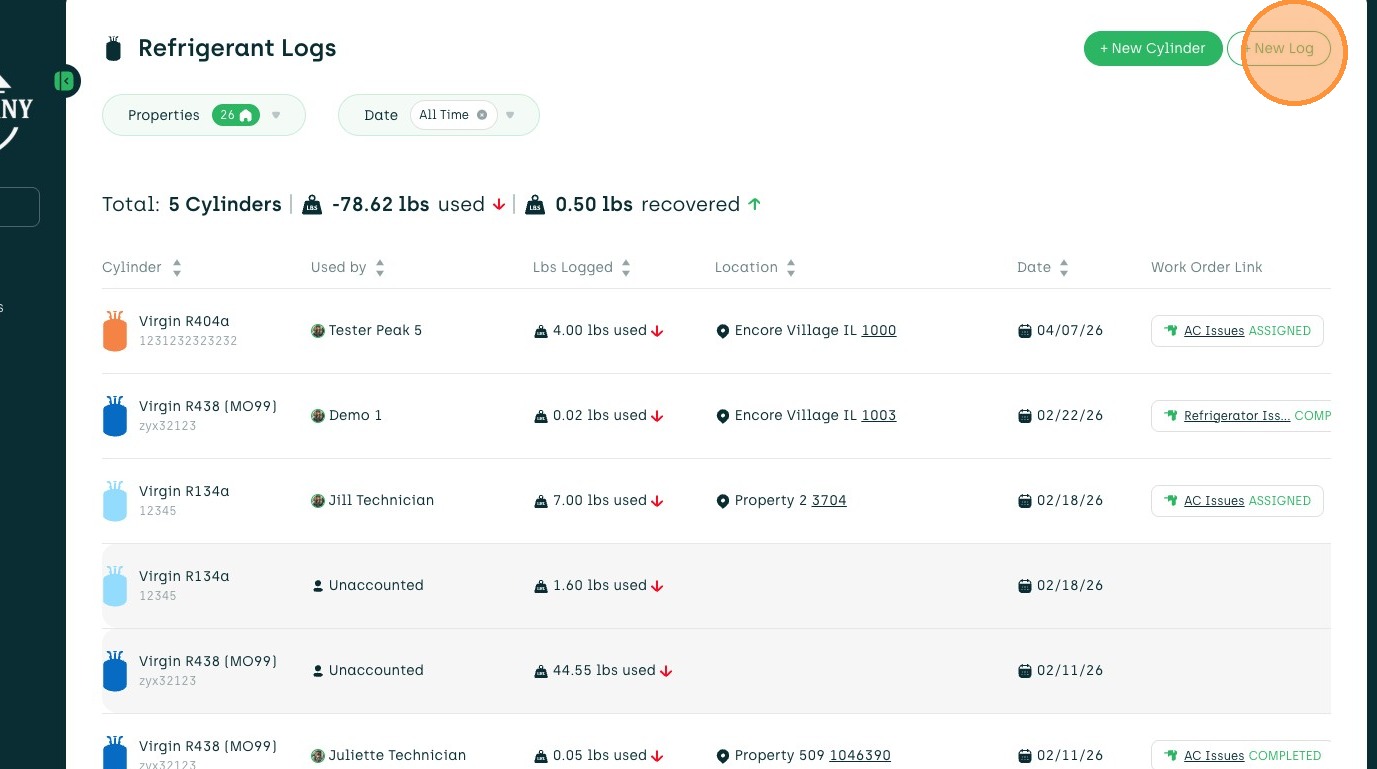
3. Click "+ New Log"
4. Click "Cylinder to Unit"
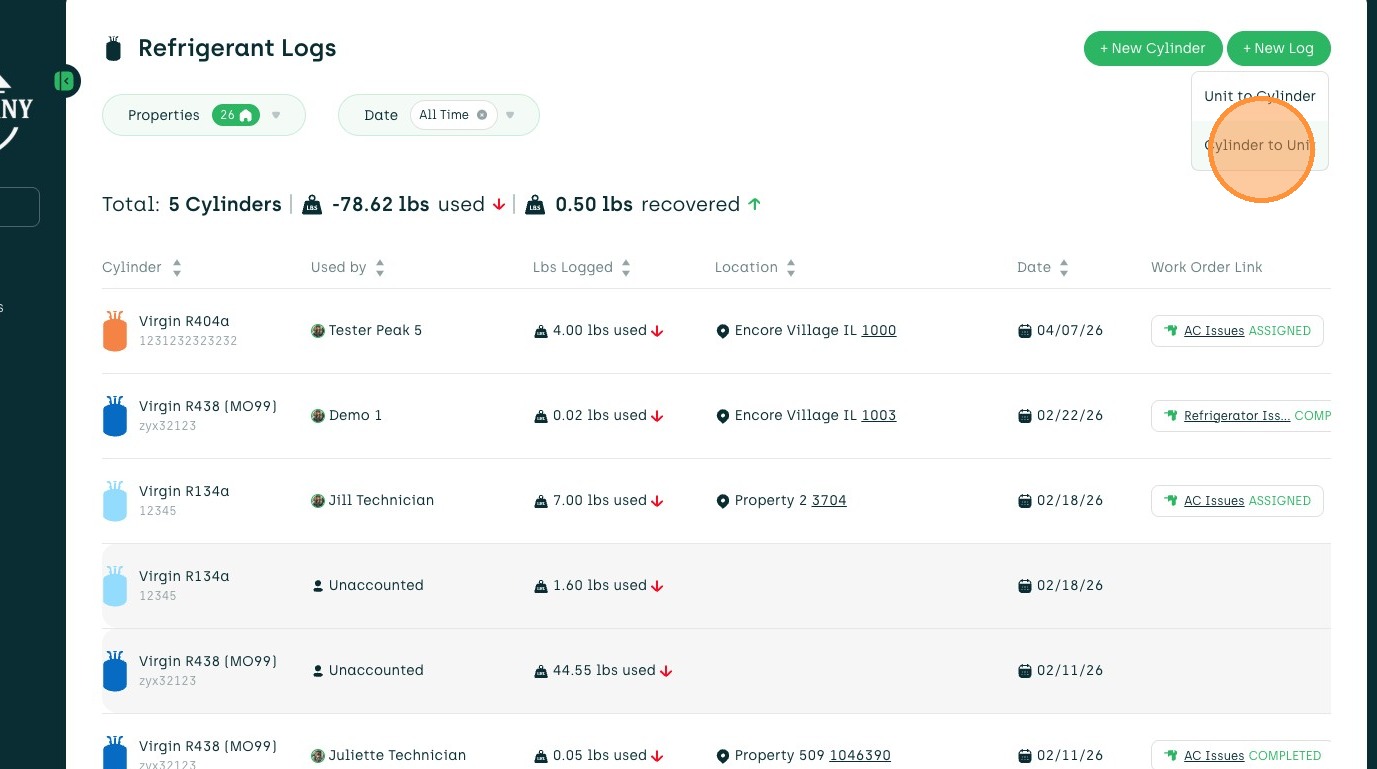
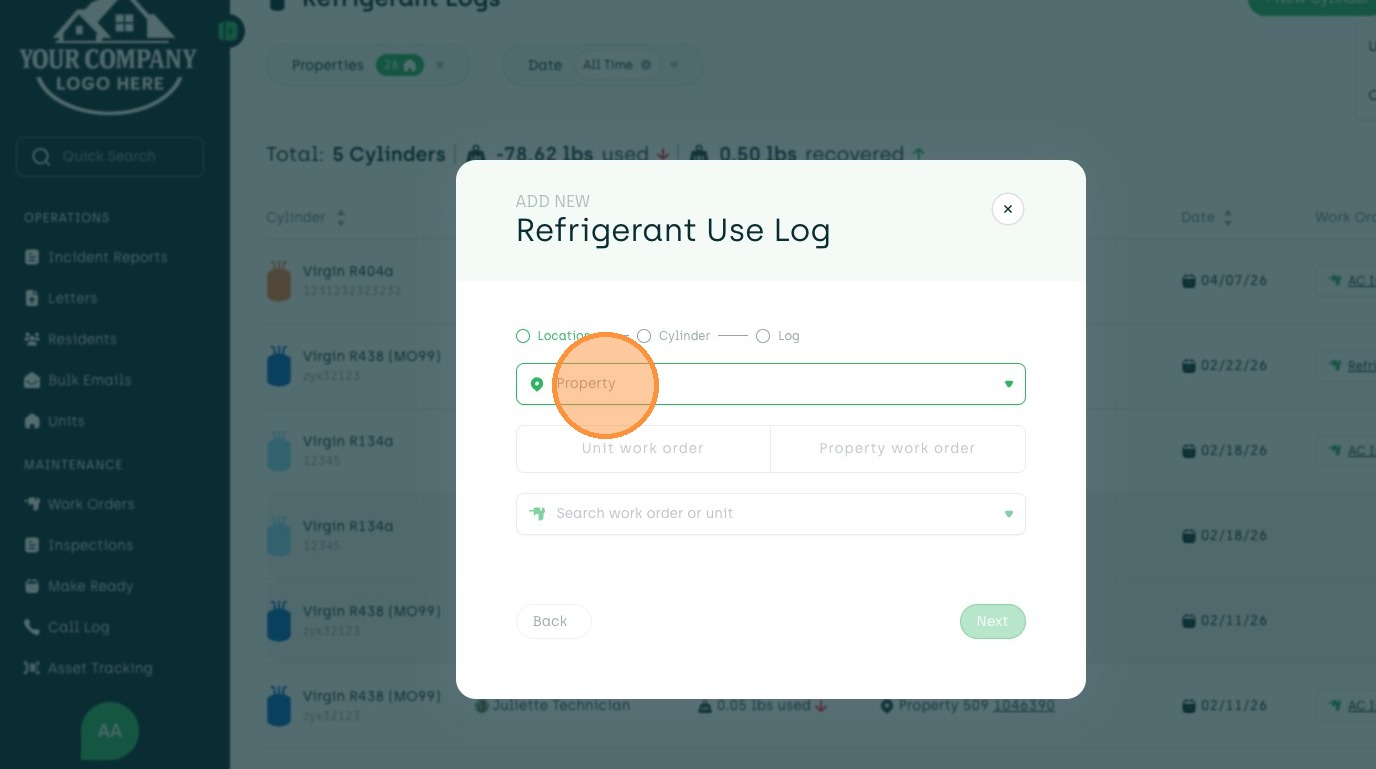
5. Click the "Property" field.
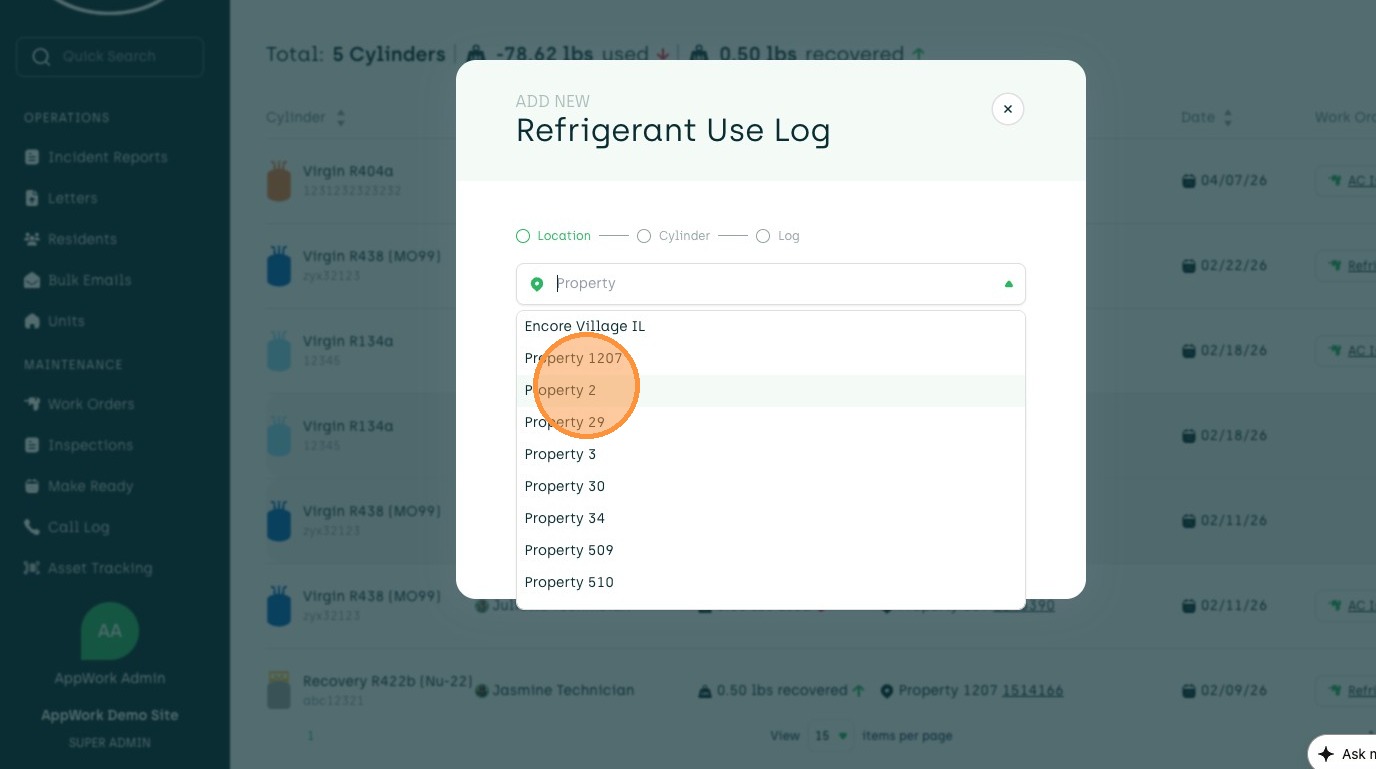
6. Select desired Property
7. Click "Unit work order"
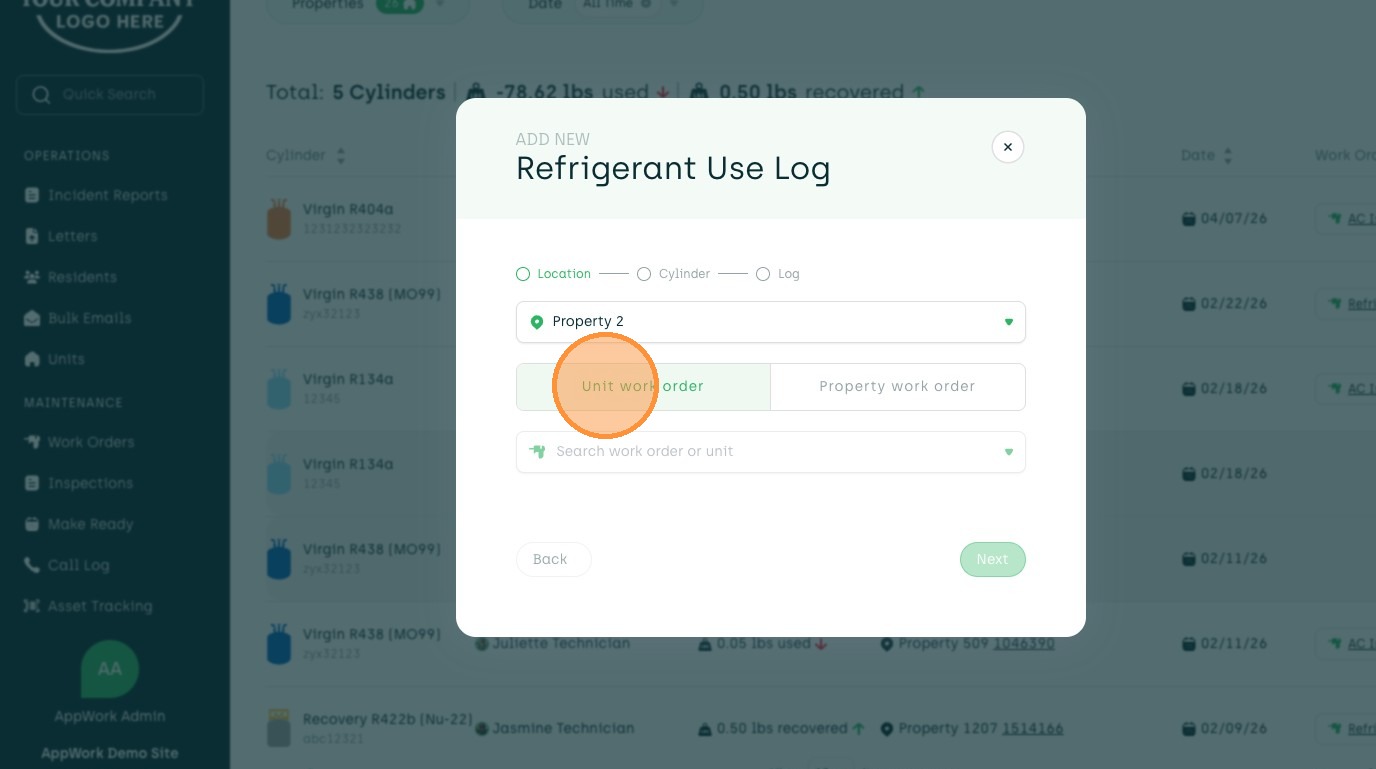
8. Click the "Select Unit" field.
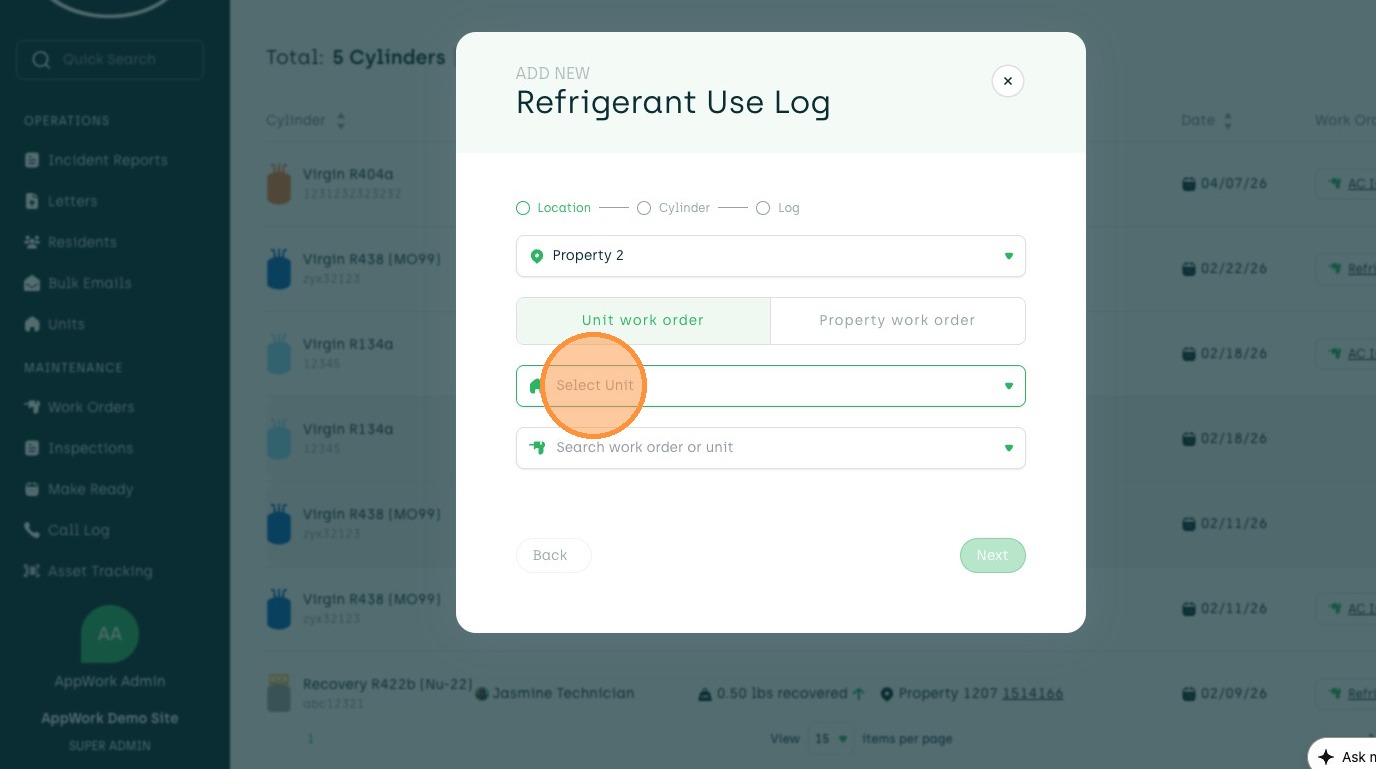
9. Select desired Unit
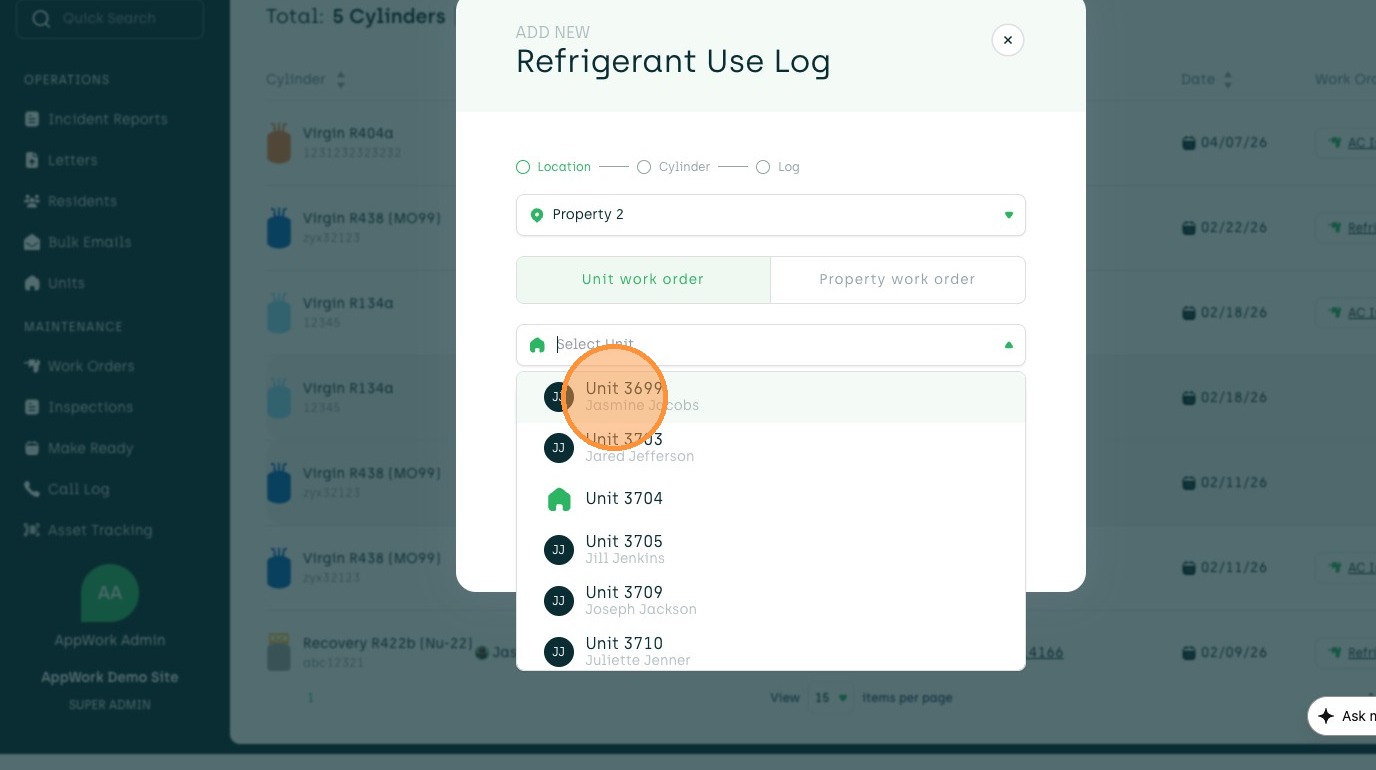
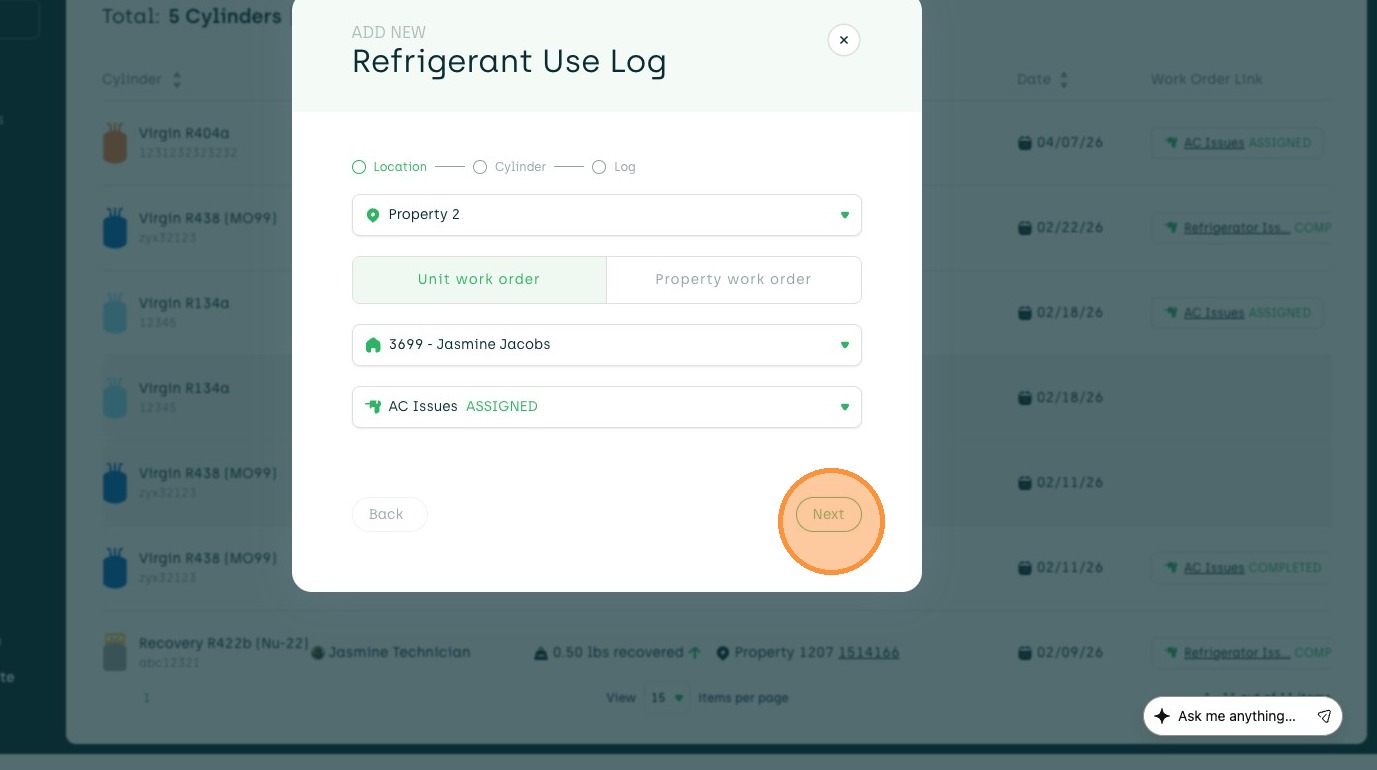
10. Click the "Search work order or unit" field.
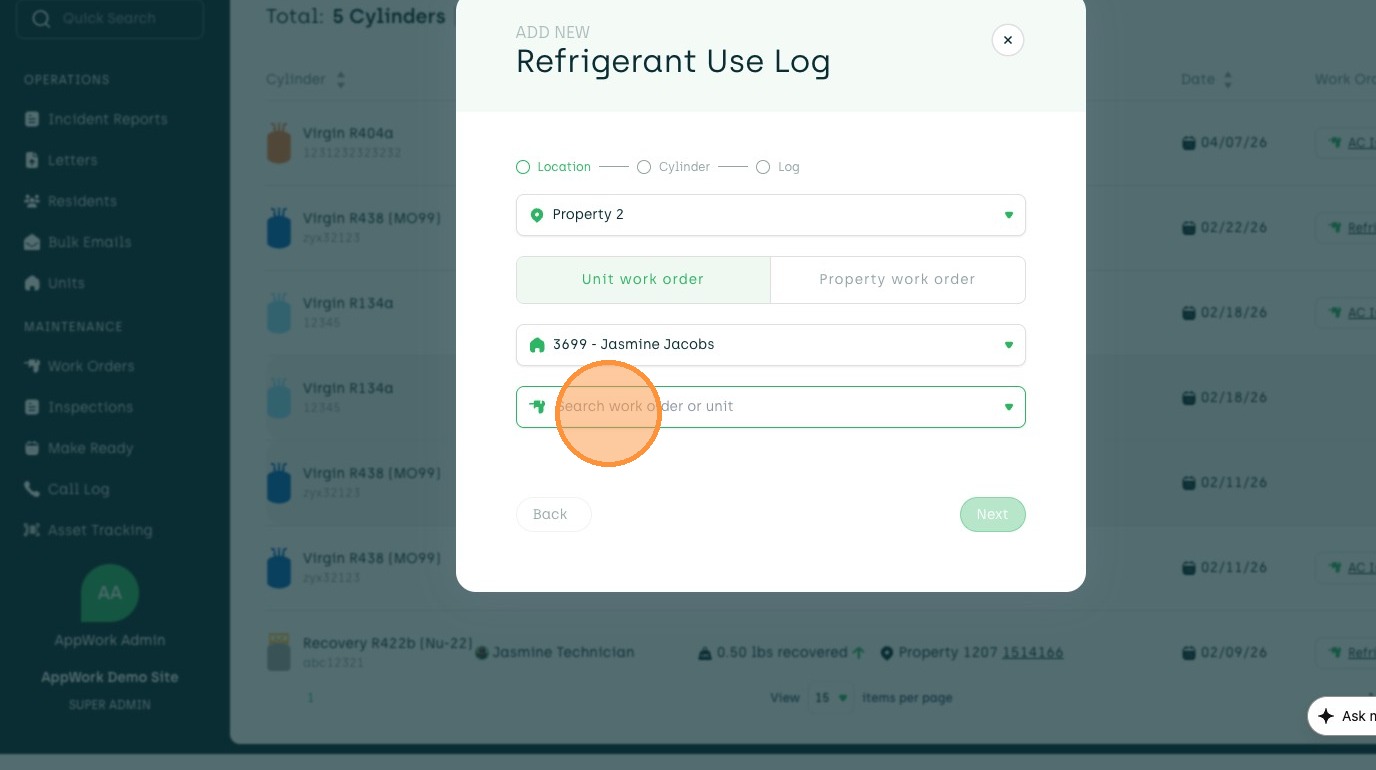
11. Select desired Work Order or input a Log note
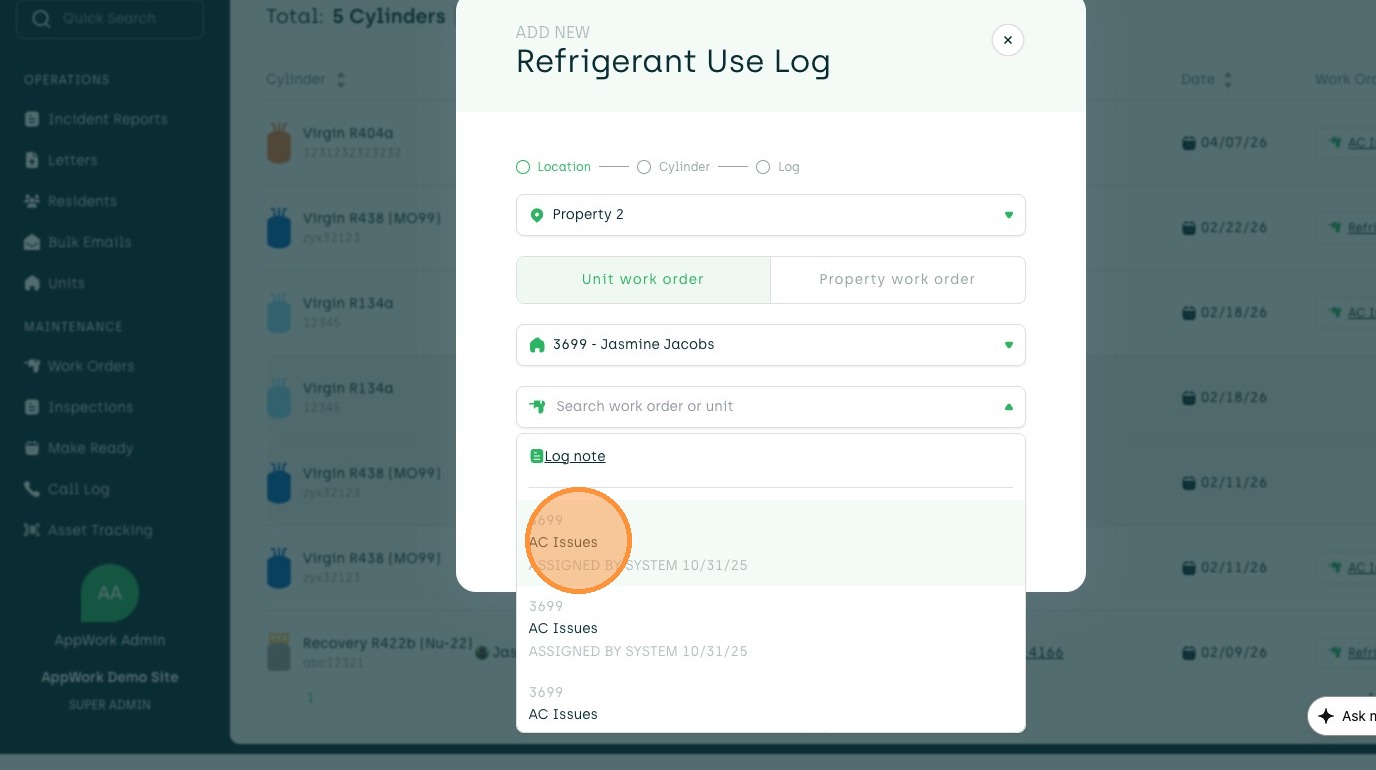
12. Click "Next"
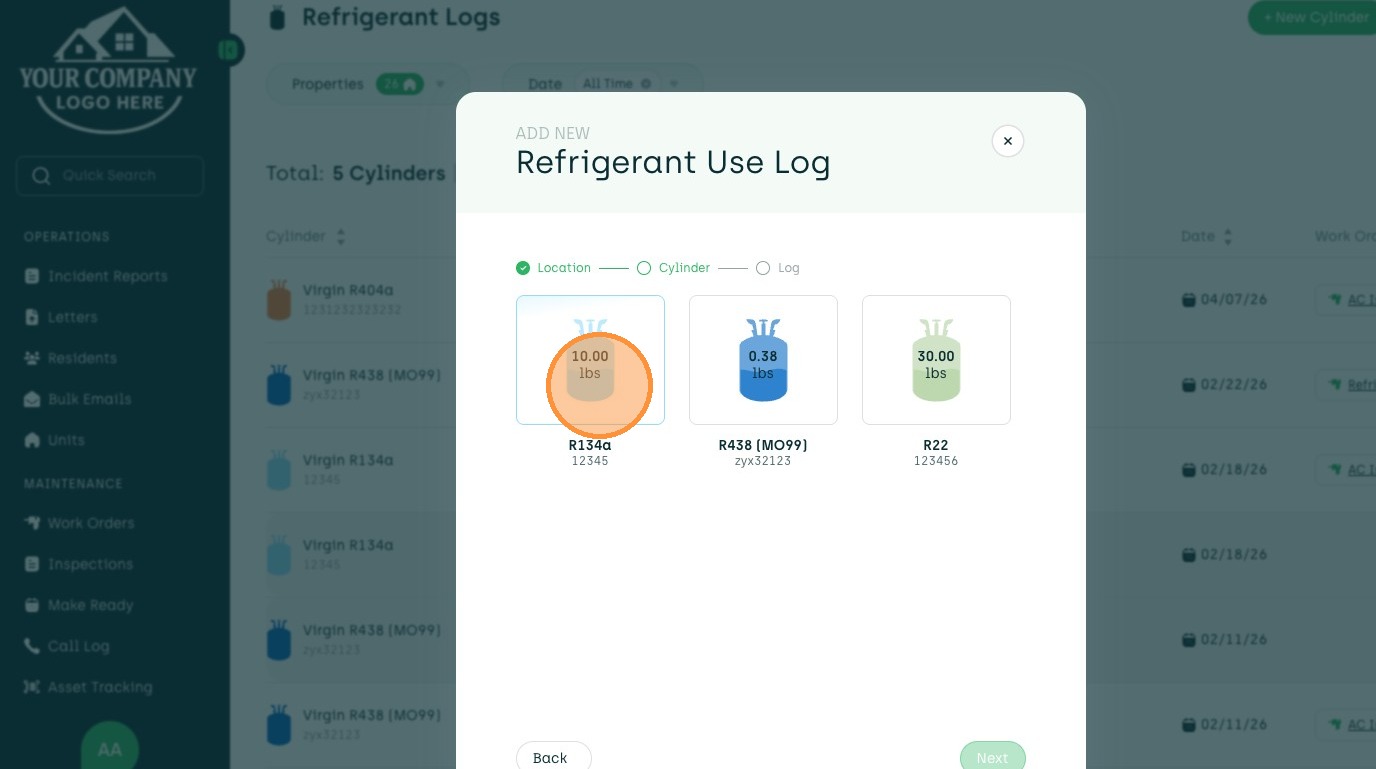
13. Choose desired Cylinder
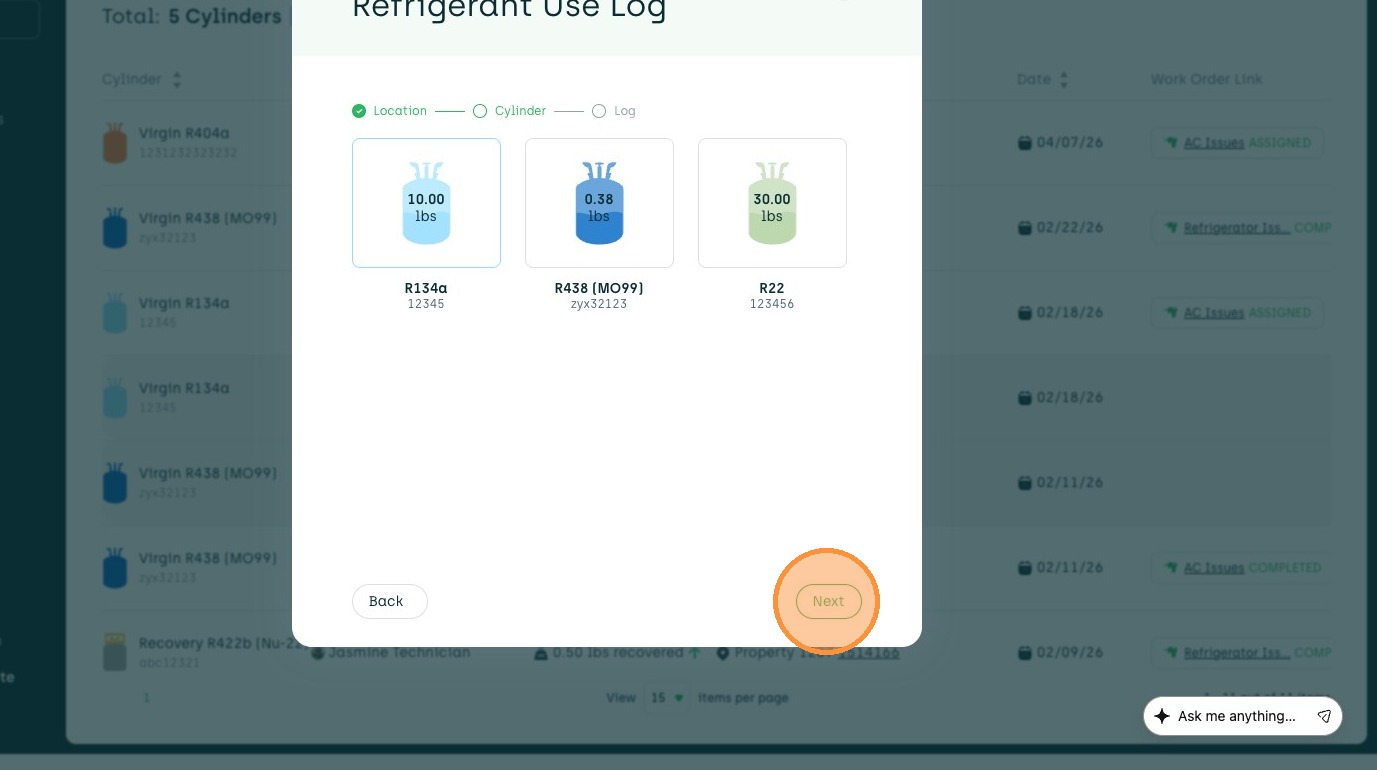
14. Click "Next"
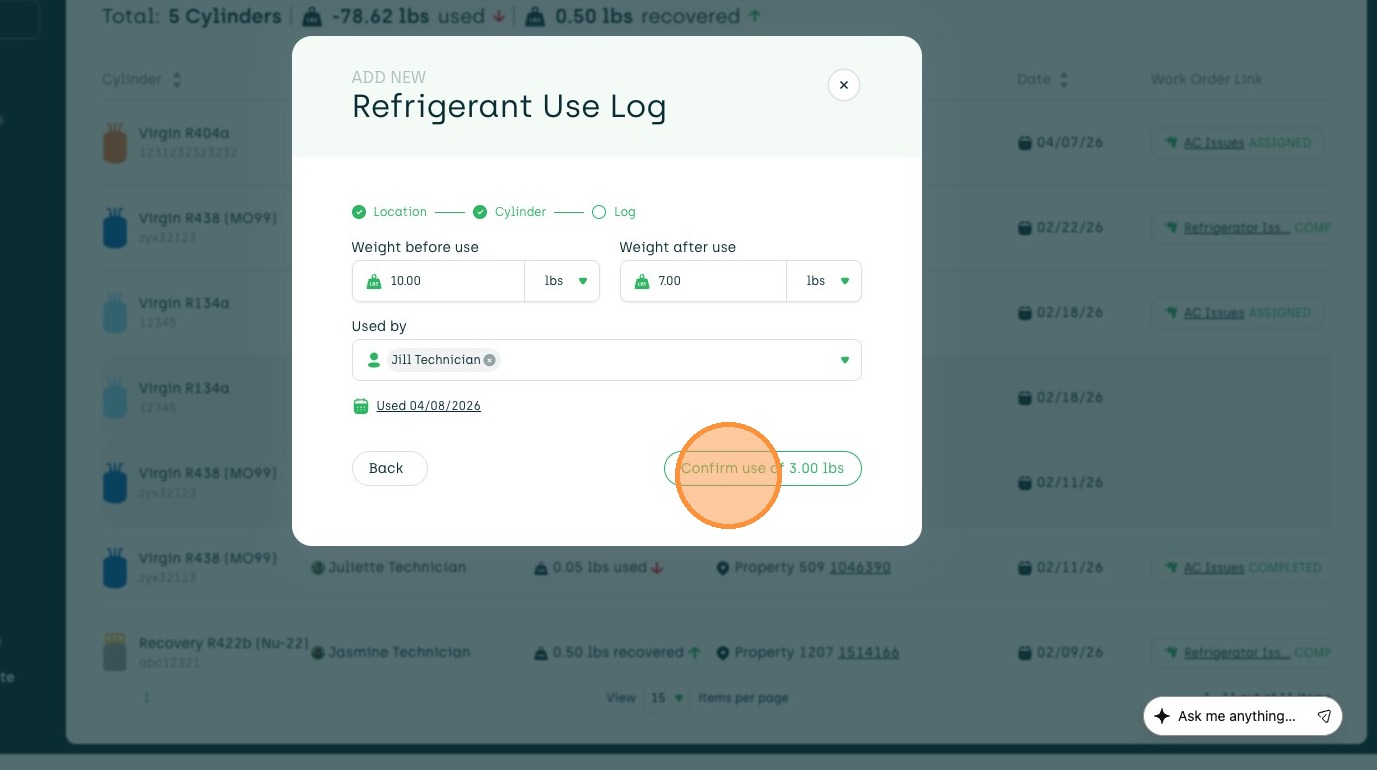
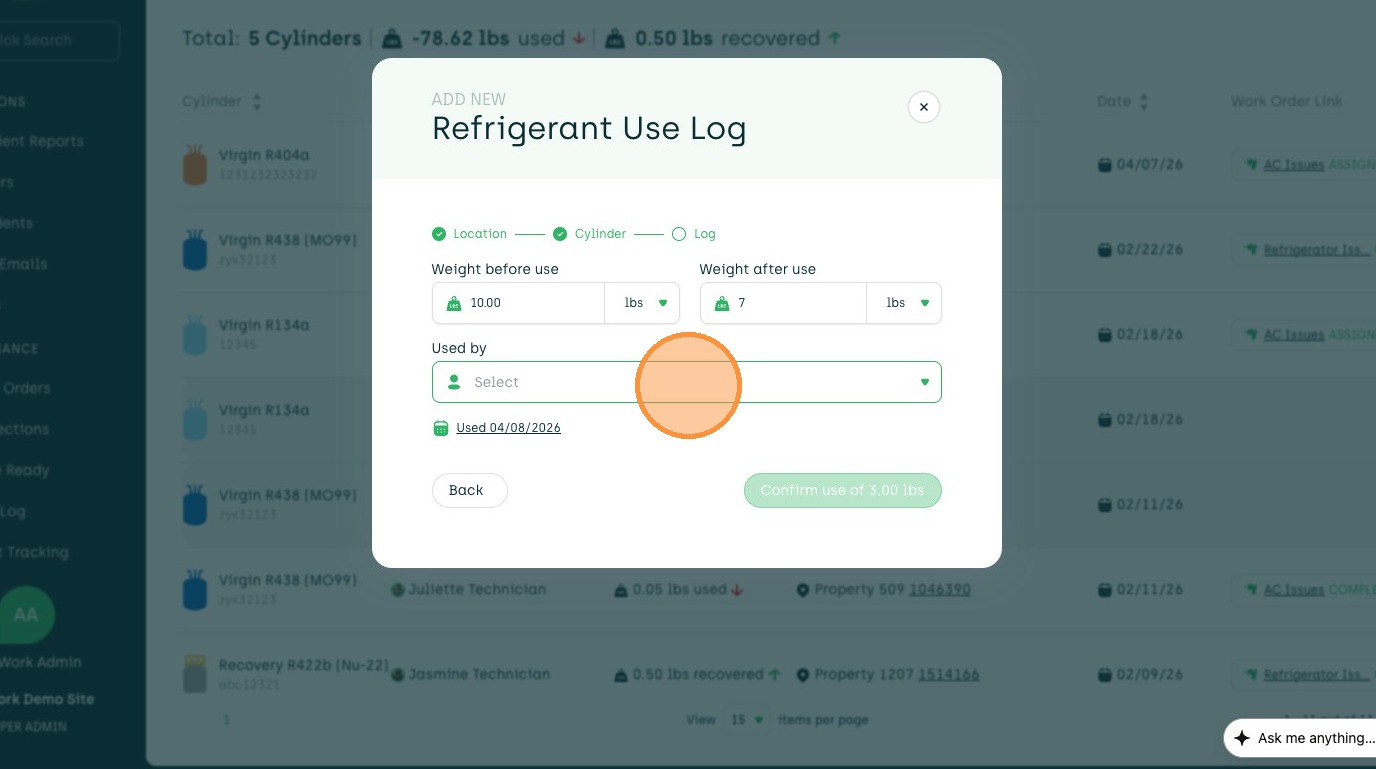
15. Enter amount of Refrigerant used
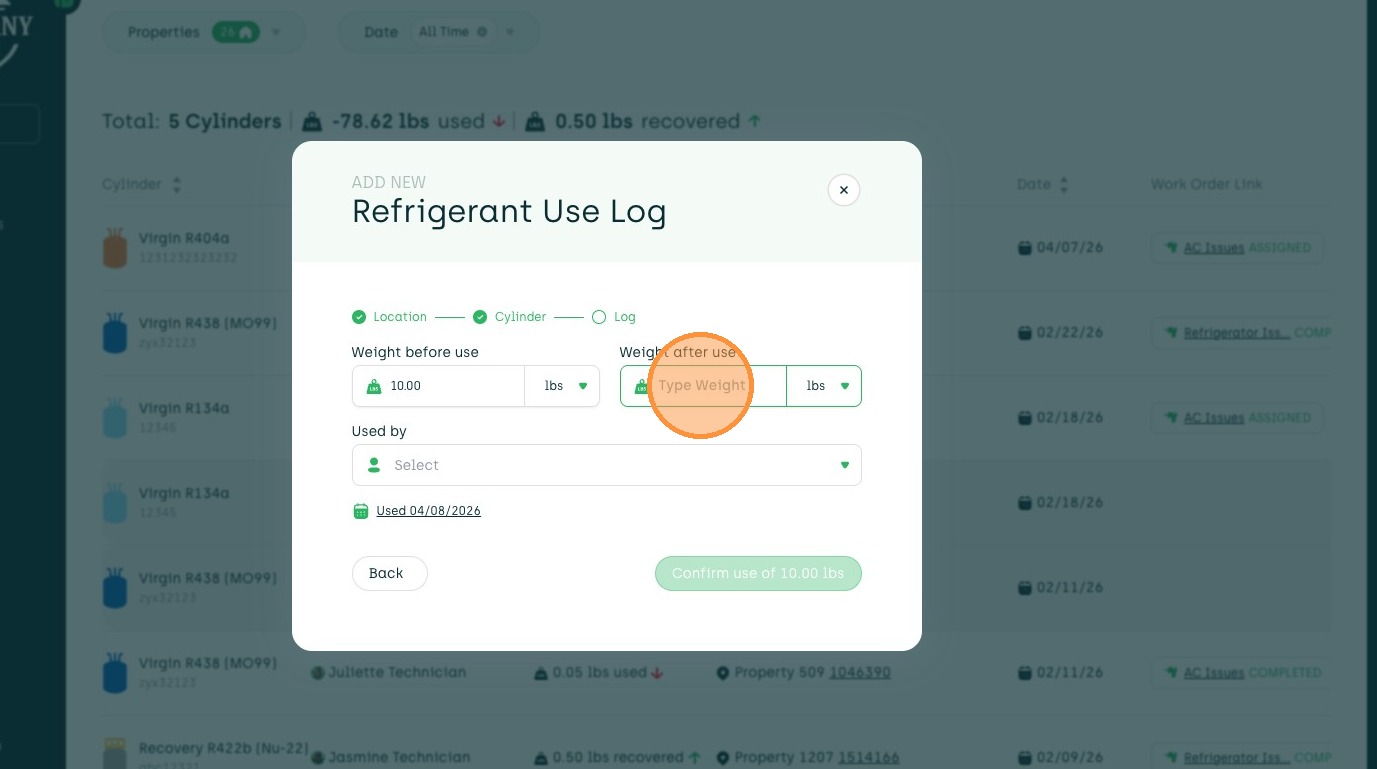
16. Click the "Select" field.
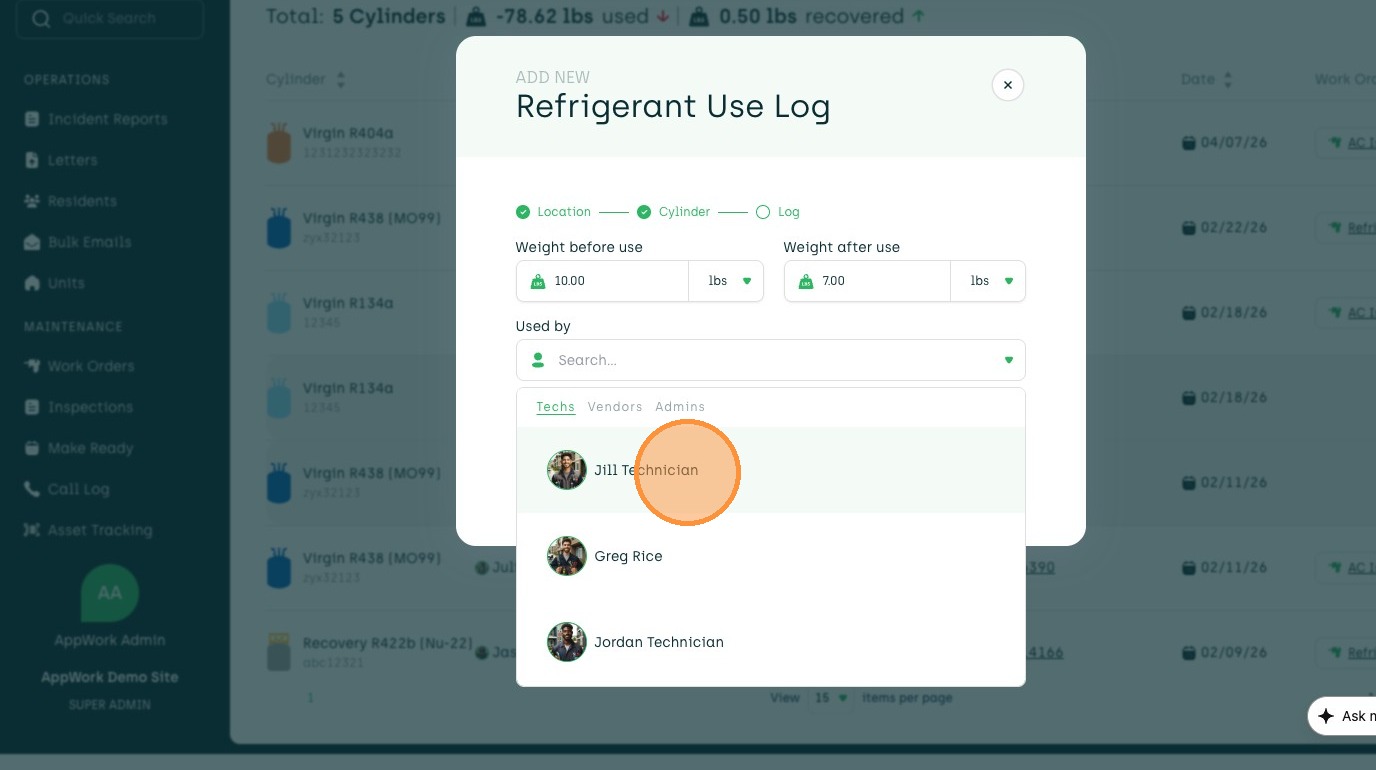
17. Click desired User
18. Click to input date used
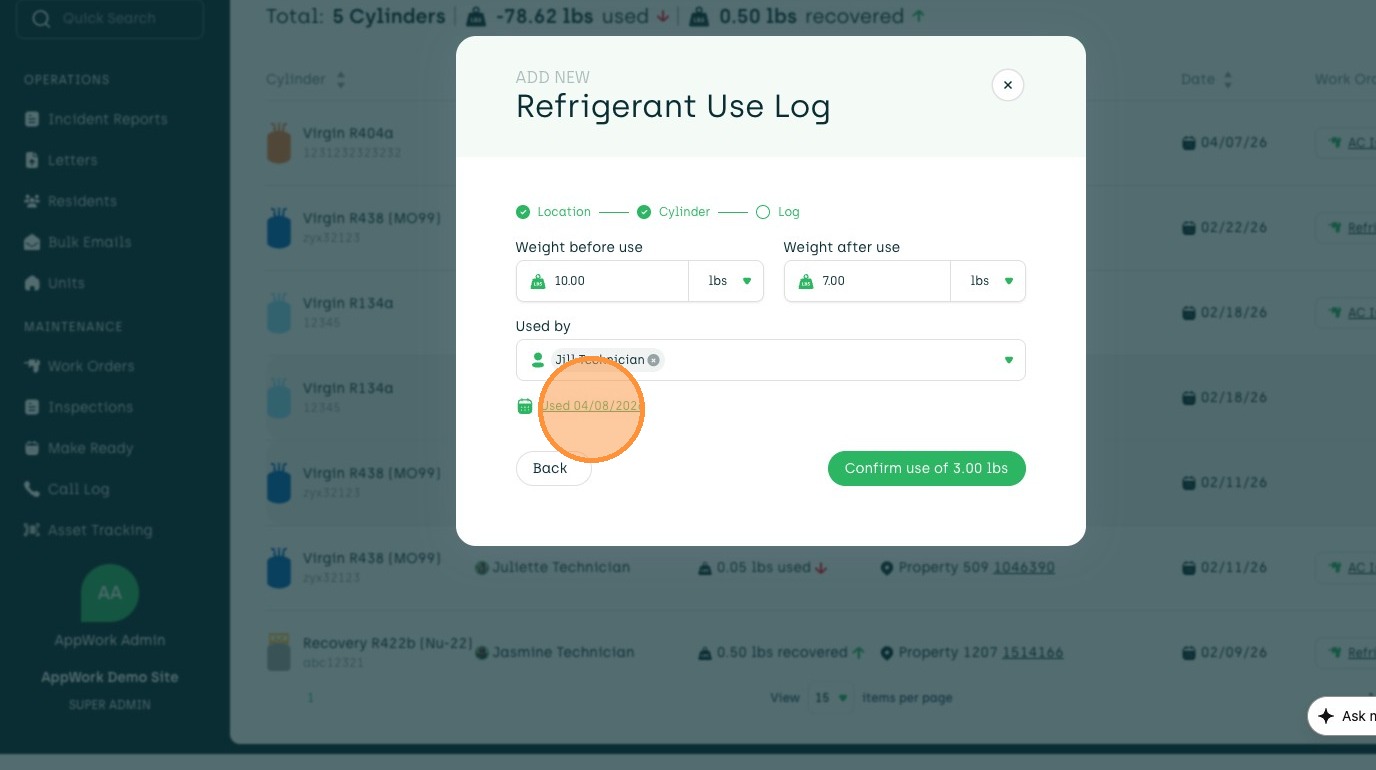
19. Click "Confirm use"