Account Settings
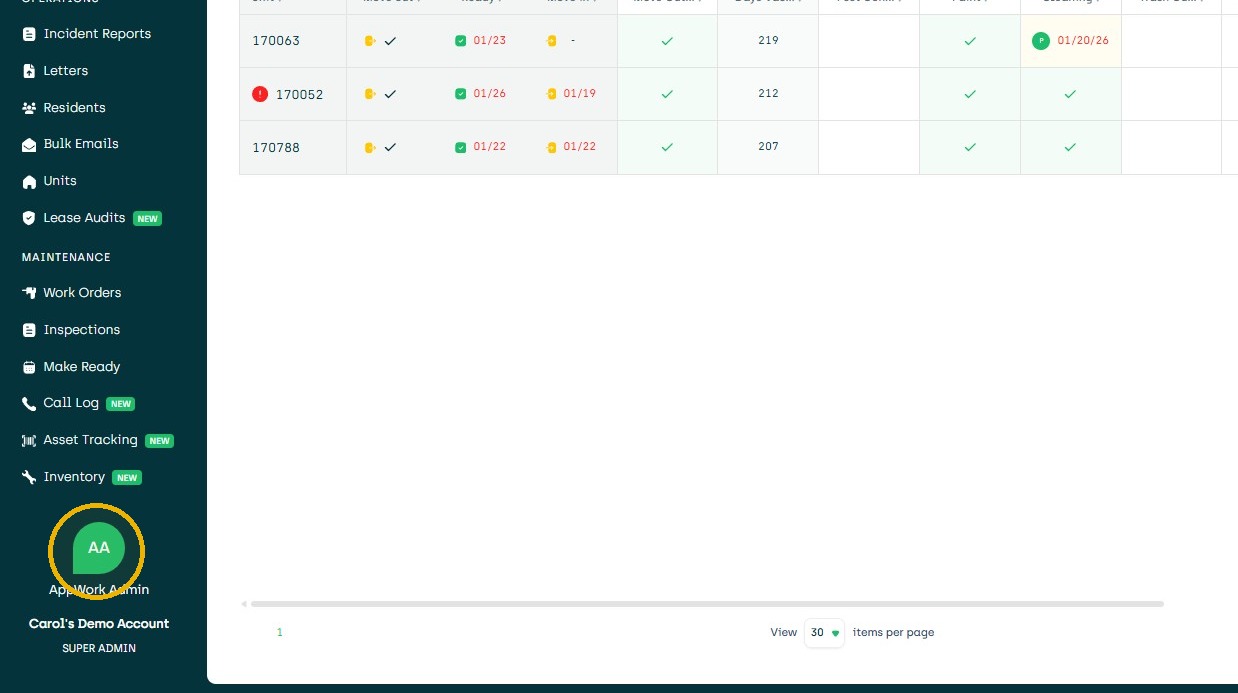
1. Click User Icon
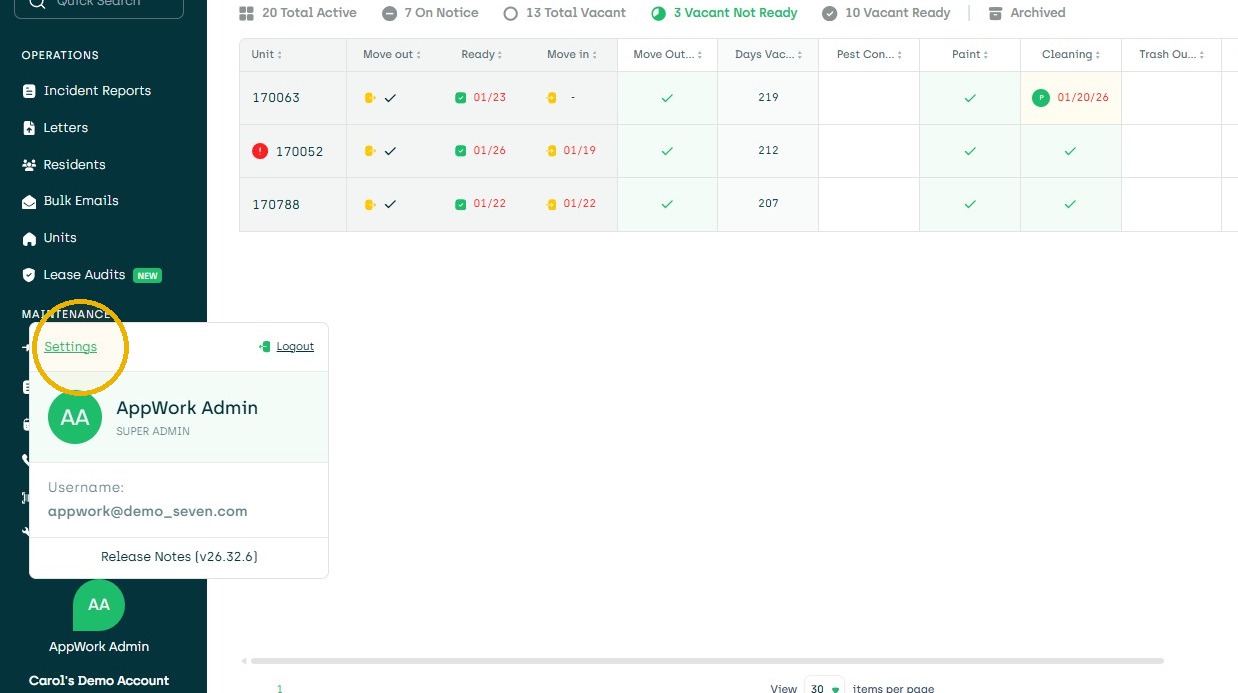
2. Click "Settings"
Property Configuration
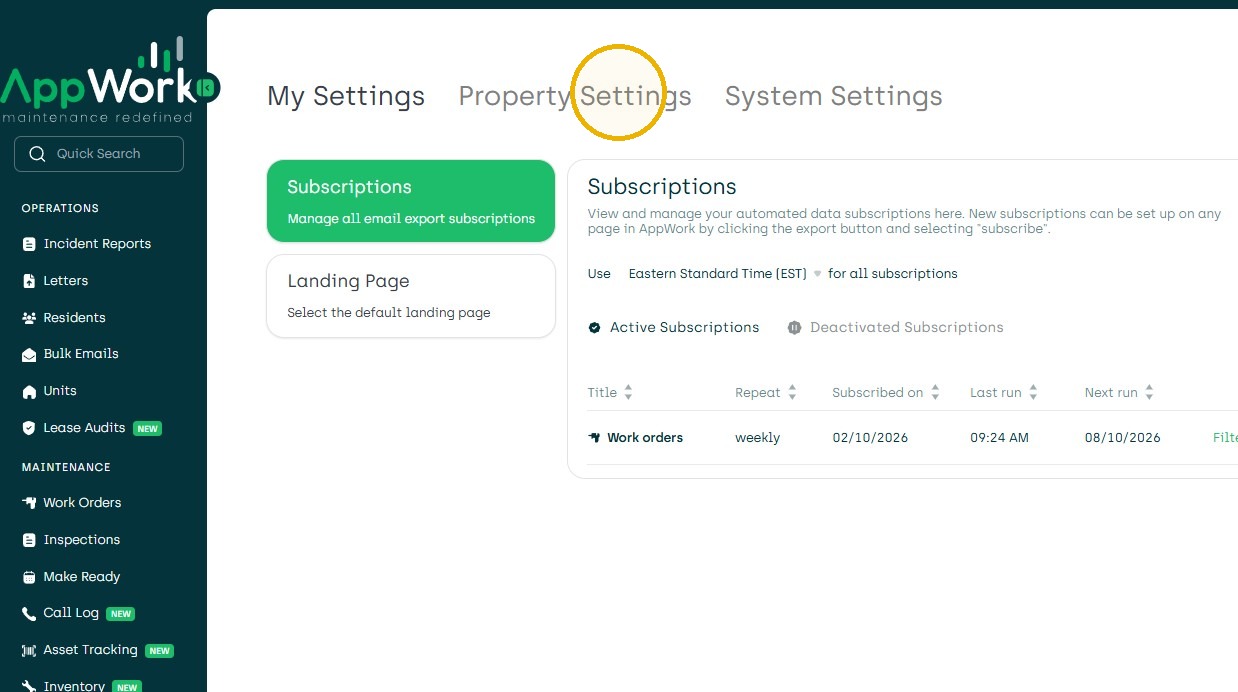
3. Click "Property Settings"
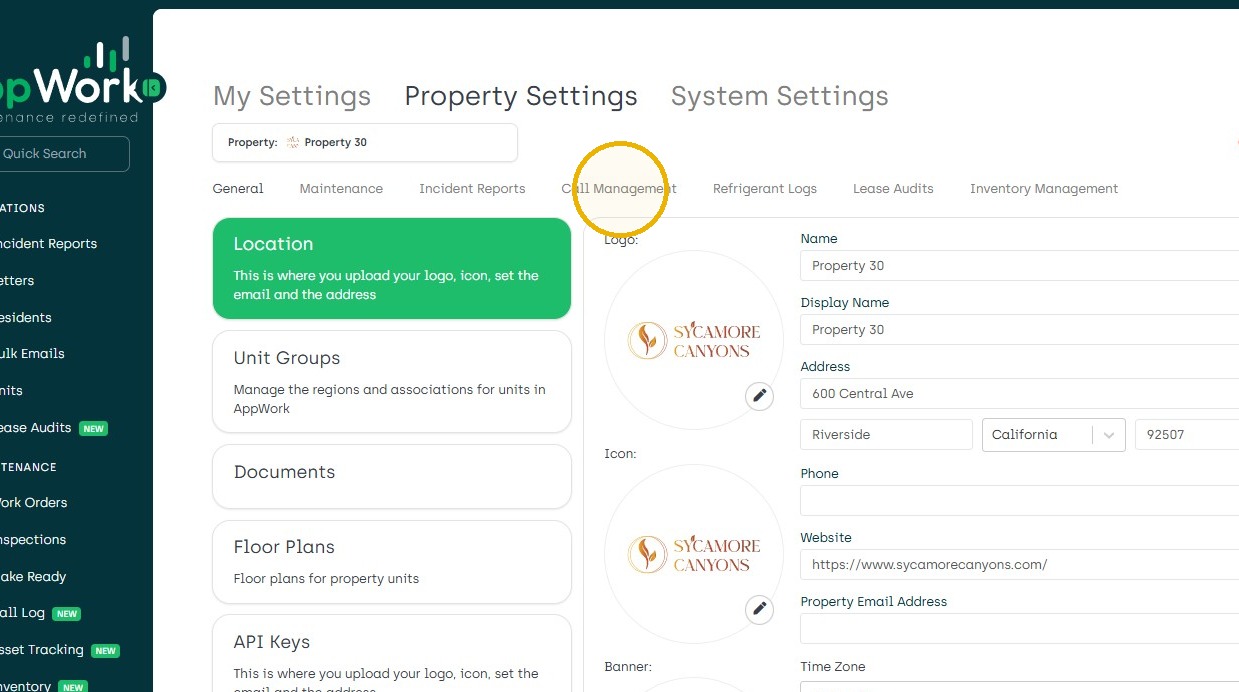
4. Click "Call Management"
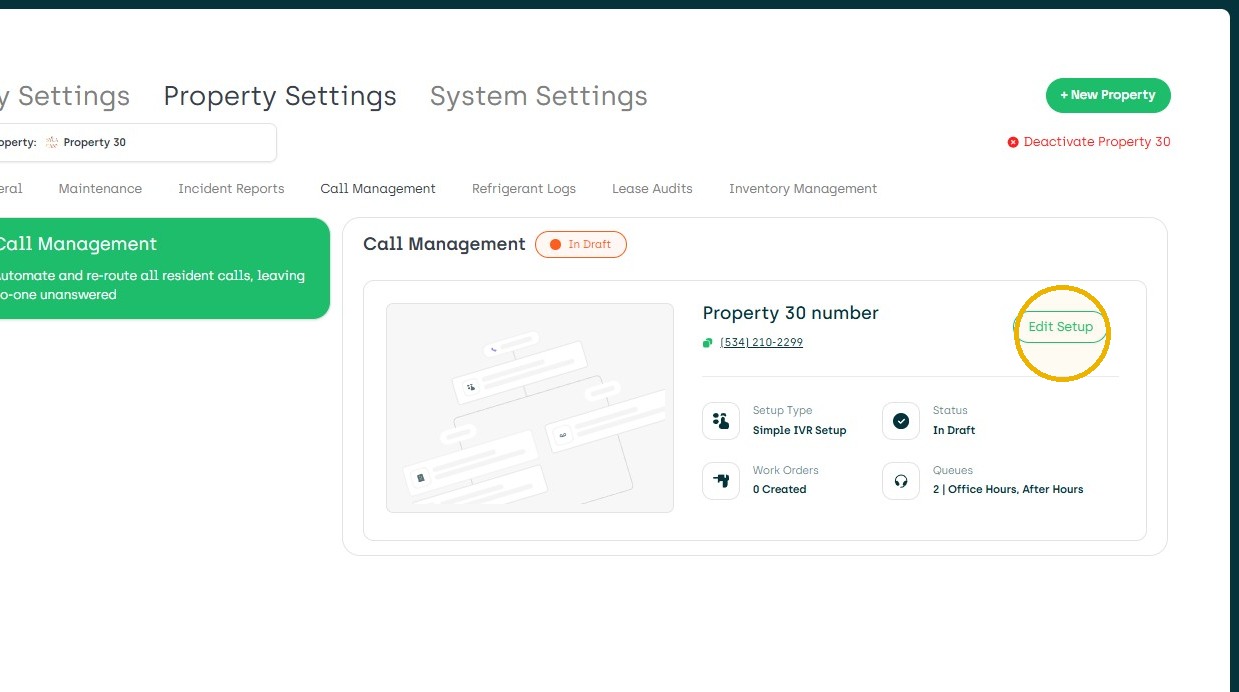
5. Click "Setup or Edit Setup"
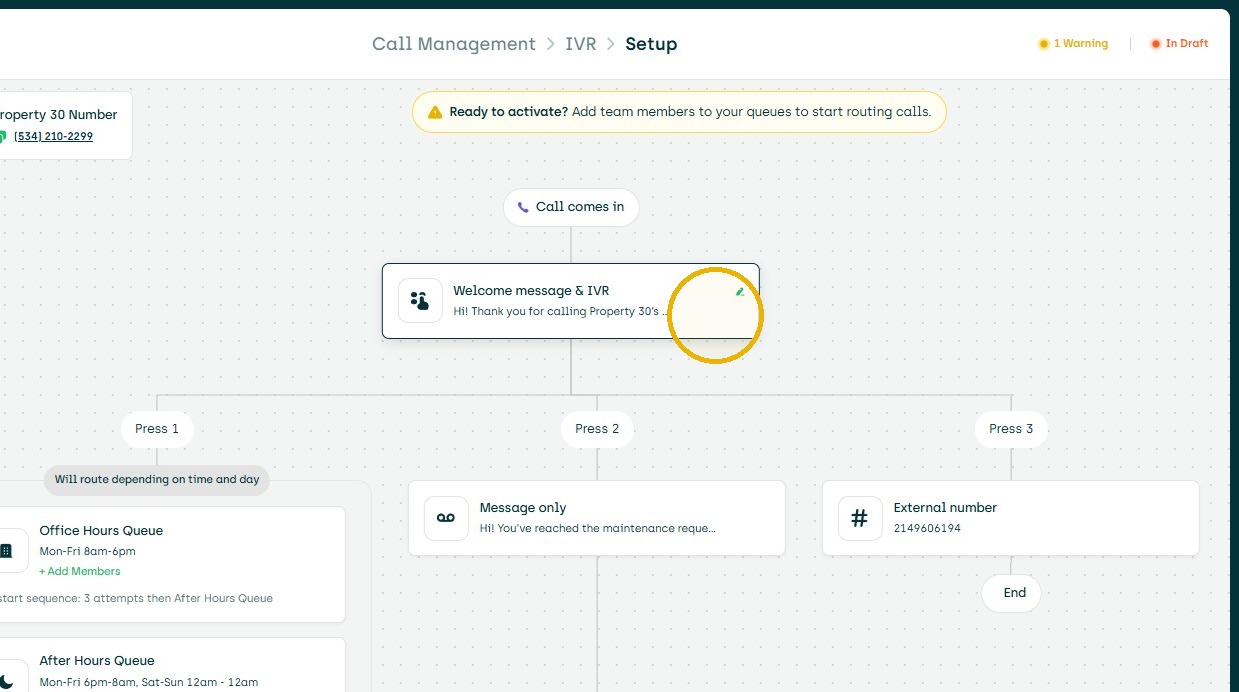
6. Click "The Welcome Message to Edit"
7. Click "Add forwarding to another number"
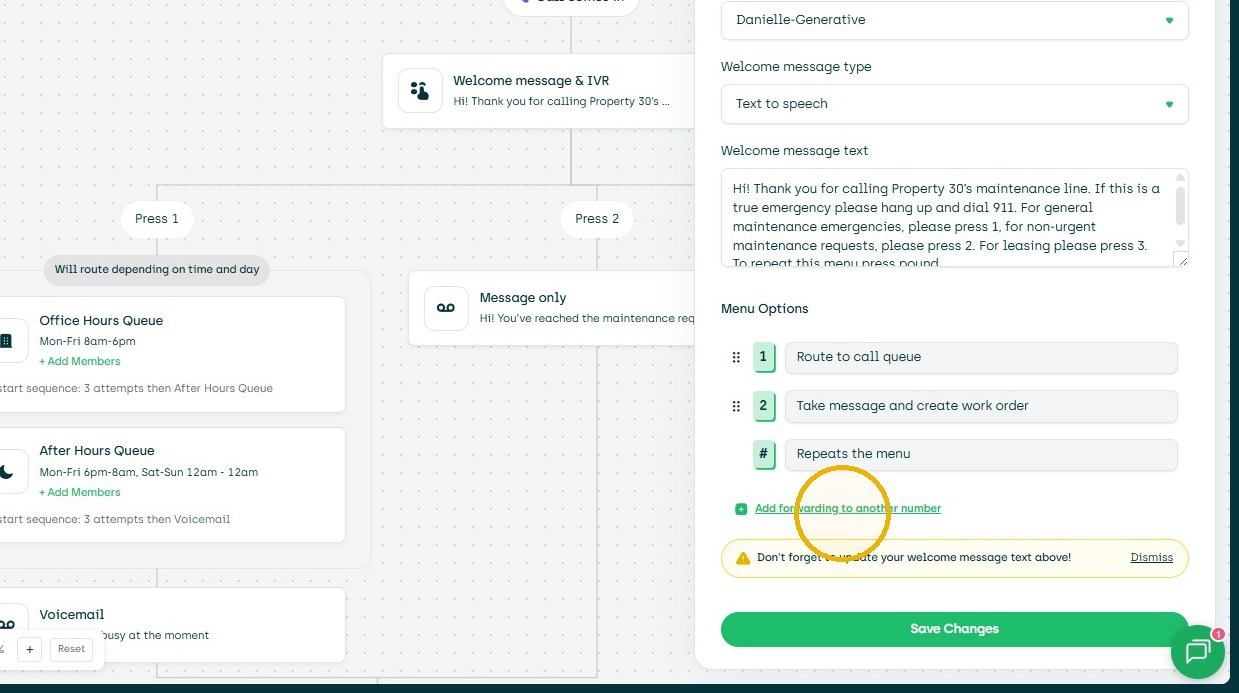
8. Enter forwarding number.
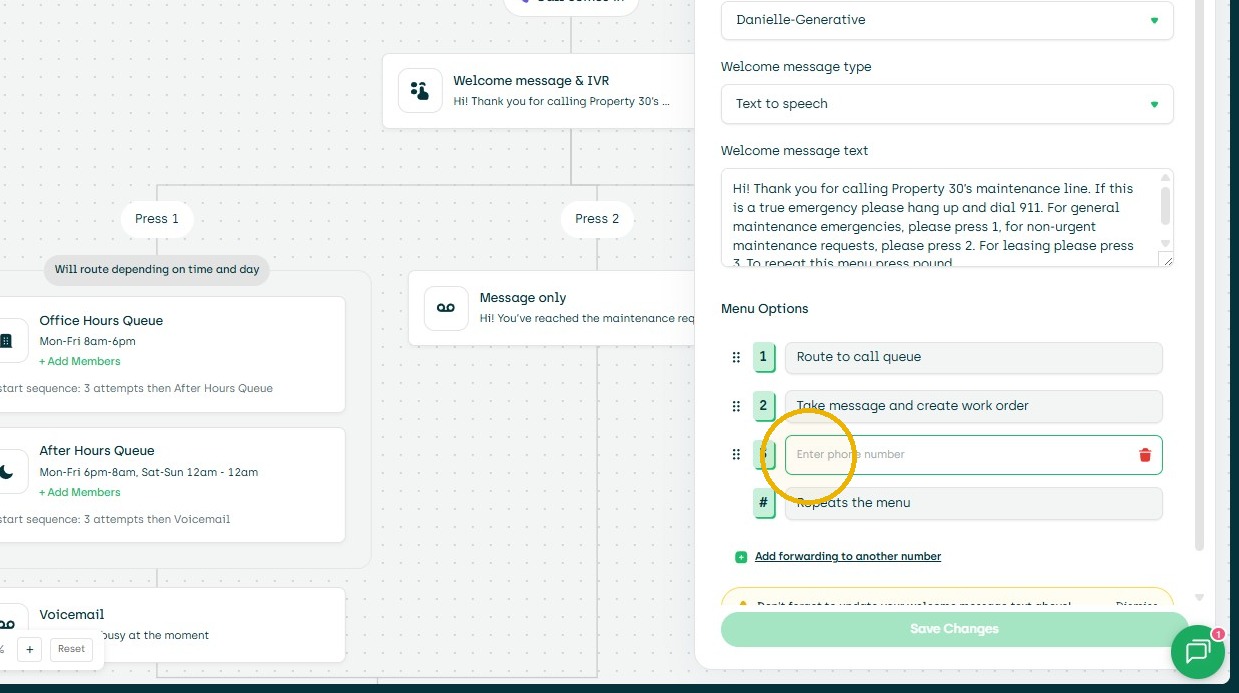
9. Click the "Edit the Welcome Message to include that prompt" field.
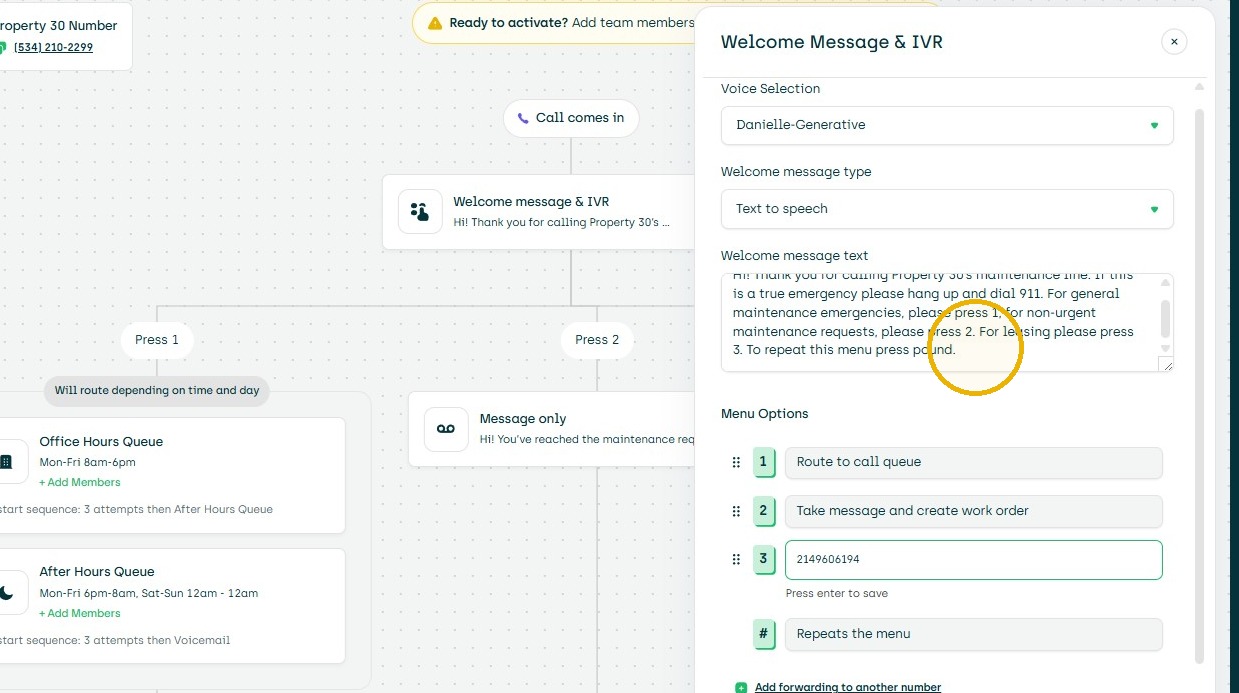
10. Click "Review the addition to the Welcome Message and then Save Changes"
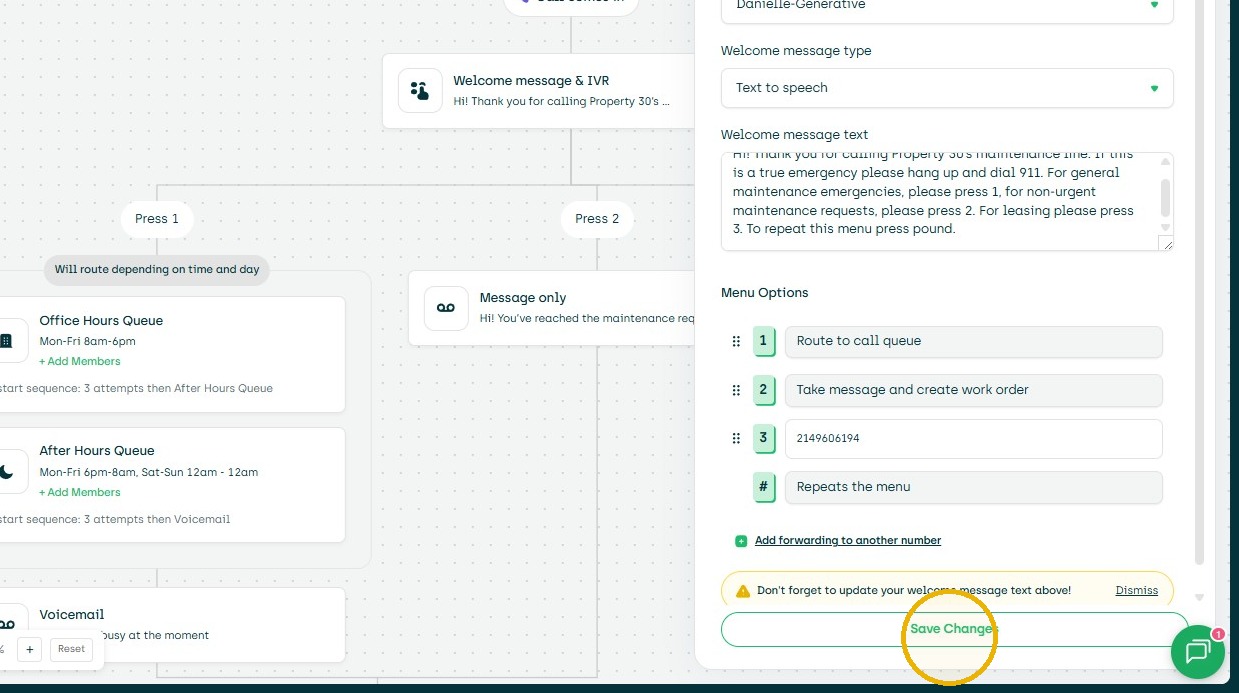
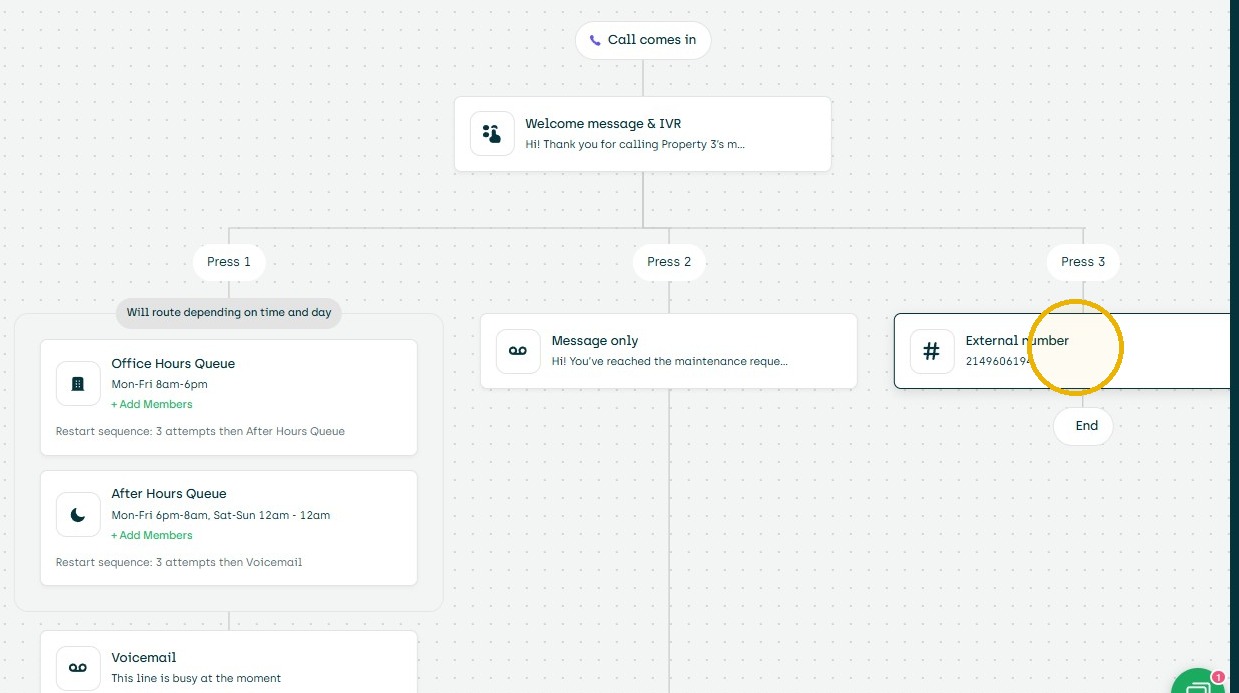
11. Click "External number"