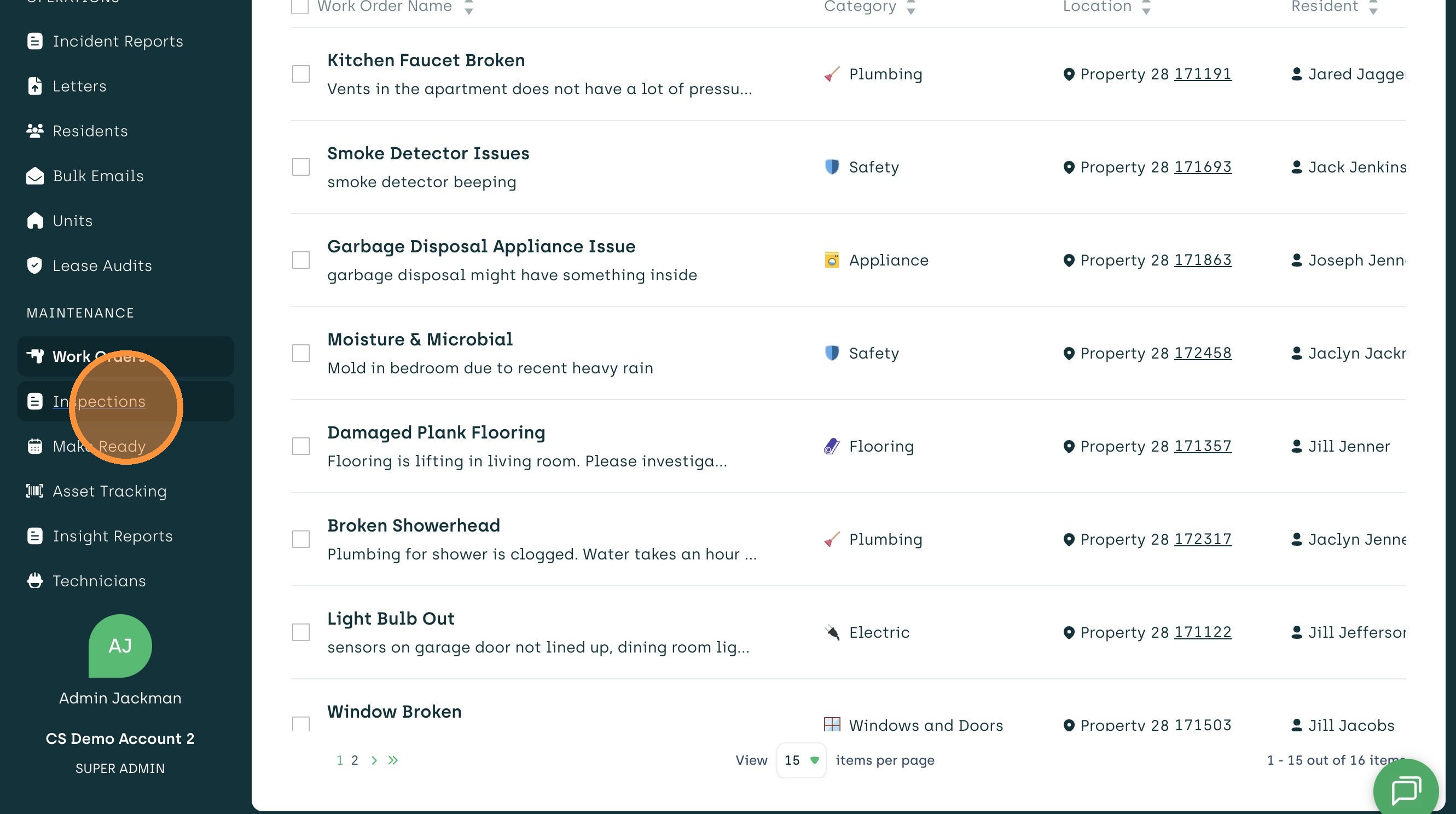
1. Select Inspections from the Left Menu Bar.
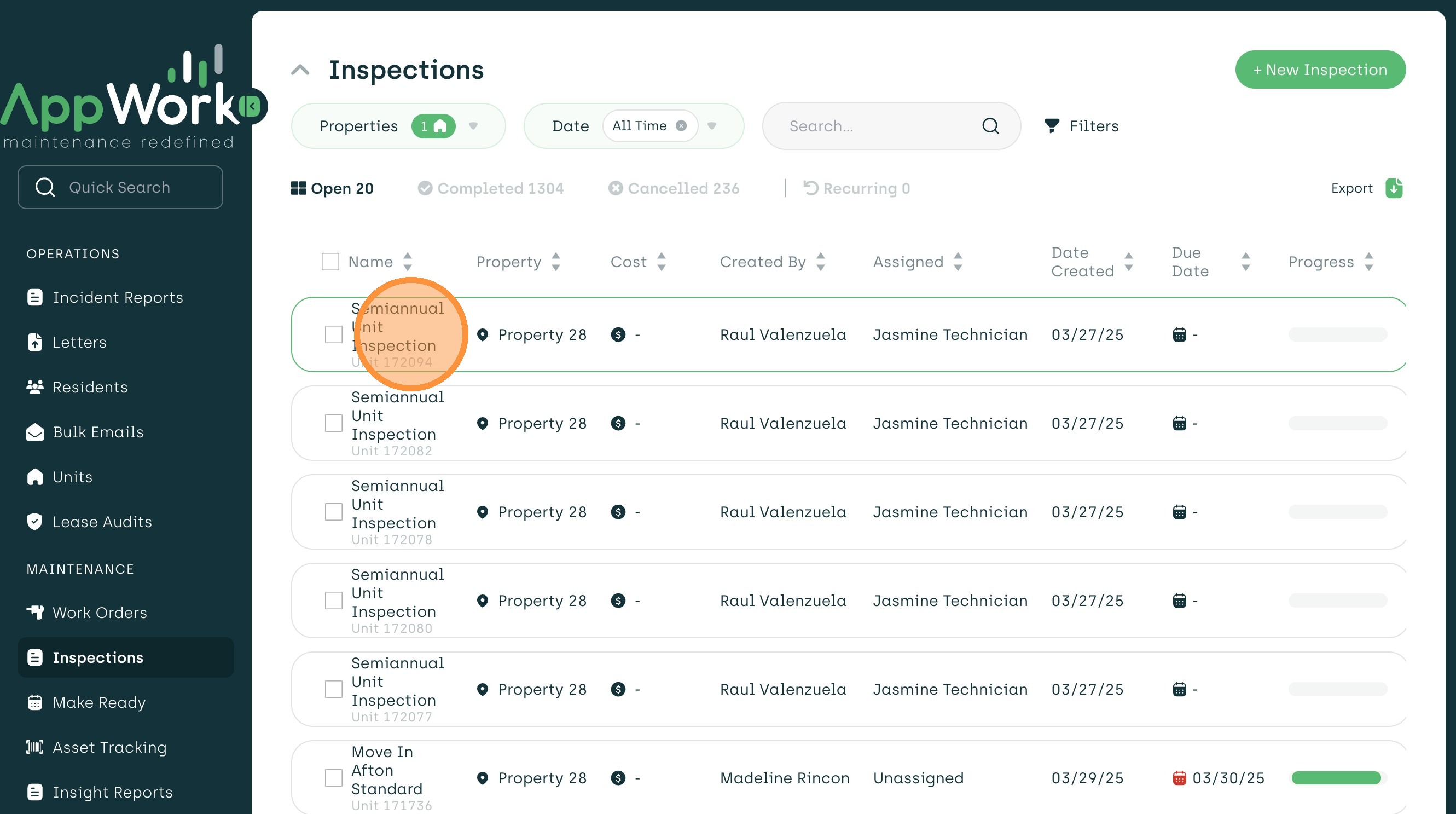
2. Open an existing inspection or select New Inspection to begin.
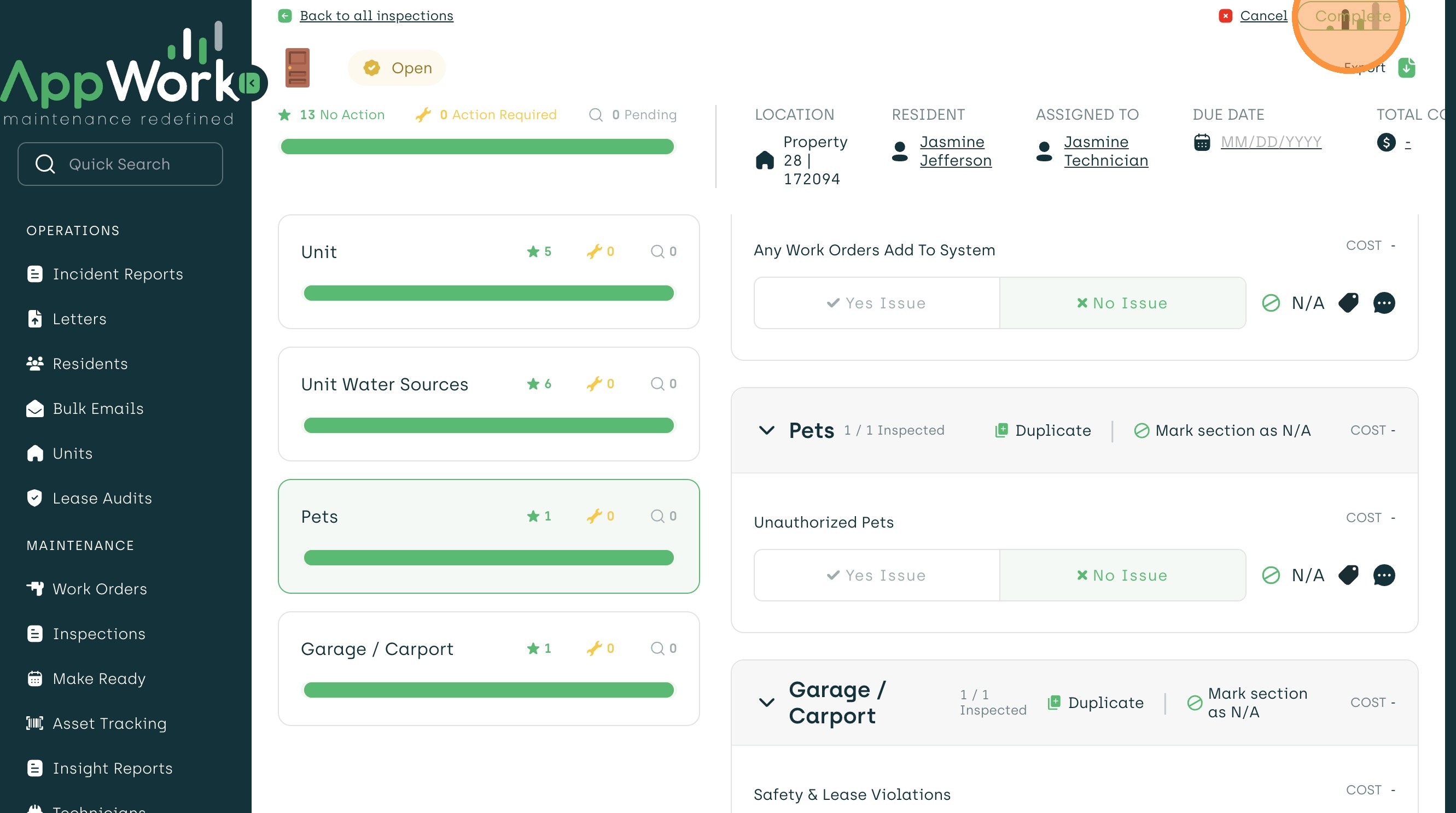
3. After completing the inspection and verifying all information, select "Complete."
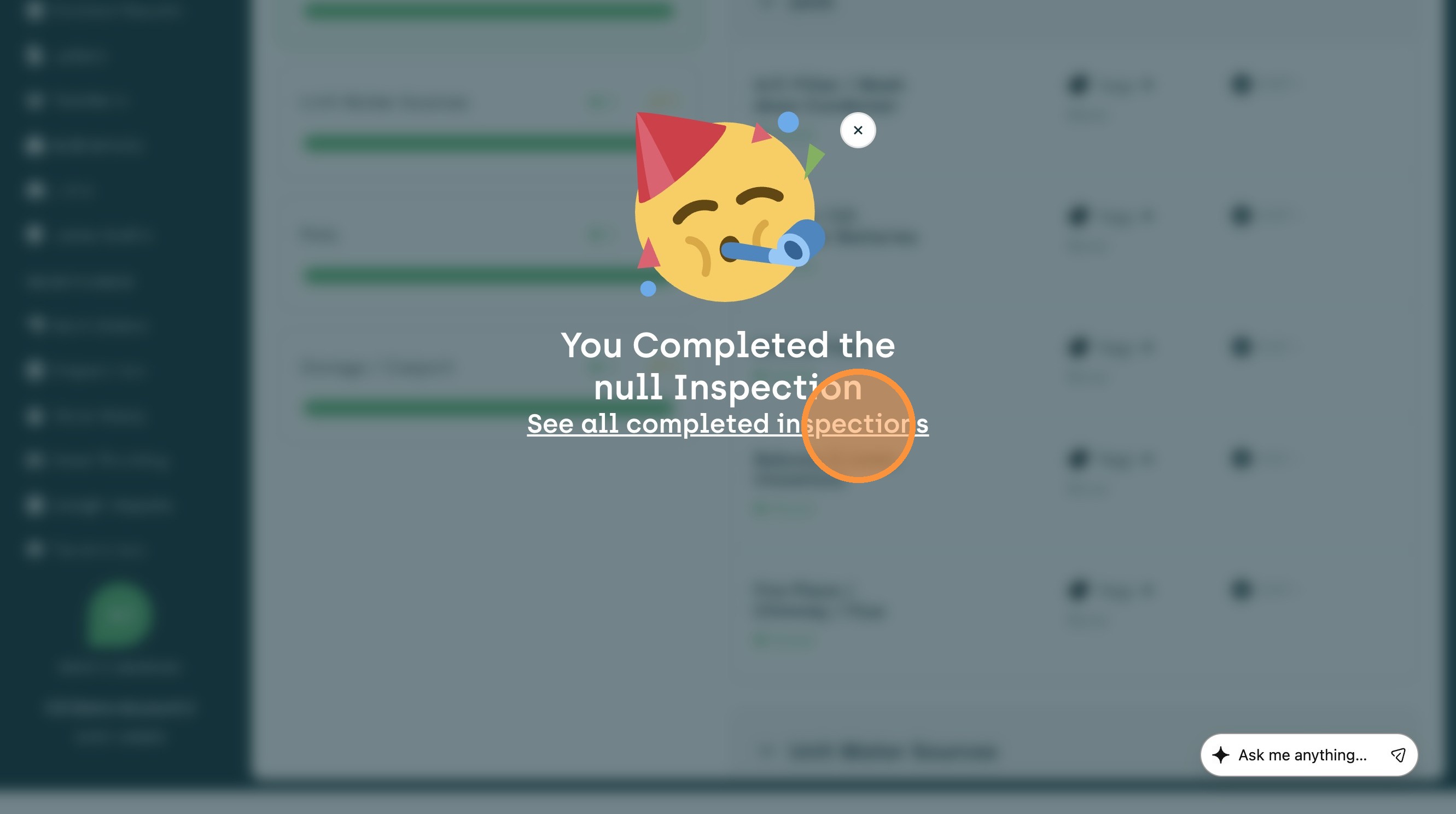
4. You're done! A celebration message will appear with a quick link to view all your completed inspections.