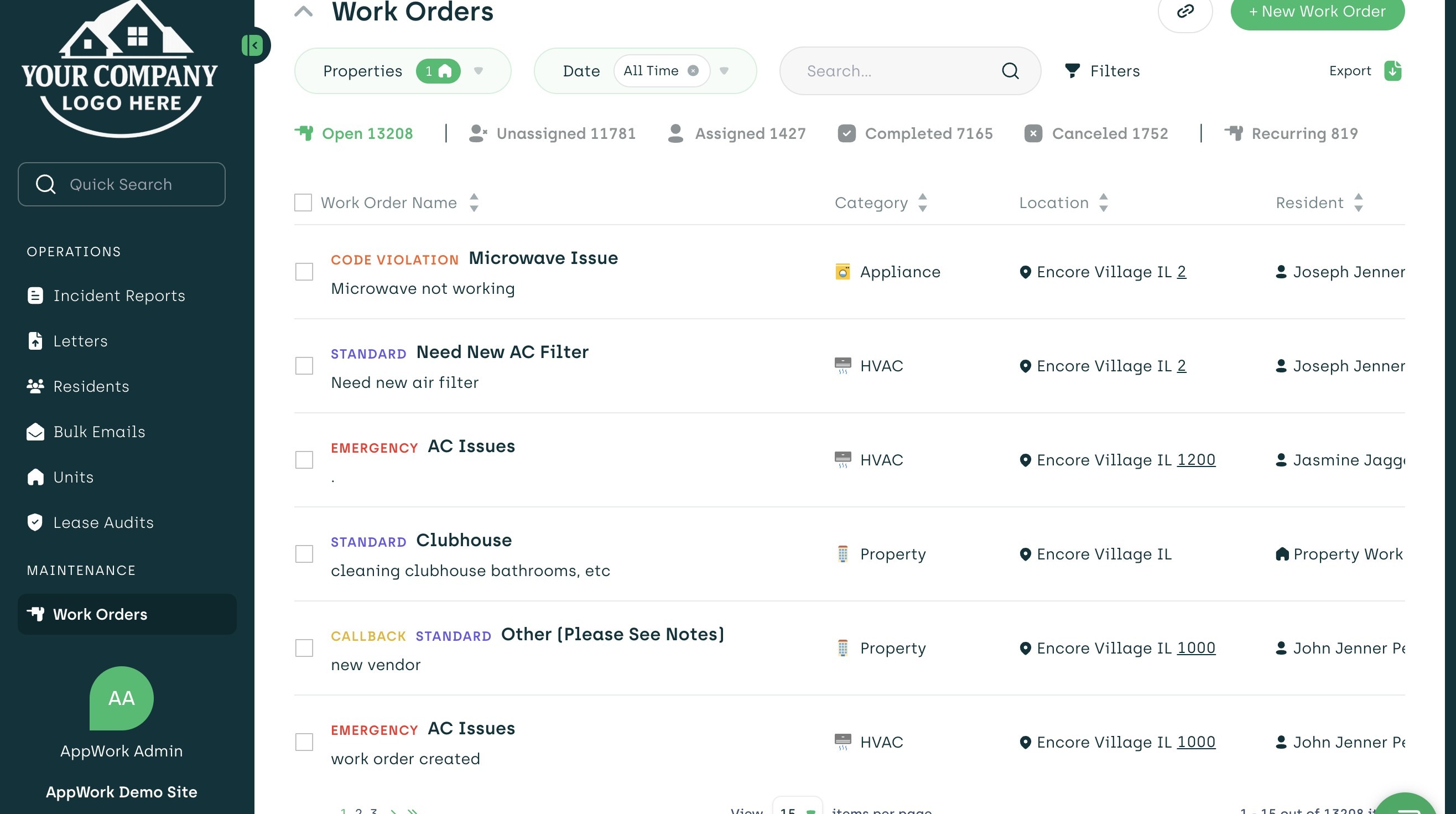
1. Navigate to https://admin.appworkco.com
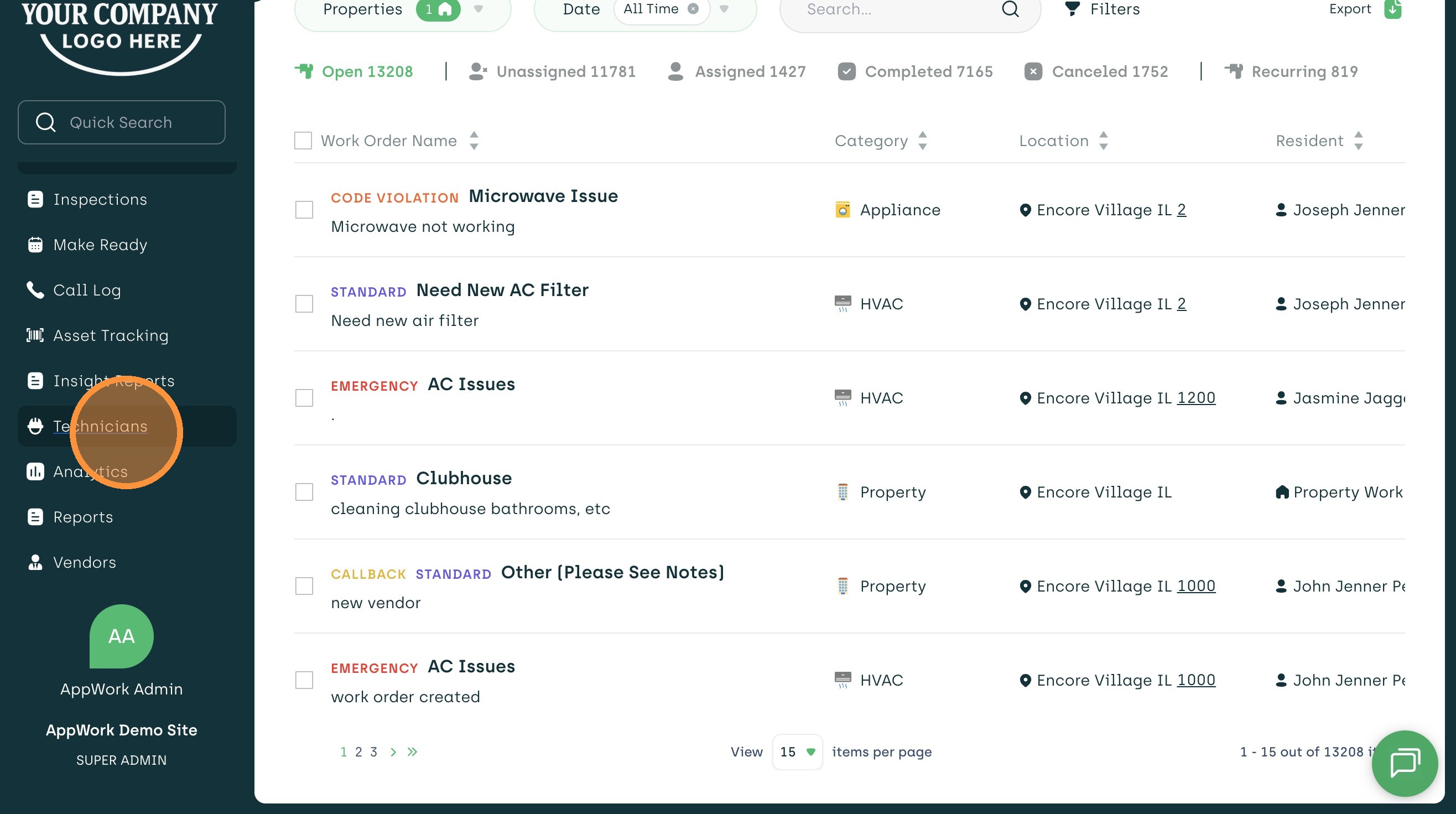
2. Click "Technicians" Tab
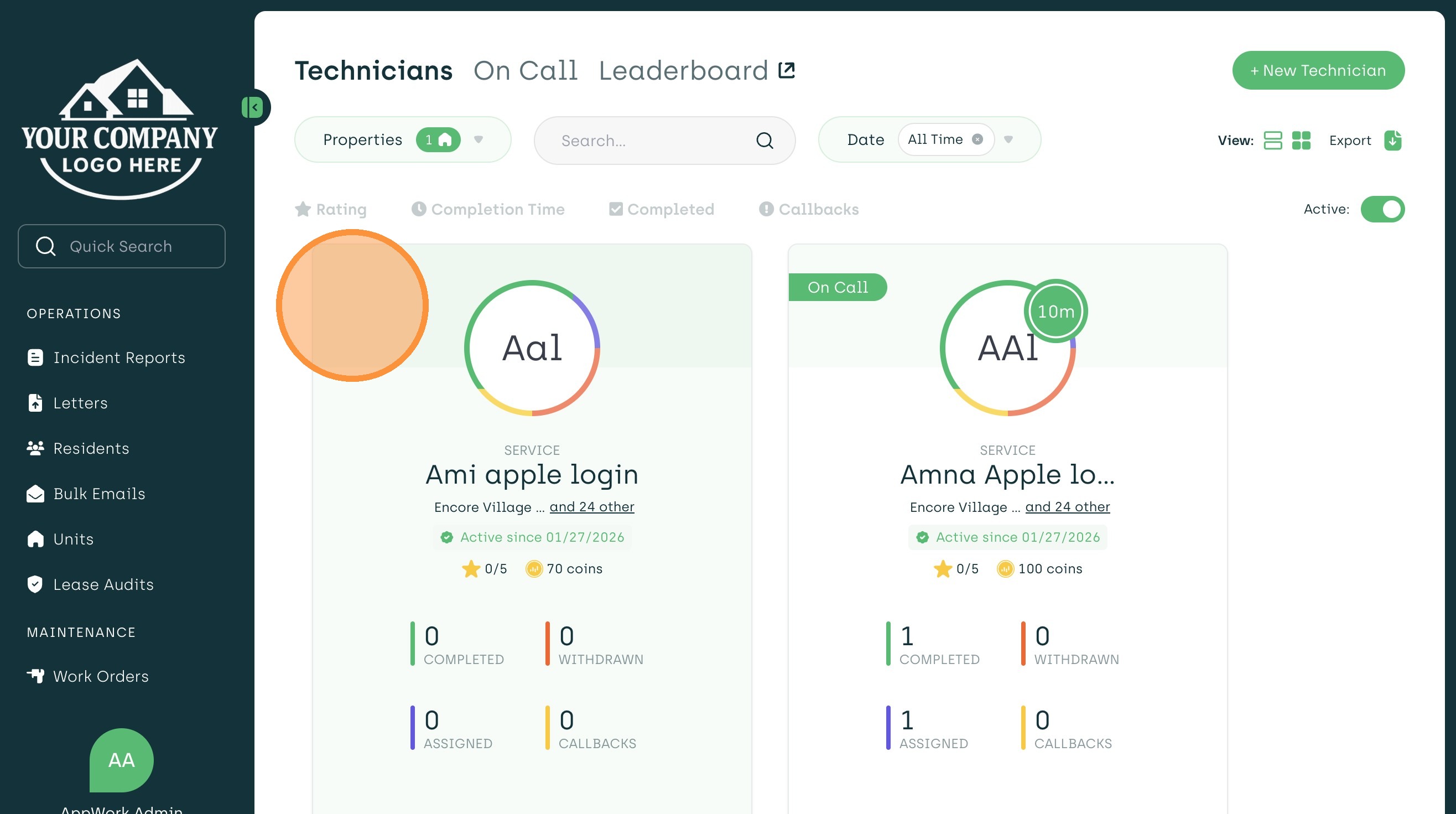
3. Select the Technician's Profile you want to edit
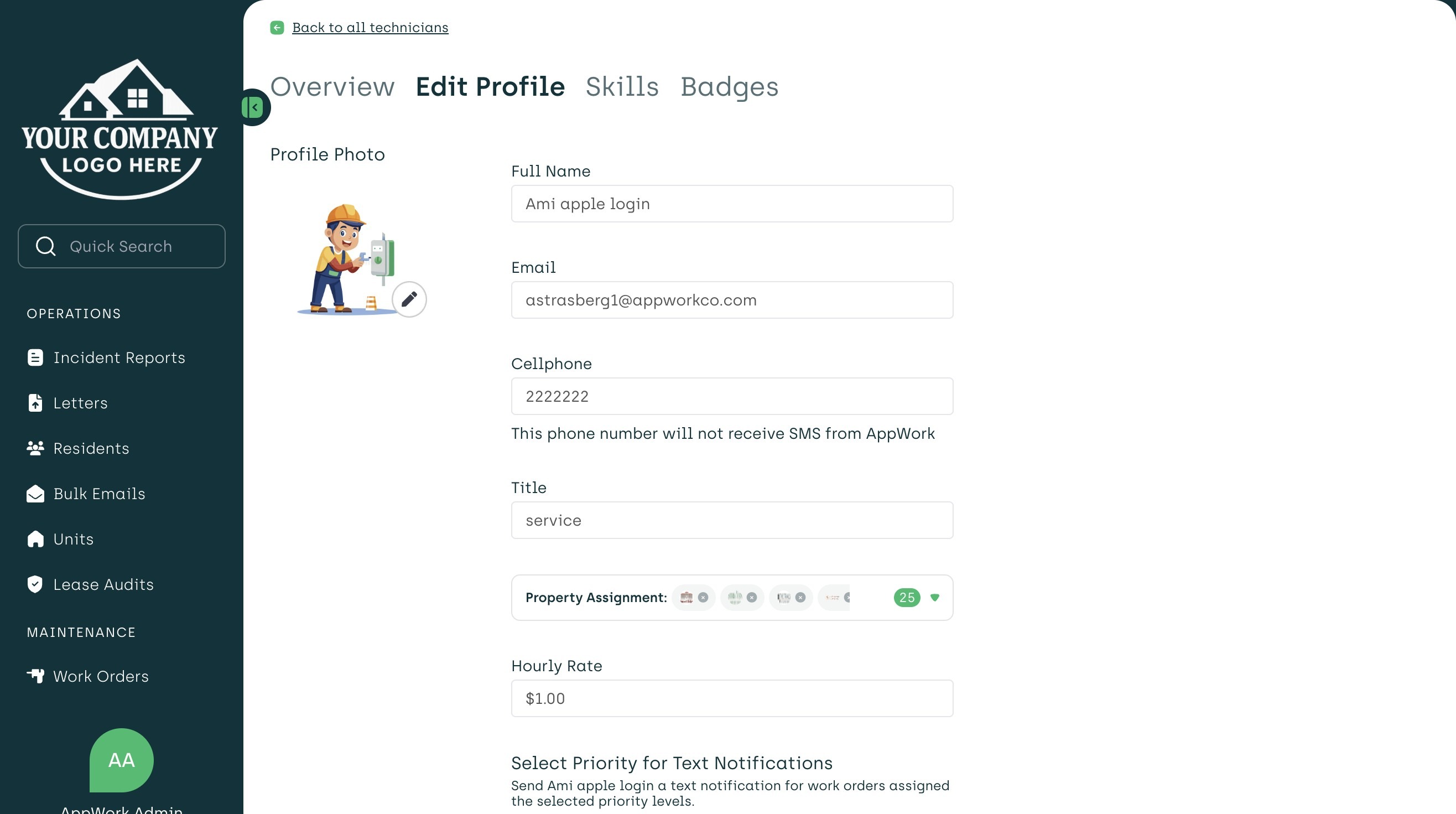
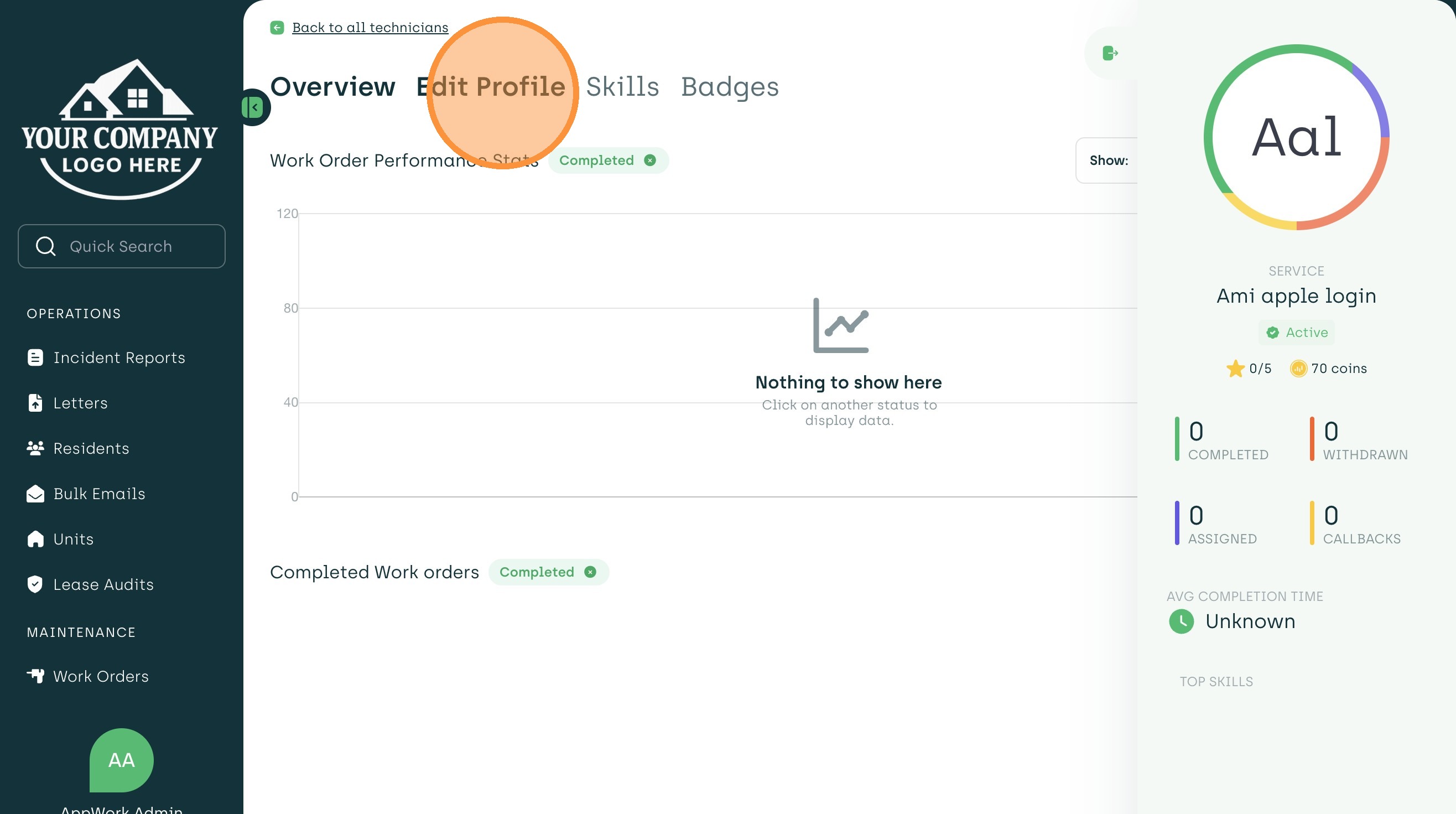
4. Click "Edit Profile" Tab
5. Click on the Profile Photo and upload picture file
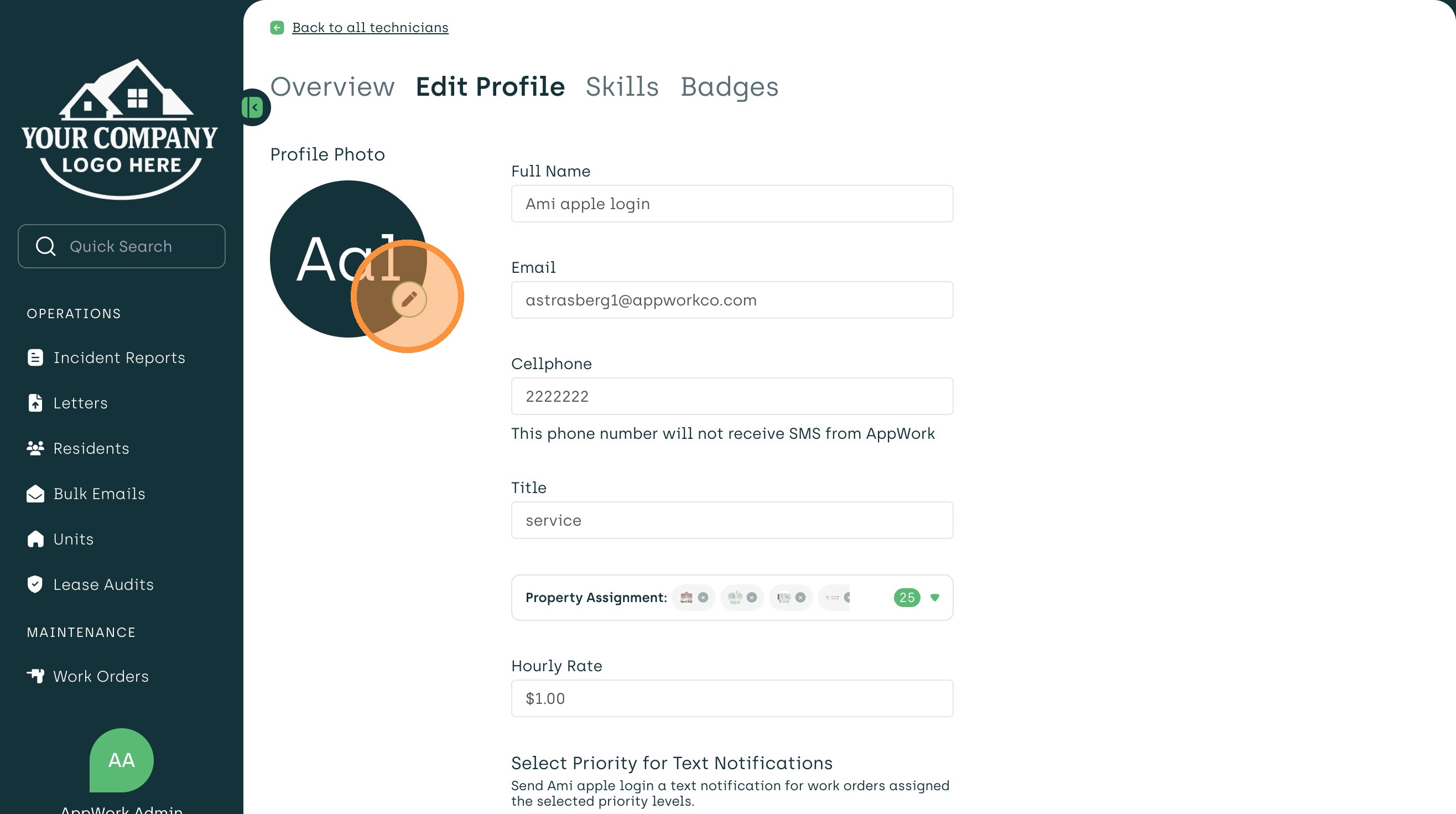
6. Confirm new Profile Picture is displaying and you're good to go!