
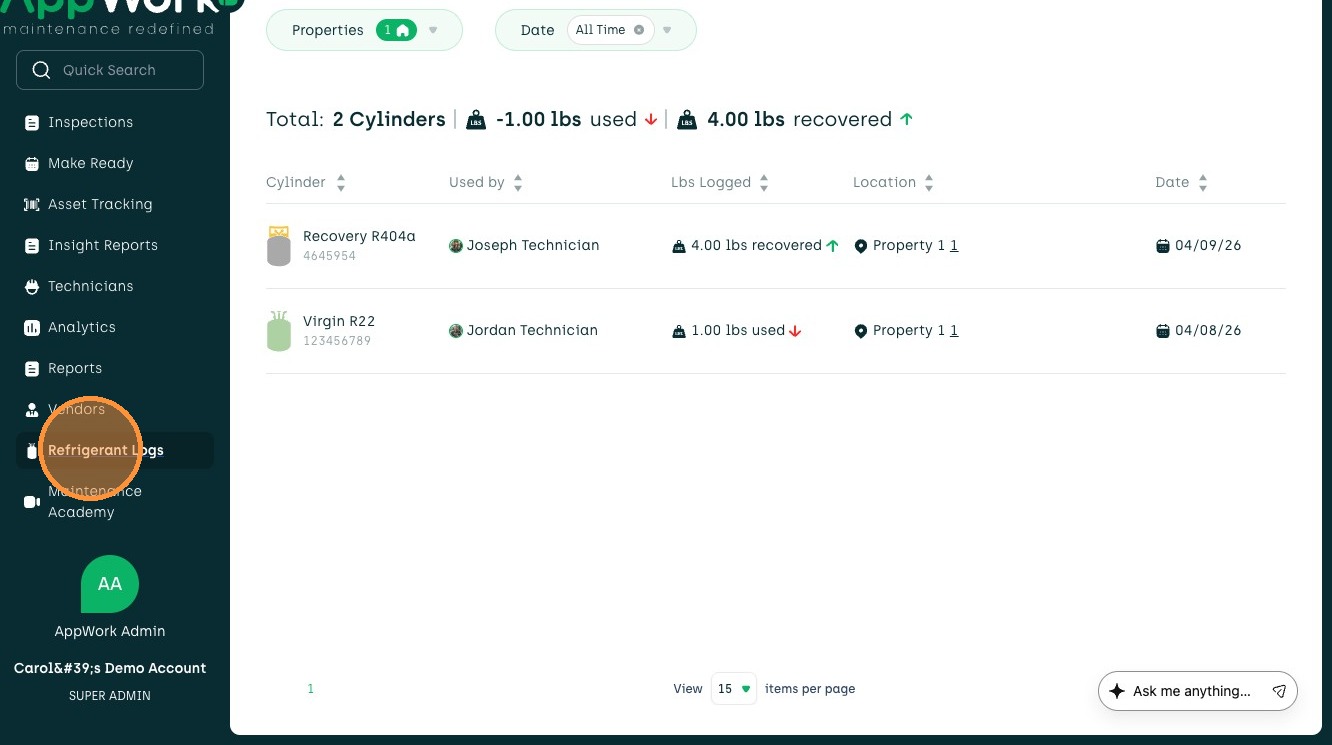
1. Navigate to Refrigerant Logs on the sidebar menu.
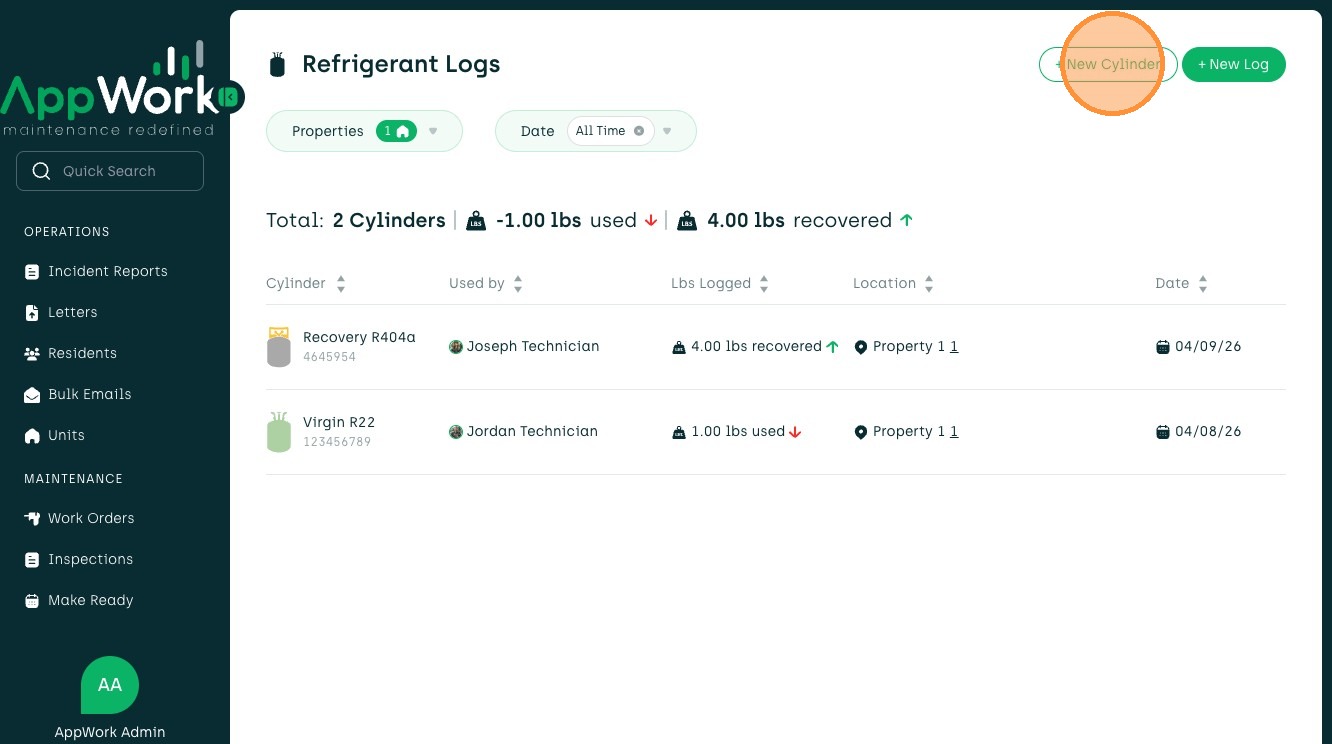
2. Select +New Cylinder at the top right of the page.
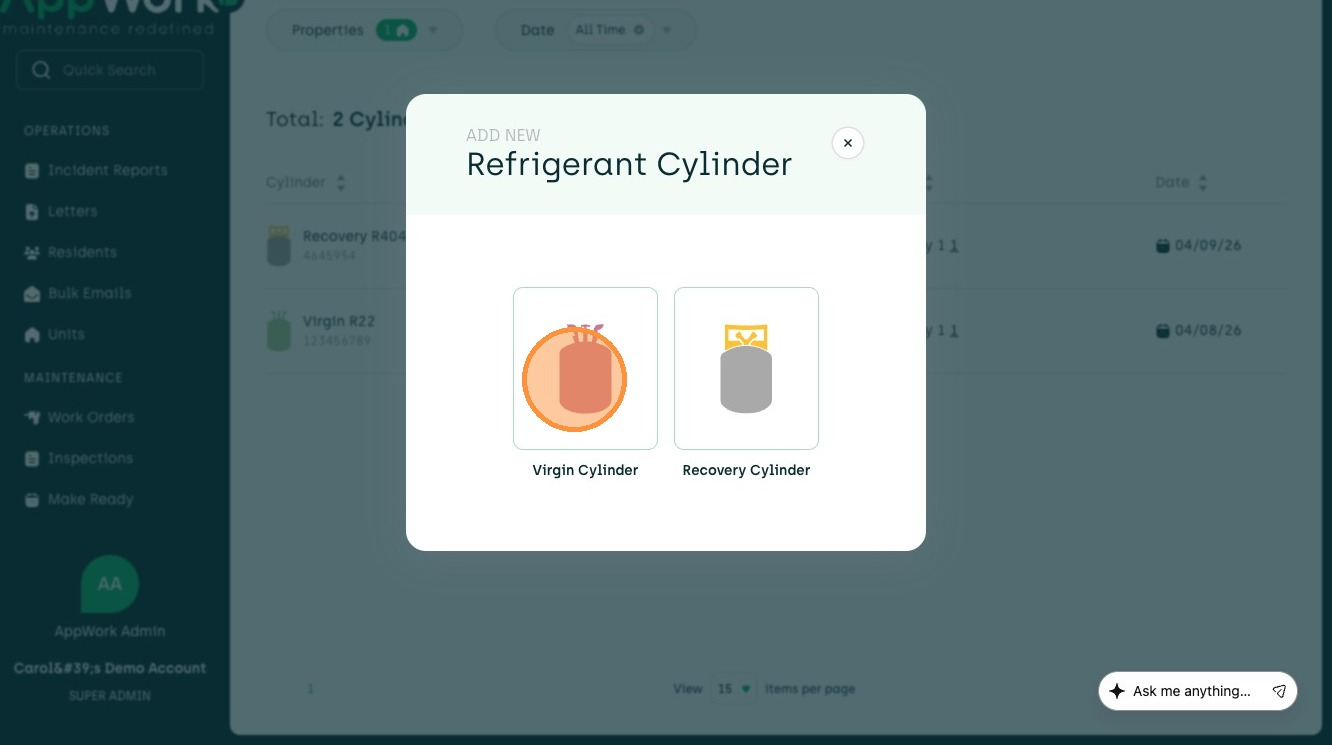
3. Choose Virgin Cylinder
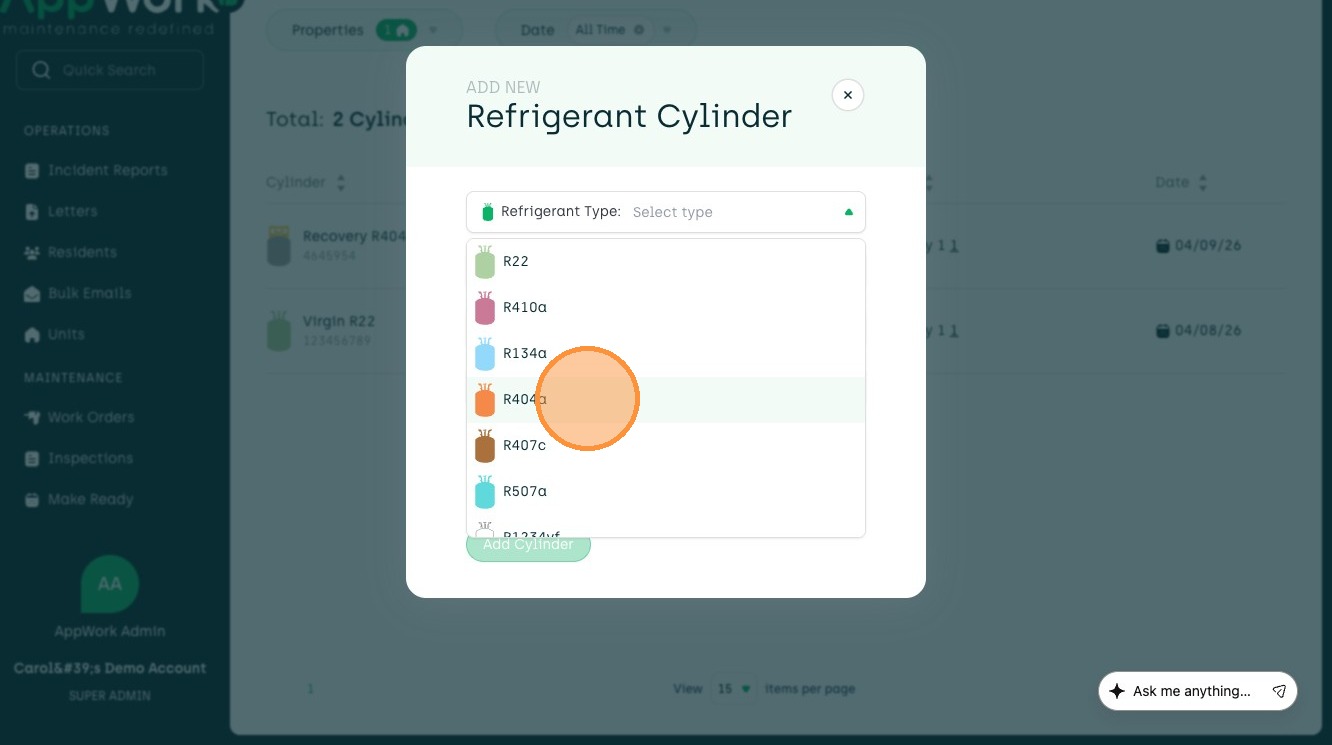
4. First, select the Refrigerant Type.
5. Type in the serial number.
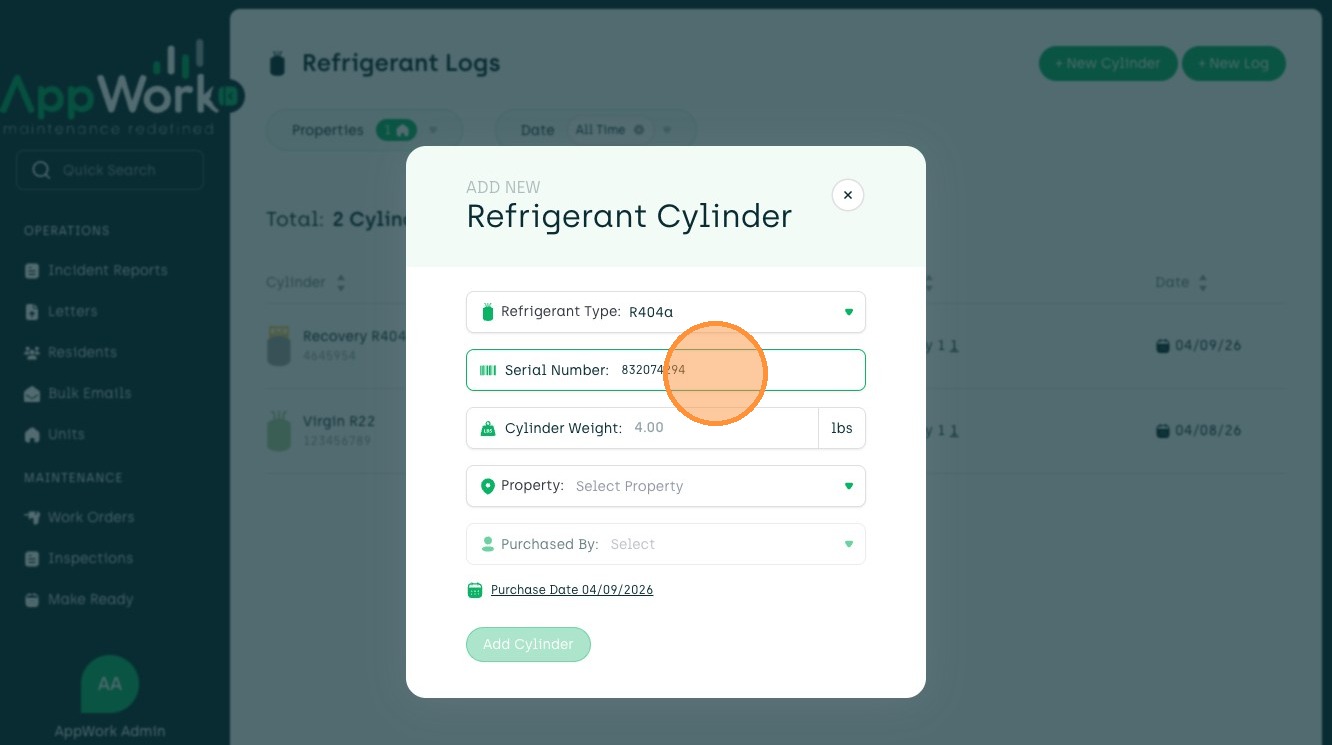
6. Here, type in the Cylinder Weight.
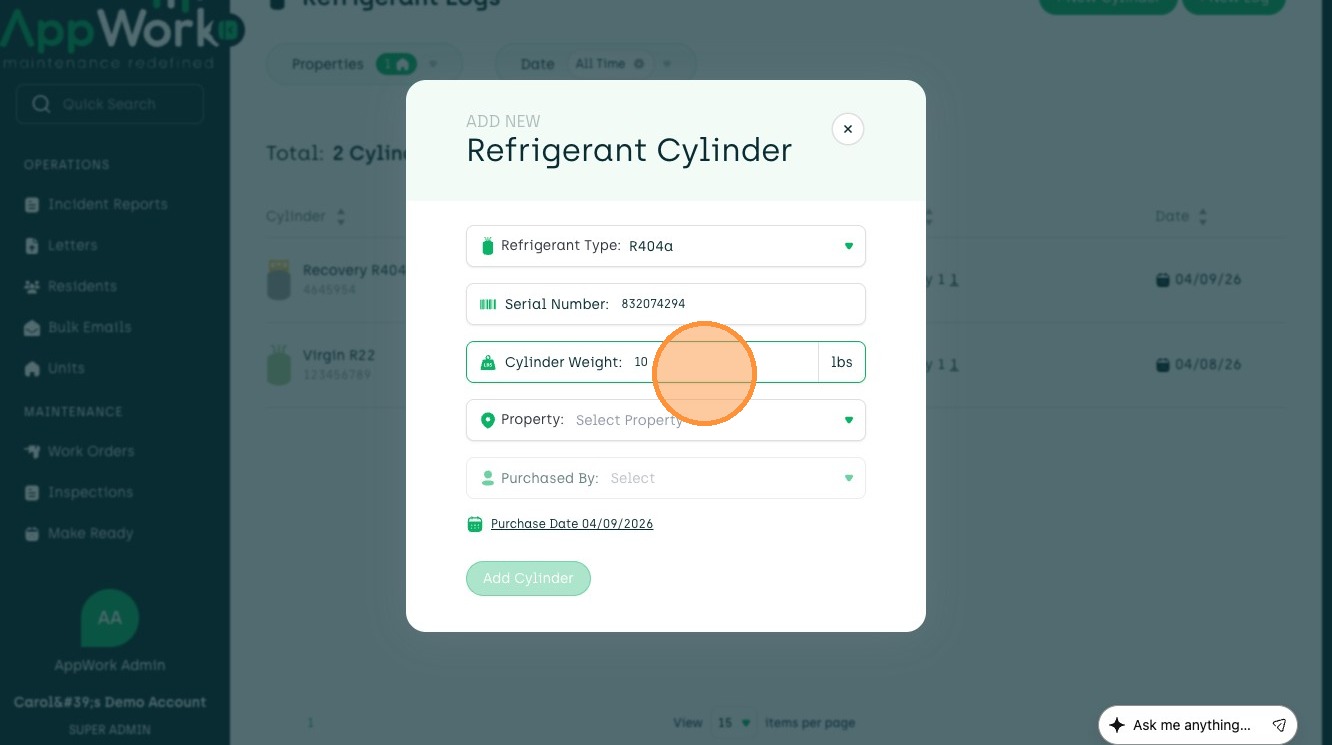
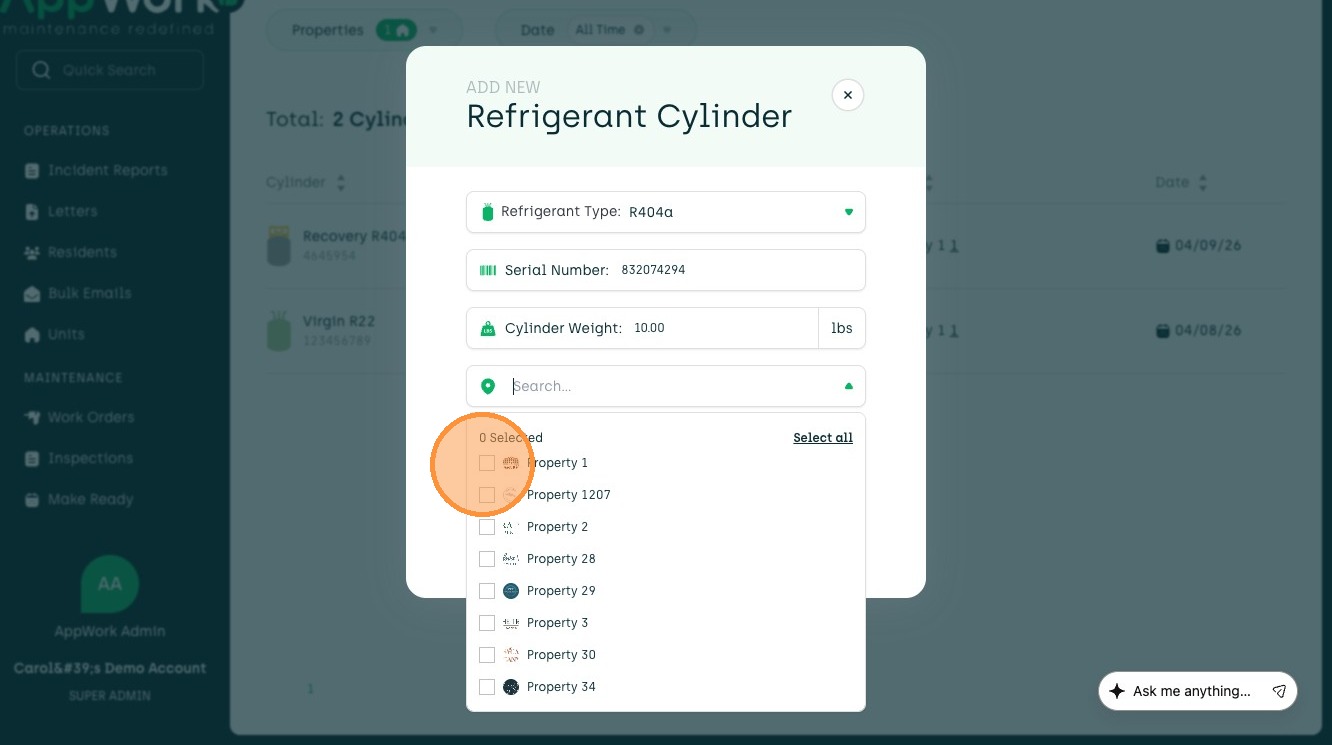
7. Use the Search Bar to find a unit or select a unit from the dropdown.
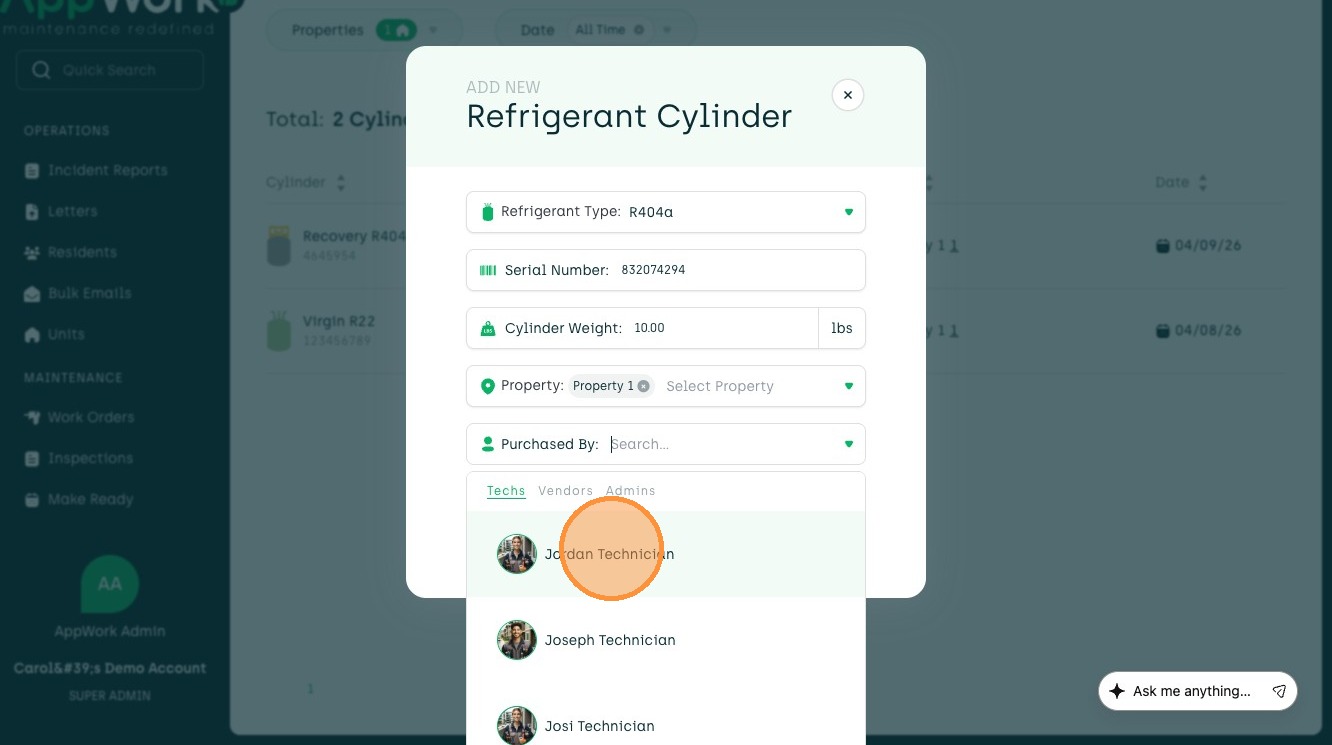
8. Choose who purchased the cylinder.
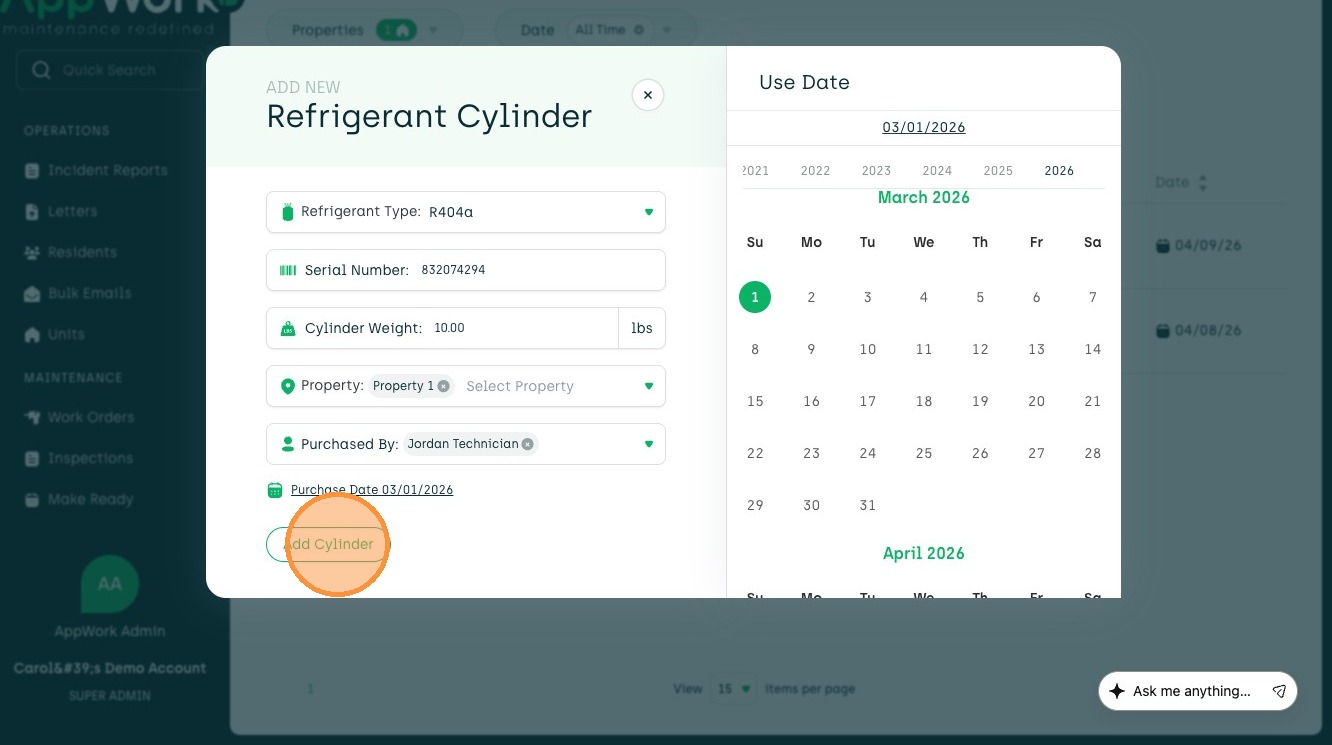
9. Add a Purchase Date from the calendar view.

10. To create the cylinder, click Add Cylinder
Keep in mind, the cylinder will not pop up until it is attached to a 'Unit to Cylinder' Log or 'Cylinder to Unit' Log.