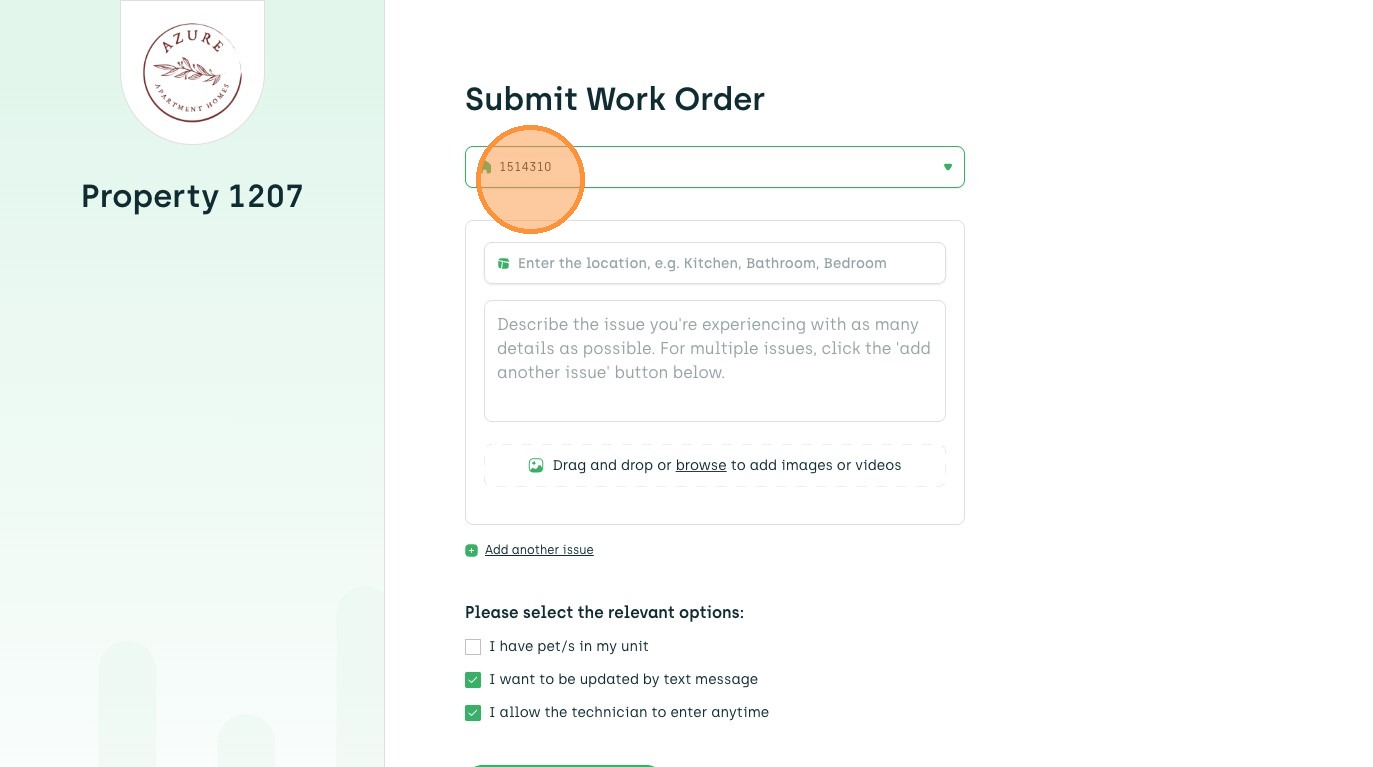
1. When submitting a work order, residents start by selecting or searching for their unit.
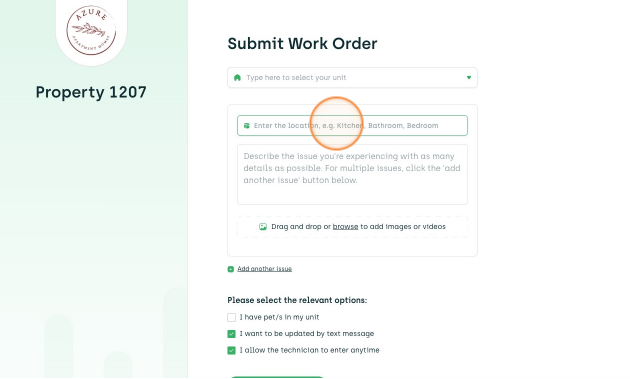
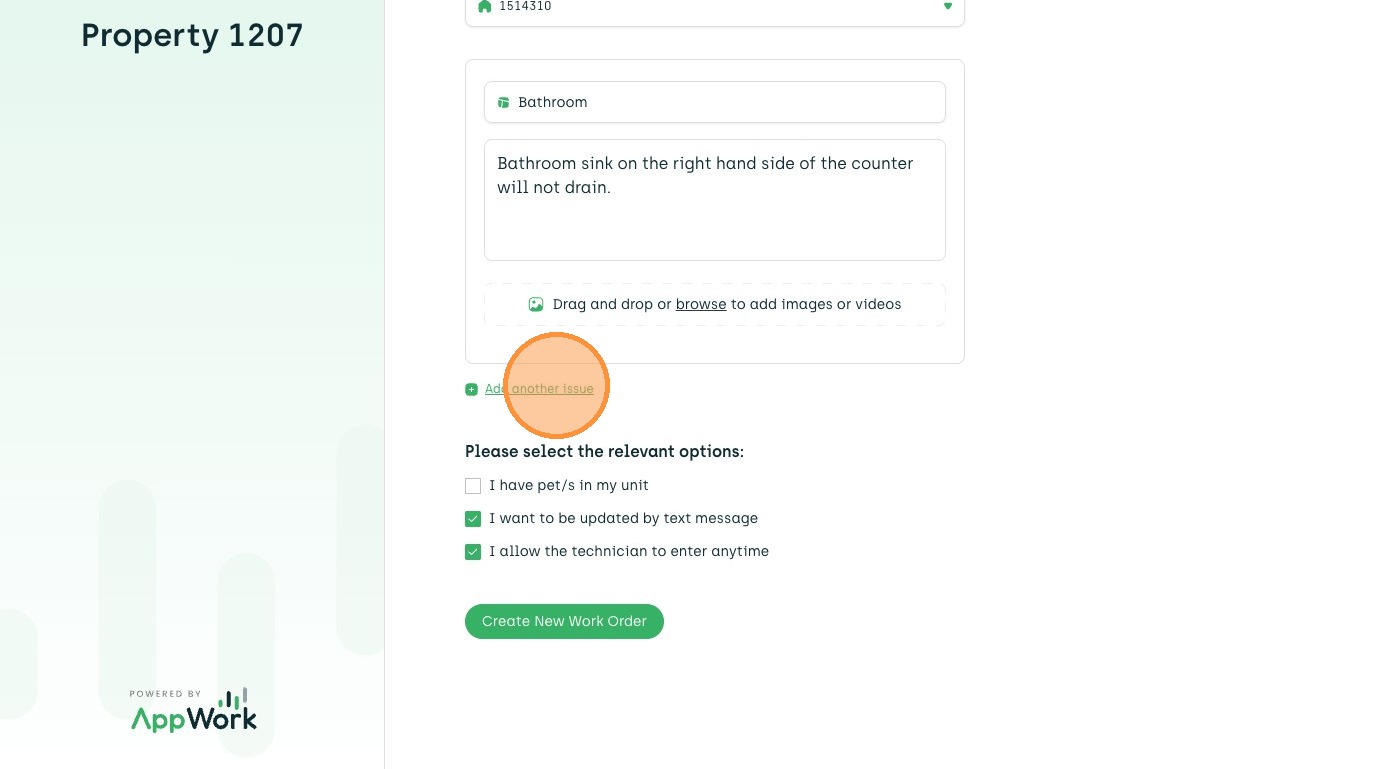
2. After selecting their unit, the resident enters the location where the repair is needed and a detailed description of the issue.
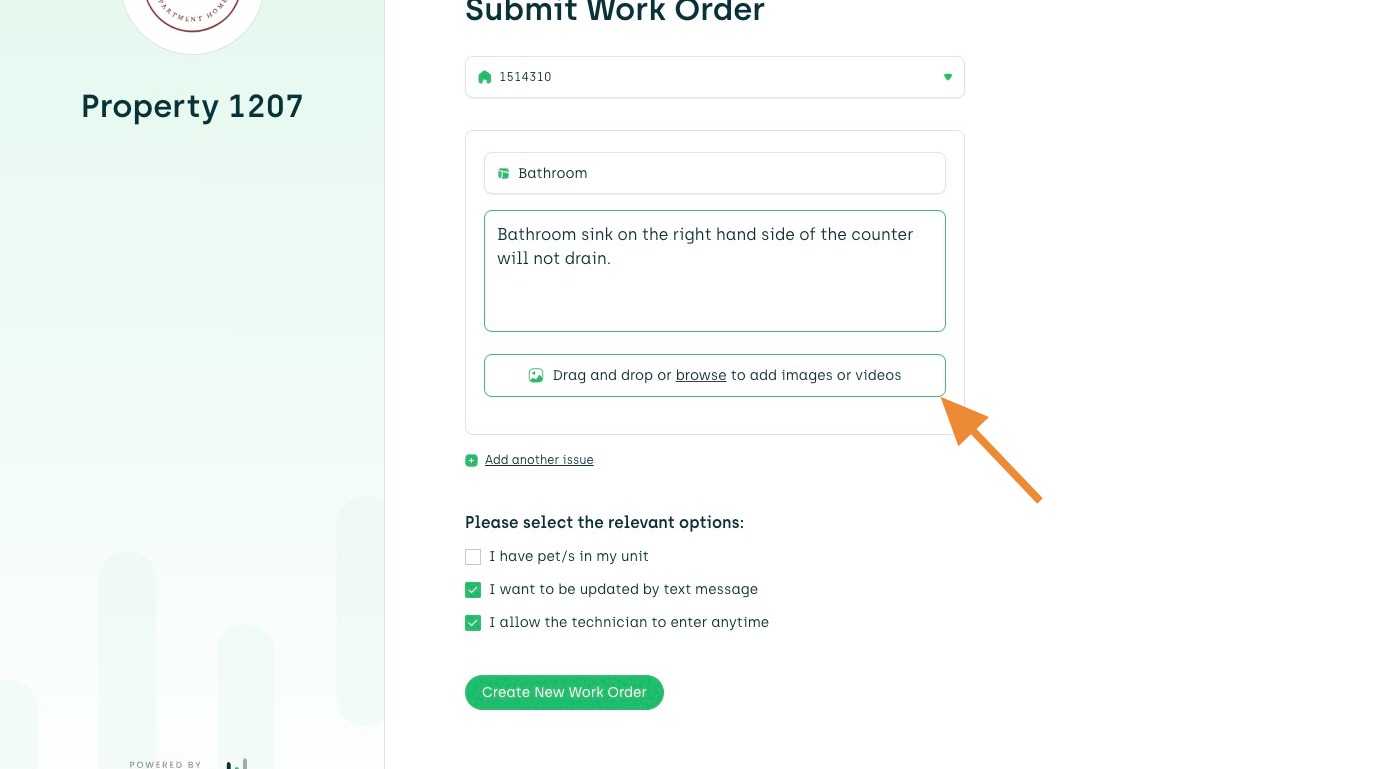
3. Residents can attach photos or videos to help describe the issue.
4. Click "Add another issue" to report multiple problems if needed.
5. Residents can indicate if they have pets, opt in to text updates, and grant the technician permission to enter their unit.
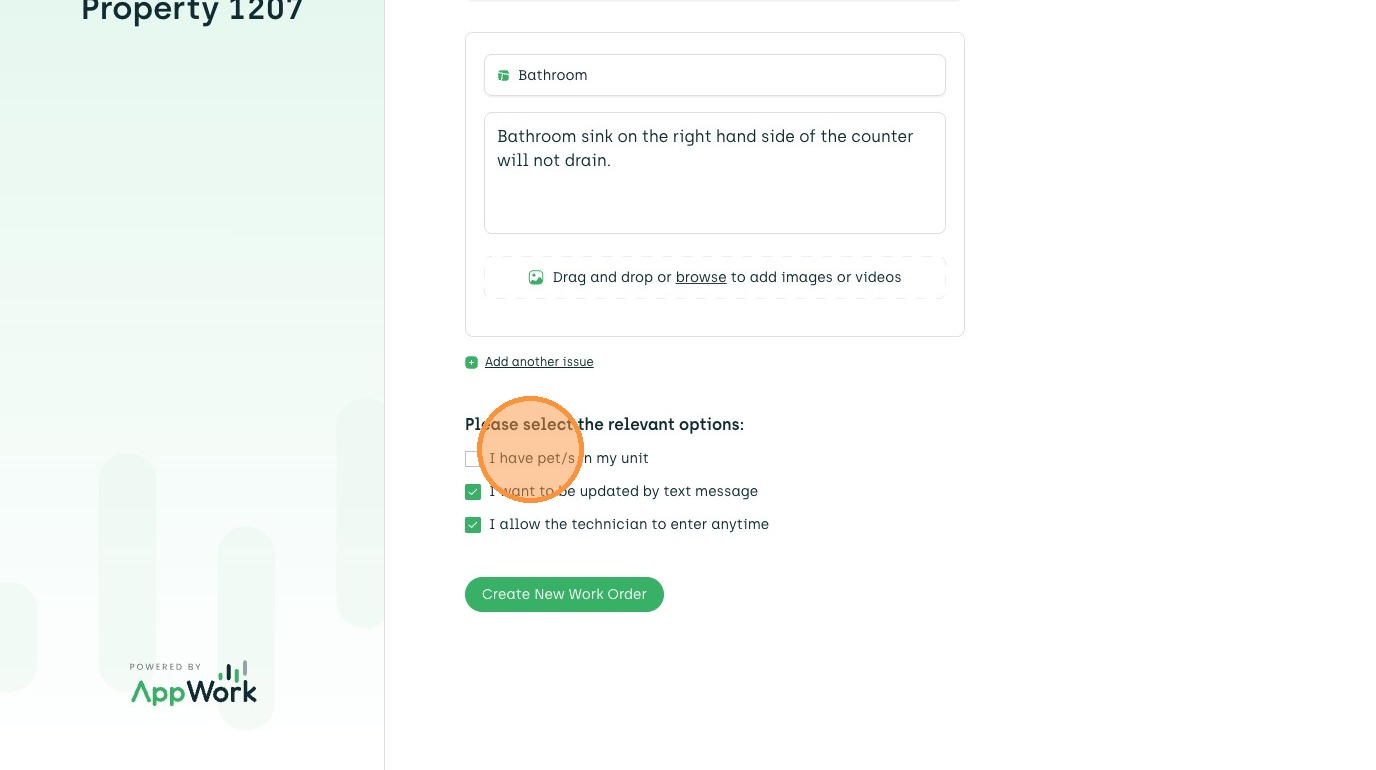
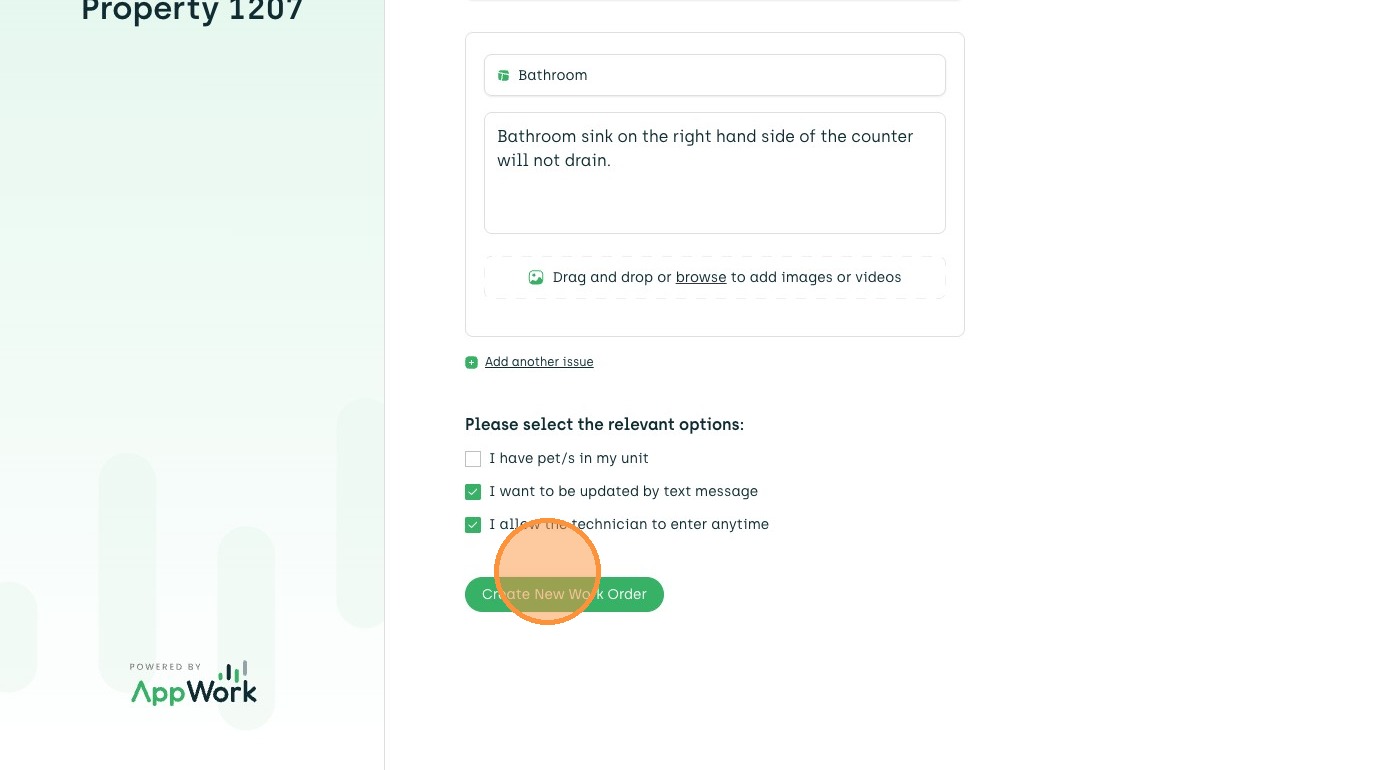
6. Click "Create New Work Order" to submit request.