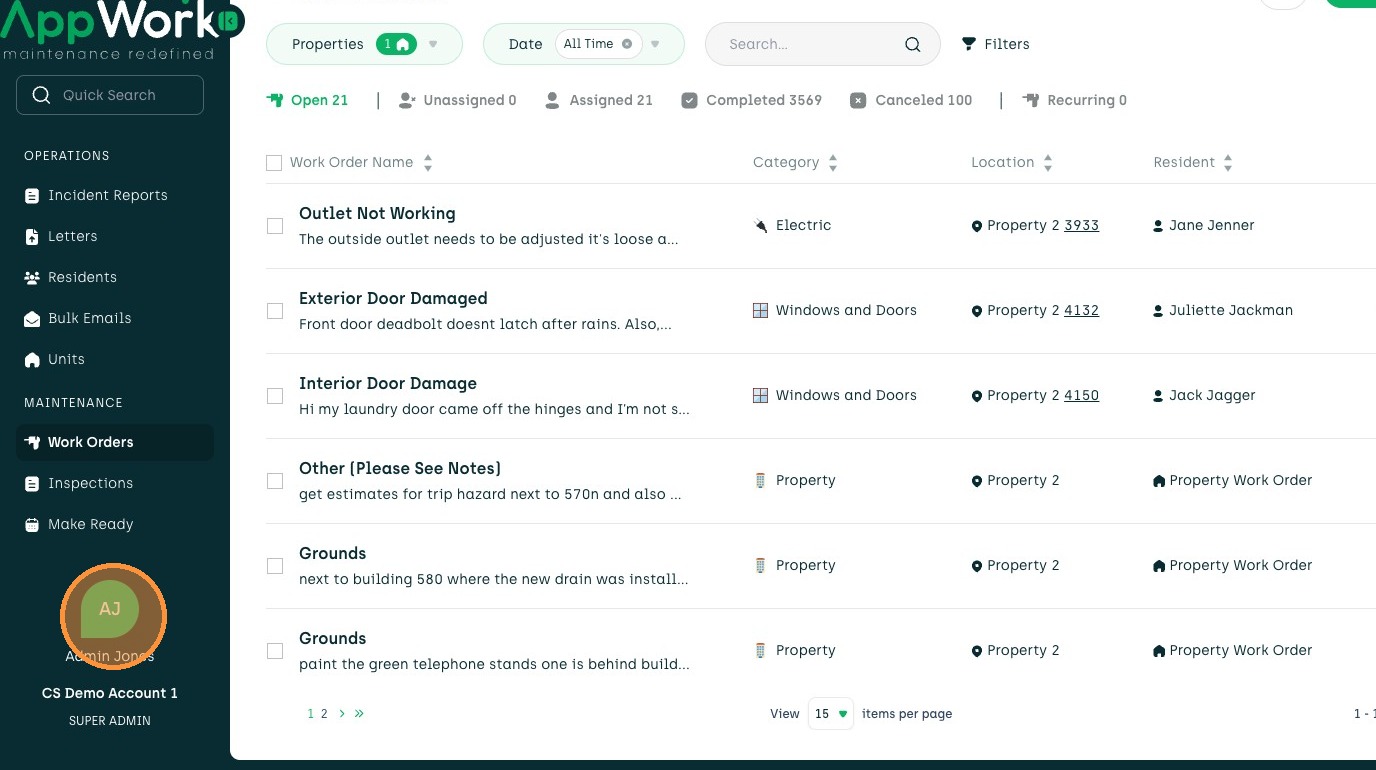
1. Navigate to the user profile icon.
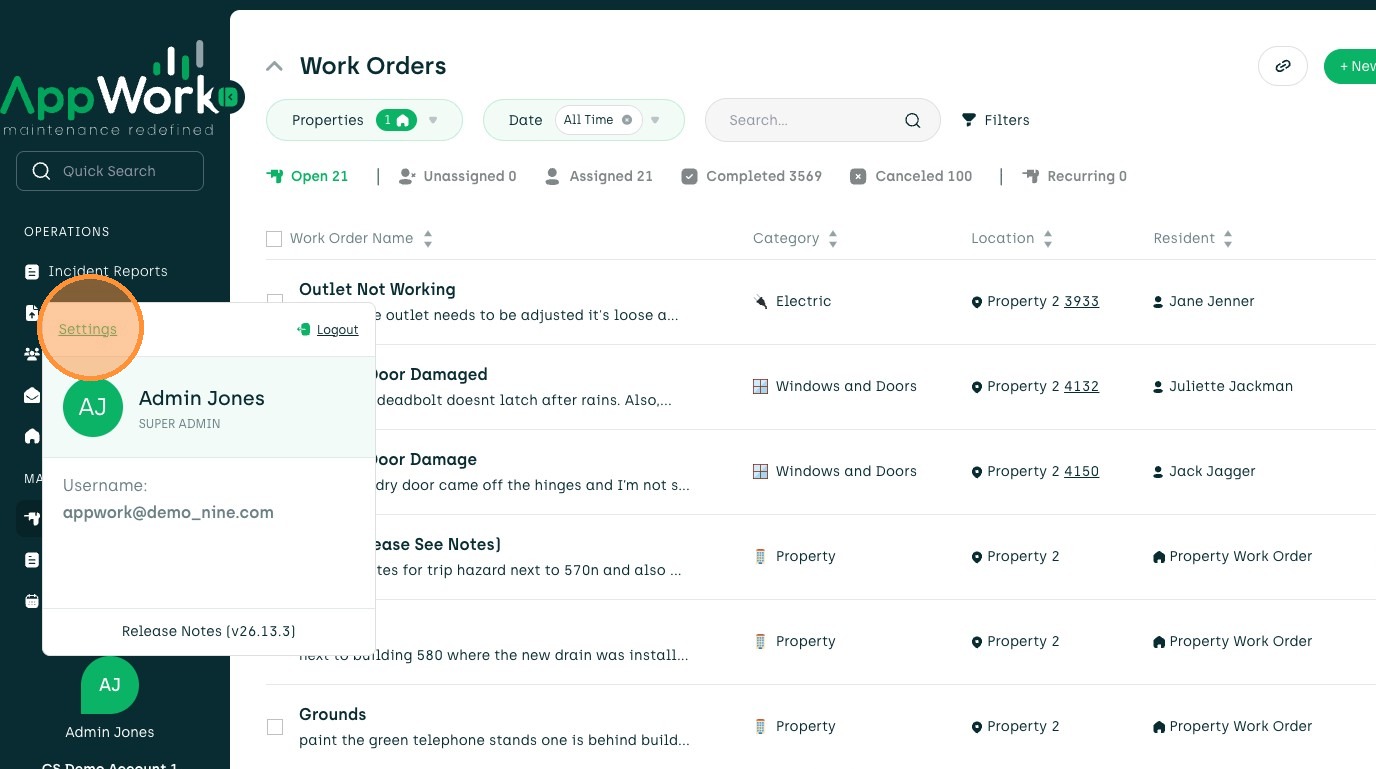
2. Click on the Settings tab.
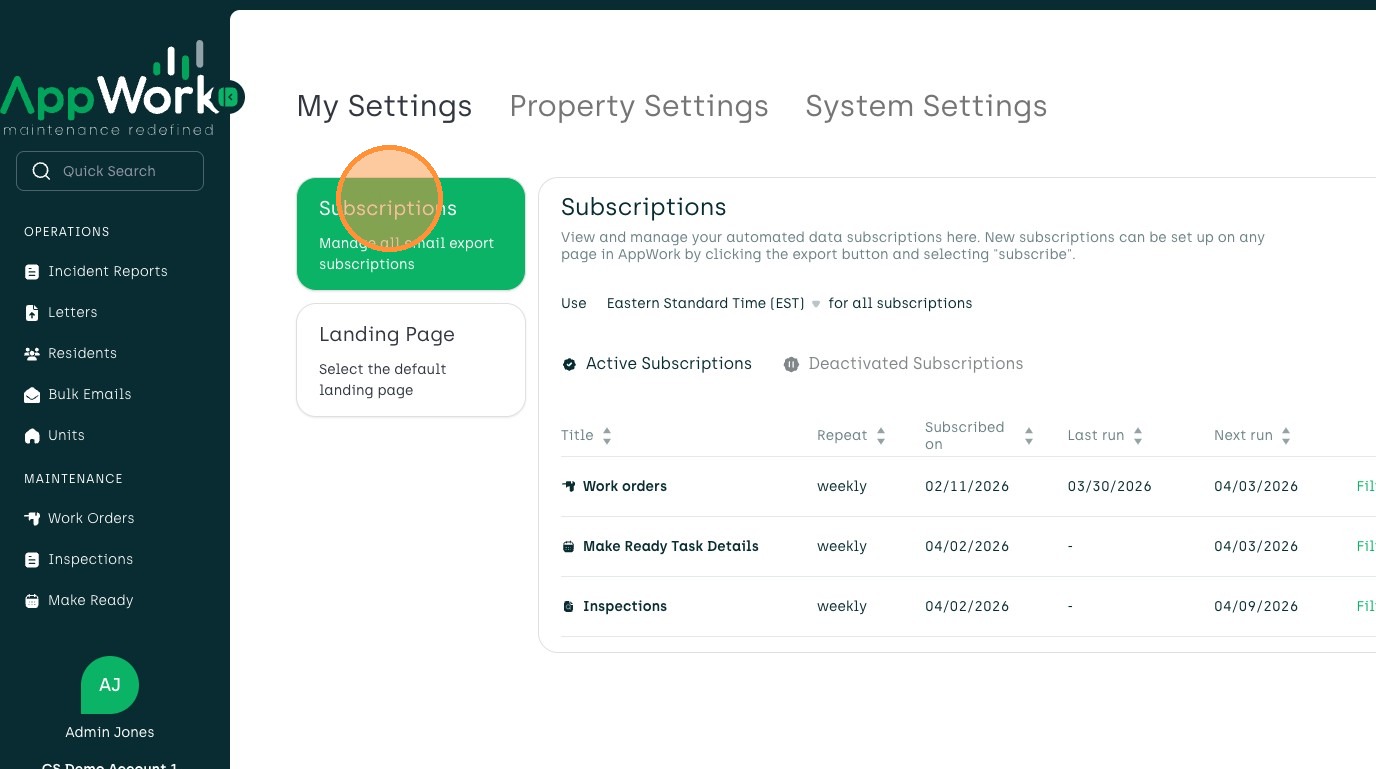
3. Find your subscriptions under My Settings
Subscription Deactivation
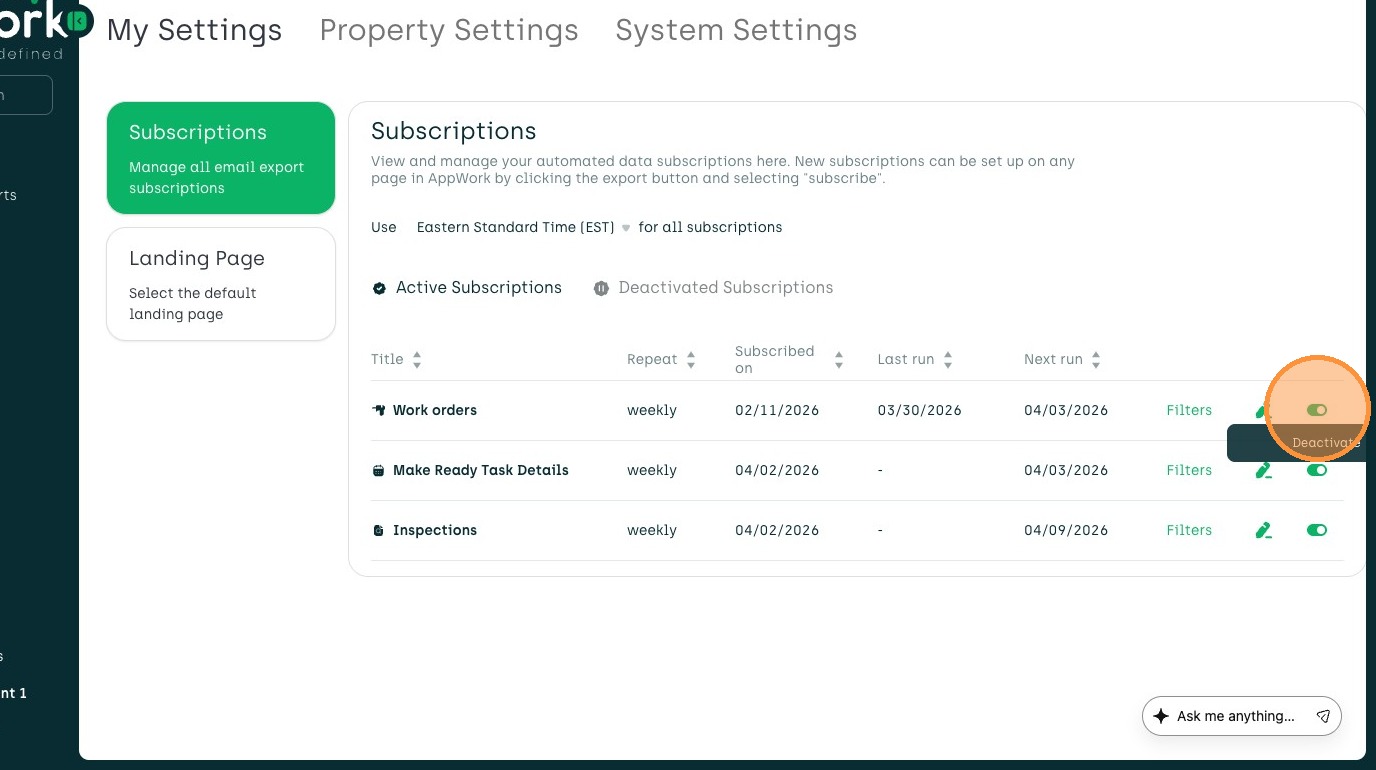
4. Toggle subscription to deactivate.
Subscription Update
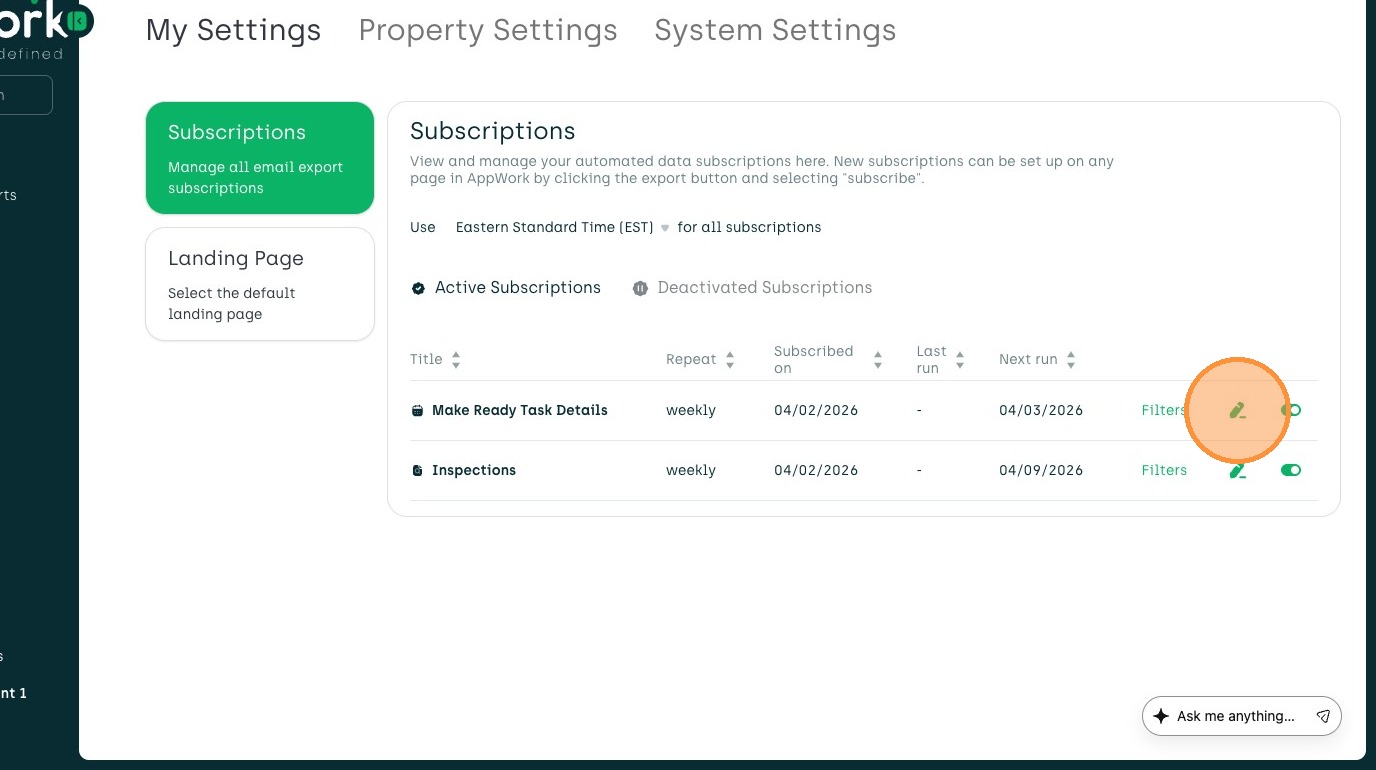
5. Click on the pencil to edit subscription.
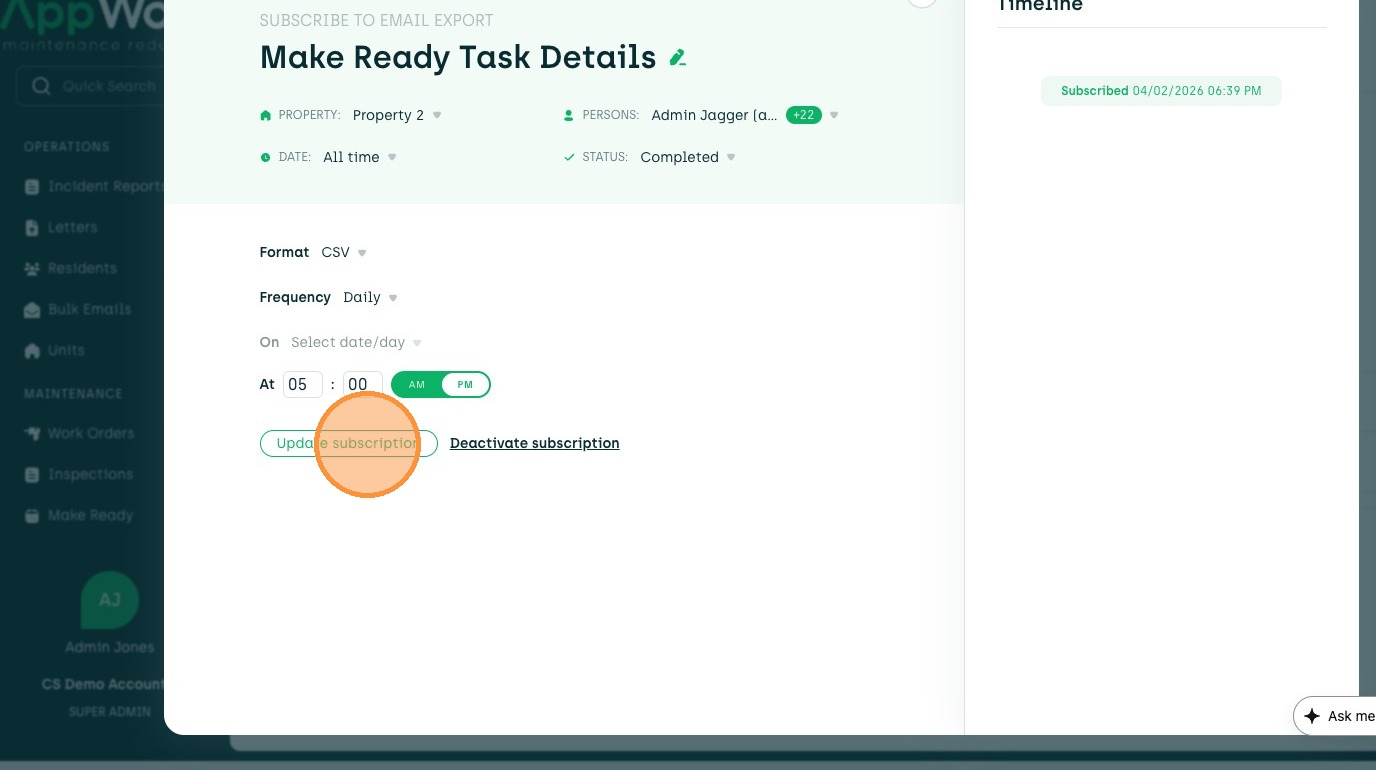
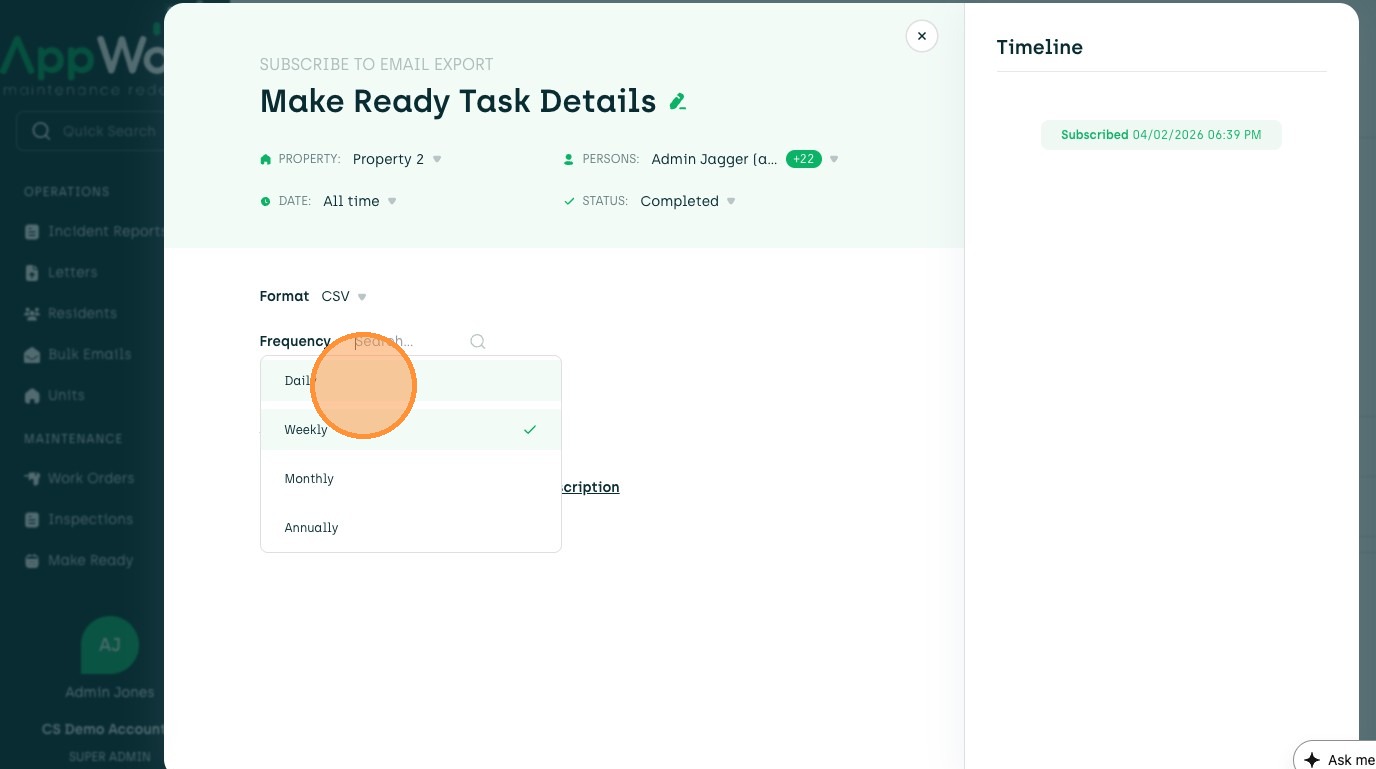
6. Edit any filters or frequency of subscription.
7. Edit the time you would like to receive the report.
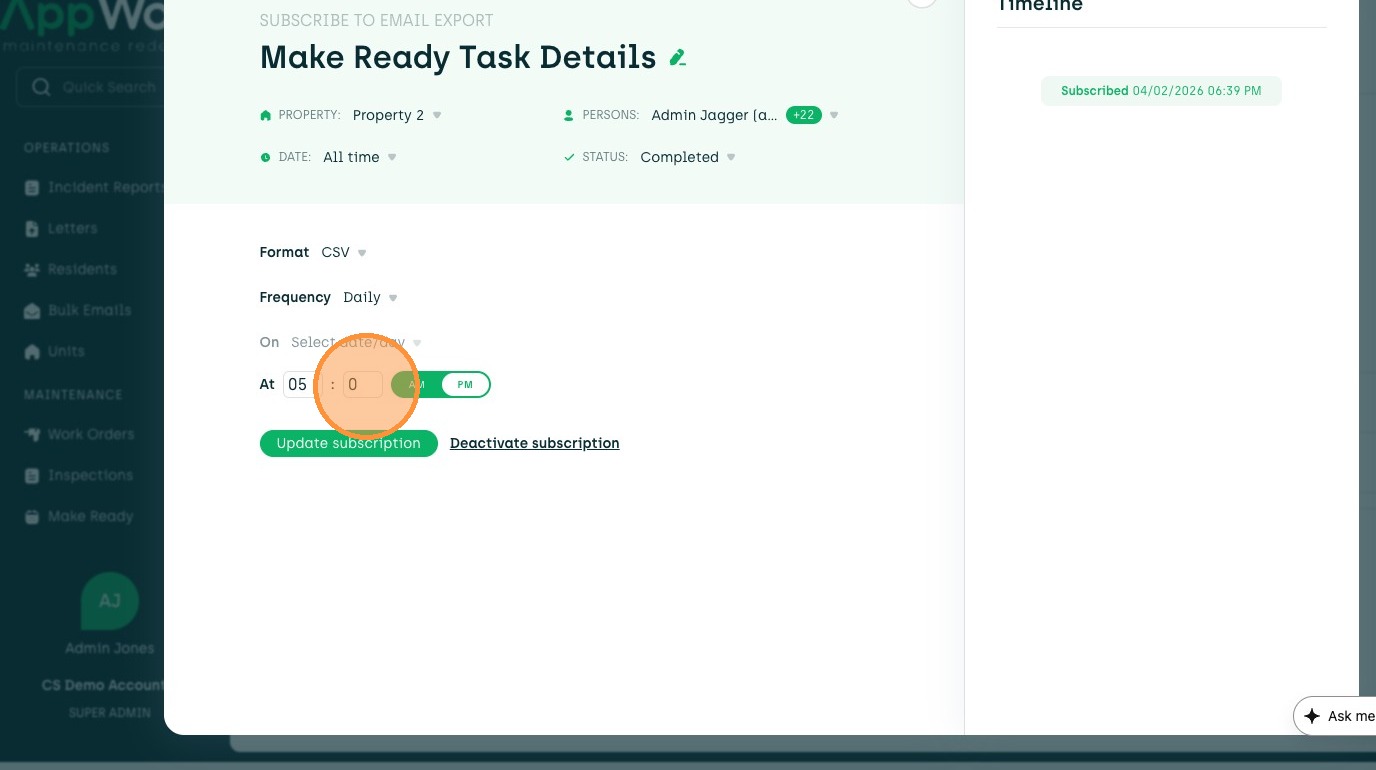
8. Click Update subscription to save.