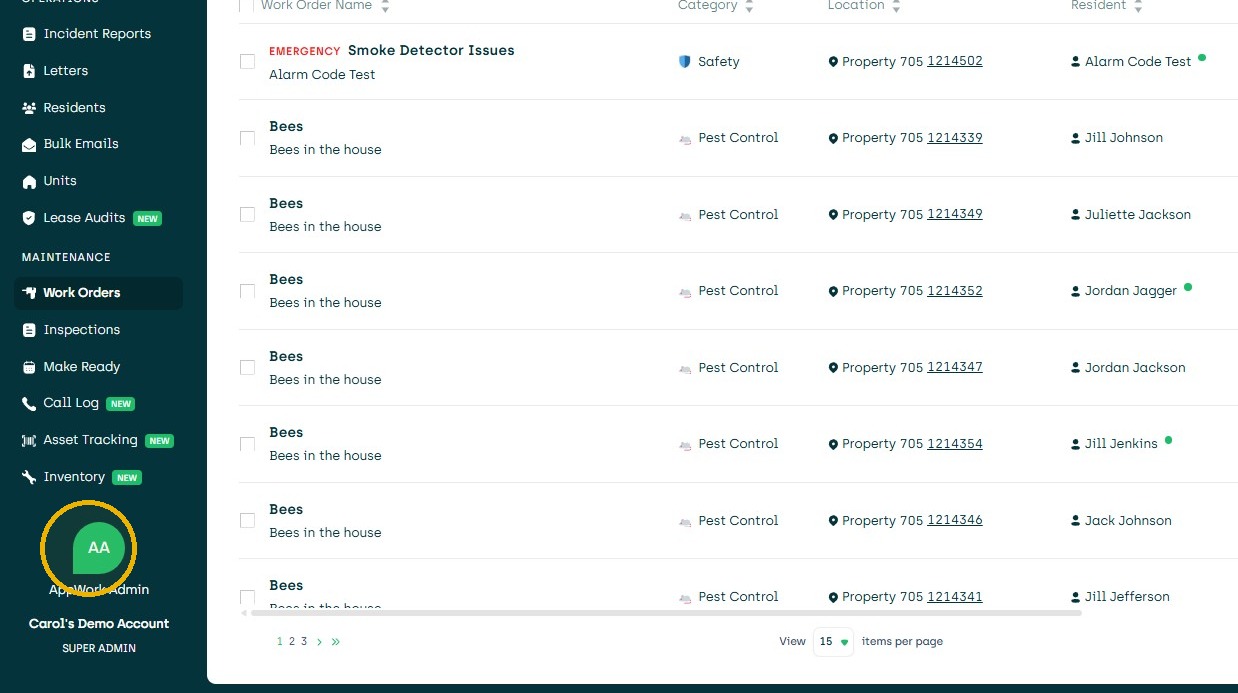
1. Navigate to Settings.
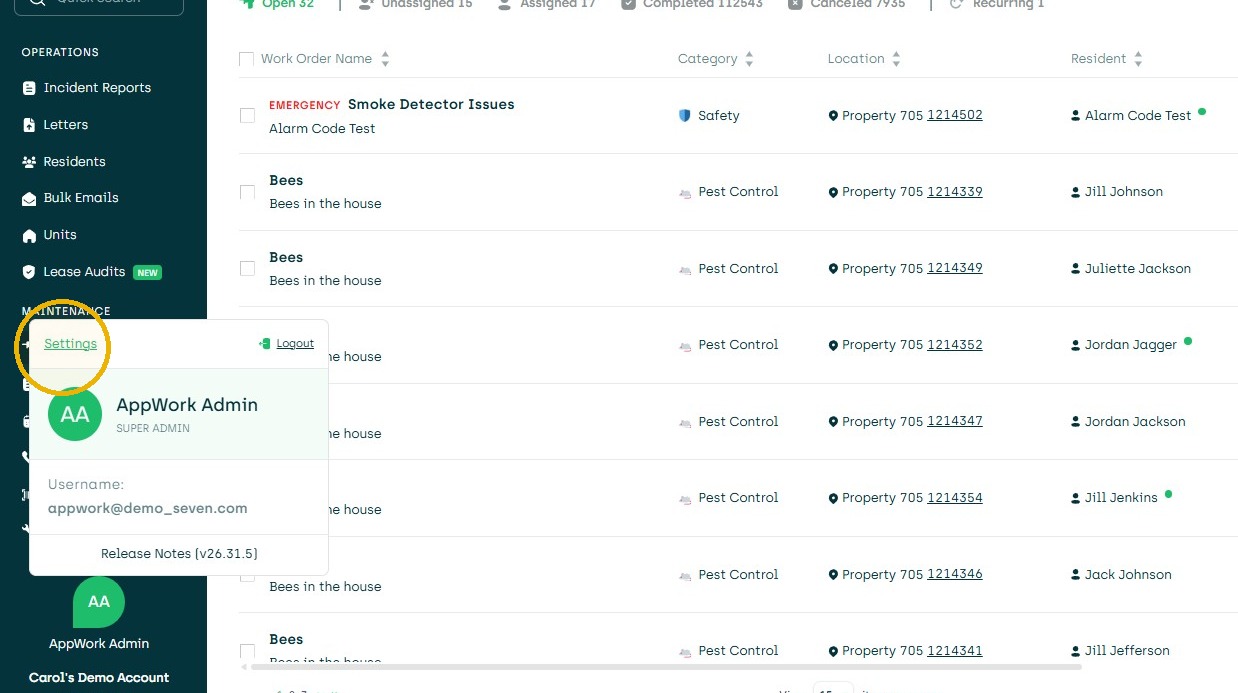
2. Click Settings
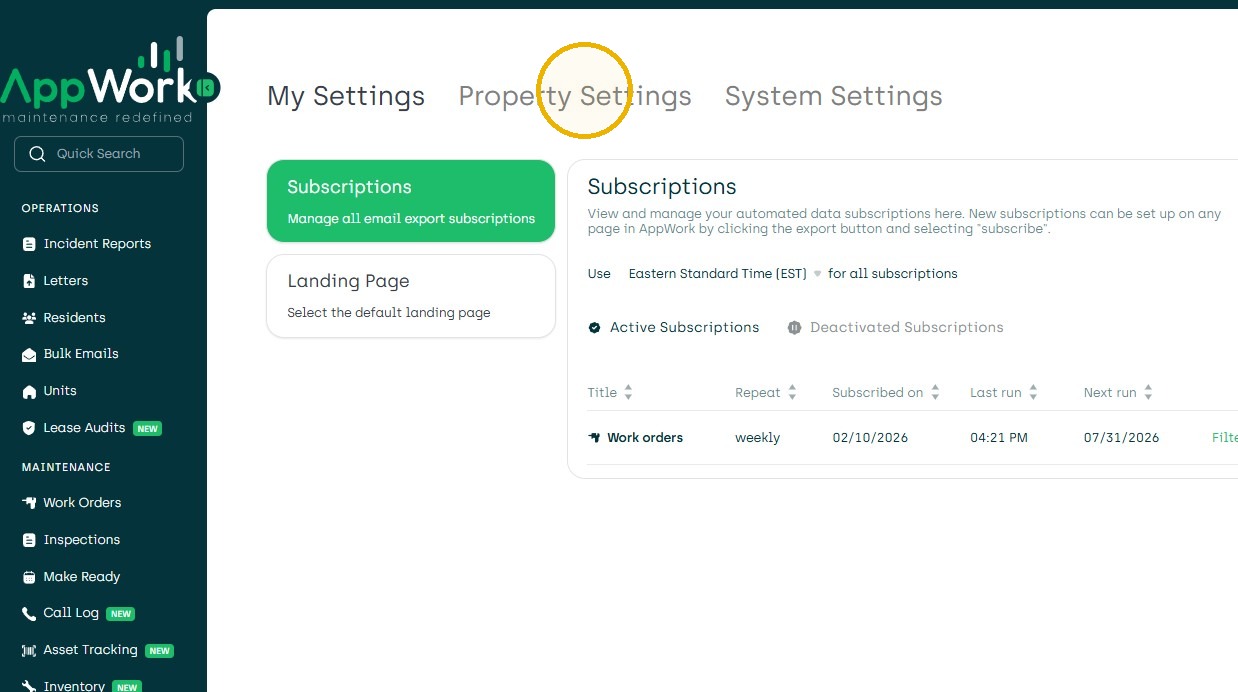
3. Property Settings
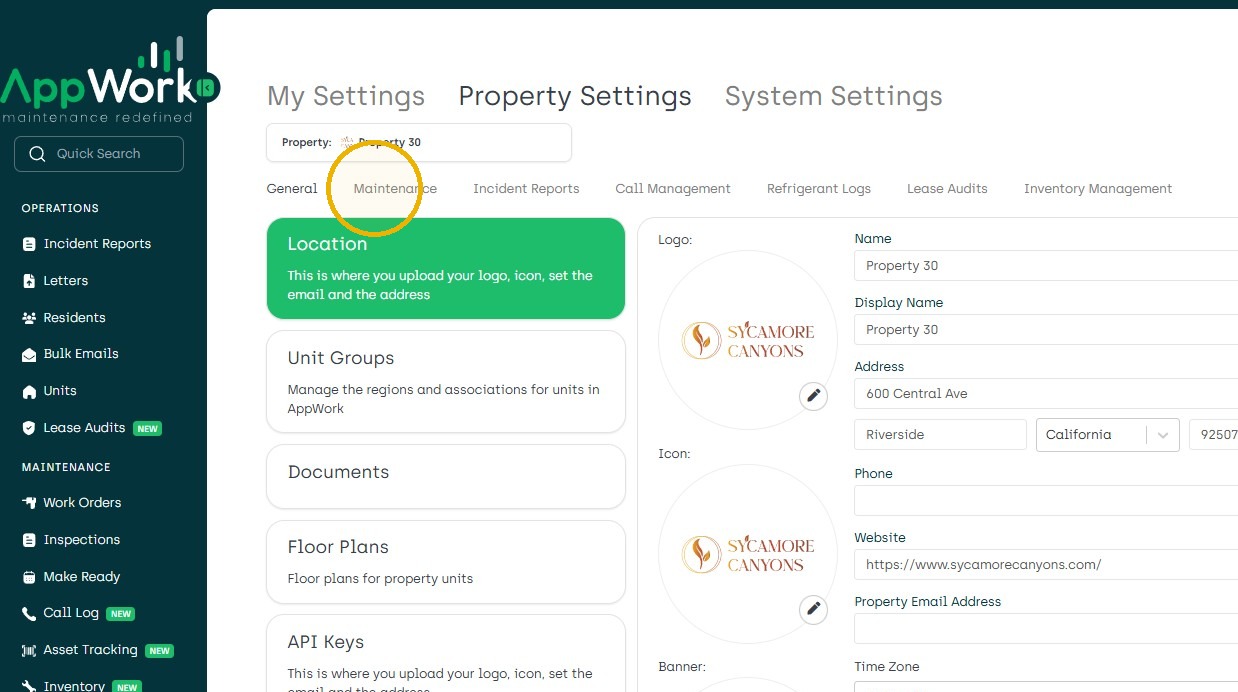
4. Click "Maintenance"
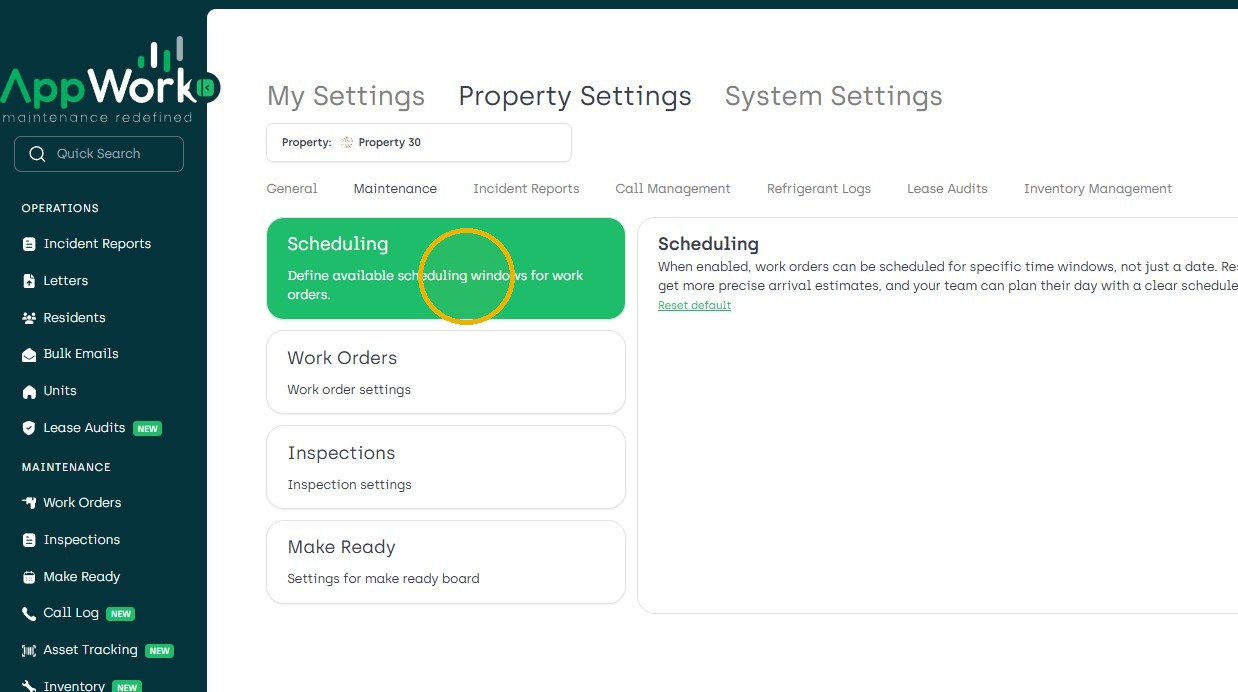
5. Choose Scheduling
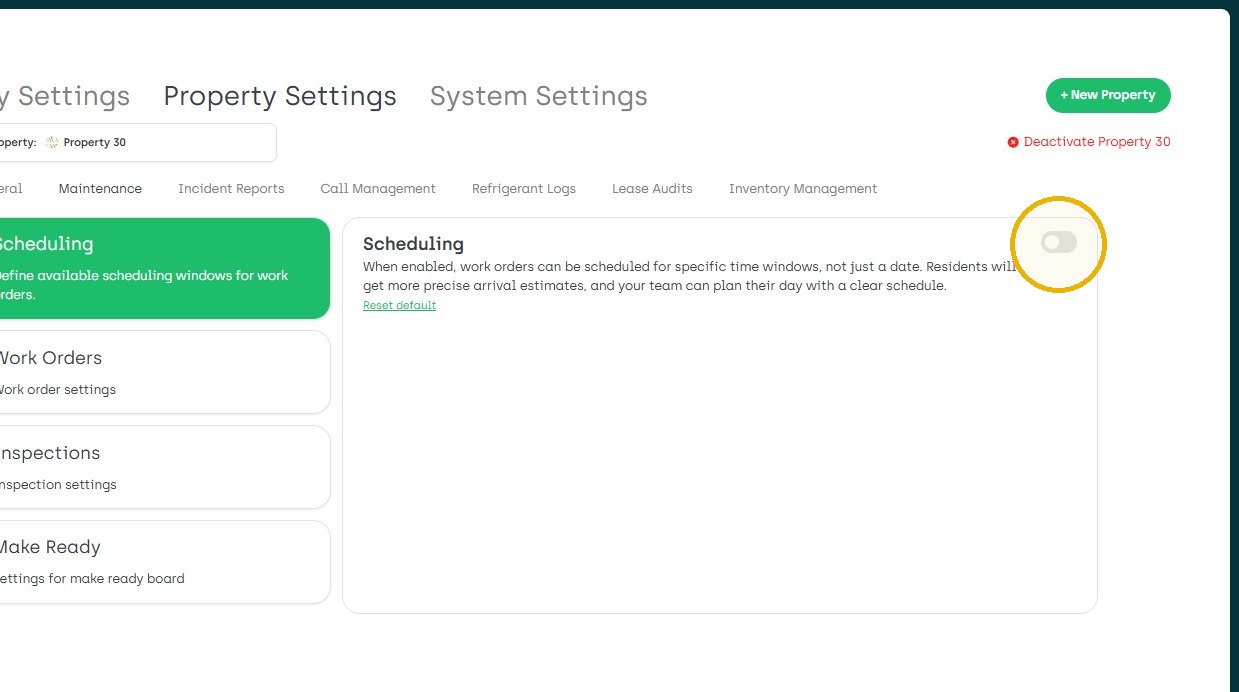
6. Toggle On
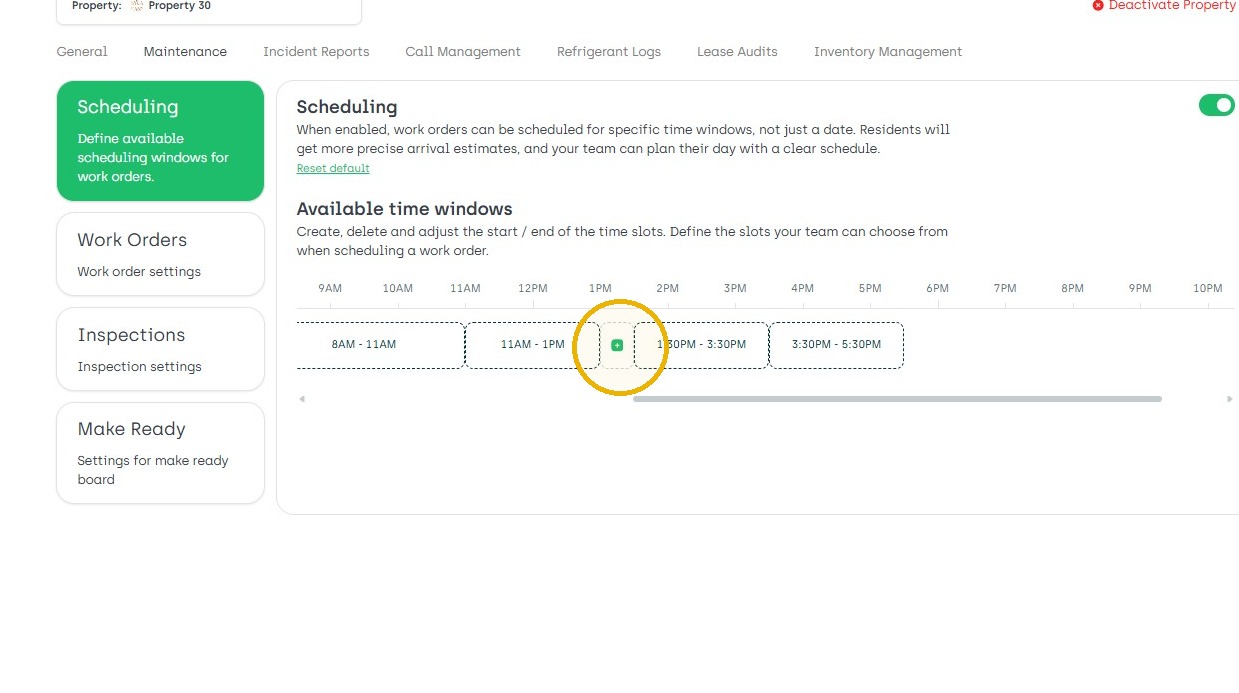
7. Adjust Scheduling as needed.
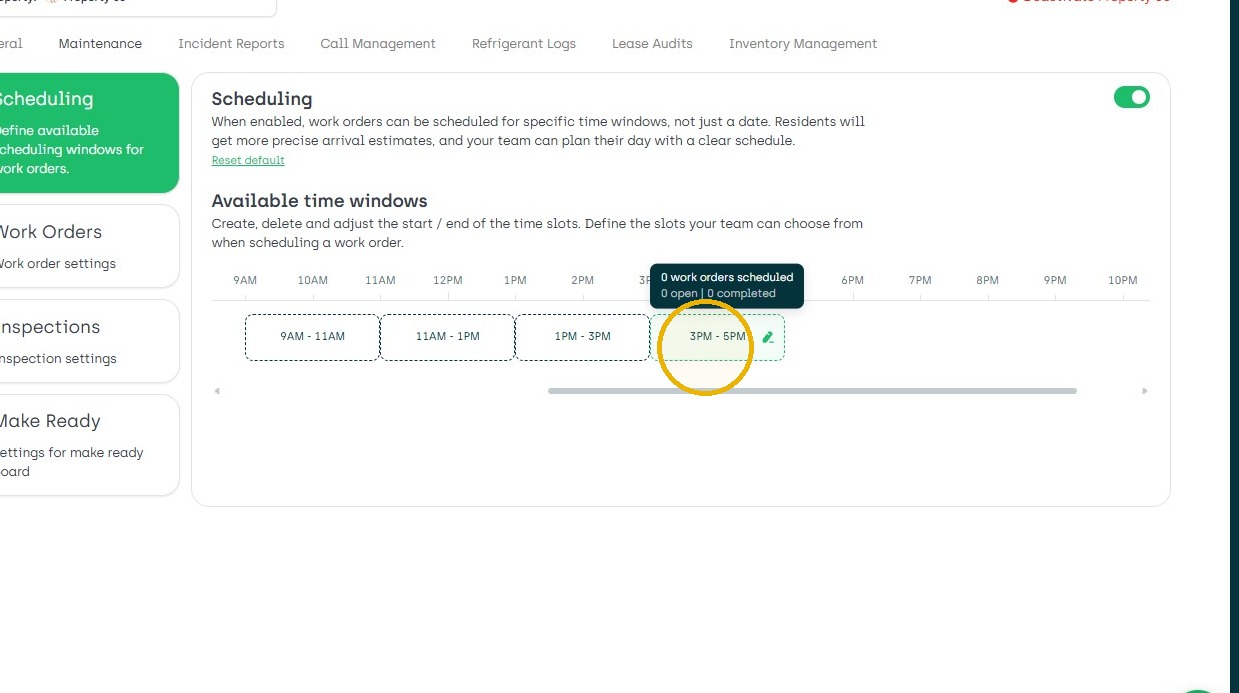
8. You could literally drag them
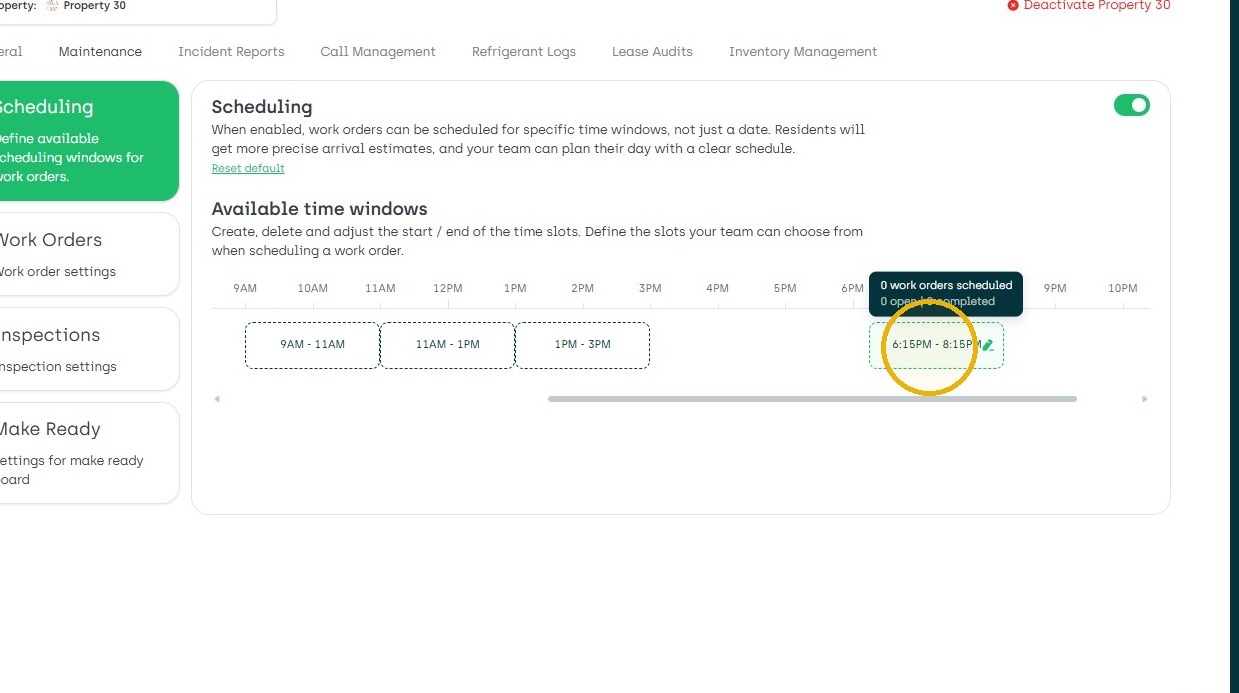
9. You could change the time
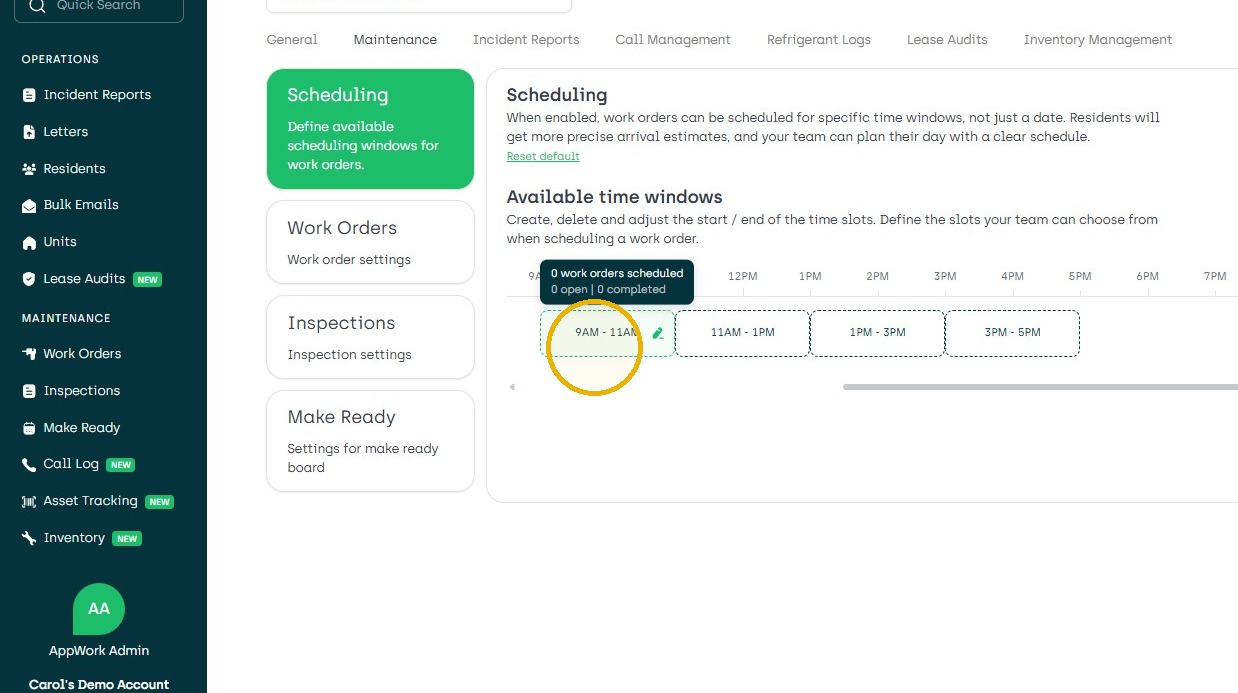
10. Add Breaks or any time customizations needed.