How to Turn on Self-Assign for a Technician

Learn how to enable the self-assign toggle on a technician's profile, allowing them to pick up unassigned work orders directly from the Technician App. This setting is managed per technician from the Edit Profile tab in the Admin Portal.
1. Log into the Admin Portal
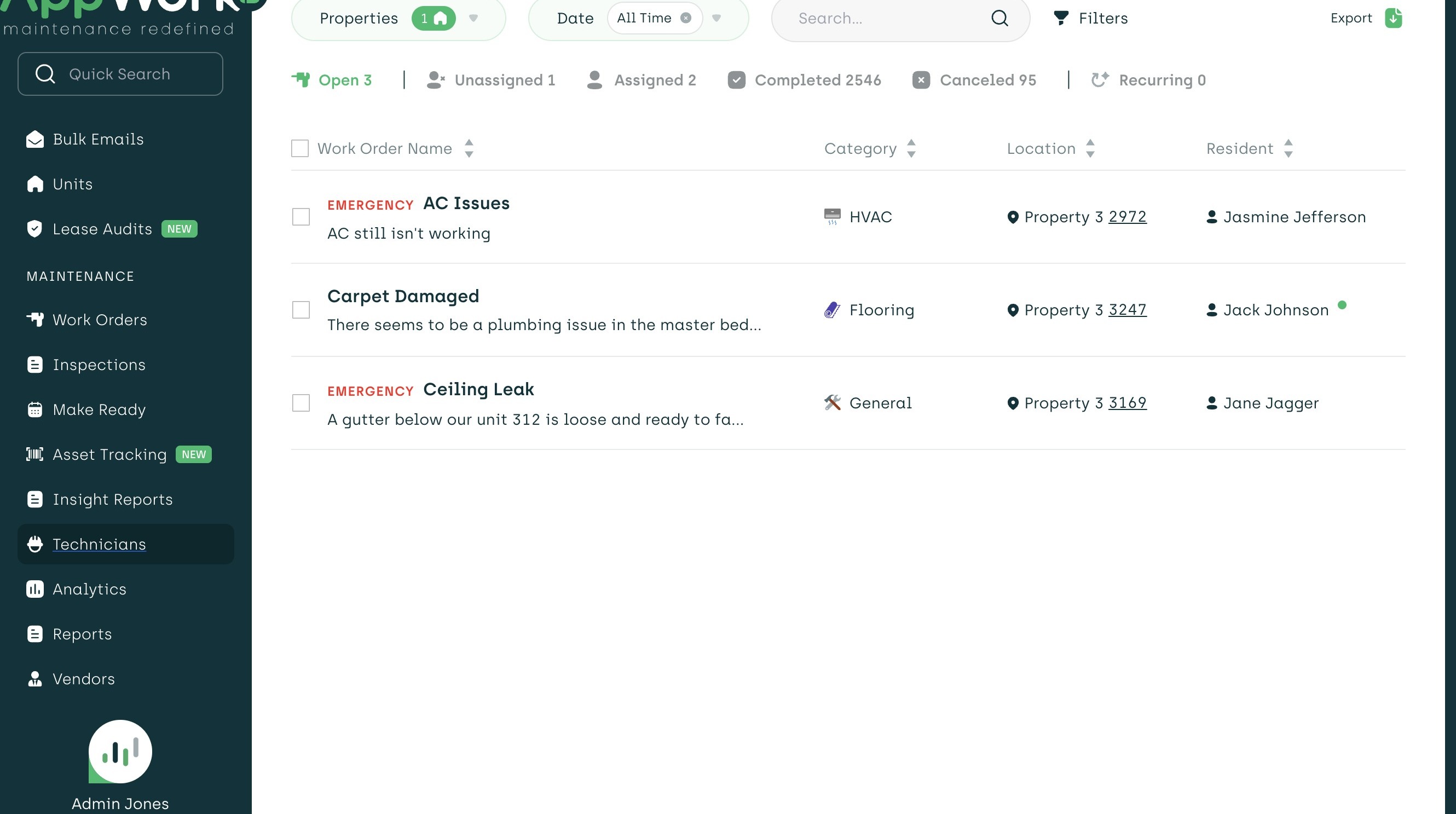
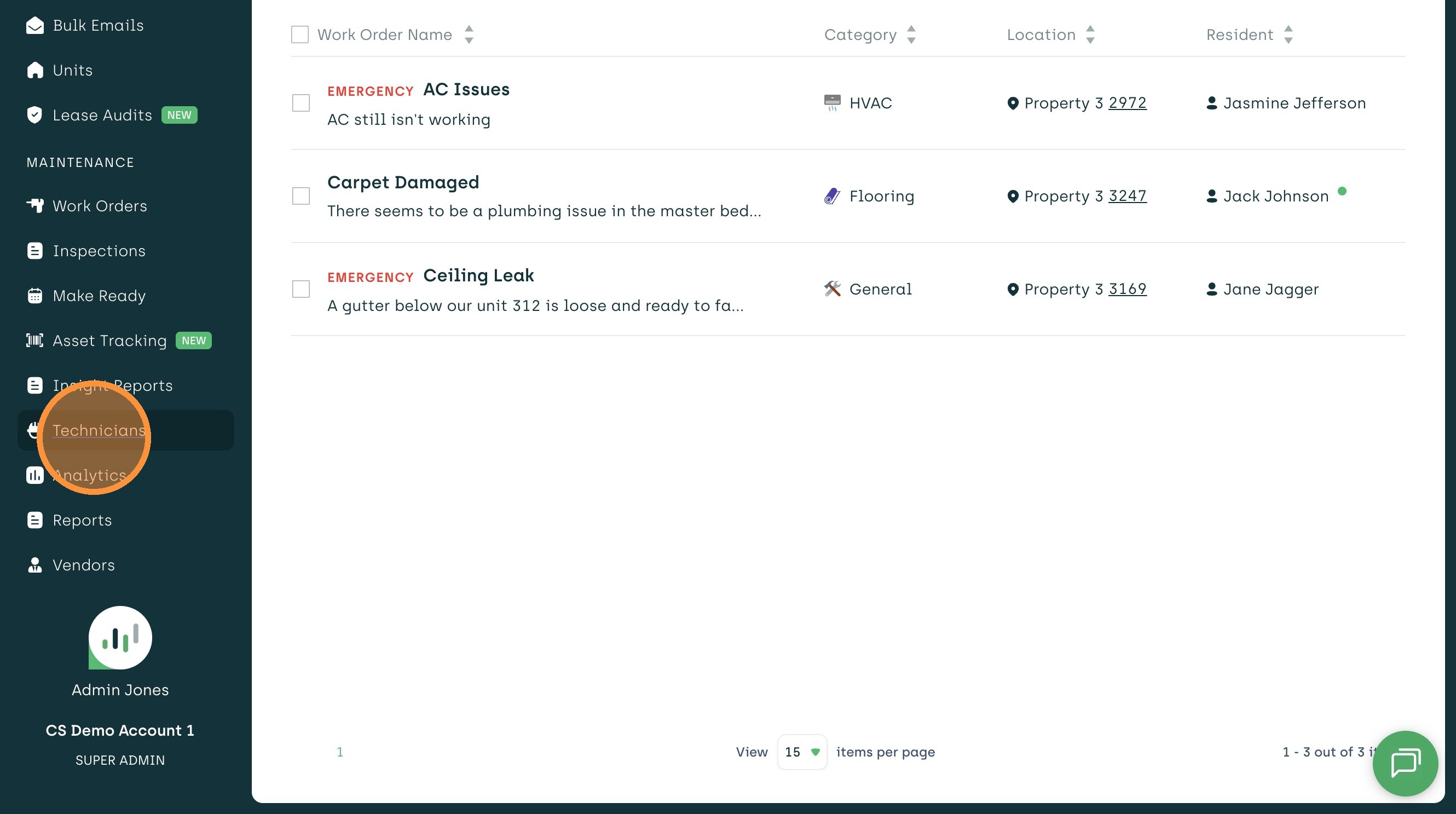
2. Click "Technicians"
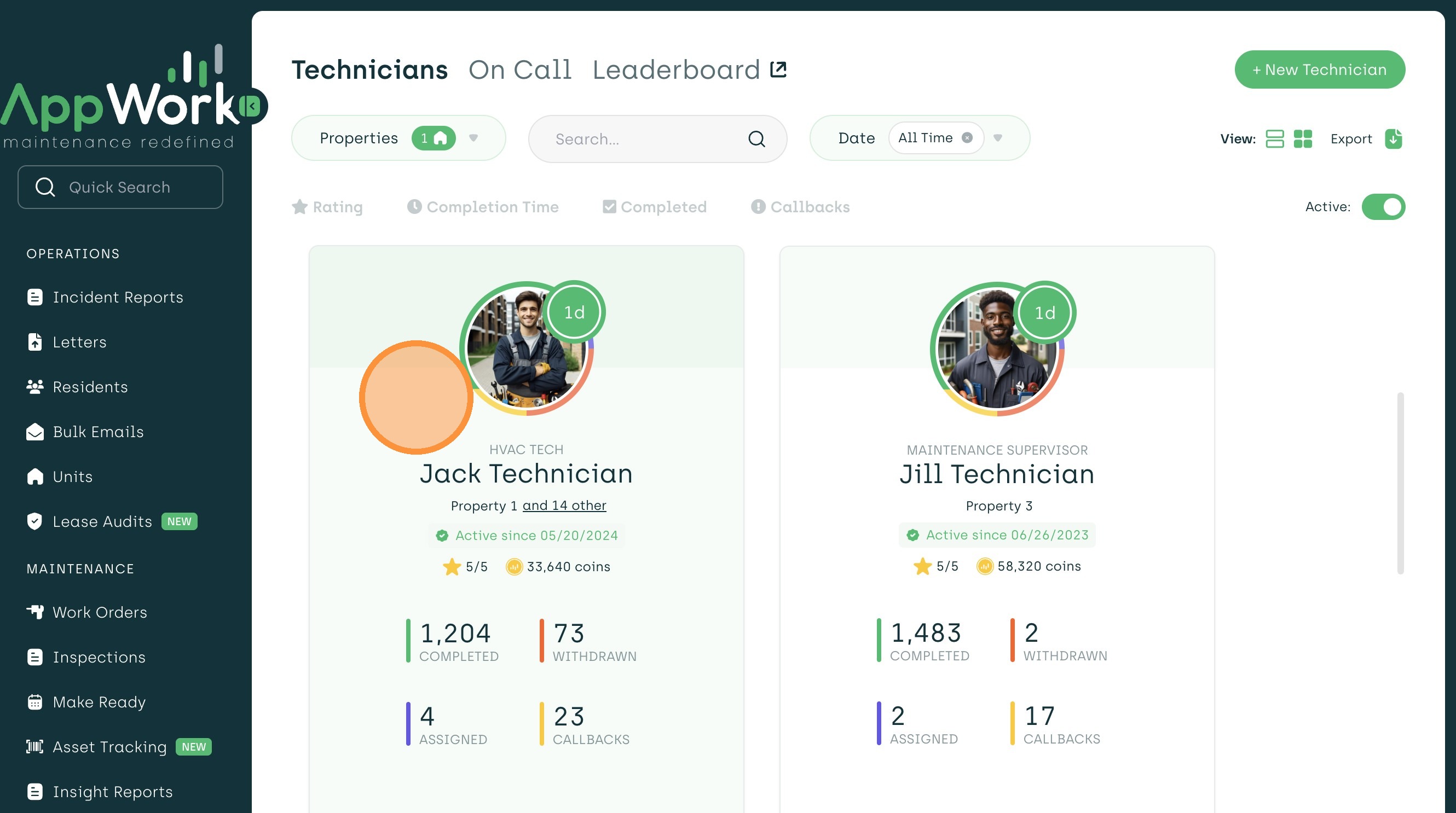
3. Select a technician profile to view their details
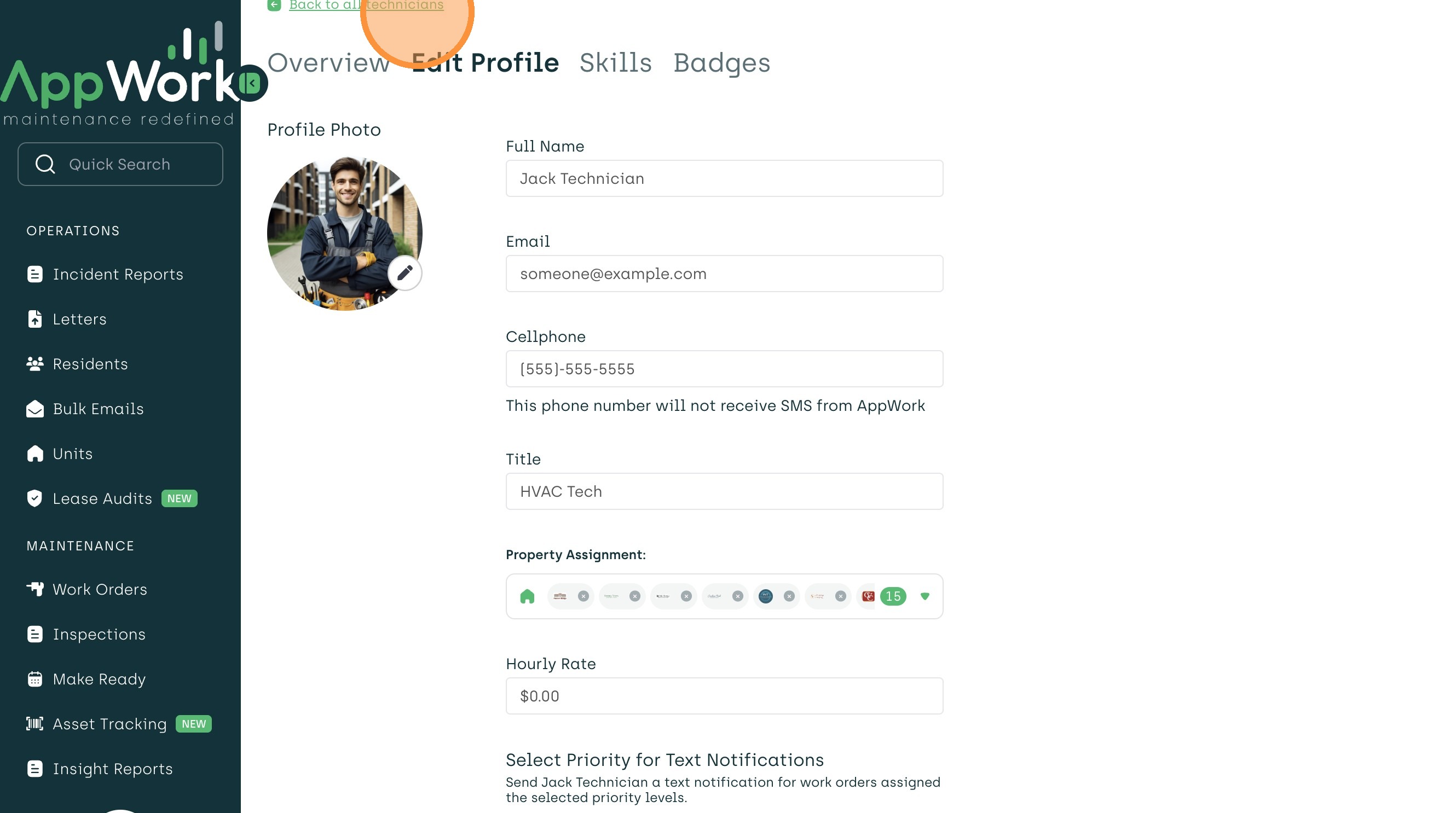
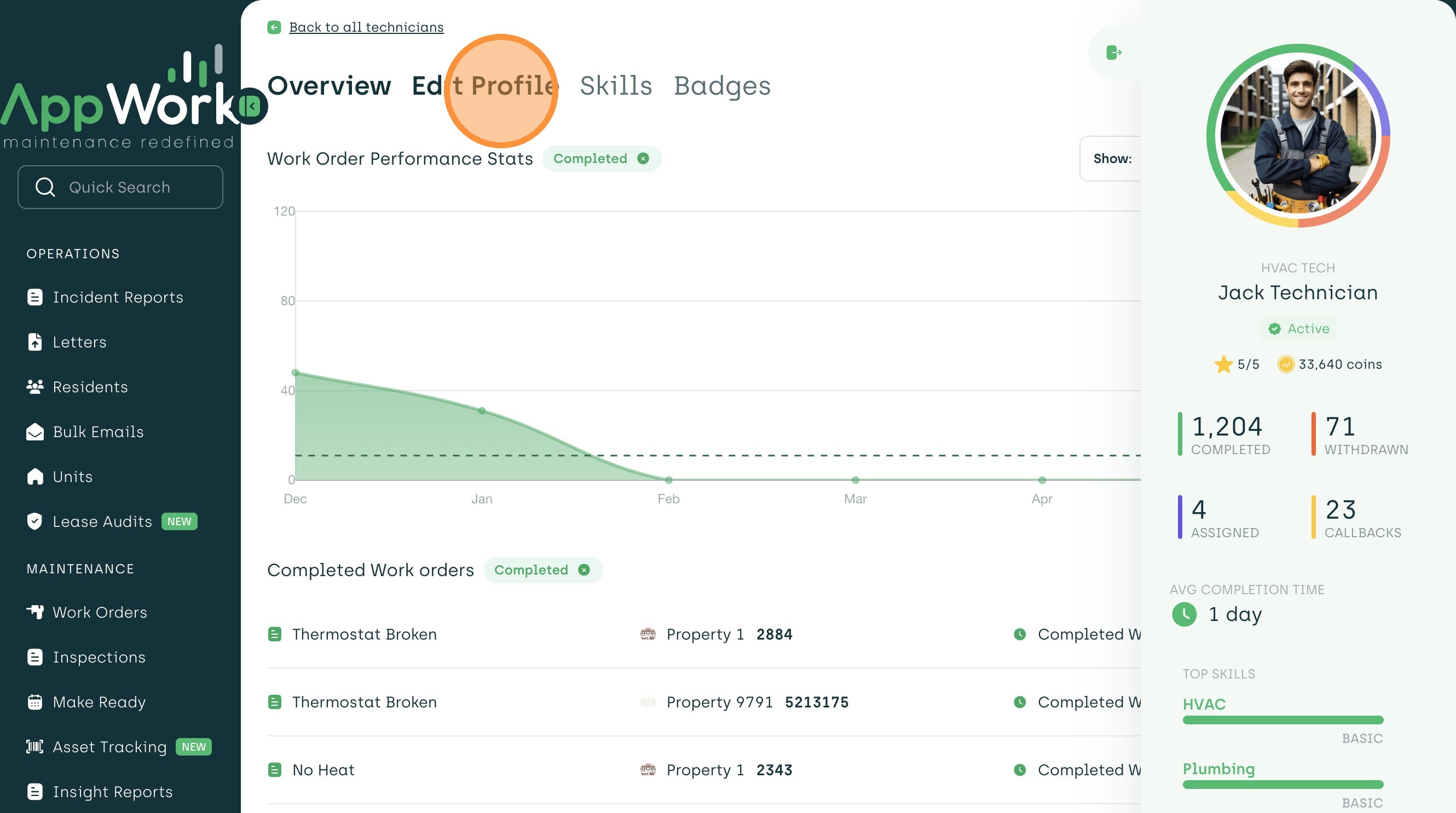
4. Click "Edit Profile"
5. Enable permissions for work order submission and self-assignment
6. Click "Back to all technicians" and you are all set!